If you have a product to sell, a service to show, or a collection to share, you need a catalog. The problem is that most people hear the word "catalog" and immediately think: I'm not a designer. I can't do that. That belief is outdated, and it's costing businesses real opportunities every day. Flipbooks AI has made it possible for anyone to produce a professional, interactive flipbook catalog in minutes, with zero design experience required.
Why Most People Avoid Catalog Design
The "I'm Not a Designer" Problem
There's a real psychological barrier around design tools. Software like Adobe InDesign or even Canva can feel overwhelming the moment you open them. You're faced with a blank canvas, a toolbar full of icons you don't recognize, and no clear starting point. Most people close the app before they've done anything useful.
The fear isn't irrational. Bad design genuinely looks worse than no catalog at all. A misaligned layout, wrong fonts, or clashing colors can make your products look cheap no matter how good they actually are.
But here's what changes the calculation: you don't need to design anything from scratch anymore. The right tool handles the design layer for you, automatically.
What a Flipbook Catalog Actually Is
A flipbook catalog is a digital publication that mimics the page-turn experience of a physical printed catalog, except it lives online, works on any device, and can be updated whenever you want. Instead of a static PDF that people download and forget, a flipbook catalog is interactive. Readers can flip through pages, click on products, zoom into images, and share the link instantly.
For businesses that previously sent PDF attachments in emails, the difference in perceived professionalism is significant. A link to a polished flipbook catalog tells clients you take your brand seriously.
What You Need Before You Start
Your Content in a PDF
The most common starting point is a PDF. It doesn't need to be beautiful. It can be a product list you made in Word, a price sheet from Excel, or an existing brochure you've been using for years. As long as your content is in PDF format, you're ready.
If you don't have a PDF yet, you have two options:
- Start from a template inside the platform, with no PDF needed at all
- Create a simple PDF from a Word doc or Google Slides export, then upload it
The second option is faster than it sounds. A one-page product list in Word takes about five minutes to export as a PDF.
Basic Brand Information
You don't need a brand guidelines document. All you really need is:
- Your logo file (PNG with transparent background is ideal)
- Your main brand color (a hex code or just the name of the color)
- Your contact details or website URL
That's it. Everything else is handled by the platform's templates and built-in design system.
💡 If you don't know your brand hex code, take a screenshot of your website's main color and use a free color picker tool to identify it. The whole process takes under 60 seconds.
How to Create a Flipbook Catalog Step by Step
This is the full process, from zero to shareable catalog, using Flipbooks AI.

Step 1: Create Your Account and Upload the PDF
Go to Flipbooks AI and create your account. The free plan is available immediately with no credit card required.
Once inside, click New Flipbook and upload your PDF. The platform converts your PDF into a page-by-page flipbook automatically. This conversion usually takes under 30 seconds for documents up to 50 pages. Larger documents take slightly longer but still convert without any action required from you.
Step 2: Pick Your Layout and Starting Style
After conversion, you'll see a live preview of your flipbook. At this stage, your content is already showing, but you can adjust the visual presentation. Choose from the available templates to set the overall tone.
For a product catalog, a clean minimal template works best. It keeps focus on your products rather than decorative chrome around the edges.
Step 3: Add Your Branding
This is where non-designers often expect difficulty, but it's actually the simplest part. In the settings panel:
- Upload your logo: drag and drop your PNG file into the logo field
- Set your brand color: paste your hex code or pick from the color wheel
- Add your favicon: this appears in browser tabs when people view your catalog
The platform applies your branding across the entire flipbook automatically. You don't adjust individual pages.
Step 4: Customize Page Effects and Navigation
You can control how the page-flip animation looks, whether readers see a single page or a double-page spread, and how the navigation bar appears. For a product catalog, a double-page spread view tends to mirror the printed catalog experience most closely.
You can also add background music, embed video clips within specific pages, and enable a table of contents for longer catalogs with multiple product categories.
Step 5: Configure Sharing Settings
Before publishing, decide who can see your catalog:
- Public link: anyone with the URL can view it without logging in
- Password protection: useful for wholesale price lists or client-specific catalogs
- Embed code: paste a snippet of HTML into your website and the flipbook loads directly on your page
✅ For external clients, use the public link. For internal team documents or confidential pricing, always set a password first.
Step 6: Publish and Share
Click Publish. Your catalog is now live with its own URL. You can share it via email, post it on social media, link to it from your website, or embed it directly. No additional software is needed on the viewer's end. It works in any browser on any device.
Plan Comparison: What Each Tier Covers
Understanding the difference between plans helps you decide when to start free and when upgrading actually makes sense.
| Feature | Free Plan | Standard Plan | Professional Plan |
|---|
| Number of flipbooks | 1 | Unlimited | Unlimited |
| Custom branding | No | Yes | Yes |
| Password protection | No | Yes | Yes |
| Analytics (view tracking) | No | No | Yes |
| Lead generation forms | No | No | Yes |
| Offline downloads | No | No | Yes |
| Embed on website | Yes | Yes | Yes |
| Custom domain | No | No | Yes |
| Watermark-free | No | Yes | Yes |
For most small businesses creating their first product catalog, the Standard plan covers everything they need. The Professional plan becomes worthwhile once you want to track how many people are viewing specific pages, which helps you understand which products are generating the most interest from real buyers.

5 Types of Catalogs You Can Build Today
Fashion and Apparel
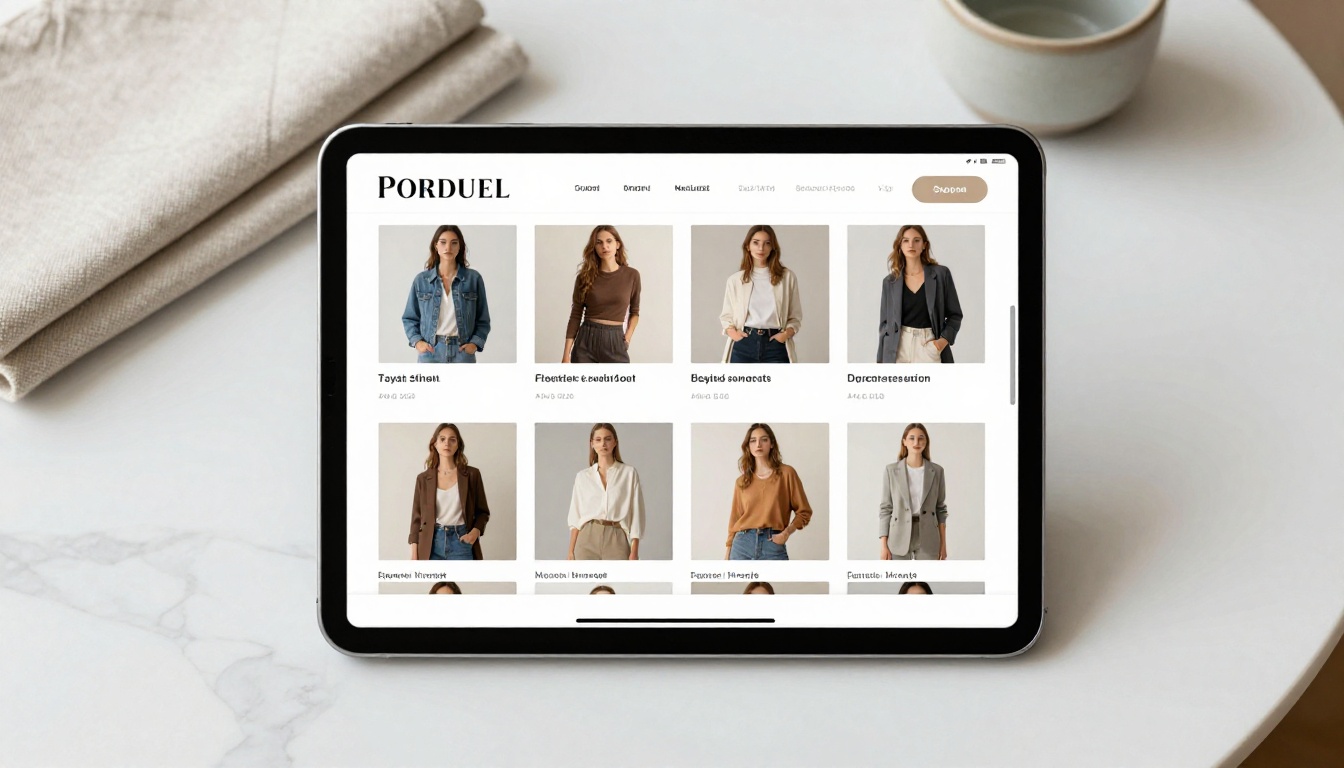
Fashion brands benefit enormously from the visual richness of a flipbook catalog. Product images can be full-page, the page-turn gesture reinforces the editorial feel of a fashion magazine, and shoppers can flip through at their own pace. The Fashion Catalog Creator is built specifically for this use case, with layouts that emphasize photography over text.

Furniture and Home Decor
Furniture retailers deal with a specific challenge: customers need to see products in context, not just isolated on a white background. A flipbook catalog lets you include room scenes alongside product specs and pricing on the same page spread. The Furniture Catalog Maker handles this layout pattern with room-scene templates built in.

Restaurant Menus and Food Services
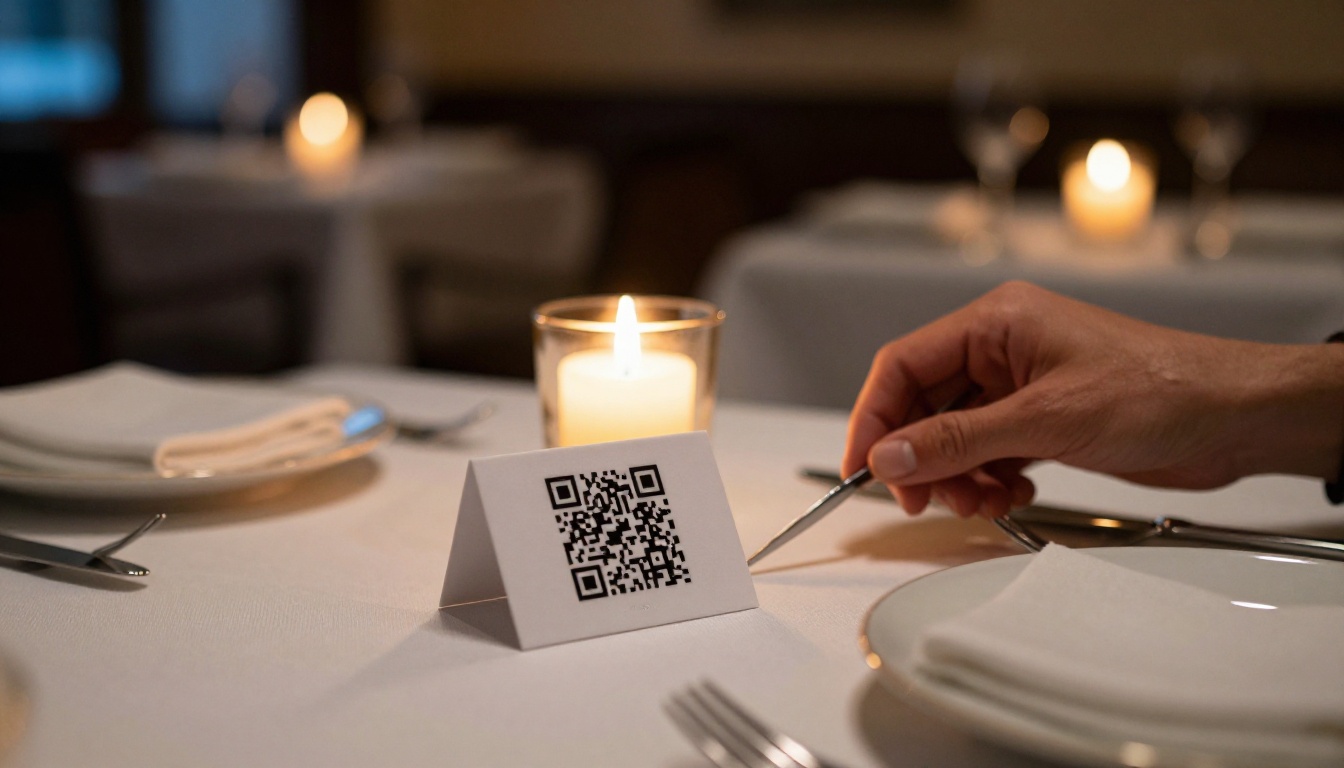
Restaurants can replace printed menus entirely with a scannable QR code linking to a flipbook menu. When dishes change seasonally or prices update, you update the flipbook rather than printing new physical copies. The Restaurant Menu Creator is the right tool for this format, with food photography layouts and section dividers designed for menu reading.
Real Estate Property Showcases
Real estate agents use property catalogs to present multiple listings in a single document sent to serious buyers. A flipbook format adds a premium feel to what would otherwise be a flat PDF attachment. Floor plans, interior photos, and pricing sit naturally side by side in a paginated format that mirrors how print property magazines work.

Digital Price Lists for B2B
Wholesalers and service providers who send price lists to business clients regularly can benefit from a consistently formatted, always-current digital price list. When prices change, the URL stays the same and the content updates. The Digital Price List Generator makes this easy to set up and maintain without republishing a new document each time.
Flipbook Catalogs vs PDF Attachments
This is the practical comparison most business owners care about when deciding whether the switch is worth making.
| Factor | PDF Attachment | Flipbook Catalog |
|---|
| Mobile experience | Poor, requires zoom and scroll | Optimized with finger-swipe navigation |
| Shareability | Download required | Link only, no download needed |
| Updateable content | Must resend the file every time | Update once, link stays current |
| Analytics | None available | Per-page view tracking on Pro plan |
| Embed on website | Not possible | One line of HTML embed code |
| Password protection | Requires separate tools | Built directly into the platform |
| First impression | Static document attachment | Interactive professional publication |
| File size limits | Common issues above 10MB | No file size concerns |
The practical difference becomes obvious when you picture a client receiving your catalog. A PDF attachment means they download it, possibly read it, and the file sits in their downloads folder. A flipbook catalog link opens immediately in the browser, loads fast on mobile, and leaves an impression that matches how modern businesses communicate.
Tracking Who Actually Views Your Catalog
With the Professional plan, you get access to analytics showing which pages people spend the most time on, how many times a catalog has been viewed, and whether visitors are engaging or bouncing early. For sales teams, this data is genuinely useful. If 90% of viewers stop reading after page three, that tells you something concrete about how your catalog is structured and where you're losing attention.

3 Common Mistakes First-Timers Make
Overloading Pages with Text
The most common error when building a first catalog is treating it like a document rather than a visual experience. Product catalogs should lead with images. Keep text to product names, short descriptions, and prices. If a page has more words than images, reconsider the layout.
⚠️ Walls of text on catalog pages are the single biggest reason viewers flip past without reading. Keep each page focused on one or two products maximum, with images as the primary element.
Ignoring Mobile Viewers
A significant portion of your catalog viewers will be on smartphones. Before publishing, always preview your flipbook on mobile using the platform's built-in preview mode. Pay attention to whether text is still readable at smaller screen sizes and whether product images are clear enough when scaled down.
Skipping the Sharing Settings
Many first-timers publish a catalog and send the URL without ever checking who can actually access it. If your catalog is for wholesale buyers only, a public link without a password means anyone can see your pricing. Set the right access controls before the link goes out.
Use Cases by Industry
Which catalog format and tool fits different business types:

Your First Catalog Is Closer Than You Think
The gap between "I want a professional catalog" and "I have a professional catalog" used to involve months of back-and-forth with designers, significant budget, and skills most business owners don't have time to develop. That gap no longer exists.
If you have a product list or a PDF, you already have everything you need. The design, formatting, animations, and sharing infrastructure are handled for you by the platform.
Ready to build yours? Get started for free on Flipbooks AI and have your first flipbook catalog live today. Browse all available catalog tools to find the format that fits your business, and compare pricing plans when you're ready to remove watermarks or add analytics to your workflow.



