Every daycare director knows the feeling. You spend two hours on a monthly newsletter packed with activity recaps, reminders, and heartwarming photos, send it out, and hear almost nothing back. Maybe two parents mention it at pickup. The rest never opened it. The problem is not your content. It is the format. A flat PDF attachment or a stack of printed sheets simply cannot compete with everything pulling at parents' attention on their phones. A daycare newsletter flipbook changes that completely. When parents receive a link that opens into a beautifully designed, page-flipping digital publication with embedded photos, real clickable links, and a layout that looks like a real magazine, they stop, they read, and they forward it to grandma. That is exactly what Flipbooks AI makes possible, with no design experience required.
Why Most Daycare Newsletters Go Unread
The numbers on parent communication in early childhood settings are sobering. Even among families who genuinely care about staying informed, the average PDF newsletter gets a fraction of the attention it deserves. There are two root causes worth understanding before you rethink your approach.
The Printing Problem
Printed newsletters have the highest drop-off rate of any communication format in daycare centers. They get buried in diaper bags, left on car seats, or tossed before they reach the kitchen counter. Even when they do make it home, there is no interactive element, no quick-tap link to RSVP for a field trip, and no easy way to share the update with a co-parent or grandparent.
The Email Attachment Problem
PDF attachments are only slightly better. Parents receive dozens of emails a day. A PDF that requires downloading, opening a separate app, and zooming in on a small phone screen feels like work. Most people swipe past it. Even parents who intend to read it later often forget by the time they get home.

A digital flipbook solves both problems at once. It opens instantly in a browser with no app download needed, works beautifully on mobile, and feels engaging enough that parents actually stay on the page.
💡 Pro tip: The average digital flipbook gets 3 to 5 times more readership than the same content sent as a PDF email attachment, especially when shared via a direct link in a messaging app.
What a Flipbook Newsletter Actually Looks Like
A flipbook newsletter is a digital publication that mimics the experience of flipping through a physical magazine or booklet. Pages animate with a realistic page-turn effect as readers swipe or click through. Photos pop at full size. Links are clickable. The layout stays crisp and well-designed on any screen size.
Real-World Scenarios That Work
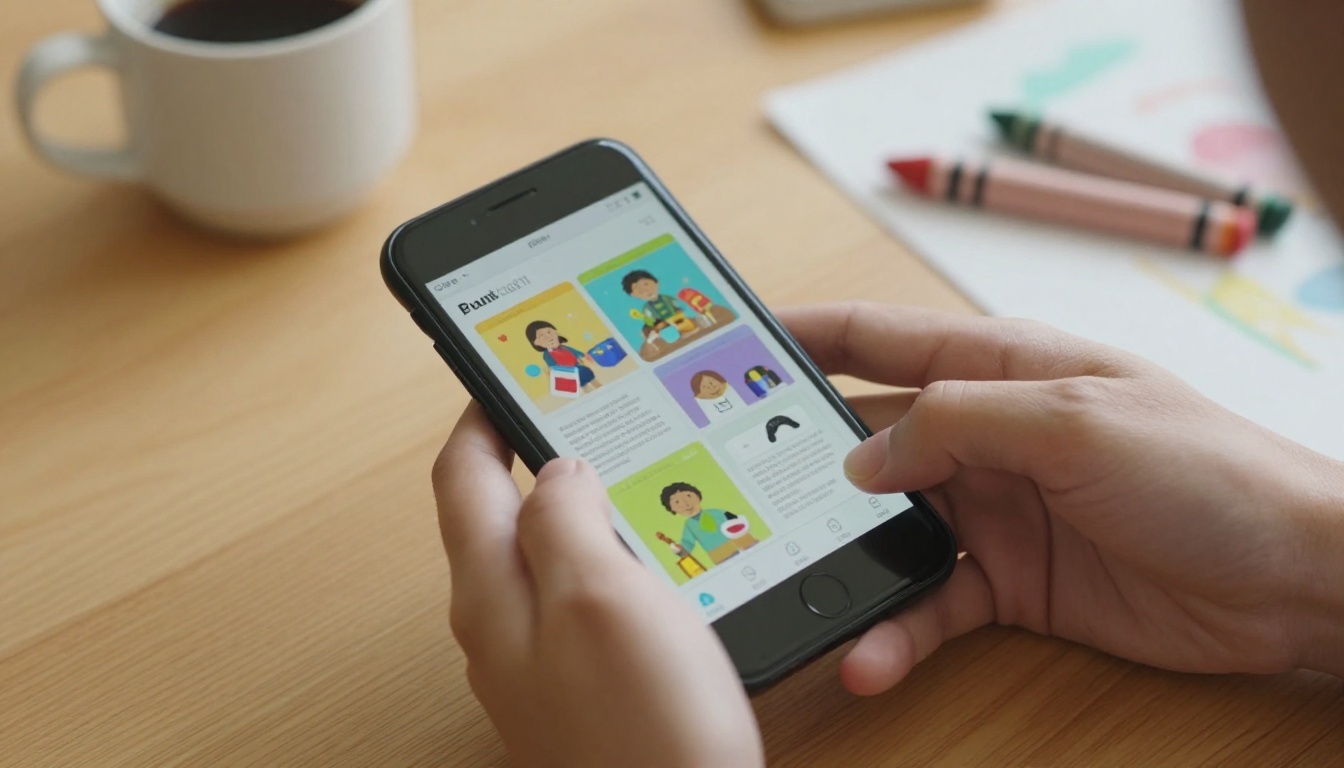
Imagine a parent picking up their child on a Friday afternoon. Before pulling out of the parking lot, they get a WhatsApp message from the daycare group chat: "This month's newsletter is live!" They tap the link. Instantly, a beautifully formatted flipbook opens in their phone's browser. They scroll through photos of their child's art project, read about the upcoming pajama day, and tap the RSVP link for the spring recital. Done in three minutes. No downloads. No friction.
That kind of experience is the difference between a newsletter that informs and one that actually builds community.
What Parents Say They Want
Surveys of parents at early childhood centers consistently show the same priorities for newsletters:
- Photos of their child's classroom activities (top priority for 91% of parents)
- Upcoming dates and reminders clearly visible without scrolling through dense text
- A message from the director that feels personal and warm
- Health and safety updates, especially during cold and flu season
- Fun facts or child development tips to spark conversation at home
A flipbook format displays all of this in a visually organized layout that makes each section easy to find at a glance.
What to Put in Your Monthly Daycare Newsletter
Before you build anything, the content plan matters. A strong daycare newsletter follows a consistent structure so parents know what to expect each month. Here is a proven layout that works across all ages, from infant rooms to pre-K:
| Section | What to Include | Why It Works |
|---|
| Director's Note | A warm personal message, 2-3 sentences | Builds trust and personal connection |
| Classroom Highlights | Photos and short activity recaps by room | Parents feel seen and involved |
| Upcoming Events | Dates, times, what to bring | Reduces missed pickups and late RSVPs |
| Health Corner | Current illness alerts, hygiene reminders | Proactive communication builds confidence |
| Staff Spotlight | Feature one staff member each month | Humanizes the team, builds familiarity |
| Parent Tips | One short child development or parenting tip | Adds value beyond logistics |
| Menu Preview | Next month's meal or snack calendar | Highly requested by parents of picky eaters |
| Milestone Moments | Notes on children's firsts (walking, words) | Emotionally resonant, highly shareable |
✅ Best practice: Keep each section to one page in your flipbook layout. Parents scan before they read, so visual hierarchy matters more than word count.
How to Create a Daycare Newsletter Flipbook
This is where most daycare directors expect complexity, and this is where Flipbooks AI removes every barrier. The process has four clear steps, and you can go from blank page to published flipbook in under an hour on your first try.
Step 1. Build Your Newsletter PDF
Start with a tool you already know: Canva, Google Slides, Microsoft Publisher, or even Word. Design your newsletter using your daycare's colors and logo. Include photos, section headings, and any graphics that match your brand. When you are done, export the file as a PDF. That is your raw material.
💡 Pro tip: Use a landscape (horizontal) orientation for your PDF. It translates into a flipbook page that fills the screen more naturally on desktop and looks like a real publication spread.
Step 2. Upload to Flipbooks AI
Go to flipbooksai.com and create your account. Once inside, use the Newsletter Flipbook Publisher to upload your PDF. The platform converts each page automatically into a high-quality flipbook page with the signature page-turn animation. This takes about 60 seconds depending on your file size.
You can also use the School Newsletter Creator if you want templates specifically designed for educational institutions, including layouts built for parent communication.
Step 3. Customize Your Branding
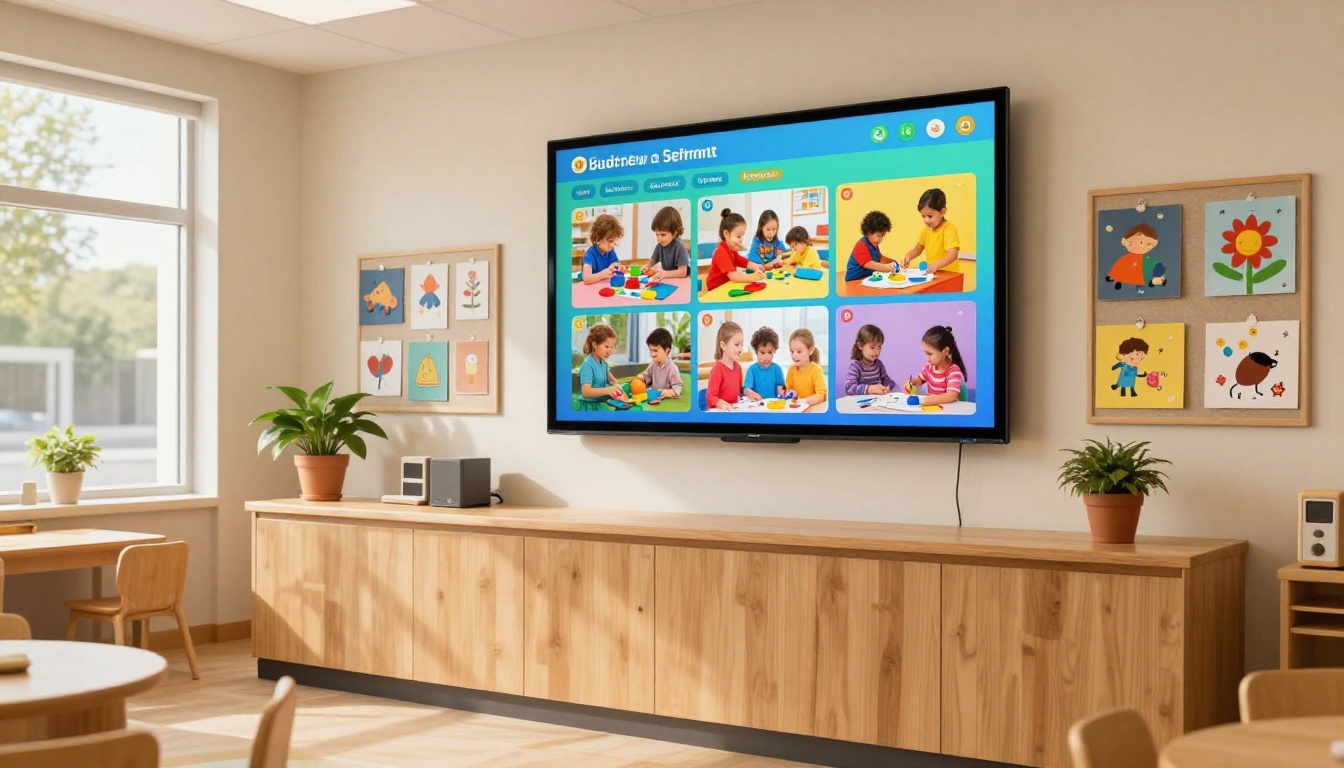
Once your flipbook is generated, you can personalize:
- Your daycare's logo displayed above the flipbook viewer
- Background color or pattern to match your visual identity
- Accent colors for the navigation controls
- Page effects including shadow and curl style for the flip animation
- Audio or video embeds for a truly interactive experience (add a welcome message from the director, or a recording of children singing)
These customization options are available on the Standard plan and above. No watermarks appear on any plan, which keeps the presentation clean and professional.
Step 4. Share It Everywhere
Sharing is where the flipbook format pays off. From your Flipbooks AI dashboard, you get:
- A direct shareable link to paste into emails, SMS messages, or parent group chats
- An embed code to place the flipbook directly on your daycare website
- A QR code to print and hang on your front door or bulletin board
- Password protection so only enrolled families can access the newsletter
⚠️ Important: If your newsletter includes individual children's photos or personal information, use password protection. This ensures only authorized families can view the content.

Flipbooks AI Plan Comparison
Choosing the right plan depends on how many newsletters you publish and what features matter most for your daycare's communication needs. Here is a clear breakdown:
| Feature | Free | Standard | Professional |
|---|
| Number of Flipbooks | 1 | Unlimited | Unlimited |
| Watermark | No | No | No |
| Custom Branding | No | Yes | Yes |
| Password Protection | No | Yes | Yes |
| Video and Audio Embed | No | Yes | Yes |
| Analytics and Tracking | No | No | Yes |
| Lead Generation Forms | No | No | Yes |
| Offline Download | No | No | Yes |
| Custom Domain | No | No | Yes |
💡 For most daycare centers: The Standard plan gives you unlimited newsletters with no watermarks, full branding, and password protection. That covers everything a typical childcare center needs for parent communication. The Professional plan adds analytics if you want to know exactly which families opened the newsletter and how long they spent reading it.
See full details at flipbooksai.com/pricing.
Tips for a Newsletter Parents Will Open
Creating a flipbook is only half the work. Getting parents to actually open it requires some strategy around timing, format, and how you announce each issue.
Timing and Frequency
Monthly is the sweet spot for most daycare centers. Weekly newsletters create fatigue, while quarterly ones miss too many timely updates. Send your flipbook link on a Thursday or Friday morning: parents are winding down the work week and are mentally available for family logistics.
Your Subject Line Strategy
Never send a newsletter with a subject line like "May Newsletter." Instead, lead with the most interesting thing inside:
- "Pajama Day is coming Friday (plus your May calendar)"
- "We have a new classroom pet! May newsletter inside"
- "Your child made something amazing this month"
The goal is to create enough curiosity that opening feels worthwhile before parents even think about it.
Mobile-First Design
Over 80% of parents will open your newsletter link on a mobile phone. This means:
- Use large, readable font sizes in your PDF design (minimum 12pt body, 18pt headings)
- Avoid dense text blocks; use short paragraphs and bullet points
- Place the most important information on the first two pages
- Test your flipbook on your own phone before sending
Flipbooks AI automatically optimizes every flipbook for mobile viewing, so the page-turn experience works just as well on a phone as on a laptop.
How Different Daycares Use Digital Newsletters
The flipbook format adapts naturally to different types of childcare settings, each with its own priorities and parent audience. Here is how different daycare models benefit:
| Daycare Type | Primary Newsletter Use | Best Flipbooks AI Feature |
|---|
| Home-based daycare (1-6 children) | Personal monthly update, activity photos | Password protection for privacy |
| Corporate on-site childcare | Policy updates, parent training schedules | Embed on company intranet portal |
| Faith-based preschool | Upcoming events, values-aligned activities | Custom branding with logos and colors |
| Montessori school | Curriculum highlights, material explanations | Multi-page layouts with photos |
| Bilingual daycare center | Dual-language newsletter in one PDF | Mobile-responsive for all family devices |
| After-school program | Weekly recap, homework tips, snack menu | Direct shareable link via parent app |

The Right Way to Share Your Flipbook
Having a beautiful flipbook means nothing if parents do not see it. Distribution strategy is as important as design. Here are the three most effective channels for daycare newsletter sharing.
Email With a Direct Link
Do not attach the PDF. Instead, paste the flipbook link directly into the email body. Add a large, clickable button that says "Read This Month's Newsletter." Most email clients render this beautifully, and the one-tap experience dramatically increases the number of parents who actually read through it.
Embed on Your Website
If your daycare has a website, embed the flipbook directly on a "Newsletter" or "News" page using the embed code from your Flipbooks AI dashboard. Use the Embed Flipbook on Website tool for step-by-step instructions. Parents who visit your site to check the lunch menu or class schedule will naturally see the embedded newsletter.
WhatsApp and Parent Group Chats
This is the highest-response channel for most daycares in 2027. Drop the flipbook link into your parent WhatsApp group, Facebook group, or Remind class with a short message: "May newsletter is live! Tap to read." The link preview shows a thumbnail of the flipbook, which alone draws clicks. Parents share it with co-parents and grandparents directly from the chat.
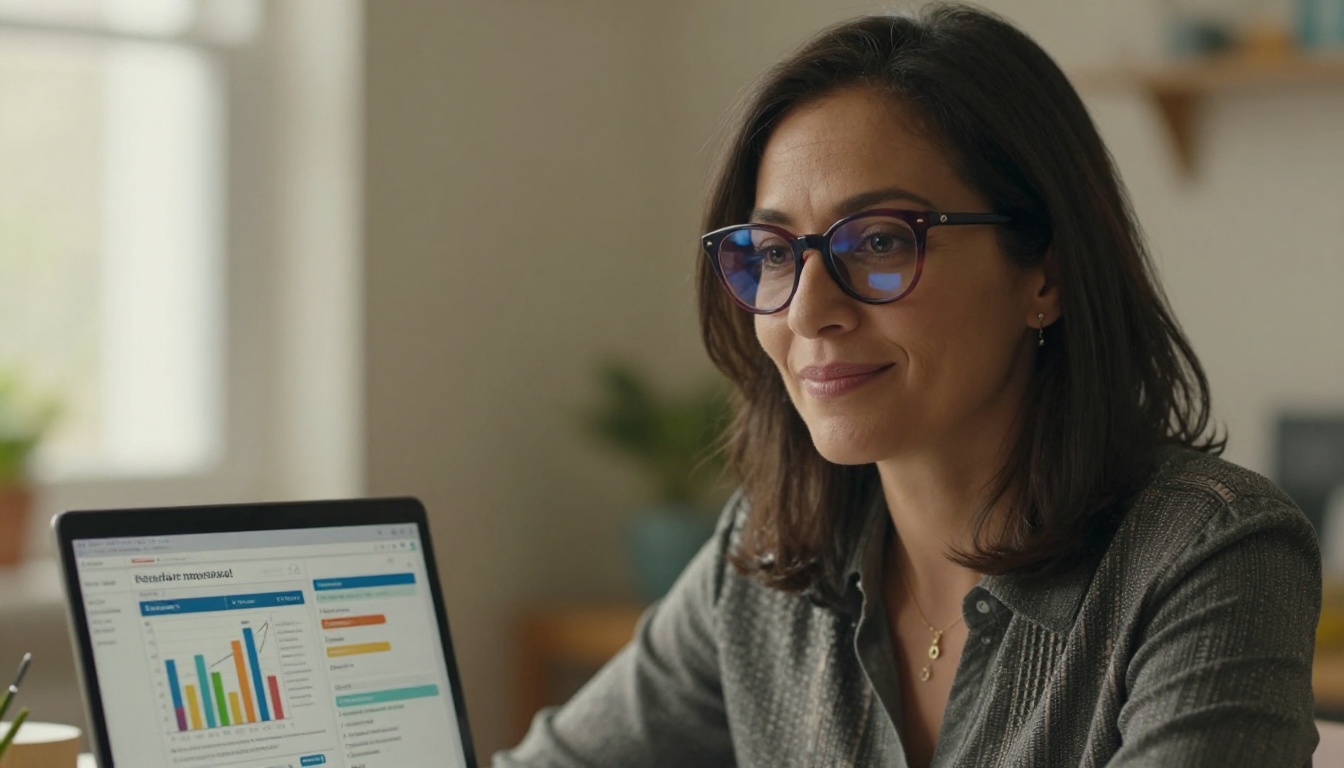
If you are on the Professional plan, the analytics dashboard shows you which families opened the newsletter, how many pages they read, and which links they clicked. This data is genuinely useful: if only 40% of families opened last month's issue, you can try a different subject line or sharing time next month and measure the difference directly.
Building a Newsletter Archive Parents Love
One underrated benefit of digital flipbooks is the ability to build a permanent archive. Every newsletter you publish on Flipbooks AI stays live at its own URL. You can create a simple list of links on your website or in a parent handbook so families can browse past issues at any time.
This archive becomes valuable when:
- New families enroll and want to understand your daycare's culture and programming
- Parents want to reference a policy or date they remember seeing months ago
- You are applying for childcare licensing or accreditation and need to document your communication history
A printed newsletter archive requires physical storage and cannot be shared digitally. A flipbook archive costs nothing extra and lives permanently in your dashboard, searchable and shareable at any time.
✅ Best practice: Create a naming convention for your flipbooks from day one. Something like "Sunshine Daycare Newsletter May 2026" makes every issue easy to find in your dashboard and easy to reference in parent communications.
Make Your First Flipbook This Week
The clearest sign that a daycare newsletter is working is not an impressive open rate on paper. It is the moment a parent says, "I showed my mom your newsletter on Sunday and she loved the photos." That kind of organic sharing only happens when the format is worth sharing, and a flat PDF rarely earns that reaction.
You already have everything you need: photos from this month, activity recaps, upcoming dates, and a story worth telling. What you need is a format that matches the effort you put in. A flipbook newsletter does exactly that.
Get started for free on Flipbooks AI and publish your first daycare newsletter flipbook today. Browse the Newsletter Flipbook Publisher and School Newsletter Creator tools to find the right format for your center. Compare pricing plans to see which tier fits your daycare's needs. And if you want to see all available tools for educational publishing, visit flipbooksai.com/tools.
Your parents are on their phones right now. Meet them there.



