You have content. Maybe it's a fashion lookbook, a brand magazine, or a niche publication you've been planning for months. The problem? You don't know Photoshop, InDesign, or any design tool, and hiring a designer feels like overkill for something you want to ship this week. Here's the reality: you don't need any of that. With Flipbooks AI, you can take a simple PDF and turn it into a polished, page-flipping digital magazine that looks like it came from a professional studio, in under five minutes.
Why a Static PDF Is Costing You Readers
Most people default to PDF when sharing a magazine or publication online. You email it, link it, upload it to a Google Drive folder. And then nothing. No engagement signals, no tracking, no way to know if anyone even opened page three. A static PDF on a webpage is the digital equivalent of handing someone a brochure and walking away.
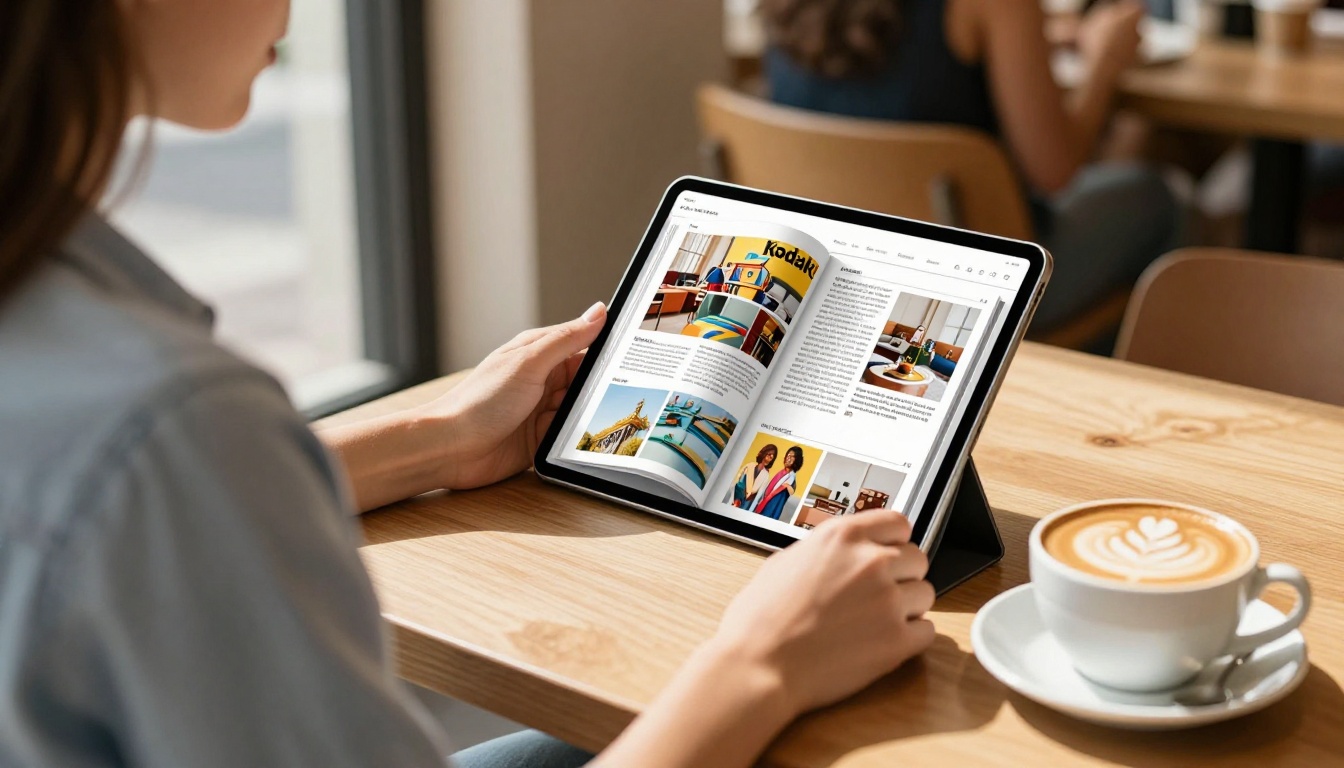
The page-flip format changes the equation entirely. Interactive digital publications consistently generate higher engagement rates than static PDFs. Readers spend more time per page, share content more often, and are far more likely to click through to linked products or services. The page-flip animation alone creates a tactile experience that mirrors physical print, triggering the same psychological engagement as holding a real magazine.
There's also a practical usability problem with static PDFs: they are not mobile-friendly. They require pinching, zooming, and frustrating horizontal scrolling on phones. A flipbook magazine adapts to any screen size automatically. On a phone, tablet, or widescreen monitor, readers get the same clean, fluid reading experience without any extra work from you.
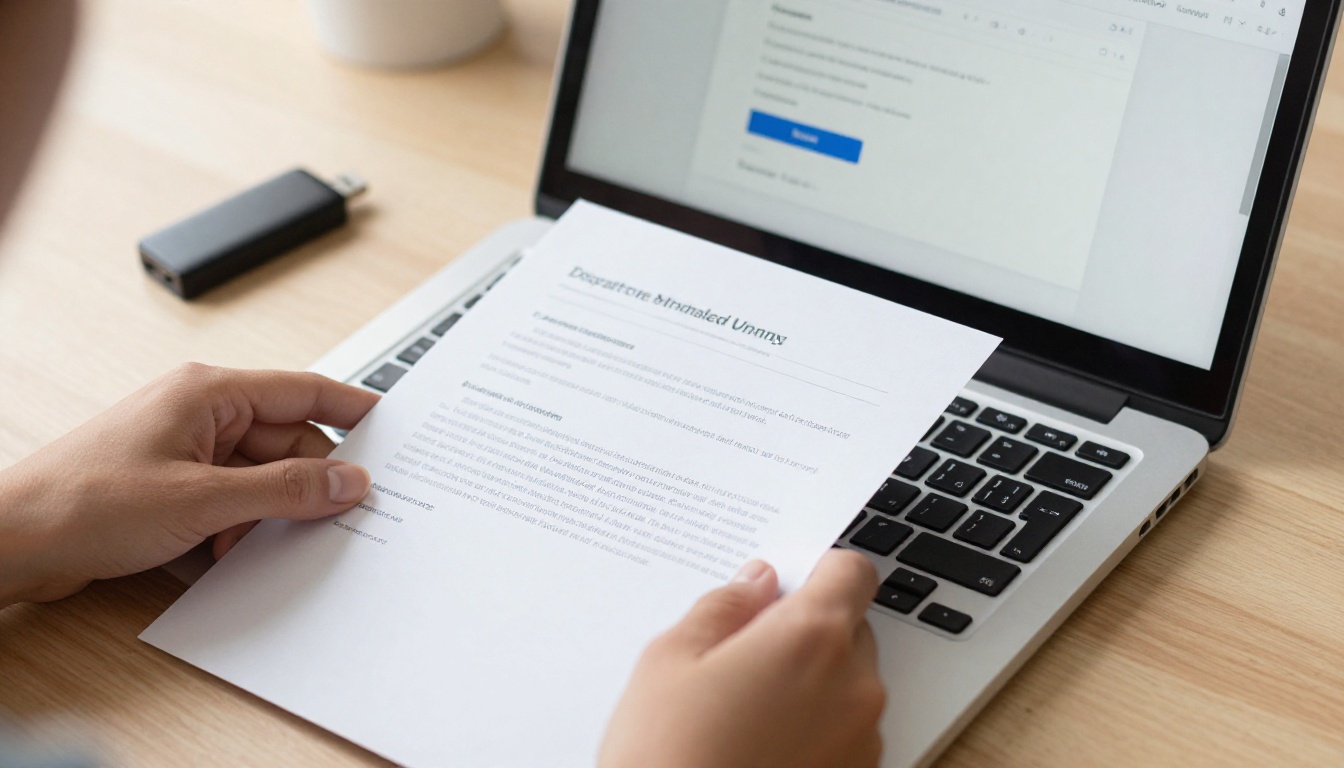
What Actually Goes Into a Digital Magazine
Before you create anything, it helps to know what separates a great digital magazine from a mediocre one. Two elements matter more than anything else: the page-flip interaction and responsive layout.
Page Flip vs Static Layout
The page-flip animation is not just a visual gimmick. It provides navigational clarity. Readers know exactly where they are in the publication, how many pages remain, and how to move through sections intuitively. Static layouts force readers to scroll endlessly, losing their sense of orientation within the content.
| Feature | Flipbook Magazine | Static PDF |
|---|
| Page-flip animation | Yes | No |
| Mobile-responsive | Automatic | Requires manual optimization |
| Embedded video and audio | Yes | No |
| Analytics tracking | Yes | No |
| Password protection | Yes | No |
| Shareable direct link | Yes | Requires file hosting |
| Embed on website | Yes (iframe) | Very limited |
| Custom branding | Yes | No |
Interactivity Changes Everything
A printed magazine is beautiful but passive. A digital flipbook magazine can contain embedded YouTube videos, audio clips, hyperlinked text, and clickable product images. A fashion magazine can link directly to a checkout page. A restaurant menu can embed a reservation form. A real estate brochure can include a virtual tour video directly inside the publication. These are not advanced features requiring coding. They are standard in modern flipbook platforms, accessible with a few clicks from any creator.
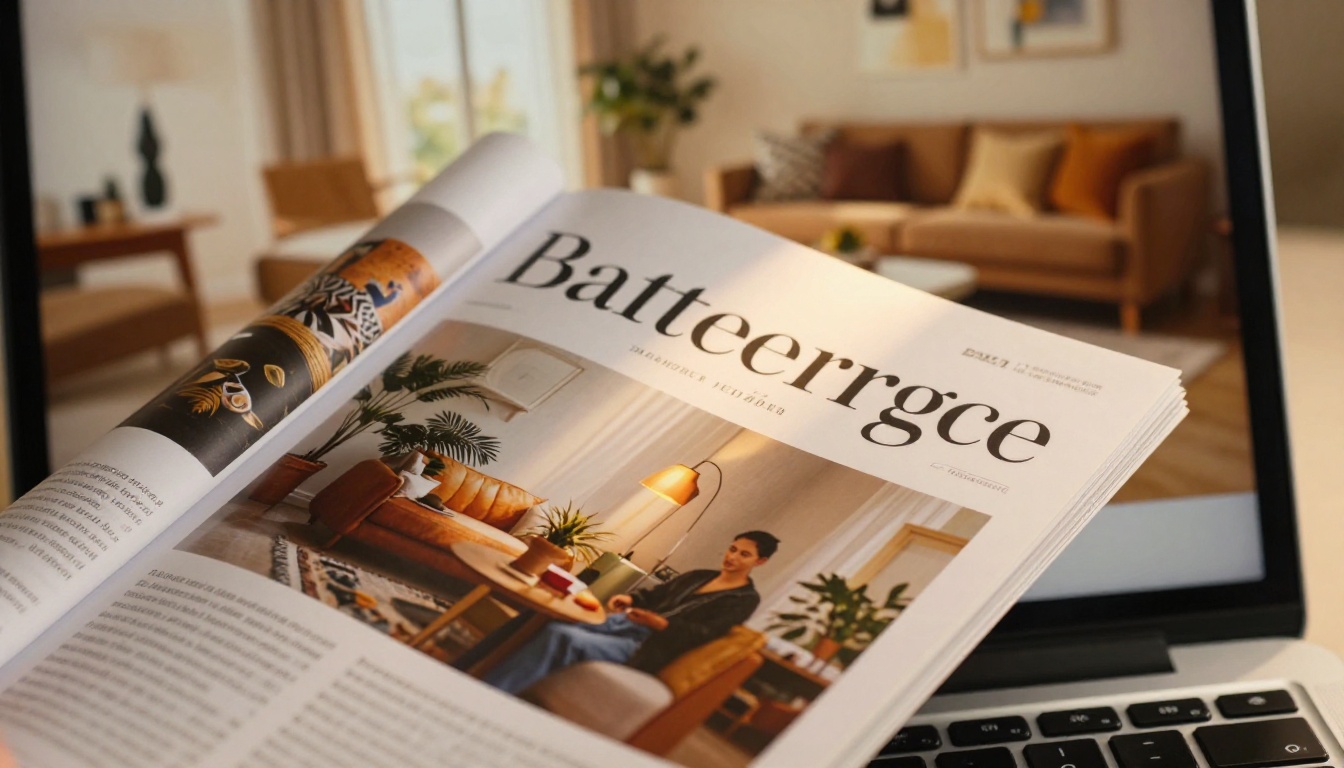
How to Build a Flipbook Magazine in 5 Steps
This is where the "zero design skills" part becomes real. The entire workflow has been simplified to the point where your only creative job is preparing the content. The platform handles every technical aspect of publication.
Step 1: Prepare Your PDF
Your PDF is the foundation. It does not need to be professionally designed, but it should be organized. Use any of the following to create it:
- Google Slides or Canva: Free tools with hundreds of magazine-style templates, zero learning curve
- Microsoft Word or PowerPoint: Familiar tools with solid export-to-PDF functionality
- Adobe Acrobat or InDesign: If you already use these, great, but they are absolutely not required
What matters most: your PDF should use a consistent layout, readable fonts, and images at 300 DPI or higher for crisp display on retina screens. Keep file sizes under 500MB for faster upload and conversion processing.
💡 Use a standard magazine aspect ratio (A4 or US Letter) for best results. Landscape orientation often works better for two-page spreads, giving readers a more immersive experience.
Step 2: Upload and Convert
Head to Flipbooks AI and create a free account. The upload process takes about 30 seconds:
- Click "Create New Flipbook" from your dashboard
- Drag and drop your PDF file into the upload zone
- Wait for the conversion engine to process your file (typically 30 to 90 seconds depending on page count)
- Watch as your static PDF transforms into a page-flipping digital magazine
The PDF to Flipbook Converter automatically generates the HTML5 page-flip animation, optimizes images for web delivery, and creates a responsive layout that works on all devices. Zero code. Zero design decisions. Zero guesswork.
Step 3: Brand It Without a Designer
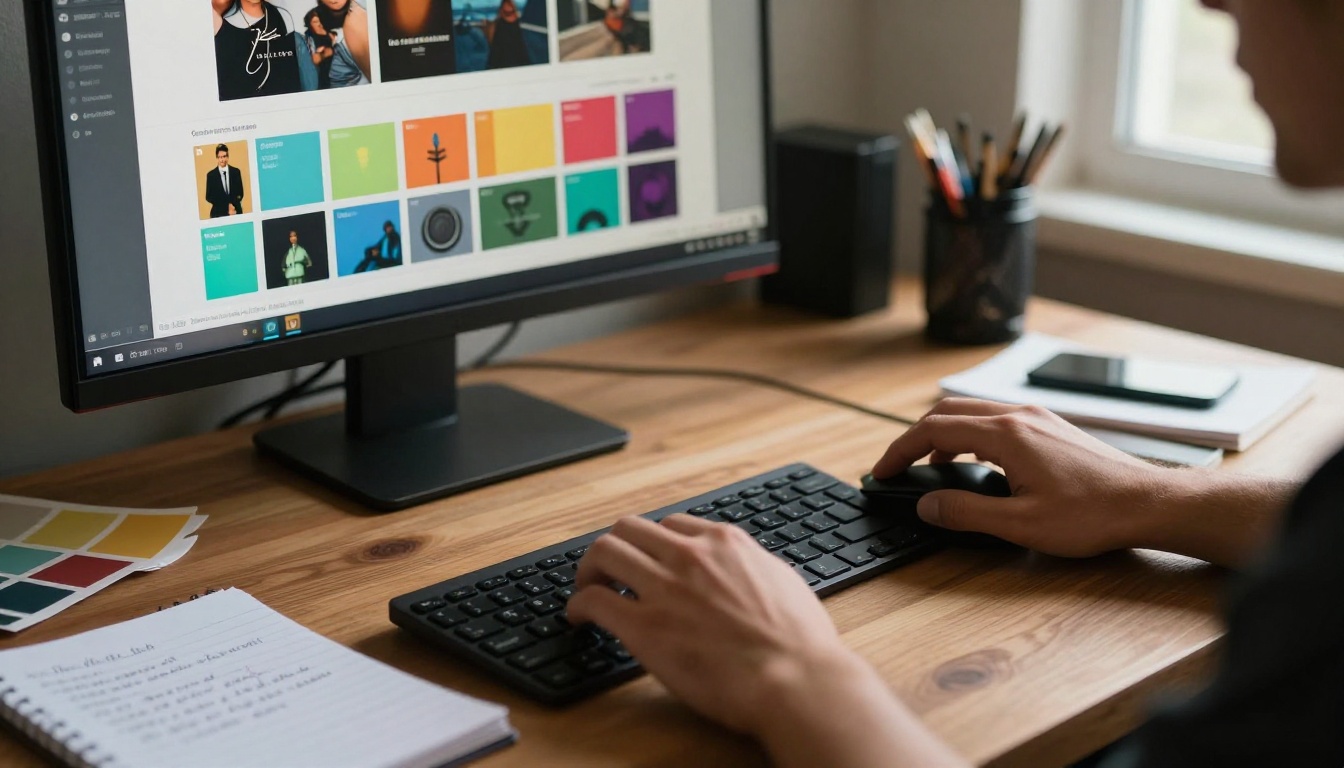
This is where most people expect to need professional help. They don't. The branding controls in Flipbooks AI are visual, intuitive, and comprehensive:
- Logo upload: Drop your logo in PNG format and position it directly on the viewer interface
- Color scheme: Pick brand colors using a hex picker or choose from pre-built palettes
- Background: Choose from solid colors, gradients, or texture backgrounds
- Loading screen: Customize the intro animation with your brand name and tagline
- Custom domain: Advanced plans support custom domains for fully white-labeled publications
✅ Keep your brand colors consistent with your existing website and social media. Readers who arrive from Instagram should experience a seamless brand identity the moment they open your magazine.
Step 4: Add Multimedia Layers
Once uploaded, you can enhance your magazine with interactive elements:
- Embed videos: Link YouTube or Vimeo videos to any page for automatic playback
- Audio tracks: Add background music or narration that plays as readers browse
- Hyperlinks: Make any text or image a clickable link to external pages or products
- Pop-ups: Display additional product details or lead capture forms on specific pages
For a fashion magazine, this means every product photo links directly to a product page. For an e-magazine publishing workflow, this means a clickable table of contents that jumps readers to specific articles instantly.
Step 5: Share and Embed
Publishing your flipbook magazine is a single click. Sharing options include:
- Direct link: Share a URL that opens the flipbook in any browser on any device
- Embed code: Copy an iframe snippet and paste it into your website using the Embed Flipbook on Website tool
- Social sharing: Share directly to Facebook, Twitter, LinkedIn, or WhatsApp with auto-generated thumbnail previews
- Password protection: Lock private issues behind a password for subscriber-only content
- QR code: Generate a scannable QR code for bridging print materials to your digital publication
Flipbooks AI Plans at a Glance
Pricing is usually the first question. Here's a direct comparison of what each plan offers for magazine creators:
| Feature | Free | Standard | Professional |
|---|
| Number of flipbooks | 1 | Unlimited | Unlimited |
| Watermark | Yes | No | No |
| Custom branding | No | Yes | Yes |
| Password protection | No | Yes | Yes |
| Analytics and tracking | No | No | Yes |
| Lead generation forms | No | No | Yes |
| Offline downloads | No | No | Yes |
| Custom domain | No | No | Yes |
| Embed on website | Yes | Yes | Yes |
| Video and audio embeds | Limited | Yes | Yes |
⚠️ The free plan includes a Flipbooks AI watermark on your publication. For any brand-facing magazine, the Standard plan is the minimum threshold. It removes watermarks entirely, unlocks unlimited flipbooks, and adds full custom branding. Visit the pricing page for current plan costs and any active promotions.

Who Actually Uses Flipbook Magazines
The "zero design skills" approach is not just for hobbyists or side projects. Some of the most impactful use cases come from businesses and organizations that have high-quality content but lack a dedicated design team.
Fashion and Lifestyle Brands
A fashion brand publishing a seasonal lookbook as a PDF is leaving conversion opportunities on the table. An interactive flipbook version of the same content can include clickable product tags linking to checkout, embedded runway videos between editorial spreads, and password-protected preview issues for press and buyers.
The Interactive Lookbook Designer and Magazine Flipbook Creator make this specific workflow straightforward. Upload your styled PDF, add product links on each page, and share a single URL with buyers worldwide.
Real Estate and Business
Real estate agents regularly produce property brochures, neighborhood guides, and market reports. Instead of attaching a 20MB PDF to an email, a flipbook link loads instantly in any browser, tracks how long prospects spend on each property page, and can embed a virtual tour video directly in the publication. The Real Estate Brochure Creator is built specifically for this use case.
For corporate teams, annual reports and press kits benefit enormously from the flipbook format. The Annual Report Creator and Press Kit Designer both integrate with the same upload-and-convert workflow, producing polished results without a design agency.
Education and Independent Publishers
Schools, course creators, and independent publishers represent some of the fastest-growing segments for digital magazine creation. A teacher can publish a class newsletter that looks professional and shareable. A course creator can distribute a beautifully formatted workbook. An independent magazine founder can publish issue one without a budget for a print run or a design hire.
The Newsletter Flipbook Publisher and Yearbook Flipbook Maker are specifically designed for recurring educational publications with consistent branding across issues.
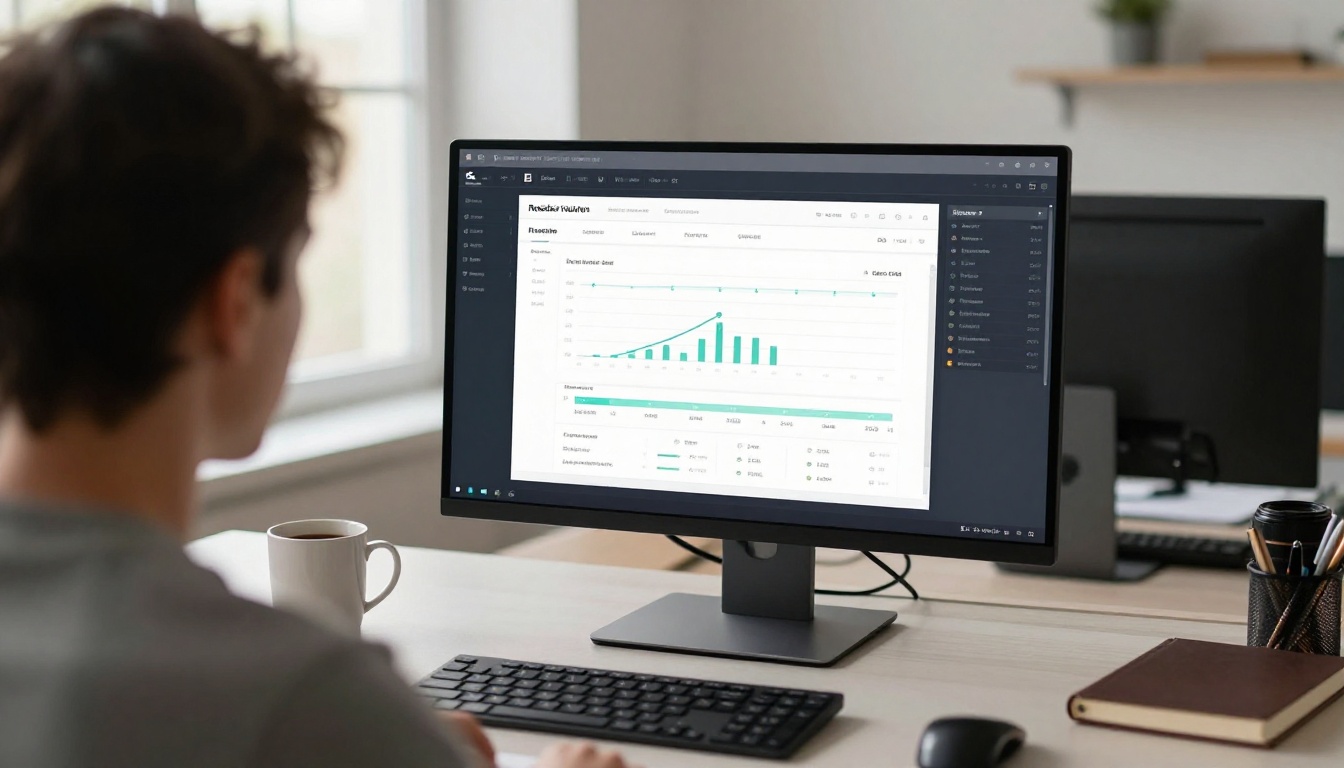
Features That Replace a Design Team
The most common fear among first-time publishers is that the output will look amateur without professional design input. This table shows exactly which platform features compensate for that gap:
| What You'd Normally Need a Designer For | What the Platform Provides Instead |
|---|
| Page layout and grid systems | Automatic PDF-to-flipbook conversion preserving your existing layout |
| Typography pairing | Your PDF fonts carry over exactly as designed |
| Responsive web adaptation | Automatic mobile and tablet optimization |
| Interactive element coding | Visual layer editor, no code required |
| Brand color consistency | Brand kit with saved hex color storage |
| Publication loading screen | Custom animated intro builder |
| Social sharing previews | Auto-generated Open Graph thumbnails |
| Reader analytics | Built-in tracking dashboard (Professional plan) |
| Lead capture forms | Built-in lead generation module (Professional plan) |
💡 The platform's conversion engine preserves the exact visual layout of your PDF, including fonts, image placement, column grids, and color accuracy. Your source PDF is already your design. The platform just brings it to life.
Three Mistakes That Hurt First-Time Publishers
People who struggle with their first digital magazine almost always make one of these errors.
Not optimizing the source PDF first. The flipbook platform converts whatever you upload. If your PDF has blurry images, inconsistent margins, or walls of unformatted text, the flipbook will reflect all of that exactly. Spend 20 minutes in Canva or Google Slides cleaning up the layout before uploading. Small improvements in the source file create dramatic improvements in the final flipbook.
Using the free plan for a public-facing publication. The watermark on the free plan signals to readers that this is a draft or test version of something, not a finished product. If you are sharing your magazine publicly with customers, subscribers, or press, the Standard plan is the minimum acceptable threshold. It removes watermarks, enables custom branding, and supports unlimited flipbooks. Check flipbooksai.com/pricing for the current rates.
Not using the embed feature on your website. Sharing a standalone link is effective for social media. But if you have a website, embedding the flipbook directly onto a dedicated page dramatically increases time-on-site metrics and creates a persistent destination you can drive traffic to repeatedly. The Embed Flipbook on Website tool generates the iframe code in one click.
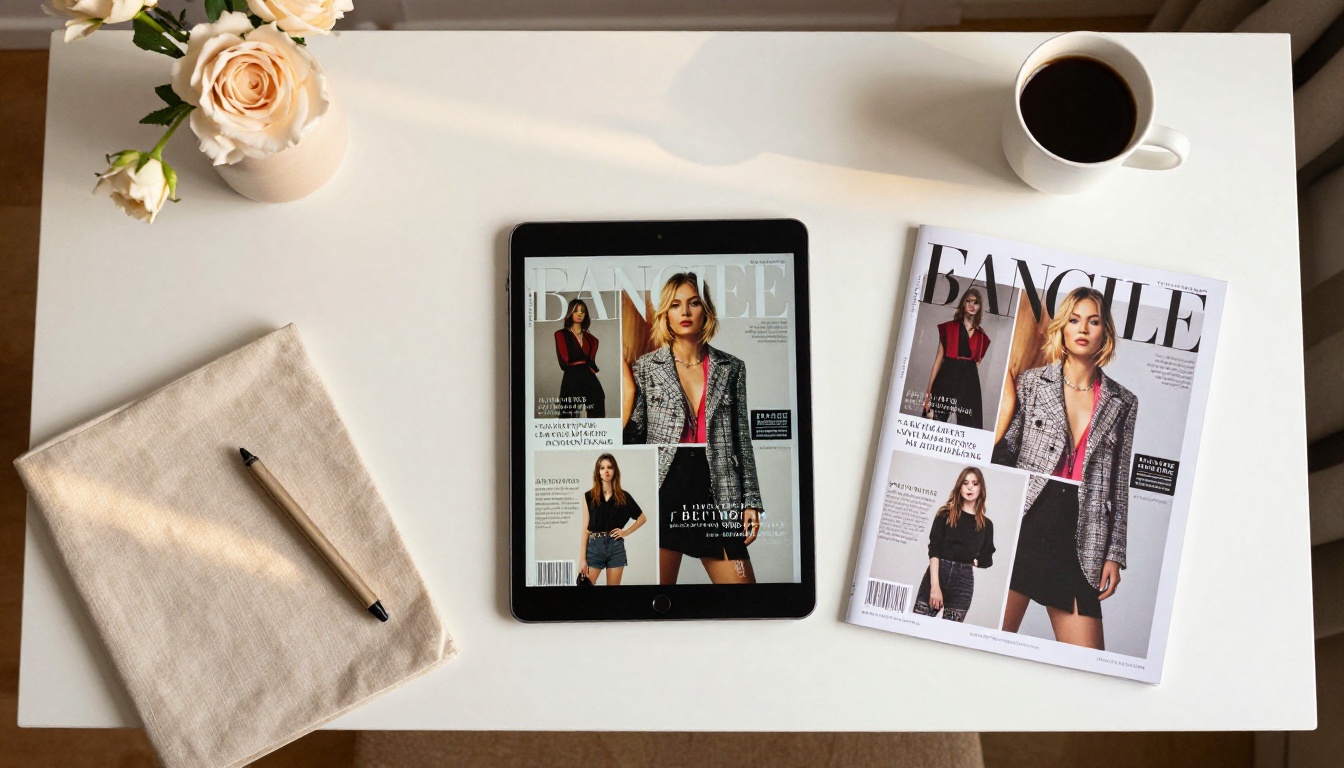
Real-World Use Cases at a Glance
To make the range of applications concrete, here is how different types of creators approach their first flipbook magazine:
| Creator Type | Content Source | Key Feature Used | Result |
|---|
| Fashion brand | Seasonal lookbook PDF | Product link overlays | Shoppable magazine issue |
| Real estate agent | Property brochure PDF | Video embed, lead form | Interactive property pitch |
| Restaurant owner | Menu PDF | QR code for in-restaurant scan | Digital menu without reprinting |
| Course creator | Course workbook PDF | Password protection | Premium subscriber content |
| Independent blogger | Editorial content PDF | Custom domain, embed | Standalone publication website |
| School administrator | Newsletter PDF | Social sharing links | Parent-friendly digital newsletter |
| Wedding photographer | Portfolio PDF | Lookbook format, sharing link | Shareable portfolio for clients |
Every one of these use cases starts with a PDF. Every one ends with something that looks professionally published. None of them require design training, a design budget, or any technical skills beyond uploading a file.
Publish Your First Issue Today
You now have everything you need to publish a professional flipbook magazine without touching a single design application. The process is: prepare a PDF, upload it to Flipbooks AI, apply your branding, add any interactive layers you want, and share it. That's four steps, not forty.
The platform is free to start. You can upload your first PDF today and see the converted flipbook in under two minutes. If you are serious about publishing regularly and want a professional-grade result without watermarks, the Standard and Professional plans offer unlimited flipbooks, custom branding, and advanced features like reader analytics and lead generation.
For specific magazine types, browse the full collection of flipbook tools, including dedicated tools for:
Ready to publish your first issue? Create your account and convert your first PDF at no cost. When you're ready to remove watermarks, add custom branding, and publish without limits, compare plans to find the right fit for your publishing schedule.



