Music festival season hits differently when your lineup is already circulating online and attendees are planning which stages to hit first. But too many organizers still rely on a static PDF posted to a Facebook group, a wall of text in an email, or a printed program that runs out before noon on Day 1. There is a better way, and it starts with turning your festival lineup into an interactive digital flipbook that lives on any device, loads instantly, and actually gets shared. Flipbooks AI makes this possible in minutes, not days.
Why Static PDFs Are Costing You
When an attendee downloads your festival lineup as a PDF, you lose them. They save it to a folder they forget exists, open it once, squint at tiny text, and close it. No interaction, no sharing, no return visits. A digital flipbook changes all of that.
The Problem with Printed Programs
Printed programs have an undeniable charm, but they create real operational headaches:
- Print runs are expensive and almost always wrong once artist cancellations and schedule swaps happen
- Distribution is chaotic at the gate under pressure, especially in the first two hours of doors opening
- No performance data means you have no idea which stages, artists, or sponsors got the most attention
- They disappear into the mud, the tent, or the bottom of a backpack within hours of arrival
Digital programs solve all of this. And a flipbook goes further than a plain digital PDF by making the experience genuinely enjoyable to read and share.
What Makes a Flipbook Different
A digital flipbook mimics the tactile feel of flipping through real pages, but it loads on any smartphone, tablet, or laptop without an app. It can include embedded maps, artist photos, sponsor pages, and links to streaming playlists. It is shareable via a single URL, embeddable on your festival website, and updateable without reprinting anything.
The page-turn animation is more than a visual trick. It gives readers a sense of orientation within a long document, something a scrollable PDF cannot replicate. They know where they are because they know how many pages they have flipped.
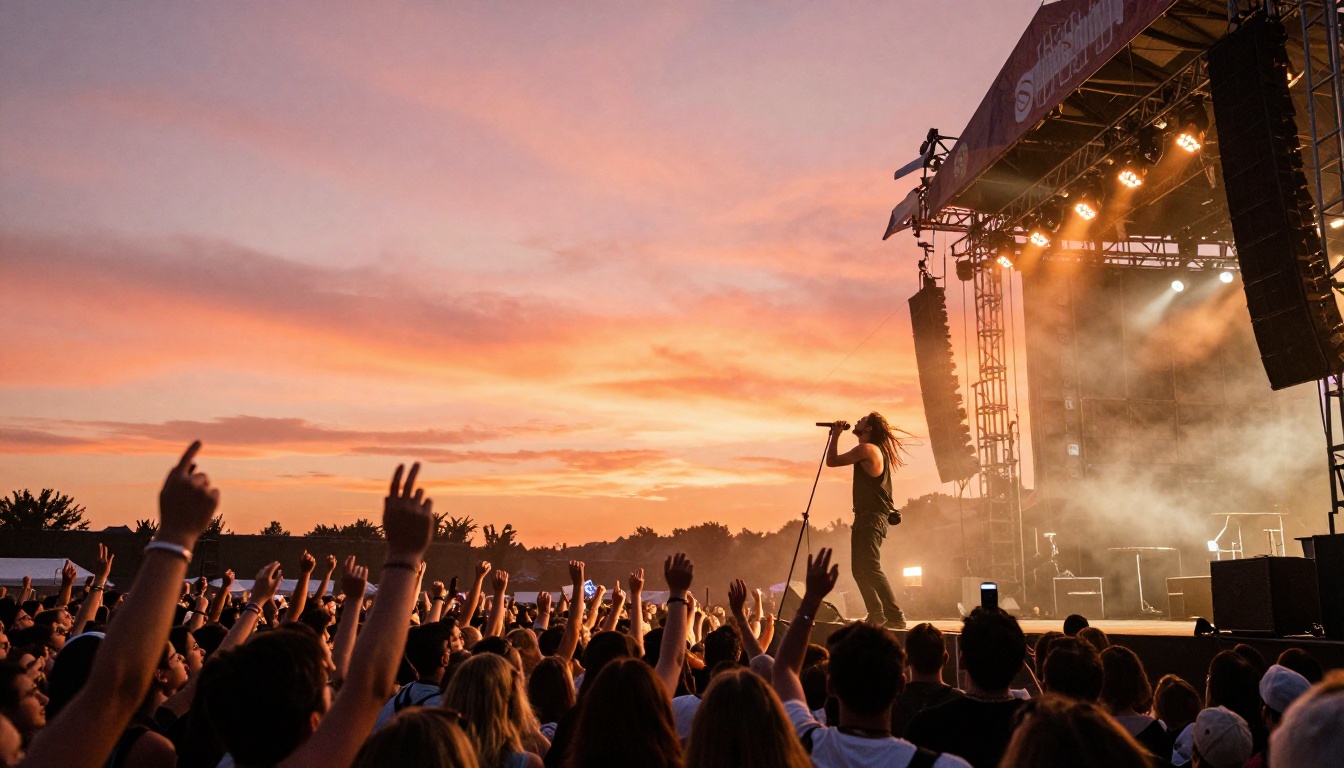
What Belongs in Your Festival Flipbook
Before you build, plan the content. A well-structured festival flipbook covers more than just set times. Think of it as your full digital event program that replaces both the printed booklet and the FAQ page on your website.
Core Content Sections
1. Main Lineup Overview
Full artist roster with headliners given a visual anchor page: a high-resolution photo and a one-sentence bio. Secondary acts get a shared grid layout with smaller images and their set windows clearly marked.
2. Stage-by-Stage Schedules
Each stage deserves its own spread. Format: stage name at the top, times running left to right, artist names filling the time slots below. Color-code by genre if your festival spans multiple styles.
3. Site Map
An embedded or photographed map showing stage locations, food vendors, first aid, parking, and camping zones. This is one of the highest-value pages for attendees arriving for the first time.
4. Artist Spotlights
Two to four pages dedicated to headliners with longer bios, social media links, and Spotify or Apple Music embed links so readers can listen before they arrive at the festival.
5. Sponsor Pages
Your sponsors paid for prominent placement. Give them a dedicated page per tier, not just a logo strip at the bottom of a schedule page. This also helps you justify sponsorship fees after the event.
6. Practical Information
Entry times, age restrictions, ID policies, prohibited items, camping rules, shuttle schedules. Attendees need this, and giving it a proper page reduces your support volume significantly.
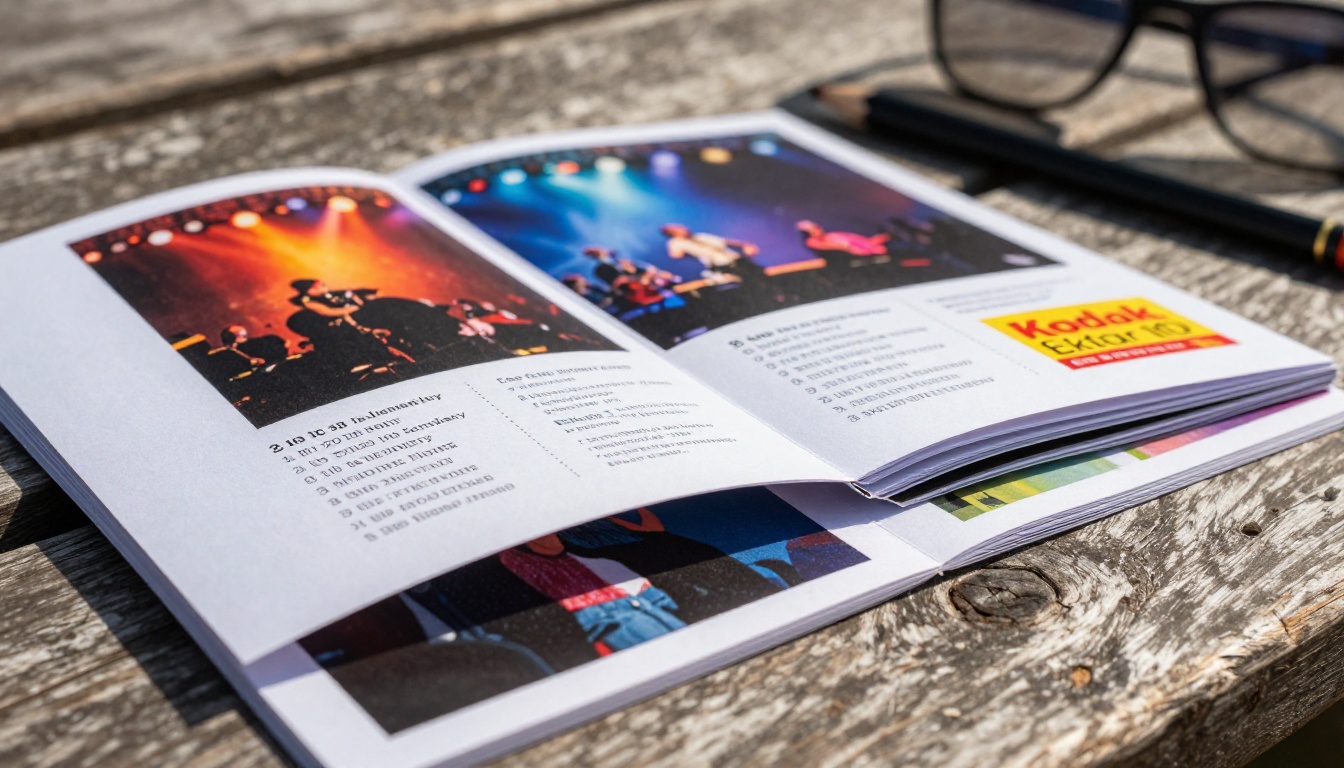
💡 Pro Tip: Add a "First Timer's Overview" page. It reduces anxiety for new attendees and tends to be one of the most-shared pages in any digital festival program. First-timers share it with the friends they are convincing to come with them.
Not all festivals are the same, and your flipbook structure should match your event's personality and scale.
| Festival Type | Ideal Flipbook Structure | Recommended Page Count |
|---|
| Single-day indie festival | Artist grid + one schedule + site map | 12 to 16 pages |
| Multi-day camping music event | Per-day schedules + camping overview + site map | 24 to 36 pages |
| Electronic music festival | Stage-focused layout + set times + DJ bios | 18 to 24 pages |
| Boutique arts and music crossover | Artist spotlights + workshop schedule + gallery | 28 to 40 pages |
| Corporate-sponsored music event | Sponsor integrations + networking pages + lineup | 20 to 30 pages |
Choosing the Right Layout Density
High-density schedules with many acts across multiple stages benefit from a table-style layout with strong color coding and compact typography. Boutique festivals with fewer acts can afford full-bleed artist photography and longer editorial copy per page. The choice shapes how your event feels before a single note is played.
⚠️ Warning: Avoid putting too much information on a single page. Flipbook readers scroll and flip at speed. If a page requires more than 10 seconds to parse, break it into two pages instead.
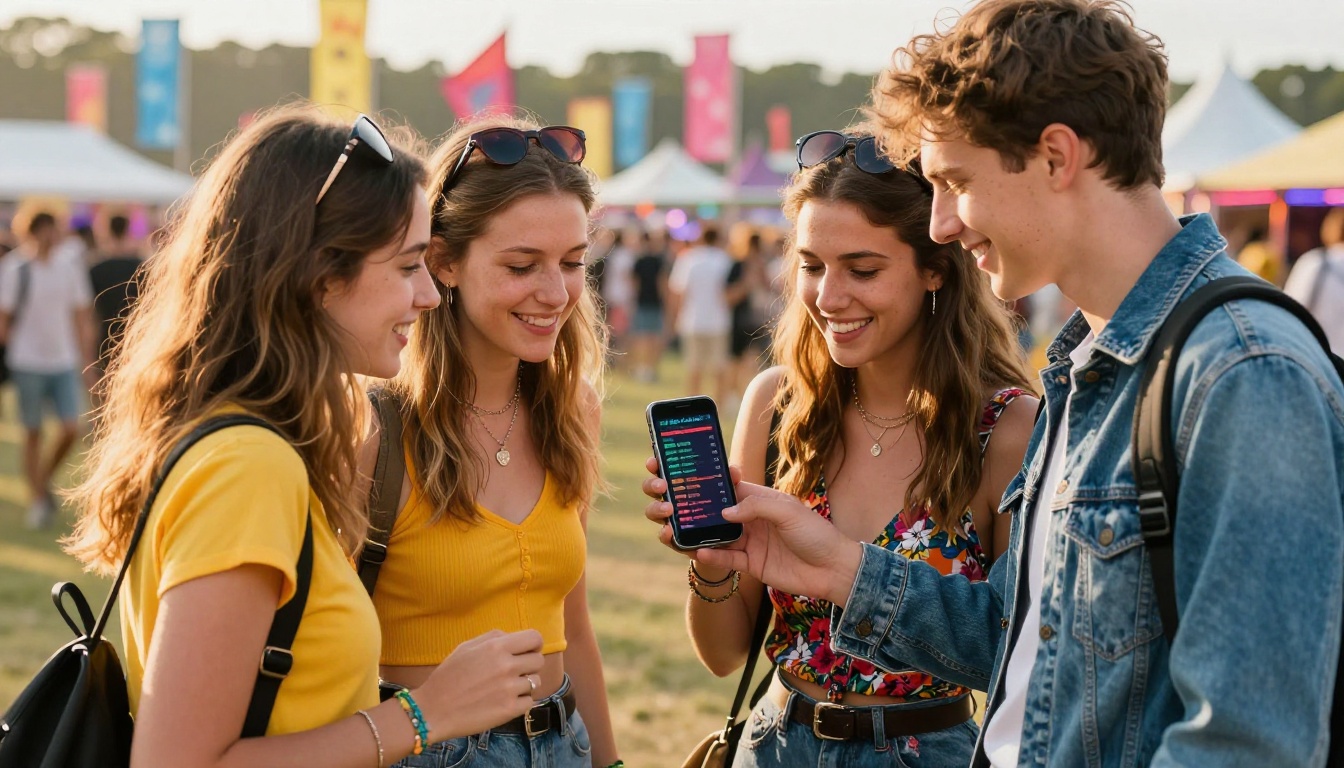
Building Your Interactive Festival Program
This is where the work happens. Using Flipbooks AI, the process is straightforward and you do not need a design team or a developer to pull it off professionally.
Step 1: Design Your Lineup in PDF Format
Start in Canva, Adobe InDesign, or even Google Slides. Build each section as a separate page with a clear hierarchy:
- Page 1: Front page with festival name, dates, and a strong hero image
- Pages 2 to 4: Headliner spotlights with full-bleed photography and bios
- Pages 5 to 8: Stage-by-stage schedules, one stage per spread, color-coded
- Pages 9 to 10: Site map with labeled zones and landmarks
- Pages 11 to 12: Practical info formatted as clear answers to common questions
- Pages 13 onward: Sponsor pages organized by sponsorship tier
Export as a PDF at 150 DPI minimum for crisp text on Retina displays. Higher resolution is always better.
Step 2: Upload to Flipbooks AI
Head to Flipbooks AI and create your account. The upload process takes under 60 seconds:
- Click Upload PDF from your dashboard
- Select your festival lineup PDF file
- Wait for automatic conversion, typically under 60 seconds for a 20-page document
- Your flipbook is instantly previewed in the interactive page-flip viewer
✅ Best Practice: Name your PDF file with your festival name and year before uploading. This makes organization far easier if you run annual events or need to push an updated version mid-season.
Step 3: Apply Custom Branding
This is where your flipbook goes from generic to on-brand:
- Brand Colors: Match your festival's color palette in the flipbook viewer interface chrome
- Custom Logo: Upload your festival logo to appear in the top corner as readers flip through pages
- Background: Choose a solid color or subtle texture that complements your front page art
- Page Effects: Select smooth page-turn animations or a flat sliding transition based on your visual identity and vibe
Step 4: Add Interactive Elements
Static flipbooks are good. Interactive ones are significantly better. Within Flipbooks AI, you can embed real interactivity directly into the pages:
- Clickable links: Make artist names open their social profiles or streaming pages in a new tab
- Embedded videos: Add a teaser video or official lineup announcement clip right inside the flipbook page
- Embedded audio: Short audio previews embedded directly so readers get a taste without leaving the document
- Map links: Link each map zone to a Google Maps pin for real-time navigation assistance
Step 5: Set Up Sharing and Access Controls
Once your flipbook is ready, decide how attendees and press will access it:
- Public link: A shareable URL anyone can open, perfect for social media and email distribution
- Website embed: Copy the embed code and paste it into your festival website's lineup page using the Embed Flipbook on Website tool so visitors flip through without leaving your domain
- Password protection: Lock early-access previews for press and VIP ticket holders before the public announcement date
- QR code: Generate a QR code directly from the platform and print it on gate signage, wristbands, or merchandise
Step 6: Track Performance with Analytics
With the Professional plan, you get full data on how your flipbook is performing:
- Total views and unique visitor counts over time
- Time spent per page, showing which artists and sponsors attract the most attention
- Drop-off points that reveal where readers stop flipping
- Lead capture forms embedded within the flipbook for growing your pre-sale email list
💡 Pro Tip: Show sponsors their page-level performance data after the festival wraps. It justifies their placement fee and makes renewal conversations far smoother heading into next year's planning cycle.
Flipbooks AI Plan Comparison for Organizers
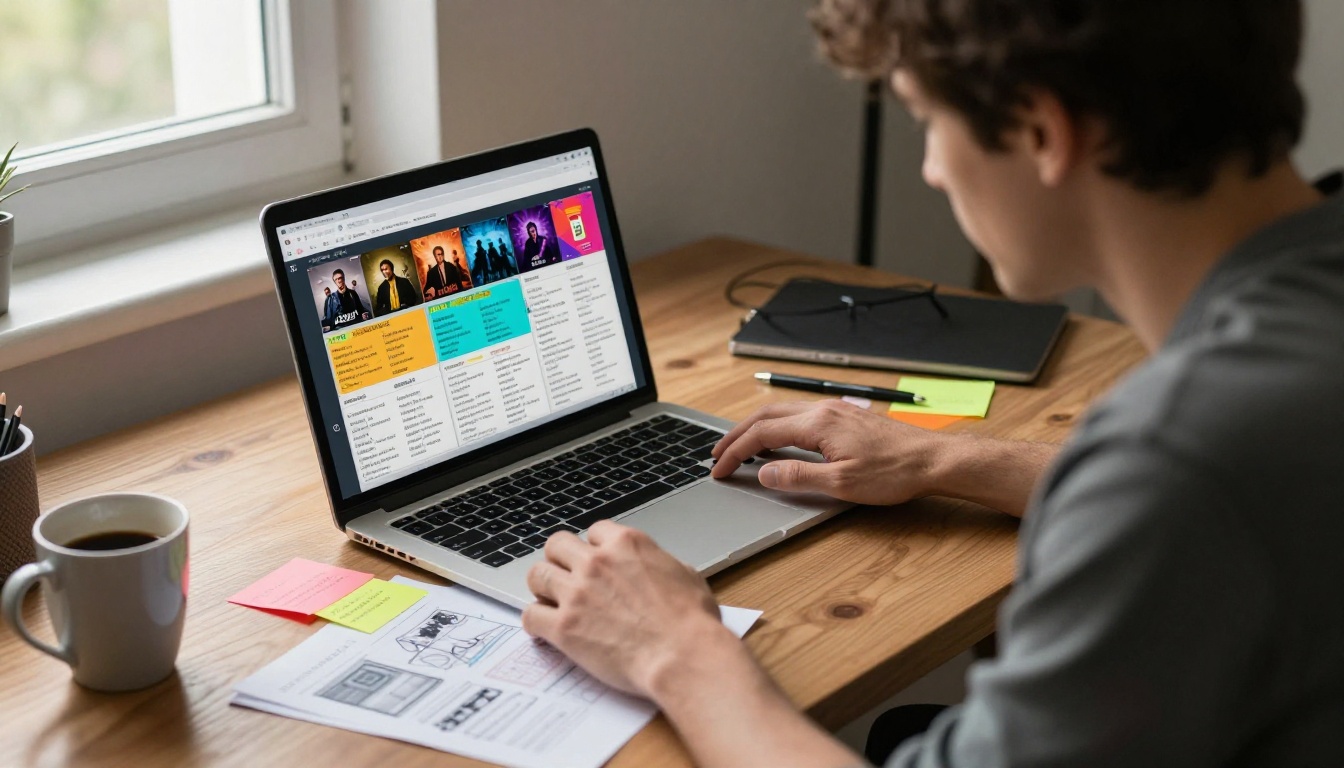
Choosing the right plan depends on whether you are running a one-off event or managing recurring festivals across multiple years.
| Feature | Free | Standard | Professional |
|---|
| Flipbooks | 1 | Unlimited | Unlimited |
| Watermarks | Yes | No | No |
| Password Protection | No | Yes | Yes |
| Analytics | No | No | Yes |
| Lead Generation Forms | No | No | Yes |
| Offline Downloads | No | Yes | Yes |
| Website Embed | No | Yes | Yes |
| Custom Branding | No | Yes | Yes |
| Video and Audio Embed | No | Yes | Yes |
| Mobile-Responsive Design | Yes | Yes | Yes |
For most festival organizers, the Standard plan covers everything needed for a polished, professional digital program. The Professional plan adds analytics and lead capture, which are valuable if you want to build your email list during the lineup announcement period when attention is at its seasonal peak.
Compare all plans in detail to find the right tier for your event scale and budget. There are no watermarks on Standard and above, which matters when your flipbook is representing your brand publicly.
Sharing Your Festival Flipbook for Maximum Reach
A flipbook nobody sees is wasted effort. A distribution strategy built around your digital lineup multiplies the return on the time you invested creating it.
Pre-Festival Distribution (6 to 8 Weeks Out)
- Email announcement: Send the flipbook link as your lineup reveal email. Better click rates than a PDF attachment, and the link is trackable through your email provider
- Social media teasers: Screenshot two or three visually strong pages and post as teasers with the full link in your bio
- Press and media: Send the flipbook to music journalists and bloggers instead of a PDF. It is more impressive and makes coverage work easier for them
- Ticketing confirmation: Add the flipbook link to your ticket confirmation emails so buyers have it from the moment they purchase
At the Festival
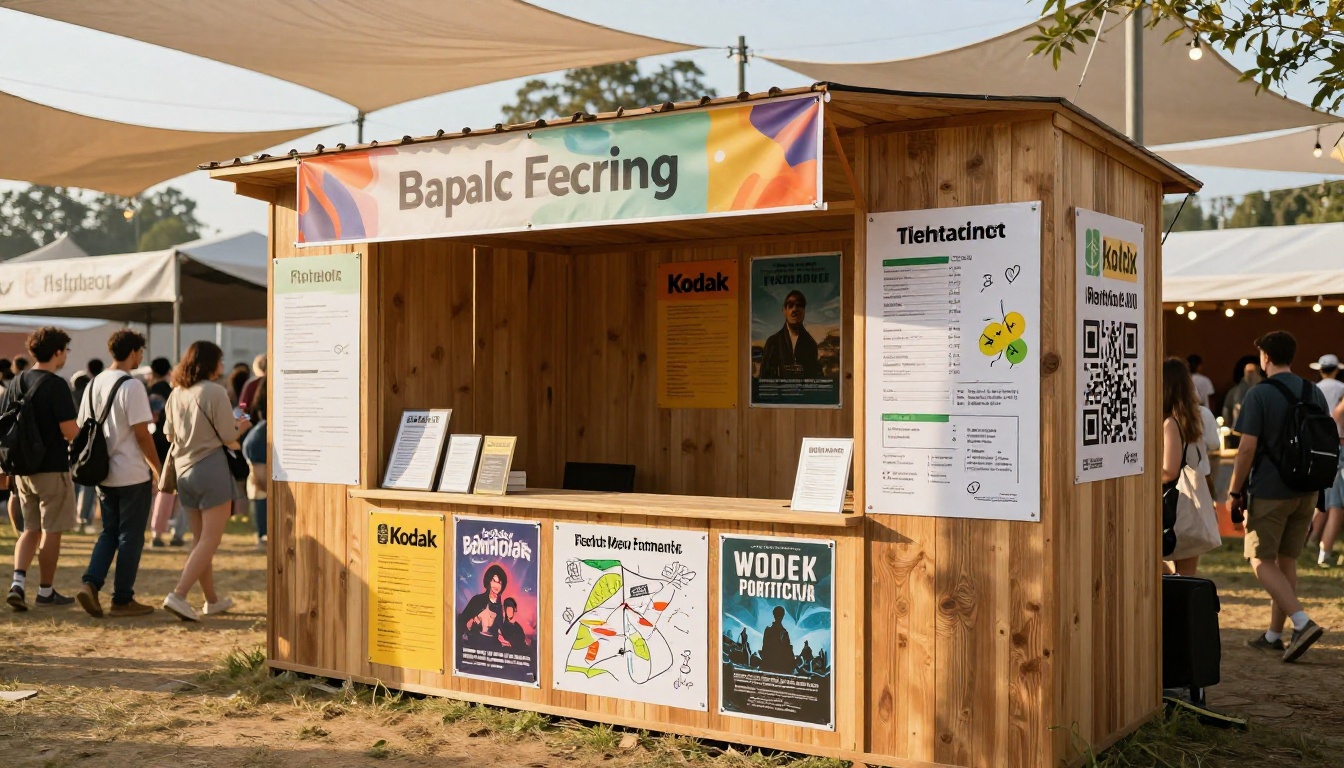
- Gate signage with QR codes: At entry points, merchandise stands, and information booths, point people to the digital program through physical QR code signs
- Festival app integration: Link the flipbook URL within your festival app so the two channels work together
- Stage banners: A QR code on each stage banner lets attendees pull up that specific stage's schedule instantly, reducing the time spent hunting through pages
✅ Best Practice: If an artist cancels or a set time changes, update your flipbook immediately. With a digital flipbook, every existing link automatically shows the updated version. No reprinting, no crossed-out poster edits, no confusion spreading at the gate.
Real-World Uses Beyond the Main Lineup
The versatility of a digital flipbook extends well beyond the main lineup document. Festival teams use them across multiple operational and marketing touchpoints throughout the year.
Each of these serves a different audience but benefits from the same format: a document that presents beautifully, loads instantly on any device, and can be updated at any time without redistributing files manually.
Common Mistakes Festival Organizers Make
Knowing what to avoid saves hours of rework and protects your brand reputation with both attendees and sponsors.
Waiting Too Long to Publish
Most festivals publish their digital lineup within 48 hours of the official artist announcement. Publishing your flipbook at the same moment as your social announcement captures peak traffic. Waiting a week means missing the window when search and social interest are highest and most shareable.
Overloading Every Page
A schedule page with 40 artists in four-point font serves no one. Prioritize clarity above density. If your lineup is genuinely large, split it across multiple pages by time slot or stage rather than cramming everything onto a single spread.
Forgetting Mobile Users
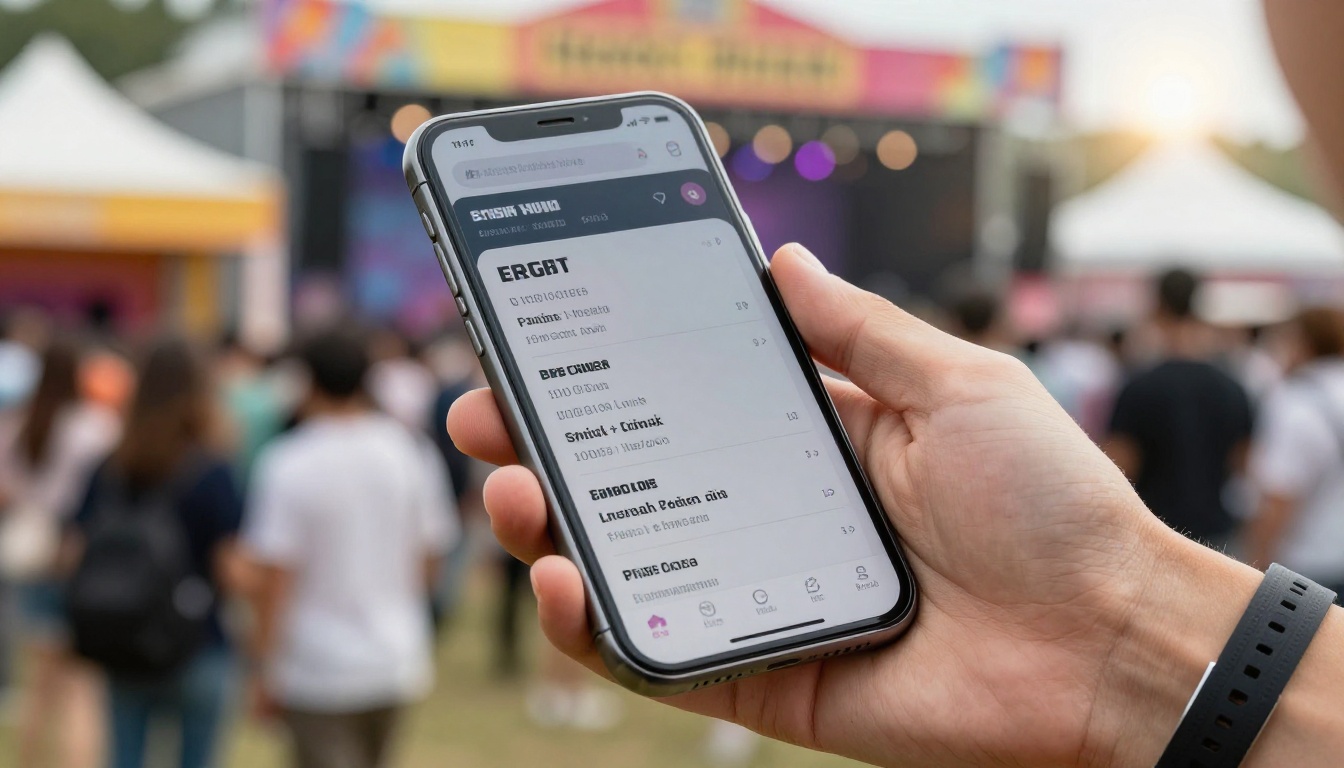
Over 70% of festival-goers will view your digital program on a smartphone. Always preview your flipbook on a mobile device before publishing. Flipbooks AI renders all flipbooks mobile-responsive by default, but your underlying PDF design still needs to be readable at small sizes. Large typography, generous spacing, and high-contrast color choices all make a real difference at thumbnail scale.
Skipping the Site Map
The site map is consistently the most-visited page in any festival program. Do not make it a small thumbnail buried on page 22. Give it a full double-page spread, make it high resolution, and label everything clearly, including bathrooms, medical stations, and phone charging stations.
Making the Most of Your Digital Program
The best festival flipbooks do not just inform. They build anticipation. They are the digital equivalent of pulling apart a vinyl album sleeve and spending an hour with the liner notes before you ever press play.
Design with that feeling in mind. Give headliners the full-page treatment. Let the photography breathe. Use your brand colors deliberately across every spread. Make every page worth the flip.
Your attendees will share it, screenshot it, and return to it in the days leading up to the event. That is organic momentum you cannot buy with a paid post or a press release.
The interactive format also changes how your festival is perceived before it even begins. A polished, professional flipbook signals organizational quality and care. Attendees notice the difference between an event that sent them a static file attachment and one that sent them a link to a beautifully designed interactive program. That perception carries through to how they talk about your event, recommend it to friends, and remember it afterward.
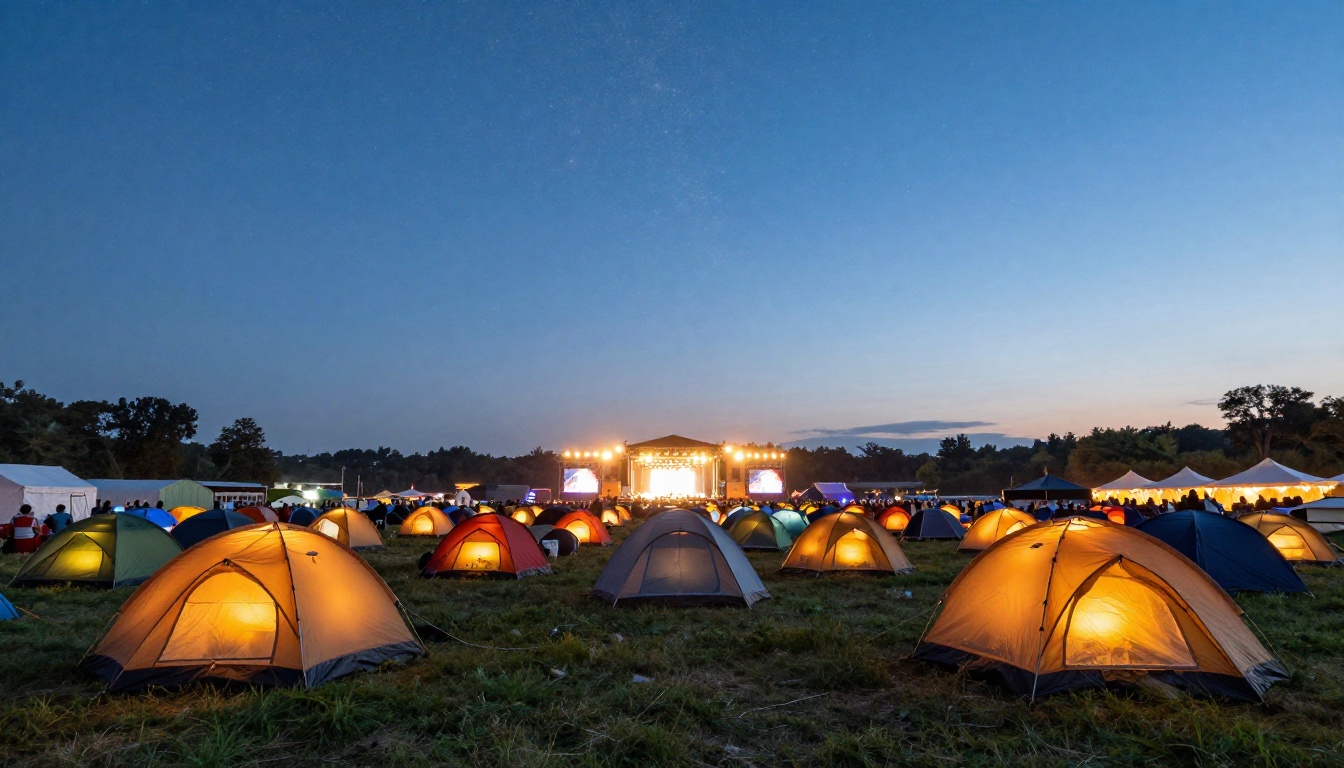
Start Building Your Festival Flipbook Today
Your festival lineup deserves more than a flat PDF or a cluttered social media post. A digital flipbook gives it the presentation it has earned and the shareability to reach far beyond your existing audience.
Ready to build it? Create your first flipbook free on Flipbooks AI. The Event Program Maker is built for exactly this kind of project. Browse all flipbook tools to see the full range of options available for festival organizers, and compare pricing plans to find the tier that fits your event budget.
The lineup announcement is already exciting. Make the program just as good.



