Creating professional marketing materials doesn't require graphic design expertise anymore. The reality is that most marketing professionals need to communicate visually but lack formal design training. This gap creates frustration, delays campaigns, and often results in substandard materials that don't reflect brand quality. Digital flipbooks solve this problem by providing structured formats where content organization and professional presentation happen automatically.

Restaurant owners can create interactive menus without design skills
Why Flipbooks Work for Non-Designers
Traditional design software like Adobe Creative Suite requires months of training. Most marketers don't have that time. Flipbook platforms provide templates, structured layouts, and automated formatting that eliminate design decisions. The system handles typography, spacing, and visual hierarchy automatically.
💡 Practical Tip: Focus on content quality rather than design perfection. Your customers care more about clear information than artistic flourishes.
Three core advantages make flipbooks accessible:
- Pre-built templates remove layout decisions
- Automatic formatting ensures consistency across pages
- Mobile-responsive design works without technical adjustments
The restaurant industry provides a perfect example. A typical restaurant menu needs frequent updates - seasonal changes, price adjustments, special promotions. With traditional methods, each update requires designer involvement. With Flipbooks AI, the restaurant owner uploads new photos, updates text, and the system creates a professional digital menu automatically.
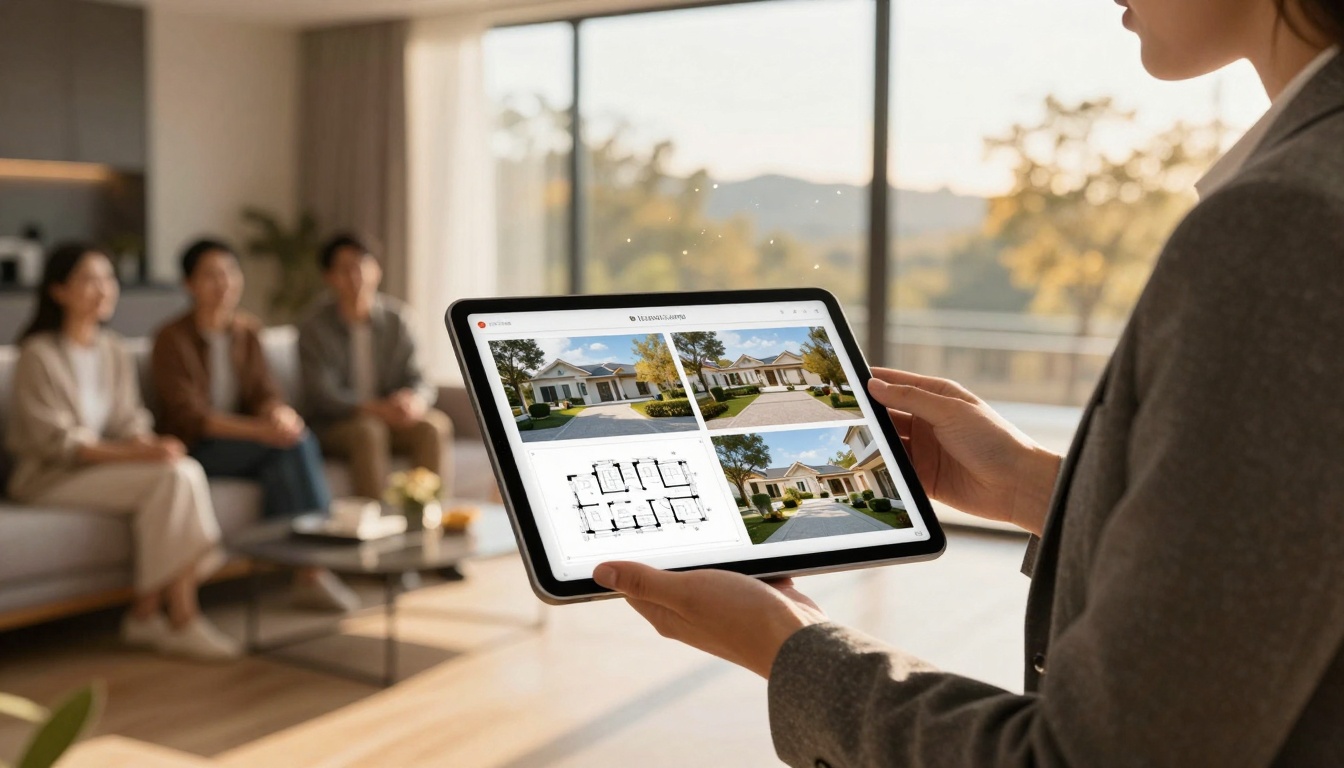
Real estate agents present properties professionally without design background
Business Applications That Don't Need Design Skills
Different industries have different requirements, but the common thread is content presentation without design overhead. Here's how various sectors implement flipbook marketing:
Hospitality and Restaurants
- Digital menus with photos and descriptions
- Hotel brochures showcasing amenities
- Event programs for weddings and conferences
The Restaurant Menu Creator tool simplifies this process significantly. Restaurant staff upload food photos, enter menu items with descriptions and prices, and the system creates an interactive menu. No design decisions about fonts, colors, or layouts required.
Real Estate and Property
- Property catalogs with floor plans
- Neighborhood guides for new residents
- Investment portfolios for commercial properties
Real estate agents use the Real Estate Brochure Creator to compile property listings. They add photos, floor plans, neighborhood information, and pricing details. The tool organizes this into a professional presentation that agents can share with clients via link or embed on their website.
Retail and Fashion
- Product catalogs with seasonal collections
- Lookbooks showcasing styling options
- Price lists with product specifications

Fashion retailers create catalogs by focusing on product photography
Fashion retailers benefit from the Fashion Catalog Creator. They upload product photography, add descriptions and sizes, and the system creates a shoppable catalog. The mobile-responsive design ensures customers can browse on any device without design adjustments.
| Business Type | Recommended Tool | Key Features | Design Skills Required |
|---|
| Restaurants | Menu Flipbook Designer | Food photography templates, pricing display, mobile optimization | None - template-based |
| Real Estate | Property Catalog Maker | Floor plan integration, neighborhood maps, virtual tour embedding | None - structured input |
| Retail | Product Catalog Generator | Product photography layouts, pricing tables, inventory display | None - automated formatting |
| Corporate | Annual Report Creator | Financial data visualization, executive bios, performance metrics | None - data-driven templates |
| Creative | Digital Portfolio Creator | Project showcases, client testimonials, creative work display | None - gallery templates |
✅ Best Practice: Choose the tool matching your content type rather than trying to force content into generic templates. Specialized tools provide better results with less effort.

Corporate teams create reports using data visualization templates
How to Create Your First Marketing Flipbook
The process follows a consistent pattern regardless of your industry or content type. Here's the step-by-step approach:
1. Content Preparation
Gather all materials before starting:
- Photos and images (product shots, property photos, food photography)
- Text content (descriptions, specifications, pricing)
- Additional assets (logos, brand colors, contact information)
2. Template Selection
Browse available templates on Flipbooks AI and choose one matching your content type. Don't overthink this - the system will handle visual design.
3. Content Input
Use the platform's interface to:
- Upload images with drag-and-drop
- Enter text in designated fields
- Set pricing or specifications in structured formats
4. Review and Publish
Preview the flipbook on different devices, make text adjustments if needed, then publish. The system generates a shareable link and embed code automatically.
⚠️ Common Mistake: Trying to customize design elements unnecessarily. Stick to template defaults for faster results and professional appearance.
Advanced Features Without Design Complexity
Modern flipbook platforms offer sophisticated features that appear designed but require zero design skills:
Interactive Elements
- Embedded videos within pages
- Audio narration for guided tours
- Hyperlinks to external resources
- Page transitions with realistic flipping effects
Analytics and Tracking
- Page view analytics showing reader engagement
- Time spent on each section
- Download tracking for offline access
- Lead generation forms integrated into flipbooks
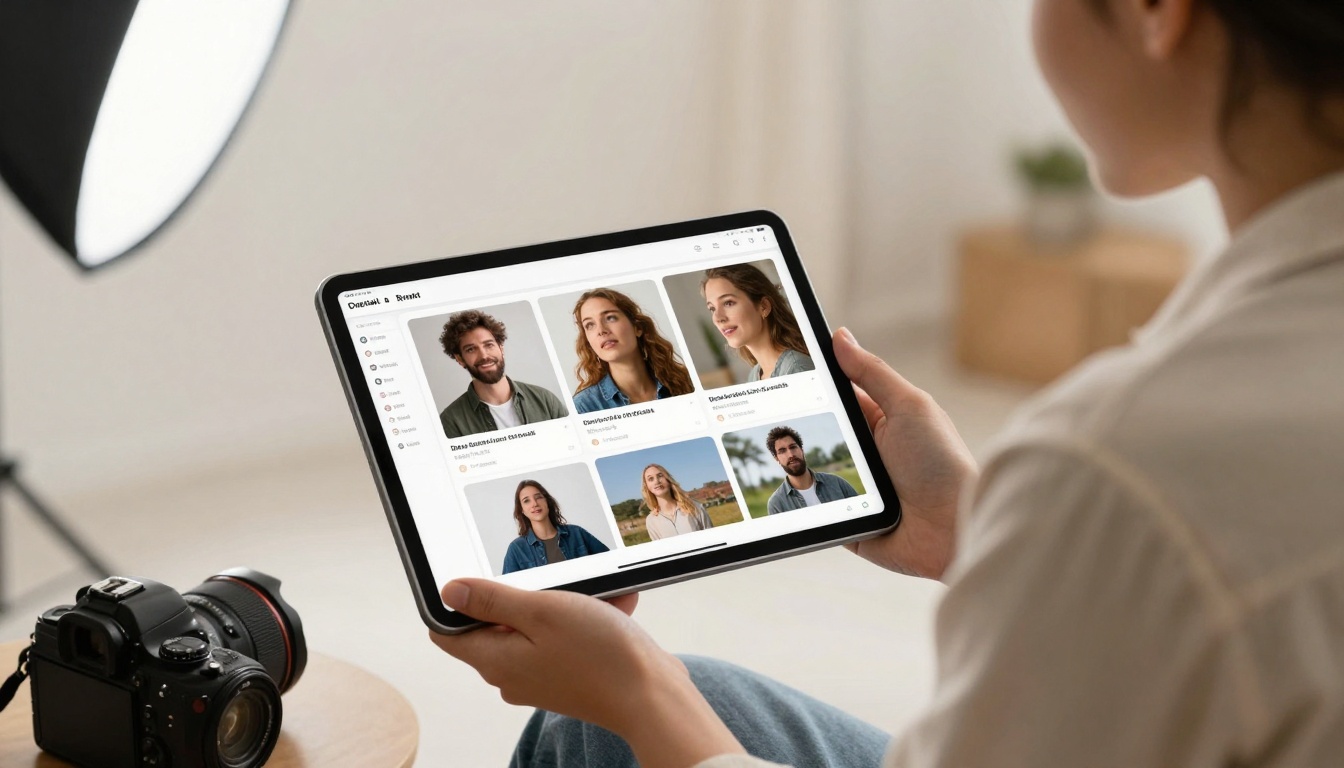
Photographers showcase work using portfolio-specific templates
Pricing and Plan Comparison
Understanding available options helps choose the right approach for your marketing needs:
| Plan | Monthly Cost | Flipbooks Included | Best For | Key Limitations |
|---|
| Basic | Free | 5 flipbooks | Testing the platform | Watermark on publications |
| Standard | €3/month | Unlimited | Small business marketing | Basic analytics only |
| Professional | €7/month | Unlimited | Marketing teams | Requires annual commitment |
| Lifetime | €200 one-time | Unlimited forever | Long-term users | No recurring updates |
The Standard plan at €3/month provides the best value for most businesses. It includes unlimited flipbooks, no watermarks, and basic sharing features. For marketing teams needing analytics and lead generation, the Professional plan at €7/month adds advanced tracking capabilities.
💡 Budget Tip: Start with the free plan to test the platform with actual content. Upgrade only when you need to remove watermarks or access advanced features.

Hotel managers create digital brochures using hospitality templates
Real-World Implementation Examples
Case Study: Restaurant Chain Menu Updates
A restaurant chain with 12 locations needed to update menus quarterly. Traditional methods required:
- Designer fees: €400 per update
- Timeline: 2 weeks per location
- Consistency issues between locations
Using Flipbooks AI:
- Cost: €3/month for Standard plan
- Timeline: 2 hours for all locations
- Consistency: Automated across all digital menus
- Additional benefit: Real-time price adjustments possible
Case Study: Real Estate Agency Property Listings
A mid-sized agency listing 50+ properties needed professional presentations. Traditional approach:
- External designer: €150 per property
- Update delays when properties sold
- Inconsistent formatting between agents
With the Real Estate Brochure Creator:
- Setup time: 30 minutes per property
- Updates: Instant when properties sell
- Formatting: Consistent across all listings
- Client experience: Professional presentation every time
Common Objections and Solutions
"I'm not tech-savvy enough"
The platforms designed specifically for non-technical users. The interface uses simple forms rather than complex design tools. Most users create their first flipbook within 15 minutes without training.
"My content isn't professional enough"
The system enhances existing content through professional templates. Even basic smartphone photos look better in structured layouts with proper typography and spacing.
"I don't have time to learn new tools"
The time investment is minutes not hours. The trade-off: spend 30 minutes creating a flipbook versus hours trying to design something in software you don't understand.
Event planners create programs using event-specific templates
Content Strategy Without Design Overhead
Regular Updates Keep Content Fresh
Digital flipbooks allow instant updates without design rework. When prices change, new products arrive, or services update, you modify text fields and republish. The design remains consistent.
Multi-Channel Distribution
Once created, flipbooks distribute across:
- Website embedding via simple code snippet
- Email marketing with direct links
- Social media sharing with preview images
- Sales presentations during client meetings
- Printed materials with QR code links
Performance Measurement
Built-in analytics show:
- Which pages engage readers most
- Time spent on different sections
- Download rates for offline access
- Lead generation from embedded forms
Technical Requirements Simplified
No Special Software Needed
Access through web browser on any device:
- Desktop computers
- Laptops
- Tablets
- Smartphones
File Format Compatibility
Upload common formats without conversion:
- Images: JPG, PNG, WebP
- Documents: PDF (for automatic conversion)
- Text: Direct input in platform forms
Integration Options
Connect with existing systems:
- CRM platforms for lead capture
- Email services for distribution
- Analytics tools for performance tracking
- Payment systems for e-commerce catalogs
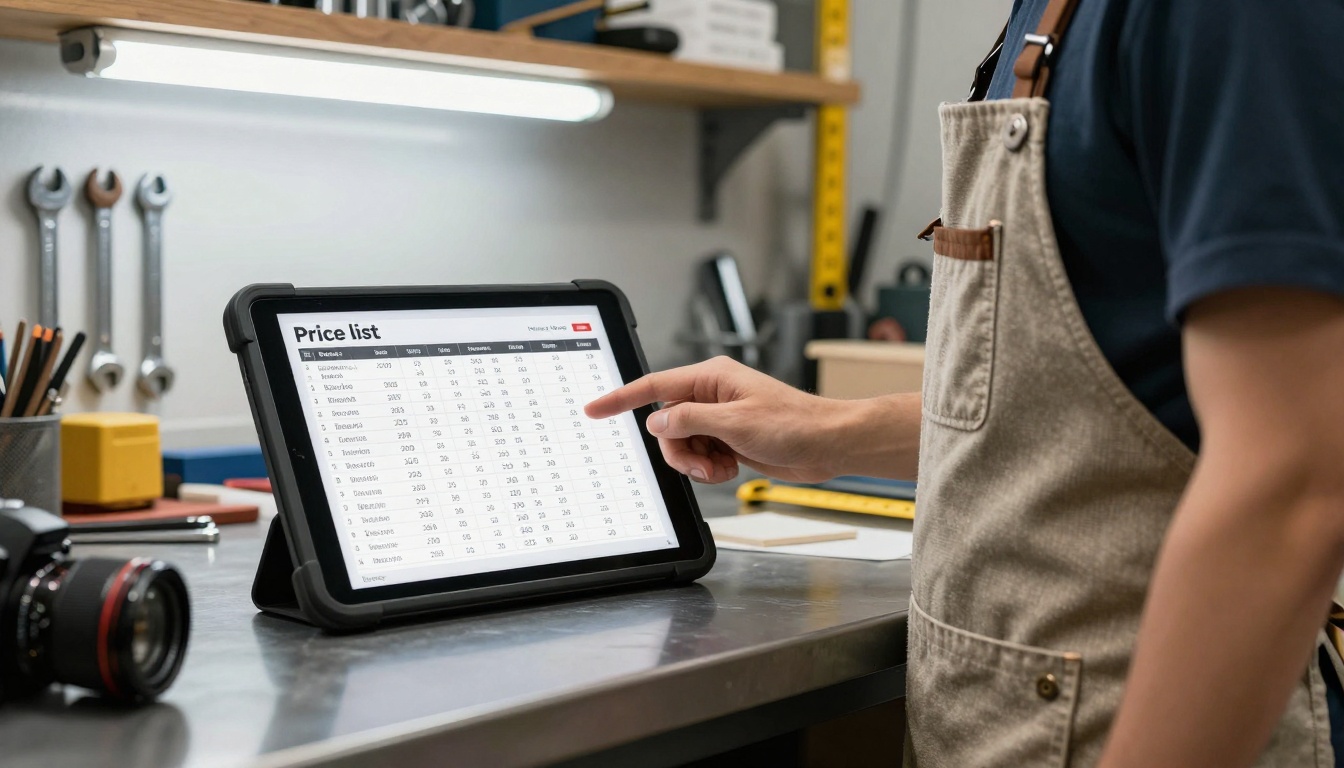
Small businesses create price lists using industrial templates
1. Content Audit
List existing marketing materials that could convert to flipbooks:
- Product sheets
- Service descriptions
- Price lists
- Event programs
- Portfolio samples
2. Platform Selection
Visit Flipbooks AI and browse available tools. Match your content type with specialized templates for better results.
3. Trial Implementation
Create one flipbook using the free plan to understand the process. Focus on content rather than design customization.
4. Scale Implementation
Once comfortable with the platform:
- Convert additional materials
- Train team members on the process
- Integrate into regular marketing workflows
- Measure performance against traditional methods
Maintenance and Updates
Regular Content Refreshes
Schedule quarterly reviews:
- Update pricing and specifications
- Add new products or services
- Refresh photography with current samples
- Incorporate customer testimonials
Performance Optimization
Monitor analytics monthly:
- Identify most engaging content sections
- Adjust based on reader behavior
- Test different distribution channels
- Refine based on conversion data
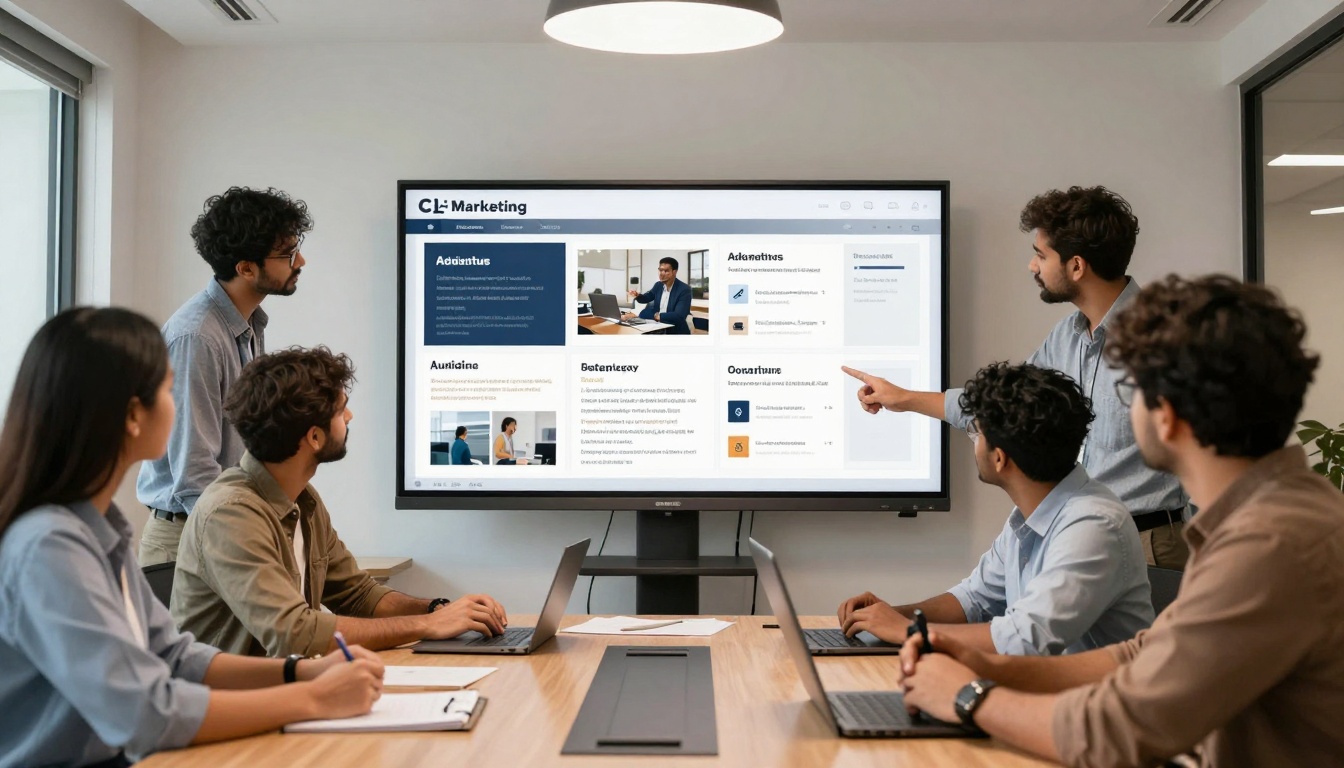
Marketing teams collaborate on flipbook campaigns using shared platforms
Final Implementation Checklist
Before launching your first flipbook marketing campaign:
The barrier to professional marketing materials has disappeared. Tools like Flipbooks AI provide structured approaches that eliminate design complexity while delivering professional results. Marketing teams across industries - from restaurants to real estate, retail to corporate communications - now create compelling flipbooks without design training.
Create your first flipbook today using the free plan on Flipbooks AI. Test with actual content rather than hypothetical scenarios. The platform's specialized tools for different industries mean you'll find templates matching your specific needs without design adjustments.
For teams needing advanced features, compare pricing plans to choose the right option. The Standard plan at €3/month removes watermarks and provides unlimited flipbooks - sufficient for most business marketing needs. Professional features like analytics and lead generation become available at €7/month for marketing teams requiring performance tracking.
Browse the complete tools directory to see specialized options for your industry. Whether creating restaurant menus, real estate brochures, product catalogs, or corporate reports, you'll find templates that work without design skills.



