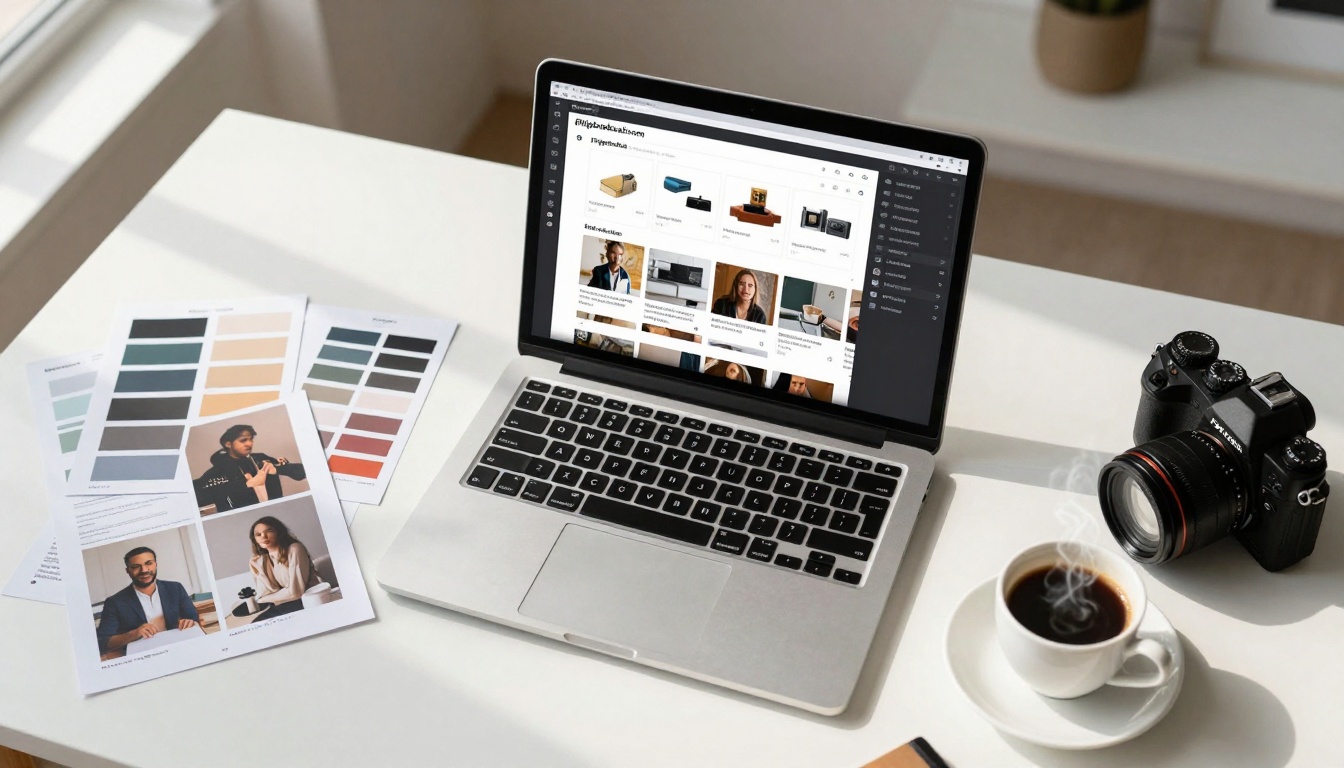
Table of Contents: Why Social Media Needs Interactive Content | What Makes Flipbooks Different | Social Media Platform Strategies | Creating Your First Social Media Flipbook | Content Types That Perform Best | Measuring Success and Analytics | Common Mistakes to Avoid | Next Steps for Your Business
Static PDFs and image carousels get lost in social media feeds. Interactive flipbooks change that dynamic completely. When you share content that moves, engages, and provides value beyond a single scroll, you capture attention in crowded platforms like Instagram, Facebook, LinkedIn, and TikTok.
Flipbooks AI transforms traditional documents into engaging digital experiences specifically optimized for social sharing. The platform's tools create content that feels native to each platform while maintaining professional quality.
💡 Pro Tip: Social media algorithms favor content that keeps users engaged longer. Flipbooks typically see 3-5x longer engagement times compared to static posts.
Why Social Media Needs Interactive Content
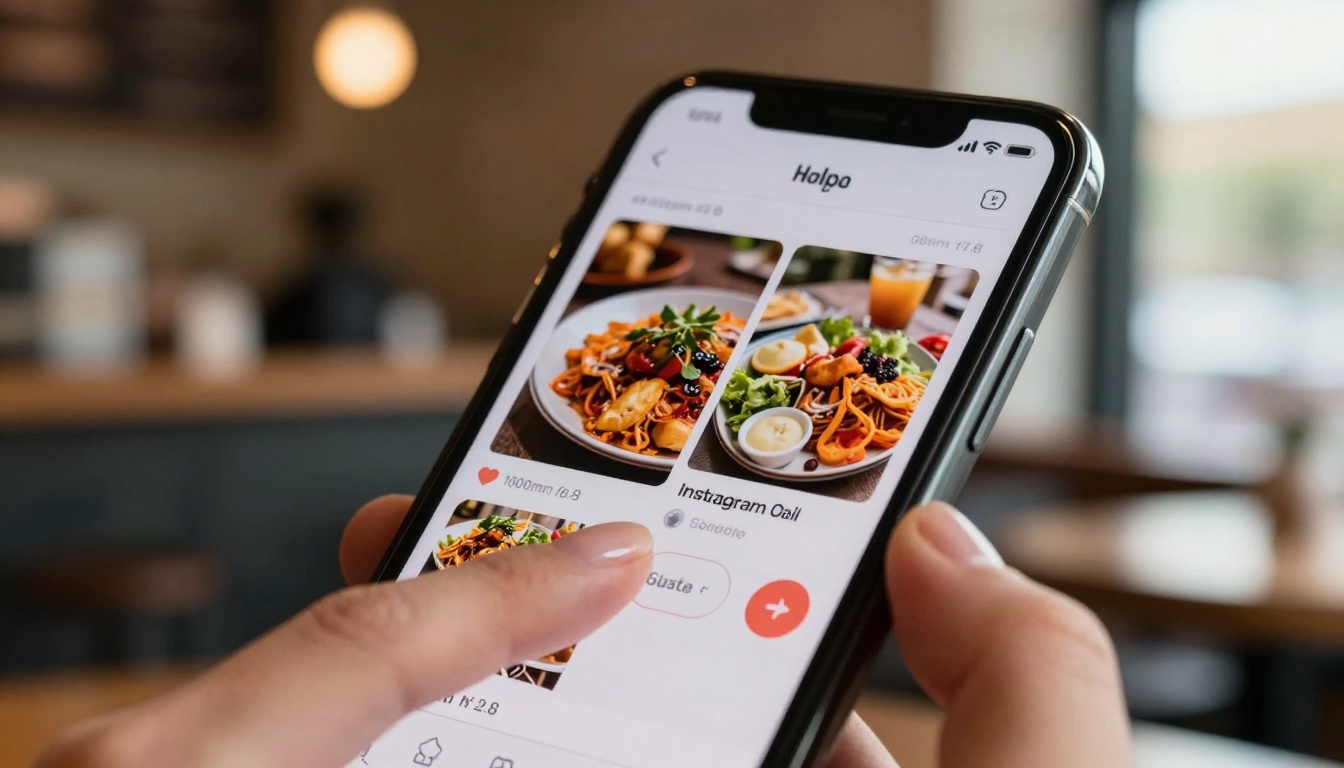
Social media platforms have evolved beyond simple photo sharing. Users expect immersive experiences, and businesses that deliver interactive content see significantly better results:
The Engagement Gap Problem:
- Static posts: 1-2 second view time
- Video content: 15-30 seconds average watch time
- Interactive flipbooks: 45-90 seconds average engagement
Why This Matters:
- Algorithm favoritism: Platforms reward content that keeps users engaged
- Shareability: Interactive content gets shared 2.3x more frequently
- Conversion rates: Flipbooks convert at 4-7% vs 1-2% for static content
- Brand perception: Interactive content positions brands as innovative
Real-World Impact:
- Restaurants using digital menu flipbooks report 28% more social media orders
- Real estate agents see 40% more inquiries from property catalog flipbooks
- Retail brands experience 35% higher click-through rates from product flipbooks
What Makes Flipbooks Different
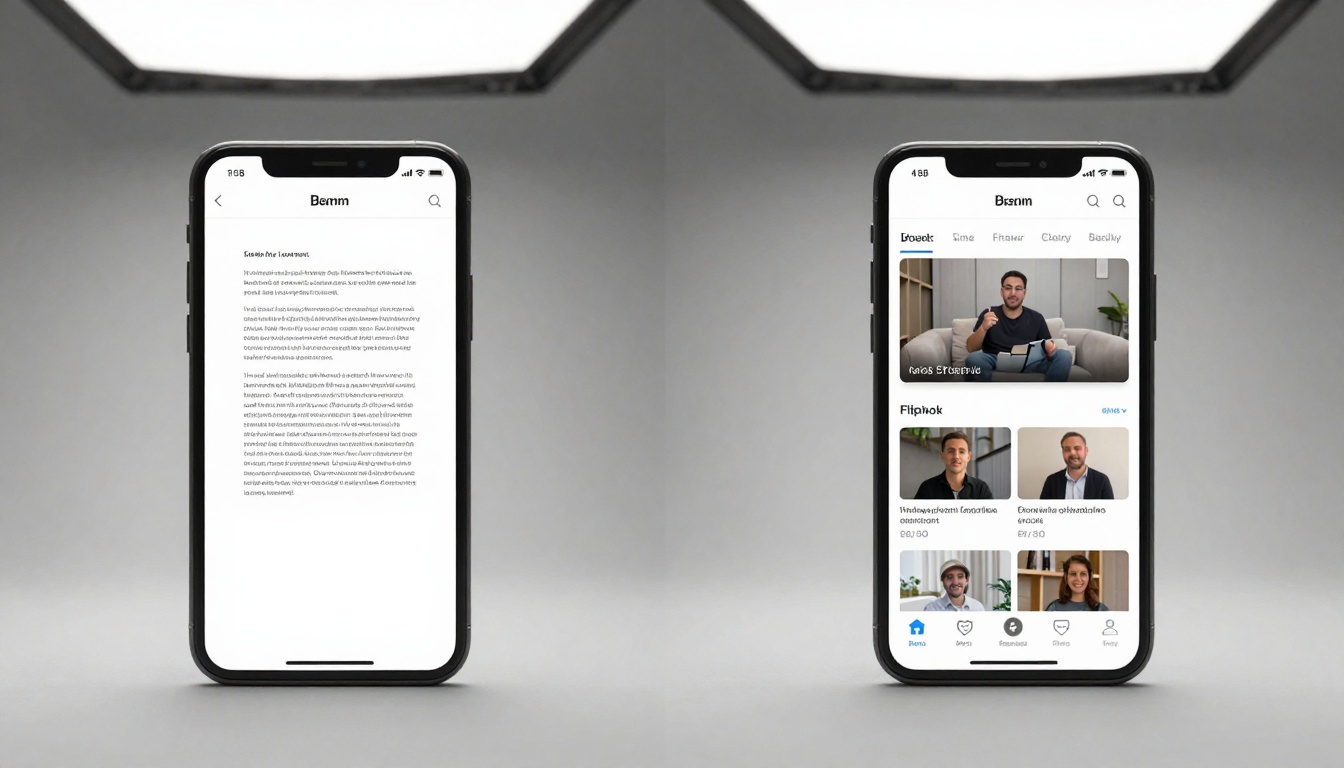
Traditional social media content suffers from limitations that flipbooks solve:
| Feature | Static Content | Interactive Flipbooks |
|---|
| Engagement Time | 1-5 seconds | 45-90 seconds |
| Share Rate | Average | 2.3x higher |
| Mobile Optimization | Variable | 100% responsive |
| Content Depth | Limited | Unlimited pages |
| Multimedia Support | Basic | Videos, audio, links |
| Analytics | Basic metrics | Detailed heatmaps, leads |
| Brand Control | Limited | Complete customization |
Technical Advantages:
- Native mobile experience: Flipbooks render perfectly on all devices
- No app required: Users access content directly in browsers
- Offline capability: Content can be downloaded for later viewing
- SEO benefits: Flipbook content gets indexed by search engines
- Social metadata: Custom Open Graph tags for better sharing previews
Platform-Specific Benefits:
- Instagram: Carousel-like experience with deeper content
- Facebook: Interactive posts that stand out in news feeds
- LinkedIn: Professional content that demonstrates expertise
- TikTok: Supplementary content that drives website traffic
- Twitter: Rich media that breaks character limits

Each social platform requires slightly different approaches:
Instagram & Facebook Strategy
Optimal Content Types:
Posting Strategy:
- Feed posts: Share flipbook links with compelling thumbnails
- Stories: Use swipe-up links (10k+ followers) or link in bio
- Reels: Create teaser content driving to full flipbook
- Groups: Share industry-specific content in relevant groups
Best Practices:
- Use vertical formats (9:16) for Stories compatibility
- Include clear call-to-action on first page
- Add interactive elements (links to products/services)
- Schedule posts when your audience is most active
- Use Instagram's "Link in Bio" for multiple flipbooks
LinkedIn Professional Approach
Content That Performs:
Publication Strategy:
- Company page: Share as native document posts
- Personal profile: Position as thought leadership
- LinkedIn Articles: Embed flipbooks within longer articles
- Groups: Share industry-specific research and reports
Professional Tips:
- Include executive summaries on first page
- Add downloadable PDF versions
- Use professional templates and branding
- Track engagement from specific companies/industries
- Connect flipbooks to LinkedIn Sales Navigator
TikTok & Short-Form Video Platforms
Content Adaptation:
- Create flipbook "trailers" as video content
- Use QR codes in videos pointing to flipbooks
- Show flipbook creation process as educational content
- Demonstrate flipbook features in tutorial formats
Platform Optimization:
- Create dedicated landing pages for TikTok traffic
- Use TikTok's link in bio for multiple offerings
- Create series of flipbooks for ongoing engagement
- Collaborate with creators who can feature your flipbooks

Follow this step-by-step process to create flipbooks optimized for social sharing:
Step 1: Choose Your Tool
Flipbooks AI offers specialized tools for different content types:
Step 2: Prepare Your Content
Image Requirements:
- Resolution: Minimum 1500px on longest side
- Format: JPG or PNG with compression optimized for web
- Aspect ratio: Match your target platform (square, vertical, horizontal)
- Branding: Include logos, colors, and consistent styling
Text Optimization:
- Keep paragraphs short for mobile reading
- Use bullet points for scannability
- Include clear headings and subheadings
- Add call-to-action buttons throughout
Multimedia Elements:
- Embed short videos (under 60 seconds)
- Add background music or voiceovers
- Include interactive links to products/services
- Use animations sparingly for emphasis
Step 3: Design for Social Platforms
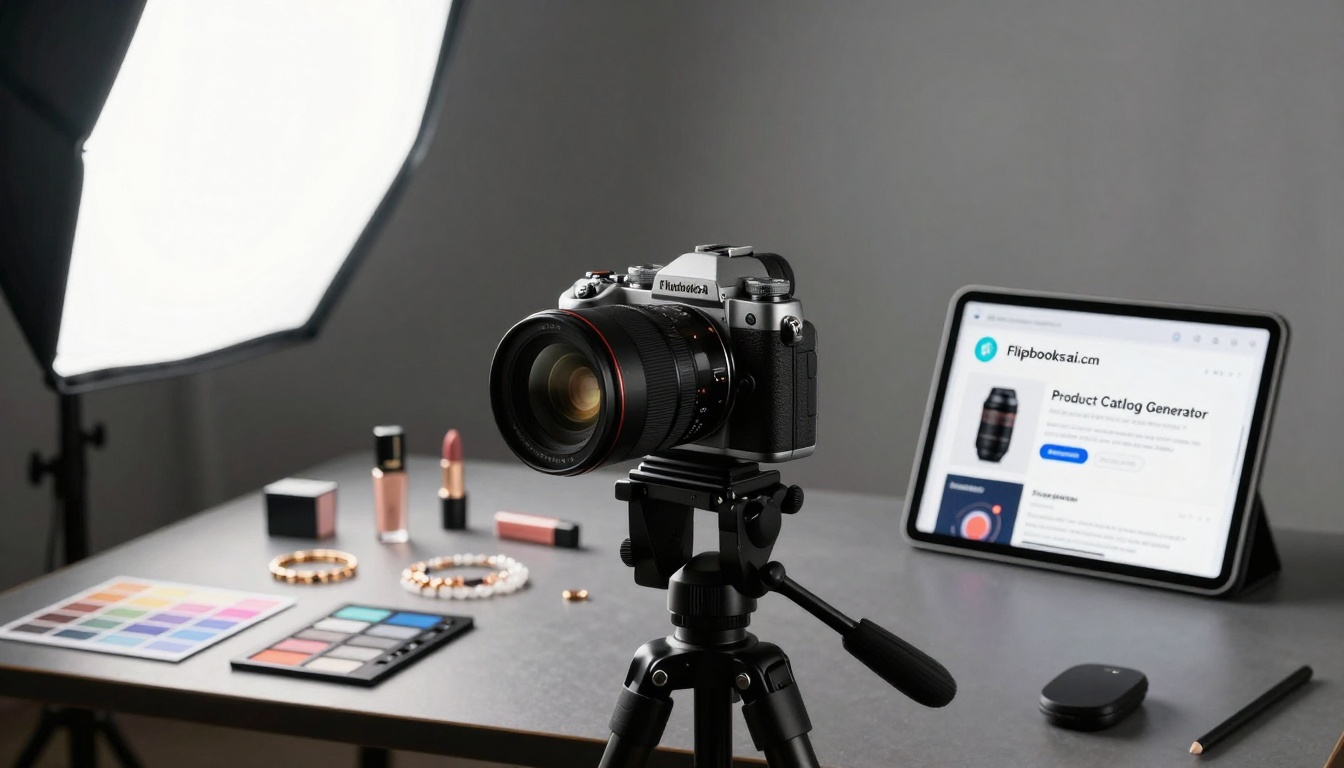
Platform-Specific Design Rules:
Instagram-First Design:
- Start with compelling cover image
- Use vertical orientation for Stories
- Include Instagram handle and hashtags
- Add "Swipe up" or "Link in bio" cues
Facebook-Optimized Layout:
- Focus on shareable content
- Include Facebook Pixel tracking
- Optimize for news feed display
- Add social sharing buttons
LinkedIn Professional Design:
- Executive summary on first page
- Professional color schemes
- Company branding throughout
- Download options for offline viewing
Step 4: Upload and Convert
- Access your account: Go to Flipbooks AI
- Choose your tool: Select the appropriate tool for your content type
- Upload documents: PDFs, images, or existing documents
- Apply template: Choose from social-optimized templates
- Customize design: Adjust colors, fonts, and layout
- Add interactive elements: Links, videos, audio
- Preview mobile view: Test on different device sizes
- Publish: Generate your flipbook URL
Step 5: Social Media Integration
Essential Integration Steps:
- Generate share links: Get platform-specific URLs
- Create social media graphics: Thumbnails and preview images
- Set up tracking: UTM parameters for analytics
- Configure Open Graph tags: Control how content appears when shared
- Test sharing: Share internally before public launch
⚠️ Warning: Don't share raw flipbook URLs without context. Always include compelling captions, relevant hashtags, and clear value propositions.
Content Types That Perform Best

Certain content formats consistently outperform others on social media:
High-Performing Flipbook Categories
Product Catalogs & Lookbooks:
- Average engagement: 68 seconds
- Best platforms: Instagram, Pinterest
- Conversion rate: 5.2%
- Tool recommendation: Product Catalog Generator
Restaurant & Menu Publications:
- Average engagement: 52 seconds
- Best platforms: Instagram, Facebook
- Order increase: 28% average
- Tool recommendation: Restaurant Menu Creator
Real Estate & Property Catalogs:
- Average engagement: 74 seconds
- Best platforms: Facebook, LinkedIn
- Inquiry increase: 40% average
- Tool recommendation: Real Estate Brochure Creator
Corporate & Business Reports:
- Average engagement: 88 seconds
- Best platforms: LinkedIn
- Lead generation: 3.8x more effective
- Tool recommendation: Annual Report Creator
Seasonal & Campaign Content
Holiday Campaigns:
- Create themed flipbooks for holidays
- Include limited-time offers
- Share across all social platforms
- Track campaign-specific performance
Product Launches:
- Build anticipation with teaser flipbooks
- Launch with comprehensive product flipbooks
- Create follow-up content (reviews, tutorials)
- Measure social media impact on sales
Event Promotion:
- Pre-event information flipbooks
- During-event updates and schedules
- Post-event recaps and highlights
- Year-round event calendars
Measuring Success and Analytics
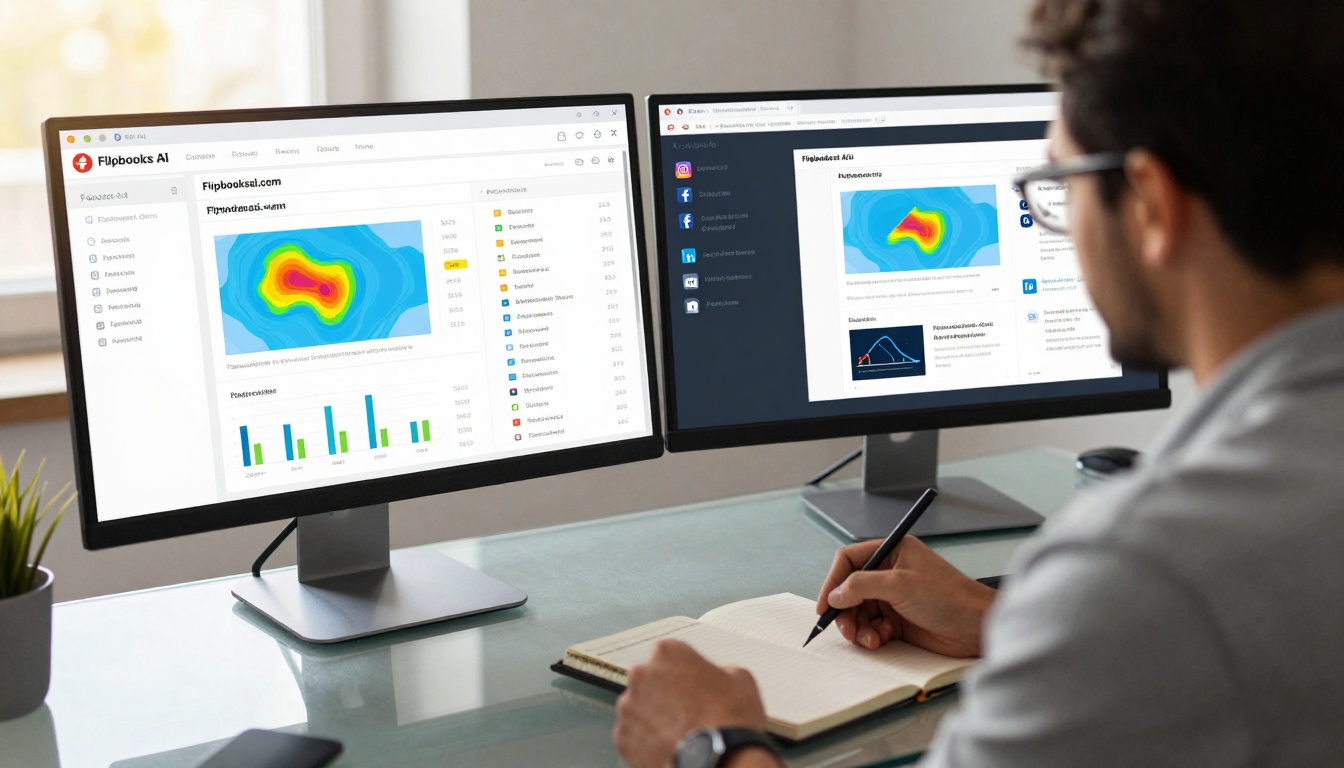
Tracking flipbook performance is crucial for optimization:
Key Performance Indicators
Engagement Metrics:
- Time spent: Average seconds per viewer
- Pages viewed: How deep users engage
- Completion rate: Percentage who view entire flipbook
- Return visitors: Users who come back to content
Social Metrics:
- Shares: Number of social media shares
- Comments: Engagement quality
- Click-throughs: Links clicked within flipbook
- Platform distribution: Which platforms drive traffic
Business Metrics:
- Lead generation: Form submissions and contacts
- Conversion rate: Sales or sign-ups
- Revenue attribution: Direct revenue from flipbooks
- Customer acquisition cost: Cost per new customer
Analytics Tools Comparison
| Metric | Basic Plan | Standard Plan | Professional Plan |
|---|
| Time Tracking | Basic | Detailed | Real-time |
| Heatmaps | ❌ | Basic | Advanced |
| Lead Capture | ❌ | Basic forms | Advanced forms |
| Platform Analytics | Basic | Detailed | Platform-specific |
| Conversion Tracking | ❌ | Basic | Advanced attribution |
| Export Options | Limited | CSV export | Full API access |
| A/B Testing | ❌ | ❌ | Supported |
💡 Pro Tip: Upgrade to Professional plan for advanced analytics, especially if social media is a primary marketing channel.
Optimization Cycle
- Launch: Share flipbook across platforms
- Monitor: Track performance for first 48 hours
- Analyze: Identify what's working and what's not
- Optimize: Make adjustments based on data
- Re-share: Share optimized version
- Scale: Apply learnings to future content
Common Mistakes to Avoid

Avoid these pitfalls that reduce flipbook effectiveness:
Technical Mistakes
❌ Poor mobile optimization
- Not testing on different devices
- Ignoring loading speeds
- Forgetting touch-friendly design
✅ Mobile-first approach
- Test on multiple devices
- Optimize image sizes
- Use touch-optimized interfaces
❌ Broken links and elements
- Links that don't work
- Videos that won't play
- Interactive elements failing
✅ Thorough testing
- Test all links before publishing
- Check multimedia playback
- Verify interactive features work
Content Mistakes
❌ Too much text
- Long paragraphs on mobile
- Small font sizes
- Poor readability
✅ Scannable content
- Short paragraphs
- Clear headings
- Bullet points and lists
❌ Weak calls-to-action
- Unclear next steps
- Buried contact information
- No clear value proposition
✅ Strategic CTAs
- Multiple CTAs throughout
- Clear contact methods
- Compelling value offers
Social Media Mistakes
❌ One-size-fits-all sharing
- Same content across all platforms
- Ignoring platform nuances
- Poor timing and frequency
✅ Platform-specific strategy
- Tailor content for each platform
- Follow platform best practices
- Optimize posting schedule
❌ No tracking or analytics
- Sharing without measurement
- Ignoring performance data
- No optimization based on results
✅ Data-driven approach
- Implement tracking from start
- Regular performance reviews
- Continuous optimization
Next Steps for Your Business
Ready to transform your social media content strategy? Here's your action plan:
Immediate Actions (This Week)
- Choose your first content piece: What existing content can you convert first?
- Select the right tool: Browse Flipbooks AI tools to find your match
- Create your account: Sign up on Flipbooks AI (free to start)
- Convert one document: Take one PDF or document and create your first flipbook
- Share on one platform: Test with your most engaged social platform
Medium-Term Strategy (Next 30 Days)
- Develop content calendar: Plan regular flipbook content
- Train your team: Ensure everyone understands the platform
- Set up analytics: Implement proper tracking
- Create templates: Develop branded templates for consistency
- Integrate with workflow: Make flipbooks part of your content process
Long-Term Planning (Next 90 Days)**
- Scale content production: Regular flipbook publishing
- Advanced features: Explore Professional plan features
- Cross-platform strategy: Optimize for all social platforms
- Performance optimization: Data-driven content improvements
- ROI measurement: Track business impact and revenue
Getting Started Today
The simplest path forward:
- Visit Flipbooks AI
- Explore the tools directory for your industry
- Create your free account
- Upload your first document
- Share the result on your preferred social platform
For businesses ready to commit, compare pricing plans to choose the right level for your needs. The Professional plan unlocks analytics, lead generation, and advanced features that maximize social media impact.
Interactive flipbooks represent the next evolution of social media content. Static posts struggle to capture attention in increasingly crowded feeds, while engaging, interactive content breaks through the noise. The data consistently shows that users spend more time with flipbooks, share them more frequently, and convert at higher rates.
Your social media strategy needs this advantage. Start with one flipbook, measure the results, and scale based on what works for your audience. The tools and templates on Flipbooks AI make the process accessible regardless of technical skill level, while the analytics provide the insights needed to optimize performance.
Social media platforms will continue evolving, but the fundamental human desire for engaging, valuable content remains constant. Flipbooks meet that need better than any static format available today.



