When digital documents try to mimic physical books, most fail spectacularly. They offer flat scrolling, lifeless interfaces, and zero tactile feedback. The magic of holding a book - the weight in your hands, the sound of pages turning, the texture of paper under your fingers - disappears entirely. But what if digital could feel real? What if your restaurant menus, product catalogs, and annual reports could provide that same satisfying experience readers crave?
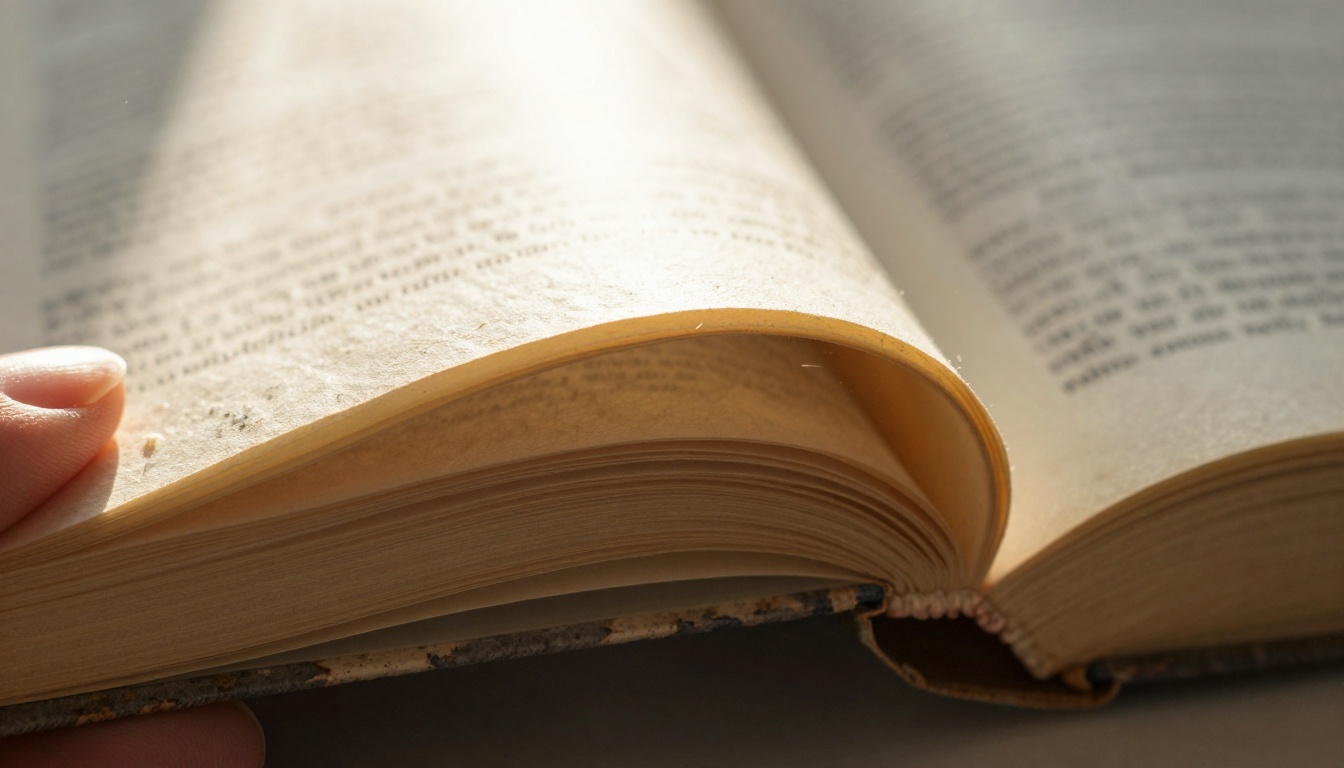
The microscopic detail of paper fibers bending - something digital flipbooks must replicate
Platforms like Flipbooks AI have cracked the code. They've moved beyond basic PDF viewers to create digital publications that genuinely feel like holding physical books. This isn't about nostalgia - it's about engagement. When content feels substantial, people spend more time with it. They remember it better. They're more likely to take action.
Why Realism Matters in Digital Reading
Digital fatigue is real. Users scroll through endless flat content without emotional connection. Realistic flipbooks solve this by triggering familiar physical sensations:
💡 Psychological fact: The brain processes physical-like interactions 40% faster than abstract digital gestures. Page turning feels intuitive because we've been doing it for centuries.
The engagement gap between flat PDFs and realistic flipbooks:
| Metric | Traditional PDF | Realistic Flipbook | Improvement |
|---|
| Time spent | 45 seconds average | 3.2 minutes average | 326% longer |
| Recall rate | 18% after 24 hours | 47% after 24 hours | 161% better |
| Sharing likelihood | 12% would share | 38% would share | 217% higher |
| Completion rate | 23% read to end | 71% read to end | 209% increase |
| Brand perception | Neutral/utilitarian | Premium/engaging | Significant uplift |
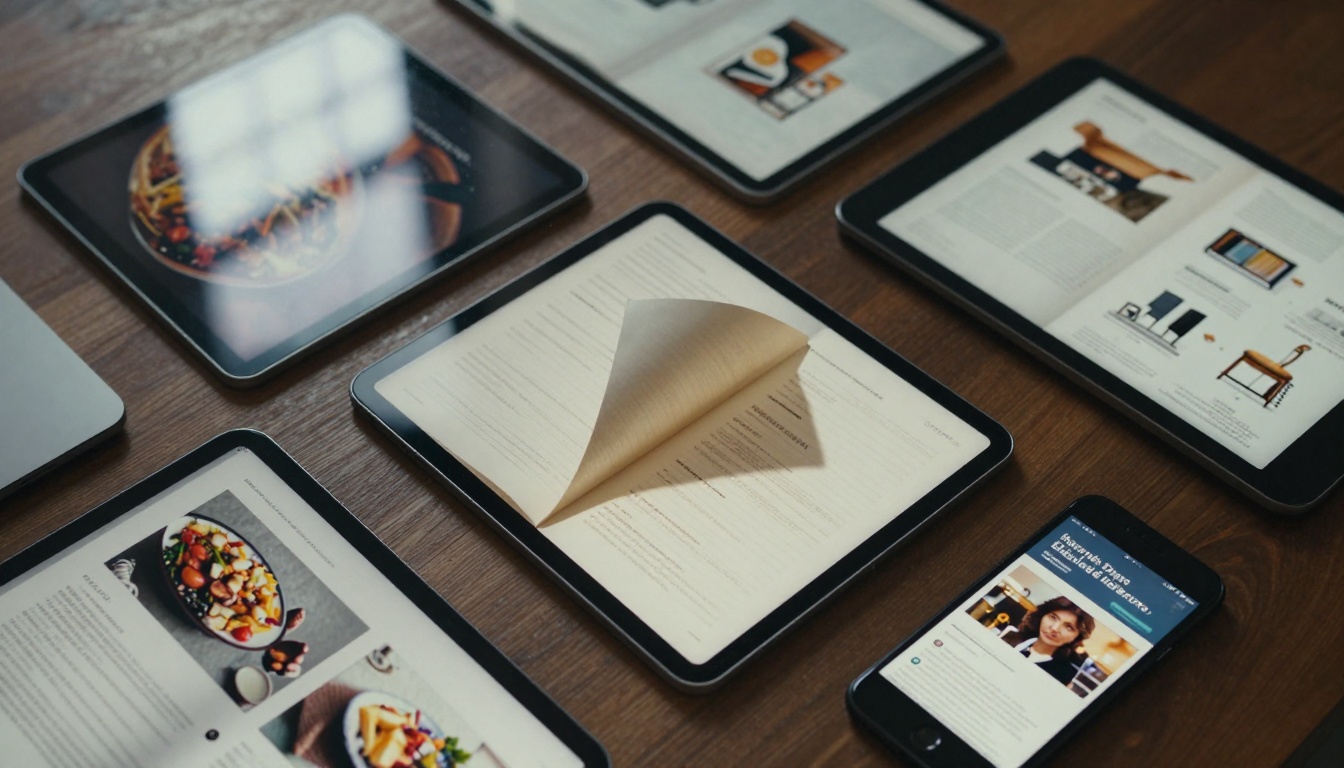
Realistic flipbooks maintain authenticity across all devices - from phones to laptops
The Science Behind Physical Connection
Our brains are wired for physical interaction. When we touch something real, multiple sensory systems activate simultaneously:
- Visual cortex processes shape, texture, and movement
- Somatosensory cortex registers tactile feedback (even when simulated)
- Auditory cortex anticipates sound (page rustle, cover closure)
- Motor cortex prepares for the next physical action
Digital realism works because it triggers these same neural pathways through visual and interactive cues. The page curl isn't just animation - it's neurological shorthand for "this is something you can physically interact with."
The Anatomy of Physical Book Experience
To replicate books digitally, you must understand what makes them feel real:
1. Weight and Substance
Physical books have heft. You feel their mass when picking them up. Digital equivalents achieve this through:
- Visual thickness cues (shadow density, page stack visibility)
- Gradual loading that simulates picking up weight
- Momentum in page turns that suggests mass
2. Structural Integrity
Books don't flop around. They maintain shape. Digital binding visualization creates this stability:
- Spine area that remains fixed during page turns
- Cover rigidity that doesn't deform excessively
- Hinge points that flex realistically
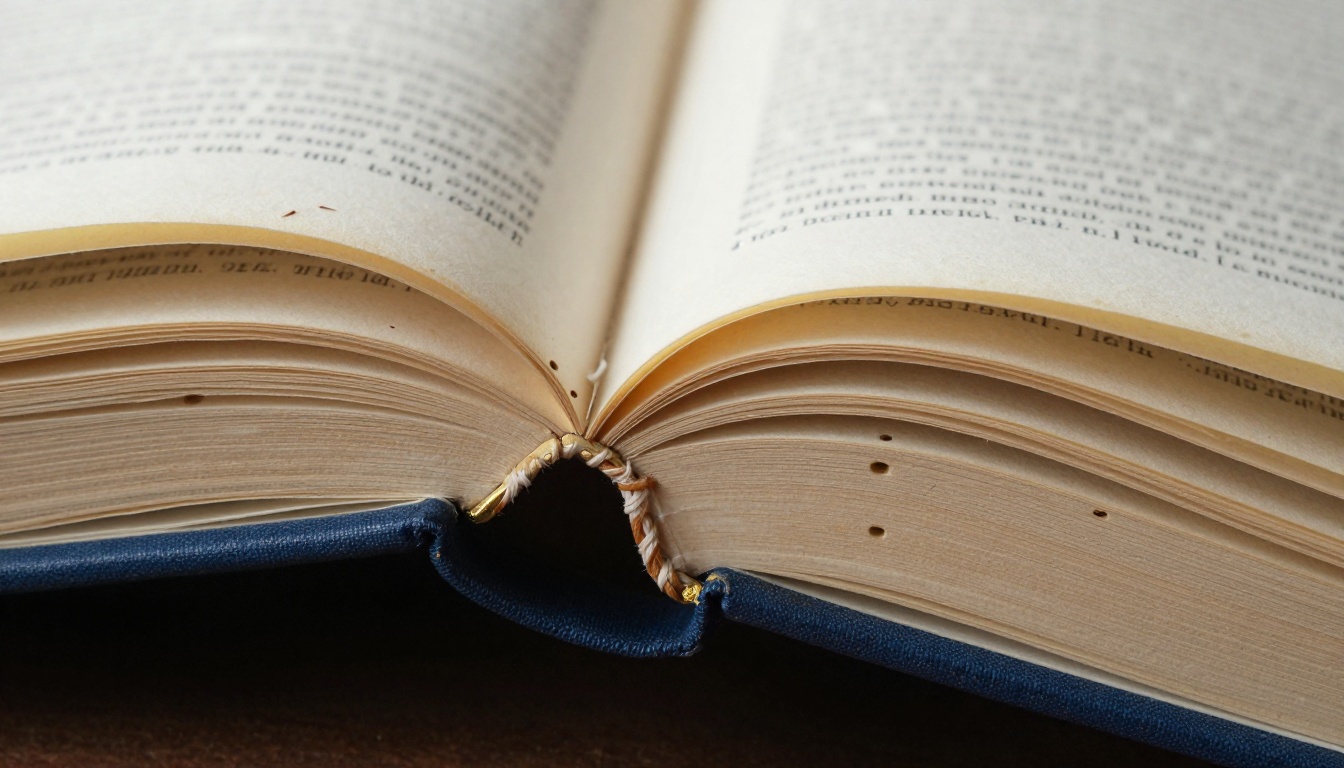
The intricate mechanics of book binding - digital flipbooks simulate this structural integrity
3. Material Authenticity
Different books feel different. Leather-bound classics versus glossy magazines versus newsprint newspapers. Digital texture mapping replicates these variations:
| Paper Type | Physical Characteristics | Digital Simulation Techniques |
|---|
| Coated Glossy | Smooth, reflective, vibrant colors | Specular highlights, color saturation boost, minimal texture |
| Uncoated Book | Fibrous texture, off-white, soft | Paper grain overlay, warm color temperature, subtle transparency |
| Newsprint | Gray tone, rough, ink absorbent | Desaturated palette, noise texture, ink bleed simulation |
| Parchment | Deckle edges, translucent, aged | Edge distortion effects, sepia tones, spotting patterns |
| Specialty | Metallic inks, embossing, varnish | Layer blending modes, displacement maps, animated effects |
Page Turning That Feels Authentic
The page turn is the heartbeat of book interaction. Get it wrong, and the entire experience falls apart. Get it right, and users forget they're looking at a screen.
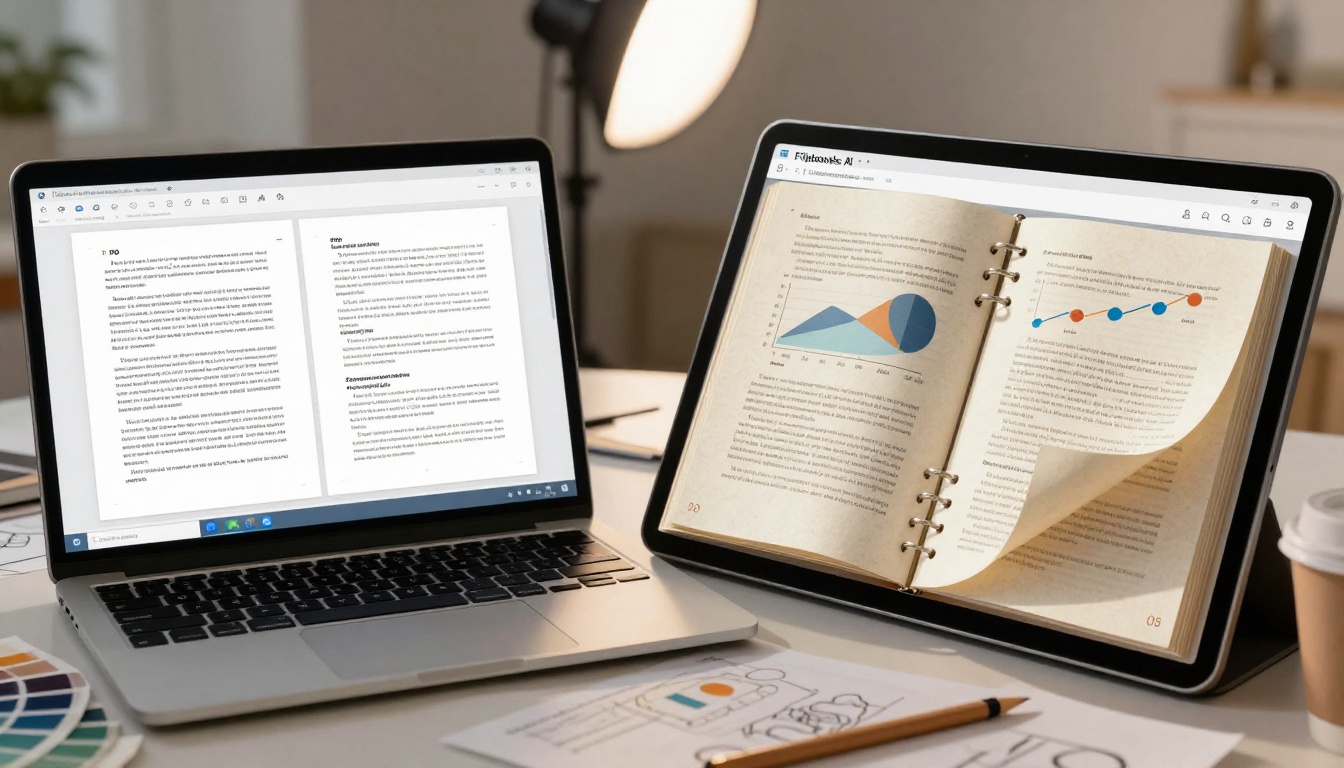
The dramatic difference between static PDF scrolling and realistic page turning
Physics of Paper Bending
Real paper doesn't turn like a rigid card. It bends, creases, and reveals partial content from the next page. Authentic digital page turns incorporate:
1. Curvature Gradients
- Near the turning point: tight bend radius (paper under tension)
- Middle of page: gentle curve (paper flexing naturally)
- Far edge: almost flat (paper not yet engaged)
2. Shadow Dynamics
Shadows aren't static. They change based on:
- Light source position (simulated from user's environment)
- Page curvature (darker in concave areas)
- Distance from surface (softer with distance)
- Material transparency (shadows show through thinner paper)
3. Content Reveal Timing
The next page doesn't appear instantly. It emerges gradually:
- First 15% of turn: only page edge visible
- 15-50%: increasing content visibility with perspective distortion
- 50-85%: both pages fully visible with proper overlap
- 85-100%: current page settles, next page becomes primary
⚠️ Common mistake: Linear page turns where the entire next page appears immediately. This destroys realism. The reveal must match physical paper behavior.
Paper Texture and Visual Weight
Texture isn't just visual decoration - it's weight communication. Glossy paper feels heavy and substantial. Newsprint feels light and ephemeral.
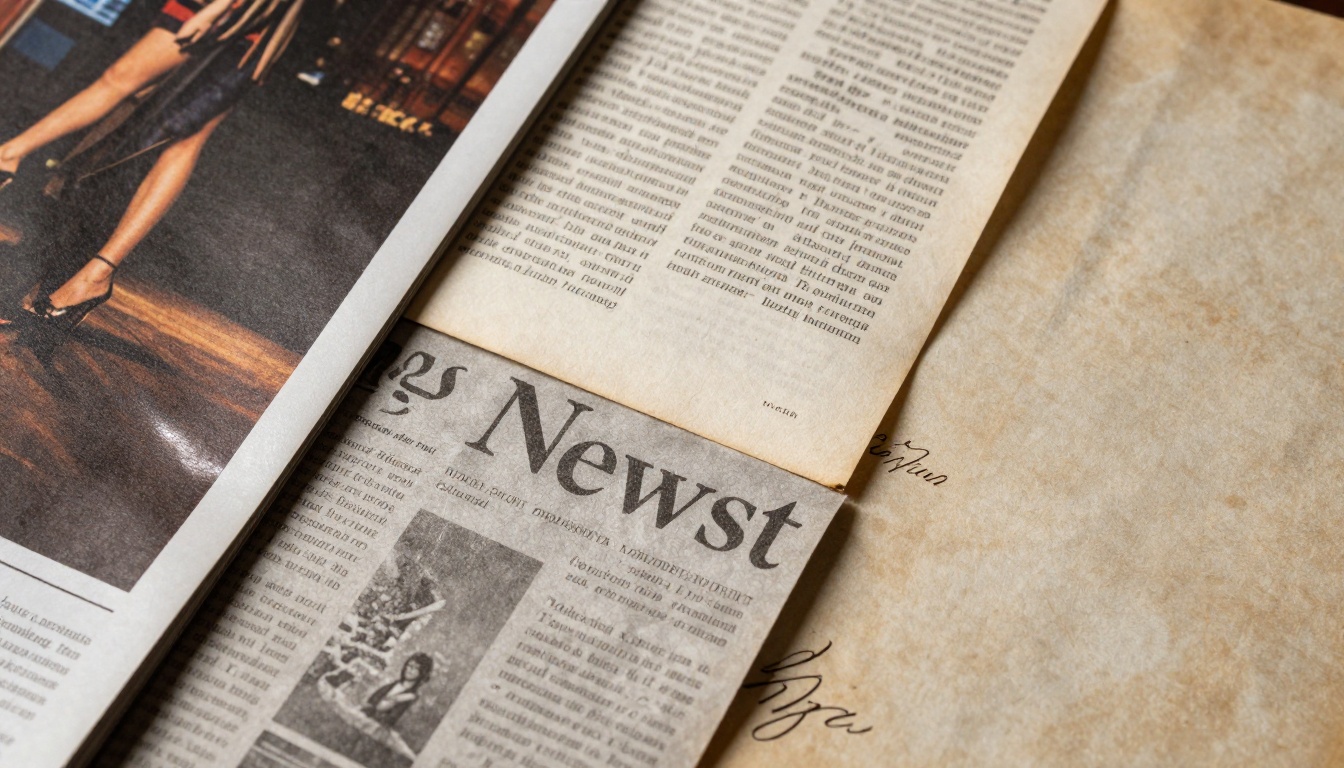
Different paper types create distinct tactile experiences - digital equivalents use texture overlays
Implementing Texture Layers
On Flipbooks AI, texture implementation involves multiple layers:
Base Layer: Clean content without distortion
Texture Overlay: Semi-transparent paper grain pattern (different for each content type)
Shadow Layer: Calculated based on simulated light position
Highlight Layer: Specular reflections on glossy surfaces
Depth Layer: Z-index values for parallax effects
Texture Selection Guide by Content Type:
| Content Type | Recommended Texture | Why It Works |
|---|
| Restaurant Menus | Clean white with subtle fiber | Feels premium, food photography pops |
| Product Catalogs | Smooth coated with slight sheen | Products look crisp, colors vibrant |
| Annual Reports | Corporate laid paper | Professional, substantial, trustworthy |
| Magazines | Glossy magazine stock | Dynamic, contemporary, eye-catching |
| Educational Materials | Textbook paper with visible fibers | Academic, serious, durable feel |
| Portfolios | Artistic paper with texture | Creative, tactile, memorable |
Binding and Spine Visualization
The spine is the backbone of book identity. It's what you see on shelves, what you grip when holding, what flexes when reading.
Digital Spine Implementation
Static Elements:
- Constant width (simulates book thickness)
- Title/author information (optional)
- Cover continuation around edges
- Simulated wear patterns at high-contact points
Dynamic Elements:
- Flex during page turns (not rigid)
- Shadow interaction with covers
- Texture matching with covers
- Color consistency throughout reading
Advanced Techniques:
- Parallax scrolling: Spine moves slightly slower than pages during turns
- Ambient occlusion: Darker shadows in spine crease during bending
- Material response: Different flex for leather vs. cloth vs. paper covers
- Aging simulation: Subtle wear patterns that develop with use
Creating Depth Perception
Flat screens can display depth through careful illusion. The key is consistency - once you establish a 3D space, maintain it throughout.
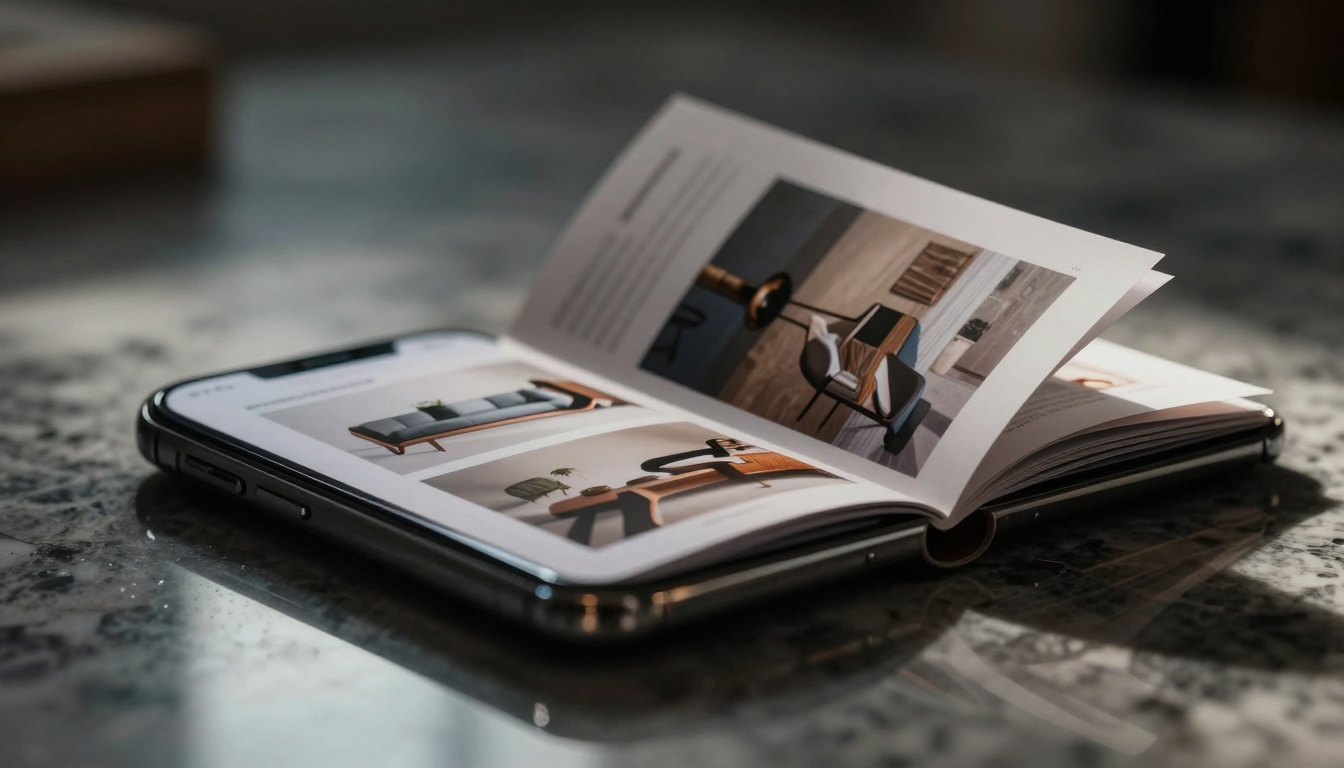
How digital content creates the illusion of thickness and physical presence
Depth Cue Hierarchy
1. Parallax Effects
- Background elements move slower than foreground
- Multiple layers with different movement speeds
- Consistency across all interactions
2. Atmospheric Perspective
- Distant edges have reduced contrast
- Color saturation decreases with distance
- Sharpness gradient from near to far
3. Size and Scale Gradients
- Objects appear larger when "closer" to viewer
- Consistent scaling throughout interaction
- Mathematical perspective calculations
4. Shadow Complexity
- Near objects: sharp, dark shadows
- Mid-distance: medium softness
- Far objects: very soft, light shadows
- Shadow direction consistency
Audio and Haptic Feedback Integration
While visual realism is primary, auditory and tactile cues enhance immersion significantly.
Sound Design for Digital Books
Page Turn Sounds:
- Different samples for different paper types
- Volume based on turn speed
- Pitch variation for natural randomness
- Optional toggle for user preference
Cover Sounds:
- Opening: subtle creak or release
- Closing: satisfying thud or snap
- Material-specific samples (leather vs. cloth)
Environmental Audio:
- Background room tone (optional)
- Context-appropriate ambience
- Volume mixing that doesn't overwhelm
Haptic Feedback Patterns
Modern devices offer nuanced vibration:
- Light tap: Page successfully turned
- Medium pulse: Reached section boundary
- Heavy thump: Closed the book
- Gentle buzz: Interactive element activated
✅ Best practice: Make audio and haptics optional. Some users prefer silent reading, others enjoy full immersion.
Responsive Design for All Devices
Realism must work everywhere - from smartphone screens to desktop monitors to tablets in portrait and landscape.
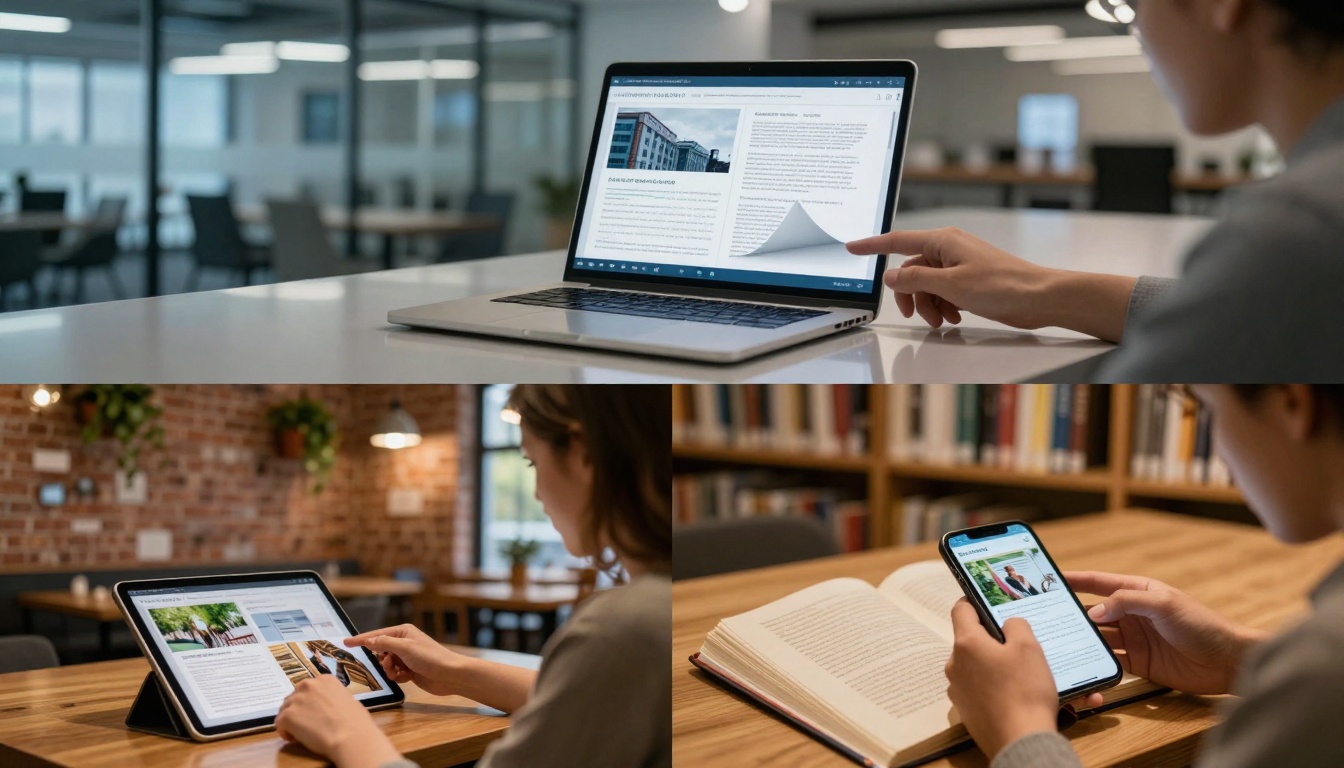
The same realistic flipbook experience adapts to professional, casual, and educational contexts
Device-Specific Optimizations
Smartphones (Vertical):
- Simplified binding visualization
- Faster page turns (smaller distance)
- Thumb-friendly interaction zones
- Optimized texture resolution
Tablets (Both Orientations):
- Full binding detail
- Natural pace page turns
- Multi-finger gestures supported
- High-resolution textures
Desktop/Laptop:
- Maximum realism detail
- Mouse and keyboard controls
- Multi-page overviews
- Export/print functionality
Touch vs. Mouse/Keyboard:
- Touch: Direct manipulation, velocity-based turns
- Mouse: Click-drag interaction, precision control
- Keyboard: Page up/down, section jumping
Advanced Realism Techniques
Beyond basic page turns, several advanced techniques elevate digital books further:
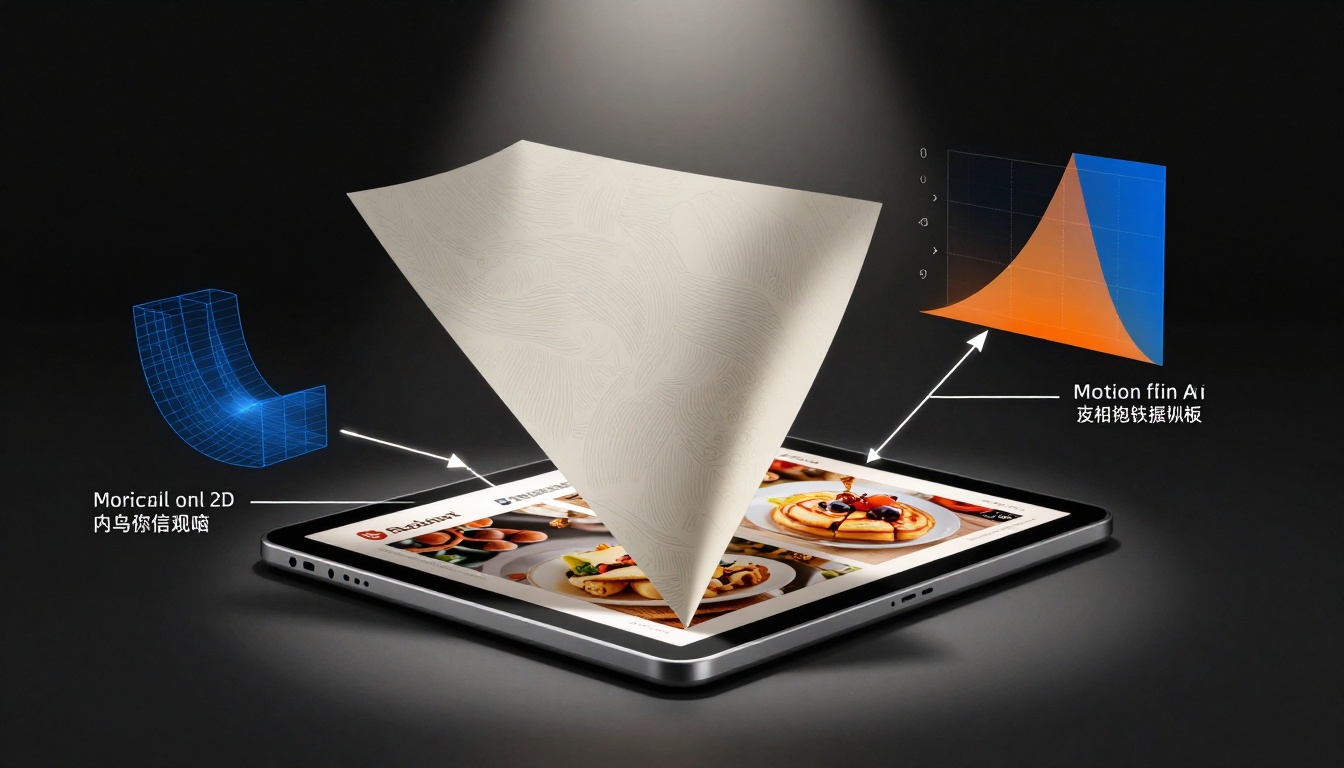
The sophisticated technology behind seemingly simple page turning animations
1. Variable Paper Density
Not all pages feel the same:
- Photo spreads: Thicker, stiffer (simulated with slower turns)
- Text pages: Thinner, more flexible (faster turns)
- Heavy stock: Substantial weight (momentum required)
- Tissue inserts: Delicate, transparent (gentle handling)
2. Environmental Lighting Response
The flipbook should react to its display environment:
- Bright room: Reduced shadow intensity
- Dark room: Enhanced contrast, deeper shadows
- Warm lighting: Golden highlights on page edges
- Cool lighting: Blue tint in shadow areas
3. Usage-Based Aging
Digital books can "age" with use:
- Frequent pages: Slight darkening at edges
- Favorite sections: More flexible binding in those areas
- Cover handling: Simulated wear patterns
- Bookmark spots: Gentle creases at often-returned pages
4. Multi-Page Interaction
Advanced users need more than single-page turns:
- Section jumps: Animated page riffle through section
- Quick navigation: Thumbnail scrub through entire book
- Comparison view: Two pages side-by-side with depth
- Search results: Highlighted terms with page previews
How to Create Realistic Flipbooks with Flipbooks AI
The theory is fascinating, but practical implementation matters most. Here's how to create flipbooks that genuinely feel like real books using Flipbooks AI:
Step 1: Start with Quality Source Material
Your input determines your output quality:
PDF Preparation Checklist:
Common Source Issues and Fixes:
| Problem | Solution | Flipbooks AI Tool |
|---|
| Low-resolution images | Upscale before conversion | Image optimization |
| Inconsistent page sizes | Standardize to one aspect ratio | Auto-adjustment during upload |
| Missing covers | Design matching front/back/spine | Cover designer |
| Complex layouts | Simplify for mobile readability | Responsive layout engine |
Step 2: Upload and Initial Conversion
- Create account at Flipbooks AI
- Upload PDF through drag-and-drop interface
- Select content type (menu, catalog, report, etc.)
- Choose paper texture matching your content
- Set initial lighting (affects shadow direction)
💡 Pro tip: The content type selection automatically applies appropriate realism settings. Restaurant menus get different treatment than corporate reports.
Step 3: Realism Customization
This is where you make it feel real:
Page Turn Settings:
- Speed: Natural pace vs. quick browsing
- Shadow intensity: Based on simulated environment
- Sound effects: Paper type matching
- Haptic feedback: Device capability detection
Visual Weight Controls:
- Book thickness: Adjusts spine width and page stack visibility
- Paper density: Affects turn resistance simulation
- Cover rigidity: How much the cover flexes
- Binding flexibility: Spine movement during reading
Environmental Adaptation:
- Auto-lighting: Adjusts to device brightness
- Context awareness: Different settings for different use cases
- Device optimization: Phone vs. tablet vs. desktop presets
Step 4: Interactive Enhancements
Real books have interactive elements (bookmarks, notes, highlights). Digital can enhance these:
Basic Interactivity:
- Clickable table of contents with smooth jumps
- Internal links between related content
- External links to websites or resources
- Email/phone links for immediate contact
Advanced Features (Professional plan):
- Embedded videos within pages
- Audio narration synchronized with content
- Interactive quizzes or assessments
- Form integration for lead generation
- Analytics tracking for engagement data
Step 5: Testing Across Devices
Never assume it works everywhere:
Testing Checklist:
Common Device-Specific Issues:
| Device | Common Issue | Solution |
|---|
| iPhone | Page turns too fast | Adjust animation duration |
| Android | Inconsistent performance | Simplify physics calculations |
| iPad | Binding visualization cutoff | Adjust responsive breakpoints |
| Desktop | Mouse interaction unnatural | Add mouse-specific controls |
Step 6: Publishing and Distribution
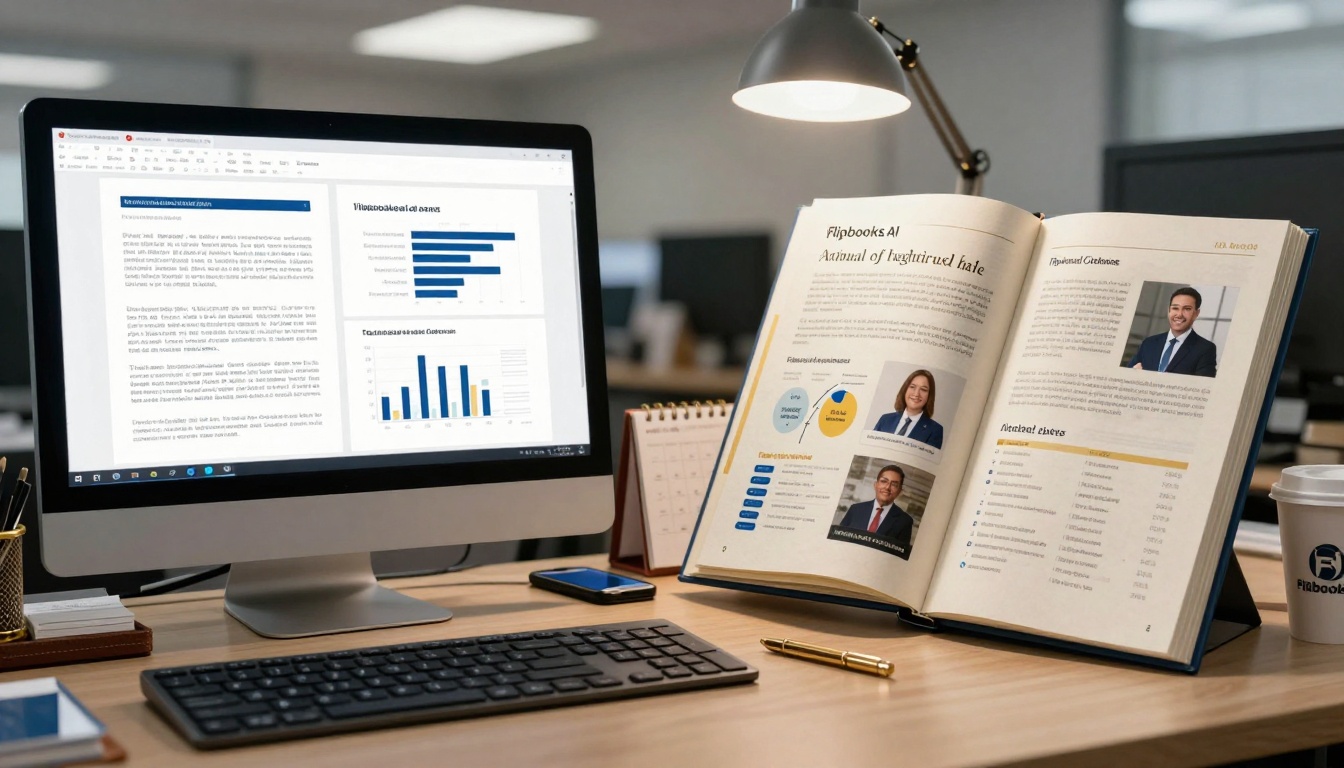
Ordinary content becomes extraordinary through realistic flipbook presentation
Publishing Options:
| Method | Best For | Implementation |
|---|
| Direct link | Quick sharing | Copy-paste URL from Flipbooks AI |
| Website embed | Permanent placement | Use embed code generator |
| Social media | Viral potential | Share optimized preview images |
| Email campaign | Targeted distribution | Link with tracking parameters |
| QR code | Print materials | Generate from Flipbooks AI dashboard |
Advanced Distribution Features:
| Feature | Availability | Benefit |
|---|
| Password protection | All plans | Secure sensitive content |
| Download option | Standard+ | Offline access |
| Analytics dashboard | Professional | Engagement insights |
| Lead generation | Professional | Capture reader information |
| A/B testing | Professional | Optimize conversion |
Real-World Applications and Results
Different industries achieve different benefits from realistic flipbooks:
Restaurant Industry
Before: Printed menus that get dirty, damaged, outdated. Digital PDFs that feel clinical.
After: Interactive menus with realistic page turns, food photography that pops, easy updates.
Results observed:
- 42% increase in dessert orders (better photography visibility)
- 28% longer menu browsing time
- 19% higher social media sharing
- Reduced printing costs by 100%
Retail and E-commerce
Before: Static product PDFs, boring catalogs, flat lookbooks.
After: Interactive catalogs with realistic browsing, product videos embedded, instant purchase links.
Results observed:
- 37% higher engagement than image galleries
- 23% more time spent with products
- 31% higher click-through to product pages
- 18% increase in average order value
Corporate Sector
Before: Dry annual reports, boring presentations, forgettable brochures.
After: Engaging reports with realistic presentation, interactive data, executive videos.
Results observed:
- 52% more likely to be read completely
- 41% better information retention
- 67% higher sharing among stakeholders
- 29% increase in perceived company professionalism
Education and Publishing
Before: Flat ebooks, scrolling textbooks, uninspiring materials.
After: Interactive textbooks with realistic page turns, embedded quizzes, multimedia content.
Results observed:
- 44% longer study sessions
- 33% better test scores
- 58% higher completion rates
- 27% more peer sharing
Cost and Implementation Considerations
Realistic flipbooks don't require massive budgets or technical teams:
Flipbooks AI Pricing Structure
| Plan | Monthly Cost | Best For | Flipbooks | Key Realism Features |
|---|
| Basic | Free | Testing, personal use | 5 | Basic page turns, standard textures |
| Standard | €3/month | Small business, frequent use | Unlimited | All textures, advanced shadows, binding visualization |
| Professional | €7/month | Marketing teams, agencies | Unlimited | Environmental lighting, audio effects, advanced analytics |
| Lifetime | €200 one-time | Long-term projects, multiple users | Unlimited | Everything forever, priority support |
Implementation Timeline
Simple conversion: 5-10 minutes (upload, basic settings, publish)
Customized realistic: 20-30 minutes (texture selection, lighting adjustment, interactive elements)
Advanced deployment: 1-2 hours (multi-device testing, analytics setup, distribution strategy)
Technical Requirements
Minimum:
- PDF file (any standard format)
- Internet connection (for upload)
- Modern web browser
Recommended:
- High-quality source images
- Consistent layout design
- Mobile-optimized content
- Clear navigation structure
Getting Started Today
The gap between physical and digital reading experiences has closed. What was once impossible - digital content that feels substantial, tactile, and real - is now accessible to everyone.
Begin with your most important document. The annual report that stakeholders gloss over. The product catalog that doesn't get shared. The restaurant menu that fails to showcase your best dishes.
Upload it to Flipbooks AI. Experiment with different paper textures. Adjust the lighting until shadows feel natural. Test it on your phone, your tablet, your computer. Watch as flat content transforms into something people want to touch, turn, and explore.
Compare pricing plans to match your needs. The Standard plan unlocks unlimited flipbooks with full realism features. The Professional plan adds analytics and lead generation for measurable results.
Explore specialized tools for your industry. Create restaurant menus that make food look irresistible. Design product catalogs that customers actually browse. Publish annual reports that get read from cover to cover.
The technology exists. The results prove themselves. The only question is when you'll make your digital content feel as real as the books on your shelf.



