Nonprofits lose more money on printed brochures than most executive directors want to admit. Design fees, print runs, shipping to regional offices, and the inevitable reprint when a program changes or a key contact leaves, all add up to thousands of dollars per year for materials that end up in recycling bins. A free digital brochure for your nonprofit does not have any of those problems. It lives on a link, updates instantly, costs nothing to duplicate, and reaches audiences that physical paper never could. Flipbooks AI makes the entire process accessible to any organization, regardless of technical skill or budget.
Why Printed Brochures Are Draining Your Budget
The Hidden Costs Nobody Talks About
The obvious cost is printing. A run of 500 full-color tri-fold brochures at a standard commercial printer typically costs between $400 and $1,200, depending on paper weight, finish, and quantity. But that is not where the real money goes.
Add design fees if you use a contractor or agency, typically $150 to $500 per revision cycle. Add distribution costs if you mail them or ship them to event locations. Then add the reprint cost every time your contact information, donation URL, program details, or board roster changes.
For a nonprofit producing quarterly donor brochures, annual report summaries, volunteer recruitment materials, and program overviews, the total printing and design budget often reaches $5,000 to $15,000 per year.
⚠️ Every dollar spent reprinting a brochure because a staff email address changed is a dollar your donors did not intend for overhead.
What Actually Happens to Those Brochures
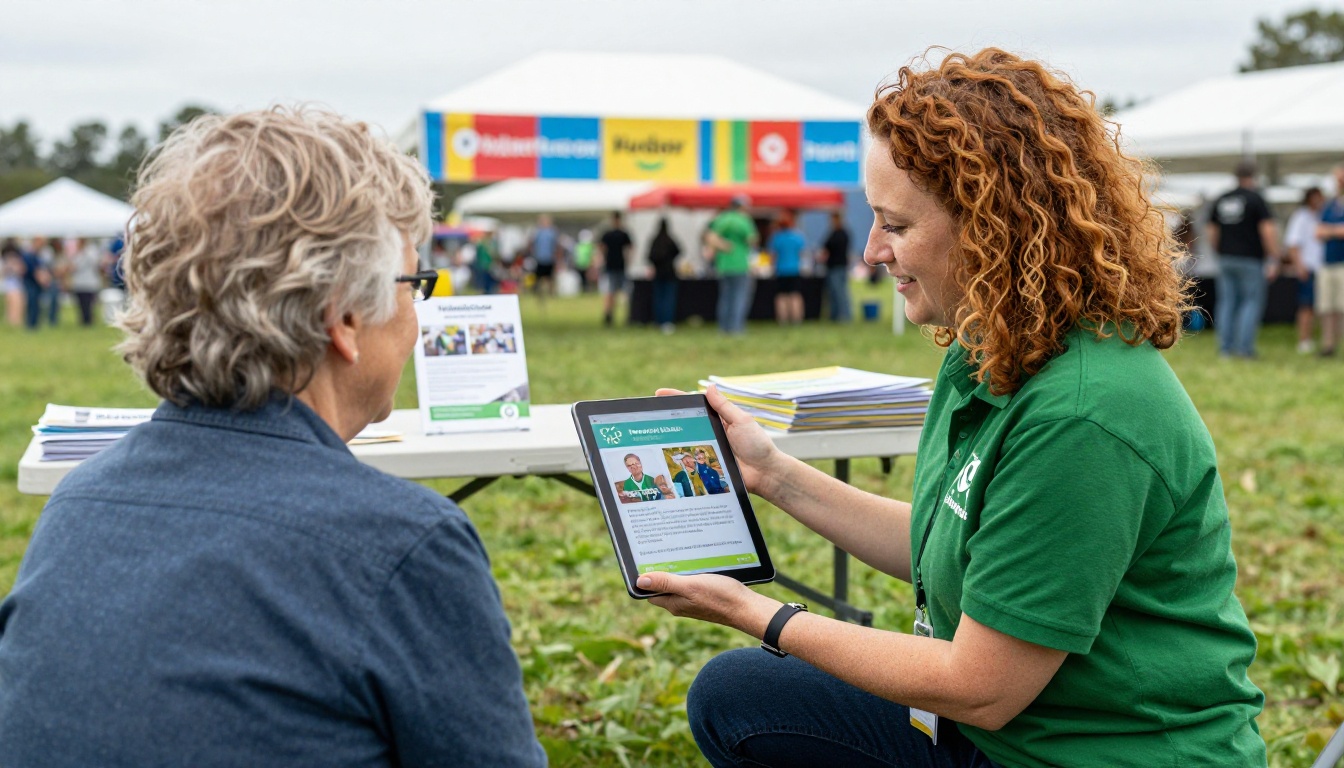
Approximately 60 to 70% of physical marketing materials are discarded within one week of receipt. People accept them politely at events, stuff them in bags, and throw them away when they get home. Donors who genuinely want to support your organization do not need a paper brochure. They need a link they can bookmark and share instantly.

The Demographic Shift That Makes This Urgent
Younger donors between 25 and 45 now represent the fastest-growing segment of individual charitable giving. This demographic lives in digital spaces. They share links, not pamphlets. They check websites before making decisions, and they expect organizations to communicate through channels they already use daily. A printed brochure is invisible to them.
Major foundations and institutional funders increasingly request digital materials in grant submissions as well. Submitting a polished flipbook brochure alongside a grant application signals organizational maturity in a way that a scanned PDF attachment does not.
What a Digital Brochure Does Differently
A digital brochure built as an interactive flipbook is a fundamentally different object from a PDF attachment. It opens in a browser, loads instantly on any device, turns page by page with a realistic flip animation, and can contain embedded video, audio, and clickable links throughout. Nothing needs to be downloaded or installed.
Real Advantages for Nonprofit Teams
- Zero replication cost: Share the same brochure with 10 people or 10,000 for free
- Instant updates: Change a photo, contact detail, or donation link and the live version reflects it immediately
- Embeddable: Drop it directly onto your website's donation or About page with a single line of code
- Trackable: See how many people viewed each page, how long they spent, and where they dropped off
- Password-protected: Board materials and donor-specific content can be kept private
- Mobile-responsive: Works on phones and tablets without any additional formatting
- Shareable on social media: A link that previews and opens in any browser
💡 Nonprofits that send a flipbook brochure in email newsletters typically see readers spend 3x more time with the content compared to static PDF attachments.
Print vs Digital: Side by Side
This comparison covers the real cost and capability differences for a mid-sized nonprofit running a standard donor outreach brochure on a quarterly basis.
| Factor | Printed Brochure | Digital Flipbook |
|---|
| Design cost | $150-$500 per update | One-time or reusable template |
| Printing (500 copies) | $400-$1,200 | $0 |
| Distribution per recipient | $0.50-$2.00 | $0 |
| Update cost | Full reprint required | Instant, zero cost |
| Analytics | None | Full view and page tracking |
| Video or audio | Not possible | Fully supported |
| Accessible on mobile | No | Yes, automatic |
| Environmental impact | Paper, ink, shipping | None |
| Shareable link | No | Yes, permanent URL |
How to Create a Free Digital Brochure for Your Nonprofit
Flipbooks AI handles the conversion automatically. You bring the PDF. The platform does the rest. This is the exact process from start to share:
Step 1: Sign Up for Free
Go to flipbooksai.com/account and create your free account. No credit card required to start. The free plan gives you full access to the core conversion features with no watermarks on your published flipbook.
Step 2: Build Your PDF Brochure First
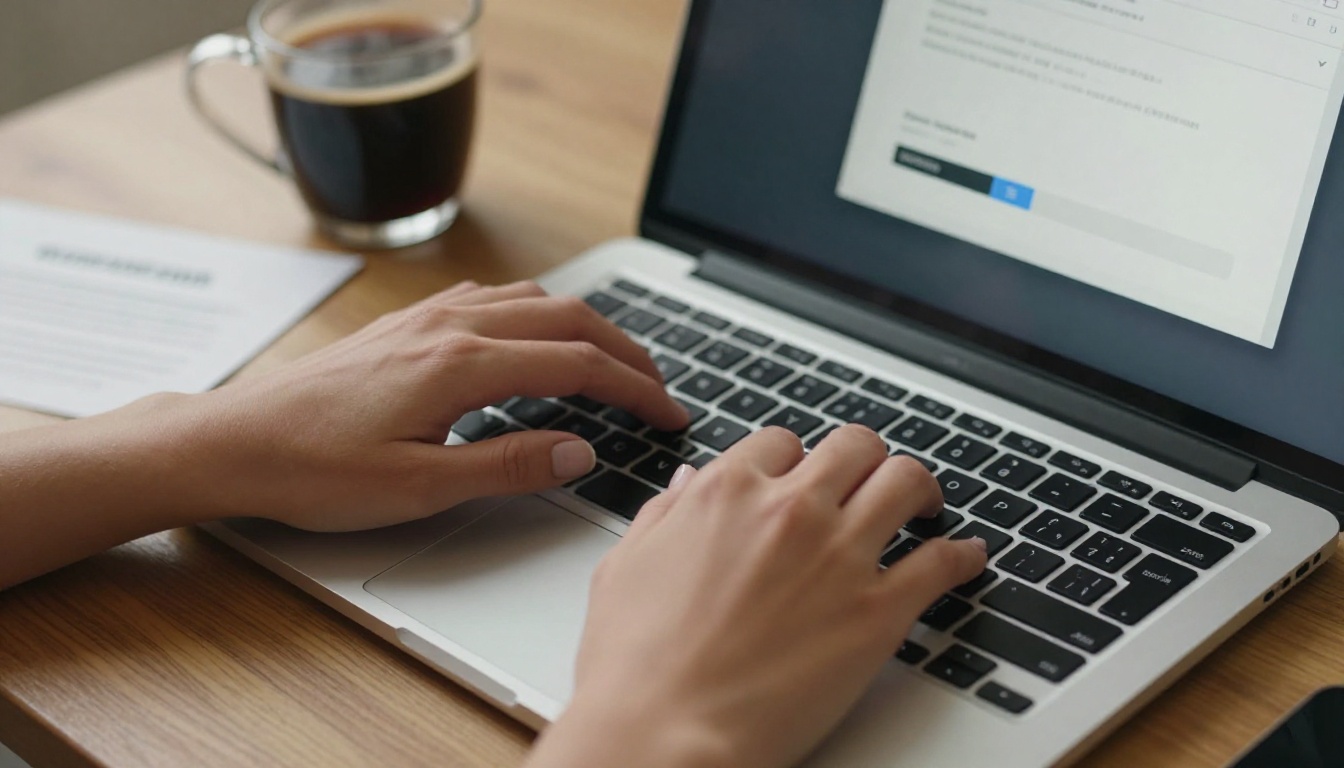
Before uploading, create your brochure content in a tool you already use. Canva has free nonprofit plan access and dozens of brochure templates. Google Slides exports cleanly to PDF. Microsoft Publisher and Adobe InDesign both work as well.
For a strong donor brochure, your PDF should include:
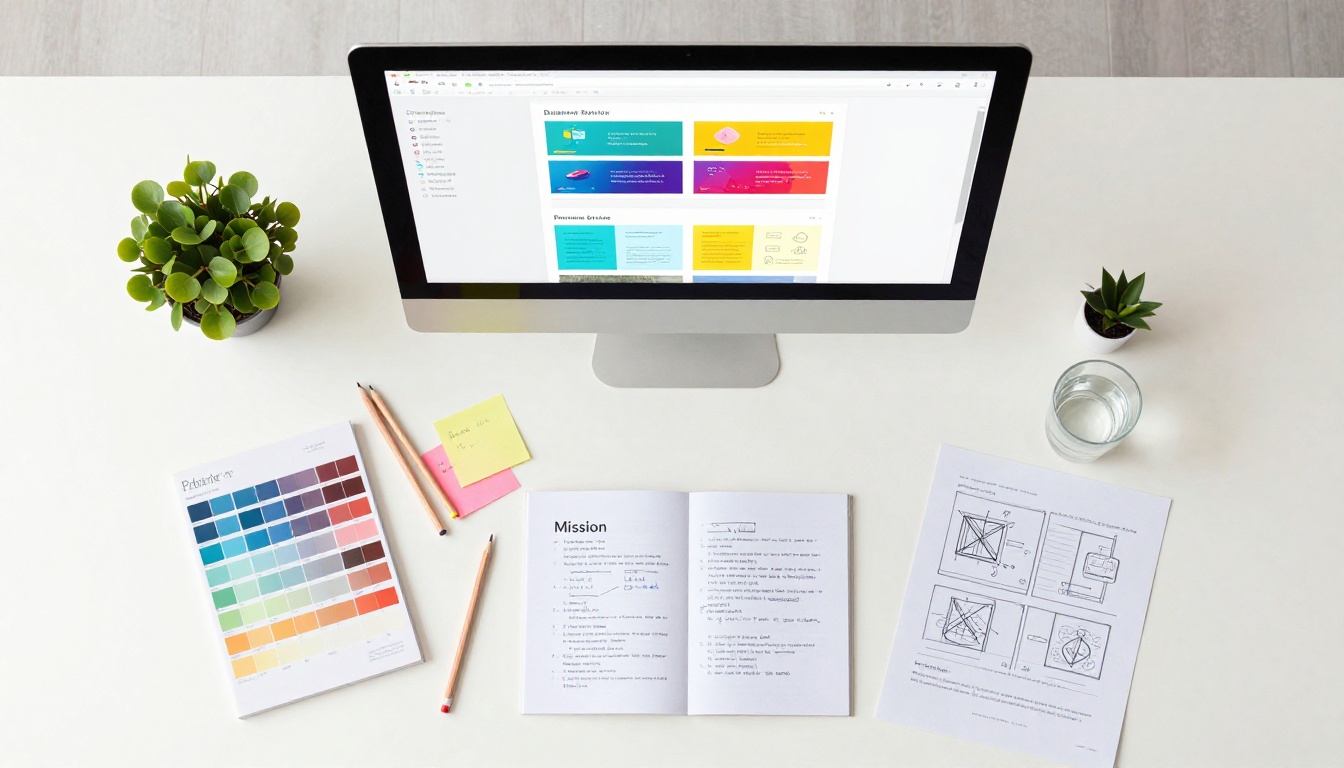
- Your mission statement, one sentence, prominent on the first page
- The specific problem your organization exists to solve, with real numbers
- Your programs, briefly described with authentic photos
- Impact statistics: people served, communities reached, funds distributed
- A transparent breakdown of how donations are used
- One real story from a beneficiary (with written permission)
- A clear donation or contact call to action on the final page
Step 3: Upload and Convert
Drag your PDF into the Flipbooks AI uploader. The platform converts it to a page-turning flipbook automatically. A standard 8 to 12 page brochure converts in under 60 seconds. You will see a full interactive preview immediately after conversion, with realistic page-flip animation already applied.
Step 4: Apply Your Organization's Branding
Once the flipbook is created, you can customize the presentation to match your nonprofit identity:
- Upload your organization logo
- Set your nonprofit's primary and secondary colors throughout
- Choose a page-turn animation style that fits your tone
- Add a background color or subtle texture behind the pages
- Set a title and description visible when the link is shared on social media
✅ Adding your nonprofit's domain to the flipbook display name looks more professional when sharing with major donors, foundations, or grant panels.
Step 5: Share It with Your Entire Network
Your flipbook is now live at a permanent URL. Sharing options include:
- Direct link for email newsletters, social media bios, and grant submissions
- Embed code for your website, which shows the full flipbook inline without requiring visitors to leave your page
- QR code that links to the brochure, for use on printed event signage or name badges
- Social media share buttons integrated directly into the platform

Step 6: Read Your Analytics
The Professional plan adds detailed reader analytics. You can see total views, time spent on each page, geographic distribution of readers, and lead capture data if you add a contact form. For grant reporting, board updates, or major donor stewardship presentations, this data demonstrates that your communication materials are actively reaching people.
What Goes in a Nonprofit Digital Brochure
The format question is answered. The content question is where most nonprofits need more specificity. Here is what works by use case:
For Donor Appeals
- An emotionally direct opening with a specific number or real story
- A visual program overview with authentic photos, not stock imagery
- An impact section showing what $25, $100, and $500 actually fund in specific terms
- Testimonials from both donors and beneficiaries with real names and photos
- A donation button or link repeated on multiple pages throughout
- Staff or board contact information for major gift inquiries on the final page
For Volunteer Recruitment
- Specific descriptions of what volunteers do on a typical shift or assignment
- Honest time commitments stated clearly: hours per week or per month
- What volunteers gain from the experience: skills, professional references, training certificates, community
- Testimonials from current volunteers with their names and how long they have served
- A single, frictionless application link that takes under two minutes to fill out
For Grant Applications
Funders increasingly accept digital materials alongside formal applications. A professional flipbook brochure attached to a grant proposal shows that your organization communicates with intentionality and that you know how to present your work clearly. Include:
- Organizational history, founding year, and legal status (501c3, etc.)
- Current programs with measurable, documented outcomes
- A financial summary from your most recent audited report
- Leadership and board bios with photos
- Partner organizations and institutional endorsements
💡 The Non-Profit Annual Report tool is built specifically for this kind of institutional documentation, turning annual impact data into a professional publication that works as both a report and a permanent reference brochure for funders.
Which Nonprofits Need Digital Brochures Most
Different types of organizations have different communication priorities. Here is how digital brochures serve specific nonprofit sectors:
How to Distribute Without Spending Anything
Creating the brochure is only half the equation. Getting it in front of the right people costs nothing with digital distribution if you use the channels already available to you.
Email Newsletters
Add a clickable preview image of your flipbook to your next donor email, linked to the full brochure. Subscribers who follow through to an interactive flipbook spend significantly more time with your content than those who receive a static attachment. Include a short sentence describing what is inside to increase the click rate.
Social Media Distribution
Post your brochure link on Facebook, Instagram, LinkedIn, and any platform your donors use regularly. Caption it with a specific stat or story from inside the brochure rather than a generic "check this out." Pin the post to the top of your profile page for ongoing visibility to new visitors.
Website Embedding
The embed code from Flipbooks AI lets you drop the full flipbook viewer directly into any webpage. Add it to your homepage, your About page, your Volunteer page, and your Donate page. Every site visitor gets the full story without clicking away to a separate file or downloading anything.
QR Codes at Events
Print your brochure's QR code on a single poster or table card at events rather than stacking printed copies on a table. Attendees scan it with their phone and have your full interactive brochure instantly. This replaces the need to print and transport physical copies to every event your organization attends throughout the year.
Free vs Paid Plans: What You Actually Need
Most small to mid-sized nonprofits can accomplish everything they need on the free plan or Standard plan. Here is what each tier includes so you can match features to your current requirements:
| Feature | Free | Standard | Professional |
|---|
| Flipbooks created | Limited | Unlimited | Unlimited |
| Watermarks | None | None | None |
| Custom branding | Basic | Full | Full |
| Password protection | No | Yes | Yes |
| Analytics | No | Basic | Detailed |
| Lead generation | No | No | Yes |
| Offline downloads | No | Yes | Yes |
| Embedded video and audio | No | Yes | Yes |
| Custom domain | No | No | Yes |
💡 Start free and test your first brochure with real donors before committing. Upgrade to Standard when you need password protection for board materials or want to offer offline downloads to major gift donors.
See the full breakdown and current pricing at flipbooksai.com/pricing.
Tips That Actually Improve Results
Write a First-Page Headline That Stops People
Most nonprofit brochures open with the organization's name and a tagline. That is not enough to hold attention in a crowded inbox or social feed. A first-page headline like "We Kept 847 Families in Their Homes Last Year" or "Your $40 Feeds a Child for a Week" is specific, immediate, and credible. Numbers build trust. Generalities do not.
Use Real Photos of Real People
Donors respond to authenticity. Real photos of your programs, your team, and the people you serve build trust that no stock photo library can replicate. Smartphone photos taken in good natural lighting consistently outperform polished but obviously generic stock imagery for nonprofit audiences. Donors know the difference.
✅ Always get written permission from individuals appearing in your brochure photos, particularly from program participants, minors, or anyone in a vulnerable situation.
Refresh It on a Regular Basis
One of the most practical advantages of digital is the ability to update without reprinting. Refresh your impact numbers every quarter. Add photos after major events. Update staff and board listings as your team grows or changes. Your brochure should always reflect where your organization is right now, not where it was 18 months ago when someone last opened the design file.
Add Video on the First Page
Flipbooks AI supports embedded video on Standard and Professional plans. A 60-second video from your executive director or a brief clip from a recent program on the first page creates an immediate personal connection with readers. Donors who watch a short intro video are far more likely to read through the full brochure and take action.
Start Creating Today
Your nonprofit does not need a larger budget to produce more professional materials. It needs a better format. A free digital brochure built with Flipbooks AI reaches more people, costs less to maintain, and makes a stronger impression than anything printed on paper.
Start with your existing PDF. Use the Brochure Flipbook Maker to convert it in under five minutes. Share the link in your next donor email and see how your audience responds to something interactive they can flip through, share, and return to.
When you are ready to do more, browse the full collection of flipbook tools built for nonprofit publishing, from annual reports to event programs, school newsletters, and press kits. Every document your organization produces can be transformed into something people actually want to read and pass along.
Create your first free flipbook and see the difference for your nonprofit today.



