Your blog already has everything it needs to become a stunning digital magazine. The articles you have written, the photos you have used, the value you have shared — all of it can be repurposed into a polished, interactive publication that reaches entirely new audiences without spending a single dollar. Flipbooks AI makes this possible in minutes, turning your existing content into a professional digital magazine with page-turning effects, custom branding, and shareable links.
This is not about reinventing your content. It is about presenting it in a format that commands attention and keeps readers engaged far longer than a standard blog layout ever could.
How to Create a Free Digital Magazine from Your Blog Posts

Why Blog Posts Deserve a Second Life
Bloggers already do the hard work. You research topics, craft compelling narratives, select visuals, and structure information for maximum clarity. That is exactly what magazine editors do. The difference is only in the presentation.
The Repurposing Opportunity Most Bloggers Miss
The average blog post gets a burst of traffic on publishing day, then slowly fades into the archives. A digital magazine gives that content a second runway. Readers who prefer curated, formatted publications will find your content through different channels, on platforms where a link to a blog post would never reach them.
A travel blogger with 30 posts about Southeast Asia already has enough content for a full-season travel publication. A food blogger covering Italian cooking across a dozen posts has the bones of a beautiful recipe magazine. The content exists. The effort is in the curation, not the creation.
Why the Format Shift Matters
Beyond reach, presenting your blog content as a digital magazine changes how readers perceive your authority. A digital magazine signals editorial intent that a blog feed does not. It shows that you have a perspective curated across multiple pieces. That positions you differently with brand partners, speaking opportunities, and even product launches.
What You Need Before Starting
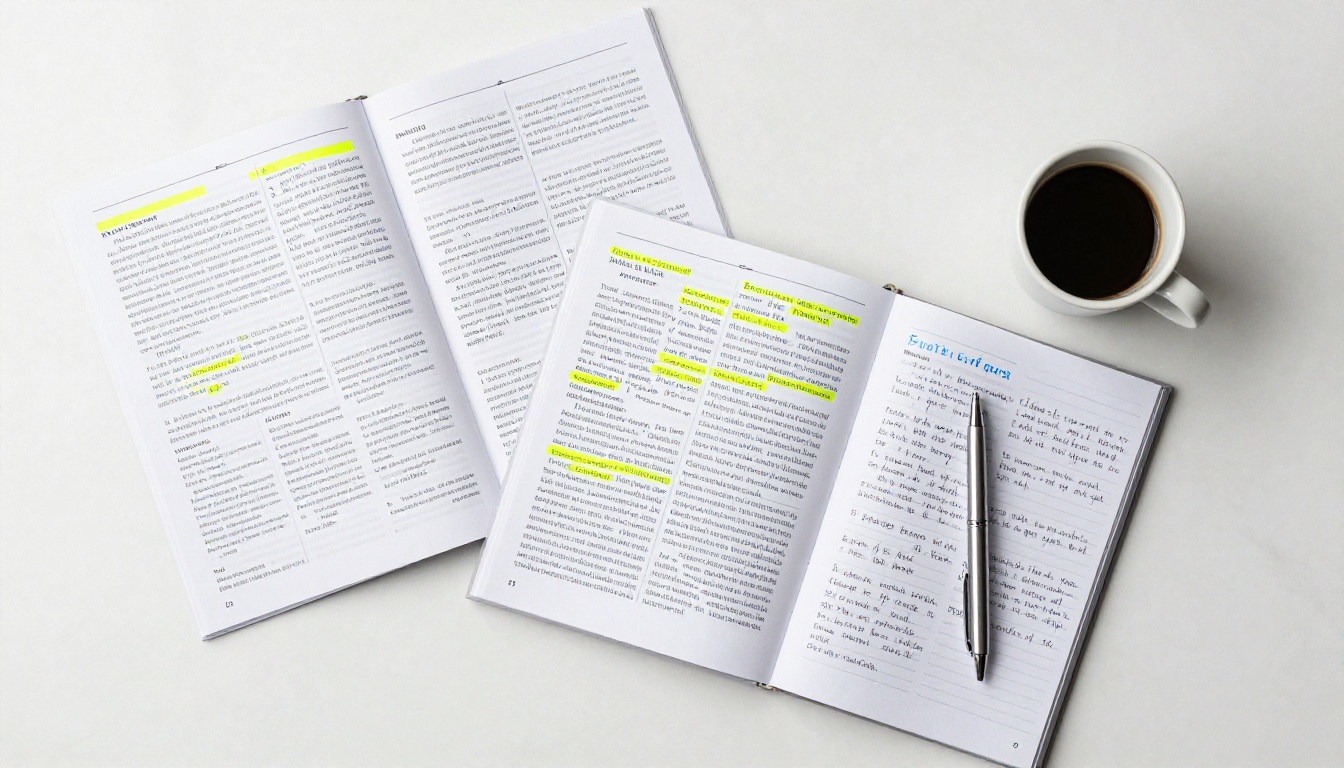
You do not need a design degree, a budget, or any special software to create a digital magazine from your blog posts. You do need a few things in good shape before you begin.
Choosing Which Posts to Include
Not every post belongs in every magazine issue. The strongest digital magazines are built around a theme or time period. Pull together:
- 5 to 12 posts on a related topic or from a specific season
- Posts that include at least one strong image each
- Content that flows logically from one piece to the next
- Your most-read or highest-performing posts for added credibility
Getting Your Content into PDF Format
Most free digital magazine tools, including Flipbooks AI, convert PDF files into interactive flipbooks. The simplest workflow:
- Copy your blog post content into a Google Doc or Canva template
- Arrange posts with consistent margins and fonts
- Add your blog name, logo, and issue date as an opening title page
- Export as PDF at standard A4 or letter size
💡 Pro tip: Canva's magazine templates add professional spacing and hierarchy to your blog posts without any design skills required. Export to PDF in one click.
Before committing to a platform, it helps to see what each one actually offers on a free plan versus what sits behind a paywall. Here is a realistic comparison of the main options available today.
| Platform | Free Publications | Watermark-Free | Custom Branding | Embed Codes | Analytics |
|---|
| Flipbooks AI | Unlimited | ✅ No watermarks | ✅ Yes | ✅ Yes | Professional plan |
| Issuu | 1 only | ❌ Watermarked | ❌ Paid only | ❌ Paid only | ❌ Paid only |
| Yumpu | 3 only | ❌ Watermarked | ❌ Paid only | Limited | ❌ Paid only |
| Calameo | 1 only | Limited | Limited | ✅ Basic | ❌ Paid only |
| FlipHTML5 | Limited pages | ❌ Watermarked | ❌ Paid only | Limited | ❌ Paid only |
The gap in free-tier generosity is significant. Most platforms use watermarks or publication limits to push users toward paid plans. Flipbooks AI removes that friction entirely, letting you publish without watermarks on the Standard plan and above, with no limitations on how many issues you create.

How to Build Your Digital Magazine with Flipbooks AI
This is where your blog posts become a real publication. The process is straightforward, and you can have your first digital magazine live in under 30 minutes.
Step 1: Create Your Account
Go to Flipbooks AI and sign up. No credit card required. Once inside, you will see the dashboard where all your publications will live alongside any future issues you create.
Step 2: Prepare Your Blog PDF
Before uploading, make sure your PDF:
- Starts with a strong opening title page featuring your magazine name and issue number
- Has consistent fonts and margins throughout every section
- Includes all images embedded directly (not linked externally)
- Is saved at standard web resolution, 72 to 96 DPI works perfectly for screen reading
Step 3: Upload and Convert
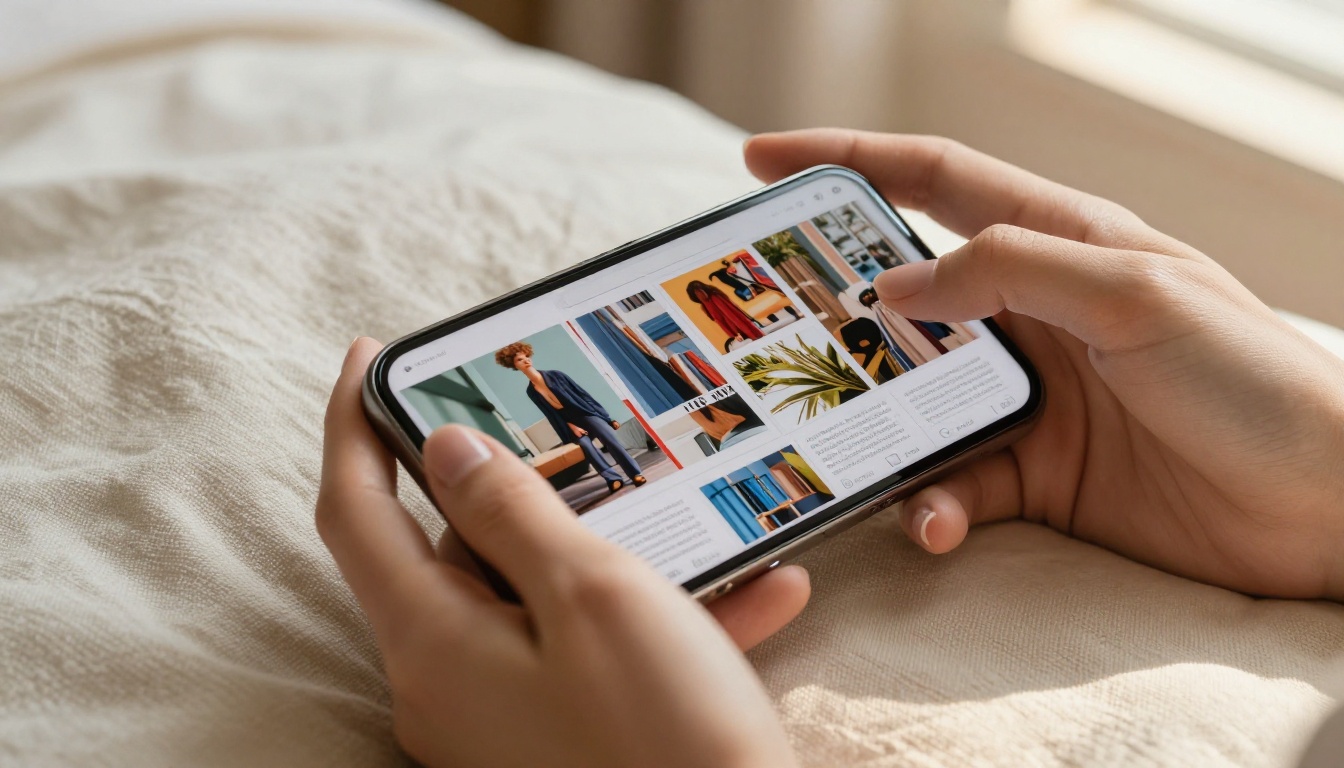
Click the upload button, select your PDF, and Flipbooks AI converts it automatically into an interactive magazine with realistic page-turning effects. Conversion takes under a minute for a typical 20-page document.
Step 4: Customize Your Magazine
Inside the editor you can shape exactly how readers experience your content:
- Add your logo to the header or title page
- Set a custom background color that matches your blog palette
- Choose page-turn animation styles including realistic flip, slide, or fade
- Embed videos directly into pages for multimedia issues
- Add audio for narrated editorial content or ambient sound
- Enable password protection for subscriber-only or paid issues
✅ Best practice: Keep branding minimal on editorial pages. Let the content breathe. Save your logo for the opening page and the final page to bookend the reading experience.
Step 5: Share, Embed, and Distribute
Once published, you get several ways to put your magazine in front of readers:
- Direct link to send via email newsletters or social media
- Embed code to place the magazine directly inside a blog post
- QR code for print marketing materials and event handouts
- Social share buttons built into the viewer interface
The Embed Flipbook on Website tool makes the embedding process clean for WordPress, Squarespace, and custom sites alike.
Magazine Formats for Different Blog Niches
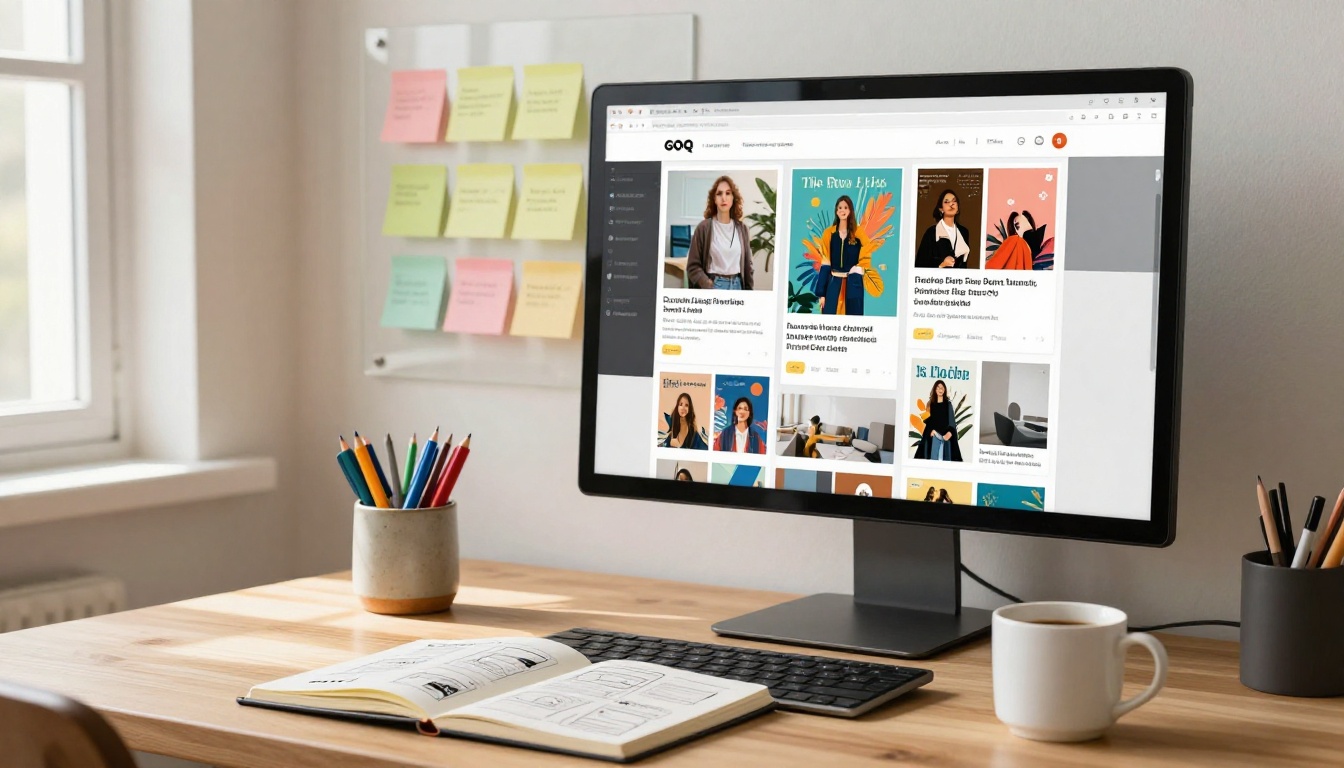
Not every blog translates into the same magazine structure. The format you choose should match how your readers naturally consume your content and how your blog categories are organized.
Single-Topic vs. Multi-Topic Issues
Single-topic issues work well for:
- Tutorial-heavy blogs, for example all posts about email marketing packed into one dedicated issue
- Seasonal content collections such as a summer wellness issue from a health blog
- Product-focused content like a curated buyer's reference from a tech or fashion blog
Multi-topic issues (structured like a traditional magazine) work well for:
- Lifestyle blogs with diverse content categories spanning food, travel, and home
- Monthly or quarterly digests of your best posts across all topics
- Community or brand publications with multiple contributors and voices
Which Blog Niches Convert Best
| Blog Niche | Best Magazine Format | Ideal Frequency | Primary Audience |
|---|
| Travel | Destination issues, seasonal publications | Quarterly | Engaged readers, brands |
| Food & Recipes | Recipe collections, seasonal menus | Monthly | Readers, email subscribers |
| Fashion & Beauty | Lookbooks, trend reports | Monthly | Brands, PR agencies |
| Business & Finance | Reports, curated how-to collections | Quarterly | B2B, LinkedIn audience |
| Parenting & Lifestyle | Seasonal digests | Monthly | Email list, social followers |
| Photography | Portfolio issues, technique breakdowns | Bi-annual | Clients, agencies |
| Education | Course materials, topic collections | Per course | Students, institutions |
💡 Pro tip: Fashion and lifestyle bloggers get excellent results using the Interactive Lookbook Designer to create visually driven magazine issues that go far beyond what a static blog post can accomplish.

How to Grow an Audience With Your Magazine
Publishing the magazine is only part of the work. Getting it in front of readers requires intentional distribution that treats each issue with the seriousness it deserves.
Building Your Distribution Strategy
Bloggers who see the best results treat each issue like a product launch, not a casual share. Before publishing, plan the following:
- Tease it on social media in the week leading up to release by sharing an opening-page preview or a compelling interior spread
- Feature it in your email newsletter as the primary piece of content rather than a footnote
- Pin the magazine link to your Instagram bio or link-in-bio page for ongoing discovery
- Pitch it to complementary blogs in your niche as a collab, resource share, or guest-feature opportunity
Embedding Your Magazine Inside Blog Posts
One of the most powerful distribution moves is embedding your digital magazine directly inside a relevant blog post. If a reader finishes your best article on a topic, a full embedded magazine on that same subject becomes a natural next step that keeps them in your ecosystem and dramatically extends time on page.
Flipbooks AI generates a clean iframe embed code that drops into any blog post in seconds. No plugins required for most platforms.
⚠️ Warning: Avoid sending readers to a separate URL for your magazine until you have built consistent readership. Start with on-site embeds to keep them engaged on your domain before asking them to click away.

Flipbooks AI Plan Breakdown
For bloggers just starting out, the free tier handles everything you need to publish your first issue and test the format with your audience. As your publication grows, paid plans add features that turn a hobby magazine into a serious business asset.
| Feature | Free | Standard | Professional |
|---|
| Flipbooks published | Limited | Unlimited | Unlimited |
| Watermarks | ❌ None | ✅ None | ✅ None |
| Custom branding | Basic | ✅ Full | ✅ Full |
| Password protection | ❌ | ✅ | ✅ |
| Embed codes | ✅ | ✅ | ✅ |
| Analytics & tracking | ❌ | ❌ | ✅ |
| Lead generation forms | ❌ | ❌ | ✅ |
| Offline downloads | ❌ | ✅ | ✅ |
| Video & audio embed | ❌ | ✅ | ✅ |
| Mobile-responsive | ✅ | ✅ | ✅ |
For most bloggers, the Standard plan hits the right balance. It removes all publication limits, adds password protection for subscriber-only issues, and includes offline downloads for readers who prefer saving issues to read later. The Professional plan is where monetization begins, with analytics showing what readers engage with most and lead generation forms to build your email list directly from inside the magazine.
See the full details on the pricing page to pick the right plan for where you are right now.
Real-World Ways Bloggers Use Digital Magazines
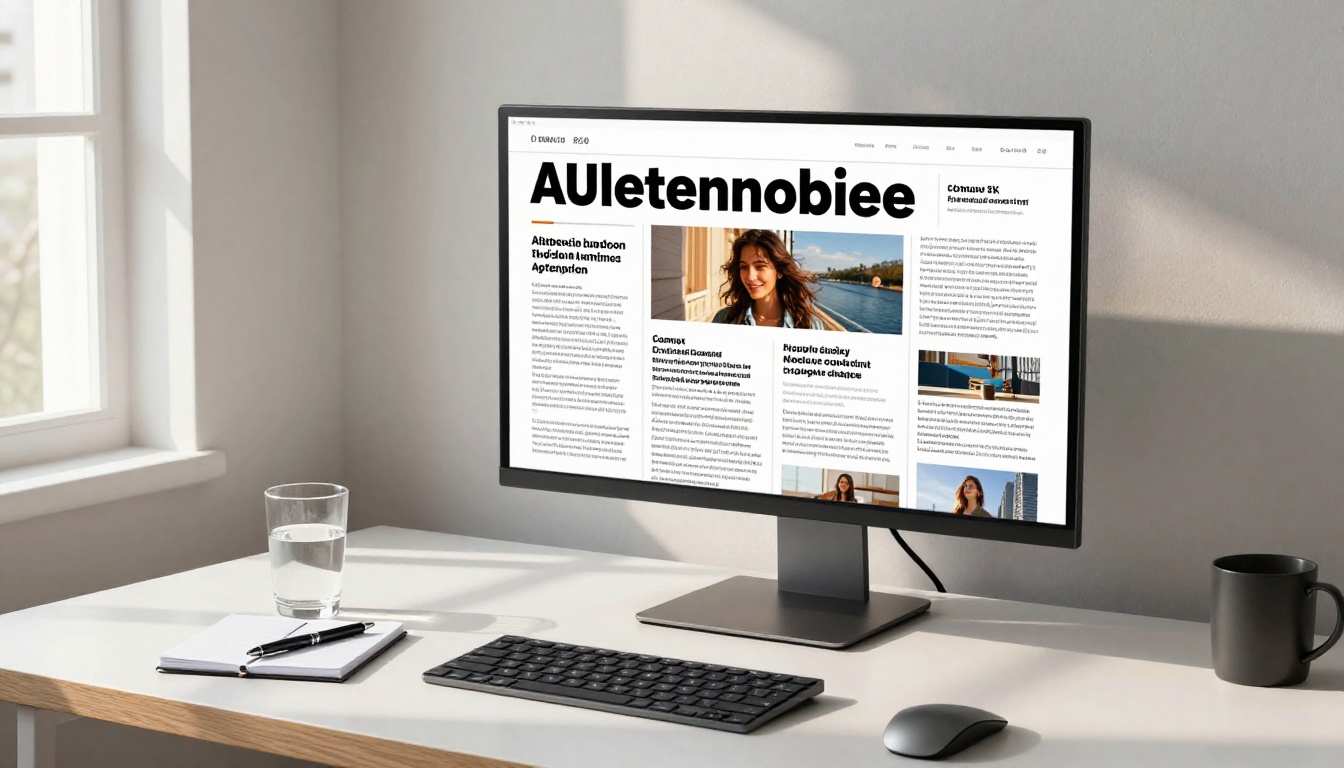
The idea sounds clear in theory. Seeing how actual bloggers apply it makes the value concrete and the possibilities more tangible.
The travel blogger who became a destination brand: A solo travel blogger compiled 10 posts about Portugal into a free digital travel publication, shared it in travel-focused Facebook groups and Reddit communities, and grew her email list by 1,200 subscribers in six weeks. The magazine positioned her as an authority worth following long before her next destination post went live.
The food blogger who landed a brand partnership: A food blogger used the Recipe Book Flipbook tool to turn a summer grilling series into a branded recipe magazine. She pitched it directly to a kitchen appliance brand as a potential sponsored edition and secured her first significant paid partnership as a result.
The business blogger who built a B2B lead pipeline: A business blogger converted a series of productivity posts into a quarterly digest magazine. Using lead generation forms available on the Professional plan, he captured contact details from 340 readers in the first month alone, none of whom had previously subscribed to his blog.
The education blogger who increased course enrollments: An educator used the Course Material Publisher to bundle free blog content into a sample module magazine. New students who received it before enrolling converted at nearly double the rate of those who did not, because the format demonstrated production quality upfront.
Why Interactive Beats Static Every Time
A PDF attached to an email sits flat on a screen. A digital magazine in flipbook format invites readers in through a fundamentally different experience that static documents cannot replicate.
The page-turn interaction creates a sense of progress. Readers feel like they are moving through something deliberate and curated, not just scrolling through an endless feed. Research on digital reading behavior consistently shows that interactive formats generate longer session times and higher return visit rates compared to static document formats.
The E-Magazine Publishing Tool on Flipbooks AI takes this further with embedded multimedia, meaning your blog posts can include video explainers, audio interviews, and clickable links that a PDF simply cannot replicate. You are not just packaging your content differently. You are giving it capabilities it never had before.

Start Publishing Your First Issue
Your blog posts have already done the heavy lifting. All that is left is giving them a format that matches their quality. A digital magazine built from your existing content costs nothing to create, reaches audiences you are not currently serving, and builds a level of authority that individual posts rarely achieve on their own.
Ready to turn your best posts into a publication? Create your free account on Flipbooks AI and have your first issue live today. Browse the full range of publishing tools to find the format that fits your niche best. And when you are ready to add analytics, lead capture, and unlimited publishing, compare plans to choose the right fit for where your publication is headed.
Your readers are waiting for something worth reading. Give it to them.



