Graduation day is one of those rare moments you actually want to remember exactly as it happened. The photos pile up fast, but a static folder on your phone or a dusty printed album on a shelf rarely does them justice. Turning those memories into an interactive flipbook changes everything about how you and your family experience them. With Flipbooks AI, you can create a graduation photo album as a flipbook that pages turn, loads on any device, and stays shareable for years.
Why a Flipbook Beats a Regular Photo Album
There's nothing wrong with printed albums. But they sit in one place, they fade, and they're impossible to share with relatives across the country. A digital flipbook solves every one of those problems without sacrificing the warmth of flipping through pages.
The Problem with Static Photo Albums
Printed albums cost money to produce, take weeks to arrive, and become fragile over time. Digital folders are better, but scrolling through a photo gallery feels nothing like the experience of sitting down with a real book. Neither format captures the ceremony of graduation the way it deserves.
What Makes Digital Flipbooks Different
A digital flipbook mimics the physical page-turn experience in your browser. Readers click or swipe through pages, images load in sequence, and the whole thing feels curated rather than just dumped into a folder. You can embed it on a family website, share it as a link via text message, or password-protect it for a private family group.

| Feature | Printed Album | Photo Gallery | Digital Flipbook |
|---|
| Page-turn experience | ✅ | ❌ | ✅ |
| Shareable via link | ❌ | ✅ | ✅ |
| Password protection | ❌ | ❌ | ✅ |
| Embeddable on website | ❌ | ❌ | ✅ |
| Offline download | ❌ | ✅ | ✅ |
| Custom branding | ❌ | ❌ | ✅ |
| Mobile responsive | ❌ | ✅ | ✅ |
💡 Digital flipbooks are the only format that combines the warmth of a physical album with the convenience of a shareable link you can send in seconds.
What to Include in Your Graduation Flipbook
Before you start designing, the photos you choose matter as much as the format. A great graduation flipbook tells a complete story, from the morning chaos of getting ready to the late-night celebration dinner.
Must-Have Photo Categories
Organize your shots into sections to make the flipbook flow like a narrative:
- Getting ready: Hair, makeup, family helping with gowns and caps
- Pre-ceremony: Campus arrival, group shots with classmates, candid moments before the walk
- The ceremony: Walking across the stage, diploma moment, faculty congratulations
- Candid reactions: Parents crying, friends cheering, surprised expressions
- Post-ceremony: Family portraits in front of campus landmarks
- Celebration: Dinner, parties, cake, gifts

Caption Ideas That Add Real Context
Photos are more powerful with short, specific captions. Skip the generic "graduation day" labels and write captions that will mean something in ten years:
- "First in the family to graduate. Mom cried for three hours straight."
- "Professor Webb, whose biology class I almost failed twice."
- "The last time all six of us will be in the same city at the same time."
Specificity is what separates a memorable flipbook from a generic slideshow.
Planning Your Graduation Photo Album Layout
The order and pacing of your flipbook matters. Think of it the same way a photographer thinks about sequencing a wedding album.
Organizing Photos in the Right Order
Chronological order works well for graduation albums because the day itself has a natural arc. Start with quiet, intimate shots before the ceremony, build toward the formal stage moments, then open up into the joyful chaos of the celebration.
A good rule of thumb: alternate between wide shots (the ceremony hall, the campus, the crowd) and tight shots (hands clasping a diploma, a tear on a cheek, a laughing expression). This rhythm keeps the reader engaged and prevents the pages from feeling repetitive.

Choosing the Right Page Count
Page count depends on how many photos you have and how densely you want to fill each spread. These ranges work well for most graduation albums:
| Photo Count | Recommended Pages | Layout Style |
|---|
| 30-50 photos | 20-30 pages | One photo per page, full-bleed |
| 50-100 photos | 30-50 pages | Mix of single and collage spreads |
| 100-200 photos | 50-80 pages | Multi-photo collage pages |
| 200+ photos | 80-120 pages | Full storytelling album |
⚠️ Avoid cramming too many photos onto a single page. A flipbook with breathing room feels high-end. One with overcrowded grids feels like a contact sheet.
How to Create Your Graduation Flipbook on Flipbooks AI
Flipbooks AI makes the process straightforward. You don't need design experience or software skills. The entire workflow happens in your browser.
Step 1: Set Up Your Account
Head to flipbooksai.com/account and create a free account. The Standard plan gives you unlimited flipbooks with no watermarks, which covers everything most people need for a personal graduation album. If you want password protection or analytics, the Professional plan handles those.
Step 2: Build Your PDF Album First
Before uploading to Flipbooks AI, you'll need your photos in PDF format. Here's how to do it:
- In Canva or Adobe Express: Create a new document at your preferred album dimensions (8.5x11 or square works well), drop each photo in, add captions, and export as PDF.
- In Google Slides: Insert photos on each slide, use a clean white or dark background, and download as PDF.
- On mobile: Most photo book apps allow a PDF export before ordering a print. Use that export file.
Step 3: Upload and Convert
Once your PDF is ready:
- Log in to Flipbooks AI
- Click New Flipbook and upload your PDF
- The PDF to Flipbook Converter processes it automatically, maintaining your layout and image quality
- Preview the result within seconds
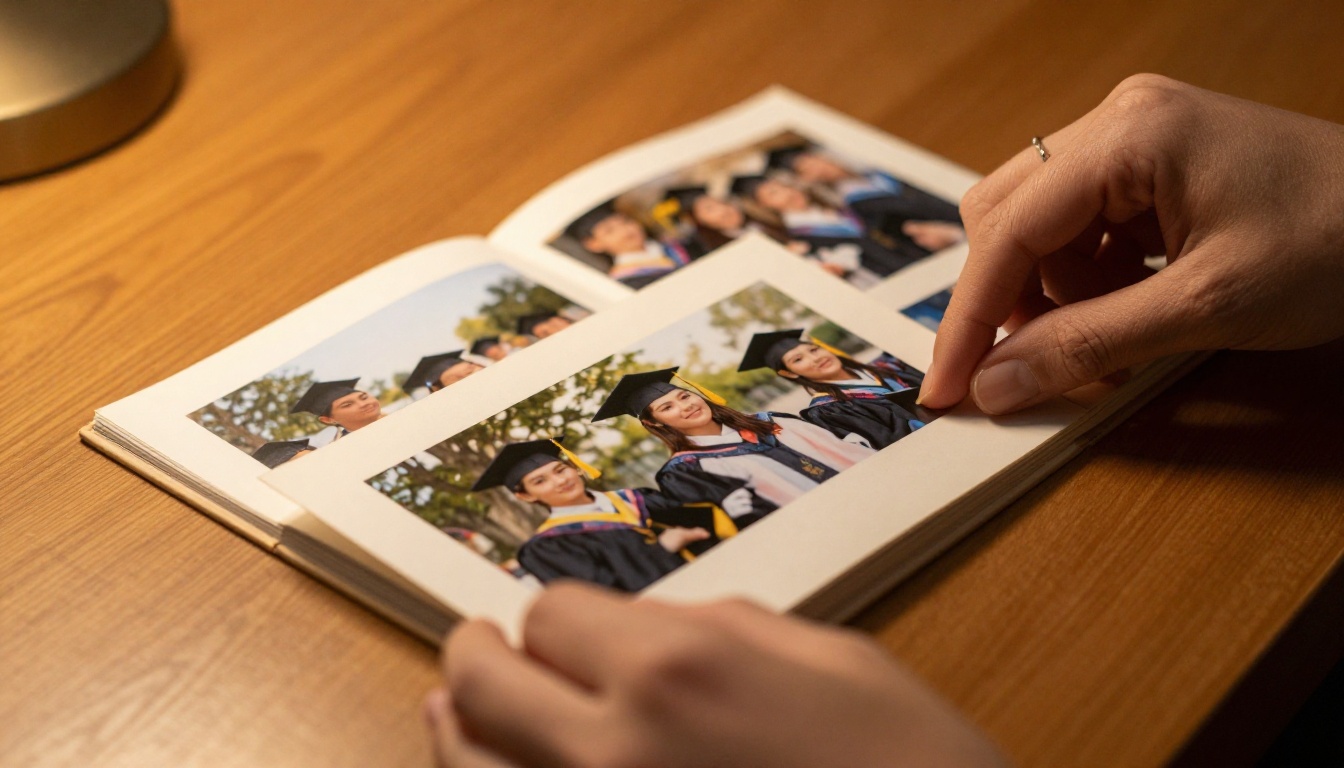
The page-turn animation is applied automatically. You'll see your graduation album come to life as an interactive flipbook immediately after conversion.
Step 4: Customize Colors and Feel
The default settings look clean, but the customization panel lets you go further:
- Background color: Choose black for a dramatic, premium look or white for a clean editorial feel
- Page flip style: Realistic paper curl or flat digital slide
- Logo: Add a personal monogram or family crest
- Font: Customize the interface to match your preferred aesthetic
✅ For graduation albums specifically, a black or deep navy background with a realistic page curl makes photos pop and gives the whole thing a premium, coffee-table-book atmosphere.

Step 5: Share It with Everyone
This is where the digital flipbook genuinely outperforms anything printed. From the share panel you get:
- Direct link: Copy and paste into a text message or email
- Embed code: Drop it into a family website or blog with one paste
- Password protection: Set a password so only family and close friends can view it
- QR code: Print it on a thank-you card so recipients can scan and view instantly
💡 Print the QR code inside your graduation thank-you cards. Recipients scan it and immediately see the full flipbook. It turns a standard card into something they'll actually remember.
Flipbooks AI Plans at a Glance
Most people creating a single graduation album won't need to think hard about tiers. But if you're creating albums for multiple graduates, a school, or several family events, the differences matter.
| Feature | Free | Standard | Professional |
|---|
| Flipbooks | 1 | Unlimited | Unlimited |
| Watermarks | Yes | No | No |
| Password protection | ❌ | ❌ | ✅ |
| Analytics | ❌ | ❌ | ✅ |
| Offline download | ❌ | ✅ | ✅ |
| Custom domain | ❌ | ❌ | ✅ |
| Lead generation | ❌ | ❌ | ✅ |
See the full breakdown on the pricing page.
Which Plan Works for a Graduation Album
For a personal graduation album shared with family, the Standard plan covers everything: no watermarks, unlimited flipbooks, and offline download so relatives can save it locally. If you're a school creating a digital yearbook or a photographer building an event program for the ceremony, the Professional plan's analytics and lead generation features become valuable.

Creative Ways to Use Your Graduation Flipbook
Once you've built the flipbook, there are several ways to use it that most people don't think of right away.
Sharing with Family and Friends
The obvious use is sending the link to family who couldn't attend. But you can go further:
- Send to the graduate's professor or mentor: A short message with the flipbook link is a genuinely touching gesture most professors never receive.
- Post to a private family group: Members can view it directly in the browser without downloading anything.
- Add to a digital photo frame: Some frames support web content and can cycle through the flipbook.
- Create a time capsule: Save the link in a shared notes app and revisit it on five-year anniversaries.

Gifting Ideas for Graduates
A graduation flipbook makes a genuinely personal gift. Formats that work well:
- Digital gift card style: Send the link with a personalized message in an email or text
- Printed QR card: Print a clean card with the QR code and the graduate's name on the front
- Shared family album: Invite multiple family members to contribute photos, compile them into one PDF, and convert to a single flipbook everyone can access
- Multi-year version: Combine photos from all four years of college into one longer flipbook as a graduation day gift
💡 A multi-year flipbook that starts with move-in day photos and ends with graduation is one of the most emotionally powerful gifts a parent can give a graduate.
Common Mistakes to Avoid
Most problems with graduation flipbooks come down to two areas: photo quality and layout decisions.
Photo Quality Issues
- Using low-resolution screenshots: Always use original photo files, not screenshots from Instagram or Facebook. Compression kills quality in print-style formats.
- Mixed orientations without planning: A mix of portrait and landscape photos in the same album creates awkward blank spaces. Either standardize the orientation or use a collage layout that accommodates both.
- Weak photos in key positions: Don't put blurry or dark photos in high-visibility spots like the first and last pages. Open and close with your strongest shots.
Overcrowding Pages
Less is almost always more in a photo album. A spread with one strong image and a short caption is more powerful than a grid of eight small photos nobody will examine closely. If you have too many photos, create two or three separate flipbooks organized by theme rather than forcing everything into one.
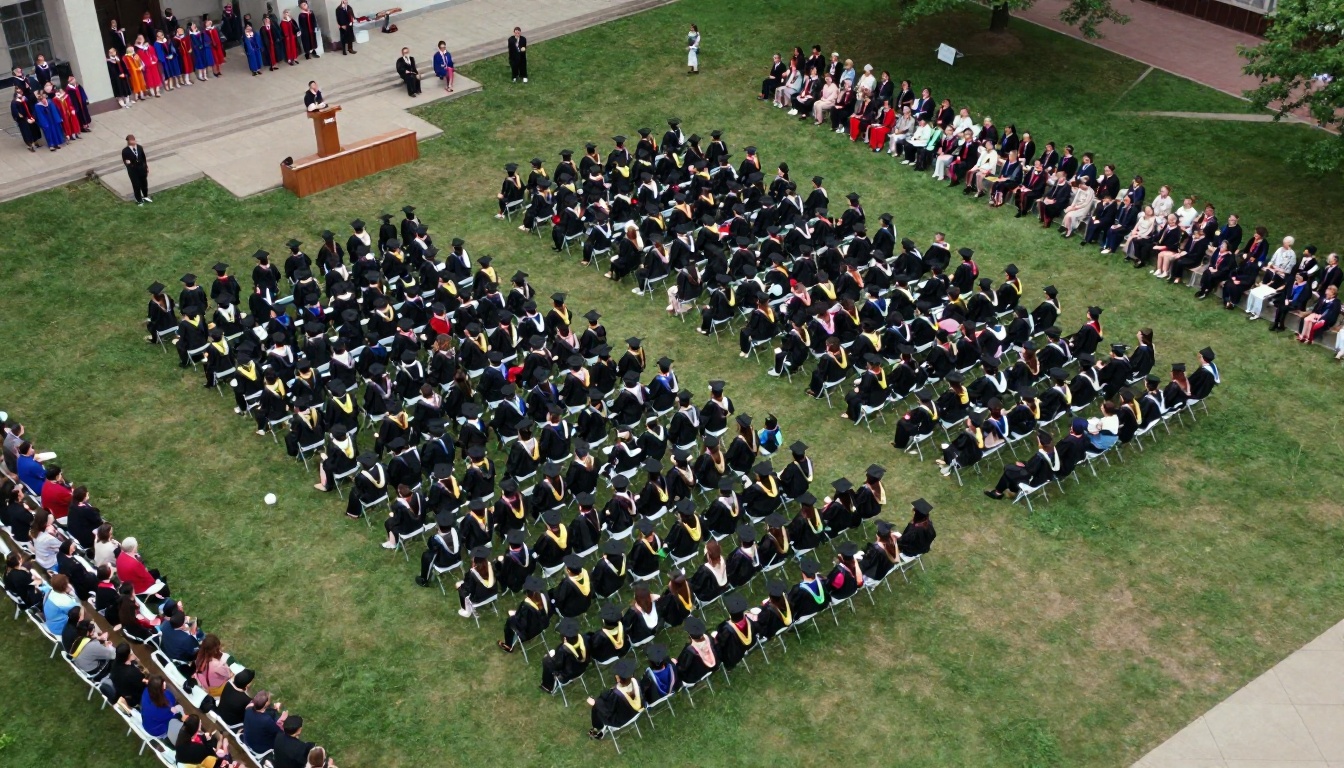
Beyond the main graduation album, Flipbooks AI offers tools that handle adjacent needs in the graduation context:
Each tool is purpose-built for its format and available through flipbooksai.com/tools.
Start Your Graduation Flipbook Today
Graduation photos deserve a format that matches the weight of the moment. A flipbook gives them that. The page-turn experience, the shareability, the ability to password-protect it for family and embed it anywhere: it all adds up to something a printed album or a basic photo folder simply cannot match.
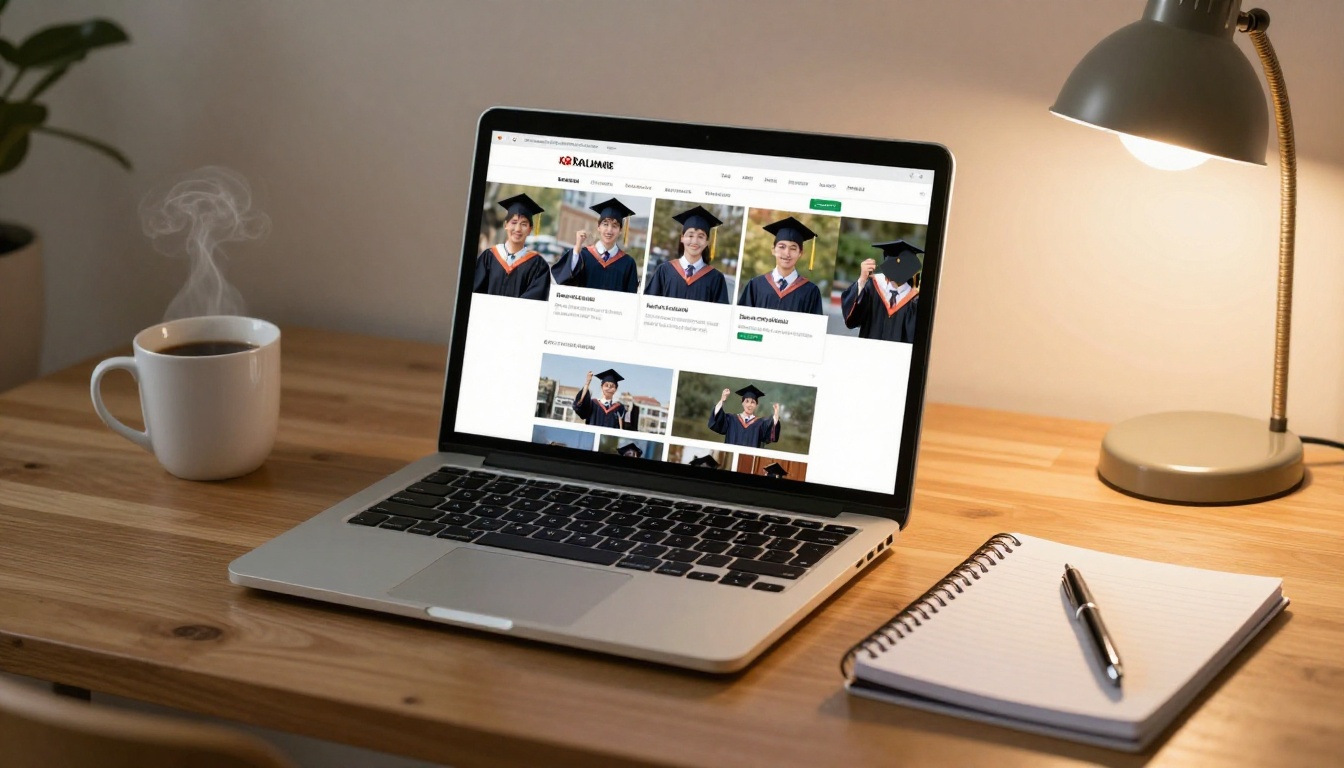
Ready to build yours? Create your account on Flipbooks AI and convert your first graduation album in under ten minutes. Browse all available tools and templates to find the right format for every milestone memory, and check the pricing plans to choose the tier that fits your needs.



