Your product photos sit on static pages. Visitors scroll, hesitate, and leave. Meanwhile, the stores converting at two to three times the industry average are doing something different: they're giving shoppers something to interact with. Flipbooks AI makes it possible to take any PDF catalog, lookbook, or product guide and turn it into a page-turning, mobile-responsive digital publication that keeps buyers engaged from the first spread to the last.
This is how to create interactive flipbooks for your online store, what formats work best for different product types, and how to have your first publication live in under ten minutes.
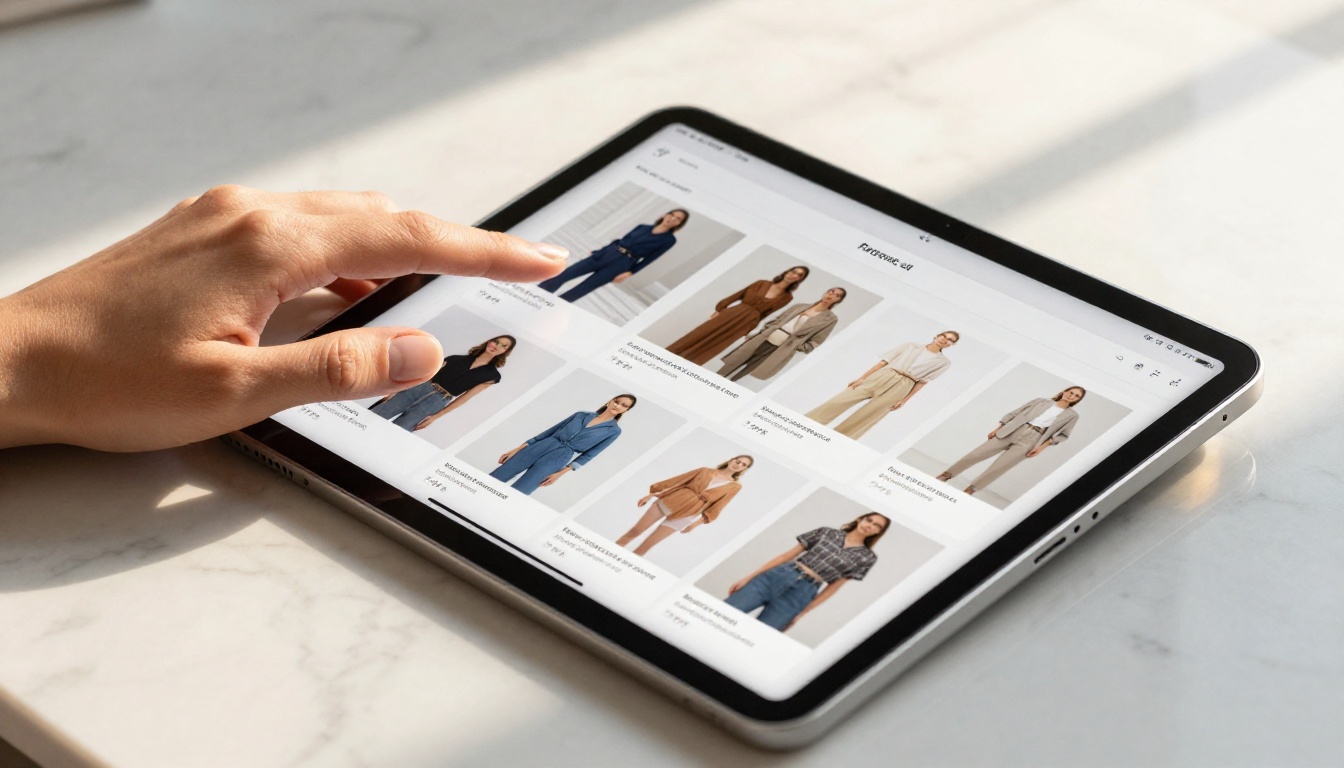
Why Static Product Pages Lose Sales
Every online store deals with the same friction. A shopper lands on a category page, skims a grid of product thumbnails, maybe clicks one or two items, then leaves. There is no narrative, no flow, no reason to stay and browse.
The attention problem your store faces right now
Static pages are built for search engines. They load fast, they rank, but they do not hold. The average session duration for e-commerce sites sits under three minutes. That is not enough time to sell anything with emotional weight, especially for fashion, home decor, cosmetics, or specialty goods that require context to be convincing.
Product catalogs in PDF format are marginally better. At least they show collections in a curated sequence. But a raw PDF download adds friction at every step: it requires an app or plugin to open, it does not track who views it, it cannot be embedded cleanly inside your storefront, and it delivers no data about which products sparked interest.
What buyers actually want from product content
Shoppers respond to content that feels curated and intentional. When you present a seasonal collection as a visual narrative, with products shown in context, prices visible inline, and pages that turn naturally from spread to spread, you replicate the physical catalog experience that retail has relied on for decades. The difference is that you can now track every page view, embed direct links to product pages, password-protect wholesale editions, and share the entire thing with a single URL.
💡 Research consistently shows that interactive content generates 2x more conversions than passive static formats. Flipbooks sit precisely at the intersection of familiarity and novelty, giving buyers a format they instinctively know how to use.
What an Interactive Flipbook Does for Your Store
An interactive flipbook is not just a PDF with a page-flip animation layered on top. The best implementations are fully functional digital publications with real business utility built in at every level.

Page-turning that feels physical
The core experience is the tactile sensation of turning a page, replicated in a browser or on a mobile screen. This alone increases time-on-page significantly because it creates a natural reading rhythm. Shoppers do not just scroll past content; they engage with it spread by spread. They are drawn to see what is on the next page the same way they would be with a printed magazine sitting in their hands.
This rhythm matters commercially. When a buyer spends more time inside your catalog, they encounter more products. More product encounters mean more add-to-cart moments, larger basket sizes, and higher session value.
Embed anywhere, share everywhere
Once created, your flipbook gets its own permanent URL and an embed code. That means you can place it:
- Inside a product category page on your storefront
- As a dedicated landing page linked from email campaigns
- On a seasonal sale page with its own paid traffic
- In a QR code printed on physical packaging or in-store signage
- Inside a social media link-in-bio directing followers to a full lookbook
The Embed Flipbook on Website tool makes this a one-step process with no developer required.
Zero-friction on mobile
Every flipbook created on Flipbooks AI is fully mobile-responsive by default. The page-turning effect adapts to touch swipes on smartphones and tablets. Given that more than 60% of e-commerce traffic now comes from mobile devices, this is not optional; it is the baseline expectation.
What Types of Flipbooks Work Best for Online Stores
Not every flipbook format delivers the same results for every store type. The format you choose should match both your product category and your buyer's intent when they encounter it.
Product catalogs
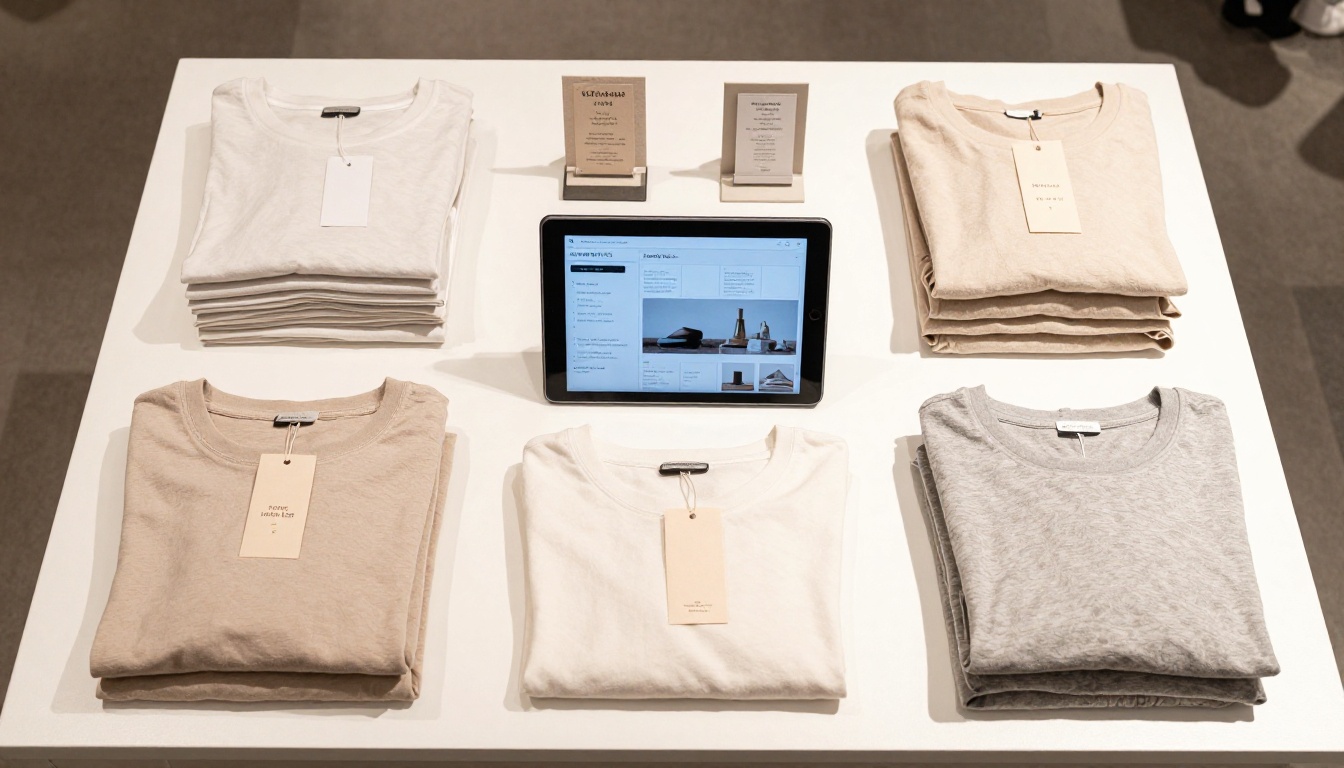
A digital product catalog is the most common and highest-ROI flipbook type for e-commerce. It mirrors the print catalog experience entirely, but with clickable product links embedded on each page, inline pricing, and real-time analytics showing which spreads perform best.
The Product Catalog Generator and Digital Catalog Maker tools are built specifically for this use case and output publication-quality results from a simple PDF upload.
Seasonal lookbooks
Lookbooks present collections as lifestyle editorial rather than isolated product grids. A summer apparel lookbook shows full outfits styled in outdoor locations, with each item linked directly back to its product page. The Interactive Lookbook Designer is built specifically to handle this format with the visual weight it requires.
Digital price lists
For wholesale-adjacent stores or brands with a B2B component, a digital price list flipbook is a professional alternative to a spreadsheet attachment. Organized by product category, with photography and SKU codes visible on each spread, it reads like a proper publication and carries significantly more perceived brand value. The Digital Price List Generator handles this output natively.
Brand brochures
Stores that sell high-consideration products, whether furniture, appliances, or luxury goods, benefit from a brand brochure flipbook that presents the story behind the products. The Online Brochure Designer produces polished multi-section brochures ideal for this purpose.
✅ Best practice: Create a new flipbook for each major campaign or season. Fresh content keeps return visitors actively engaged and gives you multiple distinct share points across channels every quarter.
How to Create Your First Store Flipbook
Flipbooks AI is built so that any store owner can produce a professional-grade flipbook without design experience or technical knowledge. Here is the full process from start to published link.
Step 1: Prepare your source PDF
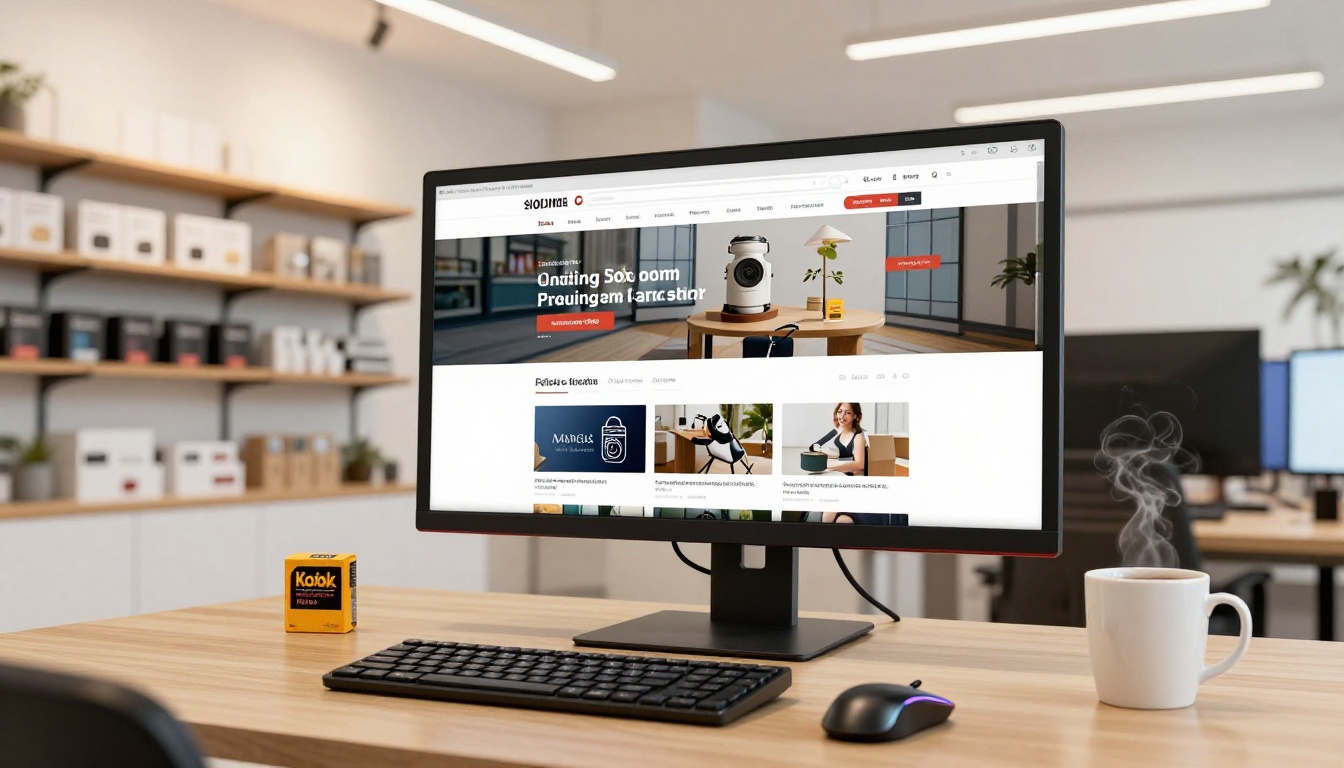
Your flipbook starts as a PDF. This can be a product catalog you already have, a new design built in Canva, Adobe InDesign, or even Google Slides exported as a PDF file. The PDF is your raw material and Flipbooks AI handles the conversion automatically.
💡 Aim for PDFs between 10 and 50 pages for optimal performance. Each page in the PDF becomes a spread in the final flipbook. Designs with full-bleed imagery and minimal body text tend to produce the most visually striking results.
Step 2: Sign up and upload
Go to Flipbooks AI and create your account. Once inside the dashboard, click "New Flipbook" and upload your PDF. The converter processes your file and generates a fully functional page-turning publication, typically in under 60 seconds regardless of file size.
Step 3: Customize branding and visual style
After conversion, the customization panel lets you set:
- Cover presentation: Hard-cover, soft-cover, or flat-open display style
- Brand colors: Apply your primary and accent colors to the flipbook UI and controls
- Page effects: Realistic page shadows, depth rendering, and flip animations
- Background: Solid color, gradient, or custom image behind the flipbook frame
Step 4: Add interactive elements
This step is where the flipbook moves from visual to functional:
- Add clickable hotspot links on product images that route directly to store product pages
- Embed product videos inside specific spreads for high-consideration items
- Include audio narration or background music for premium editorial experiences
- Set up a lead capture form at the entry gate to collect emails before buyers browse (available on the Professional plan via Flipbooks AI pricing)
Step 5: Publish and distribute
Hit publish and Flipbooks AI immediately provides:
- A direct share URL you can post in emails, ads, and social media bios
- A responsive embed code for placement inside your website
- A QR code for physical touchpoints including packaging, receipts, and in-store displays
- Password protection for exclusive content such as wholesale price lists or VIP previews
Step 6: Monitor performance
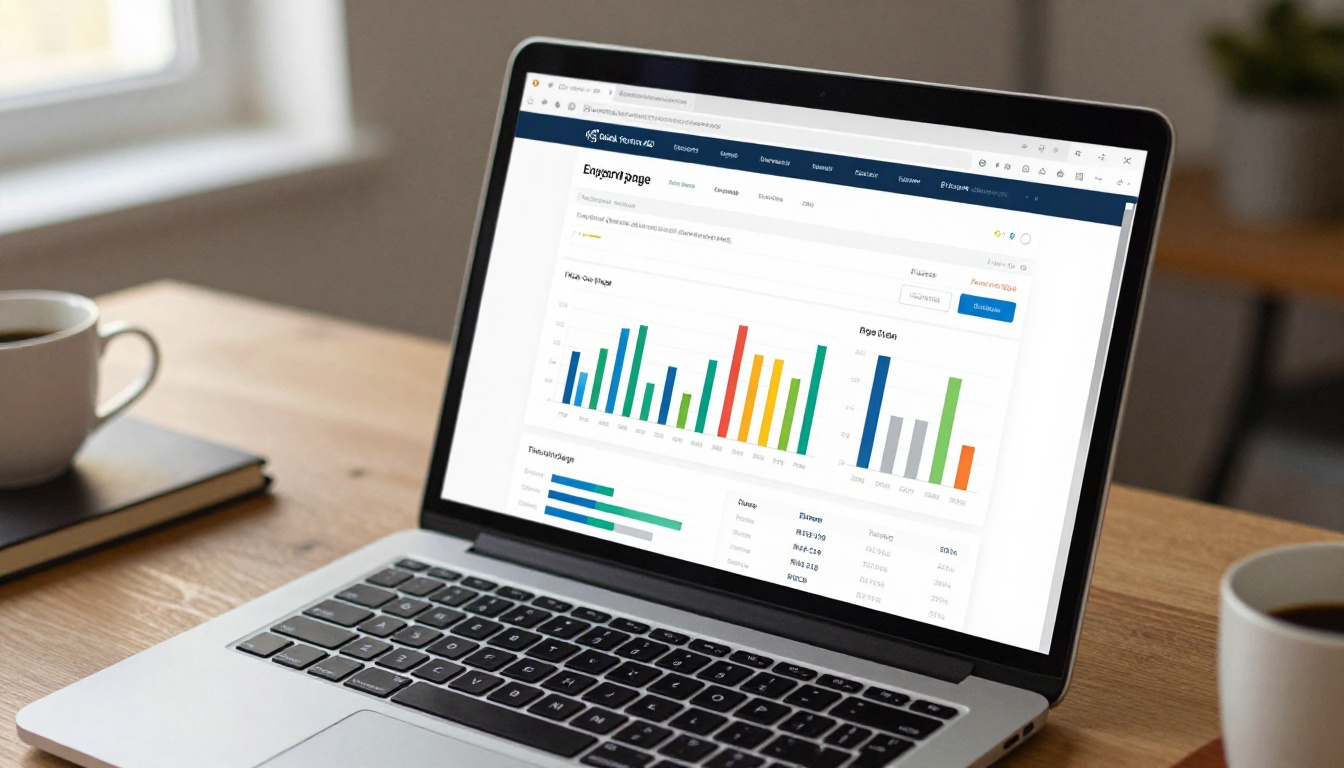
On the Professional plan, the built-in analytics dashboard shows you exactly which pages generate the most views, how long buyers spend on each spread, and at which page they tend to exit. This data tells you which products are generating pre-purchase interest and which catalog sections underperform before buyers ever reach your main store page.
Many online stores experiment with multiple content formats simultaneously. Here is how interactive flipbooks compare to the most common alternatives across every dimension that matters for e-commerce.
| Format | Mobile Ready | Shareable Link | Embeddable | Analytics | Interactive | Relative Cost |
|---|
| Interactive Flipbook | ✅ | ✅ | ✅ | ✅ Pro plan | ✅ | Low |
| Static PDF | ⚠️ Limited | ✅ | ❌ | ❌ | ❌ | Free |
| Product Video | ✅ | ✅ | ✅ | ✅ | ❌ | High |
| Slideshow Carousel | ✅ | ⚠️ Partial | ✅ | ⚠️ Limited | ⚠️ Limited | Free |
| Printed Catalog | ❌ | ❌ | ❌ | ❌ | ✅ | Very High |
| Instagram Stories | ✅ | ⚠️ Temporary | ❌ | ✅ | ⚠️ Limited | Free |
The flipbook format wins specifically on the combination of factors that drive e-commerce results: fully shareable, embeddable anywhere, optimized for mobile, and far cheaper to produce than video while delivering a comparable depth of experience.
Real-World Use Cases by Store Type
Fashion and apparel stores
A fashion retailer creates a seasonal lookbook presenting each collection as a curated editorial spread. Models photographed in context, outfit breakdowns per page, with a "shop this look" link on every spread. The Fashion Catalog Creator is built specifically for this workflow and handles multi-outfit spreads with the visual density apparel content requires.
Beauty and cosmetics brands
Cosmetics stores benefit from flipbooks that group products by skin type, concern, or daily routine. A "Morning Ritual" flipbook presenting five complementary products per spread drives higher average order values than individual product detail pages because it shows the full regimen, not just a single item. Buyers see how products work together and add multiple items at once.
Home and furniture retailers
Furniture is notoriously difficult to sell online because buyers need spatial context. A room-by-room flipbook showing furniture arranged in realistic interior photography converts significantly better than a product grid. Use the Furniture Catalog Maker to build room-scene spreads that let buyers visualize pieces in a real living context.
Food and specialty goods stores
Specialty food brands use flipbooks to tell origin stories alongside product listings, share curated recipes, and present seasonal gift sets as complete packages. A "Holiday Gift Guide" flipbook for a gourmet food store functions simultaneously as a sales tool and as shareable editorial content that customers forward to friends, generating organic reach that paid ads cannot replicate.

⚠️ Avoid this mistake: Do not upload a raw product export spreadsheet or a hastily assembled PDF as your flipbook source. Flipbooks amplify the quality of what you put in. Start with a visually structured layout, even a basic one built in Canva, and the published result will dramatically outperform a data-dense or text-heavy PDF.
How Flipbooks AI Covers Your Entire Store Content Operation
Beyond the core catalog and lookbook formats, Flipbooks AI covers a wide range of content types that online stores and brands produce throughout the year.
Every tool on this list outputs the same high-quality interactive flipbook format with the same embed capabilities, share options, and Professional-tier analytics.
Plans and What Each Tier Offers
Flipbooks AI is built so that stores of any size can get started without financial commitment and scale up as their content operation grows.
| Feature | Free | Standard | Professional |
|---|
| Flipbooks created | 1 | Unlimited | Unlimited |
| Watermark on flipbook | Yes | No | No |
| Password protection | ❌ | ✅ | ✅ |
| Custom branding and colors | ❌ | ✅ | ✅ |
| Page-view analytics | ❌ | ❌ | ✅ |
| Lead generation forms | ❌ | ❌ | ✅ |
| Offline PDF downloads | ❌ | ❌ | ✅ |
| Embed on any website | ✅ | ✅ | ✅ |
| Video and audio inside pages | ✅ | ✅ | ✅ |
| Mobile-responsive design | ✅ | ✅ | ✅ |
For most online stores, the Standard plan covers everything needed to create, brand, and distribute unlimited professional flipbooks. The Professional plan delivers its ROI quickly once lead generation forms and analytics are factored into the equation, particularly for stores with B2B or wholesale buyers alongside their retail channel.
Full plan details are available on the Flipbooks AI pricing page.
Your Store's First Flipbook, Live Today
Your competitors are still attaching PDFs to emails and hoping buyers open them. A shareable, embeddable, branded flipbook that loads instantly on any device is a straightforward upgrade with a cost-to-impact ratio that is hard to match anywhere else in your marketing stack.
Ready to build yours? Create a free account on Flipbooks AI and upload your first catalog today. Browse all flipbook tools to find the format that fits your store's product type, or review the available plans to pick the tier that scales with your volume.
The first flipbook takes under ten minutes to publish. After that, you have a sales asset you can share, embed, and refresh for every season, campaign, and collection your store releases.



