Your restaurant menu is not just a list of dishes. It is the first real impression diners get before a single plate hits the table, and right now, most restaurants are blowing it with a flat PDF link or a poorly photographed image. Flipbooks AI gives restaurant owners a faster, smarter way to create an interactive menu for their restaurant online, one that flips like a real book, loads on any device, and actually holds a customer's attention long enough for them to order more.
Static menu formats are everywhere, and they all share the same problem: they treat diners like filing cabinets, not people. A scanned PDF that opens sideways on a phone, a JPEG that is impossible to zoom, a printed menu card that has not been updated since the pandemic. None of these options feel premium, and none of them convert browsers into buyers the way a well-crafted interactive menu does.
The Hidden Cost of a Static PDF
When a customer clicks a PDF link on their phone, they wait for it to load, pinch to zoom, scroll in the wrong direction, and give up before they have even looked at the dessert section. That is not a minor inconvenience. That is a lost upsell opportunity every single service.
The data is clear: mobile users spend less than eight seconds deciding whether a digital document is worth their time. If your menu does not load fast, look beautiful, and feel intuitive within those eight seconds, you have already lost.
What Diners Expect in 2026
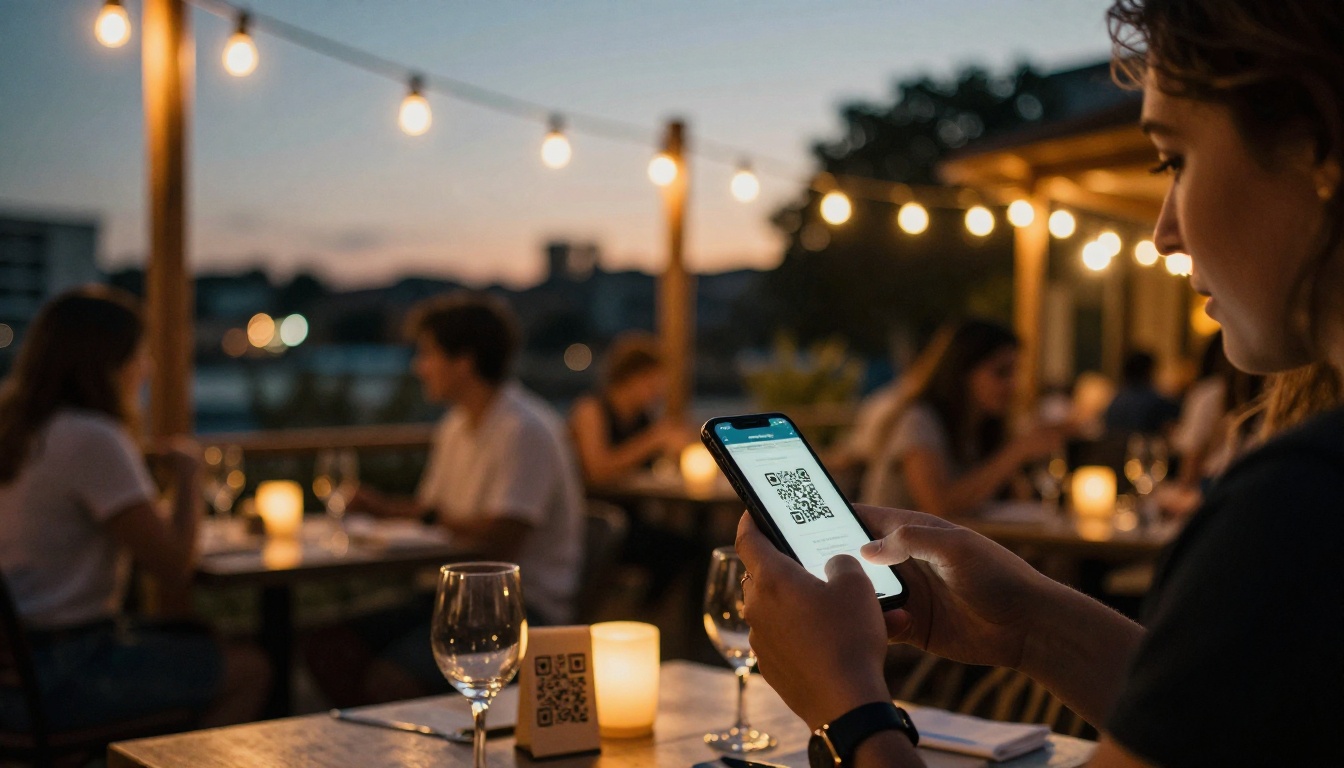
Customer expectations have shifted dramatically. People scan QR codes at their tables expecting something that feels designed, not just dumped online. An interactive online menu with smooth page-flip navigation, high-resolution food photography, and section tabs by course signals that a restaurant takes its brand seriously. It builds trust before the first bite.
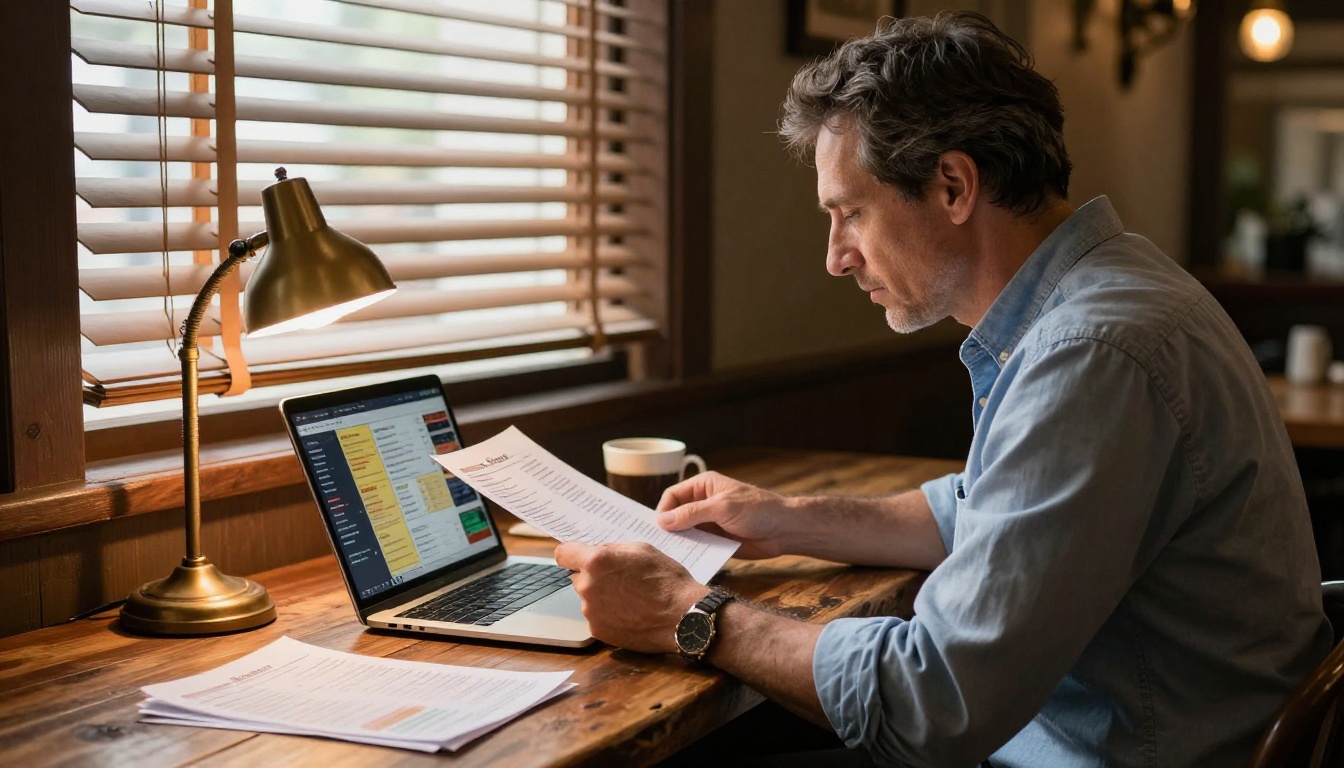
Not every "digital menu" is truly interactive. A lot of what gets sold as digital is just a JPEG uploaded to a Google Drive folder. Here is what genuine interactivity looks like and why each element matters.
Page-Flip That Feels Physical
A real page-turn animation does something interesting to the brain: it mimics the tactile experience of browsing a physical menu, creating a sense of familiarity and depth. Customers stay on a digital menu with page-flip effects significantly longer than they do on a flat PDF scroll. That extra time on the menu translates directly into higher average order value.
Clickable Sections and Category Navigation
An interactive restaurant menu lets diners jump directly to Starters, Mains, Drinks, or Desserts with a single tap. No scrolling through 14 pages to find the cocktail list. For restaurants with large menus, seasonal specials, or multi-cuisine offerings, this kind of navigation is non-negotiable.
Mobile-First Design That Holds Up
Over 70% of restaurant searches happen on mobile devices. An interactive menu built for mobile-first does not just scale down from desktop. It reflows, respects touch gestures, and renders food photography at the resolution it deserves. Any format that is not genuinely mobile-responsive is leaving tables empty.
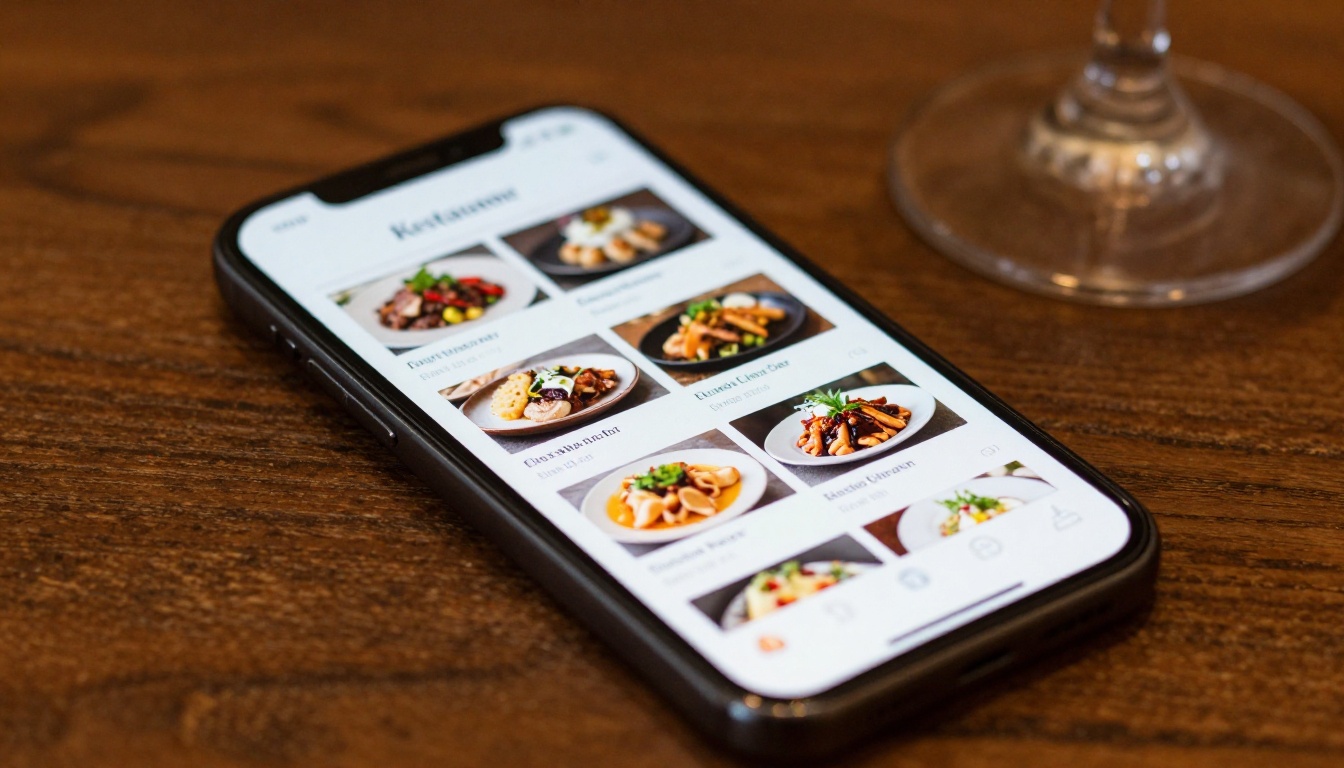
Flipbooks AI makes the process of building an interactive restaurant menu online genuinely straightforward. You do not need a web developer, a graphic designer on retainer, or any technical background. Here is the process from blank document to live menu.
Step 1: Design Your Menu as a PDF
Start in whatever design tool you are comfortable with: Canva, Adobe InDesign, Google Slides, or even Microsoft Word. Create each section on its own page or spread. Use high-quality food photography, clear pricing, and a consistent color palette that matches your restaurant brand.
For restaurants without existing branding, the Menu Flipbook Designer tool provides templates built specifically for food and beverage businesses.
💡 Pro tip: Design your pages at 300 DPI minimum. Flipbooks AI preserves that resolution, so your food photography looks sharp even on high-DPI screens.
Step 2: Upload to Flipbooks AI
Head to Flipbooks AI and create your account. The upload process takes seconds. Drag your PDF directly onto the upload zone and Flipbooks AI converts it into a fully interactive flipbook with page-turn animation automatically applied.
The conversion handles multi-page documents cleanly, whether your menu is 4 pages or 40. Each page becomes a high-fidelity flip-ready spread.
Step 3: Customize Your Branding
Once your menu is uploaded, the real customization begins. In the Flipbooks AI editor, you can:
- Set your brand colors for the flipbook viewer chrome, navigation arrows, and background
- Add your restaurant logo to the viewer header
- Choose page effects: hard cover simulation, shadow depth, and transition speed
- Embed videos: add a short clip of a signature dish being plated directly into a menu page
- Add audio: background music for ambiance, or a voice-over introduction from the head chef
This level of customization is what separates a professional online restaurant menu from a basic document upload.
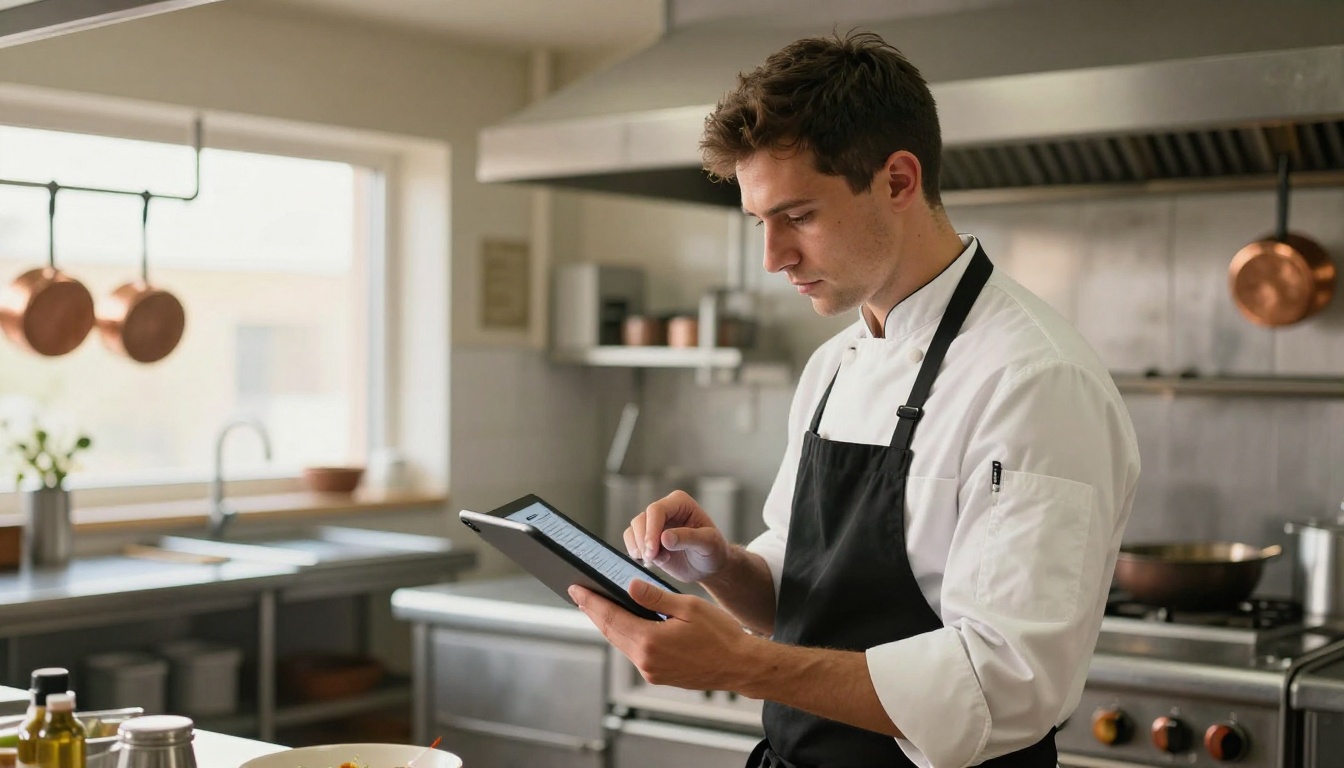
Step 4: Share It Everywhere
Flipbooks AI generates several sharing formats the moment your menu is published:
- Direct link: A clean URL you can text to guests, post on Instagram, or add to your Google Business Profile
- QR code: Auto-generated and ready to download, print, and place on every table or window
- Embed code: Drop your menu directly onto your restaurant website with two lines of HTML, using the Embed Flipbook on Website tool
- Password protection: For prix-fixe or private dining menus that should not be public
✅ Best practice: Put the QR code on table cards, your front door, your Instagram bio, and your Google Maps listing. Every touchpoint where a diner might look for your menu is an opportunity to deliver the interactive version.
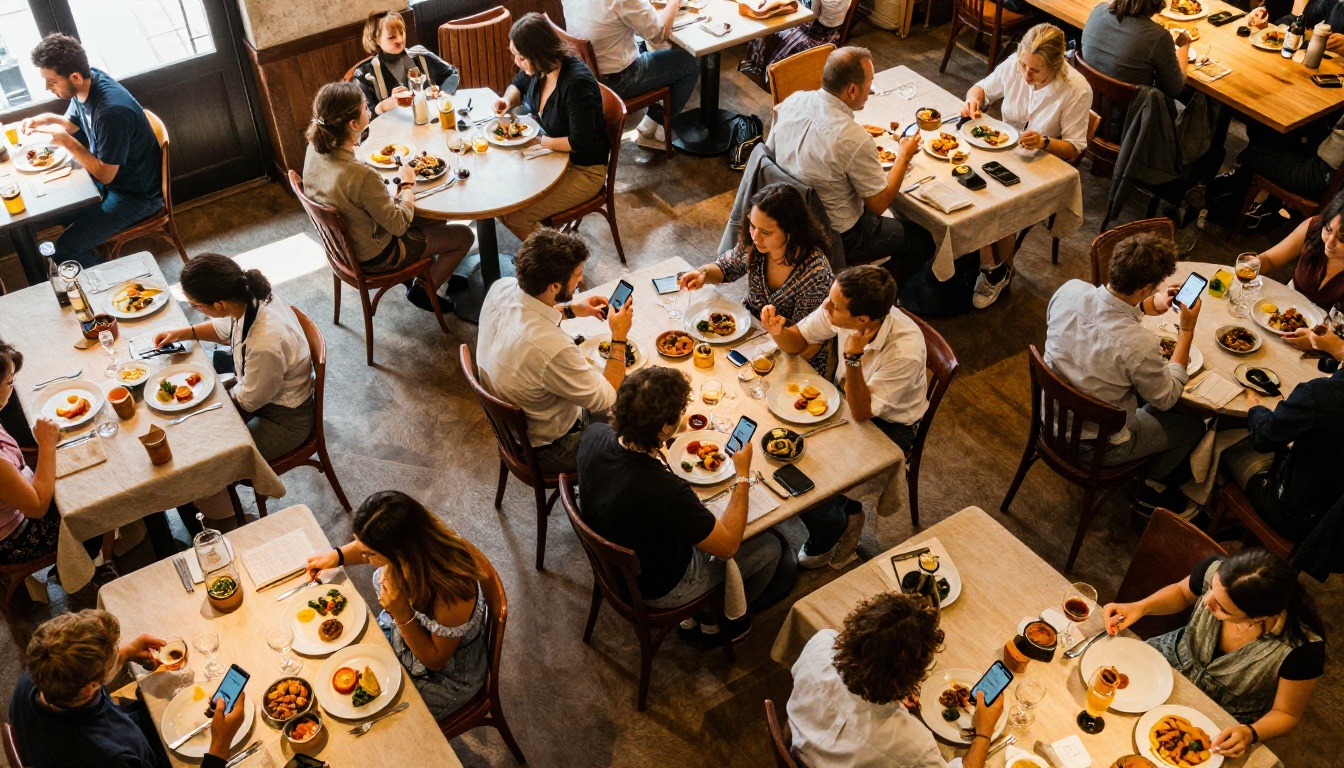
Sharing Options That Actually Get Used
The best online menu in the world does not help if it is buried three clicks deep on your website. Here is how real restaurants are distributing their interactive menus effectively.
QR Codes for Table Service
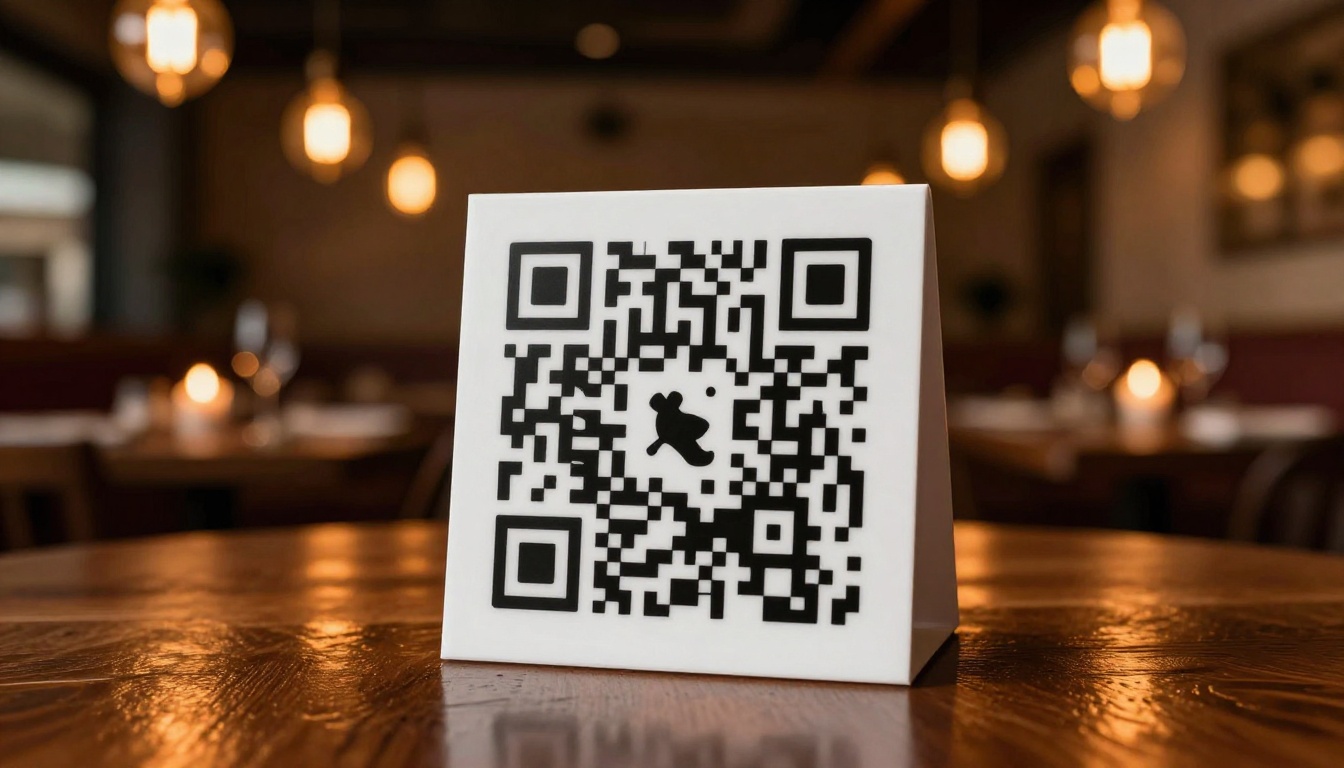
Printed QR codes on table tents have become the universal standard for contactless menus, and they are not going anywhere. The key is making sure the QR code leads somewhere worth arriving. A QR code that opens a broken PDF or a low-resolution image is worse than no digital menu at all.
With Flipbooks AI, the QR code links directly to the live, hosted version of your flipbook menu. Update the underlying PDF and the QR code link stays the same. Your table cards never need reprinting when you update a price or add a seasonal special.
Embedding on Your Website
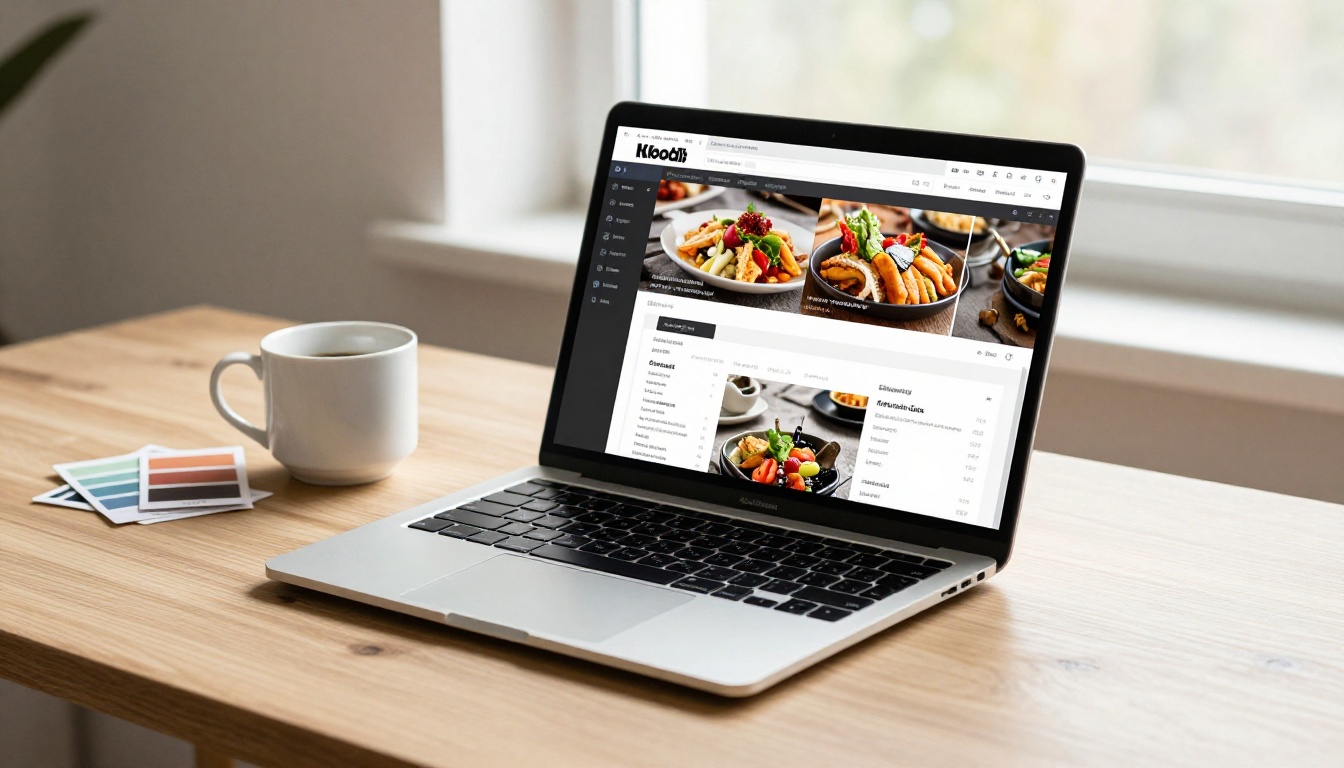
Your website menu page should not be a photograph of a printed menu. Embedding your interactive flipbook takes two minutes and gives website visitors the same full experience they would get at the table. The Restaurant Menu Creator tool is specifically built for this use case, with embed-ready output from the moment your flipbook is published.
Links for Social and Google
A direct shareable link works across every platform. Put it in your Instagram bio. Include it in your Google Business Profile description. Pin a post with the menu link every time you update your offerings. Customers searching for your restaurant online will find an actual browsable menu, not a screenshot.

Comparing Plan Features for Restaurant Owners
Flipbooks AI offers tiered plans suited to different restaurant needs. Here is a direct breakdown of what matters most for food and beverage businesses:
| Feature | Free | Standard | Professional |
|---|
| Interactive flipbooks | 3 | Unlimited | Unlimited |
| Custom branding | No | Yes | Yes |
| Password protection | No | Yes | Yes |
| Analytics dashboard | No | No | Yes |
| Lead generation forms | No | No | Yes |
| Offline downloads | No | No | Yes |
| Watermark-free | No | Yes | Yes |
| Embed on website | Yes | Yes | Yes |
| QR code sharing | Yes | Yes | Yes |
| Video and audio embedding | No | Yes | Yes |
💡 For single-location restaurants with a stable menu, the Standard plan covers everything you need. Multi-location or high-volume restaurants with frequent updates and marketing goals should consider the Professional plan for its analytics and lead generation tools.
See pricing plans to find what fits your operation.
Features Worth Paying For
The free tier shows you what is possible. The Professional plan is where serious restaurant marketing starts.
Analytics That Show You What Sells
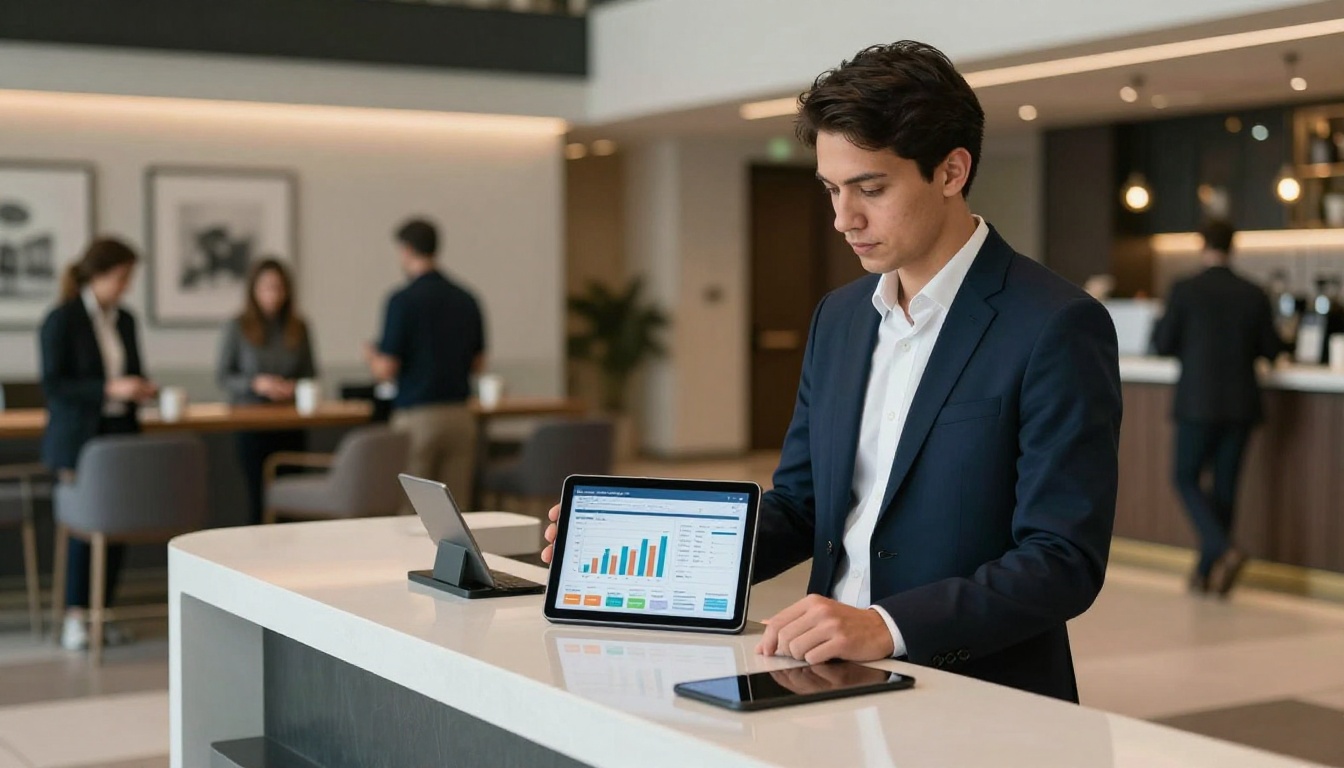
The Professional plan includes a real-time analytics dashboard that tracks how many people viewed your menu, how long they spent on each page, and which sections got the most attention. For a restaurant, this data is valuable.
If your cocktail page gets three times the views of your dessert page, you know where to put your upsell photography budget. If customers are dropping off at page two, your menu flow needs restructuring.
Built-In Lead Generation
The Professional plan lets you add lead capture forms inside the flipbook itself. For restaurants running private dining, catering, or event bookings, this means a diner browsing your menu can submit an inquiry without ever leaving the document. That is a conversion funnel built directly into your menu.
Offline Downloads
For catering events, pop-ups, or venues with unreliable wifi, the offline download option lets guests view the full interactive flipbook without an internet connection. The experience remains intact: page-flip animations, food photography, section navigation, everything.
Static vs. Interactive: The Direct Comparison
Here is how the most common restaurant menu formats stack up across the factors that matter most to both owners and diners:
| Format | Mobile Experience | Update Speed | Visual Quality | Sharing Options | Cost Over Time |
|---|
| Printed paper menu | Physical only | Days to weeks | Good | None | High (reprinting) |
| PDF link | Poor, zoom required | Hours | Medium | Link only | Low |
| JPEG or image | Poor, no navigation | Hours | Low | Link only | Low |
| Static website page | Good | Hours | Medium | URL only | Medium |
| Interactive flipbook | Excellent | Minutes | Excellent | Link, QR, embed | Low |
The interactive flipbook wins across every digital category. It loads fast, looks premium, updates in minutes, and works across every sharing channel simultaneously.
Real Restaurants, Real Use Cases
Different types of restaurants use interactive online menus in different ways. Here are scenarios that show the format's versatility.
Fast Casual: Speed and Simplicity
A fast-casual burger spot needs a menu that loads instantly on a phone and communicates options clearly. A six-page flipbook with vivid photography, clear pricing, and an allergen section covers everything. The QR code at the counter replaces the overhead menu board for customers who want to browse before ordering.
Fine Dining: Atmosphere in Every Page
An upscale tasting menu restaurant can treat the flipbook as an extension of the physical dining experience. Soft background music embedded in the opening page, high-resolution plating photography, and handwritten-style typography maintain the premium tone while giving guests something to share on social media afterward.
Seasonal and Special Event Menus
A restaurant that rotates its menu quarterly or runs weekly specials can publish a new flipbook in under 10 minutes. No reprinting costs. No trips to the print shop. Update the PDF, re-upload, and the same QR codes and embed links instantly show the new version.
Beyond the core Restaurant Menu Creator, Flipbooks AI has purpose-built tools for adjacent restaurant needs:
Browse all flipbook tools to see the full directory.
Even with a great tool, a handful of mistakes can undermine an otherwise solid interactive menu.
- Low-resolution photography: Flipbooks preserve your image quality. If your source images are blurry, the flipbook will be blurry. Invest in good food photography once and use it everywhere.
- Too many pages: A 40-page flipbook for a 30-item menu is padding. One page per category section, two pages for mains. Keep it tight.
- No QR code at the table: Publishing your menu online without a QR code at every table means most in-person diners will never see it. Physical and digital work together.
- Forgetting to update: An interactive menu loses its credibility the moment a diner tries to order something that has been off the menu for three months. Review and update every season.
⚠️ Warning: Never link your QR code directly to a PDF file in cloud storage. If you move the file or the link expires, every QR code in your restaurant becomes broken overnight. Use a hosted platform like Flipbooks AI that keeps the link stable even when the content updates.
The window between "I should update our menu" and "our menu is live and looking great" used to be measured in weeks, between the designer, the printer, and the delivery schedule. Today it is measured in minutes.
A restaurant that publishes a polished, interactive online menu with real page-flip navigation, mobile-responsive design, and a scannable QR code is immediately more professional than the vast majority of its competition. Not because the food changed, but because the presentation did.
Get started for free on Flipbooks AI and have your first interactive restaurant menu live before your next dinner service. Use the Restaurant Menu Creator to work from a purpose-built template, or drop your existing PDF directly into the converter and see it come to life in seconds.
When you are ready to add analytics, lead generation, and offline access, compare pricing plans to pick the right tier. The Standard plan costs less than reprinting a single stack of paper menus, and it never needs reprinting again.
Ready to give every diner a premium menu experience from their first tap? Create your interactive restaurant menu and start tonight.



