Training materials that nobody reads are a waste of time, money, and effort. The average employee retention rate for traditional instructor-led training hovers around 25%, while interactive digital formats push that number closer to 75%. The reason is simple: static PDFs and printed manuals demand passive consumption. Flipbooks demand participation. When your team can click through pages, watch embedded videos, and move at their own pace on any device, learning shifts from a chore to an experience. Flipbooks AI makes this shift possible without requiring design skills or technical expertise.
Why Static Training Docs Stop Working
The PDF Problem Nobody Talks About
PDFs were designed for print. They work beautifully as documents, but they were never built for learning. When you open a PDF on a phone, the text shrinks, the columns collapse, and the images blur. Scrolling through 40 pages of compliance procedures on a 6-inch screen is not a learning experience. It is a test of patience.
The numbers tell the story clearly:
| Format | Avg. Completion Rate | Mobile-Friendly | Multimedia Support | Trackable |
|---|
| Printed Manual | 38% | No | No | No |
| Static PDF | 44% | Poor | No | No |
| PowerPoint Slides | 52% | Partial | Limited | No |
| Interactive Flipbook | 81% | Yes | Yes | Yes |
The completion gap between a PDF and an interactive flipbook is not subtle. It is a 37-point difference that reflects something real about how people engage with content when it feels alive versus when it feels like a form they have to fill out.
What Learners Actually Need
Good training content shares three characteristics: it is scannable, it is paced correctly, and it confirms comprehension. A wall of text fails all three. Flipbooks address each one by breaking content into pages, allowing learners to control their pace, and creating natural stopping points where understanding can be reinforced.

💡 The ideal training flipbook page contains no more than 150 words of text paired with one strong visual. Keep it concise and scannable.
What Makes a Flipbook Training-Ready
Page-Turn Psychology
There is a reason physical books feel satisfying to read: the act of turning pages creates a sense of progress. Digital flipbooks replicate that same psychological feedback loop. Each page turn signals advancement. That forward momentum keeps learners engaged and reduces the anxiety of staring at a single infinite scroll.
The page-based format also makes content modular. A trainer can say "go to page 12 for the compliance checklist" rather than "scroll down until you find the section that starts with..." This specificity matters during live sessions, follow-up reviews, and self-paced learning alike.
Mobile Accessibility Matters
Frontline workers, remote employees, and field staff do not sit at desks. They complete training on phones during breaks, on tablets between shifts, or on laptops while traveling. Flipbooks built through Flipbooks AI are fully responsive across all screen sizes by default, no additional development required.
✅ Always preview your training flipbook on at least three device sizes before distributing. Mobile responsiveness is not optional for modern L&D programs.
5 Training Material Types That Shine as Flipbooks
Not every document benefits equally from the flipbook format. These five categories see the biggest improvement in completion and retention:
How to Create Training Flipbooks with Flipbooks AI
This is where theory becomes action. The workflow from document to published interactive training material takes less than 15 minutes for most standard documents.
Step 1 - Set Up Your Account
Go to Flipbooks AI and create your account. The Standard plan gives you unlimited flipbooks with no watermarks, which is the minimum requirement for professional training distribution. If your program needs analytics or lead capture (useful for external certification courses), the Professional plan includes both.
Step 2 - Upload Your PDF
Once logged in, click "Create New Flipbook" and upload your training PDF. The PDF to Flipbook Converter processes the document and renders it as a paginated flipbook automatically. The conversion preserves fonts, layouts, images, and formatting from the original file.
⚠️ If your training PDF uses non-standard fonts, embed them before uploading to prevent substitution issues during conversion.
Step 3 - Customize for Your Brand
Brand consistency matters in training materials. It signals professionalism and builds institutional trust. The customization panel lets you:
- Set your company logo in the header
- Apply brand colors to navigation elements and backgrounds
- Choose page-turn animation styles (classic flip, slide, or fade)
- Add a custom cover thumbnail for your training library
- Configure reading direction for international teams
This step alone transforms a generic document into something that feels purpose-built for your organization.
Step 4 - Add Multimedia Elements
This is where interactive training materials separate from static documents. Inside the flipbook editor, you can embed:
- Videos: Walkthrough demonstrations, talking-head explanations, or screen recordings
- Audio: Narration tracks, pronunciation guides, or ambient context
- Links: References to supporting documents, external resources, or internal wikis
- Hyperlinked text: Glossary terms, compliance references, and cross-section navigation
For technical training especially, embedding a 90-second video of a physical process eliminates the ambiguity that text descriptions always carry.
Step 5 - Share and Track
Flipbooks AI provides multiple distribution options. Choose the one that fits your access control requirements:
- Direct link: Anyone with the URL can access the flipbook, ideal for open resources
- Password protection: Restrict access to enrolled employees only
- Embed code: Place the flipbook directly inside your intranet, LMS, or internal portal using the Embed Flipbook on Website tool
- Offline download: Allow employees to download for field access without internet
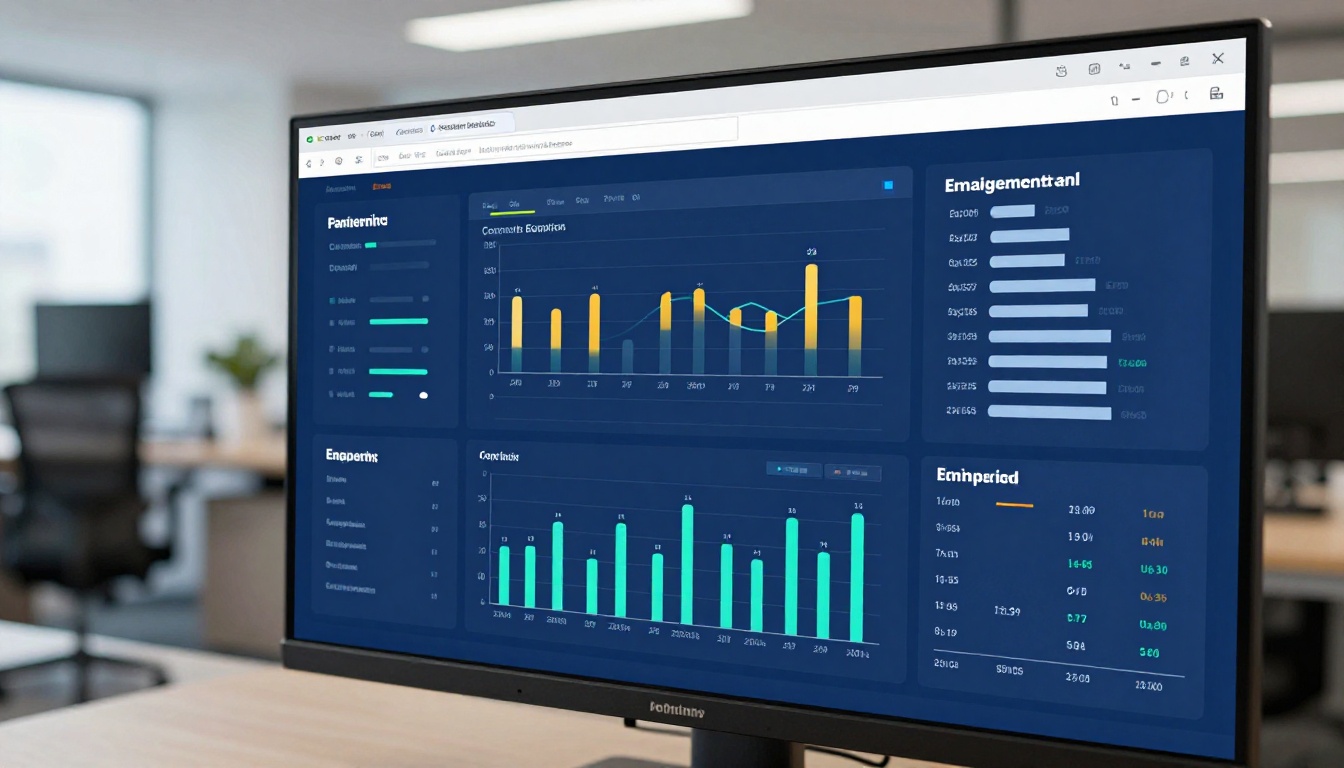
Professional plan users also get access to analytics showing individual page views, time spent per section, and overall completion rates. This data is actionable. If 80% of employees drop off at page 15, that page needs revision.

Best Practices for Interactive Training Content
Structure for Retention
The learning science on this is clear: spaced repetition and chunked information outperform marathon reading sessions every time. Structure your training flipbooks to reflect this:
- Open each section with a clear objective: one sentence stating what the learner will be able to do
- Deliver content in 3-5 page bursts before introducing a summary or checkpoint
- Use visual cues such as color-coded sections, icons, and consistent formatting to reduce cognitive load
- End each major section with a brief recap or a specific action item
💡 Treat each major section of your training document like a mini-lesson with its own opening, body, and close. Learners process modular content faster than continuous prose.
Visuals That Actually Help
Not all visuals are equal. Decorative images that do not connect to the content increase cognitive load without aiding comprehension. The visuals that work best in training flipbooks are:
- Process diagrams: Showing steps in a workflow
- Before/after comparisons: Demonstrating correct versus incorrect technique
- Annotated screenshots: Ideal for software and systems training
- Visual checklists: Formatted tables rather than plain bullet text
Flipbooks AI Plans for Training Teams
Choosing the right plan depends on the size of your team and what data you need to report on training effectiveness.
| Feature | Free | Standard | Professional |
|---|
| Number of Flipbooks | 1 | Unlimited | Unlimited |
| Watermark | Yes | No | No |
| Password Protection | No | Yes | Yes |
| Training Analytics | No | No | Yes |
| Lead Generation | No | No | Yes |
| Offline Downloads | No | Yes | Yes |
| Embed on Website | No | Yes | Yes |
| Custom Branding | No | Yes | Yes |
| Video and Audio Embed | No | Yes | Yes |
For most corporate training programs, Standard is the entry point and Professional is the destination once you need to report on completion and usage data.
See pricing plans to find the tier that matches your team's current needs.
Real Use Cases That Work
Employee Onboarding
A manufacturing company with 200 new hires per year replaced their 60-page printed onboarding manual with a flipbook. New employees completed onboarding materials at a 91% rate, up from 54% with the printed version. HR saved approximately 8 hours per onboarding cycle that had previously been spent answering questions already covered in the manual.
The interactive format allowed HR to embed a welcome video from the CEO on page 3, link directly to the benefits enrollment portal from the relevant section, and password-protect the entire document so only active employees had access.

Compliance Training
Compliance training is often the most resented type of corporate learning. The content is dense, the stakes are high, and traditional formats make it feel like a legal obligation rather than useful knowledge.
Flipbooks change the dynamic by breaking compliance content into short, focused sections, allowing employees to navigate directly to the topic they need, and giving L&D teams trackable data for audit purposes. When a regulator asks "can you prove your employees completed the annual data privacy training," a flipbook with Professional plan analytics provides a clean and verifiable answer.
✅ For compliance training, use password protection and analytics together. Password protection ensures only authorized staff access the material, and analytics provides the completion records you need for audits.
Sales Enablement
Sales teams live on their phones. A 40-page product knowledge PDF emailed to a sales rep before a big meeting is not going to get read on a crowded commute. The same content as a mobile-optimized flipbook, shared via direct link, gets scrolled through between stops.
The Sales Presentation Flipbook tool handles this exact use case, allowing sales managers to build shareable, branded product training that travels as easily as a text message link.
Technical Skills Training
Step-by-step technical procedures are inherently sequential, which makes them a natural fit for paginated flipbook formats. Embedding screenshots with annotations on each page, alongside video demonstrations of physical processes, creates a reference document that technicians can return to mid-task without losing their place.
The Training Manual Flipbook tool is built specifically for this workflow, with templates designed around procedural content structures.
The Flipbooks AI tools directory covers more specific training use cases than most L&D teams realize. A few worth noting:
Each tool comes with purpose-built templates that significantly reduce production time compared to starting from a blank document.
Start Building Better Training Today
The gap between training that gets ignored and training that drives real behavior change often comes down to format, not content. L&D professionals who make the shift to interactive flipbooks consistently report higher completion rates, stronger knowledge retention, and fewer repeat questions from employees who "missed" content buried in static documents.
The tools are already built. The process takes minutes. The only thing standing between your team and better training outcomes is the format you choose.
Ready to create your first training flipbook? Get started for free on Flipbooks AI and have your first interactive training material published today.
Browse all available tools and templates to find the right format for your specific training type.
Compare pricing plans to choose the plan that fits your team's size and reporting requirements.



