Your resume gets seven seconds. That is the average time a recruiter spends scanning a job application before deciding whether to keep reading or move on. If your portfolio is a static PDF buried in an email attachment, those seven seconds are unforgiving. A flipbook portfolio changes that equation completely, turning your job application into an interactive experience that hiring managers actually want to click through. Flipbooks AI makes this process straightforward, and the results can significantly shift how you stand out in a crowded applicant pool.

Why Your Resume Alone Falls Short
The traditional resume has not changed much in 50 years. One or two pages of text, chronological experience, bullet points. It gets the basics across. But for most roles today, especially in creative, marketing, design, writing, tech, and business development, a text-only resume cannot show what you actually do.
What Recruiting Research Actually Shows
Studies consistently find that visually rich application materials receive significantly more attention from recruiters. Eye-tracking research shows that a well-formatted visual portfolio holds attention three to four times longer than a plain text document. When a hiring manager can flip through your work, see examples, and read context alongside them, they build a mental picture of you as a candidate that a resume list simply cannot create.
The practical reality is that most applicants send the same basic documents. A portfolio that loads in a browser, turns pages, and presents your work in a curated sequence immediately separates you from the stack.
Static PDF vs. Interactive Portfolio
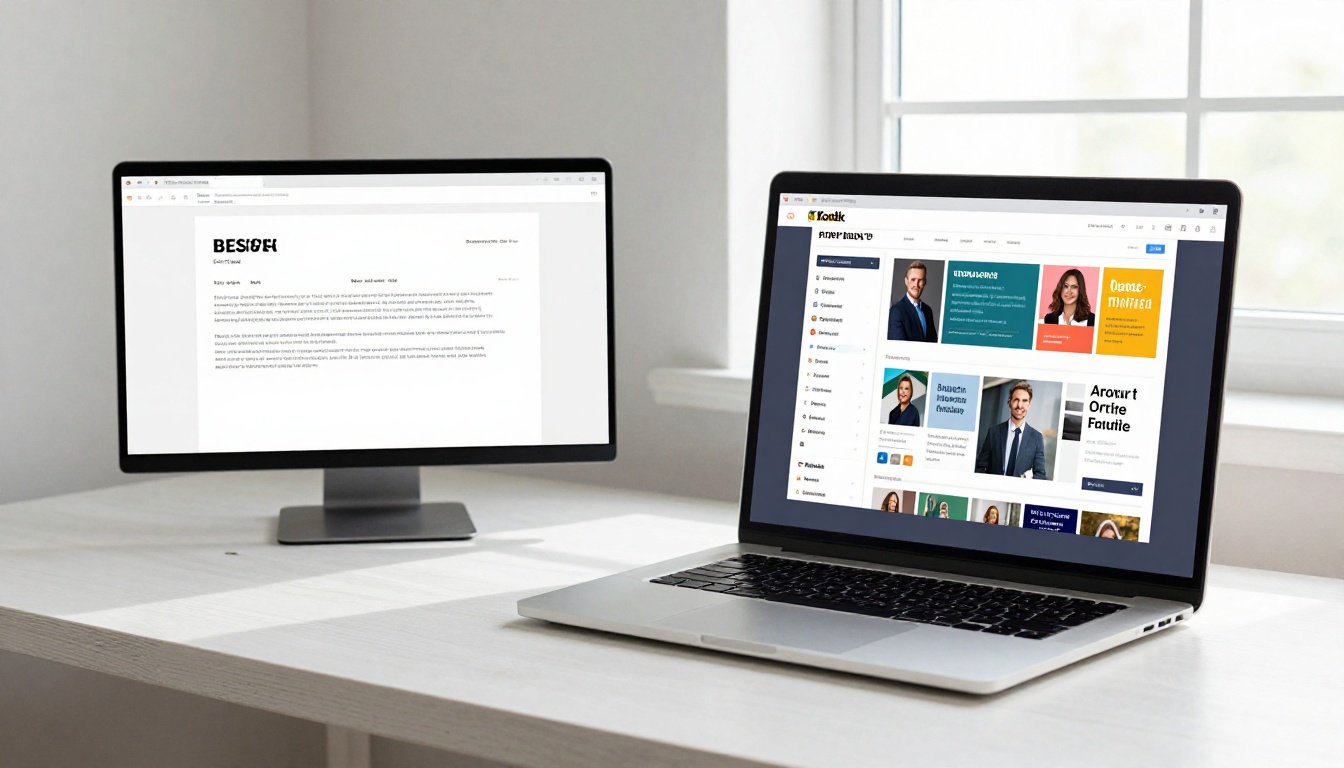
| Factor | Static PDF | Interactive Flipbook Portfolio |
|---|
| First impression | Flat, text-heavy | Visual, immediate impact |
| Mobile experience | Tiny text, pinch to zoom | Responsive, tap-to-flip |
| Multimedia support | None | Embed video and audio |
| Tracking | No visibility | View counts, time-on-page |
| Sharing method | Email attachment | Shareable link, embeddable |
| Password protection | None | Available on paid plans |
| Branding | Generic | Custom colors, logo, domain |
| Page-turning effect | None | Realistic flip animation |
The difference is not just cosmetic. An interactive portfolio communicates that you are detail-oriented, tech-comfortable, and willing to go beyond the minimum, which are exactly the signals employers want from a strong candidate.
💡 Send your flipbook link instead of an attachment. It never clogs an inbox, never corrupts in transit, and loads instantly on any device.
What a Job Application Portfolio Actually Contains
A portfolio is not just your best work dropped into a folder. It is a curated narrative about your professional identity. Every section should serve a purpose in that story.
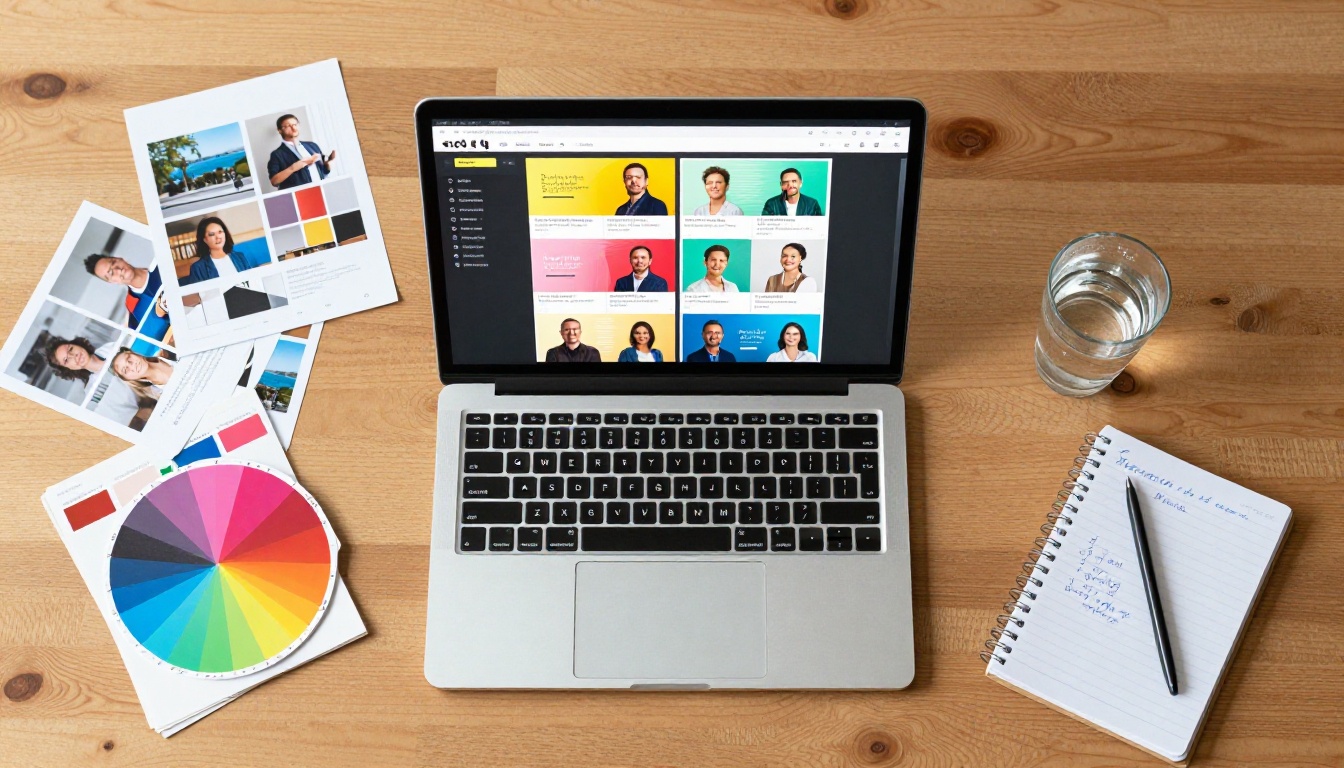
Core Sections Every Portfolio Needs
1. Opening Page
Your name, title, contact information, and a professional photo if relevant to your field. This is the first page that loads, so make it count visually.
2. Professional Summary
Two to three paragraphs that tell your story in human terms. Not a copy-paste of your resume objective, but a genuine account of what you do, why you do it, and what makes your approach distinct.
3. Work Samples
The centerpiece. Show three to eight pieces of your best work with brief context: the brief, your role, the outcome. Real numbers make this section much stronger ("increased email open rates by 34%", "reduced project delivery time from 6 weeks to 3").
4. Resume or CV
Include it. Some hiring managers will still want it. Inside a flipbook, your resume becomes one readable, scrollable spread instead of a dense wall of text.
5. Testimonials or References
A short quote from a manager or client adds credibility that no self-written bullet point can match.
6. Contact and Call to Action
The final page should make it effortless to reach you. Email, LinkedIn, phone, and a clear prompt to connect.
What to Leave Out
- Work from more than 10 years ago unless directly relevant to the role
- Projects you cannot speak confidently about in an interview
- Anything that belongs to a previous employer without explicit permission
- Generic stock images used as filler content
⚠️ Do not include sensitive client data or confidential project files in your portfolio. Blur or redact identifying information where needed before uploading.
Which Industries Benefit Most
Almost every profession benefits from a portfolio, but some fields see particularly strong results when candidates show up with well-designed interactive materials.
| Industry | What to Showcase | Recommended Tool |
|---|
| Graphic Design | Logos, branding, print work | Digital Portfolio Creator |
| Marketing | Campaign results, case studies, copy samples | Portfolio Flipbook Builder |
| Photography | Photo series, client shoots, before/after edits | Photography Portfolio |
| Architecture | Drawings, completed builds, concept work | Digital Portfolio Creator |
| Writing / Editorial | Published articles, pitch decks, long-form samples | E-Book Flipbook Generator |
| Fashion / Styling | Lookbooks, editorial shoots, collection previews | Interactive Lookbook Designer |
| Business Development | Pitch decks, proposal samples, case studies | Sales Presentation |
| Education | Lesson plans, teaching materials, student outcomes | Course Material Publisher |

✅ Even if your industry is not traditionally "visual," a flipbook portfolio signals organizational skill, attention to detail, and digital fluency. All of these are valued in any role.
How to Build Your Portfolio with Flipbooks AI
Flipbooks AI gives you everything you need to turn a PDF portfolio into a fully interactive, professionally branded flipbook in minutes. No design software license required.
Step 1: Gather and Organize Your Materials
Before touching any tool, spend 30 to 60 minutes assembling your content.
- Select your work samples: Pick three to eight pieces. Quality beats quantity every time.
- Write your captions and context: One to two sentences per project explaining the brief and the outcome.
- Collect your professional photo or brand logo if you want custom visual branding.
- Draft your professional summary as a short paragraph, not a list of bullet points.
Once you have the content, design your portfolio in any tool you already use, such as Canva, Adobe InDesign, PowerPoint, or Google Slides, and export it as a PDF.
Step 2: Upload Your PDF to Flipbooks AI
- Go to Flipbooks AI and create your account if you have not already.
- From your dashboard, click New Flipbook and select Upload PDF.
- Drag and drop your portfolio PDF or browse to your file location.
- Wait for the conversion. Flipbooks AI processes the PDF and generates a page-turning flipbook automatically. This typically takes under 60 seconds for a 10 to 20 page portfolio.
- Preview each page to confirm all content rendered correctly before moving forward.
💡 Use high-resolution images in your PDF (300 DPI minimum) so every spread looks sharp on large screens and retina displays.
Step 3: Brand It to Match Your Personal Identity
This is where a flipbook portfolio truly separates itself from a plain PDF.
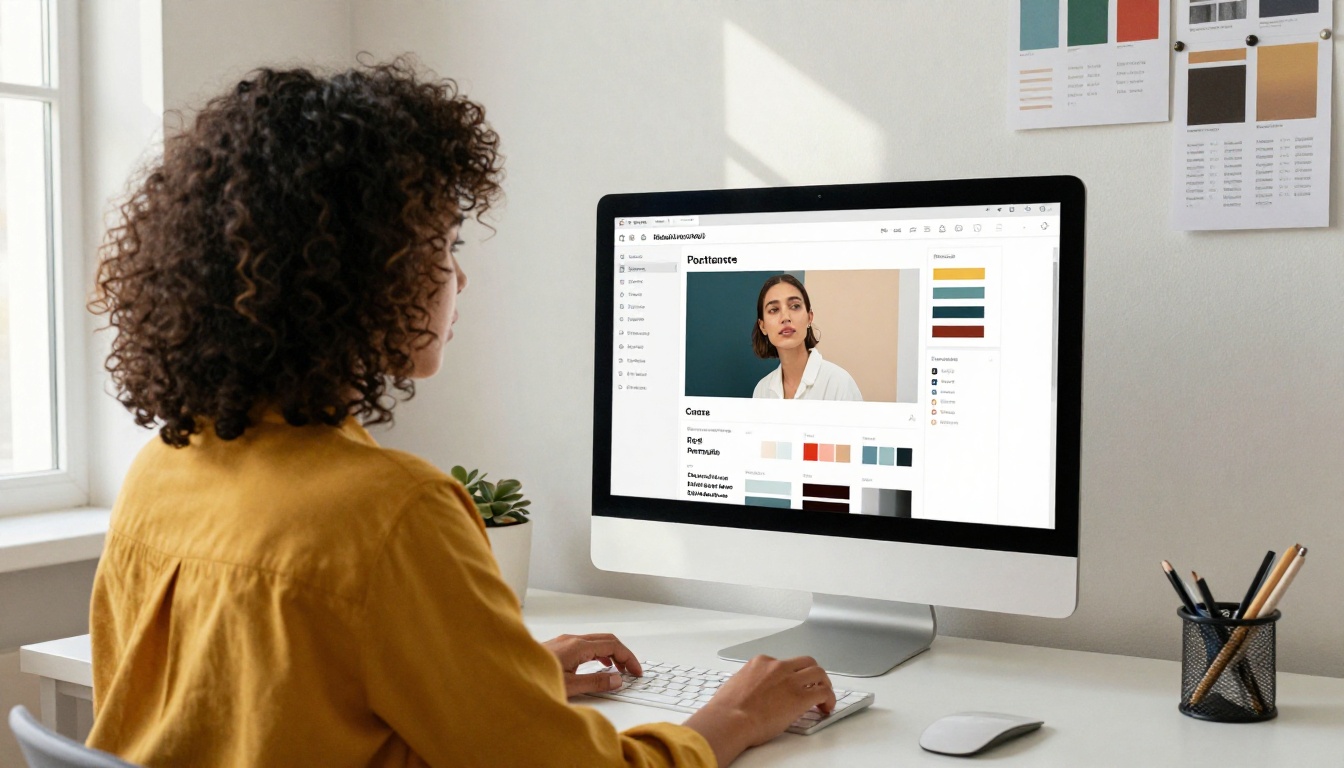
Inside the Flipbooks AI editor you can:
- Set custom colors: Match your personal brand palette so every UI element reinforces your identity.
- Add your logo or professional photo to the flipbook header for a polished, consistent look.
- Choose a page-turning style: Classic flip, slide, or scroll, depending on the mood you want to create.
- Set a custom flipbook name that reflects your professional identity clearly.
- Add background music (optional) for immersive creative portfolios like photography or fashion.
Custom branding signals that you approach your professional presentation with the same care you would apply to client work, and hiring managers notice that.
Step 4: Add Multimedia Elements
Static portfolios cannot play video. Yours can. If you have video case studies, showreels, product demos, or recorded presentations, embed them directly into your flipbook pages.
- Video embeds: Paste a YouTube, Vimeo, or direct video link into any page.
- Audio clips: Add a personal introduction, narration, or ambient sound.
- Hyperlinks: Link out to live projects, published articles, or social profiles directly from within portfolio pages.
Step 5: Share and Track Who Views It
When your portfolio is ready, Flipbooks AI gives you multiple ways to get it in front of employers.
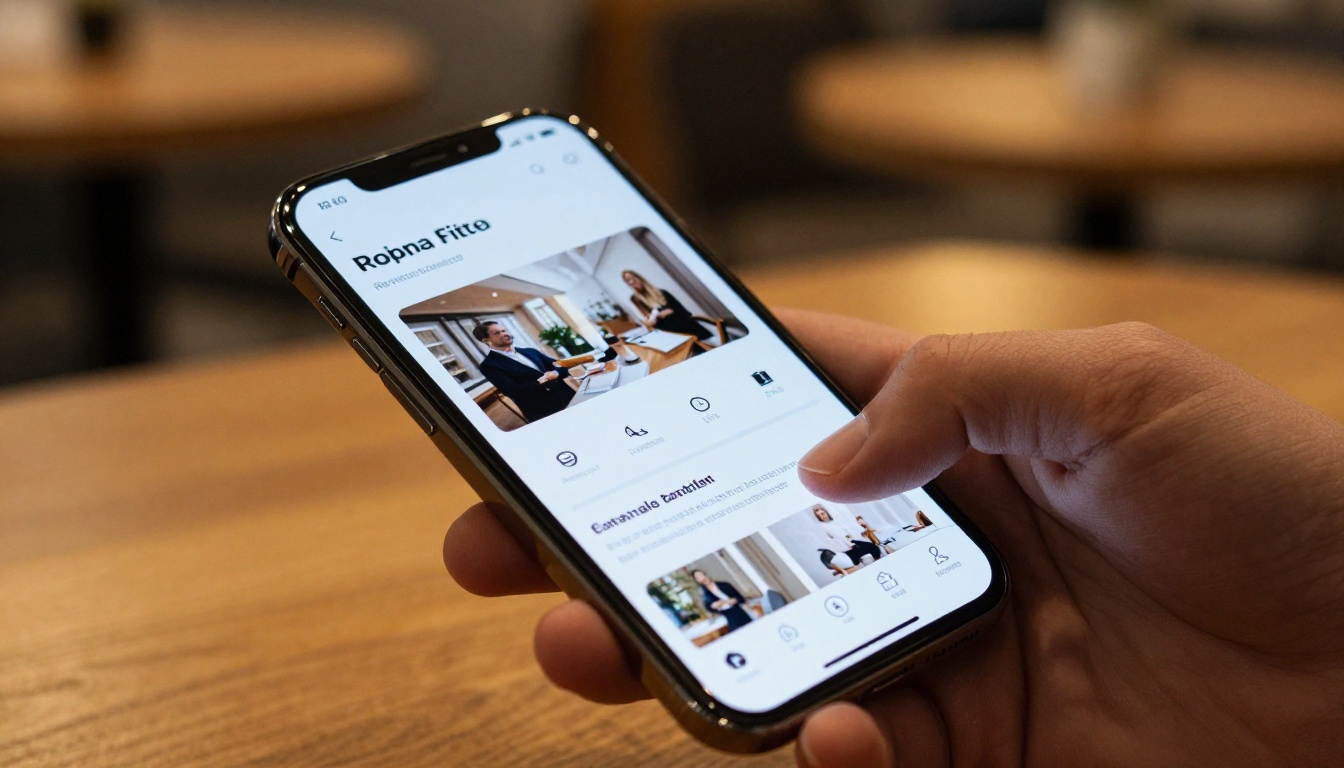
- Direct link: Copy a clean shareable URL to paste into your resume, email signature, or LinkedIn profile.
- Embed code: Drop your portfolio directly into a personal website or LinkedIn article.
- Password protection: Set a password for selective employer access (available on paid plans).
- QR code: Print it on a business card or the footer of your printed resume for in-person situations.
- Analytics (Professional plan): See how many times your portfolio was opened, which pages received the most attention, and where viewers dropped off.
Check pricing plans to see which tier includes the analytics and lead generation features that work best for active job seekers.
Portfolio Plans Compared
Flipbooks AI offers several plan tiers. Here is how they break down for job application use:
| Feature | Free | Standard | Professional |
|---|
| Flipbooks | 1 | Unlimited | Unlimited |
| Watermark | Yes | No | No |
| Custom branding | No | Yes | Yes |
| Password protection | No | Yes | Yes |
| Video embeds | No | Yes | Yes |
| Analytics dashboard | No | No | Yes |
| Lead generation | No | No | Yes |
| Offline downloads | No | Yes | Yes |
| Custom domain | No | No | Yes |
💡 For active job seekers sending portfolios to multiple employers, the Standard plan is the most practical starting point. No watermarks, unlimited flipbooks, and password protection for private sharing.
5 Portfolio Mistakes That Cost You Interviews
Even a beautifully designed portfolio can hurt your application if you make these common errors.

1. Including too much work
More is not better. Ten mediocre samples dilute your best three. Edit ruthlessly and present only the work you are proud to discuss in detail during an interview.
2. No context for your samples
Work samples without explanation are just images. Employers want to know your role, the challenge, and the result. Add brief captions to every piece, and include real metrics wherever possible.
3. Sending a portfolio that does not load on mobile
Recruiters review applications on phones constantly. A portfolio that requires pinching and zooming or fails to load will be dismissed before they reach your second page. Flipbooks AI produces fully mobile-responsive flipbooks automatically, so this is one problem you will not have.
4. Using a generic portfolio for every application
Tailor your portfolio to each role. Swap in the most relevant work samples for each application. A marketing portfolio sent to a copywriting role should lead with writing samples, not design work.
5. No clear contact information or call to action
If a hiring manager loves your portfolio but cannot find your email in under five seconds, you lose the opportunity. Put your contact details on the first and final page, not buried in the middle.
⚠️ Never send a portfolio link that requires the recipient to create an account or download an app to view it. Keep friction at zero.
Getting Your Portfolio Seen
Building the portfolio is only half the work. Placing it strategically is what generates actual interview invitations.
Where to Place Your Portfolio Link
- Email signature: Every message you send becomes a passive portfolio introduction.
- LinkedIn profile: Add the flipbook URL in your Featured section and within your About summary.
- Resume header: Place it directly next to your name and email as a clickable URL.
- Application forms: Most job applications have a "website" or "portfolio" field. Always fill it in.
- Business cards: A QR code linking to your flipbook on a printed card is a strong in-person impression.
Tracking Views and Refining Over Time

With the Professional plan on Flipbooks AI, you get access to analytics that show exactly how your portfolio is performing. You can see:
- Total views and unique visitors so you know how many employers actually opened it
- Average time spent on the portfolio across all sessions
- Page-by-page attention data showing which spreads people linger on vs. skip
- Geographic location of viewers to understand where your applications are gaining traction
If page 3 of your portfolio (your case studies) consistently holds attention longer than any other page, that is your signal to lead with case studies in future applications. If viewers drop off at the same page every time, that section needs revision. This kind of data-driven refinement is normally reserved for marketing professionals managing campaigns. For a job seeker, it is a rare and practical advantage.
The Digital Portfolio Creator and Portfolio Flipbook Builder tools on Flipbooks AI are purpose-built for exactly this use case, and they remove the technical barrier entirely so you can focus on what matters: the work you are putting inside.
Your Portfolio, Working While You Sleep
A job application portfolio built on a flipbook maker is no longer a nice-to-have. For most competitive roles, it is the difference between being remembered and being forgotten. The tools, the analytics, and the sharing features are all available right now, and the setup takes less time than writing a cover letter.
Start building your interactive portfolio today on Flipbooks AI. Browse all available portfolio tools to find the right format for your field and career stage.
Compare pricing plans and pick the tier that fits where you are in your job search. The free plan is a solid starting point, and upgrading when you are actively sending applications gives you the analytics to keep improving with every application you send.
Your next interview could come from a hiring manager who clicked through your portfolio before reading a single line of your resume. Make sure what they find is worth their full attention.



