If you are still sharing your product catalogue as a static PDF attachment, you are leaving conversions on the table. Today's buyers expect something more interactive, more visual, and far more engaging. The good news? You can create an online catalogue with animated page turns for free, in minutes, without any design experience. Flipbooks AI makes this possible for anyone, from boutique retailers to global brands.

Why Animated Page Turns Actually Matter
There is a reason print catalogs feel special in your hands. The physical act of turning a page creates anticipation. It draws attention. It slows the viewer down enough to actually absorb what is on each spread. Digital catalogues with animated page turns recreate that experience on screen, and the results back it up.
Static PDFs Are Losing the Battle
A standard PDF download is transactional at best. The user downloads it, maybe opens it, maybe scrolls through half before losing interest. There is no interaction, no visual reward, and no emotional connection to the content. By contrast, an online catalogue with flip animation keeps users on the page longer, encourages browsing through every section, and creates a far more memorable brand experience.
Static PDFs also offer zero tracking capability in their basic form. You have no way of knowing if a single person opened that file after you sent it.
What the Flip Effect Actually Does
The animated page turn effect does more than look impressive. It creates spatial context for the content, helping viewers understand exactly where they are in the catalogue and how much more is left to see. The physics of the page curl, the shadow cast by the turning leaf, the slight resistance and then release as the page settles — these micro-details signal quality and professionalism.
💡 Animated page turns consistently outperform static scroll-through formats in time-on-page metrics. If you want people to read your catalogue rather than skim it, the flip effect matters.
The market for online catalogue software has grown considerably. Several tools now offer a free entry point, though what "free" actually means varies widely between platforms.
What Free Really Means in 2025
For some tools, "free" means a severely limited trial with a watermark slapped across every page. For others, it means a permanent free tier with genuinely useful features. When evaluating any free catalogue maker, check specifically for:
- Whether the watermark can be removed without paying
- How many catalogues you can publish simultaneously
- Whether sharing via URL is included at no cost
- If there are bandwidth or page view caps
Flipbooks AI offers a genuinely free tier, and critically, no watermarks, ever, even on the free plan. That alone puts it in a different category from most competitors.
Tool Feature Comparison
| Feature | Flipbooks AI | Typical Free Tool | Typical Paid Tool |
|---|
| Watermark-free | ✅ Always | ❌ Paid only | ✅ Yes |
| Animated page turns | ✅ Yes | ✅ Yes | ✅ Yes |
| Unlimited flipbooks | ✅ Standard+ | ❌ 3 max | ✅ Yes |
| Custom branding | ✅ Yes | ❌ No | ✅ Yes |
| Password protection | ✅ Yes | ❌ No | ✅ Paid tier |
| Analytics | ✅ Professional | ❌ No | ✅ Paid tier |
| Embed on website | ✅ Yes | ✅ Yes | ✅ Yes |
| Mobile responsive | ✅ Yes | ⚠️ Partial | ✅ Yes |
| Offline downloads | ✅ Yes | ❌ No | ✅ Paid |
✅ The combination of no watermarks, custom branding, and mobile responsiveness at no cost makes Flipbooks AI the strongest free starting point available today.
How to Create an Online Catalogue with Animated Page Turns for Free
This tutorial covers exactly how to go from a PDF to a live, shareable, animated online catalogue using Flipbooks AI. The process takes about five minutes once your PDF is ready.
Step 1: Create Your Account
Head to flipbooksai.com/account and sign up. No credit card required for the free plan. The dashboard is clean and minimal, so you will find your way around immediately. Once logged in, you will see your flipbook library and a prominent button to create your first catalogue.
Step 2: Upload Your PDF
From the dashboard, click New Flipbook and drag your PDF into the upload area. The platform converts your PDF pages into the flipbook format automatically, preserving all images, typography, and layouts from your original design file.

A few things worth knowing about the PDF upload process:
- File size: Keep PDFs under 100MB for fastest processing
- Page count: Works with everything from a 4-page product sheet to a 200-page annual catalogue
- Resolution: Higher resolution PDFs produce sharper page content. Export at 150-300 DPI minimum from your design software
- Fonts: All fonts are embedded automatically from the PDF, so there is no risk of font substitution
⚠️ If you have a Word document or InDesign file, export it as a PDF first. The converter works exclusively with PDF format.
Step 3: Customize Branding and Page Effects
Once your catalogue is processed, you can personalize several elements before publishing.
Branding options include:
- Upload your logo to appear on the flipbook viewer toolbar
- Set brand colors for the viewer interface
- Add a custom background color or texture behind the pages
- Apply a custom favicon for the standalone catalogue URL
Page effect settings:
- Flip speed (slow for a luxury editorial feel, faster for quick product browsing)
- Auto-flip timer to create a self-running presentation mode
- Sound effects on or off for the page turn
- Shadow intensity on the page curl for a more tactile appearance
Multimedia additions:
- Embed video clips directly onto specific pages, such as a product demo or brand film
- Add audio narration or background music to set the mood
- Insert clickable links on any text or image element within a page
Step 4: Share Your Catalogue
When you are satisfied with the result, click Publish. You immediately receive:
- A direct URL to share via email, social media, or messaging platforms
- An embed code to drop into any website or landing page
- A QR code for print materials, retail packaging, or in-store displays

Password protection is available if your catalogue is for restricted access, whether for internal teams, wholesale buyers, or VIP clients. Anyone following the link will hit a password gate before seeing any content.
For teams that need performance data, the Professional plan adds full analytics: page-by-page view counts, time spent per spread, geographic viewer data, and lead capture forms that appear at set points inside the catalogue experience.
Who Uses Animated Catalogues and Why
Animated online catalogues work across virtually every industry that has products, services, or stories to communicate visually. Here are the most active use cases and the specific tools built for each one.

Retail and E-commerce Brands
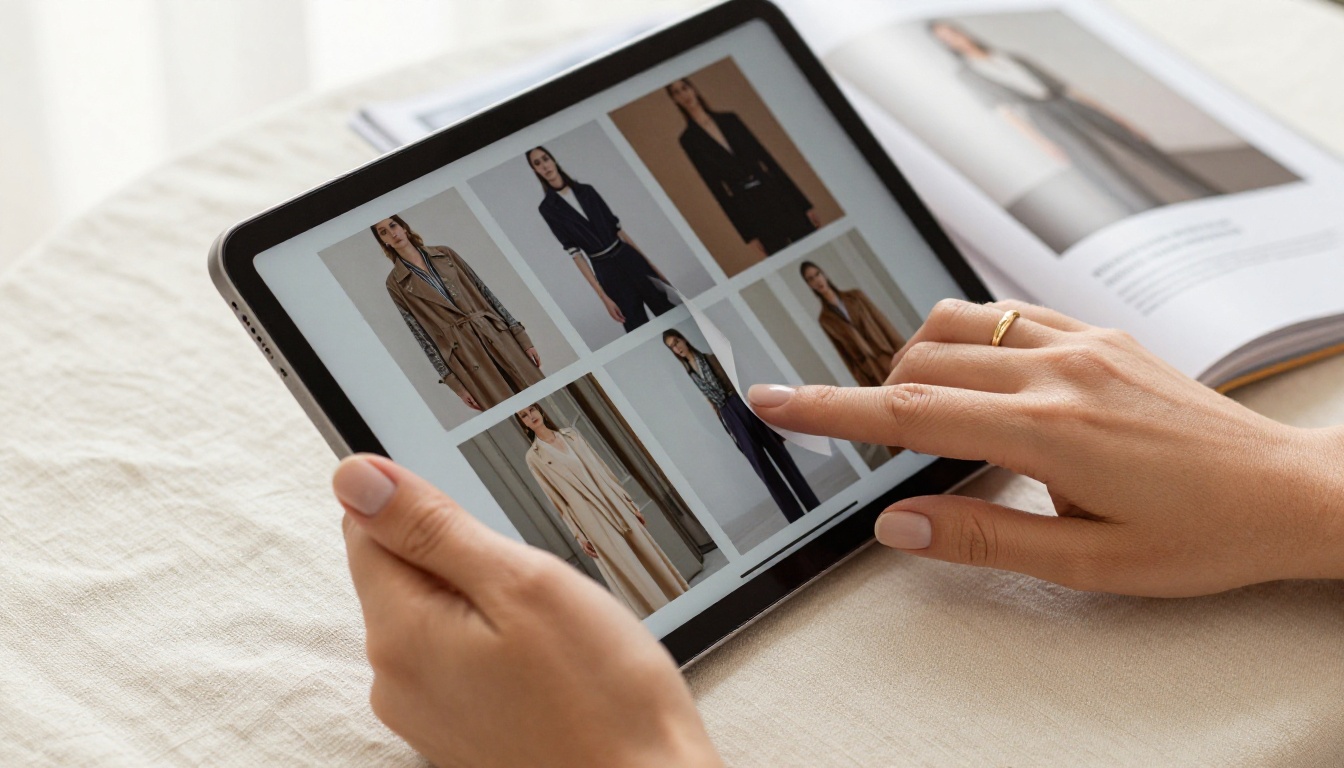
A mid-size clothing retailer launching a new seasonal collection can upload their lookbook PDF and have a shareable animated catalogue live in minutes. Instead of sending a static file to wholesale buyers, they share a clean URL. Buyers flip through the collection at their own pace on any device, and specific pages can embed short video clips of pieces in motion.
The Product Catalog and Fashion Catalog tools are built specifically for these retail workflows, with templates that prioritize large product photography and clean layout structure.
Real Estate Agencies
Real estate agents benefit enormously from this format. A property brochure in flipbook form presents floor plans, interior photography, neighborhood maps, and pricing in a way that feels premium without being expensive to produce. Agents can embed the catalogue directly on their listing pages or share it with prospective buyers via a single link.

Restaurants and Hospitality
Restaurants with rotating seasonal menus no longer need to reprint physical menus every few weeks. A digital menu built with animated pages lets the team update content on the fly while diners get a visually rich experience on their own phones or on a tablet at the table. Spa, wellness, and hotel properties use the same approach for service menus and property brochures, presenting offerings in a format that reflects the quality of their brand.
Plan Comparison at a Glance
Flipbooks AI operates on a tiered plan structure. Here is how the plans compare on the features most relevant to catalogue creators:
| Feature | Free | Standard | Professional |
|---|
| Watermarks | None | None | None |
| Flipbooks | 3 | Unlimited | Unlimited |
| Custom branding | ✅ | ✅ | ✅ |
| Password protection | ✅ | ✅ | ✅ |
| Embed on website | ✅ | ✅ | ✅ |
| Offline downloads | ❌ | ✅ | ✅ |
| Analytics | ❌ | ❌ | ✅ |
| Lead generation forms | ❌ | ❌ | ✅ |
| Video and audio embeds | ✅ | ✅ | ✅ |
| Mobile responsive | ✅ | ✅ | ✅ |
The free tier is a fully functional starting point, not a stripped-down teaser. For businesses creating more than three catalogues or needing offline downloads, the Standard plan covers it. The Professional tier is the right fit for teams running lead generation campaigns through their catalogues or needing detailed viewer analytics.
Check the full pricing breakdown to see which plan fits your publishing volume.
When to Move Up a Plan
If your catalogue is part of an active sales workflow, shared with prospects, tracked for opens, or used to capture leads, the Professional plan pays for itself quickly. Lead generation forms can appear at a specific page within the catalogue, capturing email addresses from interested viewers directly inside the flipbook experience, without ever redirecting them elsewhere.
💡 Analytics data at the page level tells you exactly which products in your catalogue get the most attention. That information alone can reshape how you sequence your next release.

What Sets a Great Online Catalogue Apart
Publishing a catalogue with animated page turns is just the starting point. What separates a good catalogue from one that actually drives action comes down to a few deliberate choices made before and after publishing.
Mobile-First Actually Matters
More than 60% of catalogue views happen on mobile devices. A catalogue that forces users to pinch-and-zoom on their phones is one most viewers will close within the first two pages. Flipbooks AI renders every catalogue as a fully mobile-responsive experience, so the animated page turns, typography, and image quality translate correctly to any screen size without extra configuration.
💡 Test your catalogue on your own phone before sharing. Open the link, flip through three or four pages, and check that product images are sharp and text is readable without zooming. What you see is what your customers will see.
Branding Makes It Yours
A catalogue without consistent branding feels like a commodity item. Small details have a large impact: your logo in the viewer header, your brand color on the toolbar, a background that matches your visual identity. These touches signal to the viewer that what they are looking at is a considered, professional piece of communication.
The Catalog Flipbook Creator gives you full control over these elements without any design software required.
Page Quality Reflects Brand Quality
The animated page turn effect only works in your favour if the pages themselves look polished. Blurry images, inconsistent margins, and small unreadable text undermine the premium feel the animation creates. Before uploading your PDF:
- Use a professional PDF layout tool such as InDesign, Canva, or Adobe Acrobat
- Export at minimum 150 DPI, ideally 300 DPI for sharp image rendering
- Keep body text at 10pt minimum for readability on smaller screens
- Use high-resolution product photography throughout every spread
Get Your Catalogue Live Today
Static PDFs had their moment. An online catalogue with animated page turns is now the standard for brands that want to make a real impression on buyers, clients, and prospects. It costs nothing to start, takes minutes to publish, and the difference in how your content is received is immediate.
Ready to build yours? Create a free account on Flipbooks AI and upload your first catalogue today. No credit card, no watermarks, no complicated setup required.
Not sure which format fits your business best? Browse all available tools and templates for specific industries and use cases. From fashion lookbooks to restaurant menus to real estate brochures, there is a dedicated tool for virtually every catalogue format.
When you are ready to access analytics, lead generation, or unlimited publishing, review the full pricing options to find the plan that matches your volume and goals.



