Every day, buyers skip past PDF attachments without opening them. The file is too big, the download takes too long, or it simply looks boring in an inbox. Meanwhile, agents who share a sleek, page-turning digital flipbook get responses within hours. The difference is not the property. It is the presentation. Flipbooks AI makes it possible to turn any property listing document into an interactive, shareable flipbook in under 5 minutes, with no design software, no coding, and no learning curve.
Why Property Teasers Need to Go Digital
The PDF Problem Nobody Talks About
Real estate runs on first impressions. When a buyer receives a PDF attachment, they face friction immediately: downloading the file, opening a reader application, zooming in on small text, scrolling through static pages. Each step is a chance to lose their attention.
Digital flipbooks eliminate all of that. A buyer clicks one link and sees a responsive, beautifully formatted property presentation that loads instantly in their browser, on any device.
What Buyers Actually Want
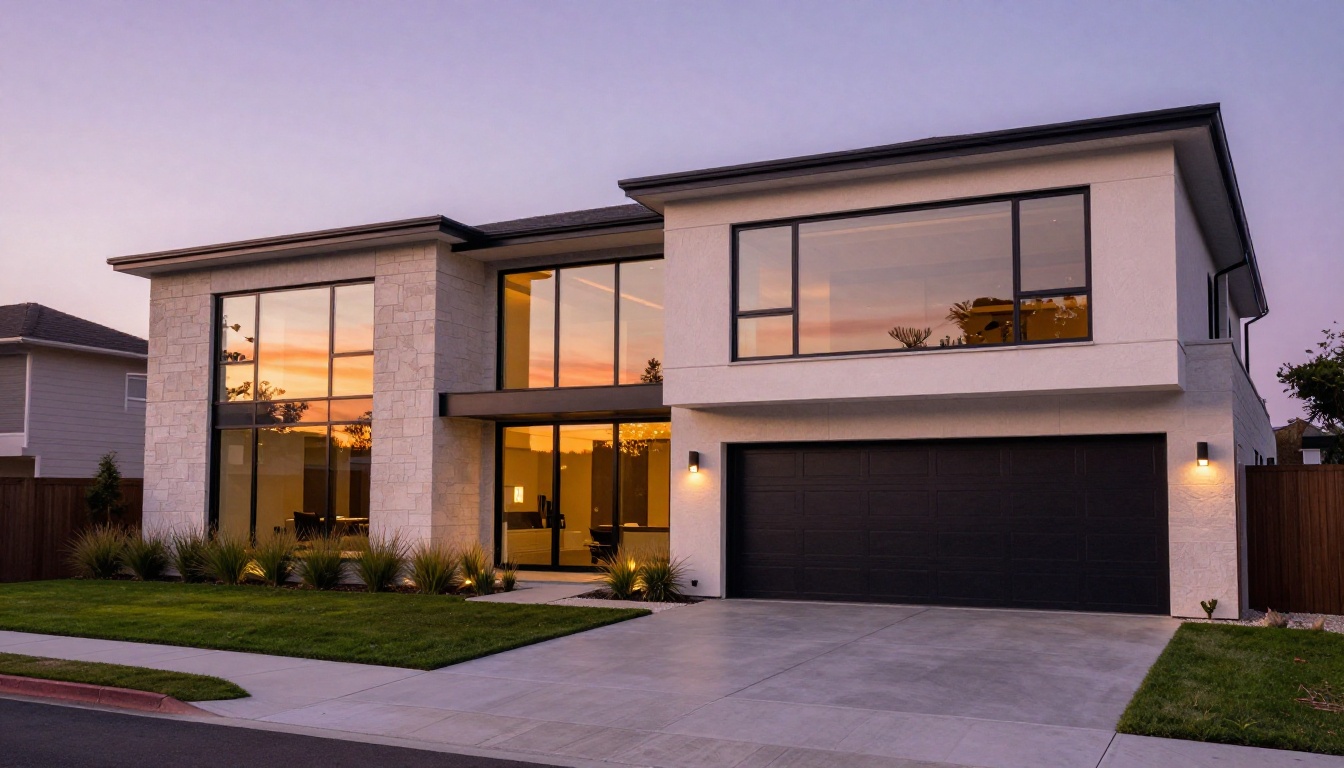
Modern property buyers are accustomed to high-quality digital experiences. They browse listings on their phones, share properties with partners via text, and research neighborhoods before setting foot in a home. A property teaser needs to fit naturally into that workflow.
The most effective digital teasers are:
- Mobile-optimized from the first page
- Fast to load, even on mobile data connections
- Easily shareable via a single URL
- Visually compelling with large photography and minimal clutter
- Interactive, with embedded maps, videos, or clickable contact forms
💡 A property teaser is not a full brochure. It should spark curiosity, not answer every question. Aim for 4 to 8 pages maximum.
What Makes a Great Property Teaser Flipbook
The 5 Elements That Convert Buyers
Not every flipbook converts. The ones that do share five consistent qualities:
- A powerful cover page with one striking hero photograph and the property address
- A concise highlights section with 3 to 5 key selling points in large, scannable text
- A curated photo gallery of 6 to 10 interior and exterior shots
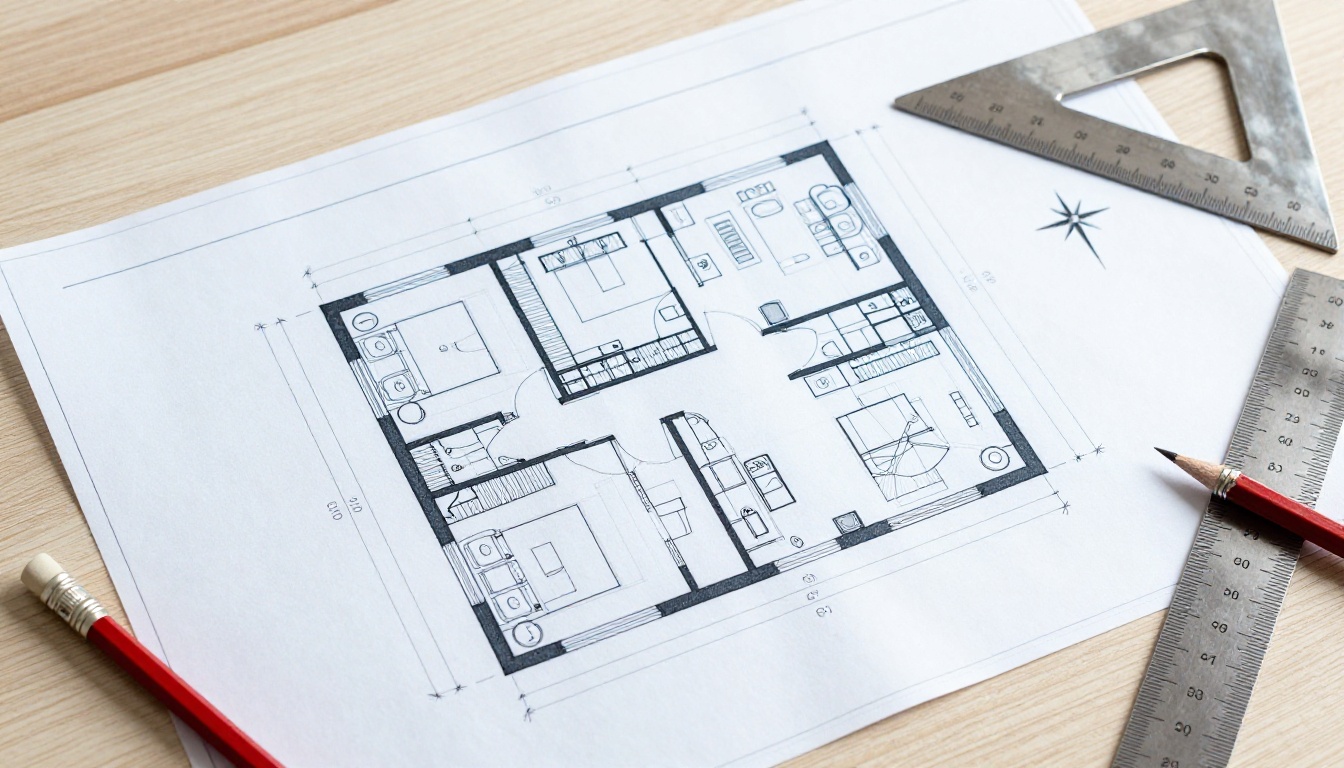
- A floor plan or location map with neighborhood context
- A clear call to action with agent contact information and a booking link
| Element | Weak Version | Strong Version |
|---|
| Cover page | Property address only | Hero photo + address + price |
| Photo gallery | 20+ low-res images | 6-10 professional shots |
| Floor plan | Absent | Included with dimensions labeled |
| Contact info | Email only | Phone + email + booking link |
| Format | Static PDF | Interactive flipbook with page-turn |
✅ Agents who include a floor plan in their teaser report 40% higher inquiry rates compared to photo-only presentations.
How to Create a Property Teaser Flipbook in 5 Minutes
Step 1: Prepare Your Property PDF
Before uploading anything, your PDF needs to be ready. A property teaser PDF typically has 4 to 8 pages and includes your best photography, key property details, and agent contact information. Most agents already have this as a Word document or Canva export. Export it as a PDF at 150 to 300 DPI for the best balance of quality and file size.
⚠️ Avoid PDFs with embedded fonts that are not properly licensed. Flipbook converters work best with standard, embedded-font PDFs. If text looks wrong after conversion, re-export your original file as a PDF with fonts outlined.

Step 2: Upload and Convert
Head to Flipbooks AI and create your free account. Once you are in the dashboard:
- Click "New Flipbook" in the top navigation
- Select "Upload PDF" and drag your teaser PDF into the upload zone
- Wait 20 to 40 seconds while the platform converts every page automatically
- Your flipbook preview appears instantly, with realistic page-turn animation ready to go
The PDF to Flipbook Converter handles files up to 200MB and supports multi-page PDFs with full fidelity, retaining all your photography, typography, and layout exactly as designed.
Step 3: Brand It in Seconds
Once your flipbook is generated, open the customization panel. Here you can:
- Set brand colors to match your agency or personal branding
- Add your logo to the viewer header or footer
- Choose a background theme from light, dark, or custom color options
- Toggle the page-turn sound on or off for a more polished experience
- Set a custom domain if you are on the Standard plan or above
All of this takes less than 60 seconds. No design software. No template editing.
Step 4: Add Interactive Elements
This is where digital teasers pull ahead of any printed brochure. Inside the editor you can embed:
- Video walkthroughs directly inside the flipbook pages
- Clickable contact buttons that open a phone dialer or email client
- Map embeds showing the neighborhood location
- Audio narration for luxury listings with voiceover descriptions
Step 5: Share With Buyers Instantly
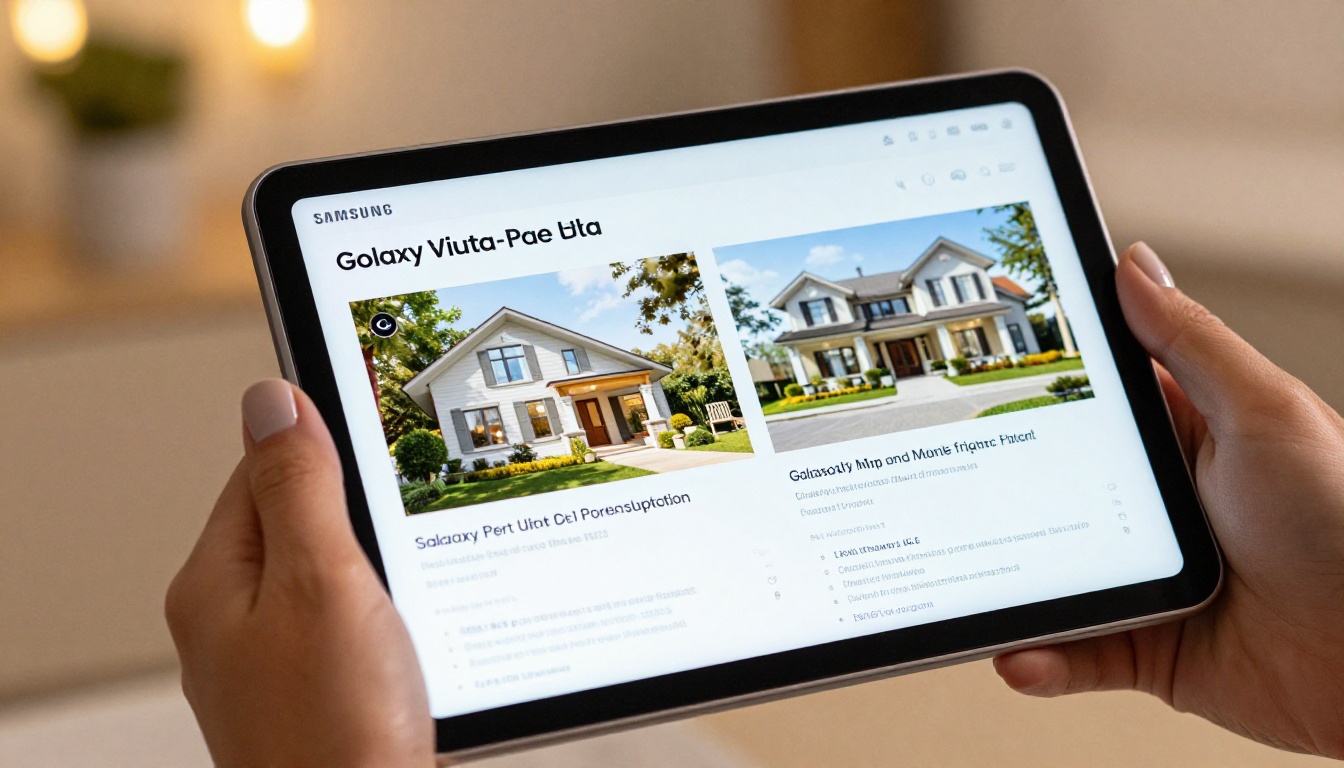
Once published, your flipbook gets a unique URL you can share anywhere. Options include:
- Direct link to paste into SMS or email
- QR code generated automatically for print materials, signage, or open house flyers
- Embed code to drop the flipbook directly into your website or property portal listing
- Password protection for off-market or pre-listing teasers shared with select buyers
The entire process from upload to shareable link takes under 5 minutes. No back-and-forth with a graphic designer, no waiting for print runs, no file size limitations in email.
What to Include in Your Property Teaser
Must-Have Pages
A property teaser flipbook is a curated experience, not an exhaustive document. Structure matters as much as content.
| Page | Content | Purpose |
|---|
| Page 1 (Cover) | Hero photo, address, price | Instant visual impact |
| Page 2 | Key features (3-5 bullets) | Fast comprehension |
| Pages 3-4 | Interior photo gallery | Emotional connection |
| Page 5 | Exterior + aerial or neighborhood | Context and lifestyle appeal |
| Page 6 | Floor plan | Practical decision-making |
| Page 7 | Agent contact + CTA | Lead capture |
Content That Closes Deals
The photography is the most important content element in any property teaser. Every image should be professional, well-lit, and shot with a wide lens to maximize perceived space.
Beyond photography, the copy on each page needs to be short and punchy. Bullet points outperform paragraphs in teasers. Replace "This property features a spacious master bedroom with en-suite bathroom" with "4-bed, 3-bath, 240sqm, north-facing."

💡 Include the price. Buyers who receive a teaser without price information are significantly less likely to inquire because they assume it is out of their range. Transparency increases qualified inquiries.
Sharing and Distribution Strategies
Social Media Sharing
A flipbook URL works perfectly on social platforms. Paste it into LinkedIn posts when targeting investor audiences. Share it in Facebook real estate groups with a short caption. Use it in Instagram Story link stickers. Unlike PDFs, flipbook links render with a preview thumbnail that stops the scroll.
For best results, pair the link with a compelling property teaser video on Instagram Reels or TikTok, then direct viewers to the flipbook for full details.
Email Campaigns
Replace your PDF attachment habit with a flipbook link in every property email. Subject lines perform better when they contain "View the flipbook" or "Interactive brochure available" rather than "See attached PDF."
With the Professional plan, you get built-in analytics showing exactly how many people opened your flipbook, how many pages they viewed, and how long they spent on each page. That data tells you which buyers are genuinely interested before you make a follow-up call.

Embed on Your Website
The Embed Flipbook on Website tool generates a single line of code you paste into any CMS, from WordPress to Squarespace to custom-built agency portals. The flipbook loads directly on the page, giving visitors an immersive property browsing experience without ever leaving your site.
This is particularly effective for developer project pages where multiple unit types are available, each with its own teaser flipbook embedded on the listing page.
Flipbooks AI Plans for Real Estate Agents
Which Plan Do You Need?
Flipbooks AI offers tiered plans suited to different agent volumes. Here is a breakdown of what matters most for real estate use cases:
| Feature | Free | Standard | Professional |
|---|
| Flipbooks | 1 | Unlimited | Unlimited |
| Watermarks | Yes | No | No |
| Custom branding | No | Yes | Yes |
| Password protection | No | Yes | Yes |
| Analytics | No | No | Yes |
| Lead generation forms | No | No | Yes |
| Offline downloads | No | No | Yes |
| Embed on website | No | Yes | Yes |
| Video and audio embed | No | Yes | Yes |
For individual agents managing a handful of listings at any one time, the Standard plan is the practical choice. It removes watermarks, allows unlimited flipbooks, and includes full embedding and branding options. Active teams and agencies closing multiple deals per month will benefit from the Professional plan for analytics and lead generation.
See full pricing details to find which tier fits your workflow.
Real-World Use Cases
Individual Agents
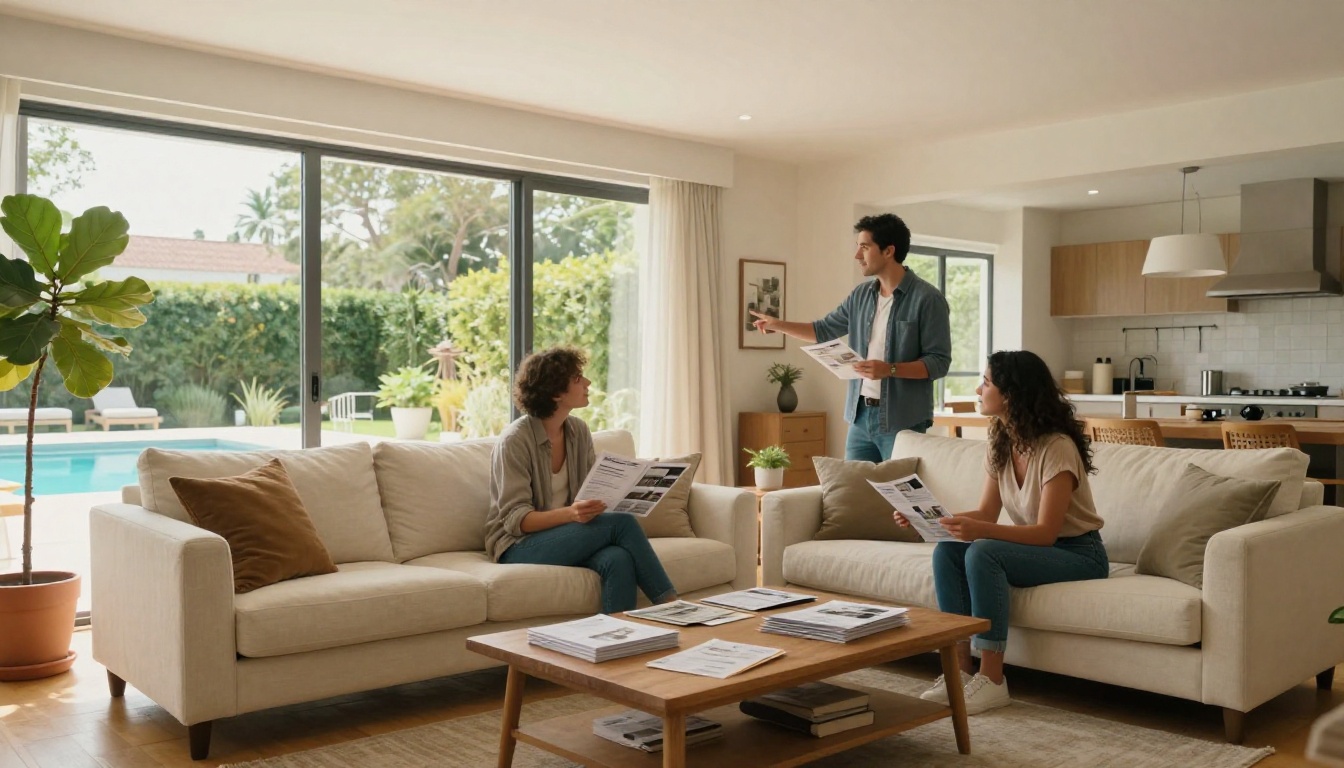
An independent residential agent can use a property teaser flipbook at every stage of the sales cycle. Before listing, share a pre-launch teaser with a password to select buyers on the VIP list. At launch, send the public link to your database. During open house, display the flipbook on a tablet at the entrance so visitors can take a digital copy with them.
The entire workflow from PDF creation to distribution takes under 10 minutes per listing.
Property Developers
Developers selling off-the-plan properties need teasers long before construction begins. A flipbook works perfectly for this scenario: upload renders, architectural drawings, and floor plan options, add a contact form, and share a password-protected link with qualified investors during the pre-sales phase.

Real Estate Agencies
Agencies managing large listing volumes benefit most from the speed advantage. A flipbook teaser for a new listing can be created and distributed within the same day the property is photographed. No waiting for a graphic designer. No print lead times.
✅ Agencies that standardize on digital flipbooks report faster time-to-inquiry from new listings and significantly reduced print costs across the portfolio.
Beyond the Teaser: More Real Estate Flipbook Types
Full Property Brochures
Once you are comfortable with teasers, the same workflow applies to full-length property brochures. The Real Estate Brochure tool gives you a dedicated starting point for multi-page property presentations, including room-by-room descriptions, neighborhood data, and comparable sales sections.
Neighborhood Lifestyle Flipbooks
Buyer interest rises when agents provide neighborhood context alongside the property. A neighborhood flipbook, separate from the property teaser, covers local schools, transport links, dining, and lifestyle amenities. It positions the agent as a local authority rather than just a listing distributor.
Browse all available flipbook tools to find the right format for each piece of content you create.

Your Next Listing Deserves Better Than a PDF
The buyers browsing properties right now expect a digital experience that matches how they consume everything else online. A property teaser flipbook delivers exactly that: fast, beautiful, shareable, and built in minutes.
Stop attaching PDFs. Start sharing experiences.
Ready to build your first property teaser? Get started for free on Flipbooks AI and have your first flipbook live before your next coffee cools down.
Want more options for your listings? See all real estate tools built specifically for property marketing. Compare pricing plans to pick the right tier for your listing volume.



