Every minute you spend wrestling with design software is a minute you're not closing deals. Real estate agents know this better than anyone. A well-crafted property listing brochure can mean the difference between a buyer walking out of an open house excited or indifferent. The challenge has always been producing that brochure fast, affordably, and without a graphic designer on speed dial. That challenge is now solved.
Flipbooks AI gives real estate professionals a direct path from raw listing photos to a polished, shareable property brochure in minutes, not days. No InDesign license. No waiting for a print shop. No sending files back and forth with a freelancer. This article covers what makes a property brochure actually work, the biggest time traps agents fall into, and a practical step-by-step workflow for creating listing brochures that stand out and get shared.
Why Your Listing Brochure Matters More Than You Think
First Impressions in Real Estate
The typical home buyer makes an emotional decision within the first few seconds of viewing a property. Your brochure is often their first tangible interaction with a listing, whether they pick it up at an open house, receive it by email, or scroll past it on their phone.
A poorly designed brochure signals neglect. A professional one signals that you take your listings seriously, and by extension, that you'll take your clients seriously too. According to the National Association of Realtors, 95% of buyers use the internet to search for homes. A digital brochure that works flawlessly on mobile is no longer optional.
Print vs. Digital Brochures
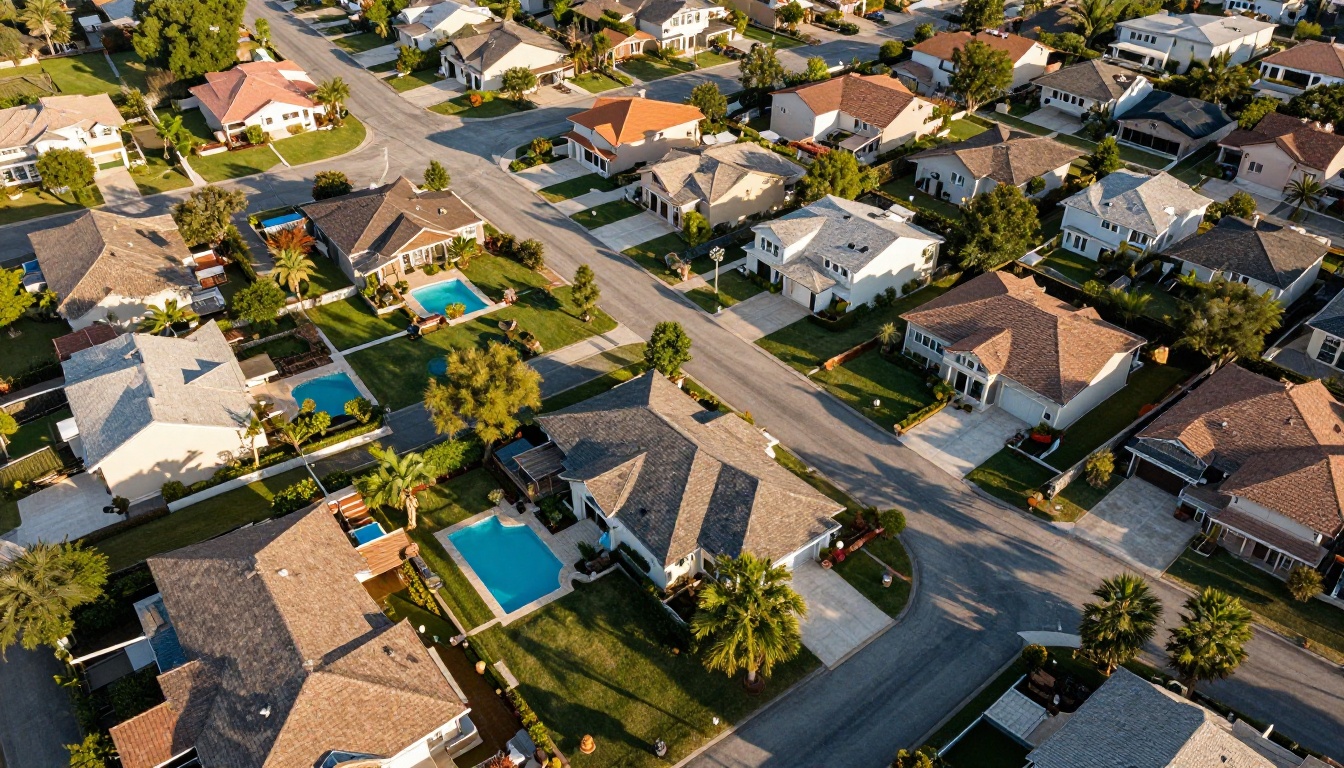
Both formats have a place in real estate marketing, but their roles have shifted dramatically. Print works well at open houses and for luxury segments where tactile materials reinforce a premium feel. Digital, however, reaches further, costs less, and gives you data.
| Feature | Print Brochure | Digital Flipbook |
|---|
| Cost per unit | $1.50 to $5.00 per copy | Near zero after creation |
| Turnaround time | 2 to 5 business days | Minutes |
| Shareability | In-person only | Email, social, text, embed |
| Analytics | None | Page views, time on page, clicks |
| Updates | Reprint required | Edit instantly |
| Multimedia | Static photos only | Video, audio, interactive links |
| Mobile experience | Limited | Fully responsive |
The data is clear. For most listings, a digital-first approach with an interactive flipbook brochure outperforms print on every measurable metric except physical handoff.
💡 Bring printed brochures to open houses but also include a QR code that links to the digital version. You cover both audiences and give buyers something to share after they leave.
What Every Real Estate Brochure Needs
The Must-Have Property Details
A brochure that fails to answer basic buyer questions gets discarded immediately. Before you open any tool, gather these essentials:
- Address and neighborhood name
- Asking price (and price per square foot if competitive)
- Bedrooms, bathrooms, square footage, lot size
- Year built and any recent renovations
- HOA details if applicable
- School district information
- Nearby amenities: parks, transit, shopping
- Agent contact info and brokerage logo
The copy that wraps these facts matters too. Write the property description the way a buyer would want to read it, not the way an MLS form requires it. "Vaulted ceilings, chef's kitchen, and a primary suite that overlooks the canyon" is more compelling than "3BR/2BA with upgrades."
Photos That Actually Sell
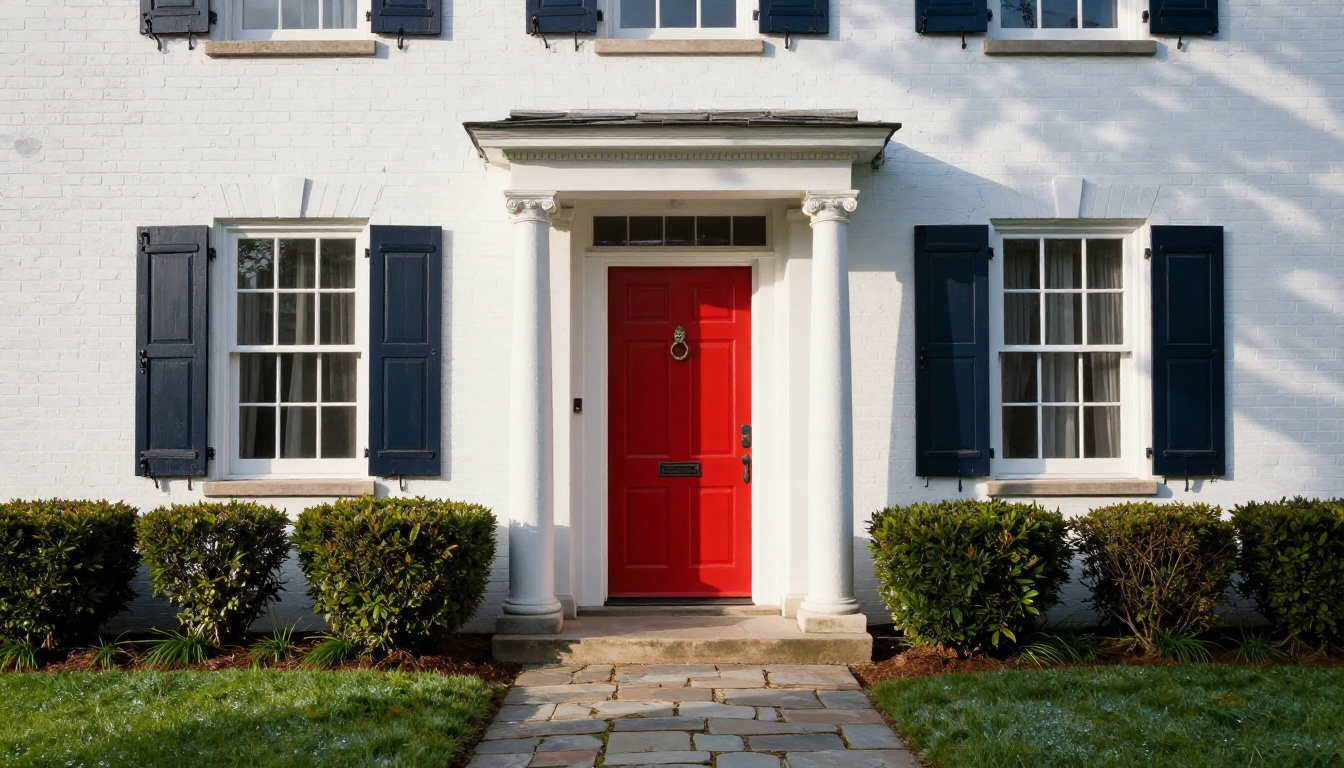
Photography is where most DIY brochures fail. Even a beautiful home looks underwhelming in dim, cluttered, or poorly composed shots. For any listing above median price in your market, professional photography is a non-negotiable investment.
For the brochure itself, you need:
- Hero shot: Best angle of the exterior in good light
- Living spaces: Living room, dining room, family room
- Kitchen: Wide shot showing layout, close-up of finishes
- Primary bedroom and bathroom
- Outdoor spaces: Backyard, patio, pool if present
- Neighborhood context: Street view, parks, nearby features
✅ Always include a floor plan graphic. Buyers want to understand spatial layout before visiting. Listings with floor plans get significantly more activity than those without.
3 Ways Agents Waste Hours on Brochures
The Design Software Trap
Canva, Adobe Express, and InDesign are powerful, but they demand time and skill. Starting from a blank template, placing every photo, adjusting fonts, resizing for different formats, exporting correctly, then doing it again for the next listing adds up to several hours per property. For an agent managing multiple active listings, that time cost compounds quickly.

The Print Shop Delay
Traditional print marketing introduces a 2 to 5 day lag between finalizing a brochure design and having materials in hand. Price changes, new offers, or listing updates mean you're either printing outdated information or eating the cost of reprinting. In a fast-moving market, that lag is unacceptable.
The Email Attachment Problem
Sending a high-resolution PDF brochure as an email attachment creates its own friction. Large files get blocked by spam filters, don't preview on mobile, and give you no visibility into whether the buyer actually opened and read it. You send it and hope for the best.
⚠️ A PDF that requires downloading before viewing loses approximately 50 to 70% of mobile viewers who won't bother with the extra steps. Interactive digital brochures that open directly in the browser eliminate this friction entirely.
How to Create a Real Estate Listing Brochure in Minutes with Flipbooks AI
This is where the process gets fast. Flipbooks AI is built specifically for creating interactive digital publications that look polished on every device. The Real Estate Brochure Creator tool handles the heavy lifting so you can focus on the listing, not the layout.
1. Set Up Your Account
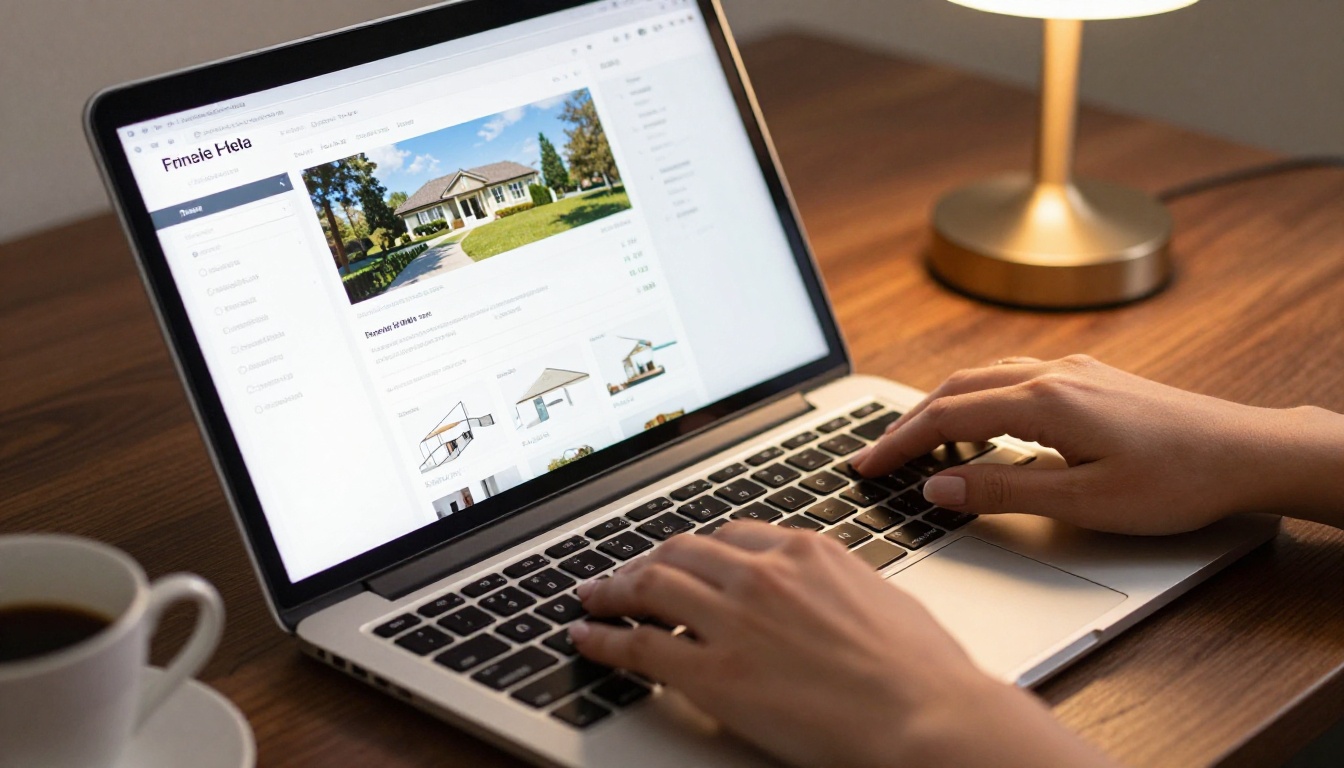
Start by visiting flipbooksai.com and creating your account. The free plan lets you test the platform with basic features. The Standard plan includes unlimited flipbooks with no watermarks, which is what working agents actually need.
Once logged in, you'll land on your dashboard. From here you can access your previous flipbooks, create new ones, and manage your brand settings.
2. Upload Your PDF
Prepare your brochure content as a PDF first. You can use any tool you already know: Word, Google Slides, Canva, or PowerPoint. Export to PDF and upload it to Flipbooks AI using the PDF to Flipbook Converter.
The platform processes the file and creates a page-turning flipbook version automatically. Aspect ratio, page count, and layout are preserved exactly as designed.
💡 If you don't have an existing PDF, start with one of the ready-made real estate brochure templates in the Flipbooks AI template library. They're pre-structured with photo placeholders, price fields, and contact sections that match standard listing formats.
3. Customize for Your Brand
This step separates a generic brochure from a professional one. In the Flipbooks AI editor:
- Add your brokerage logo and brand colors to the cover
- Customize the background and page flip style (a subtle page-turn effect reinforces quality)
- Embed a virtual tour video directly into the flipbook if you have one
- Add clickable hotspots to highlight specific rooms or features
- Set up a custom domain or subdomain if you're on the Professional plan
Your flipbook reflects your brand, not the tool's watermark. Flipbooks AI never adds watermarks on Standard plan and above.
4. Share and Track
Once your brochure is live, you have multiple ways to distribute it:
- Direct link: Copy and paste into emails, texts, or social posts
- Embed code: Place it directly on your listing page or website using the Embed Flipbook on Website tool
- QR code: Generate and print for open house flyers and yard signs
- Password protection: Restrict access to pre-qualified buyers only
For Professional plan users, analytics show exactly how many people viewed the brochure, which pages they spent the most time on, and where they dropped off. This data helps you understand buyer interest and follow up more precisely.
Real Estate Brochure Types That Convert
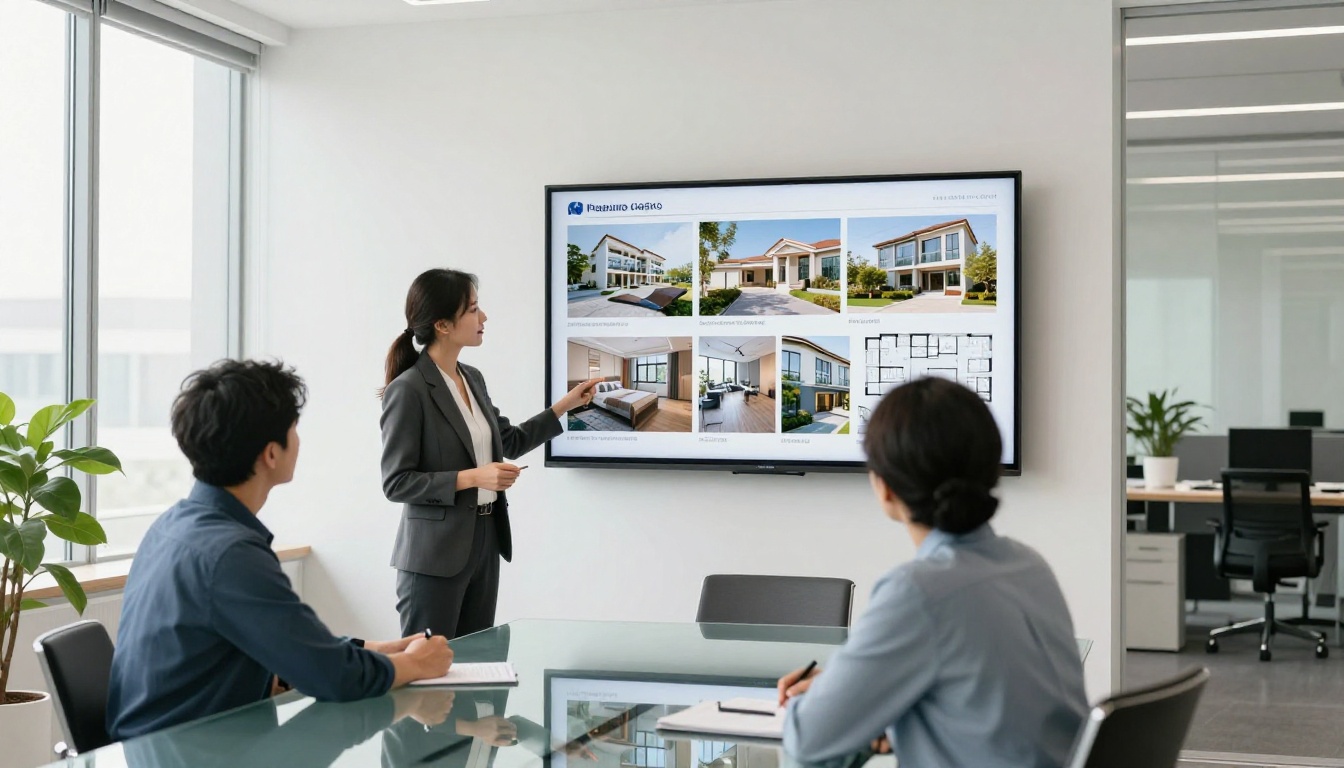
Different listing situations call for different brochure formats. Here's where each type performs best:
Single Property Listing
The standard format: one property, multiple photos, essential specs, contact info. Best for active listings at any price point. The goal is to communicate value quickly and make the next step (schedule a showing) obvious.
Neighborhood Market Report
A quarterly or monthly overview of sales activity, average days on market, and price trends in a specific neighborhood. Agents use this to stay top-of-mind with homeowners who are considering selling. A market report flipbook sent digitally performs far better than a printed mailer because recipients can share it instantly.

Open House Brochure
A slimmer, faster version of your listing brochure designed for open house visitors. Include the essentials: exterior photo, essential specs, price, floor plan, and your contact info. A QR code linking to the full digital version is a must. Visitors who take a physical copy are also more likely to share the digital link with a partner or family member who couldn't attend.
| Brochure Type | Best Use Case | Recommended Format | Ideal Length |
|---|
| Single Listing | Active listing marketing | Digital flipbook + print | 4 to 8 pages |
| Luxury Property | High-end buyer segments | Print + digital with video | 8 to 16 pages |
| Open House | Walk-in visitors | Print with QR + digital | 2 to 4 pages |
| Market Report | Seller prospecting | Digital only | 6 to 12 pages |
| Buyer Packet | Buyer intake and onboarding | Digital flipbook | 10 to 20 pages |
| CMA Presentation | Listing appointments | Digital presentation flipbook | 12 to 20 pages |
Pricing Plans for Real Estate Agents
Flipbooks AI offers tiered pricing designed to scale with how actively you use the platform. Here's a comparison relevant to real estate professionals:
| Feature | Free | Standard | Professional |
|---|
| Number of flipbooks | Limited | Unlimited | Unlimited |
| Watermark | Yes | No | No |
| Custom branding | Basic | Full | Full |
| Password protection | No | Yes | Yes |
| Analytics | No | No | Yes |
| Lead generation forms | No | No | Yes |
| Offline downloads | No | No | Yes |
| Embed on website | Yes | Yes | Yes |
| Video and audio embed | No | Yes | Yes |
| Custom domain | No | No | Yes |
For most solo agents, the Standard plan covers daily needs. Teams and high-volume brokers who want to track buyer interest and generate leads directly from brochures should look at the Professional plan. Check current rates at flipbooksai.com/pricing.
✅ Start with the Standard plan for your first few listings. Once you see how buyers interact with the flipbook format, upgrading to Professional for the analytics alone will feel like an obvious decision.
Beyond Listings: More Ways Agents Use Flipbooks AI
The Real Estate Brochure Creator is the obvious starting point, but agents who spend time with the platform find uses they didn't anticipate:
- Buyer packets: A first-time homebuyer process walkthrough that positions you as the authority before the first meeting
- Listing presentation: A polished leave-behind after a seller consultation, built with the Sales Presentation Flipbook tool
- New development showcases: Multi-page project presentations for pre-construction or new community listings
- Annual team reports: Production stats and market summaries for your brokerage using the Annual Report Creator
Every one of these replaces a document that would otherwise sit as a static PDF, a PowerPoint file, or an expensive printed piece. The flipbook version is easier to share, impossible to lose, and trackable.
Common Questions About Real Estate Brochures
Do buyers actually read brochures?
Yes, when they're well-designed. A brochure with a clear layout, strong photos, and concise copy gets read. One that looks like a tax form gets glanced at and put down.
How often should I update a listing brochure?
Any time the price changes, new photos are taken, or the property situation changes materially. With a digital flipbook, updates take minutes and the sharing link stays the same.
Can I use the same brochure for print and digital?
Yes, with minor adjustments. The same PDF that gets uploaded to Flipbooks AI can also be sent to a printer. Ensure your PDF is designed at print resolution (at least 300 DPI) before uploading.
Do I need design experience?
Not with Flipbooks AI. The platform provides structured templates for real estate that handle layout automatically. You add your photos, copy, and branding. The design system does the rest.
What about virtual tours?
Flipbooks AI on the Standard plan and above lets you embed video directly into pages. You can include a virtual tour clip, drone footage, or a neighborhood walkthrough video inside the same brochure document.
Your Next Listing Deserves Better Marketing
The property market rewards preparation and speed. Buyers who receive a polished, interactive brochure within hours of an open house visit are far more likely to stay interested than those who receive nothing or get a clunky PDF attachment days later.
Flipbooks AI gives you the tools to create professional listing brochures without a design budget, without a print deadline, and without wasted hours. The Real Estate Brochure Creator is ready the moment you need it, whether you're handling one listing or twenty.
Ready to try it on your next listing? Create your account and have your first brochure live within the hour. Want to see the full range of what's possible? Browse all flipbook tools or compare pricing plans to find the right fit for your business.



