Every season, thousands of teams spend weeks collecting stats, chasing down player photos, and paying a print shop to produce a game day program that ends up under bleacher seats by halftime. If that sounds familiar, you already know the problem. A digital sports program flipbook changes that whole process, and it costs less, reaches more people, and actually gets shared instead of discarded.
Flipbooks AI makes it simple for any coach, athletic director, or team manager to build a professional sports program, upload it as a PDF, and publish it as an interactive digital flipbook in minutes. No design degree needed. No print minimums. No rush fees when the roster changes two days before the game.
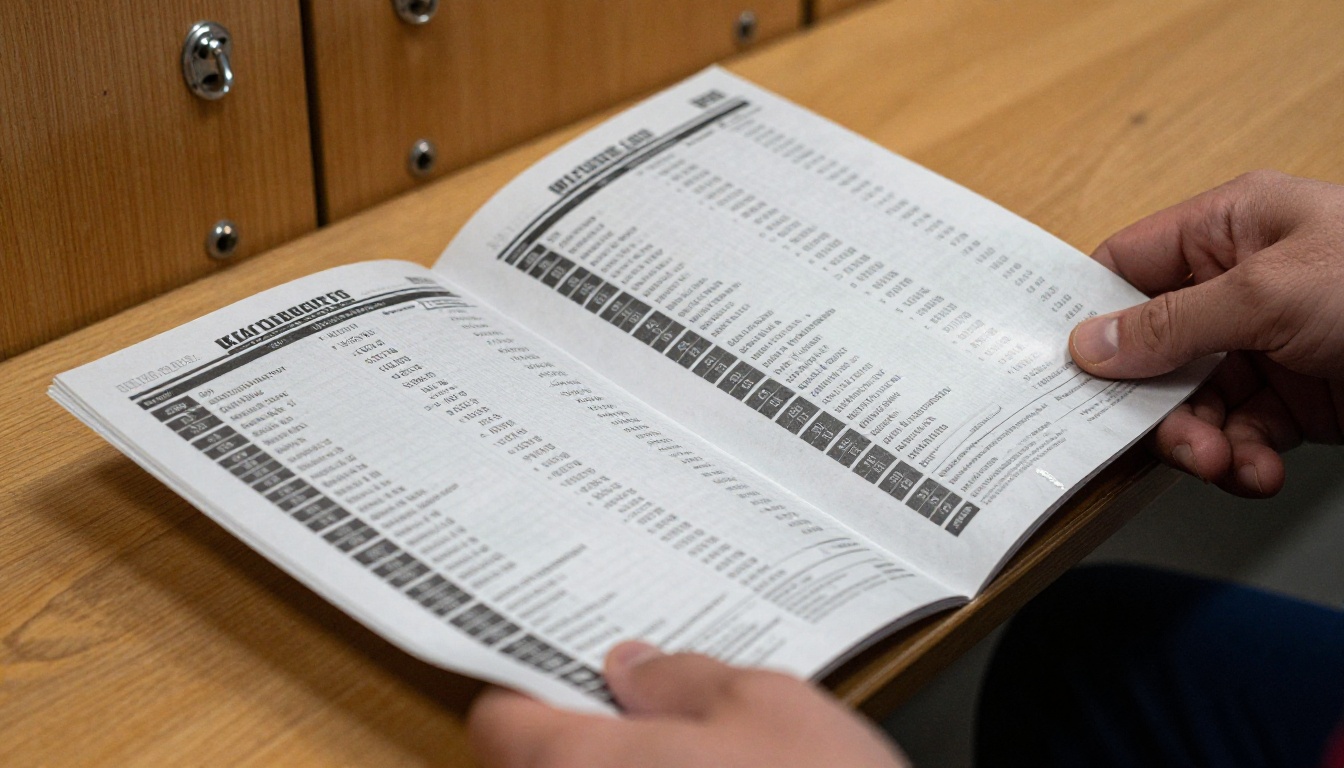
Why Paper Programs Hold Your Team Back
The Hidden Costs Nobody Talks About
Printing a quality sports program for 200 fans at $2.50 per copy means $500 gone before the first whistle. Add design fees, revisions, and rushed delivery charges when your starting lineup changes, and you are looking at real budget damage every single season. Multiply that across fall, winter, and spring sports, and a mid-sized school athletic department can spend $4,000 to $8,000 annually on programs alone.
Digital sports programs solve the cost problem permanently. Once your flipbook is published, distribution costs nothing. Send it to 20 fans or 20,000, the price does not change. That money stays in your athletic budget where it belongs.
⚠️ Common mistake: Teams that print programs in bulk then scramble to hand-write roster updates on game day. A digital flipbook lets you update content and republish instantly, no reprinting, no confusion, no crossed-out names.
What Fans Actually Do With Old Programs
Here is the honest reality: most printed sports programs end up in the trash within 48 hours of the event. Paper is heavy, pages tear, and nobody wants to carry last week's program to this week's game.
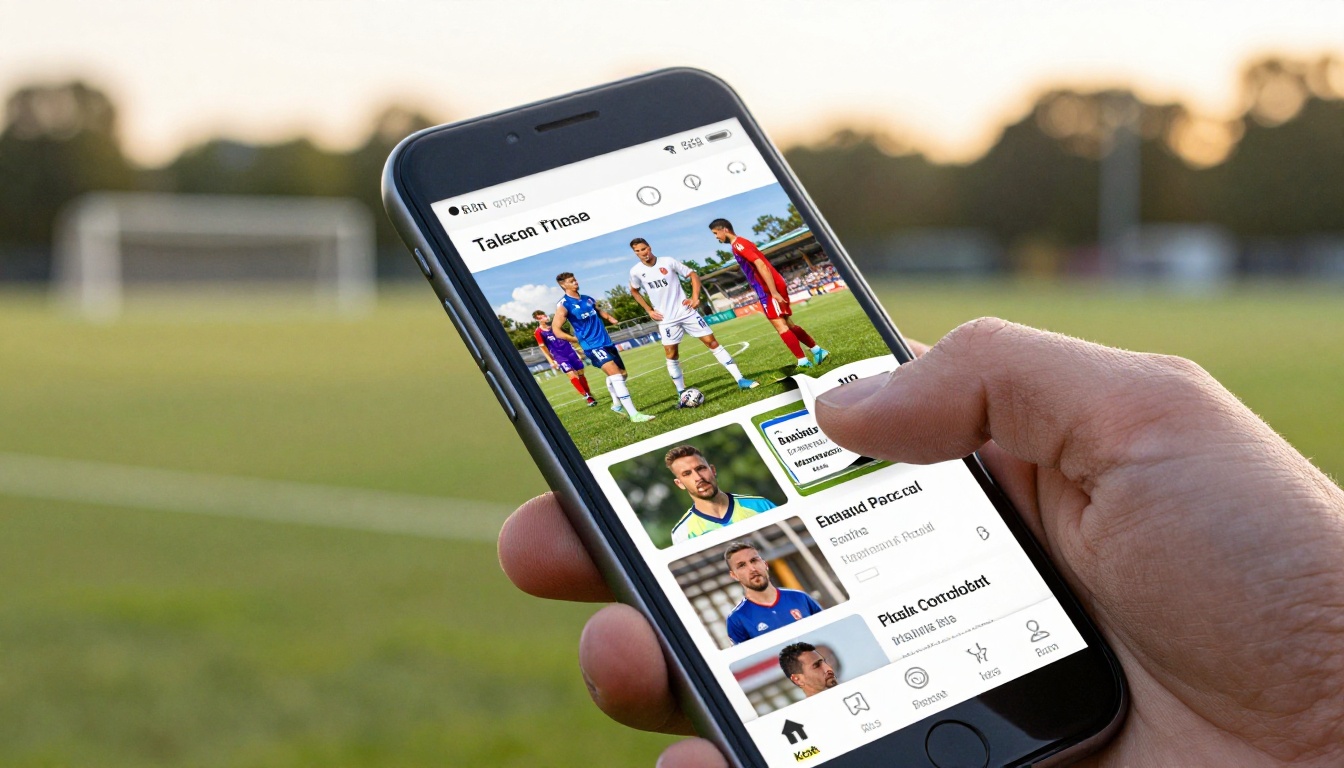
Digital sports programs behave differently. Fans bookmark them on their phones, share them in group chats, and actually reference them during games to check stats and player information. An interactive program with realistic page-turn animations feels like a premium publication, and fans treat it that way. The program does not get thrown away. It lives on a device that goes everywhere.
What Every Great Sports Program Needs
The Non-Negotiable Sections
A strong sports program, whether printed or digital, carries specific content that fans expect. Leave any of these out and the program feels incomplete, rushed, or unprofessional.
- Team roster: Player names, jersey numbers, positions, and hometown
- Coaching staff: Names, titles, and brief bios for head and assistant coaches
- Season schedule: Dates, opponents, home vs. away designation, and results so far
- Sponsor recognition: Logos and messages from local businesses and community partners
- Team statistics: Season stats, win-loss record, and standout player numbers
Optional Extras That Elevate the Program
Once you have the essentials in place, these additions turn a standard event program into something fans actually keep and reference throughout the season.
- Player spotlight profiles with headshots and fun personal facts
- Historical team records and championship history
- Photo gallery featuring action shots and behind-the-scenes moments
- Message from the head coach
- Youth league information and community sport announcements
- QR codes linking to team social media pages
| Section | Essential | Nice-to-Have |
|---|
| Team Roster | Yes | |
| Season Schedule | Yes | |
| Coaching Staff Bios | Yes | |
| Sponsor Logos | Yes | |
| Player Season Stats | Yes | |
| Player Spotlight Profiles | | Yes |
| Championship History | | Yes |
| Coach's Message | | Yes |
| Photo Gallery | | Yes |
| Community Announcements | | Yes |
| Social Media QR Codes | | Yes |
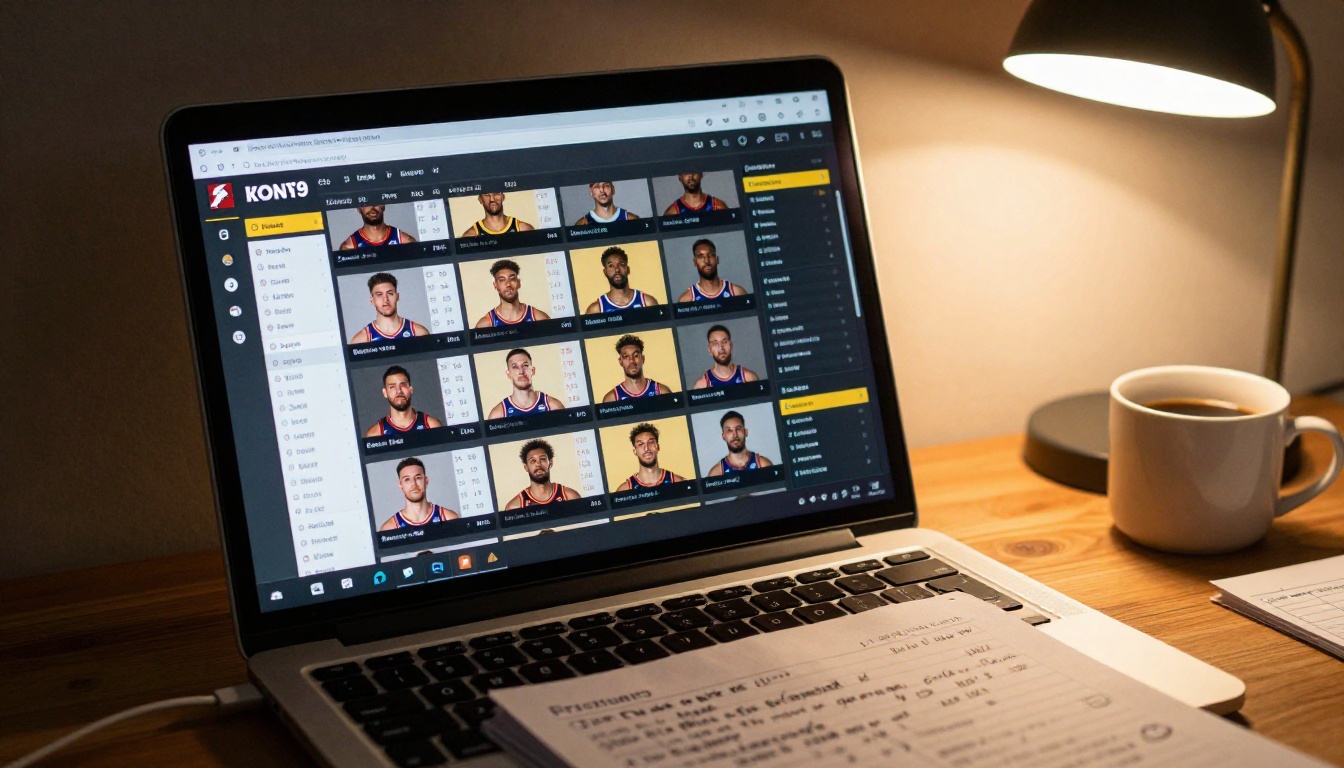
How to Build Your Sports Program Flipbook
This is where Flipbooks AI does the heavy lifting. The entire process from PDF to published flipbook takes under 15 minutes on your first attempt, and faster every season after that.
Step 1: Design Your PDF
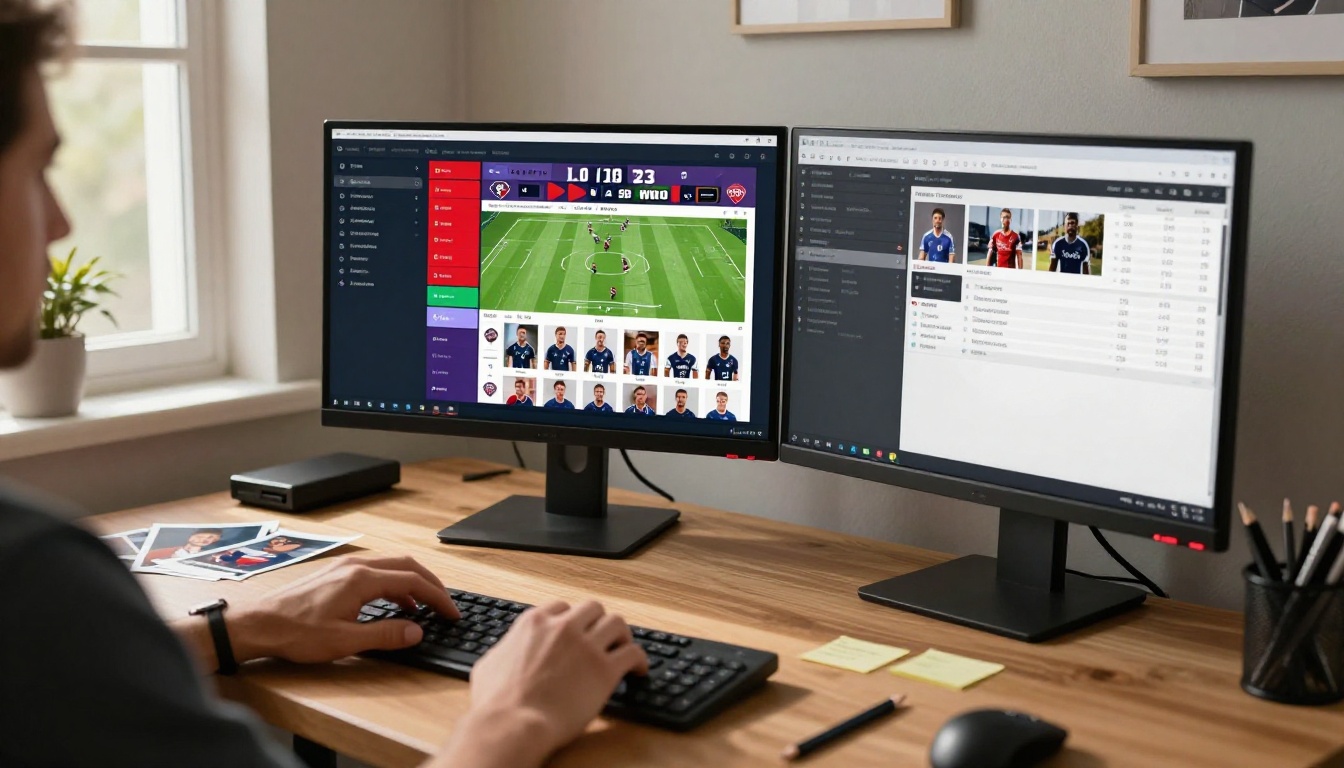
Start in any design tool you already use. Google Slides, Canva, Microsoft Word, and Adobe InDesign all export clean PDFs. Build your program with team colors, fonts, and photos. Work through the checklist of essential sections from the table above.
💡 Pro tip: Design at standard US Letter size (8.5 x 11 inches) with bleed margins. This gives the flipbook the right proportions for the page-turn animation to look natural and balanced on both desktop and mobile screens.
Structure your PDF like a real booklet: cover page, table of contents, sponsor recognition, team roster section, individual player spotlights, season schedule, statistics, and a back cover with contact information or a sponsor callout. Even a basic 8-page program organized this way reads as polished and intentional.
Step 2: Upload to Flipbooks AI
Create an account on Flipbooks AI and use the PDF to Flipbook Converter to upload your finished PDF. The platform reads every page and converts the document into an interactive digital flipbook with realistic page-turn physics. Fans flip through the digital program with the same gesture they would use on a physical publication.
The upload process handles files up to several hundred pages with no quality loss. High-resolution photos in your PDF stay sharp in the flipbook output, which means action photography looks significantly better in the digital version than it ever would on newsprint.
Step 3: Brand It to Your Team
Once uploaded, the Flipbooks AI editor lets you customize every visual element of the flipbook viewer experience:
- Background color: Match your team's primary color for the viewer background surrounding the flipbook
- Toolbar color: Coordinate the navigation bar with your school or organization branding
- Custom logo: Add your team or organization logo directly to the flipbook viewer interface
- Page effects: Adjust the page-turn animation style and shadow settings
- Password protection: Lock the flipbook behind a password for members-only programs or internal coaching materials
For teams that publish across multiple sports, create one flipbook per program and organize them by sport and season. A Yearbook Flipbook Maker approach works perfectly for end-of-season recap publications that celebrate the full team's journey.
Step 4: Publish and Share
Hit publish and your sports program goes live with a permanent URL you can share anywhere. Copy the link and paste it into a team email, post it on social media, or embed it directly on your team website using the Embed Flipbook on Website tool.
The embed generates a responsive iframe that adapts to any screen size. On a team website, the flipbook appears inline with full page-turn controls, zoom, and fullscreen mode built in. Visitors interact with the full program without ever leaving your site.
✅ Best practice: Publish your flipbook at least 48 hours before game day so fans have time to read through it, share it in group chats, and arrive at the event already knowing the roster and schedule.
Sports Programs by Type
Different sports have different program traditions, fan expectations, and content requirements. Here is how digital flipbooks perform across the most common team sports:
| Sport | Typical Length | Priority Sections | Best Sharing Method |
|---|
| Football | 16-32 pages | Depth chart, offensive and defensive stats | QR code at the gate |
| Basketball | 8-16 pages | Roster, season stats, game schedule | Email to supporters |
| Soccer | 8-12 pages | Roster, formation overview, schedule | Social media share |
| Baseball / Softball | 12-24 pages | Batting averages, lineup card, pitching stats | Team website embed |
| Volleyball | 8-12 pages | Roster, conference standings, schedule | Group chat link |
| Track and Field | 12-20 pages | Event schedule, personal bests, team roster | Printed QR code handout |
Football Programs
Football programs carry the most content of any team sport. Fans expect depth charts, offensive and defensive rosters, coaching staff breakdowns, and full season records. A well-designed football program flipbook runs 16-32 pages and functions like a mini-magazine built around your team's identity.
The page-turn experience works especially well for football programs because the two-page spread layout allows for side-by-side comparison of offensive and defensive units. Fans flip through the flipbook exactly as they would a physical program, but they do it from the stands on a phone without dealing with wind or paper.
Basketball Programs
Basketball programs are shorter and faster to produce. An 8-16 page flipbook covers a full team roster with headshots, season statistics, home and away schedule, and sponsor recognition without feeling padded.
For school basketball programs, use the School Newsletter Creator as a design reference for layout and clean typography. The same readable, structured format translates perfectly to a game day program.
Youth and School Sports
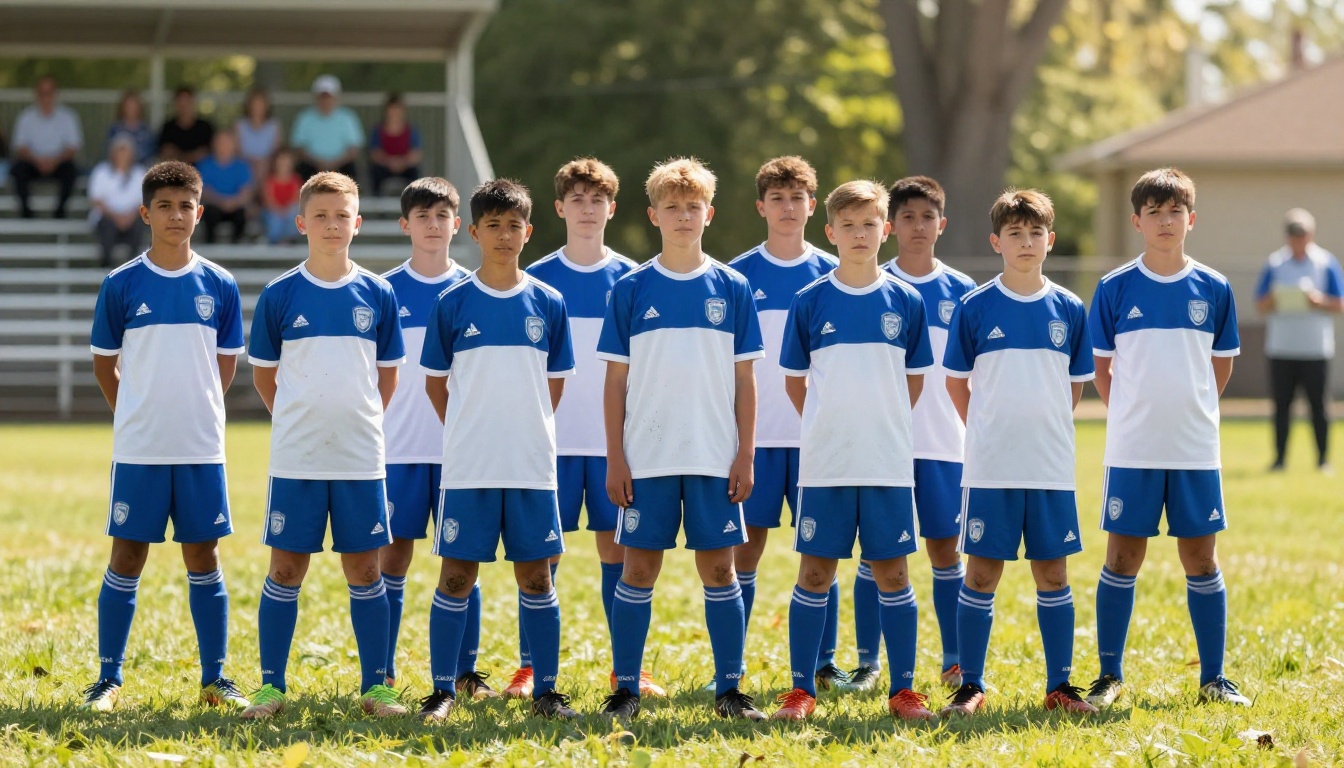
Youth leagues and school sports programs serve a specific audience: parents, grandparents, and community members who want to see young athletes recognized by name. Youth programs should lead with the full roster featuring every player, and include a personal note from the coaching staff that acknowledges the team's effort and growth throughout the season.
💡 Pro tip: For youth sports, add a fun facts page where each player shares their favorite food, sports hero, or pregame ritual. Parents love sharing these pages in family group chats, which organically spreads your program link to a wider audience at zero cost.
Sharing Your Sports Program Flipbook
Embed It on Your Team Website
The Embed Flipbook on Website feature generates an HTML snippet you paste directly into any website builder. The flipbook viewer appears inline on the page with working page-turn controls, zoom, and fullscreen mode. Visitors interact with the complete program without ever leaving your site.
This is the highest-value sharing method for established sports organizations with active websites. Regular visitors find the program automatically, and the page content gets indexed for search visibility.
Share Via QR Code at the Gate
Print a simple banner or yard sign with a QR code linking to your flipbook URL. Post it at the ticket gate, concession stand, or team bench area. Fans scan the code and the flipbook opens directly in their phone browser with no app download required.
This method is particularly effective for replacing printed programs entirely. Instead of printing 300 paper programs for $750, print one QR code banner for $25 and share the flipbook link. Every fan who scans gets the same full-quality digital program, and you can update the flipbook at any point without changing the QR code.
Send It in Emails and Group Chats
A direct link to your flipbook works in email newsletters, parent communication groups, and social media posts. Paste the URL into a WhatsApp or GroupMe message and the preview loads automatically on most platforms, giving recipients a visual reason to click and read.
| Sharing Method | Cost | Reach | Updatable After Publishing |
|---|
| Email Newsletter | Free | High (subscribers) | Yes |
| Social Media Post | Free | Very High | Yes |
| QR Code Banner at Gate | Minimal ($25) | Medium (in-person) | Yes, same QR |
| Website Embed | Free | High (web visitors) | Yes |
| Printed Paper Programs | $500 to $2,000 | Medium (in-person only) | No |
| Group Chat Link | Free | Medium (members) | Yes |
Sponsor pages are often the financial backbone of a sports program. Local businesses pay for placement because they want their brand in front of engaged fans. A digital flipbook sponsor page outperforms print in one critical way: every sponsor logo can link directly to the sponsor's website.
When a fan taps a sponsor logo in a digital sports program, they go directly to that business. That is a measurable action that printed programs simply cannot replicate. Use that advantage when pitching sponsors. Charging more for digital placements that generate real clicks is a straightforward conversation, and most local businesses understand the value of trackable traffic immediately.
For organizations on the Professional plan, the analytics dashboard shows exactly how many fans viewed each page, including sponsor pages. Bringing a sponsor a report that shows 1,400 fans viewed their page over a single weekend is a far stronger renewal conversation than "we distributed 300 copies."
Flipbooks AI Plans for Sports Teams
Flipbooks AI offers tiered pricing that scales from small youth leagues to large athletic departments running programs across multiple sports seasons.
| Feature | Free | Standard | Professional |
|---|
| Flipbooks Published | 1 | Unlimited | Unlimited |
| Watermark | Yes | No | No |
| Password Protection | No | Yes | Yes |
| Custom Branding | No | Yes | Yes |
| Offline Downloads | No | Yes | Yes |
| Video and Audio Embed | No | Yes | Yes |
| Mobile-Responsive Design | Yes | Yes | Yes |
| Analytics Dashboard | No | No | Yes |
| Lead Generation Tools | No | No | Yes |
For most sports teams, the Standard plan covers everything needed: unlimited flipbooks, no watermarks, password protection for members-only programs, custom branding, offline downloads, and the ability to embed video and audio directly into the flipbook. A team could publish separate digital programs for every home game of the season without any additional cost.
Professional plan features make sense for athletic departments that want detailed readership data, or for organizations that want to collect supporter emails through the flipbook interface. The lead generation tool turns your sports program into a subscriber-building asset, capturing contact information from fans who engage with the content.
Explore the full pricing breakdown to see which plan fits your team's size and publishing frequency.
Stats Sections Fans Actually Use
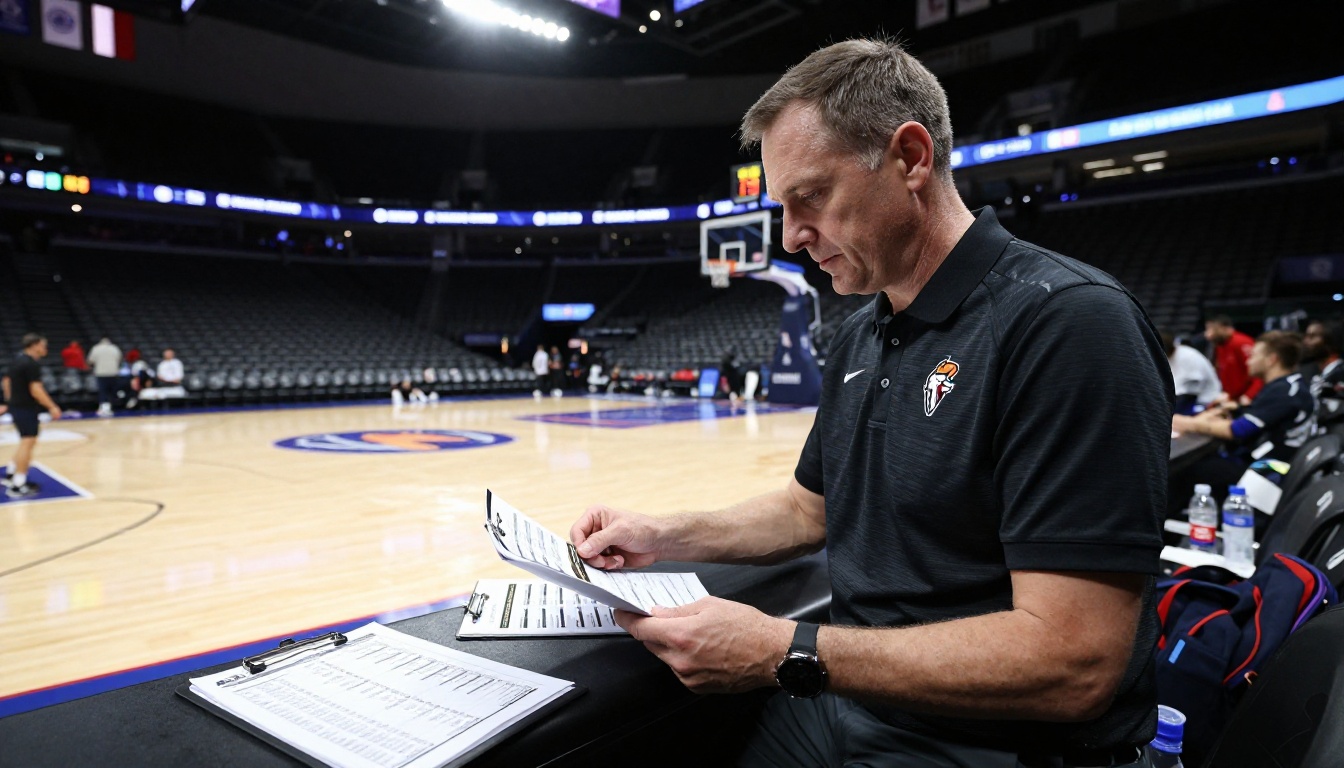
Player statistics in a clean table format let fans follow along during a live game. They check a number, look up at the court or field, and feel more connected to the action because they know the context behind what they are watching.
The most-referenced stat sections across different sports:
- Football: Passing yards, rushing yards, receiving yards, and touchdown leaders
- Basketball: Points per game, rebounds per game, and assists per game
- Soccer: Goals, assists, and clean sheets for goalkeepers
- Baseball and Softball: Batting average, home runs, RBIs, and ERA for pitchers
- Volleyball: Kills, blocks, digs, and service aces
Keep stat tables clean with strong contrast between column headers and data rows. Avoid cramming more than six or seven columns into a single table. Fans reading on a phone need stat layouts that are readable at normal zoom without horizontal scrolling.
Photo Sections That Build Team Pride
A well-curated photo section turns a sports program into a keepsake rather than a disposable handout. Action shots from practice, behind-the-scenes moments in the locker room, and candid team photos from the sideline create an emotional connection that pure statistics cannot.
For digital flipbooks, high-resolution photos display far better than in print because there is no dot-gain, ink bleed, or newsprint texture degrading the image. A sharp action shot from your team photographer looks significantly better in a digital flipbook than it would on a standard printed program, and fans can zoom in on the digital version to see details that print loses entirely.
Your Team Deserves a Better Program
Sports programs carry more weight than they get credit for. A well-produced program tells fans that your organization is professional, your players are recognized, and your sponsors are valued. A rushed or low-quality program communicates the opposite, and that impression sticks.
The gap between a program that impresses and one that disappoints is not budget. It is format. Flipbooks AI gives any team, from a youth recreational league to a varsity athletic department, the tools to produce a program that looks professional, functions better than anything printed, and reaches every fan regardless of whether they show up in person.
Your program can be live before the next game. No print deadlines, no minimum order quantities, no last-minute panic when the roster changes the morning of the event. Build your sports program flipbook, share the link, and put the money you saved back into your team.
Ready to build yours? Create your account on Flipbooks AI and publish your first sports program flipbook today. Browse all available tools and templates to find the right starting point, or check the full pricing options to choose the plan that fits your season.