Static PDF documents have limitations that frustrate creators and audiences alike. The format lacks interactivity, fails to engage readers, and often appears dated in today's digital landscape. Flipbooks AI solves these problems by transforming any PDF into a dynamic, interactive publication with realistic page-turning effects. This platform converts documents, catalogs, menus, brochures, and educational materials into engaging digital experiences that work on all devices. The process requires no technical skills, and the free plan lets anyone create professional flipbooks without watermarks or artificial restrictions. This article details the complete workflow from PDF upload to publication, explores customization options, and provides industry-specific applications with actionable examples.

What PDF Flipbooks Actually Do
PDF flipbooks convert static documents into interactive digital publications that mimic the experience of reading a physical book. The technology adds page-turning animations, smooth transitions, and interactive elements while preserving the original PDF layout and content. Unlike basic PDF viewers, flipbooks create an immersive reading experience with realistic physics: pages curl at the corners, shadows appear during turns, and content flows naturally between spreads.
💡 Critical Difference: Basic PDF viewers display content statically. Flipbooks add engagement metrics, interactive elements, and visual appeal that significantly increase reader retention.
The transformation happens through a three-step process:
- Upload: Any PDF file uploads to the Flipbooks AI platform via drag-and-drop interface
- Conversion: The system automatically processes the document, preserving all formatting, images, and text
- Enhancement: Interactive elements, animations, and customization options apply before publication
Why this matters: Research shows interactive content receives 47% more engagement than static documents. Flipbooks transform boring PDFs into marketing assets, educational tools, and presentation materials that audiences actually want to consume.

Industries Revolutionized by PDF Flipbooks
Different sectors benefit uniquely from flipbook technology. The applications range from restaurant menus to corporate reports, each with specific advantages over traditional PDF distribution.
Restaurants and Hospitality
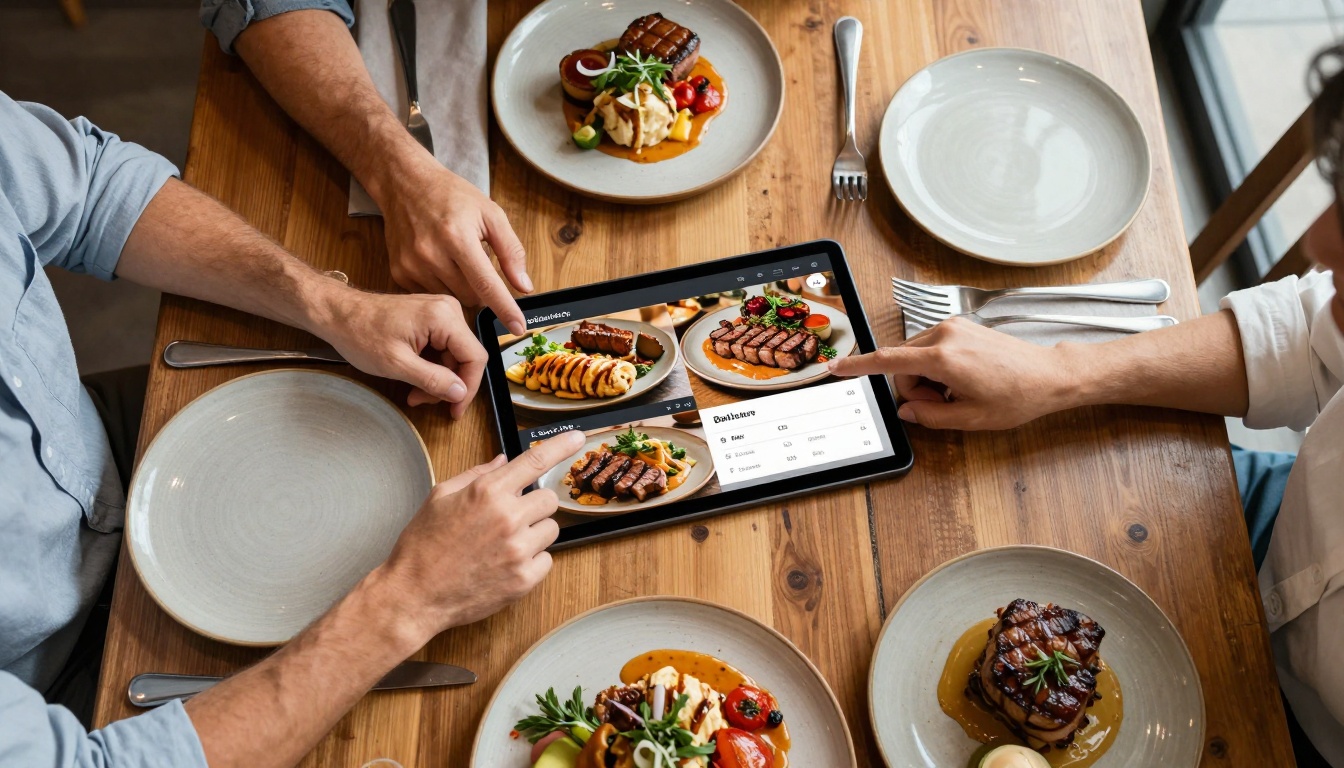
Digital menu flipbooks replace printed menus with interactive versions that diners access via QR codes or tablet devices. Restaurants update prices, add seasonal specials, and incorporate food photography without reprinting costs. The Restaurant Menu Creator tool simplifies this process with hospitality-specific templates.
Restaurant Benefits:
- Cost reduction: Eliminates frequent menu reprints
- Flexibility: Update items, prices, and descriptions instantly
- Enhanced experience: Add chef videos, ingredient sourcing stories, wine pairings
- Analytics: Track which items receive most attention
Real Estate and Property Marketing
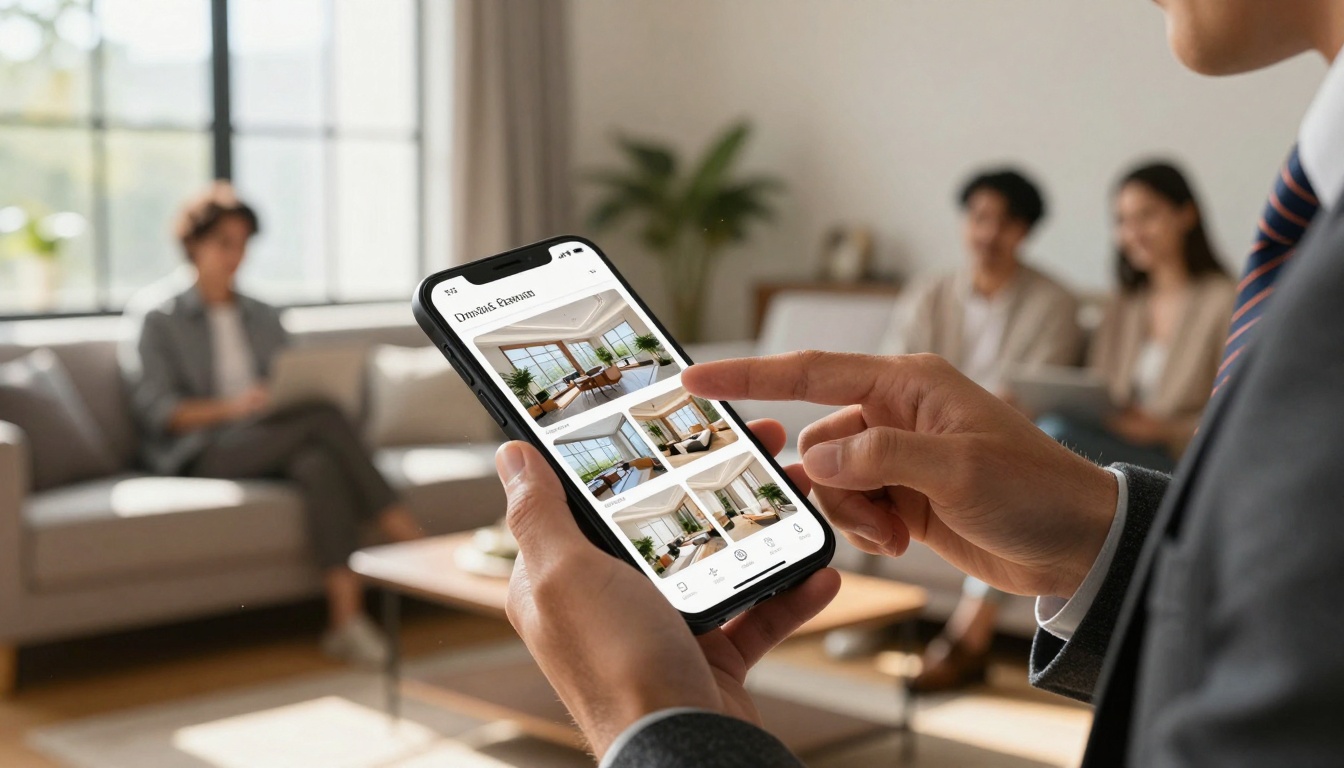
Real estate agents convert property brochures into interactive presentations that showcase homes more effectively than static PDFs. The Real Estate Brochure Creator includes features like virtual tours, floor plan animations, and neighborhood video integrations.
Property Marketing Advantages:
- Higher engagement: Interactive tours keep potential buyers exploring
- Mobile optimization: Flipbooks work perfectly on smartphones during showings
- Shareability: Send via link instead of large email attachments
- Professional presentation: Creates premium impression for luxury properties
Fashion and Retail
Fashion brands transform product catalogs into digital lookbooks that showcase collections with magazine-style flipping. The Fashion Catalog Creator and Interactive Lookbook Designer tools help brands create seasonal presentations.
Retail Applications:
- Seasonal updates: Quickly publish new collections without print delays
- Direct purchasing: Add buy buttons that link to e-commerce platforms
- Brand storytelling: Incorporate behind-the-scenes content and designer interviews
- Social integration: Easy sharing across Instagram, Pinterest, and fashion blogs

Education and Training
Educational institutions convert textbooks, course materials, and training manuals into interactive flipbooks. The Training Manual Flipbook and Course Material Publisher tools enhance learning experiences with embedded quizzes, video explanations, and interactive diagrams.
Educational Impact:
- Increased retention: Interactive content improves information recall
- Accessibility: Works across devices students already own
- Cost efficiency: Reduces textbook printing and distribution expenses
- Engagement metrics: Teachers track which sections students spend most time on

How Flipbooks AI Compares to Alternatives
Multiple platforms offer PDF-to-flipbook conversion, but features, pricing, and limitations vary significantly. This comparison table highlights why Flipbooks AI provides superior value, especially for free users.
| Feature | Flipbooks AI | Platform A | Platform B | Platform C |
|---|
| Free flipbooks | 5 (no watermark) | 3 (with watermark) | 1 (limited features) | 0 (trial only) |
| Unlimited plans | €3/month | €15/month | €12/month | €20/month |
| Custom branding | All plans | Paid plans only | Enterprise only | Premium only |
| Analytics | Professional plan | Enterprise plan | Not available | Additional cost |
| Lead generation | Professional plan | Not available | Enterprise add-on | Additional cost |
| Video embedding | All plans | Premium plan | Professional plan | Additional cost |
| Mobile responsive | Yes | Partial | Yes | Yes |
| Offline downloads | Professional plan | Not available | Enterprise only | Premium plan |
| Password protection | All plans | Premium plan | Professional plan | Enterprise only |
✅ Best Value: Flipbooks AI offers more free features and lower pricing across all tiers while maintaining professional quality and unlimited flipbooks at the Standard level.
Complete Tutorial: Create Your First Flipbook
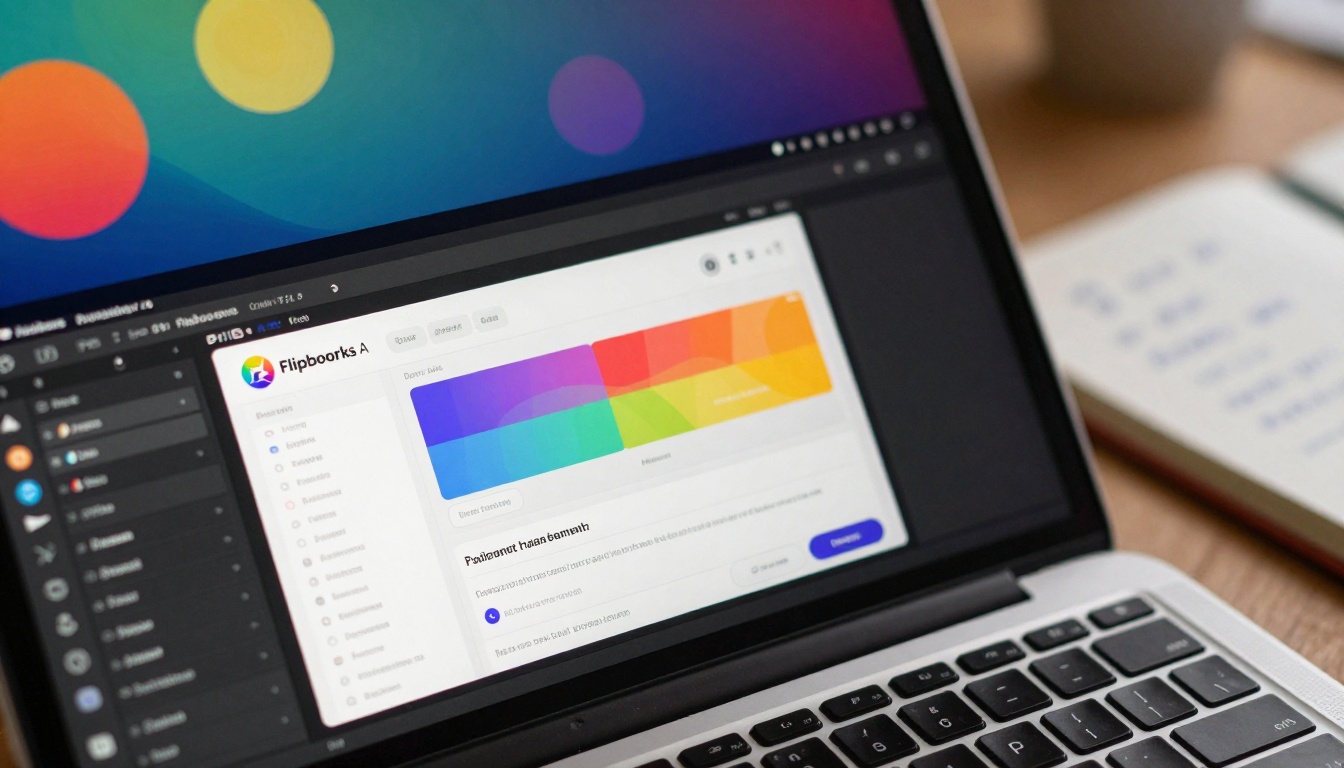
This step-by-step guide walks through creating a professional flipbook from any PDF using the Flipbooks AI platform. The process takes approximately 5 minutes from start to finish.
Step 1: Account Setup
- Visit Flipbooks AI and create a free account
- Verify your email address (optional but recommended for account recovery)
- Access the dashboard where you'll manage all flipbooks
⚠️ Important: The free account includes 5 flipbooks without watermarks. This exceeds most competitors' free offerings.
Step 2: PDF Upload and Conversion
- Click "Create New Flipbook" in your dashboard
- Drag-and-drop your PDF file or click to browse
- The system automatically processes the document (typically 30-60 seconds)
- Preview the initial conversion to ensure formatting preserved correctly
Upload Considerations:
- File size: Up to 100MB supported
- Format: Standard PDF (not scanned images for optimal results)
- Page count: No practical limits, though extremely large documents may process longer
- Quality: Original resolution maintained throughout
Step 3: Customization and Branding
After conversion, access the editor to customize appearance and functionality:
Visual Customization:
- Logo placement: Upload company logo for header/footer
- Color scheme: Match brand colors for navigation elements
- Typography: Select fonts that complement brand identity
- Backgrounds: Choose from patterns, colors, or uploaded images
Functional Features:
- Page effects: Adjust flipping speed, shadow intensity, page curl amount
- Navigation: Customize button placement and appearance
- Table of contents: Auto-generate or manually create
- Search functionality: Enable text search within flipbook
Multimedia Integration:
- Videos: Embed YouTube, Vimeo, or uploaded videos on specific pages
- Audio: Add background music or voice narration
- Links: Make any text or image clickable to external resources
- Forms: Integrate contact forms or survey tools (Professional plan)
Step 4: Publication and Distribution
Once customization completes, publish the flipbook and distribute through multiple channels:
Publication Options:
- Direct link: Shareable URL that works on all devices
- Embed code: HTML snippet for website integration
- QR code: Generate for print materials or physical locations
- Social media: Direct sharing to platforms with preview images
Distribution Channels:
- Email marketing: Include in newsletters with thumbnail preview
- Website embedding: Use the Embed Flipbook on Website tool
- Sales presentations: Access during meetings without internet dependency
- Digital signage: Display on screens in retail or office environments

Step 5: Analytics and Optimization
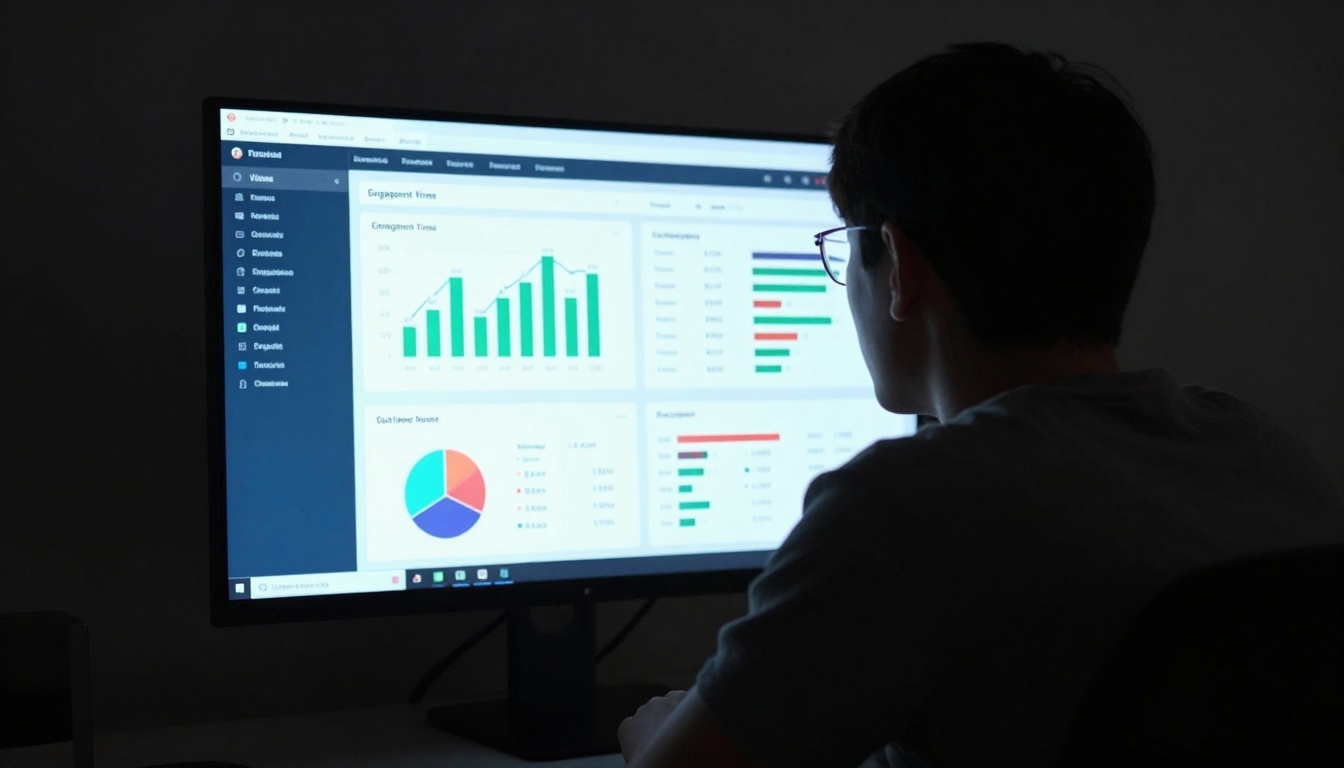
For Professional plan users, access detailed analytics to measure performance:
Key Metrics Tracked:
- Total views: Number of times flipbook accessed
- Engagement time: Average time spent per session
- Geographic distribution: Where viewers located
- Device breakdown: Mobile vs. desktop usage
- Click-through rates: Interaction with embedded links
- Page popularity: Which pages receive most attention
Optimization Based on Data:
- Content adjustment: Expand popular sections, revise less-viewed pages
- Timing optimization: Schedule distribution during high-engagement periods
- Format refinement: Adjust for predominant device types
- A/B testing: Compare different versions for effectiveness
Pricing Plans and Feature Comparison
Flipbooks AI offers transparent pricing with four tiers that scale with needs. Each plan builds upon the previous with additional capabilities suited for different use cases.
| Plan | Price | Flipbooks | Best For | Key Features |
|---|
| Basic | Free | 5 | Testing, personal projects | No watermarks, basic customization, direct links |
| Standard | €3/month | Unlimited | Small businesses, freelancers | All Basic features plus unlimited flipbooks, embed codes, QR codes |
| Professional | €7/month | Unlimited | Marketing teams, agencies | All Standard features plus analytics, lead generation, offline downloads |
| Lifetime | €200 one-time | Unlimited | Long-term users, organizations | All Professional features forever, priority support |
Plan Selection Guidance:
For Individuals and Testing:
- Start with Basic (free) to evaluate the platform
- Create up to 5 flipbooks without restrictions
- Perfect for portfolio pieces, personal projects, or trial conversions
For Small Business Regular Use:
- Standard plan at €3/month provides unlimited flipbooks
- No ongoing per-document costs
- Ideal for restaurants updating menus monthly or real estate agents with multiple properties
For Marketing and Sales Teams:
- Professional plan includes analytics and lead generation
- Track which content performs best
- Capture contact information from engaged viewers
- Offline access for sales presentations
For Long-Term Organizational Needs:
- Lifetime plan eliminates recurring costs
- One payment covers all features indefinitely
- Suitable for educational institutions, large corporations, or agencies serving multiple clients
💡 Cost Analysis: The Standard plan costs €36 annually. Creating just 12 professional flipbooks through traditional design services would typically cost €300-600. The savings become substantial with regular use.
Advanced Features for Professional Results
Beyond basic conversion, Flipbooks AI includes advanced capabilities that distinguish professional publications from basic conversions.
Lead Generation Integration
Professional plan users access built-in lead capture tools:
Implementation Methods:
- Contact forms: Add customizable forms within flipbook pages
- Email capture: Gate content behind email submission
- CTA buttons: Track clicks on specific calls-to-action
- Download tracking: Monitor who downloads PDF versions
Use Case Example: A furniture company includes a contact form on page 12 of their catalog. Viewers interested in specific products submit inquiries directly from the flipbook, with all data captured in the analytics dashboard.
Multimedia Enhancement
Static PDFs become rich media experiences through embedded content:
Supported Media Types:
- Video: YouTube, Vimeo, self-hosted (up to 100MB)
- Audio: Background music, narration tracks, sound effects
- 360° images: Interactive product views for e-commerce
- Slideshows: Image galleries with automatic transitions
- Maps: Interactive location maps with markers
Technical Considerations:
- All embedded media responds to device orientation changes
- Bandwidth optimization automatically adjusts quality based on connection
- Fallback content displays if media fails to load
- Mobile touch gestures work intuitively with embedded elements
Interactive Elements
Transform passive viewing into active engagement:
Interactive Features:
- Clickable hotspots: Specific areas trigger actions or reveal information
- Pop-up content: Additional details appear without leaving the page
- Quiz integration: Educational content with immediate feedback
- Navigation customization: Create non-linear reading paths
- Bookmarking: Users save positions for later return
Business Application: A training manual includes quiz questions at section ends. Trainees answer directly within the flipbook, with results tracked for compliance reporting.
Common PDF-to-Flipbook Challenges Solved
Conversion processes occasionally encounter issues. These solutions address the most frequent challenges users face.
Format Preservation Problems
Issue: PDF formatting appears distorted after conversion
Solution: Use the "Layout Correction" tool in the editor
Prevention: Ensure PDFs use standard fonts (Arial, Times New Roman, Calibri) rather than custom typefaces
Large File Processing
Issue: Very large PDFs (100+ pages) process slowly
Solution: Enable "Batch Processing" for documents over 50 pages
Alternative: Split large documents into logical sections, create multiple flipbooks
Image Quality Concerns
Issue: Images appear pixelated or compressed
Solution: Upload PDFs with images at 150 DPI minimum
Optimization: Use the "Image Enhancement" feature to automatically improve quality
Mobile Responsiveness
Issue: Content doesn't display correctly on smartphones
Solution: Enable "Mobile Optimization" during conversion
Testing: Use the preview feature across different device simulations
Search Engine Visibility
Issue: Flipbook content not indexed by search engines
Solution: Enable "SEO Metadata" to add descriptive tags
Additional: Provide text transcript for key content sections
Flipbooks AI offers specialized tools for different sectors. These streamline creation for common use cases.
For Product Businesses
For Hospitality
For Corporate Use
For Creative Professionals
For Education
Technical Requirements and Compatibility
Flipbooks created through the platform work across devices and browsers with specific technical considerations.
Device Support
Fully Supported:
- Desktop: Windows, macOS, Linux (Chrome, Firefox, Safari, Edge)
- Mobile: iOS, Android (all modern browsers)
- Tablets: iPad, Android tablets, Surface devices
Partial Support:
- Internet Explorer: Version 11 only (limited functionality)
- Older mobile browsers: Some features may not work perfectly
File Format Considerations
Optimal Input Formats:
- PDF: Standard PDF created from Word, InDesign, or other layout software
- Image sequences: Multiple images converted to single PDF first
- Scanned documents: OCR-processed PDFs for search functionality
Format Limitations:
- Password-protected PDFs: Must remove protection before upload
- Complex forms: Interactive form elements may not convert perfectly
- Extreme DPI: Documents above 600 DPI may process slower
Performance Optimization
For Best Results:
- Page count: 50-100 pages optimal for smooth performance
- Image compression: Use medium compression (70-80% quality)
- Font usage: Limit to 3-4 typefaces per document
- File size: Keep under 50MB for fastest processing
Loading Speed Factors:
- Internet connection: Viewer's bandwidth affects initial load
- Device capabilities: Older devices may experience slower animations
- Content complexity: Heavy multimedia increases load times
Getting Started with Your First Project
Begin creating flipbooks today with these practical starting points:
Quick Start Projects:
- Convert existing marketing materials: Take a current brochure or catalog
- Update restaurant menu: Transform printed menu into digital version
- Create digital portfolio: Compile work samples into interactive presentation
- Produce training material: Convert manual into engaging learning tool
First Flipbook Checklist:
Common Starting Mistakes to Avoid:
- Over-customization: Start simple, add features gradually
- Ignoring mobile testing: Always check smartphone display
- Skipping preview: Review entire flipbook before publishing
- Forgetting analytics: Enable tracking from the beginning
Next Steps for Advanced Implementation
After mastering basic flipbook creation, explore these advanced applications:
Integration Possibilities:
- CRM systems: Connect lead data to Salesforce, HubSpot, or similar platforms
- Email platforms: Automate distribution through Mailchimp, Constant Contact
- Website CMS: WordPress, Shopify, or custom site integration
- Analytics tools: Connect to Google Analytics for combined reporting
Automation Options:
- Bulk processing: Convert multiple PDFs simultaneously
- Scheduled updates: Automatically refresh content on specific dates
- Template systems: Create branded templates for consistent publications
- API access: Programmatic creation for high-volume needs (Enterprise)
Scale Considerations:
- Team collaboration: Multiple users editing different flipbooks
- Client management: Separate workspaces for agency clients
- Version control: Track changes and revert if needed
- Approval workflows: Formal review processes before publication
The platform transforms static documents into dynamic digital experiences that engage audiences more effectively than traditional PDFs. With the free plan offering substantial capabilities and affordable upgrade paths, any individual or organization can begin enhancing their digital content immediately. Start with a simple document conversion today and gradually explore more advanced features as needs evolve.
Ready to transform your PDFs? Create your first flipbook now with Flipbooks AI's free plan. Explore specific tools for your industry or compare pricing options to find the perfect plan for your needs.



