Whether you're launching a fashion line, showcasing a product collection, or building your personal brand identity, a lookbook is one of the most powerful visual tools at your disposal. The problem? Most people assume they need a professional designer to produce something worth sharing. That assumption is costing small brands thousands of dollars they don't need to spend. With Flipbooks AI and the right workflow, you can create a stunning lookbook that looks like it came from a top creative agency, starting today.

Why Lookbooks Still Drive Real Sales
A lookbook is not just a pretty PDF. It's a sales instrument. Brands that use visual lookbooks report significantly higher viewer response compared to standard product listings. Shoppers who view a curated lookbook spend more time with a brand's content, and conversion rates improve when customers can see items styled in context rather than on a plain white background.
The modern lookbook has evolved far beyond its printed origins. Today's most effective versions are:
- Digital and interactive: Pages that flip, videos that play, links that convert
- Mobile-first: Viewed on phones and tablets, not just desktops
- Shareable: Sent via link, embedded on websites, password-protected for wholesale buyers
- Data-rich: Tracking who viewed what and when (available on professional plans)
Brands from independent boutiques to mid-size fashion labels are using digital lookbook tools to replace what used to require a full creative team. The shift is permanent, and the barrier to entry has dropped to near zero.
Independent brands that publish seasonal lookbooks consistently report that wholesale buyers respond faster, retail conversion improves, and press inquiries increase. The lookbook signals credibility in a way that a product listing or Instagram grid simply cannot. It communicates that a brand has a point of view, and buyers respond to that.
What Actually Goes Into a Great Lookbook
Before diving into tools, it helps to understand what separates a forgettable lookbook from one that gets passed around and remembered. Most DIY attempts fail not because of the tool they used, but because the underlying design principles were ignored.
The Layout Foundation
Every great lookbook starts with intentional white space. Amateur layouts cram too many products onto a single page. Professional lookbooks breathe. They give each piece room to exist on its own terms. A clean grid with consistent margins creates the visual rhythm that makes a lookbook feel premium.
Strong lookbooks also follow a narrative arc. Each spread should feel like it's moving the viewer through a story, not just a product catalog. Think of it as a film: establishing shots, detail shots, and a final frame that leaves the viewer wanting more. Group items by mood, color story, or styling theme rather than by product category.
Typography That Does the Work
Font choice communicates brand values before anyone reads a single word. A serif typeface in a lookbook signals heritage and luxury. A clean geometric sans-serif says modern and minimal. The most common mistake is using too many fonts. Two fonts maximum: one for headings, one for body text. Pair a display font with a highly legible body font and stick to it throughout every spread.
Size contrast matters just as much as font selection. Large, bold headlines against small, light body copy creates hierarchy that directs the eye naturally through the page.
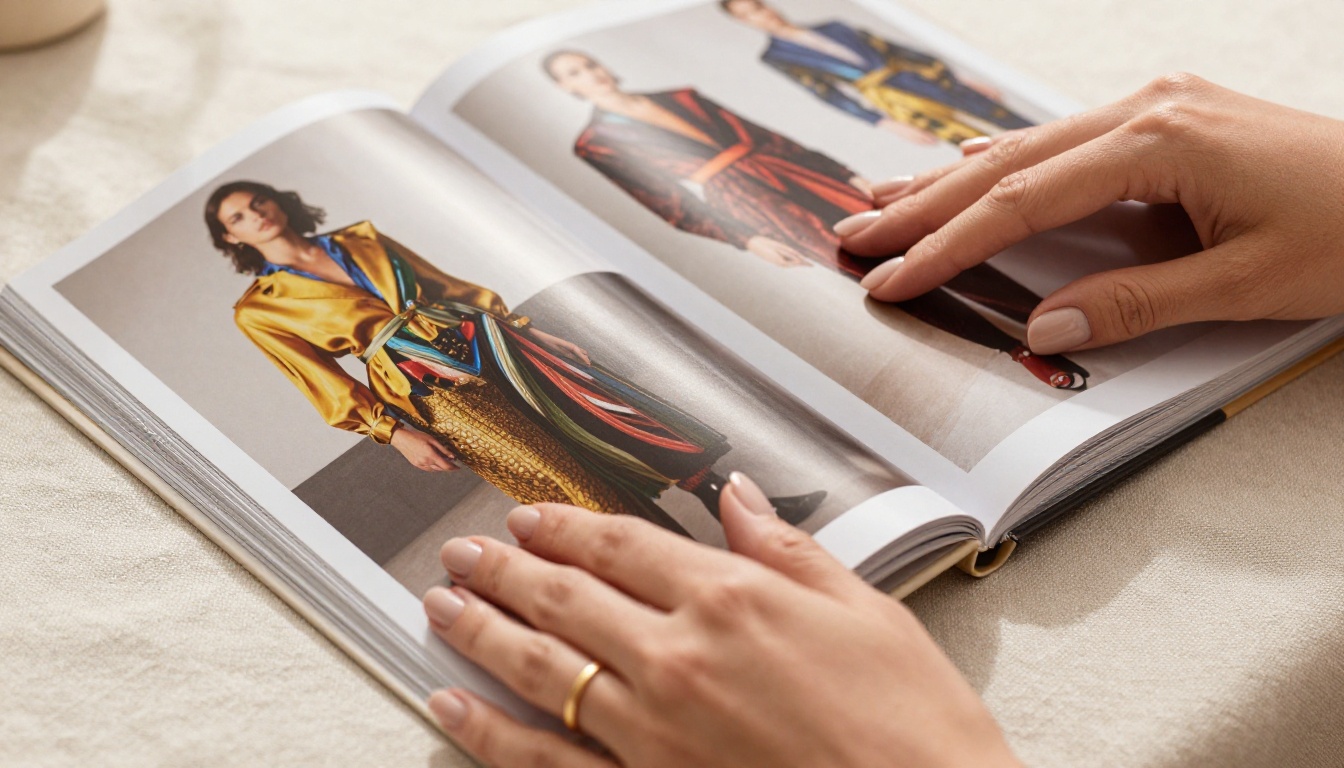
Color and Brand Cohesion
Your lookbook's color palette should be an extension of your brand identity. Choose three to five core colors and apply them consistently: backgrounds, text accents, borders, and button styles. Deviation from the palette breaks the sense of professionalism that makes a lookbook feel intentional.
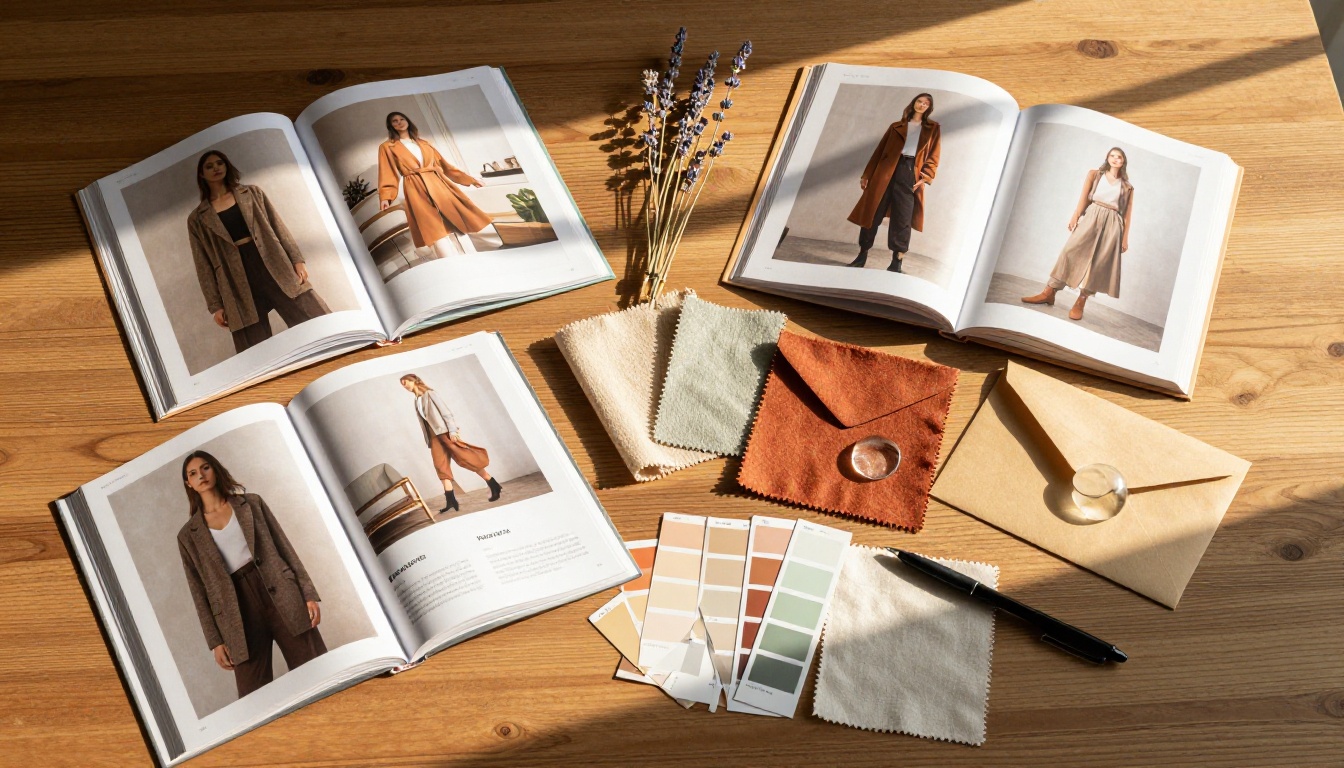
A mood board phase before building is worth the twenty minutes. Pin colors, textures, and reference images that capture the feeling you want to evoke. That reference document becomes your creative guardrail throughout the entire build. Pin it somewhere visible while you work and return to it every time you make a design decision.
The Real Cost of Hiring a Designer
Freelance lookbook design is genuinely expensive when you factor everything in. Here's what the numbers actually look like:
| What You're Paying For | Typical Freelance Rate | Time to Deliver |
|---|
| Initial concept and mood board | $300 - $800 | 3 - 5 days |
| Layout design (10 spreads) | $800 - $2,500 | 5 - 10 days |
| Photo editing and retouching | $200 - $600 | 2 - 4 days |
| Revisions (2 rounds) | $150 - $400 | 2 - 5 days |
| Final file export and prep | $100 - $250 | 1 - 2 days |
| Total | $1,550 - $4,550 | 2 - 4 weeks |
And that's for a single collection. Most fashion brands release two to four collections per year. That's potentially $6,000 to $18,000 annually just for lookbook design.
The DIY alternative, using a dedicated tool with professional templates, runs between zero and a few hundred dollars per year, and you retain full control over timing and revisions without waiting on anyone else's schedule. More importantly, you can publish the moment a collection is ready, not two weeks after it should have launched.
⚠️ Warning: Generic tools like Canva or PowerPoint can get you 70% of the way there. But for a truly polished, interactive digital lookbook with page-flip effects, embed capabilities, and analytics, you need a dedicated publishing platform.
Not all design tools are built for lookbooks. Here's how the major options compare:
| Tool | Lookbook-Specific | Interactive Flip | Embeddable | Analytics | Price Range |
|---|
| Canva | Partial | No | Limited | No | Free - $16/mo |
| Adobe InDesign | Yes | No | No | No | $22/mo |
| Issuu | Yes | Yes | Yes | Limited | Free - $19/mo |
| Flipbooks AI | Yes | Yes | Yes | Yes (Pro) | Free - Pro |
| PowerPoint | No | No | No | No | Microsoft 365 |
Flipbooks AI stands out because it's purpose-built for exactly this use case. You're not adapting a presentation tool or a general graphic design app. Every feature in the platform exists to help you produce, publish, and share professional lookbooks, catalogs, and magazines without technical skills.
💡 Pro tip: The Interactive Lookbook Designer tool is specifically built for fashion and product lookbooks, with pre-built templates that follow editorial design principles out of the box.
How to Build Your Lookbook with Flipbooks AI
This is where DIY becomes genuinely viable. The process is straightforward, and the result is a professional-grade lookbook you can share within hours of starting.
Step 1: Create Your Account
Head to Flipbooks AI and create a free account. No credit card required to start. The free tier gives you immediate access to templates and the core editor so you can see the platform before committing to anything.
Step 2: Choose Your Template
Once inside the dashboard, navigate to the Lookbook Flipbook Builder. You'll find a selection of professionally designed templates sorted by style: editorial, minimalist, bold fashion, and lifestyle. Choose the one that most closely matches your brand aesthetic. You'll customize everything, so pick based on layout structure rather than color.
Step 3: Upload Your PDF or Design Your Spreads
If you already have a designed PDF, upload it directly using the PDF to Flipbook Converter. The platform converts your PDF into an interactive flipbook with realistic page-turn animations automatically, no design work needed.
If you're building from scratch inside the editor:
- Add your product photography to each spread using the drag-and-drop image uploader
- Adjust layouts using the grid system and alignment tools
- Set your brand fonts and color palette in the global style settings
- Add product names, prices, and descriptions in the text fields
- Insert video clips or audio into relevant spreads (a feature static PDFs simply cannot match)
- Arrange spread order to create your intended narrative flow
Step 4: Set Your Branding
This is where the platform earns its value. Under Brand Settings, you can:
- Upload your logo and set its position on every spread
- Set a custom background color or texture for the page flip interface
- Configure a custom toolbar color to match your brand palette
- Add a password to protect wholesale-only or private collection lookbooks
- Set an expiration date for time-sensitive seasonal lookbooks
✅ Best practice: Use the no watermark feature (available on Standard plan and above) to ensure your lookbook looks entirely professional when shared with press contacts or wholesale buyers.
Step 5: Publish and Share
When your lookbook is ready, click Publish. Flipbooks AI gives you:
- A direct shareable link to send via email or DMs
- An embed code to place the flipbook directly on your website or Shopify store
- Social sharing buttons for Instagram, Pinterest, and LinkedIn
- Password protection for private wholesale or press access
- Offline download options so buyers can access without a connection
Step 6: Professional Plan Features
For brands on the Professional plan, you also get analytics: see exactly who opened your lookbook, which pages received the most attention, and how long viewers spent on each spread. That data alone can reshape how you structure your next collection reveal. Lead generation forms are also available on this tier, turning your lookbook into an active list-building tool that captures buyer information directly.
Photography: Your Biggest Variable
No template can save weak photography. The single highest-impact investment you can make in your lookbook is getting the photography right. That doesn't necessarily mean hiring a full production crew.
What actually matters:
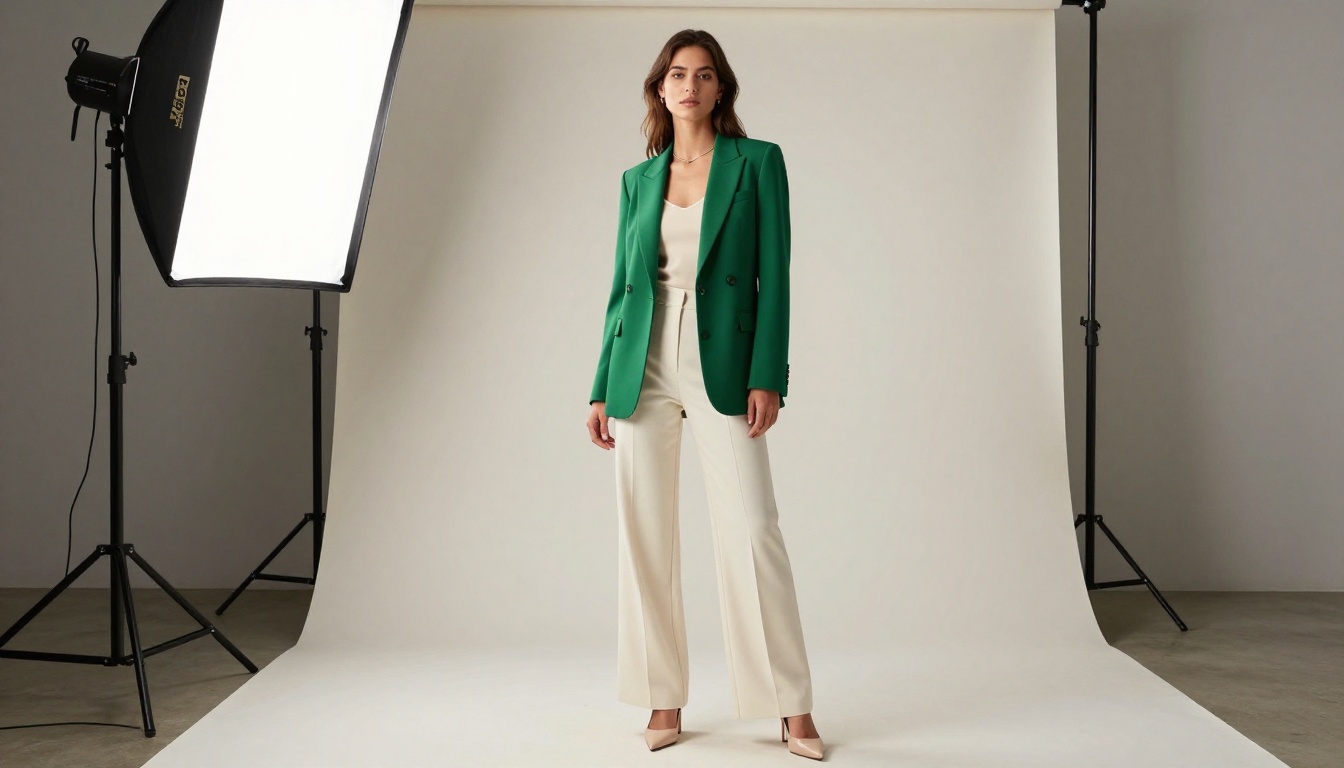
- Consistent lighting: Natural window light is completely viable for product photography. Consistency across every shot is what matters, not a studio setup. Same light source, same direction, same time of day.
- Clean backgrounds: A white wall, a concrete floor, a linen backdrop. Neutral and simple outperforms creative and cluttered every time.
- Context shots: Products styled in use, worn, or placed in a real environment outperform plain white-background shots in lookbooks. Buyers want to imagine the product in their world.
- Shooting angles: Vary your shots. Overhead, straight-on, and detail close-ups together create a richer visual story than twenty identical straight-on shots.
- Phone cameras work: Modern smartphone cameras, particularly in portrait mode in good light, produce results entirely suitable for digital lookbook publication. The bottleneck is lighting, not the camera.
💡 Pro tip: Shoot more than you think you need. A ten-spread lookbook typically requires 30 to 50 raw images to edit down to the 20 to 25 final selects you'll actually use.

Sharing Your Lookbook the Smart Way
Once your lookbook is published, the distribution strategy matters as much as the design itself.
| Channel | Best Use Case | Tips |
|---|
| Email to wholesale buyers | Private, password-protected links | Use analytics to track who opened |
| Instagram Stories/Bio link | Public collection reveals | Add swipe-up or link-in-bio |
| Embedded on website | Replaces static PDF downloads | Use embed code on collection page |
| Pinterest | Visual discovery and traffic | Export page image + link |
| Press kits | Media and editorial outreach | Add to digital press kit |
| WhatsApp/DM | Direct outreach to stockists | Share link with preview image |
The embed feature is particularly valuable for e-commerce brands. Instead of directing visitors to a PDF download or a static image gallery, you can embed a fully interactive, page-flipping lookbook directly on your product collection page. Visitors stay on your site longer, and the visual richness of an interactive lookbook drives higher time-on-page, which also strengthens SEO signals as a secondary benefit.
For wholesale operations, the password protection feature changes the dynamic entirely. You can share a single link with all your buyers, set a password for the season, and distribute it securely without emailing file attachments that get forwarded without permission.

Mistakes That Make DIY Lookbooks Look Amateur
Avoiding these common pitfalls is half the battle:
- Too many fonts: Pick two and stick to them throughout every spread. Three or more fonts signal inexperience immediately.
- Inconsistent margins: Set a global margin in your template and never deviate. Inconsistency reads as carelessness.
- Low-resolution images: Always use images at minimum 1200px wide for digital; 300 DPI for print export. Blurry images destroy credibility.
- No breathing room: Give each product spread at least 30% white space. Cluttered pages exhaust the viewer.
- Weak opening page: Your first spread is your lookbook's handshake. Spend disproportionate time on it because it determines whether buyers continue reading.
- No clear CTA: Every lookbook should direct the viewer somewhere: a website, a contact form, a shop link. Don't leave buyers wondering what to do next.
- Ignoring mobile: More than 60% of lookbooks shared via link are opened on mobile. Test your published lookbook on a phone before sending it to buyers.
⚠️ Warning: Don't publish your lookbook as a raw PDF with no interactivity. A flat PDF feels outdated and static. Convert it to an interactive flipbook with Flipbooks AI and immediately elevate the perceived production value.
Lookbook Use Cases Beyond Fashion
The lookbook format works across industries, not just apparel. Here's how different brands are using the same approach:
- Interior design studios: Seasonal furniture and decor collections with room-context photography that help clients visualize complete spaces
- Real estate agencies: Property portfolio presentations that replace static brochures, with embedded video walkthroughs on relevant listings
- Beauty brands: Seasonal color collection reveals with editorial spreads and before-and-after imagery
- Food and beverage: Restaurant menu lookbooks with atmospheric photography and seasonal specials, using the Restaurant Menu Creator tool
- Photography studios: Portfolio lookbooks built with the Photography Portfolio tool that replace static website galleries
Browse all available flipbook tools to find templates built specifically for your industry and use case.
Your First Lookbook Is Ready to Build
The barrier between "I wish I had a lookbook" and "my lookbook is live" has never been lower. You don't need a design degree, a production budget, or a six-week agency timeline. You need decent photography, a clear brand direction, and a platform built for this specific purpose.
Flipbooks AI gives you everything: professional templates, page-flip interactivity, brand customization, embedding, password protection, analytics, and no watermarks. Every plan includes unlimited flipbooks starting from Standard, so you're not limited to a single collection per cycle.
Ready to see what works for your next season? Check the pricing plans and publish your first lookbook today.
✅ Start with one collection. Get it right. The second one will take half the time, and by the third, you'll wonder why you ever considered outsourcing it.



