Sending a flat PDF proposal is the business equivalent of handing someone a plain white envelope at a black-tie event. It technically communicates the information, but it does nothing to make you memorable. The moment you swap that static file for a dynamic, page-turning flipbook, something fundamental shifts in how clients perceive your professionalism, your attention to detail, and the value you are likely to deliver. If you have been looking for a practical way to create a stunning proposal with flipbook software, this breakdown covers everything from the psychology of why it works to the exact steps to build one.
Flipbooks AI makes it possible to convert any polished PDF proposal into a fully interactive, professionally branded flipbook in minutes, with no design background required.

Why PDF Proposals Are Costing You Business
Most professionals still send proposals as email attachments. The recipient downloads the file, maybe opens it, and closes it within 30 seconds without reading past page two. The format itself actively works against you.
Here is what typically happens with a PDF proposal:
- The attachment sits unread in a downloads folder
- Mobile recipients struggle with formatting designed for desktop
- There is no way to know whether the client opened it at all
- A version gets shared internally without your knowledge
- The pricing section is screenshotted out of context and forwarded to competitors
Interactive flipbook proposals solve every one of these problems. Instead of a file, you share a URL. The proposal opens in the browser immediately, looks perfect on any screen, and tells you exactly how it was consumed.
The psychology matters too. A page-turning flipbook mimics the experience of reading a physical magazine or book. That tactile familiarity slows readers down and creates a perception of substance that flat PDFs simply cannot replicate.
💡 Pro tip: Proposals with embedded video introductions see significantly higher read-through rates than text-only documents. A 60-second personalized video on page two costs almost no additional effort and signals a level of investment that clients notice immediately.

The Anatomy of a Winning Proposal Flipbook
Not all flipbooks are created equal. A stunning proposal flipbook combines visual design, content structure, and strategic interactivity in a way that actively moves the reader toward a decision. Here are the three pillars that separate forgettable proposals from ones that close.
Visual Hierarchy That Guides the Eye
Your proposal needs a clear visual flow that works independently of the words. The front page sets the tone and stakes. Inside spreads should use a consistent grid, readable typography at comfortable sizes, and imagery that connects emotionally to the client's world. Cluttered pages signal disorganization. Generous white space signals confidence.
The most effective flipbook proposals follow one simple visual rule: one dominant idea per spread. If a page is trying to communicate five things at once, redesign it around the single most important message.
Structure That Mirrors the Client's Decision Journey
A strong proposal moves through a predictable mental sequence that mirrors how buyers actually evaluate options:
- Their situation (you demonstrate that you understand their specific context)
- The problem at its core (name the root issue clearly, not just the symptoms)
- Your approach (the solution, explained without jargon)
- Proof of capability (case studies, relevant metrics, testimonials)
- The investment (pricing presented clearly, with context for value)
- Next steps (a single, frictionless call to action)
When the proposal follows this sequence, clients feel understood. When they feel understood, they trust. When they trust, they sign.
Interactivity That Keeps Them Inside the Document
A static PDF has no mechanism to re-engage a wandering reader. A flipbook can include a floating table of contents that clients click to navigate, embedded video case studies on relevant pages, clickable links to supporting documents or your portfolio, and lead capture forms before they access pricing. Every interactive element is another mechanism for keeping the client inside your proposal rather than switching to a competitor's website.

How to Create a Proposal Flipbook with Flipbooks AI
Flipbooks AI provides one of the most accessible paths from a finished proposal PDF to a shareable, interactive flipbook. Here is the complete process from upload to send.
Step 1: Prepare Your Proposal PDF
Before uploading, make sure your proposal PDF is built correctly:
- High-resolution images: 300 DPI minimum for photographs, 72 DPI acceptable for screen-only graphics
- Embedded fonts: Avoid relying on system fonts that may render differently across devices
- Proper margins: Leave adequate breathing room so content is not clipped during conversion
- A strong front page: This is the first thing clients see when they receive your link. Treat it like the front page of a magazine.
If you do not have dedicated design software, tools like Canva, Adobe Express, or Google Slides all export clean, print-quality PDFs directly.
Step 2: Upload and Convert
Go to Flipbooks AI and create your account. Once inside:
- Click New Flipbook from your dashboard
- Drag your proposal PDF into the upload area or select it from your files
- The platform processes each page and converts it into a high-fidelity flipbook spread in seconds
- Preview the converted result page by page before making any edits
The conversion preserves your typography, color palette, and image placement exactly as designed.
Step 3: Customize the Viewer
This step transforms a generic upload into a branded client experience. Inside the editor:
- Brand colors: Set the interface and page backgrounds to match your brand or the client's palette
- Logo placement: Your logo appears persistently in the viewer corner on every page
- Page-turn animation: Choose between soft flip, classic curl, or instant swipe depending on your brand tone
- Viewer background: Use a solid color, gradient, or custom image as the backdrop behind your pages
- Multimedia embeds: Drop YouTube or Vimeo video links directly onto specific pages so they play inline
💡 When pitching to an established brand, match their primary color in the flipbook viewer. A proposal for a luxury hotel brand immediately feels more relevant when the viewer shares their signature navy and gold palette.

Step 4: Set Sharing and Privacy Options
Not every proposal should be publicly accessible. Flipbooks AI gives you precise control over who sees what:
- Direct link: A clean, shareable URL you paste into an email or message
- Password protection: Require a password before the flipbook opens, critical for confidential pricing or proprietary strategies
- Embed code: Drop the flipbook directly into your website, client portal, or proposal landing page
- Custom domain: Link the flipbook to your own branded domain for a polished, professional feel
⚠️ Always activate password protection on proposals that include sensitive pricing, confidential client data, or proprietary strategic recommendations.
Step 5: Track Performance and Follow Up
With the Professional plan, you gain access to analytics that fundamentally change how you follow up with prospects:
- Page-level view time: See precisely which sections the client spent time reading
- Session tracking: Know how many times they returned to the document after the initial open
- Device data: Understand whether they read on desktop, tablet, or mobile
- Lead capture gates: Require contact details before accessing the full document
- Offline downloads: Allow clients to save a PDF copy for internal sharing or offline review
If your analytics show a client returned to the pricing page three times over two days, that is not a coincidence. Follow up with a message that directly addresses value, ROI, and what the investment gets them.
Different business contexts call for different flipbook approaches. This table maps common proposal scenarios to the right format and the relevant tool:
✅ Best practice: If your industry is not listed above, browse the full flipbook tools directory to find the closest match. Most tools are built around specific document types and come with structural suggestions that map directly to proposal needs.
Plans and Features Compared
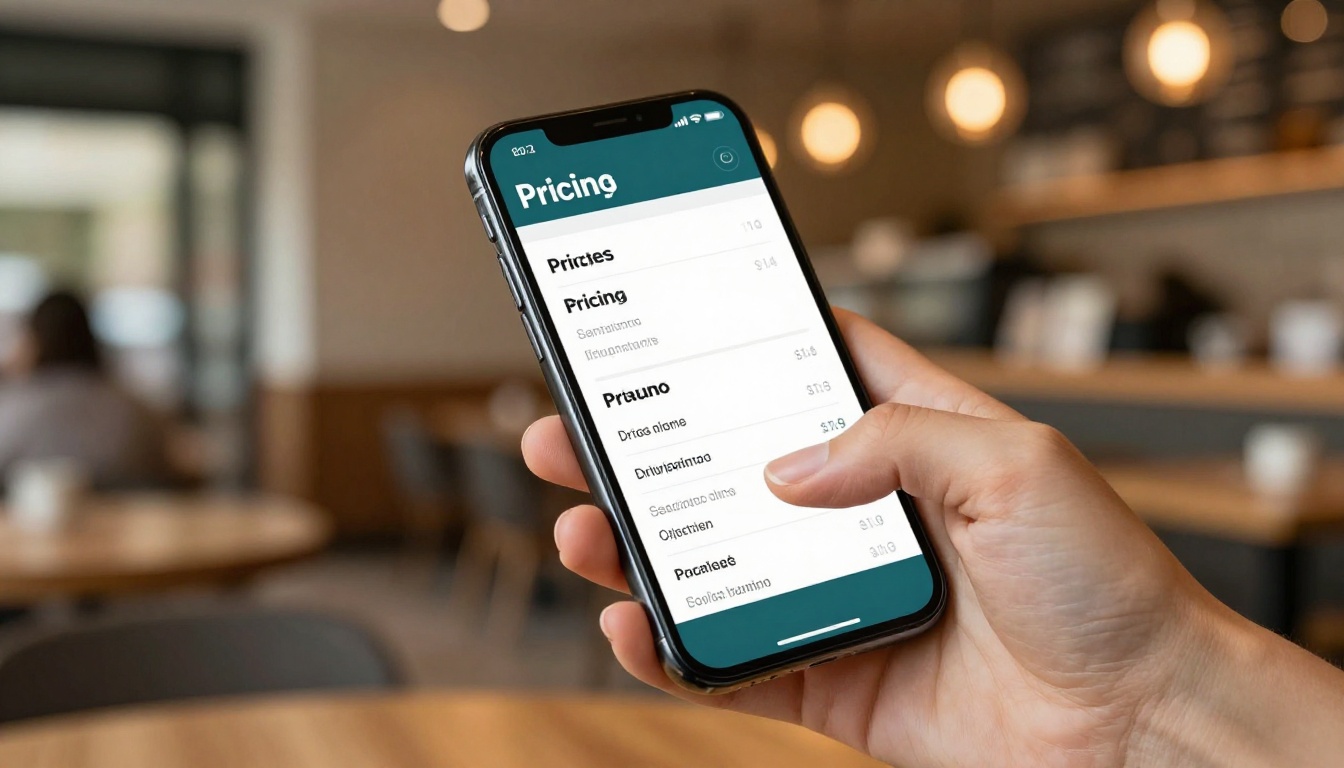
Flipbooks AI pricing is structured so you only pay for what you actually use:
| Feature | Free | Standard | Professional |
|---|
| Number of flipbooks | Limited | Unlimited | Unlimited |
| Watermark | Yes | No | No |
| Password protection | No | Yes | Yes |
| Custom branding | No | Yes | Yes |
| Analytics and tracking | No | No | Yes |
| Lead capture forms | No | No | Yes |
| Offline downloads | No | No | Yes |
| Embed on website | Yes | Yes | Yes |
✅ Best practice: The Standard plan is the minimum for professional client-facing work. It removes watermarks, activates custom branding, and unlocks unlimited flipbooks at a price that pays for itself with a single closed deal.
Mistakes That Undermine Even Great-Looking Proposals
A polished design does not automatically make a proposal effective. These are the most common errors that kill deals even when the visual presentation is strong.
Too much content per page. Dense text blocks signal that you have not done the work of distilling your thinking. Clients are busy. One idea, one page.
Generic imagery. A real estate proposal with stock office photos feels unrelated. Source images that connect to the client's actual industry, geography, or brand world.
No obvious next step. Every proposal should end with exactly one clear action: a scheduling link, a reply prompt, or a signature line. Multiple options create hesitation. One option creates momentum.
Sending without a follow-up system. The analytics in your flipbook dashboard are useless if you do not act on them. Build a simple rule: if a client opens the proposal and does not respond within 24 hours, send a targeted follow-up referencing a specific section.
Pricing buried deep in the document. Clients almost always skip to pricing first. Put it in a clearly designed section that presents options with context, not just numbers in isolation.
No mobile check before sending. More than 60% of emails are opened on mobile. If your proposal formatting breaks on a phone, it breaks for the majority of your recipients. Flipbooks AI handles mobile responsiveness automatically, but always preview before sending.

A Real-World Example: How an Agency Used It
A boutique marketing agency pitching a 12-month retainer to a mid-size e-commerce brand replaced their standard PDF attachment with a Presentation Flipbook. The flipbook included:
- A front page built around the client's own product photography
- A 90-second strategy overview video embedded on page three
- A visual campaign timeline with milestones shown as a horizontal roadmap
- A three-tier pricing table with annotated value breakpoints at each level
- A case study spread with real metrics from a comparable client in the same vertical
- A final page with a single call to action and a direct calendar booking link
The client opened the flipbook four times across two days. After the third open, the agency sent a follow-up message referencing the investment section directly. The deal closed the same week.
This is the practical difference between a proposal as a document and a proposal as a sales system.
Pre-Send Proposal Checklist
Before you share the link with your client, work through this list:

Building a Repeatable Proposal System
Once you have one strong flipbook proposal template, the process becomes a repeatable production system. Here is how to scale it:
- Build a master PDF template in your design tool with modular placeholder sections
- Customize 20% per client: swap the front image, update the case study, adjust pricing details
- Upload and publish a new flipbook for each new prospect
- Monitor data in the Flipbooks AI analytics dashboard to see which sections hold attention
- Archive high-converting proposals to reference for similar pitches in the same industry
- Iterate based on what you see: if data consistently shows clients dropping off at a certain page, redesign that section
Browse all available flipbook tools to find specialized starting points for your industry, whether you are building a corporate report, a real estate brochure, or a complete client services package.

Send Something Worth Reading
The proposal you send is a direct representation of the work you will deliver. A polished, interactive flipbook tells clients that you care about their experience before the contract is even signed. It signals that you sweat the details, communicate clearly, and respect their time enough to make information easy to absorb.
Static PDFs have had a long run. There is a better format available now, and the clients you are pitching are already noticing the difference.
Ready to build your first flipbook proposal? Create your free account on Flipbooks AI and have your first proposal live in under ten minutes. When you are ready for analytics, lead capture, and unlimited documents, view the full pricing options to find the right plan for your workflow.



