Your wedding day produces hundreds, sometimes thousands, of photographs. They sit in a shared Google Drive folder, a USB drive in a drawer, or a forgotten cloud gallery your photographer set up two years ago. None of that does justice to what actually happened. Creating wedding photo albums that flip like real pages changes everything about how you relive and share those moments.
Flipbooks AI makes it possible to take your entire wedding photo collection and turn it into an interactive digital album that looks and feels like a physical book, complete with smooth page-turning animations, custom front pages, and instant sharing from any device.
Why Static Galleries Fall Short
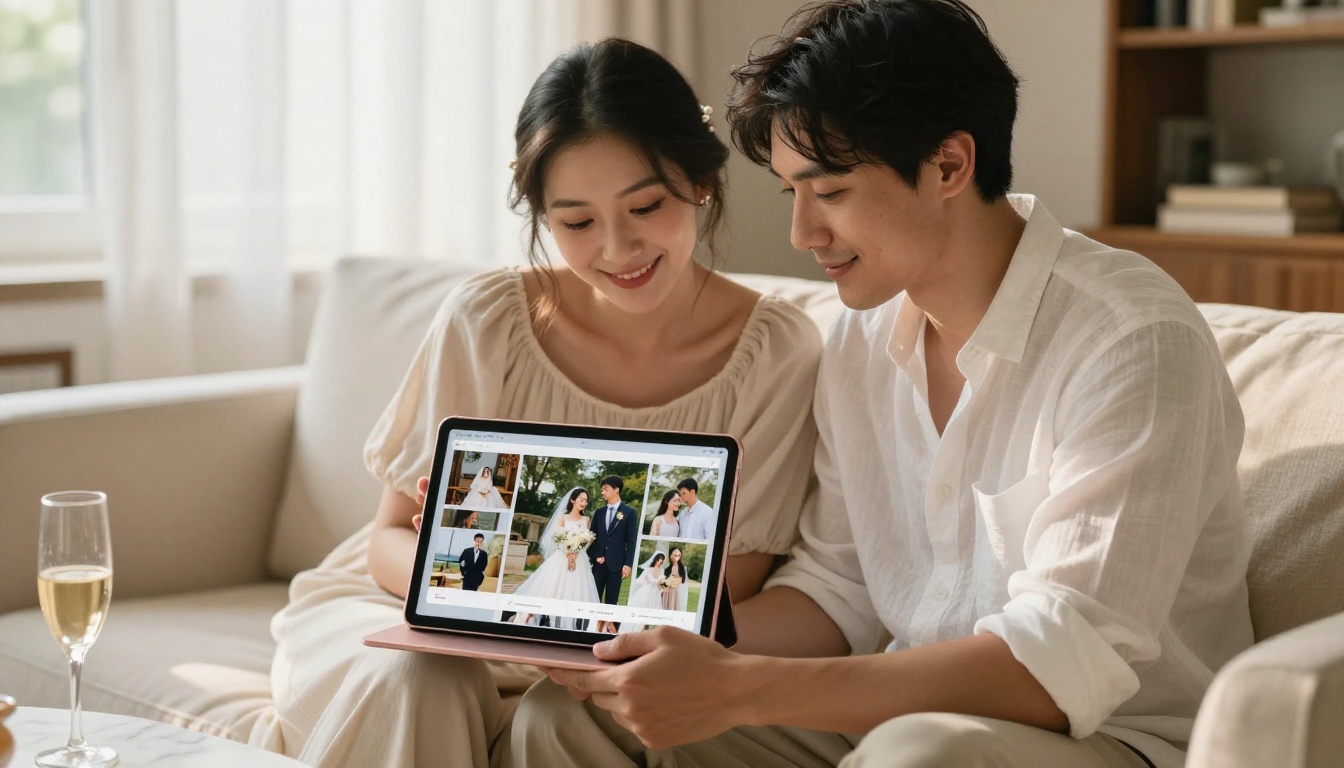
A Google Photos link or a Dropbox folder is functional, but it is cold. Photos appear as thumbnails in a grid. There is no sense of sequence, no narrative, no feeling of turning a page to see what comes next. Your first look, the ceremony, the reception toasts, the cake cutting, these moments have an order that matters.
Static galleries flatten that timeline. They treat every image as equally weighted, equally important. A wedding album, by contrast, is a curated story. The difference between browsing someone else's photo dump and sitting down with a beautifully arranged album is the difference between reading a list of ingredients and tasting the actual dish.
The problems with static formats:
- No page-turn experience or sense of progression
- Hard to share with older relatives who struggle with cloud links
- No way to embed into a wedding website or send as part of an email update
- Photos lose context without layout, captions, and flow
- No privacy controls for semi-public sharing
- No audio or video integration
💡 Pro tip: A properly designed digital wedding flipbook gets shared far more often than a static gallery link because it genuinely delights people when they open it. The page-flip effect alone prompts guests to spend longer with the photos.
What Makes Page-Flip Albums Different
The page-flip effect is not cosmetic. When you watch a page curl and turn, your brain recognizes the familiar gesture from physical books. It triggers a different kind of attention. You slow down. You look more carefully. You feel the weight of the memory.
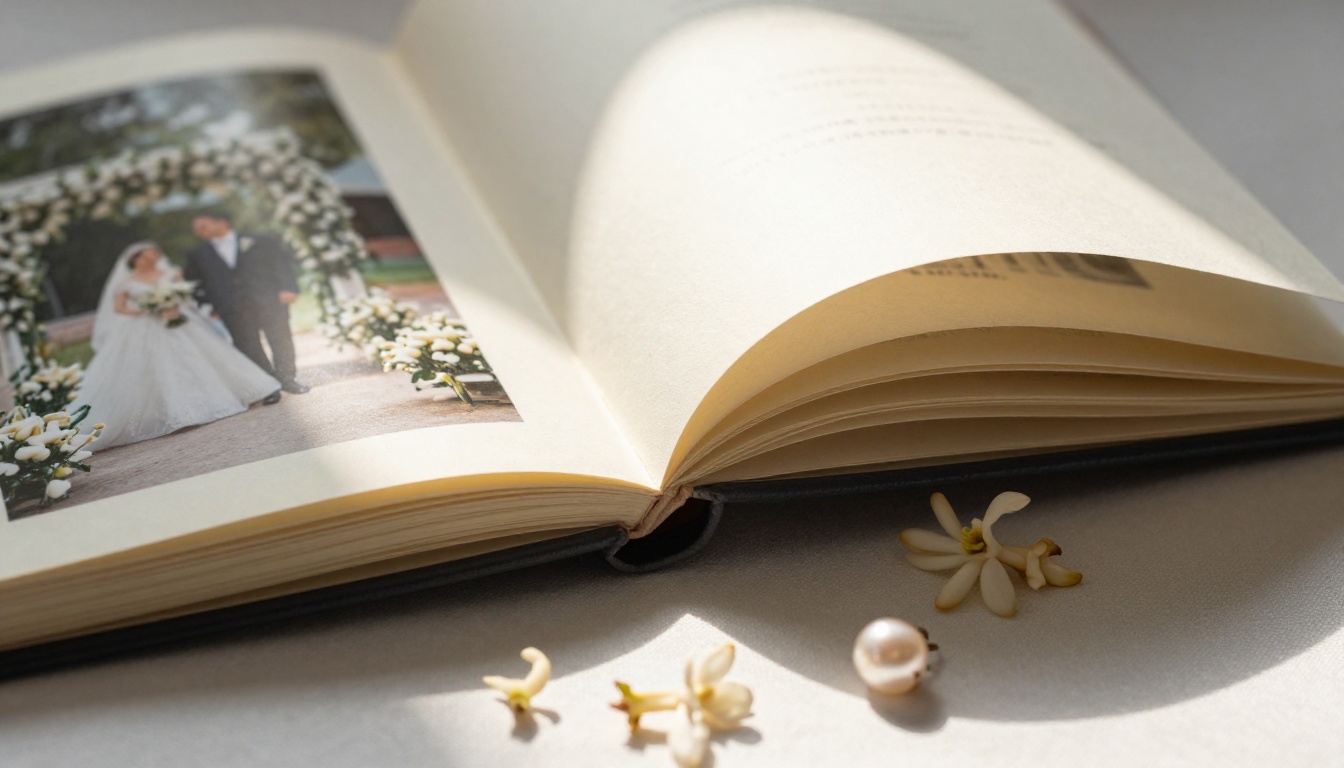
Modern digital wedding flipbooks replicate this experience with precision. The physics of the page curl, the slight shadow under the turning page, the way photos on the reverse side peek through when held up to light, all of it renders in real time as users interact with the album online.
What a flip-page wedding album offers:
- Realistic page-turn animation with natural curl physics and paper-like rendering
- Double-page spreads that let panoramic shots breathe without cropping
- Mobile-responsive layout so it works equally well on phones and tablets
- Zoom capability so guests can inspect details like florals, ring engravings, and embroidery
- Embedded audio for adding your ceremony song or a reception playlist to the album
- Password protection for maintaining privacy with semi-public sharing
✅ Best practice: Design your album with double-page spreads for the ceremony and first dance photos. Single-page cuts work best for portraits and detail shots. Varying the rhythm keeps the viewer engaged throughout the full album.
Before building anything, you need to decide on your source file format. Digital wedding flipbooks are almost always built from a PDF, which means your starting point matters considerably.
| Starting Point | Best Approach | Effort Level |
|---|
| Raw JPEG photos from photographer | Design in Canva or InDesign, export as PDF | Medium |
| Pre-designed album from photographer | Export as PDF, upload directly | Low |
| Online gallery (Pixieset, Shootproof) | Download full-res photos, design PDF | Medium-High |
| Already printed album design files | Request print-ready PDF from designer | Low |
| Phone photos from guests | Use a photo book template, export PDF | Low-Medium |
The sweet spot is asking your wedding photographer for a print-ready PDF album export. Most photographers already design these layouts for print delivery. You can take that exact file and convert it into an interactive digital flipbook in minutes using the PDF to Flipbook Converter.
If your photographer does not offer PDF exports, free tools like Canva have solid wedding album templates. Drop your photos in, adjust the layout, and export a high-resolution PDF. It takes an afternoon, and the result is worth it.
How to Create Your Wedding Flipbook with Flipbooks AI
The Wedding Album Flipbook tool on Flipbooks AI is purpose-built for exactly this. Here is how to go from PDF to a shareable, page-flipping wedding album.
1. Set Up Your Account
Go to Flipbooks AI and sign up. The Standard plan and above give you unlimited flipbooks with no watermarks, which matters when you are sharing something as personal as a wedding album. You do not want a platform badge stamped across your first dance photo.
2. Upload Your PDF
Click "Create New Flipbook" and upload your wedding album PDF. The platform processes each page and renders it into the flip-page format automatically. Files with hundreds of pages process without issue, which is good news if your photographer delivered an extensive final album.
3. Customize the Album
Once the conversion completes, you can:
- Set a custom front page with your names and wedding date
- Choose page-flip styles (soft curl, hard cover style, magazine-style crisp turns)
- Add a background color or texture that frames the album viewer
- Include your initials or monogram as subtle branding on the viewer
- Embed your ceremony song directly into the flipbook so it plays as guests browse
- Add custom colors to match your wedding palette
4. Set Privacy Options
Wedding albums contain intimate moments. Not every page is for public consumption. Flipbooks AI lets you apply password protection so only people you share the password with can view the album. This is especially useful when sharing across extended family networks with different privacy expectations.
5. Share or Embed
You have three primary options:
- Direct link: Copy a URL and paste it anywhere, text messages, emails, social media posts
- Embed code: Paste a snippet into your wedding website and the flipbook appears inline, as if built into the page
- Offline download: Save a version for guests without reliable internet access, available on the Professional plan
⚠️ Important: If you plan to embed the album in your wedding website, test it on mobile before sharing widely. Most wedding website visitors arrive on phones, and the flipbook needs to respond to touch gestures correctly.
What to Include in Your Album Layout
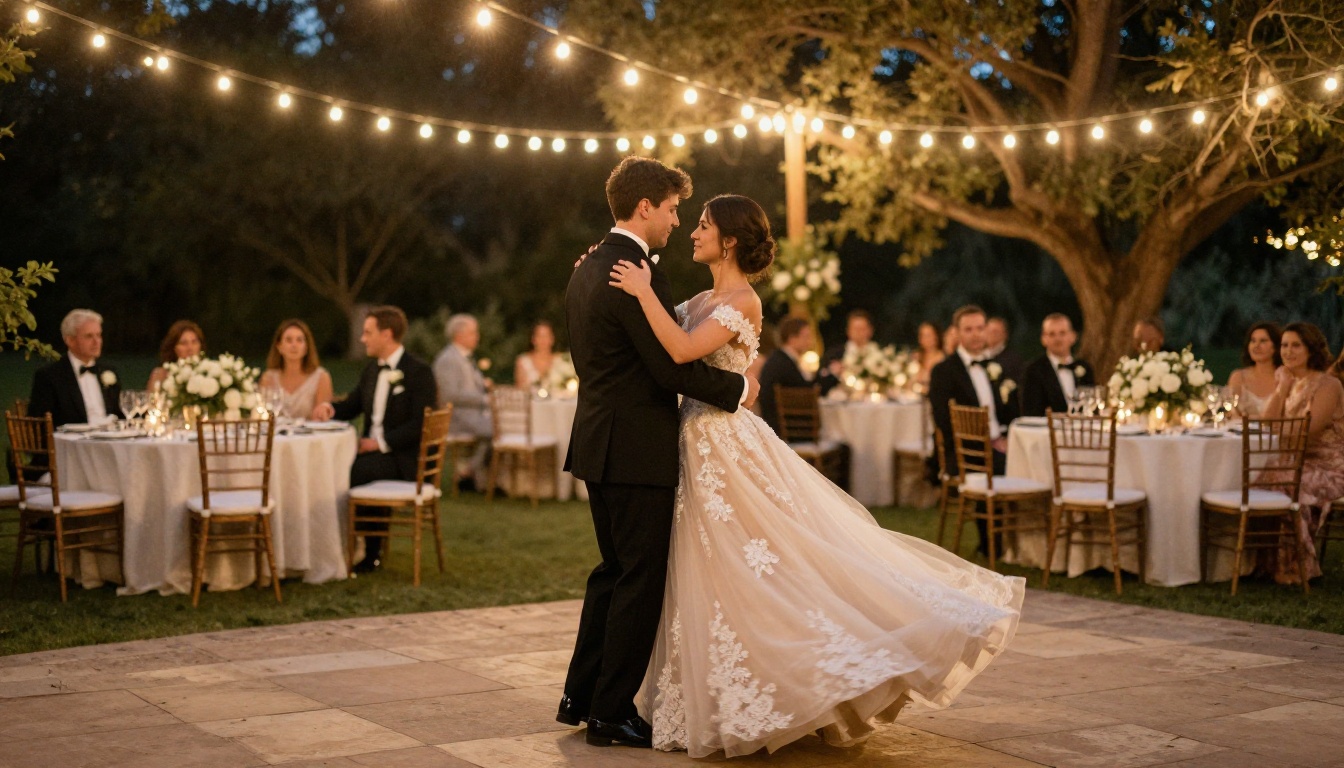
A wedding flipbook works best when it follows the narrative arc of the day. This is not just an aesthetic preference, it is how memories actually work. When someone opens your album, they should feel the progression from anticipation to ceremony to celebration.
Recommended album section order:
- Getting Ready (detail shots: rings, dress, shoes, florals, bridal party candids before the ceremony)
- First Look (if you had one) or pre-ceremony portraits with the wedding party
- Ceremony (processional, vows, ring exchange, first kiss, recessional)
- Family and Wedding Party Formals
- Reception Entrance and Cocktail Hour
- Dinner, Toasts, and First Dances
- Dancing and Party Moments
- Cake Cutting and Special Moments
- Send-Off or End of Night
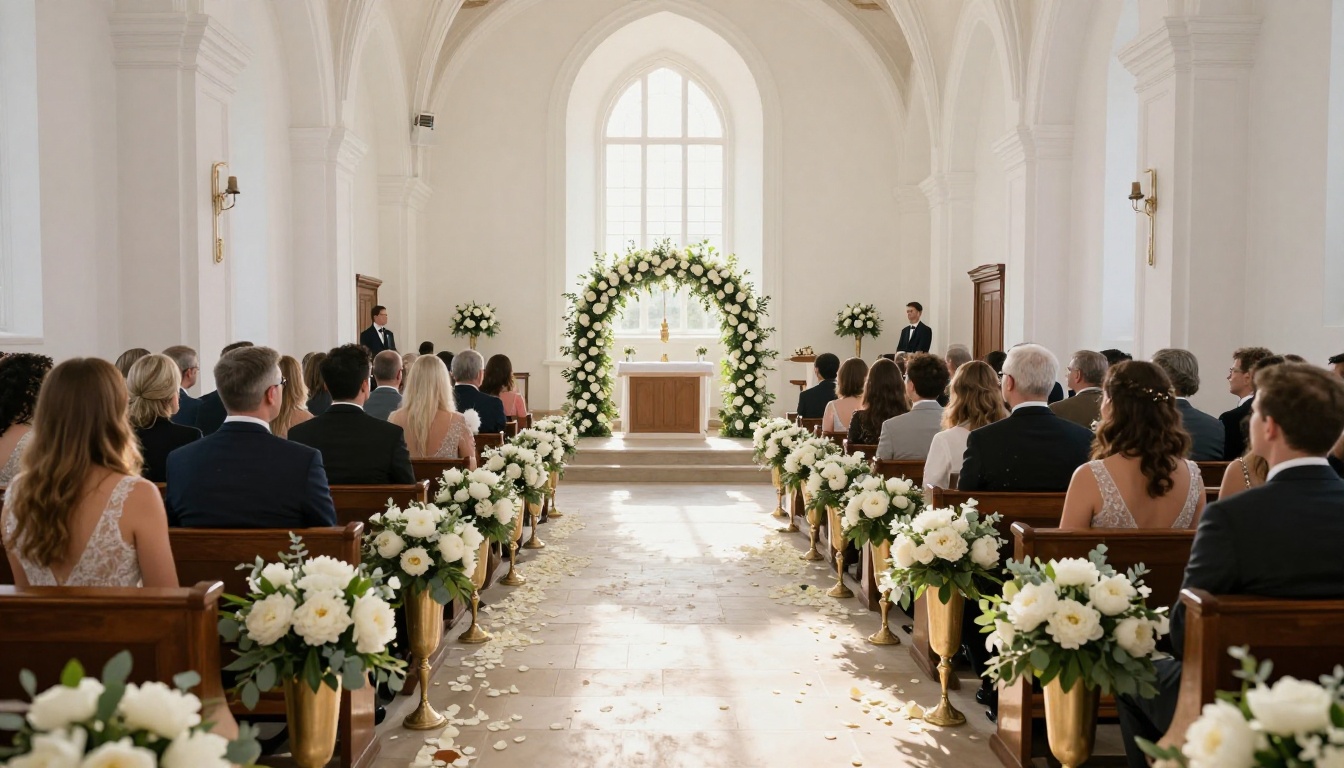
Each section benefits from a chapter opener page, a single full-bleed image with minimal text that signals the transition to the next part of the story. This is the digital equivalent of a printed section divider, and it gives the album real editorial weight and pacing.
💡 Pro tip: Use 2-3 photos per spread in narrative sections (ceremony, reception dancing) and single full-page photos for portraits and close-ups. This varied pacing prevents visual fatigue and makes the album feel professionally designed.
Comparing Flipbook Album Plans
Not every couple needs the same features. Here is how the main plan tiers compare for wedding album use specifically.
| Feature | Free | Standard | Professional |
|---|
| Watermark on viewer | Yes | No | No |
| Unlimited flipbooks | No | Yes | Yes |
| Password protection | No | Yes | Yes |
| Custom branding | No | Yes | Yes |
| Embed on website | No | Yes | Yes |
| Audio embedding | No | Yes | Yes |
| Analytics (view tracking) | No | No | Yes |
| Lead generation forms | No | No | Yes |
| Offline downloads | No | No | Yes |
For most couples sharing privately with family and friends, the Standard plan includes everything needed. Photographers who create flipbook albums for multiple clients and want to track when the couple first opens the album or how many times guests viewed it will find value in the Professional plan's analytics. See the full breakdown at Flipbooks AI pricing.

Sharing With Family Who Is Not Tech-Savvy
This is the problem nobody talks about. Grandma does not have a Google account. Your uncle cannot figure out how to download from Dropbox. Your in-laws are on a different continent and everything seems to require installing something.
A wedding flipbook with a direct link solves all of this. A clickable URL that opens in any browser, no app download, no account required. The person on the receiving end clicks the link and they are immediately inside the album, turning pages with a click or a finger swipe.
Tips for sharing with less tech-comfortable family members:
- Send as a text message link so it opens directly on their phone browser
- Include a single-sentence instruction: "Tap the arrows or swipe left and right to turn pages"
- Use password protection and include the password in the same message, clearly labeled
- Test the link yourself on mobile before sending to confirm everything loads correctly
- Consider recording a 30-second screen share video showing how to navigate it, sent alongside the link
✅ Best practice: Create a short, memorable custom URL slug for your album (like "smith-jones-wedding") so it is easy to type directly if someone cannot click the link.
Digital Albums vs. Printed Albums
Many couples agonize over whether to skip the print album entirely. Here is the honest comparison.
| Consideration | Printed Album | Digital Flipbook |
|---|
| Cost | $200 to $1,500+ depending on size | Included in platform subscription |
| Delivery time | 4 to 8 weeks after order | Minutes after PDF upload |
| Sharing reach | One copy, requires in-person viewing | Unlimited simultaneous viewers |
| Corrections or updates | Impossible after printing | Edit and update anytime |
| Storage and preservation | Risk of physical damage and fading | Cloud-based, no degradation |
| Viewing experience | Tactile, physical page turns | Interactive digital page-flip simulation |
| International sharing | Not possible remotely | Instant link, accessible worldwide |
| Video and audio integration | Not possible | Fully supported |
The answer is not that one is better than the other. Many couples do both: a small print album as a physical keepsake for the home, plus a digital flipbook for sharing. The digital version reaches everyone at your wedding and beyond, while the print copy lives on the coffee table for quiet Saturday mornings.
The Wedding Photographer's Workflow
Wedding photographers who offer digital delivery increasingly add flipbook albums as part of their packages. It is a natural addition that makes the delivered work look significantly more premium at minimal extra effort.
A typical photographer workflow:
- Edit and cull the final wedding photo selection to the best 300-600 images
- Design a print-ready album layout in Fundy, InDesign, or Canva
- Export as a high-resolution PDF
- Upload to Flipbooks AI and convert in minutes
- Apply custom studio branding and password protection
- Deliver the link to the couple as part of the final delivery package alongside the digital files
Photographers who want to show potential clients sample work can also create a public-facing highlights version of a past album (with permission) using the Photography Portfolio Flipbook tool. The same flip-page format that makes wedding albums feel premium works just as well for portfolio presentations at client consultations.
Keeping Privacy in Mind
One less obvious decision around sharing a wedding album is how public you want it to be. Not everyone wants their wedding photos accessible to anyone who guesses the URL or stumbles across a shared link in a public post.

Privacy settings available on Flipbooks AI:
- Password-protected: Accessible only to those who receive the password from you directly
- Private link: The link works, but the album is not indexed by search engines or listed publicly anywhere
- Embedded on your wedding website: Visible only to people you have invited to visit that page
- Public: Discoverable and shareable freely, which is more useful for photographers sharing sample work than for couples
For most couples, password protection combined with a private link is the right balance. You share it widely with your guest list without worrying about unwanted strangers browsing through your ceremony.
After the Album: More Ways to Use Your Wedding Photos
Your wedding photos do not stop being valuable once the main album is done. Flipbooks AI has tools that let you repurpose the same material for different audiences and occasions.
- First anniversary album: A curated collection of your favorite photos from year one of marriage, built into a separate flipbook
- Thank-you book: A small 10-15 page flipbook sent digitally to vendors and key guests as a personalized thank-you
- Social media highlights version: A public-facing 20-30 photo flipbook shared on your social channels with a link in the caption
- Parent gift: A dedicated album built for each set of parents, with their names on the front page and their favorite moments emphasized
💡 Pro tip: Create separate, smaller flipbooks for different audiences. A 15-page highlights version for social sharing, a 60-page full album for close family, and a 10-page vendor portfolio for your photographer to use in their own marketing. The unlimited flipbooks on the Standard plan makes this entirely practical at no extra cost.
Built to Last
The best thing about a digital wedding flipbook is that it does not age the way physical albums do. No yellowing pages. No cracked spines. No photos peeling away from the adhesive backing. The album you create today looks exactly the same in 20 years, and it remains accessible from whatever device exists then.
Your wedding photos deserve more than a folder of JPEGs sitting in a cloud backup. They deserve a format that lets people actually experience them, page by page, in the order the day unfolded, with the same weight and care a physical album conveys but without the limitations of a single print copy.
Ready to build yours? Create your wedding flipbook on Flipbooks AI and see exactly what your photos look like as an interactive, page-flipping album. The conversion from PDF takes minutes, and sharing it with everyone who matters takes seconds.
Browse all available flipbook tools to find other ways to put your wedding content to use, or check the pricing plans to find what works best for your situation.



