Your wedding photos are some of the most precious images you will ever own. The ceremony, the first dance, the candid tears during the vows, the table full of people you love most. A digital folder buried in a cloud drive or a thick printed album that only gets pulled out once a year does not do those moments justice. That is why more couples, photographers, and families are turning to interactive flipbook tools to create wedding photo albums that actually get seen, shared, and revisited for years.
Flipbooks AI makes it possible to take your wedding photos and turn them into a beautifully paginated, interactive digital album that works on any device, can be shared with a single link, embedded on a website, or protected with a password for private guest access. This article breaks down exactly how to do it, why it works better than traditional albums, and what to look for in a flipbook tool before you commit.
Why Printed Albums Fall Short
There is nothing wrong with a printed photo book. The weight of it in your hands, the texture of the pages, the smell of print. But in 2025, its practical limitations are hard to ignore once you start thinking about who you actually want to share your wedding memories with.

A physical album cannot be shared instantly with your grandmother in another country. It cannot be updated when your photographer sends the final edited batch six weeks after the wedding. It cannot be embedded in your wedding website so guests can revisit it during the anniversary year. And it certainly cannot tell you which pages got the most attention from the people who mattered most.
Digital flipbook albums solve all of that. They replicate the satisfying page-turning experience of a real book while living entirely online, accessible to anyone with a link. Here is a direct comparison between the two formats:
| Feature | Printed Photo Album | Digital Flipbook Album |
|---|
| Shareable via link | No | Yes |
| Updateable after creation | No | Yes |
| Accessible on mobile and tablet | No | Yes |
| Password protection | No | Yes |
| Analytics (views, time spent) | No | Yes (Professional plan) |
| Risk of physical damage | High | None |
| Cost to distribute to guests | High (reprinting) | Free |
| Animated page-flip experience | No | Yes |
The digital flipbook wins in every practical category when sharing and longevity are the priorities.
What Makes a Good Wedding Flipbook
Not all digital album tools are built the same. Before picking a platform, it helps to know what actually matters when creating a wedding photo album specifically, because the requirements differ from a corporate brochure or an e-commerce catalog.
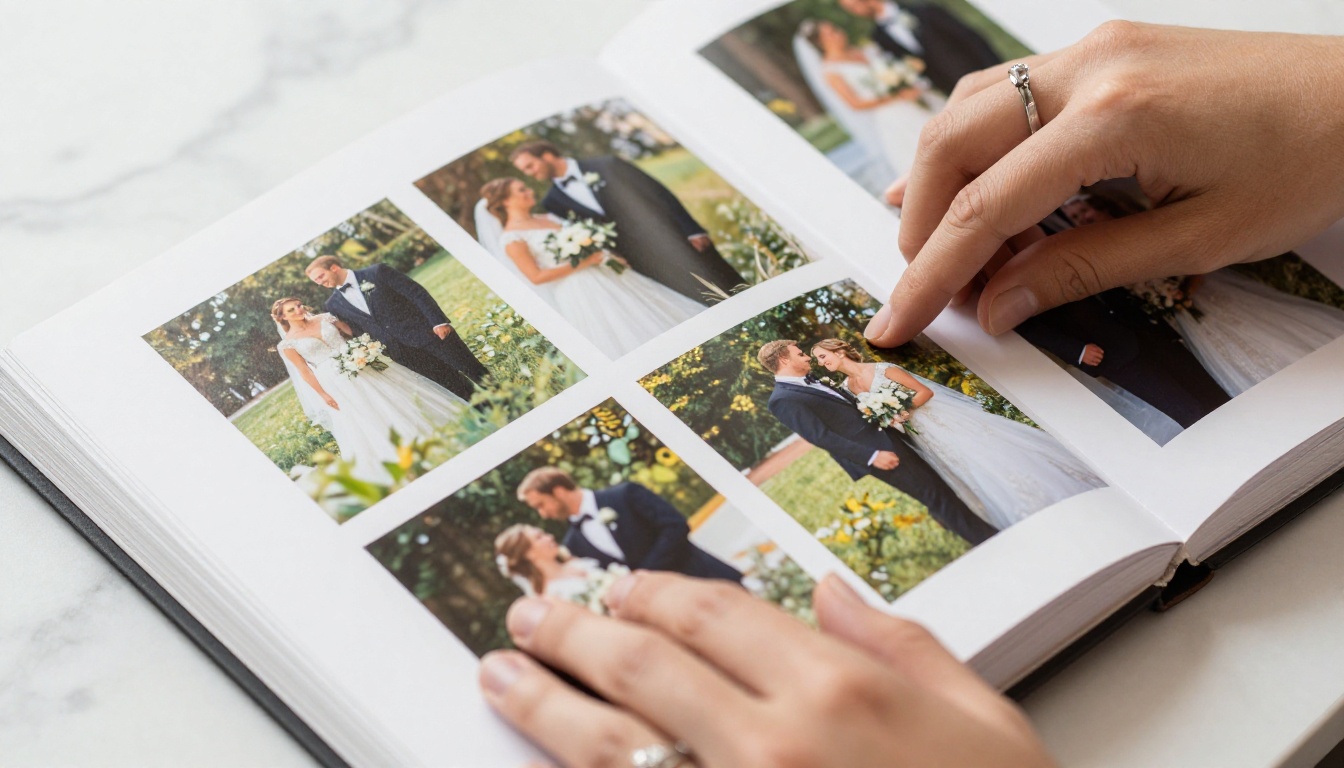
The non-negotiables for a wedding flipbook are:
- No watermarks on your images or pages, ever
- Mobile-responsive design so every guest on every device gets the same experience
- Custom branding options so the album feels personal, not like a generic template
- Password protection for private sharing with immediate family before the full release
- Easy sharing via direct link, embed code, or QR code
- High-resolution image support so photos stay sharp on large screens
Flipbooks AI covers all of these. There are no watermarks on Standard and above plans, the platform is built specifically for sharing beautiful visual content, and the sharing options are as flexible as you need them to be.
Free vs Paid: What You Actually Get
Many couples start by looking for free tools, and that is completely reasonable. But the differences between free and paid are significant enough that they affect the final result in ways that matter.
| Feature | Free Tools | Standard Plan | Professional Plan |
|---|
| Watermarks | Almost always | No | No |
| Number of flipbooks | 1-3 limit | Unlimited | Unlimited |
| Custom branding | No | Yes | Yes |
| Password protection | No | Yes | Yes |
| Analytics | No | No | Yes |
| Lead generation forms | No | No | Yes |
| Offline downloads | No | No | Yes |
| Priority support | No | No | Yes |
If you are creating an album that guests will return to over the years, the Standard plan is the minimum worth using. The Professional plan at Flipbooks AI adds analytics so you can see who viewed the album, how long they spent on each page, and which moments resonated most.
How to Structure a Wedding Photo Album
Before uploading a single image, think about narrative. A great wedding album tells a story with a clear arc from morning to night. Structure your pages in this order for the strongest emotional journey:
- Pre-ceremony preparations (getting ready, details, morning light, venue setup)
- Arrival and the processional (guests finding their seats, the walk down the aisle)
- The ceremony itself (the vows, the ring exchange, the first kiss)
- Post-ceremony portraits (couple portraits in golden light, bridal party, family groups)
- Cocktail hour (candid guest moments, venue details, floral close-ups)
- The reception (first dance, toasts, dancing, cake cutting, speeches)
- Late night and the send-off (sparkler exits, the final quiet moments together)
This structure creates a natural page-turning rhythm. Guests who were not at the wedding will feel like they watched the entire day, and those who were there will find themselves reliving it beat by beat.
💡 Use a full-bleed image as the opening spread for each section. A wide ceremony shot to open the vows section, a candid dancing photo to open the reception. It sets the mood before the detailed images that follow.
This is where it all comes together practically. The Wedding Album Flipbook tool is purpose-built for this exact use case. Here is a step-by-step walkthrough from photos to published album.
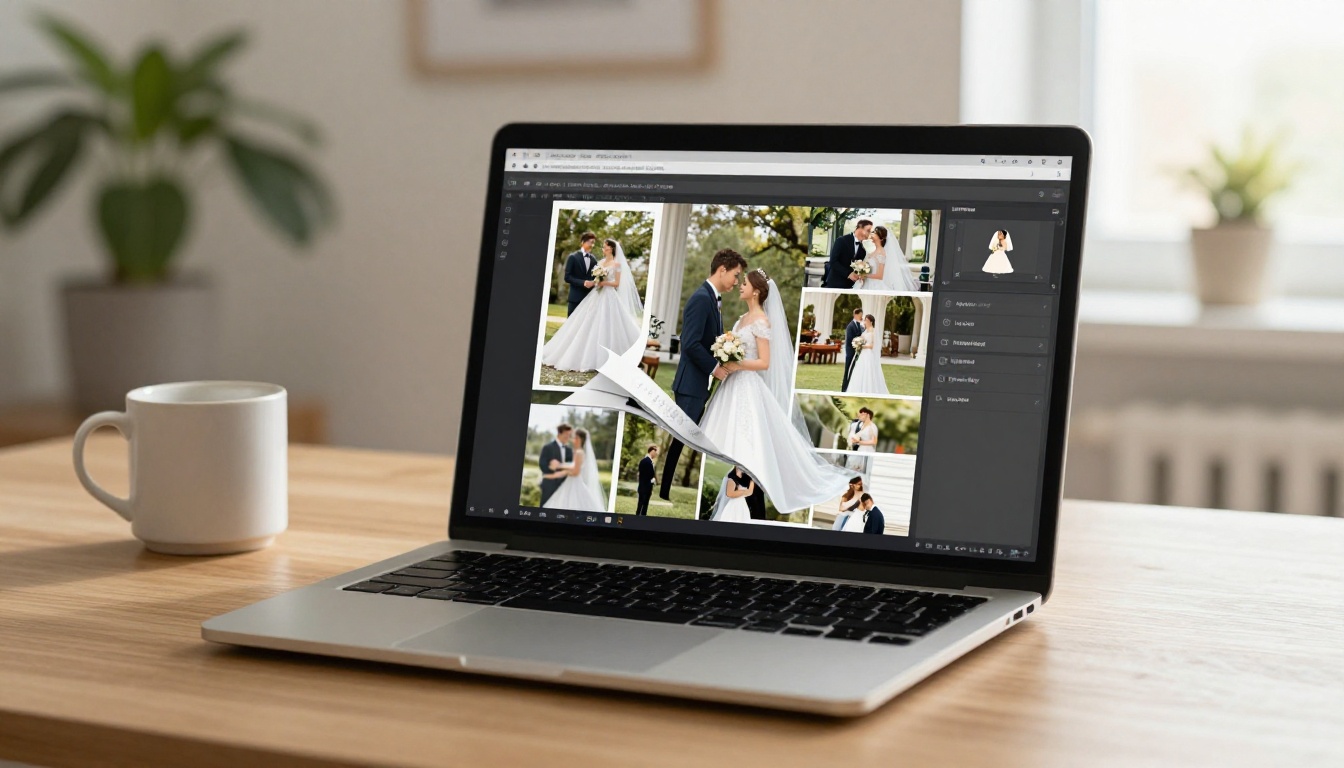
Step 1: Set Up Your Account
Head to Flipbooks AI and create your account. Signup takes under two minutes. Once inside, the dashboard is where all your flipbooks are created and managed going forward.
Step 2: Prepare Your PDF
Flipbooks AI converts PDF files into interactive flipbooks. You will need to arrange your wedding photos in a PDF before uploading. Here is how:
- Use Canva, Adobe InDesign, or Google Slides to lay out your photos across pages
- Set each page to a landscape size such as 1920 x 1080px for a widescreen wedding album feel
- Export as a high-quality PDF at 150 DPI minimum for crisp image rendering on large screens
- Keep the file size between 100-500MB for fast loading times
⚠️ If your PDF contains dozens of high-resolution images, compress it with a tool like Smallpdf or Adobe Acrobat before uploading. Faster load times mean guests will view the whole album instead of abandoning it halfway.
Step 3: Upload and Convert
Click "Create New Flipbook" on your dashboard and upload your PDF. Conversion is automatic and takes one to three minutes depending on page count. Once done, a live preview shows your album with the animated page-flip effect already running beautifully.
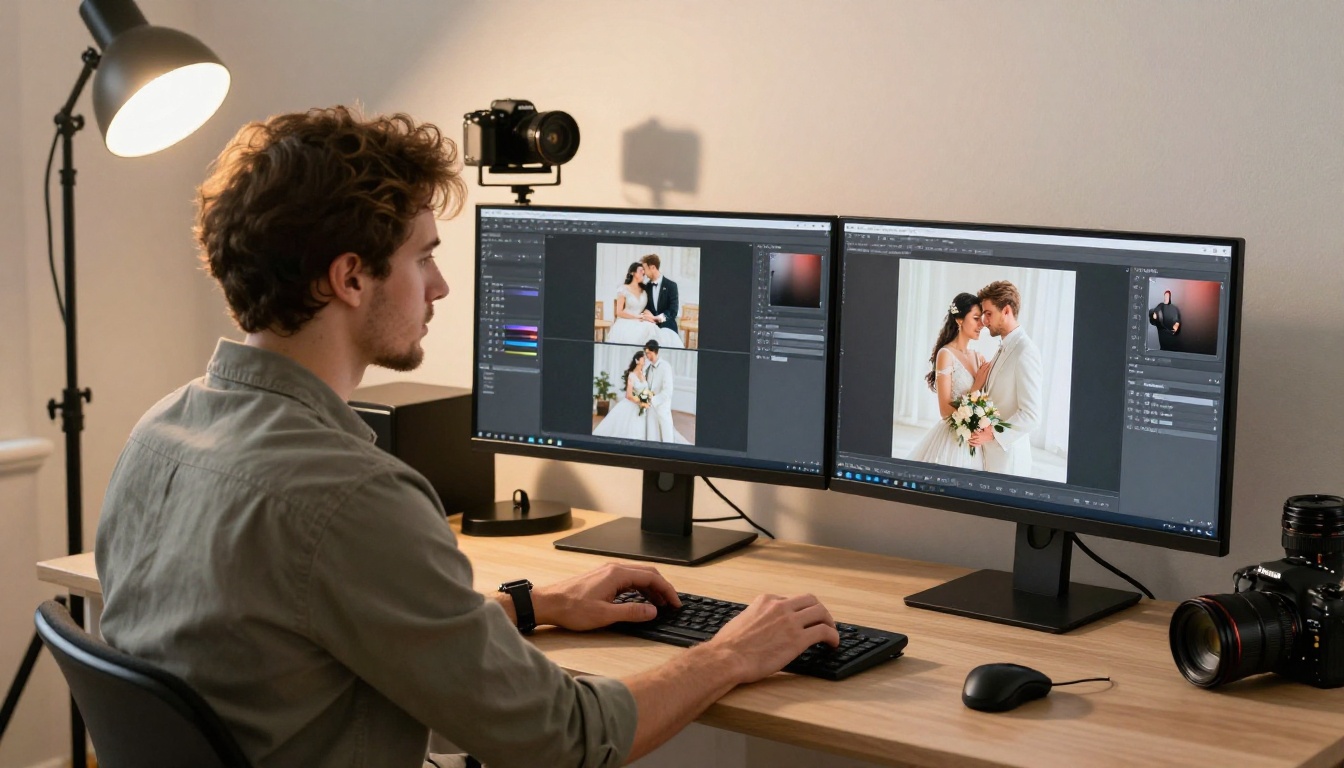
Step 4: Customize Your Album
The Flipbooks AI editor is where the album starts feeling personal. You can:
- Set a front-page hero photo from your best ceremony or couple portrait images
- Add your names and wedding date as the album title visible in the viewer
- Choose a background color or texture behind the flipbook for the viewer window
- Set the page-flip animation speed to slow for a more cinematic, unhurried feel
- Add a table of contents so guests can jump directly to their favorite sections
- Enable full-screen mode by default so the album opens immersively without distractions
✅ Use a wide-format portrait of the couple as the front-page hero photo. It sets the emotional context before any pages are turned and immediately tells the viewer what kind of story they are about to experience.
Step 5: Set Privacy and Sharing
Under the sharing settings you can:
- Keep it public for all guests with the link
- Add a password to limit access to immediate family for the first week, before a wider release to all guests
- Generate a QR code to print on physical thank-you cards so recipients can scan directly to the album
- Copy the embed code to place the album inside your wedding website or personal blog
Step 6: Publish and Share
Once you hit publish, the link is live immediately. For the most polished guest experience, embed the flipbook directly on your wedding website using the Embed Flipbook on Website tool. Guests stay on your site and interact with the album without being redirected anywhere else.
💡 Send a link to the album one month after the wedding as a follow-up message to all guests. The emotional response on a second viewing is often stronger than the first, and it gives people who missed the initial share another chance to experience it.
Tips for a Premium-Feeling Album
The difference between a good digital wedding album and one that genuinely impresses guests comes down to editorial choices, not technical ones.

Curate ruthlessly. Your photographer may deliver 800 or 1,000 images. The album should contain 120-180 of the absolute best. More photos does not create a better album. It creates a longer one that people stop browsing before they finish.
Use full-bleed spreads at the emotional high points. Design some pages as two-page spreads where a single large image fills both sides. These create visual impact and give viewers a natural moment to pause at the most important photographs.
Add captions at a maximum of one per section. A line like "First dance, 9:15pm" or a single lyric from the song adds emotional weight without cluttering the visual experience. Restraint makes each caption land harder.
Match the color mood. If your wedding had warm golden tones, use a warm cream or amber background in the flipbook viewer. If it was modern and minimal, clean white works best. The viewer frame shapes how every image inside is perceived.
Create a shorter version for sharing widely. Build a 20-30 page highlights flipbook separately from the full album. Use the full version for close family and the short version for sharing publicly. The distinction also makes the full album feel more exclusive and personal.
Sharing and Preserving Wedding Memories Long-Term
One of the core advantages of the flipbook format is how naturally it spreads across platforms and devices without losing quality.
Unlike a PDF that requires a download or a photo gallery that strips the narrative context, a flipbook link opens directly in the browser and performs beautifully on every screen size. This matters practically because:
- Guests on iPhones, Android devices, tablets, and laptops all get the identical experience
- The album is revisited without downloading or installing anything
- You can update the content after sharing the link without distributing a new URL
For wedding photographers, this changes the delivery experience entirely. Instead of a WeTransfer link that expires in a week, you send a permanent link to a stunning interactive album. The perceived value of the final delivery increases substantially when the experience is that polished.
Digital Formats Compared for Wedding Albums
| Format | Mobile Friendly | Page-Flip Effect | Shareable Link | Password Protection | Embeddable |
|---|
| PDF | Partial | No | No (download only) | No | No |
| Google Photos | Yes | No | Yes | No | No |
| Dropbox Gallery | Partial | No | Yes | No | No |
| Digital Flipbook | Yes | Yes | Yes | Yes | Yes |
| Printed Album | No | Yes (physical) | No | No | No |
Only the digital flipbook format combines every positive quality in a single shareable object.
Who Creates Wedding Flipbooks
The couple is the obvious answer, but wedding flipbooks have real value for a wider set of people involved in a wedding.
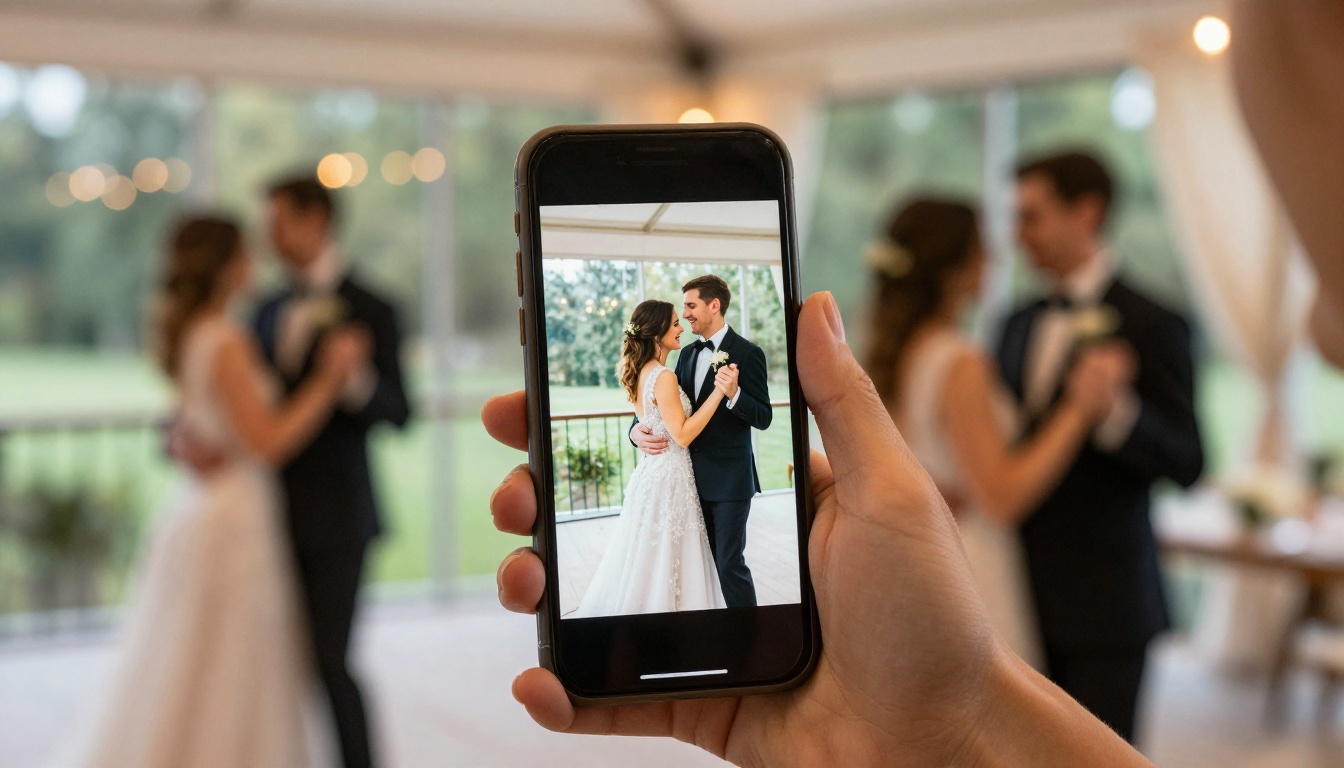
Wedding photographers can deliver the final gallery as a beautifully designed flipbook instead of a raw file download. It elevates the perceived value of the work and gives couples something they will actually show to people at dinner rather than leaving on a hard drive.
Wedding planners can create a post-event recap flipbook for clients, documenting the venue styling, florals, lighting design, and details they curated. This doubles as a powerful portfolio piece for winning future business.
Families can create tribute flipbooks from older printed wedding photos by scanning them and compiling them into an anniversary album. This is especially meaningful for 25th or 50th anniversary celebrations.
Guests who could not attend in person can experience the day through a carefully designed flipbook that provides far more narrative context than a social media photo dump ever could.
✅ Photographers: The Photography Portfolio tool lets you build a portfolio of your best wedding work alongside client deliveries. It makes a strong first impression during initial consultations.
Making Albums That Get Seen More Than Once
Most photo albums, printed or digital, get viewed once and then forgotten. The flipbook format breaks that pattern because it is shareable, linkable, and genuinely pleasant to interact with repeatedly.
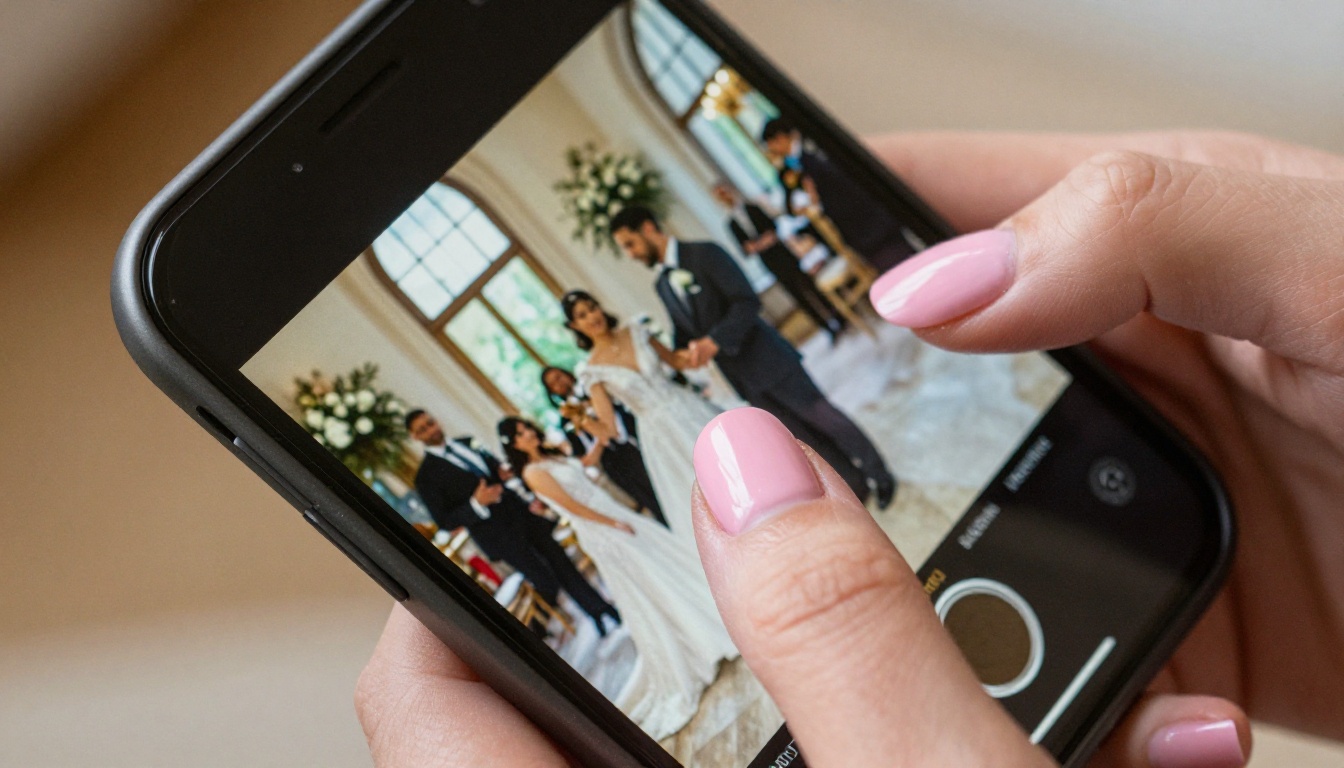
When you share a flipbook link, the recipient clicks it and sees an animated album open in the browser with zero friction. No downloading, no sign-in, no app required. It behaves like a beautiful website and feels like flipping through a physical book simultaneously. That combination is why people share it with others.
With the Professional plan at Flipbooks AI, analytics show you exactly how many people viewed the album, how long they spent on each page, and where they were viewing from. For photographers and planners, this data reveals how clients interact with delivered work and which images carry the greatest emotional impact.
Preserving Photos Across Decades
Digital formats shift over time. Apps shut down. Hard drives fail. Cloud services change their terms. The smart approach to long-term photo preservation uses multiple layers: one physical copy, one high-resolution cloud backup, and one shareable interactive version.
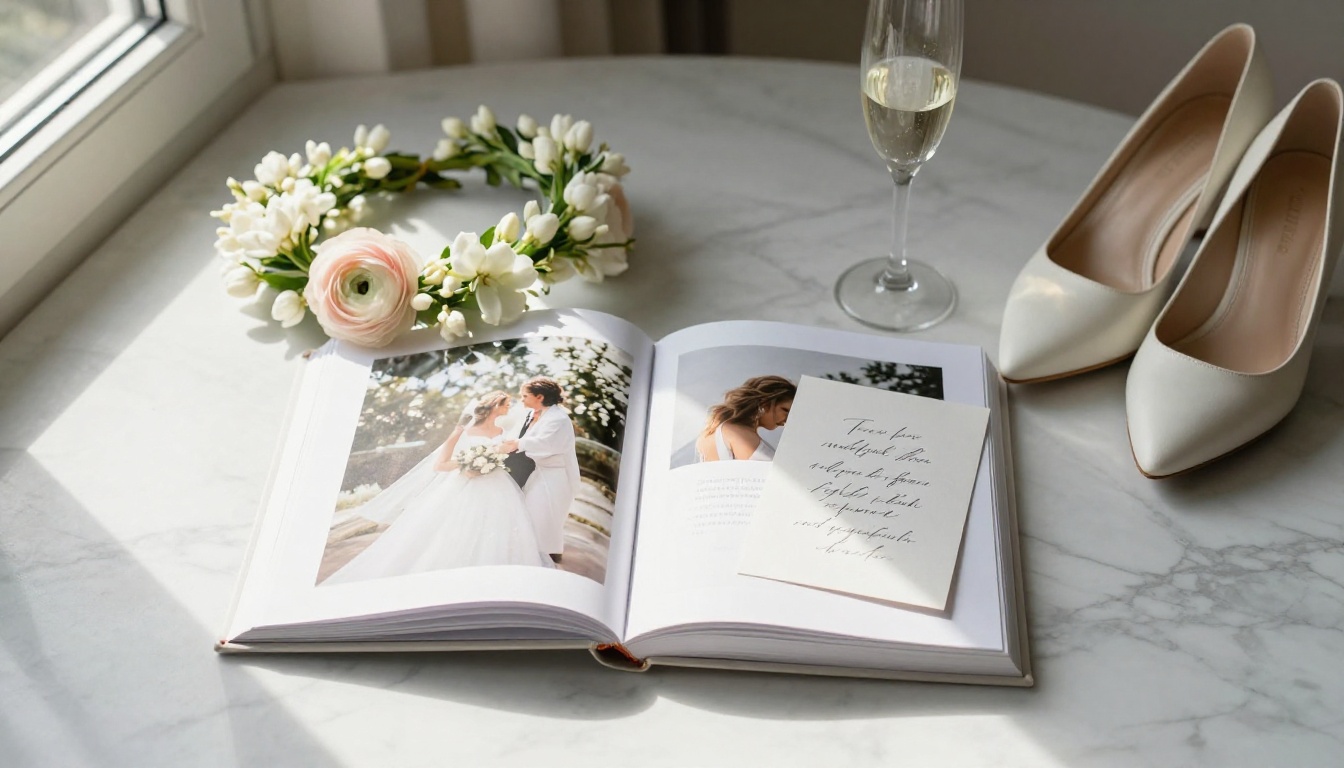
A flipbook album hosted on a reliable platform serves as that shareable interactive layer. It does not replace your full-resolution files stored in a dedicated backup system, but it is the version you actually show people and the one most likely to be revisited across years.
A recommended layered storage approach:
- External hard drive stored at a different physical location from your home
- Google Photos or iCloud with automatic backup enabled at original quality
- Amazon Photos for unlimited full-quality storage (included with Amazon Prime)
- Flipbooks AI as the interactive, shareable version for ongoing use and sharing
💡 Create a new flipbook album for each major anniversary: one year, five years, ten years. Add new portraits and update the story over time. With the link staying consistent, family and friends can always find it without searching.
Start Building Yours Today
Wedding photos deserve more than a folder on a phone. They deserve to be seen, shared, and experienced the way the day actually felt.
Ready to build your first interactive wedding photo album? Get started for free on Flipbooks AI and have a live, shareable album in under an hour. The Wedding Album Flipbook tool gives you a purpose-built starting point with templates designed specifically for wedding content.
Browse all available flipbook tools for other ways to share wedding-related content, including ceremony programs, thank-you cards, and anniversary lookbooks.
When you are ready to share with a larger audience and want password protection, detailed analytics, and offline access for guests, check pricing options to choose what fits your situation best.
Your photos tell the story of the most important day of your life. Make sure people can actually read it.



