Wedding day photos deserve more than sitting in a cloud folder no one revisits. The moment the celebration ends, those images start fading from memory, buried under thousands of newer photos on everyone's phones. The best way to preserve and truly share them is through an interactive digital album, and one of the most beautiful formats available right now is the flipbook. With Flipbooks AI, you can create wedding photo albums with flipbooks for free, turning your memories into a page-turning experience that feels just as special as the day itself.
Whether you are a newlywed wanting to share photos with family across the country, a wedding photographer delivering client galleries in a premium format, or a planner creating keepsakes for couples, this format changes everything about how people experience wedding photography. This is not a slideshow. This is not a grid gallery. This is a real, interactive book that people open, explore, and return to for years.
How to Create Wedding Photo Albums with Flipbooks for Free
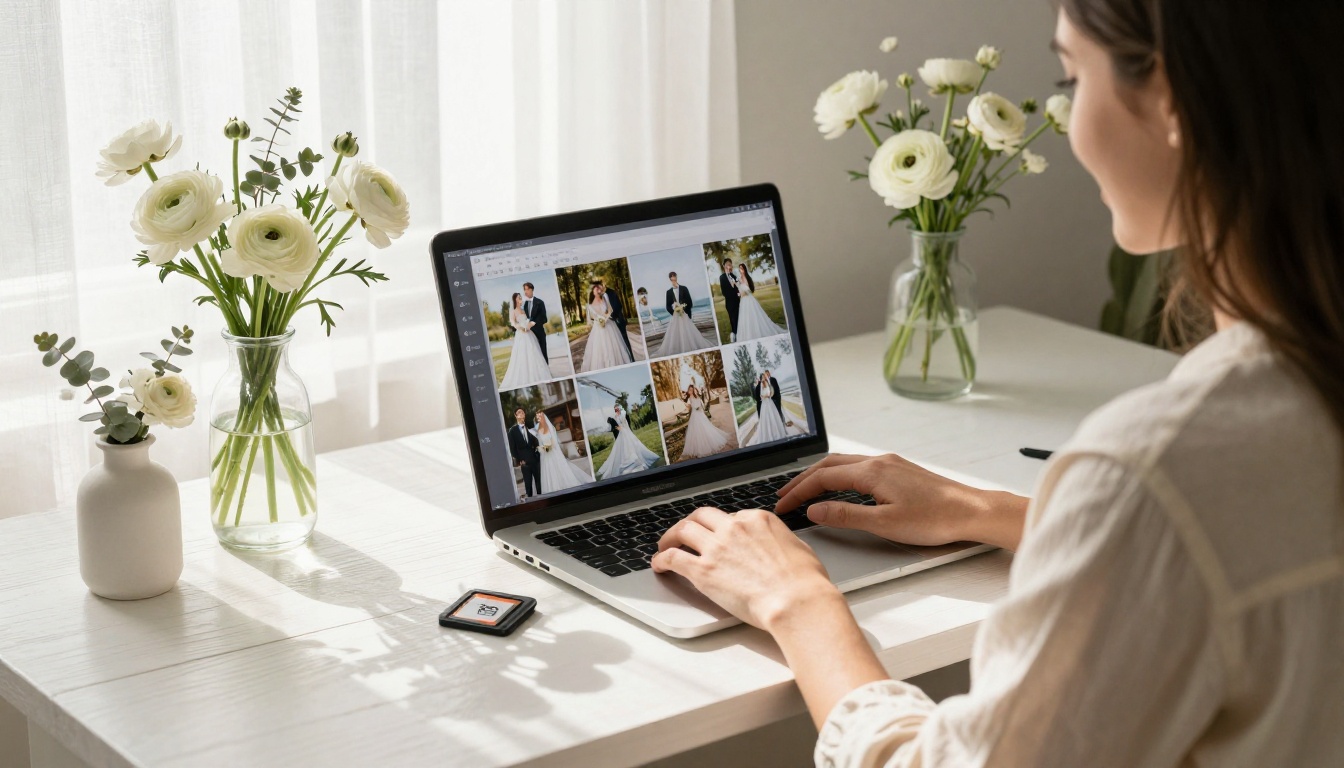
Flipbooks AI has a dedicated Wedding Album Flipbook tool built specifically for couples and photographers. The process is straightforward, free to start, and produces a result that looks genuinely professional.
Here is the full step-by-step process:
Step 1: Create your free account
Go to flipbooksai.com/account and sign up. No credit card required. The free plan activates immediately and lets you start building your album right away.
Step 2: Prepare your photos
Before uploading, curate your selection. Choose 60 to 120 of your best images rather than uploading every shot from the day. Think in chapters: getting ready, first look, ceremony, family portraits, reception entrance, dinner and dancing, late night candids. A curated album tells a story. A full raw export is just data.
For the best visual result, export photos as a single PDF with each photo on its own page, or use a layout tool like Canva or Google Slides to arrange two photos per spread. The PDF to Flipbook Converter handles the rest automatically.
Step 3: Upload and convert
Click "New Flipbook," upload your PDF or photo files, and let the platform do the conversion. Processing a 60 to 80 page wedding album typically takes under two minutes.
Step 4: Choose your template and visual style
Select from wedding-specific templates designed with soft, romantic aesthetics. Adjust the color palette to match your wedding: blush and ivory, deep burgundy and gold, clean black and white, or any custom combination. Everything is adjustable.
Step 5: Customize the cover
Your cover is the first thing anyone sees. Use a full-bleed horizontal photo of the couple. Add your names and wedding date in a typeface that matches the tone of your ceremony, whether that is flowing script or clean modern serif.
Step 6: Add page effects and embedded content
Enable the page-curl animation for a realistic book feel. If your videographer created a highlight reel, embed it directly into the flipbook. Add subtle background music for an immersive viewing experience that plays as guests browse.
Step 7: Set your privacy and sharing options
For a personal wedding album, you have clear choices:
- Public link: Anyone with the URL can view the album, perfect for sharing broadly with all guests
- Password protection: Available on the Standard plan, ideal for keeping intimate moments within a select circle of family and friends
Step 8: Share with everyone who matters
Copy the direct link and include it in your wedding thank-you cards alongside a QR code. Send it via text, email, WhatsApp, or social media. Use the Embed Flipbook on Website feature to place the interactive album directly on your wedding website or blog.
💡 Pro Tip: Send the flipbook link in your thank-you notes. Guests love revisiting the album and seeing themselves captured in your day. It turns a routine card into a genuine moment of connection.
Printed albums fade, crack, and get lost in moves. Cloud galleries feel clinical. Slideshows play on their own timeline without letting viewers linger. A digital wedding flipbook solves all three problems while adding capabilities no printed book can offer.
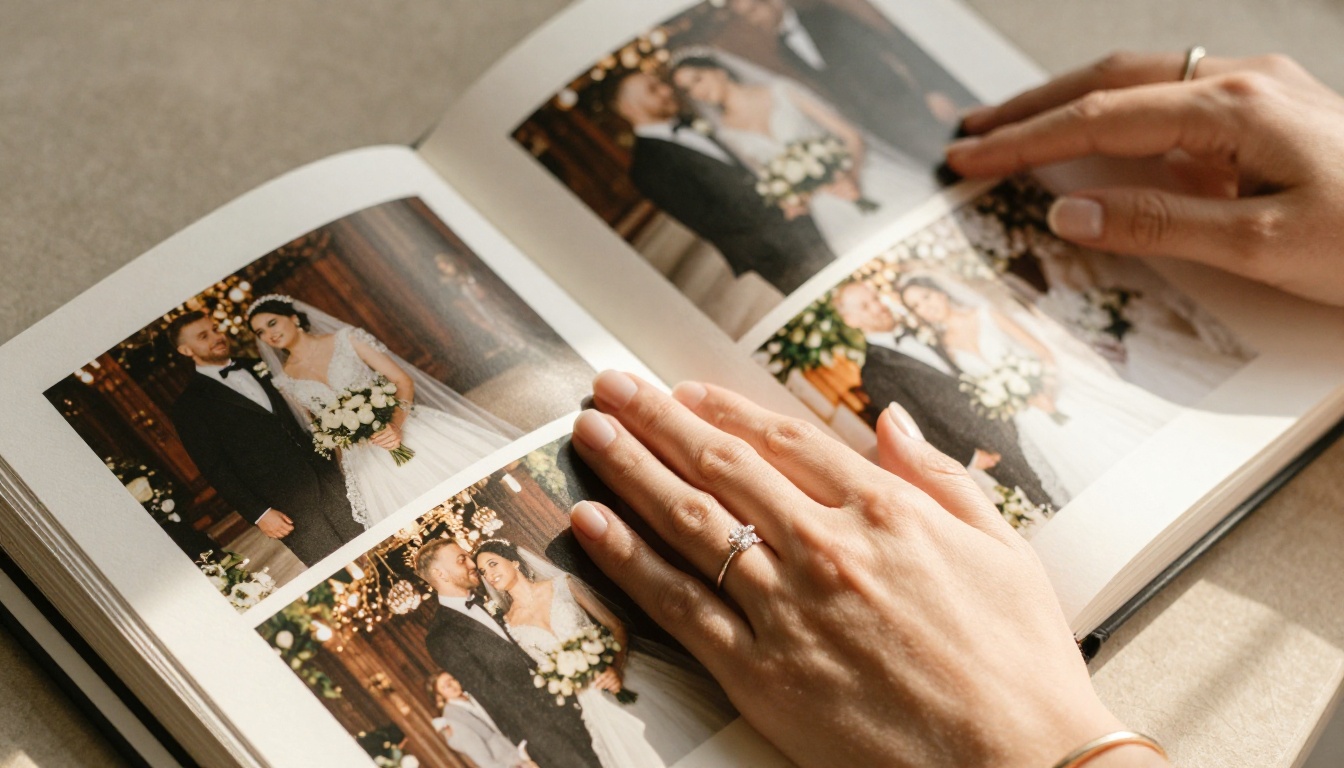
The core difference is control. When someone flips through a digital flipbook, they set the pace. They pause on the photo of grandma tearing up during the vows. They go back to the first look shot three times. They share a specific page with a friend via a direct link. That level of intentional, personal engagement is something no automated format can replicate.
| Feature | Photo Slideshow | Cloud Gallery | Printed Album | Wedding Flipbook |
|---|
| Viewer controls pace | No | No | Yes | Yes |
| Shareable via link | Sometimes | Yes | No | Yes |
| Password protection | No | Rarely | N/A | Yes |
| Mobile responsive | Yes | Yes | N/A | Yes |
| Embed on website | No | Sometimes | No | Yes |
| Custom branding | No | No | Yes | Yes |
| Analytics (views) | No | No | No | Yes (Pro) |
| Offline download | No | Paid | Yes | Yes |
| Cost to share globally | Varies | Varies | $40-120 shipping | Free |
Traditional printed albums run between $150 and $800 depending on size, material, and photographer markup. They arrive weeks after the wedding and can only be shared physically. A digital flipbook on Flipbooks AI costs nothing to start, is ready in minutes, and reaches 500 guests as easily as 5.
What You Get on the Free Plan
"Free" in digital tools usually means watermarks, page limits, or forced branding. The free plan on Flipbooks AI is genuinely useful for a wedding couple.
| Feature | Free Plan |
|---|
| Watermark on album | Never |
| Page-turning animation | Yes |
| Share via direct link | Yes |
| Mobile responsive | Yes |
| Custom cover | Yes |
| Password protection | Standard plan |
| Analytics and lead gen | Professional plan |
| Embed on website | Standard plan |
| Offline downloads | Yes |
No watermarks on any plan is a core promise of the platform. Your wedding album will never have a third-party logo in the corner.
For password protection, unlimited flipbooks, and the ability to embed your album on a personal website, the Standard plan is the next step. See full details at flipbooksai.com/pricing.
Making the Album Feel Genuinely Personal
A wedding flipbook that looks like every other photo gallery misses the point. Here is what separates a generic collection of images from a true keepsake.
Arrange Photos as a Story Arc
Chronological organization within chapters creates emotional momentum. A viewer should feel the anticipation of the morning, the weight of the ceremony, the release of the reception, and the joy of the late night. Suggested chapter structure:
- Getting Ready - anticipation, laughter, small nervous moments
- First Look - raw emotion, private before the crowd
- Ceremony - vows, rings, the kiss, tears
- Family Portraits - generations captured together
- Reception Entrance - the first moment as married couple in public
- Dinner and Toasts - speeches, connection, emotion
- Dancing - movement, joy, celebration
- Late Night - candid, loose, real
Write Captions That Add Meaning
A caption under a photo of a grandmother wiping tears during the vows adds emotional weight that the image alone cannot carry. Keep captions short and specific. "Mom seeing the dress for the first time" is more powerful than "Getting ready."
Add a Personal Message Page
A first page with a letter to each other, or a final page thanking guests by name, creates a personal frame around the visual story. Text pages inserted between photo spreads create rhythm and breathing room.
✅ Best Practice: Include a one-page "Love Story" spread near the front with a short paragraph about how you met. First-time viewers who did not attend the wedding will have context. It also becomes a beautiful time capsule to read years later.
Who Uses Wedding Photo Flipbooks

The wedding industry uses flipbooks broadly across multiple roles.
Newlywed couples create personal albums to share with all their guests immediately after the wedding. The immediacy alone, sharing photos within days of the ceremony rather than waiting months for a printed album, makes a lasting impression.
Wedding photographers deliver final galleries as interactive flipbooks instead of basic cloud folder links. The Photography Portfolio and Digital Portfolio Creator tools also help photographers present their portfolio to new clients in a format that demonstrates their capabilities visually.
Wedding planners build interactive lookbooks of styled shoots and venue portfolios using the Interactive Lookbook Designer. New client consultations that previously involved emailing a PDF now feature a live, interactive presentation.
Wedding venues create digital brochures that potential clients can browse like a magazine using the Hotel Brochure Designer format.
Families give wedding flipbooks as gifts. A parent creating an album as a surprise gift for their newly married child has a meaningful, shareable alternative that arrives instantly and costs nothing to duplicate.
💡 Pro Tip: Wedding photographers, include a password-protected flipbook delivery as part of your standard package. It differentiates your offering at zero extra cost on the Standard plan and gives clients something to show off immediately.
The sharing options in Flipbooks AI are designed around real wedding use cases.
Direct link: Copy and paste a URL anywhere. Works on every device without any app download. A relative on an older phone can view the full interactive album with one tap.
Embed on website: The Embed Flipbook on Website tool generates a single line of embed code. Paste it into any wedding website or personal blog. Visitors experience the full page-turning album without leaving your site.
Password protection: Share a private link with a password and distribute it only to the people you choose. The album stays viewable forever but remains secure.
Social sharing: The flipbook opens in-browser, so sharing to Instagram, Facebook, or WhatsApp requires no account or app from the recipient.
International Guests and Destination Weddings
Shipping a printed album internationally costs $40 to $120 and can take several weeks. A flipbook link arrives in seconds and costs nothing. For destination weddings where many guests travel from abroad, or for couples whose families are spread across multiple countries, the digital flipbook is the only format that works for everyone simultaneously.
⚠️ Warning: Do not skip the mobile preview before sharing. Most guests will open the album on their phone. Always check the layout at mobile screen size before sending the link. Flipbooks AI renders responsively by design, but cover photo cropping and caption text size are worth verifying.
Common Mistakes That Weaken a Wedding Album
Even with excellent photography, these errors undercut the final result.
Including too many photos: 300 images is a raw file dump, not a curated album. Edit ruthlessly. The best wedding albums contain 60 to 100 images where each photo earns its place.
Neglecting the cover: The cover is the first impression for every viewer. Use a strong horizontal image with both partners visible. Avoid vertical portrait crops that lose important detail when displayed in a 16:9 frame.
Using low-resolution files: Flipbooks display images large. Photos under 1MB will appear soft and blurry on desktop screens. Always use full-resolution exports from your photographer.
No organizational logic: Random ordering destroys the emotional arc. The story of a wedding day has a natural beginning, middle, and end. Honor that structure.
Forgetting captions: Images without any text feel cold over time. Brief captions anchor the memories and provide context for people who did not attend.
Beyond the Main Album: Other Ways to Use Flipbooks for Your Wedding
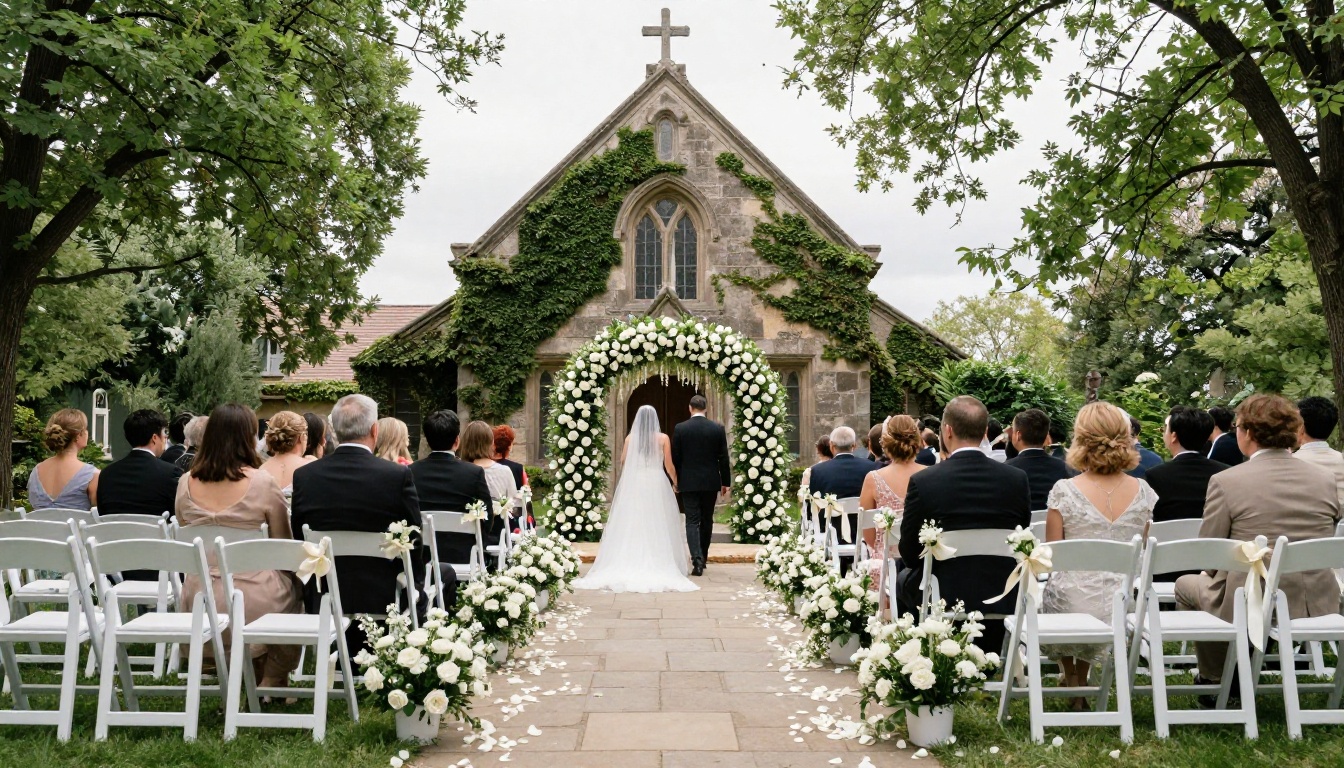
One flipbook is a great start. Here is how to extend the format across the entire wedding experience.
Pre-wedding celebration album: A separate flipbook for the bachelorette party, rehearsal dinner, or engagement shoot keeps the main wedding album focused on the day itself.
Digital wedding program: Send a flipbook program to guests before the ceremony via QR code on your invitation. The Event Program Maker is built for exactly this. It replaces printed programs entirely while letting you include photos, a timeline, and personal notes.
Honeymoon travel journal: Use the Travel Guide Flipbook format to document your honeymoon as an interactive photo diary. Share it with family when you return.
Anniversary editions: The digital format means the album is never finished. Add a new chapter each anniversary with photos from the year. The same link, updated annually, becomes a living record of your marriage.
Vendor gift: If your florist or baker created something extraordinary, compile their work into a small flipbook and share it with them. It is a meaningful referral gift that takes twenty minutes to create.
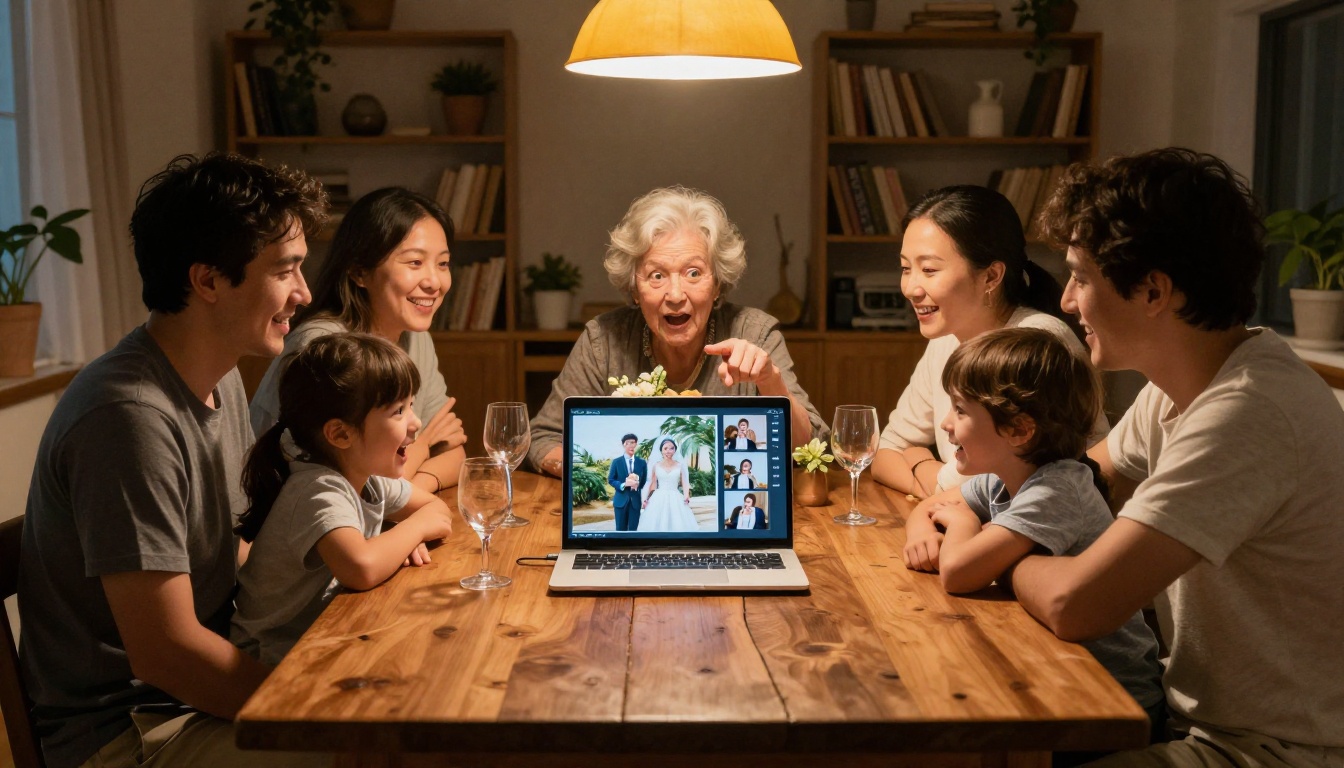
Many tools exist for creating digital photo albums. Not all are equal for wedding use cases.
| Tool Type | Page-Turning | Watermark-Free | Embed Options | Password Protection | Best For |
|---|
| Wedding Flipbook (Flipbooks AI) | Yes | Yes | Yes | Yes (Standard) | Full album experience |
| Cloud Photo Gallery | No | Varies | Limited | Paid | Quick sharing |
| PDF Download | No | Yes | No | No | Document delivery |
| Slideshow Tool | No | Usually no | Limited | Rare | Presentations |
| Printed Album | Physical | N/A | N/A | N/A | Physical keepsake |
For couples who want a shareable, beautiful, interactive wedding album with no watermarks and no design expertise required, Flipbooks AI is the clear choice among digital options.
✅ Best Practice: Use the flipbook as your primary digital album and keep a curated PDF as a backup for printing later. The two formats serve different purposes and neither replaces the other entirely.
The People Who Will Treasure It Most
Consider who will actually look at your wedding album over the next ten, twenty, thirty years. Your parents. Your children someday. Friends who attended and friends who could not. Grandparents who lived it and grandchildren who will only know the story through what you leave behind.
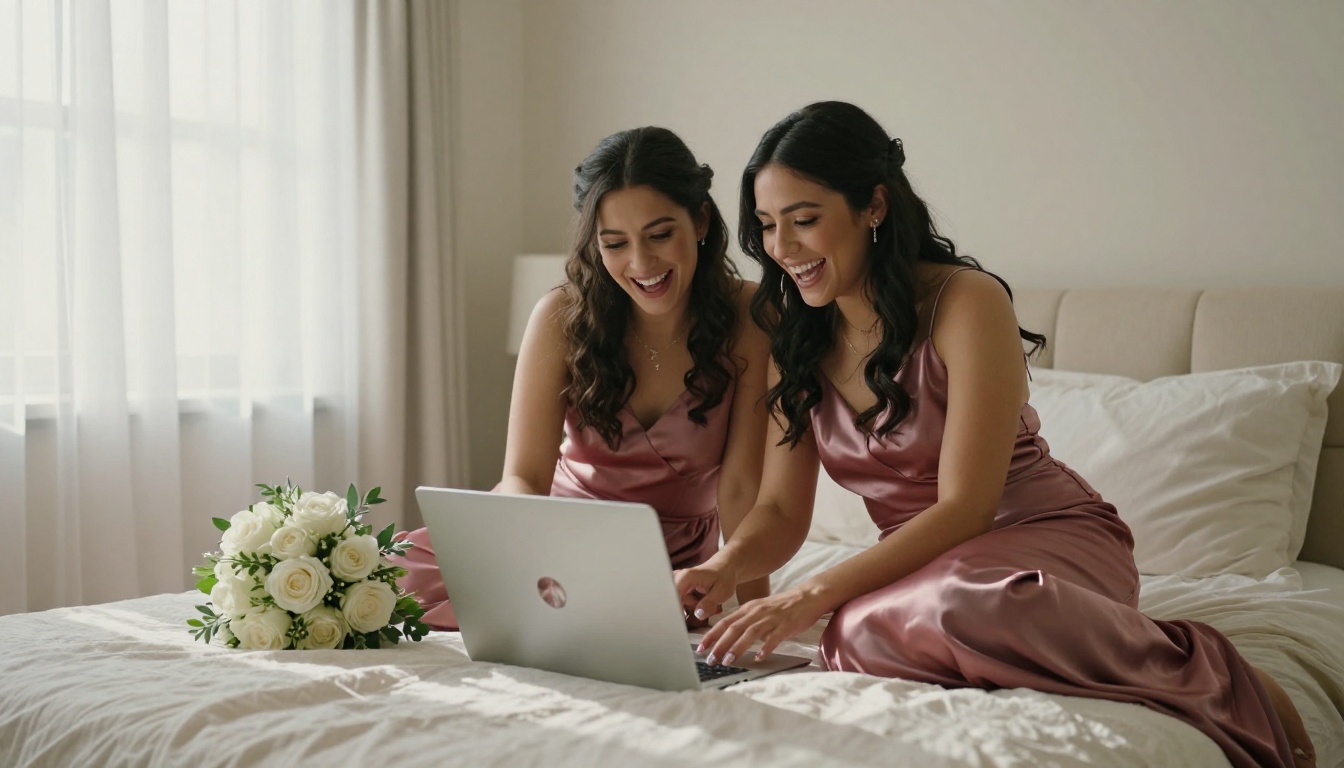
A link that opens to a page-turning, beautifully curated digital album is something people return to. It is something they share. It is the format that translates across every device, every country, and every generation.
The wedding day is one day. The album is every day after.
Your wedding photos are too important to sit in a folder, too personal to hand over to a generic slideshow app, and too meaningful to wait months for a printed book. The flipbook format solves every one of those problems at no cost to start.
Flipbooks AI gives you a professional, interactive, shareable wedding album with no watermarks, no design experience required, and no barrier to getting started. The Wedding Album Flipbook tool is built for this exact moment.
Ready to bring your wedding memories to life? Create your free wedding flipbook now and share it with everyone who made the day unforgettable.
Want more features including password protection, analytics, and embed options? View all pricing plans and choose what fits your needs. Explore the full library of flipbook tools to find even more ways to celebrate every milestone.



