Your portfolio is your first impression before you've said a single word in an interview room. Most applicants send the same flat PDF: the same lifeless document that gets downloaded, glanced at, and forgotten in a downloads folder. A creative portfolio flipbook does something different. It moves, it breathes, it holds attention long enough for your work to actually speak. If getting hired is the goal, the format of your portfolio matters as much as what's inside it.
Flipbooks AI is the platform thousands of creative professionals use to turn their static design documents into interactive, page-turning digital portfolios that hiring managers remember days after the interview.
Why Your PDF Portfolio Fails You
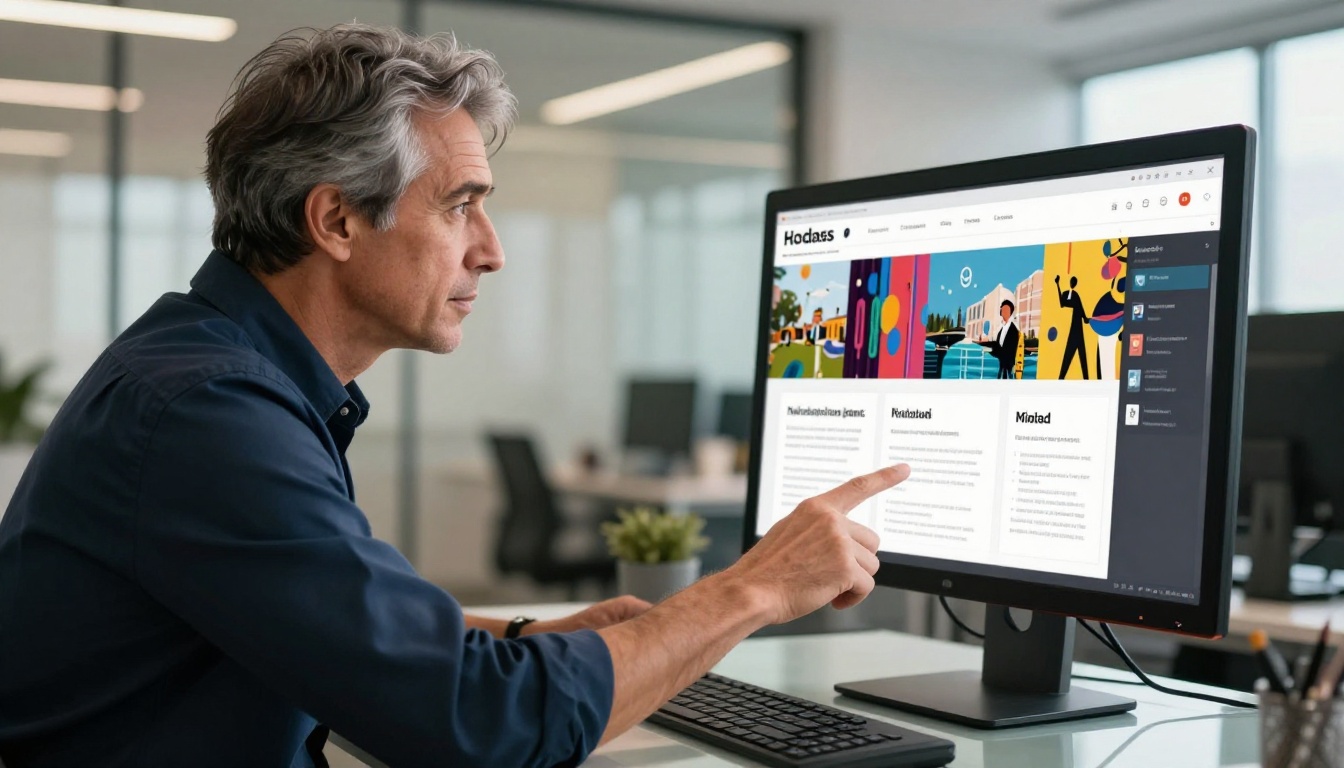
Every recruiter has seen hundreds of PDF portfolios. They open one, scroll through it in 45 seconds, and move on. The format itself signals nothing about your creativity, your attention to experience design, or how well you communicate. A static file is the lowest-effort presentation you can give of your highest-effort work.
The Problem with Static Files
A PDF portfolio is flat, disconnected, and passive. The reader controls nothing but a scroll wheel. There is no sense of progression, no visual pacing, and no way for your work to breathe through a natural narrative sequence. For creative professionals who are literally judged on their ability to communicate visually, sending a PDF is like a musician emailing an MP3 with no album art and no context.
What Recruiters Actually Do With Your Portfolio
Hiring managers and creative directors spend an average of under two minutes reviewing a portfolio before deciding whether to shortlist a candidate. That's not a cynical statement, it's a logistical one. They have 80 other applications to review.
💡 Pro tip: An interactive portfolio with visual hierarchy and clear pacing does the work of guiding the reviewer's attention so your best pieces land first, not last.
An interactive flipbook portfolio naturally organizes your work into chapters: an about section, selected projects with case study depth, process shots, and a clear call-to-action page. The recruiter doesn't have to do the mental work of parsing a wall of images. The format does it for them.
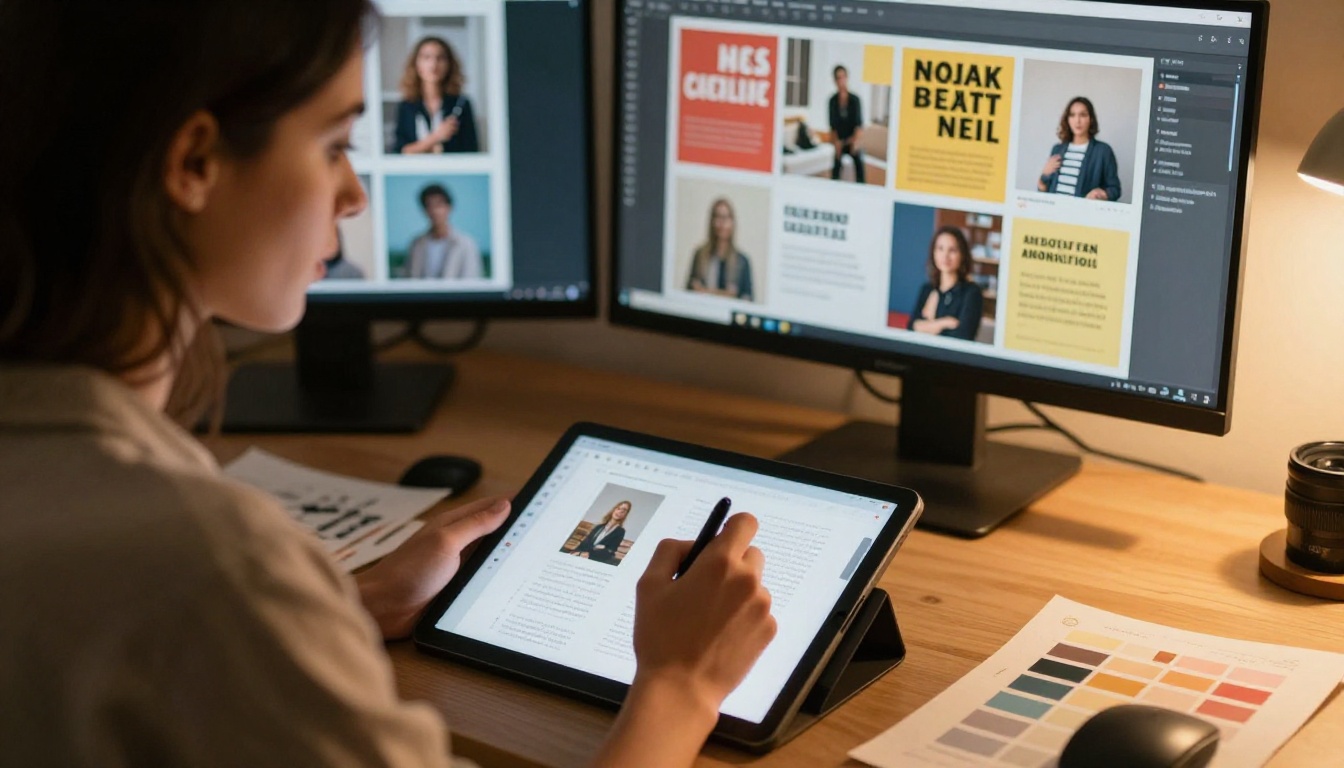
Not every creative professional needs the same portfolio structure. A UX designer presenting a product case study has very different needs from a fashion photographer showcasing editorial spreads. The format you choose should match how your work is actually consumed in your industry.
Designers and Art Directors
For brand designers, graphic designers, and art directors, the portfolio flipbook is a direct demonstration of craft. Every page is a chance to show layout skills, typographic sensibility, and visual hierarchy. Your portfolio format should reflect the same quality as your client work.
Use the Digital Portfolio Creator or Portfolio Flipbook Builder to structure project spreads with full-bleed imagery, bold section openers, and clear before/after comparisons.
Photographers and Videographers
Photography portfolios live or die by the quality of full-page image presentation. An interactive flipbook gives each photograph the space it deserves, displayed in high resolution across a full spread, with no compression artifacts or thumbnail treatment that reduces visual impact.
The Photography Portfolio Flipbook tool is built specifically for this format, supporting large-format image displays with smooth page transitions that let your work breathe.
Writers and Content Strategists
For writers and content professionals, the portfolio tells a story about strategic thinking, not just prose quality. A flipbook portfolio can organize work samples by category, such as longform editorial, UX copy, or campaign writing, with brief context notes on each project's goals and outcomes.
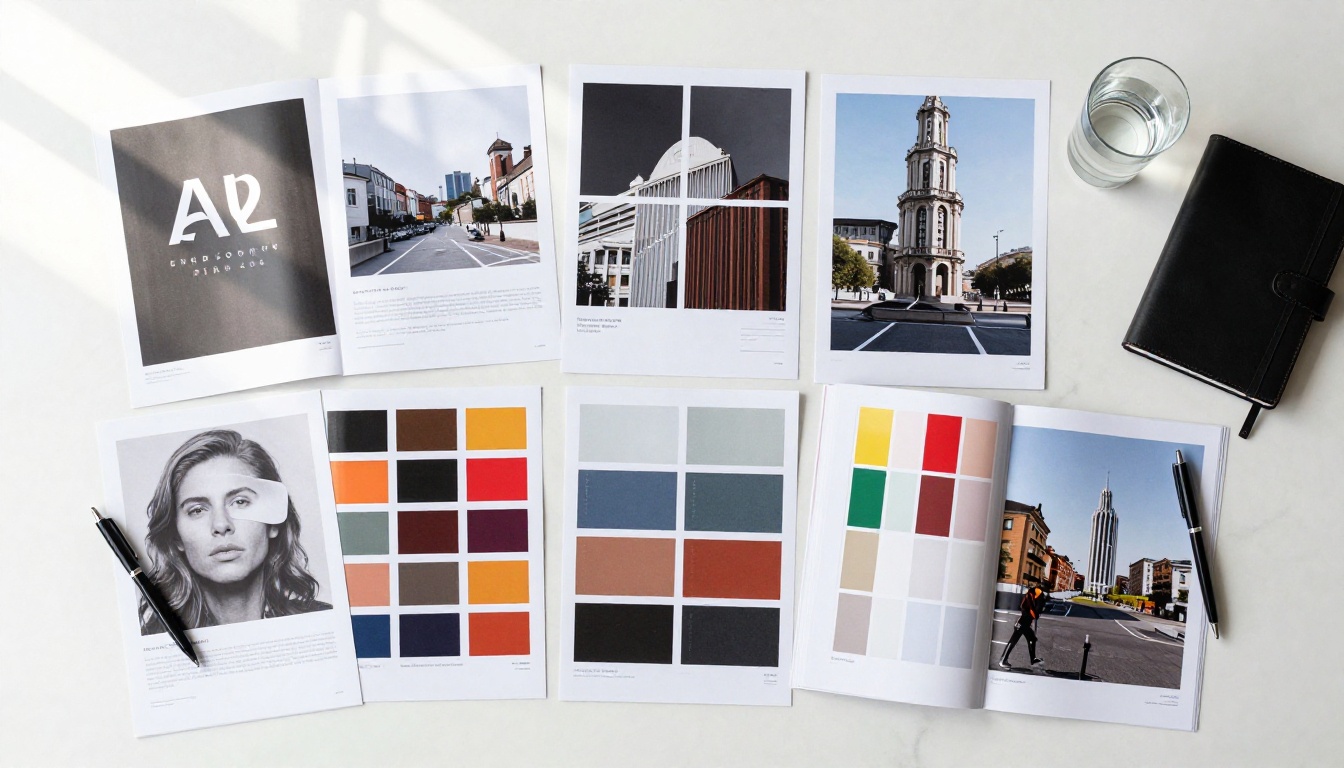
Portfolio Format by Field
| Creative Field | Recommended Format | Content Priority | Best Tool |
|---|
| Brand / Graphic Design | Case study spreads | Process + final output | Portfolio Flipbook Builder |
| Photography | Full-bleed editorial spreads | Visual impact, scale | Photography Portfolio Flipbook |
| UX / Product Design | Annotated wireframe sequences | Problem-solution narrative | Digital Portfolio Creator |
| Fashion / Styling | Lookbook-style pages | Aesthetic cohesion | Interactive Lookbook Designer |
| Writing / Content | Sample + context cards | Variety and strategic range | Press Kit Designer |
| Illustration / Art | Gallery-style layout | Original work, style range | Portfolio Flipbook Builder |
What to Put in Your Portfolio Flipbook
The question isn't "should I include this piece?" The question is: does this piece serve the job I want? Your portfolio isn't a collection of everything you've made. It's a curated argument for why you're the right hire.
The Pieces That Belong
- 3 to 6 strong, complete projects rather than 15 mediocre samples
- Brief project context: client name (or anonymized), your specific role, the problem being solved
- Process documentation: sketches, wireframes, iterations, especially for design and UX roles
- Results where possible: metrics, launch outcomes, client feedback quotes
- A clear bio page: who you are, what you specialize in, and how to contact you
The Pieces to Leave Out
- Student projects that have been superseded by professional work
- Work where your contribution was unclear or very small
- Projects that don't relate to the type of role you're pursuing
- Anything requiring context you haven't provided on the page itself
⚠️ Warning: A 40-piece portfolio with mixed quality signals a lack of editorial judgment, the very skill most creative roles require. Fewer pieces with deeper documentation is always stronger.
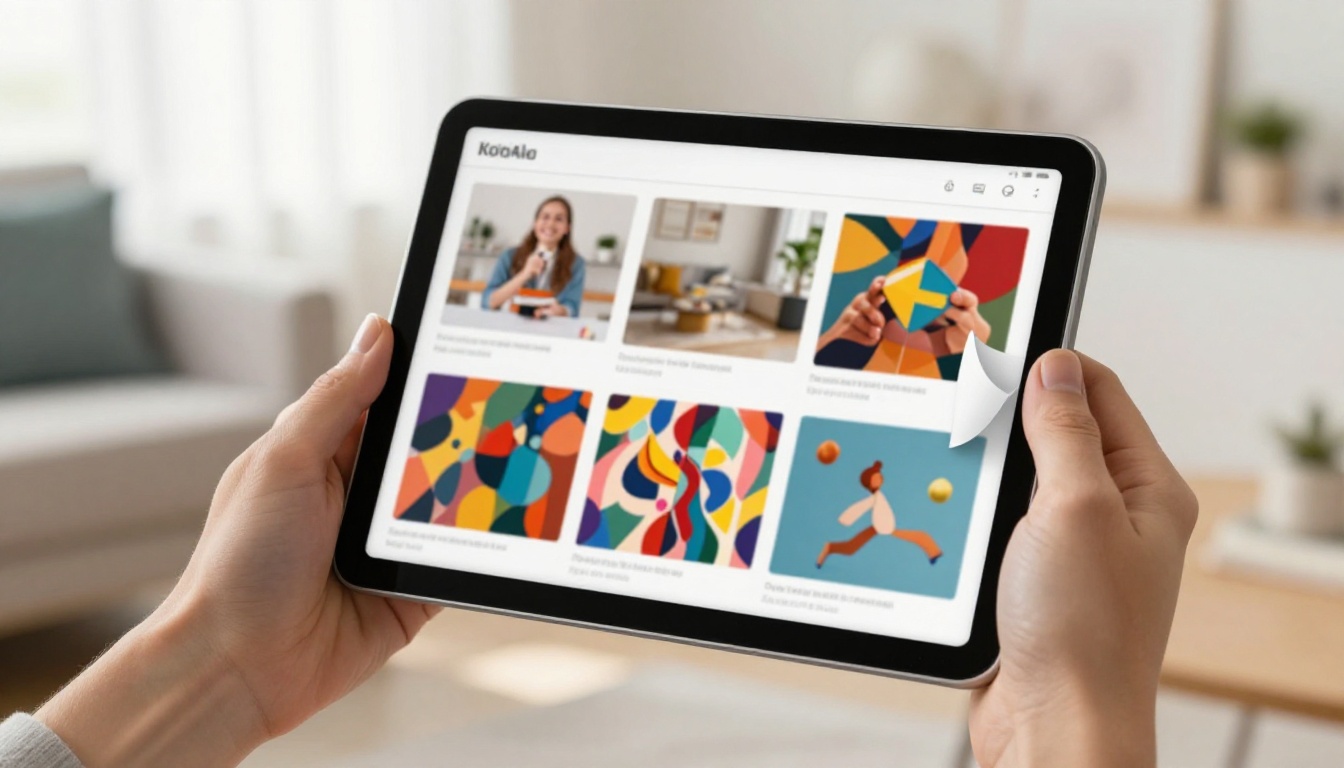
Must-Have vs. Optional Portfolio Content
| Content Type | Must-Have | Optional | Notes |
|---|
| Selected project case studies | ✅ | | 3-6, fully documented |
| About / bio page | ✅ | | Include contact details |
| Process shots or sketches | ✅ | | Shows how you think, not just deliver |
| Results or outcomes | ✅ | | Even qualitative feedback counts |
| Full work archive | | ✅ | Link out, don't embed |
| References or testimonials | | ✅ | Powerful if you have them |
| Rates or pricing | | ✅ | Relevant for freelance portfolios |
| Social media links | | ✅ | Only if content is professional |
How to Build Your Portfolio with Flipbooks AI
Flipbooks AI makes the process straightforward, even if you have no prior experience with digital publishing tools. You need your portfolio content in PDF format, which you likely already have from design software.
Step 1: Create Your Account
Go to flipbooksai.com/account and create a free account. No credit card required to start.
Step 2: Prepare Your PDF
Build your portfolio layout in your design tool of choice, whether Figma, Adobe InDesign, Canva, or similar. Export it as a high-resolution PDF with embedded fonts. Aim for a 16:9 or A4 landscape ratio for optimal screen display.
💡 Pro tip: Use spreads (two-page layouts) for full-bleed project images. They display beautifully in flipbook format and give your work more visual presence.
Step 3: Upload and Convert
On the Flipbooks AI dashboard, click New Flipbook and upload your PDF. The platform converts it automatically into an interactive page-turning flipbook within seconds. Your images, typography, and layouts are preserved at full quality.
Step 4: Apply Branding
Use the customization panel to add:
- Custom colors that match your personal brand
- A logo or wordmark on the cover page or header
- Background style for the viewer interface (minimal, dark, or light)
- Page transition effects to match the tone of your work

Step 5: Add Multimedia
On Standard plans and above, you can embed videos directly into portfolio pages. This is especially powerful for motion designers, videographers, and UX designers who want to show prototypes in action.
- ✅ No watermarks, ever
- ✅ Unlimited flipbooks on Standard plan and above
- ✅ Password protection for sensitive client work
- ✅ Embed videos and audio in pages
- ✅ Mobile-responsive, works perfectly on any device
- ✅ Custom branding throughout
Step 6: Share or Embed
Once published, your portfolio flipbook gets a clean, shareable link you can paste directly into a job application, email, or LinkedIn profile. For personal websites, Flipbooks AI provides an embed code that drops the flipbook directly into your page with no iframes or redirect links.
✅ Best practice: Paste your flipbook URL in the "Additional links" field on LinkedIn and in the header of your resume. Recruiters who click it will spend significantly more time engaging with your work than with a downloaded PDF.
There are two main structures for a portfolio flipbook, and each suits different goals and contexts.
Single-Project Case Studies
This format goes deep on a small number of projects. Each project gets 4 to 8 pages: a project opener, challenge page, process pages, final outputs, and a results page. This format is exceptional for UX designers, brand designers, and strategists where the thinking behind the work is as important as the output itself.
Curated Sample Collection
This format presents a wider range of work in a tighter, more visual format. Each project gets 1 to 2 pages, with images front and center and brief captions for context. This works well for photographers, illustrators, and designers where the visual quality of the output is the primary signal.

Format Comparison
| Format | Best For | Pages per Project | Depth Level | Best Industries |
|---|
| Case Study | Process-driven roles | 4-8 pages | Deep | UX, Brand, Strategy |
| Sample Collection | Output-driven roles | 1-2 pages | Surface | Photography, Illustration |
| Hybrid | Senior roles | 2-4 pages | Medium | Art Direction, CD roles |
| Lookbook | Fashion, styling | 2-3 pages | Visual | Fashion, Lifestyle brands |
Getting Your Portfolio in Front of the Right People
Creating a great portfolio flipbook is half the job. The other half is getting it seen by the people making hiring decisions.
Direct Links vs. Embedded Portfolios
A direct link is fast and frictionless. Copy your flipbook URL and paste it in:
- Your email signature
- Your resume header alongside your name and contact info
- Every job application form that has a "portfolio URL" field
- Your LinkedIn "Featured" section
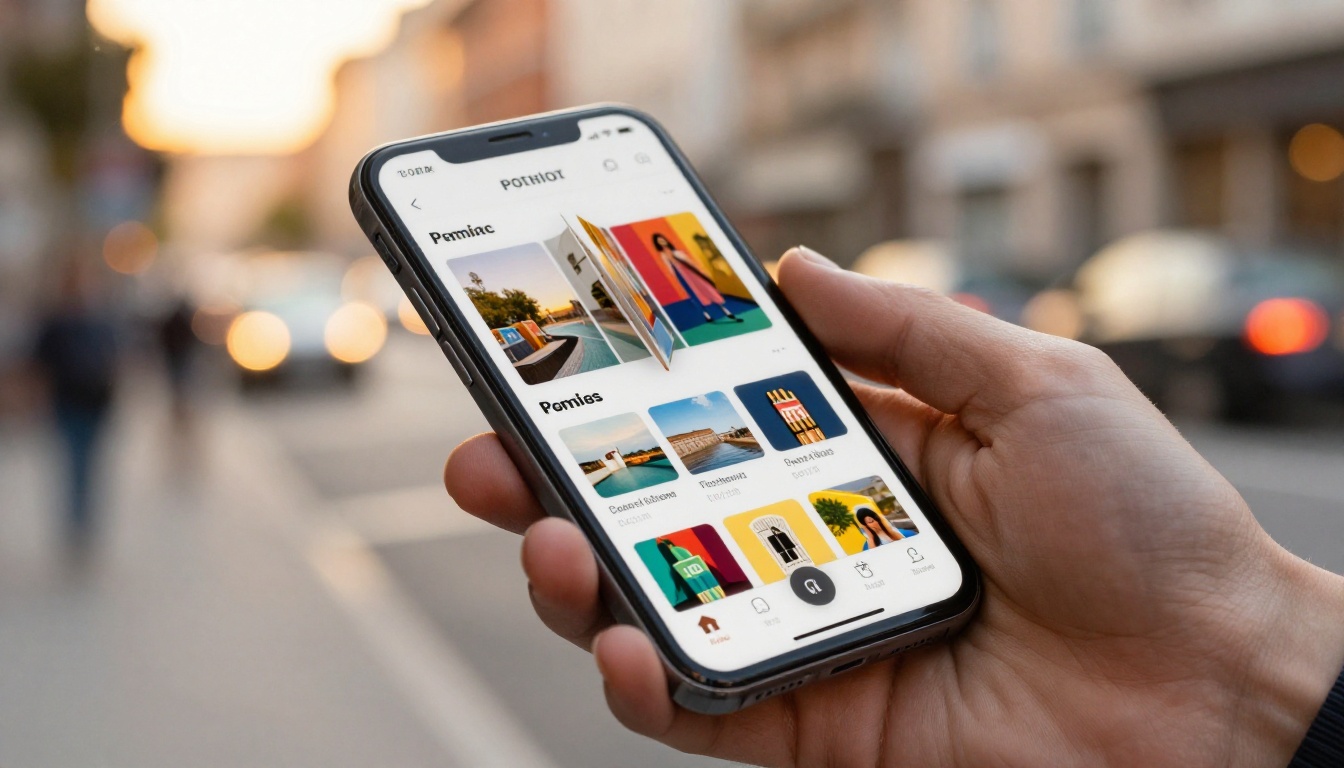
An embedded portfolio on your personal website creates a longer-form brand experience. Visitors spend more time on-page, and the context of your website (bio, testimonials, contact form) reinforces the work in the flipbook.
Password-Protected Portfolios for Sensitive Work
A significant amount of creative work is under NDA or client confidentiality agreements. That shouldn't stop you from using it to get hired. With Flipbooks AI's password protection feature, you can share a portfolio link with a specific employer, include the password in your cover letter, and know that your work isn't publicly indexable or accessible without permission.
💡 Pro tip: Create a separate, password-protected flipbook for each major application, tailored to that specific company's needs. Reference their public work and show how your portfolio relates to their creative direction.
Who Viewed Your Portfolio and When
Most job seekers send a portfolio into the void with no idea whether it was ever opened. The Professional plan on Flipbooks AI includes analytics that show you exactly how many people opened your portfolio, how long they spent on each page, and where they dropped off.
Using Analytics to Improve Your Application
This data is more useful than most job seekers realize:
- If viewers consistently drop off on page 3, something about that spread is disrupting interest
- If no one is opening your portfolio at all, the problem may be in how or where you're sharing the link
- If viewers spend the most time on a specific project, lead with that project in your next application
✅ Best practice: Check your portfolio analytics 48 hours after sending an application. If your link was opened, it confirms the email was read and the recruiter is engaged. If it wasn't opened, a polite follow-up is appropriate.
The Professional plan also includes lead generation capabilities: viewers can fill out a contact form directly within the flipbook, turning passive readers into active inquiries. For freelancers, this is especially powerful as a client acquisition channel.

Plan Comparison
| Feature | Free | Standard | Professional |
|---|
| Flipbooks | 1 | Unlimited | Unlimited |
| No watermarks | ✅ | ✅ | ✅ |
| Password protection | | ✅ | ✅ |
| Custom branding | | ✅ | ✅ |
| Embed on website | | ✅ | ✅ |
| Video embedding | | ✅ | ✅ |
| Offline downloads | | ✅ | ✅ |
| Analytics | | | ✅ |
| Lead generation | | | ✅ |
Your Portfolio Is a Product. Treat It Like One.
The best creative portfolios aren't just collections of work. They're arguments. They're built to persuade a specific audience that you're the right fit for a specific role. Every page is a deliberate choice. Every project is there for a reason. And the format, an interactive flipbook rather than a static file, signals before a single image loads that you care about how your work is experienced, not just what it contains.
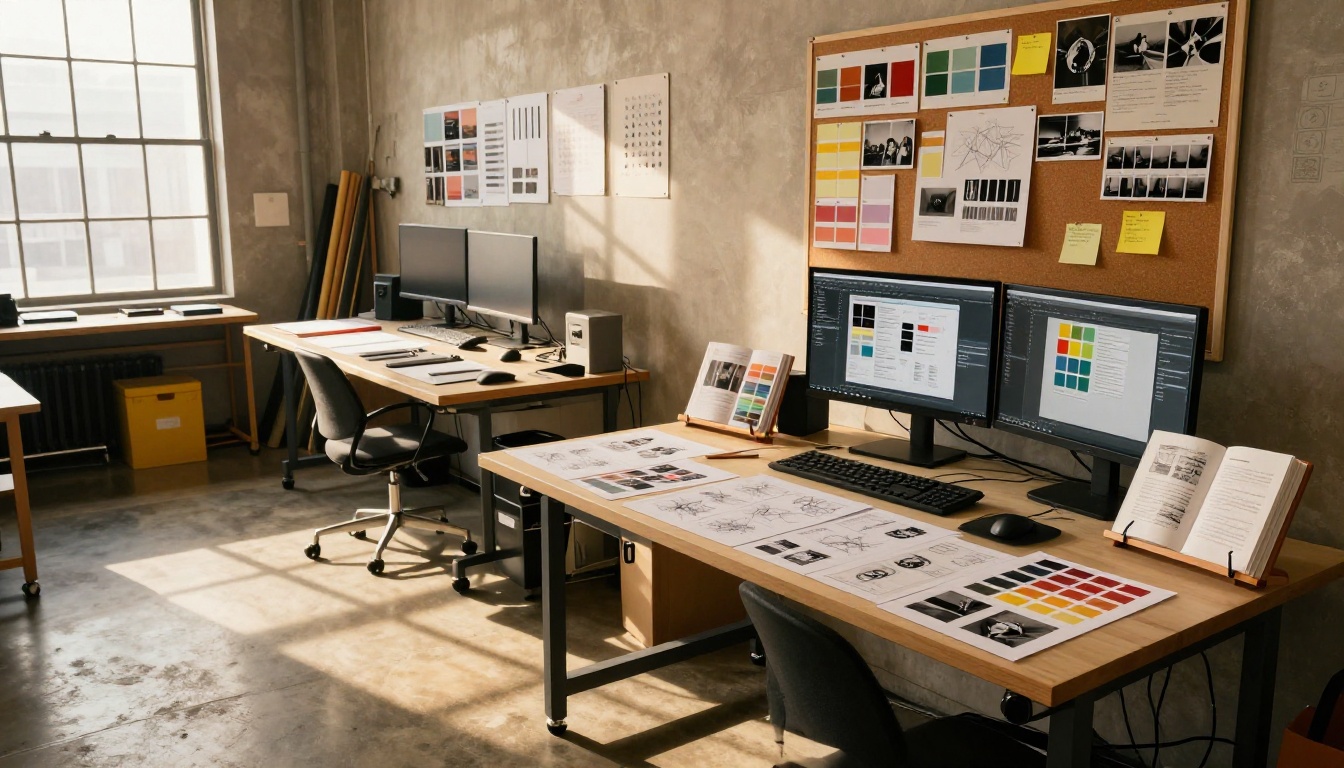
The creative job market is competitive by definition. The people hiring for creative roles are visual thinkers who notice format, pacing, and presentation before they consciously read a single word. A portfolio flipbook that loads instantly, turns smoothly, and presents your work in a clean, branded experience tells the recruiter something before they've processed a single project: this person knows how to present ideas.
Ready to build a portfolio that gets you hired? Create your account on Flipbooks AI and have your first flipbook live within the hour. Browse the full range of portfolio tools for every creative discipline, or compare plans to choose the features that match where you are in your career.



