If you are still sending PDFs to potential clients, you are losing them before they reach page two. The format that once felt professional now signals outdated thinking, while interactive digital brochures pull in more readers, more shares, and better conversions. This is not a minor gap. It is a structural difference in how people interact with content in 2026, and once you see the data side by side, there is no going back. Flipbooks AI sits at the center of this shift, helping businesses of every size convert static files into something people actually want to read.
What You Are Actually Comparing
A PDF and a digital brochure share one thing: both started as a document. After that, they have almost nothing in common. A PDF is a locked, static file designed for printing and archiving. A digital flipbook is a living, interactive web experience designed for sharing, measuring, and converting. One was built for the printer. The other was built for the reader.
The distinction matters because too many businesses treat PDFs as a default, not a deliberate choice. When a prospect asks for product information, you attach the file and move on. That attachment might not open on mobile, might get blocked by email filters, might sit unread in a Downloads folder for weeks, and you would never know. That is not a distribution strategy. That is hoping.
Static by Design
PDFs were created in the early 1990s to preserve print formatting on screen. That was the entire point, and they do it well. But in 2026, that rigidity is a liability. You cannot embed live video. You cannot update content after sending. You cannot track who opened it, what they read, or whether they shared it. A PDF sent is, in most cases, a PDF forgotten.
What "Interactive" Actually Means
A digital brochure built as a flipbook is not just a PDF with animations applied on top. It is a fully hosted web document with clickable links, embedded video, audio narration, form fields for lead capture, and a page-turning interface that readers recognize immediately. When someone opens a flipbook link, they stay longer, browse more pages, and return more often. Average reading sessions for interactive digital brochures run three to four times longer than static PDF downloads.
The PDF Problem Nobody Talks About
Most conversations about digital publishing focus on what you gain by switching. But the more important story is what PDFs cost you, quietly and consistently, every time you send one.
Downloads That Go Nowhere
When someone downloads a PDF, they get a file. You get nothing: no data, no open notification, no ability to re-reach that reader. The file lands in their Downloads folder alongside hundreds of others. There is no link they can bookmark and return to. There is no mechanism to update it after the fact. If your pricing changes or a product gets discontinued, every PDF you have ever sent is now wrong, and there is no recall option.
Even when downloads happen, the conversion path breaks. A reader downloads a PDF, closes it, and forgets about it. A reader who opens a flipbook link is in a browser tab with clickable links, a shareable URL, and an embedded call-to-action. The architecture of the format changes what happens next.
Mobile Is a Deal-Breaker
Over 60 percent of web traffic comes from mobile devices, and PDFs are hostile to mobile readers. Opening a PDF on a phone requires pinching, zooming, and horizontal scrolling just to read a single paragraph. Text renders at a fixed size tied to print dimensions, not screen width. Most readers close a PDF on mobile within thirty seconds without reaching the content. A flipbook renders perfectly on any screen size with automatic reflow, touch-based page-turning, and zero zooming required.
Zero Visibility After Sending
Sales teams send brochures and then wait. With a PDF, that waiting is permanent. You never know if the decision-maker opened it, which pages held their attention, or whether they shared it with a colleague who matters more to the deal. A digital brochure on Flipbooks AI changes this entirely. Real-time analytics show page views, time per page, total reads, return visits, and geographic data. That information changes how you prioritize follow-ups and which materials you invest in improving.
What a Digital Brochure Actually Does
Let us get specific about what a flipbook-based digital brochure offers that a PDF simply cannot replicate.
Page-Turning That Holds Attention
The page-flip animation is not decorative. It is a psychological signal that tells the reader "this is a publication, not a form." Readers approach it differently. They browse. They go back. They linger on spreads that interest them. The familiar turning page activates a reading behavior associated with trusted magazines and catalogs, and that association transfers to your brand. In a crowded inbox, it is the difference between being skimmed and being read.
Embed It Anywhere
A flipbook lives at a URL. You can embed it directly on your website, share it via a link in an email, post it to social media, or encode it in a QR code on printed materials. No one downloads anything. One tap and they are reading on any device. The Brochure Flipbook Maker makes this immediate: upload your PDF, and you receive a shareable link and embed code within minutes.
Update Without Resending
Change your pricing? Add a product line? Fix an error on page four? With a flipbook, you upload the corrected file and the live link reflects the change instantly. Everyone who has ever received that link sees the current version automatically. No mass resend. No apology email. No "please disregard the previous attachment." Your brochure stays accurate for its entire lifespan.

💡 Flipbooks AI includes no watermarks on all paid plans, so your materials always look fully professional with complete brand integrity.
Side-by-Side: The Numbers That Matter
Here is where the decision becomes clear. Both formats compared across every metric that affects real business outcomes.
Feature Comparison
| Feature | PDF | Digital Flipbook |
|---|
| Mobile-friendly display | No | Yes |
| Embedded video and audio | No | Yes |
| Live clickable links | Limited | Yes |
| Real-time reader analytics | No | Yes |
| Update content after sharing | No | Yes |
| Password protection | Partial | Yes |
| Embed on website | No | Yes |
| Lead capture forms | No | Yes (Pro plan) |
| Offline access | Yes | Yes (downloadable) |
| Custom branding | Limited | Full |
| Page-turn animation | No | Yes |
| Shareable link without download | No | Yes |
Reader Behavior Comparison
| Metric | PDF (avg) | Digital Flipbook (avg) |
|---|
| Time spent per session | Under 1 minute | 3 to 4 minutes |
| Pages viewed per session | 1 to 2 | 5 to 8 |
| Return visits | Near zero | Common |
| Mobile completion rate | Under 20% | Over 65% |
| Share rate | Very low | Significantly higher |
Cost and Operations Comparison
| Factor | PDF | Digital Flipbook |
|---|
| Distribution | Email attachment | Free shareable link |
| Post-send updates | Full redesign and resend | Single upload |
| Analytics | Requires separate tools | Built-in |
| Storage location | Reader's device | Cloud-hosted |
| Version control | Manual per send | Automatic via URL |
The data points in one direction from every angle. A PDF optimizes for file portability. A flipbook optimizes for reader experience and business results. In 2026, only one of those goals drives revenue.
Real-World Wins by Industry
The PDF-to-flipbook difference is abstract until you see it applied to a specific situation. Here is what the switch looks like across industries that depend on brochure-style content to close deals.
Real Estate Brochures
A real estate agent sends property brochures to 40 leads per month. In PDF format, those files are opened once, rarely forwarded, and impossible to track. As a flipbook built with the Real Estate Brochure Creator, the same content becomes a shareable link that prospects forward to partners and family members without any friction. The agent sees which properties got the most attention, which pages were viewed longest, and which leads are worth prioritizing. That data directly impacts conversion rates.

Restaurants and Hospitality
A restaurant still emailing PDF menus to event planners is competing against venues that send a live, beautifully designed digital menu flipbook. Using the Restaurant Menu Creator, the same menu becomes a mobile-friendly, interactive experience that event coordinators open, browse, and share with clients in a single flow. No download required. The Hotel Brochure Designer extends this same approach to full property presentations with embedded room tours and direct booking links on every spread.
Fashion and Retail Lookbooks
Seasonal lookbooks are among retail's most powerful sales tools, but only if they actually reach the reader in a format that works. A PDF lookbook requires a download step that most mobile users skip. A flipbook built with the Interactive Lookbook Designer opens directly in the browser, renders like an editorial magazine spread, and drives traffic to product pages through embedded links inside each page. Retailers consistently report higher click-through rates to product listings from flipbook materials compared to PDF downloads.
Corporate and B2B Reports
For annual reports, investor presentations, and company overviews, first impressions carry disproportionate weight. A PDF annual report delivers data. A flipbook built with the Annual Report Creator communicates that the company takes presentation as seriously as performance. Stakeholders spend more time with it, share it internally, and return to reference specific sections. Password protection through Flipbooks AI keeps board-only versions secure, while public versions embed cleanly into investor relations pages on the company website.
How to Create a Digital Brochure with Flipbooks AI
If you already have a designed PDF, you are 90 percent of the way there. Converting it takes minutes, not days.
Step 1: Create Your Account
Head to Flipbooks AI and sign up. No credit card is required to start. The dashboard shows your published flipbooks, active links, and a prominent upload button at the top. The entire setup takes under two minutes.
Step 2: Upload Your PDF
Click "Create New" and upload your PDF file. Flipbooks AI processes it automatically, converting every page into a high-resolution interactive spread with page-turn animations applied by default. A 20-page brochure typically converts in under two minutes with no manual adjustments needed.
Step 3: Customize Your Branding
Once uploaded, you can customize every aspect of the presentation. Set background color or texture, upload your logo, enable or disable the table of contents, adjust autoplay speed, and toggle features like zoom and thumbnail navigation. Embed video directly into specific pages so that a product demo appears right where readers reach that spread in the reading flow.
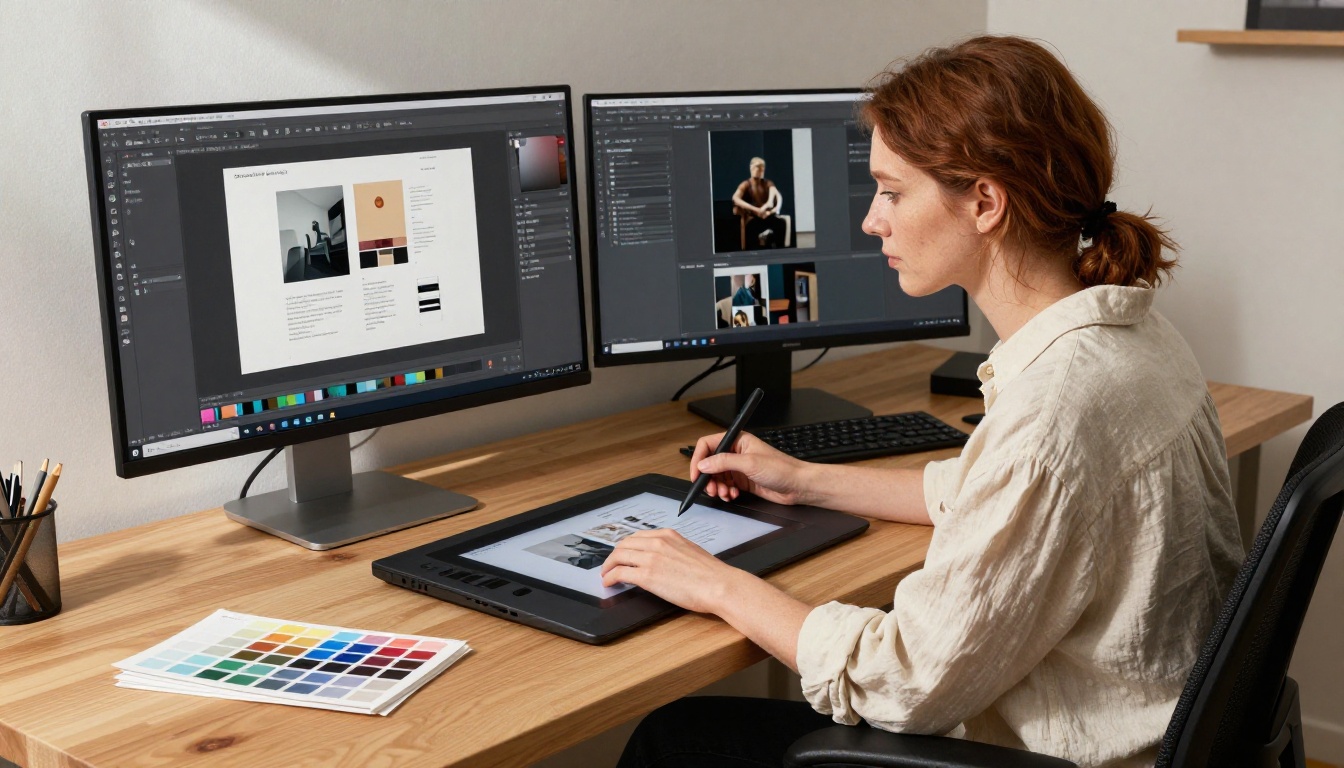
✅ Mobile-responsive design is included on all Flipbooks AI plans. Your flipbook looks sharp on phones, tablets, and desktops with no extra setup required.
Step 4: Share and Track
When your flipbook is ready, Flipbooks AI generates a shareable link, an embed code for your website, and a QR code for physical materials simultaneously. Paste the link in emails, embed the code on landing pages, or print the QR code on a physical display. From the first open, analytics begin tracking page views, time per page, device type, and reader location. Professional plan users can add a lead capture gate to collect contact details before readers access the content.
💡 Use the Embed Flipbook on Website tool to place your digital brochure on a landing page without any developer support.
Step 5: Pick the Right Tool for Your Content
Flipbooks AI has purpose-built tools for specific content types across industries. For automotive brands, the Automotive Brochure Generator handles vehicle specifications and imagery at scale. For fashion and retail, the Lookbook Flipbook Builder is optimized for editorial-style spreads. For product lines, the Digital Catalog Maker structures items with pricing grids and order links. Browse the full library at flipbooksai.com/tools.

Choosing the Right Plan
Flipbooks AI offers tiered pricing to match different publishing volumes and business needs. Here is how the plans break down.
| Feature | Free | Standard | Professional |
|---|
| Number of flipbooks | Limited | Unlimited | Unlimited |
| Watermarks | Yes | No | No |
| Custom branding | No | Yes | Yes |
| Password protection | No | Yes | Yes |
| Analytics | Basic | Standard | Full |
| Lead generation | No | No | Yes |
| Offline downloads | No | Yes | Yes |
| Embedded media (video, audio) | No | Yes | Yes |
| Custom domain | No | No | Yes |
For most businesses publishing regular brochures, catalogs, or seasonal materials, the Standard plan covers everything needed for a professional result with no watermarks and unlimited flipbooks. For sales and marketing teams that need full analytics and lead data tied directly to brochure activity, the Professional plan at flipbooksai.com/pricing is the clear fit.
⚠️ The free plan applies watermarks to all published flipbooks. If you are sharing materials with clients or prospects, start with at least the Standard plan to protect your brand presentation.
Stop Sending PDFs
The PDF had its moment. It solved a real problem in a specific era, and it remains the right format for legal documents, archival records, and anything that requires an exact, fixed layout that must never change. But for marketing and sales content meant to persuade and convert actual people, it is the wrong tool for the job.
Every PDF you send is a missed opportunity to know who read it, what they cared about, and where they stopped. Every email attachment is a friction point that a measurable portion of your audience will not bother clearing. Every static file is a document you cannot improve the moment it leaves your hands.
Digital brochures built as interactive flipbooks give you all of that back: the visual quality of your original design, the interactive reading experience that holds attention, the distribution reach of a shareable URL, and the analytics to act on what readers actually do. The PDF to Flipbook Converter makes the switch immediate, and the Standard plan removes every barrier to a fully professional result.
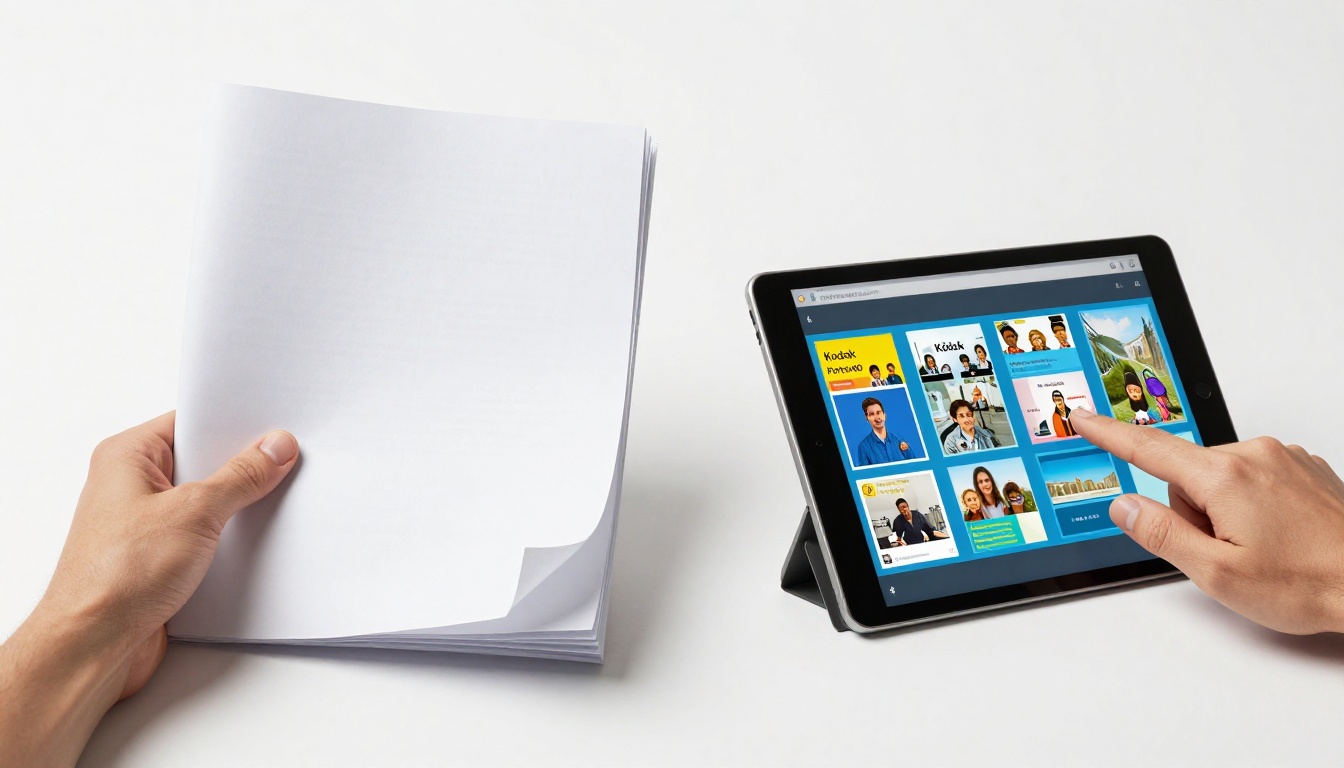
Ready to stop guessing whether your brochure got opened? Create your free account on Flipbooks AI and have your first digital brochure live within the hour. Browse all tools and templates to find the right fit for your content type, or check the pricing plans to choose what works for your publishing volume.



