Running a brand on a tight budget is already hard enough without paying hundreds of dollars for software that creates a single catalog nobody can share easily. Whether you sell handmade jewelry, a small clothing line, or specialty skincare, a well-built digital catalog can be the difference between a customer buying and a customer bouncing. The good news: you don't need a designer or an expensive platform. Flipbooks AI makes professional-quality interactive catalogs accessible to anyone, at a price that doesn't sting.
Why Your Brand Needs a Digital Catalog Now
Printed catalogs had their moment. Today, they're a cost center that eats into margins most small brands can't afford to sacrifice. A digital catalog, on the other hand, costs almost nothing to distribute, works on every device, and can be updated in minutes.
The Real Problem with PDF Catalogs
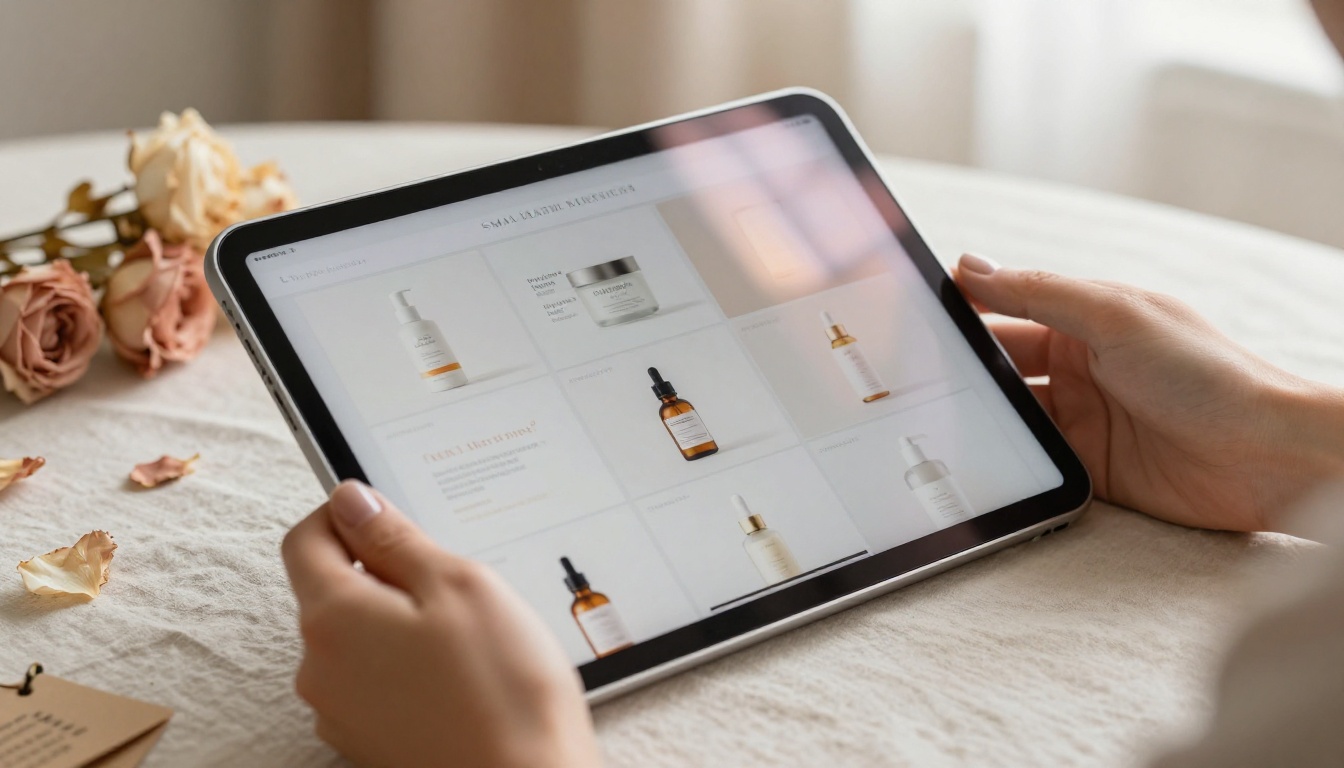
A standard PDF catalog looks professional until someone tries to use it on a phone. Pinch-to-zoom, side-scrolling, broken layouts on small screens — it creates friction exactly when you need a customer to stay engaged. On top of that, PDFs offer zero analytics. You send it, it disappears into someone's downloads folder, and you never know if anyone opened page 3.
The other problem: PDFs feel static. They don't page-turn. They don't embed video. They don't let customers click through to a product page. They're documents, not experiences.
What a Digital Catalog Actually Does
An interactive digital catalog behaves more like a website than a document. Pages flip with a satisfying animation, products link directly to your store, embedded video clips show items in motion, and the whole thing loads in a browser without any download required. For brands competing against larger players, a digital catalog punches well above its weight class.
💡 Interactive catalogs can increase time-on-page by 3-5x compared to static PDFs because readers engage with the page-turn mechanic rather than just scrolling.
What to Look for in a Catalog Maker
Not every tool is worth your time, even if it's free. Here's what separates a useful platform from one that wastes your afternoon.
5 Features That Actually Matter
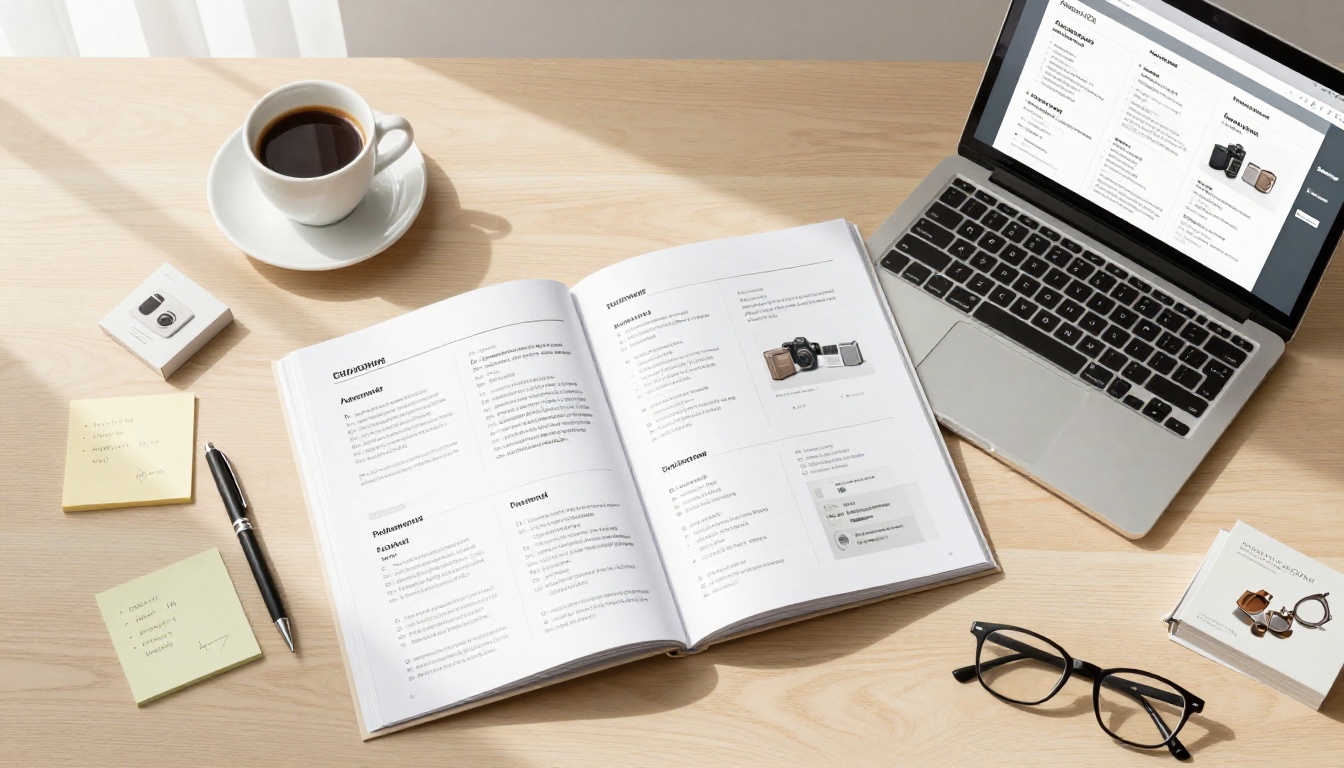
- PDF Import: You already have your catalog designed. The tool should convert it instantly, not ask you to rebuild from scratch.
- Mobile Responsiveness: Over 60% of catalog views happen on phones. Non-negotiable.
- Custom Branding: Your catalog should look like your brand, not the platform's.
- Shareable Link: One clean URL you can drop in an email, Instagram bio, or WhatsApp message.
- No Forced Watermarks: A tool that stamps its logo on your catalog is using you as free advertising. Avoid it.
Red Flags to Avoid
⚠️ Watch out for platforms that lock your published catalogs behind a paywall after a trial period. If they can unpublish your content when you stop paying, your catalog link breaks every time you downgrade.
- Mandatory email capture to view your catalog (kills casual browsing)
- Limited pages on free plans (a 4-page limit is nearly useless)
- No embed option (you should be able to put your catalog on your own website)
- Confusing pricing with hidden add-ons for basic features like custom domains
Free vs Paid: The Real Cost Breakdown
The "free" label is everywhere in catalog software. But free often means restricted, watermarked, or a limited trial that expires before you've finished your first catalog. Here's how the math typically breaks down:
| Feature | Fully Free Tools | Budget Paid Plans ($10-20/mo) | Professional Plans ($30+/mo) |
|---|
| PDF Import | Sometimes | Yes | Yes |
| Watermarks | Usually present | None | None |
| Custom branding | No | Yes | Yes |
| Number of catalogs | 1-3 | Unlimited | Unlimited |
| Analytics | No | Basic | Advanced |
| Password protection | No | Yes | Yes |
| Offline downloads | No | Sometimes | Yes |
| Video embedding | No | Varies | Yes |
| Lead generation | No | No | Yes |
| Custom domain | No | Varies | Yes |
The sweet spot for most small brands is a budget paid plan that offers unlimited catalogs, no watermarks, and basic sharing features. It costs less per month than a single printed catalog mailing.
✅ Before committing to any plan, check that the platform lets you export or download your catalog files. Platform lock-in is a real risk for small brands that can't afford sudden price hikes.
Top Options for Budget-Conscious Brands

There are several platforms worth considering, each with different strengths. Here's an honest side-by-side:
| Platform | Starting Price | Watermark-Free | Unlimited Catalogs | Analytics | Best For |
|---|
| Flipbooks AI | Free account available | Yes (Standard+) | Yes (Standard+) | Yes (Pro) | Small brands wanting full features |
| Issuu | Free tier available | Only on paid plans | Limited on free | Yes (paid) | Publishers and magazines |
| FlipHTML5 | Free tier limited | Paid only | Paid only | Paid only | Basic needs |
| Yumpu | Free tier limited | Paid only | Paid only | Paid only | Document publishing |
| Publuu | Starts ~$9/mo | Yes | Yes | Yes | Simple catalog needs |
Flipbooks AI stands out because the free account lets you start immediately, while the paid plans remain affordable and unlock genuinely useful features like analytics, password protection, and offline downloads without jumping to an expensive enterprise tier. Browse all flipbook tools to see the full range of catalog and publishing options available.
Best Use Cases by Brand Type
Different types of brands use digital catalogs in very different ways. Here's how each category benefits most:
Fashion and Clothing Brands

A fashion brand's catalog is a lookbook first and a product list second. The interactive format is perfect: customers flip through a seasonal collection as if they're reading a magazine, click directly on a dress to buy it, and share the whole thing from a single link. The Fashion Catalog Creator tool is built specifically for this workflow, letting you upload your seasonal PDF and publish it as a polished interactive flipbook in minutes.
Real scenario: A small clothing brand launches a 20-piece spring collection. Instead of emailing a 15MB PDF, they share a single flipbook link via Instagram Stories. Customers browse on mobile, swipe through looks, and tap through to purchase directly.
Beauty and Cosmetics Brands

Beauty brands rely heavily on visual presentation. A digital catalog lets you feature high-resolution product photography alongside embedded video demos, shade swatches, and ingredient callouts. The Product Catalog Generator handles this elegantly, supporting rich media on every page.
Real scenario: A clean beauty brand with 30 SKUs creates a quarterly catalog with embedded how-to video clips on key product pages. Wholesale buyers receive a password-protected version with trade pricing included.
Jewelry and Accessories Brands
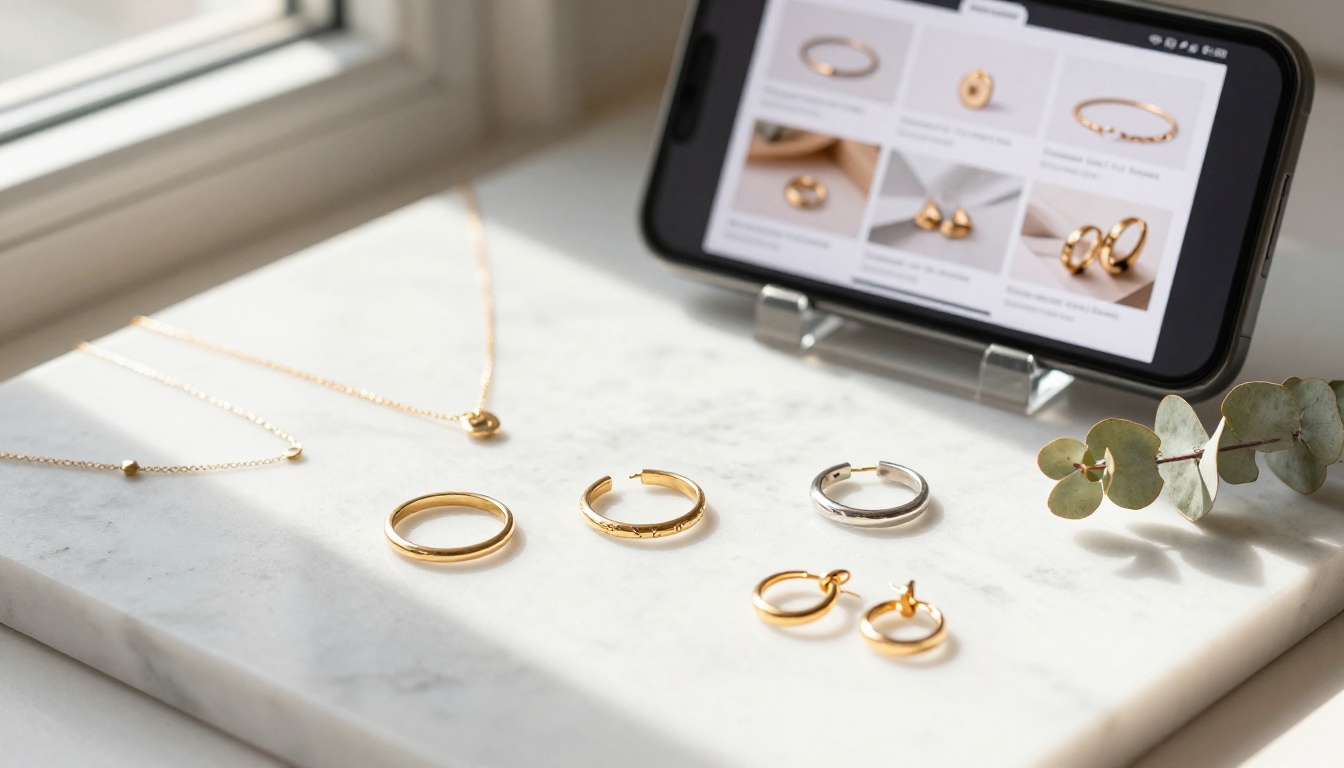
Jewelry catalogs live or die by product photography quality. A digital flipbook format preserves your images at full resolution while adding the interactivity of clickable links on each piece. Fine detail pages zoom in without losing crispness, and the catalog format lets you group pieces by collection or metal type in a way that feels intuitive to browse.
Real scenario: A jewelry designer attends a trade show and shares their catalog via a QR code on their booth card. Buyers review the full collection on their phones after leaving the show, with clickable links to order directly from the studio website.
How to Create a Digital Catalog with Flipbooks AI
Flipbooks AI makes the process straightforward whether you're working on a product collection, a seasonal lookbook, or a wholesale price list. Here's the complete workflow:

Step 1: Create your account
Go to flipbooksai.com/account and sign up. The free plan is active immediately, no credit card required. You'll have access to the dashboard and the conversion tool right away.
Step 2: Upload your PDF
From your dashboard, click "New Flipbook" and upload your catalog PDF. The platform converts it automatically into a page-by-page interactive flipbook. Most catalogs under 50 pages convert in under 60 seconds.
Step 3: Customize your branding
Once converted, open the editor to adjust your brand settings. Upload your logo, set your brand color for the page controls and toolbar, and choose your page-flip animation style. On paid plans, you can remove all platform branding entirely so the catalog looks 100% yours.
Step 4: Add interactive elements
Click on any page to add hyperlinks, embed YouTube or Vimeo videos, insert audio clips, or add table-of-contents navigation. For product catalogs, add clickable buy links directly on product images so customers can go straight from browsing to purchasing.
Step 5: Set sharing options
Choose how to distribute your catalog:
- Public link: A clean URL anyone can open in a browser, no account needed
- Embed code: Drop it directly into your website or Shopify store
- Password protected: For wholesale buyers, press previews, or private clients
- QR code: Auto-generated for print materials, business cards, or trade show displays
Step 6: Publish and track
Hit publish and your catalog goes live instantly. On the Professional plan, you get access to page-by-page analytics showing which products get the most attention, where readers drop off, and lead capture forms to collect buyer information directly from the catalog without requiring an external form tool.
💡 Use the Digital Catalog Maker tool for a purpose-built workflow that includes catalog-specific templates and layout guidance from the start.
Plans That Fit Small Brand Budgets
Here's how Flipbooks AI pricing breaks down for brands at different stages:

| Plan | Flipbooks | Watermark | Custom Branding | Analytics | Best For |
|---|
| Free | Limited | Platform watermark | Platform branding | None | Testing before committing |
| Standard | Unlimited | None | Full custom | None | Solo brands, startups |
| Professional | Unlimited | None | Full custom | Full plus lead gen | Growing brands, wholesale |
The Standard plan is where most small brands land. Unlimited flipbooks with no watermarks and full custom branding at a cost significantly lower than a single print run. The Professional plan makes sense once you're actively distributing to wholesale buyers or running campaigns where knowing reader behavior matters.
✅ Start on the free plan to convert and review your first catalog, then upgrade to Standard before sharing it publicly to remove the watermark and add your branding.
Where Small Brands Go Wrong

Even with the right tool, there are consistent mistakes that undercut the impact of a digital catalog. Avoiding these saves time and protects your brand's first impression.
1. Designing for print, not digital
Print catalogs use small body text and dense columns. On a phone screen, this becomes unreadable. Design your source PDF with digital viewing in mind: larger type, more negative space, fewer words per page, and product images that fill most of the page rather than sitting in a small box surrounded by text.
2. Skipping the mobile preview
Always preview your published catalog on a phone before sharing it. A catalog that looks perfect on a desktop monitor can still have readability issues on a 5-inch screen. Open the flipbook link on your phone and flip through every page before distributing.
3. Not adding any interactive links
The entire point of a digital catalog over a static PDF is interactivity. If you publish a flipbook with zero clickable elements, you've created an expensive PDF. Add at least one link per product page pointing to your online store, a contact form, or a WhatsApp number.
4. Using a fragile link structure
Create a permanent landing page or a fixed short link for your catalog rather than sharing the raw platform URL directly. This way, if you update the catalog or switch platforms, the link stays consistent for all existing recipients who saved it.
5. Ignoring the data
On a Professional plan, you can see exactly which pages readers spend time on and which they skip after one second. This tells you which products have genuine interest and which ones need better photography or copy. Use this data to improve your next catalog with real evidence rather than guesswork.
⚠️ Don't wait until you have a "perfect" catalog to publish. A good catalog published today will do more for your brand than a perfect catalog published in three months.
Start Without Overspending
A digital catalog maker built for brands on a budget should do three things well: convert your existing PDF without friction, present it beautifully on any device, and give you the tools to share and track it without a bloated subscription.
Flipbooks AI does all three. Whether you're a solo founder building your first product line or a small team managing multiple seasonal collections, the platform scales from free to professional without forcing you into enterprise pricing before you need it.
Ready to see it in action? Create your free account and convert your first catalog today. When you're ready for more, compare pricing plans to find the fit that matches where your brand is right now.



