If your store still sends customers a flat PDF catalog, you are leaving money on the table every single day. A digital catalog with page flip effect changes the entire shopping experience: pages turn like a real magazine, products feel tangible, and customers stay on your catalog two to three times longer than they do with a static file. Flipbooks AI makes this possible for any store, no technical skills required.
The shift is happening fast. Retailers who added interactive flip catalogs to their stores report higher average session times, more product click-throughs, and better conversion rates. The reason is not complicated: people respond to physical metaphors online. A page that turns feels more like shopping than a PDF that scrolls.
Why Static PDFs Are Costing You Customers
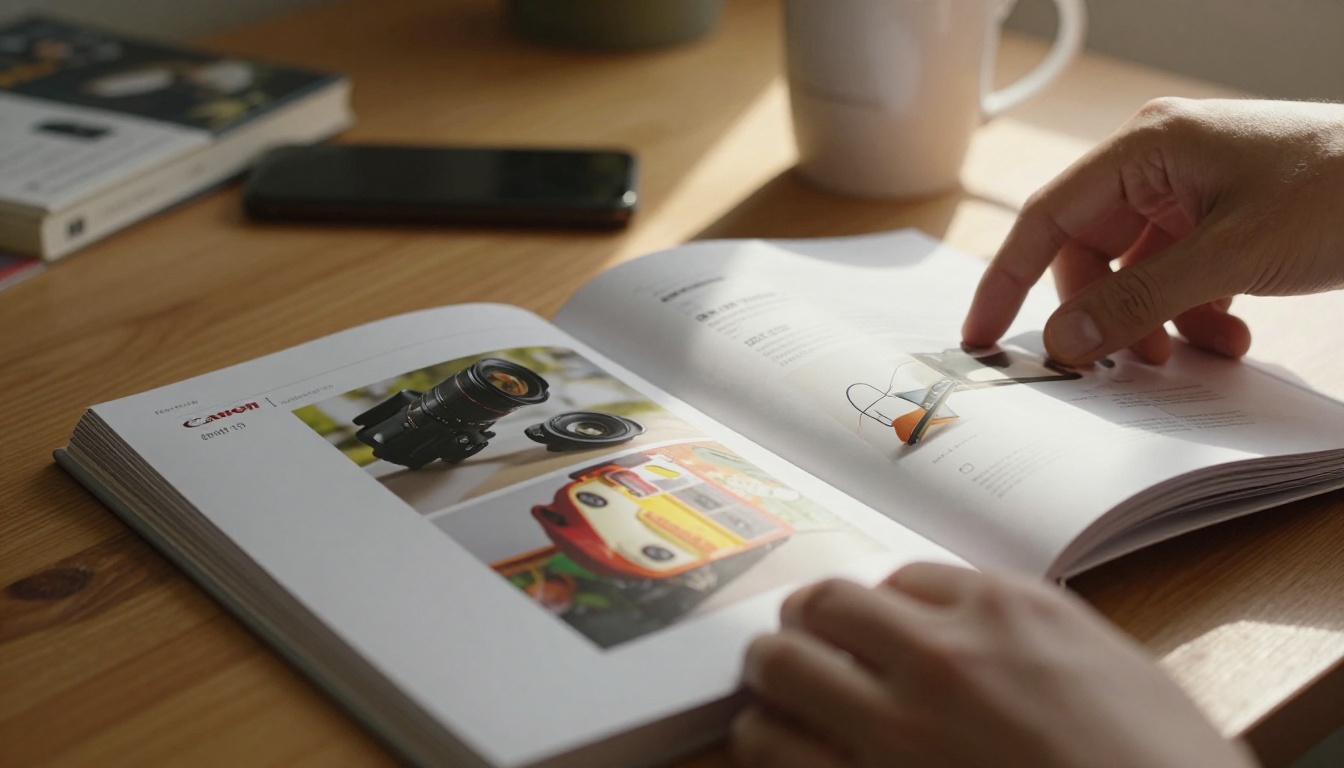
Static PDFs were never designed for shopping. They load slowly on mobile, require a dedicated app to open properly, and offer zero interactivity. When a customer has to pinch, zoom, and scroll through a 40-page catalog, most of them leave before page five.
The numbers are stark. Average PDF engagement time sits under 90 seconds. Interactive flipbooks average over four minutes. That extra time is the window where purchase decisions happen.
The Attention Problem Is Real
Today's shopper scrolls social feeds where content is designed for maximum engagement. A static document cannot compete. Page flip animations, embedded product links, and smooth navigation all signal that your brand invests in the customer experience. A flat PDF signals the opposite.
💡 Stores that replace their PDF catalogs with interactive flipbooks typically see a 40-60% increase in pages viewed per session. That is more product exposure per visit with zero extra ad spend.
What Shoppers Actually Expect Now
Mobile commerce now accounts for the majority of online shopping sessions. Customers expect content to feel native on their phones: swipeable, touchable, fast. A digital catalog with a page flip effect built for mobile delivery matches the behavior patterns shoppers already have from apps and social media.
What the Page Flip Effect Actually Does for Retail
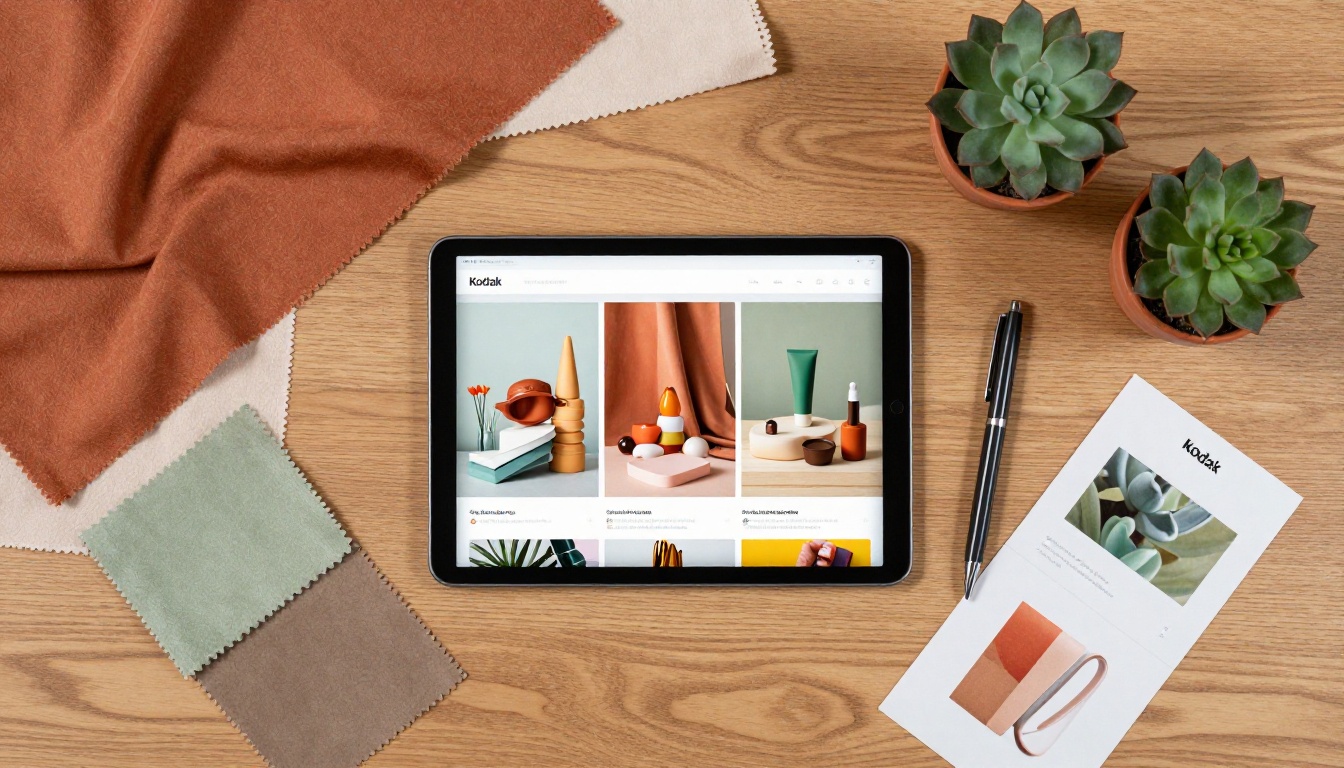
The page flip effect is not decoration. It is a functional UI pattern that communicates navigation intuitively. When a corner curls, people know they can turn it. No instructions needed. The animation mirrors a physical behavior that every human has performed thousands of times, which means zero learning curve for your customers.
The Psychology Behind Turning Pages
Physical book interaction activates spatial memory. Readers remember where on a spread they saw a product, which makes them more likely to return to it. Digital flipbooks borrow this cognitive advantage. A customer who sees your new arrivals section midway through the catalog will remember "it was in the middle" and can flip back to it. A scrolling PDF offers no spatial anchors.
Why Mobile Shoppers Prefer Flip Catalogs
On a touchscreen, swiping to turn a page is the most natural interaction possible. Flip catalogs built with mobile-first design let shoppers swipe through products with a thumb, tap items to see details, and share specific pages directly from the catalog. This is the product browsing experience that converts.

Not all digital catalogs are equal. Here is a direct comparison of the formats stores use and how they stack up where it matters:
| Format | Mobile Friendly | Interactive | Page Flip | Embeddable | Analytics | Load Speed |
|---|
| Static PDF | Poor | No | No | Limited | No | Slow |
| Image Gallery | Good | Minimal | No | Yes | Basic | Fast |
| Flipbook Catalog | Excellent | Full | Yes | Yes | Advanced | Fast |
| Video Lookbook | Good | No | No | Yes | Basic | Slow |
| HTML Microsite | Excellent | Full | Optional | Yes | Advanced | Variable |
The flipbook catalog format wins on the combination of interactivity, embeddability, and ease of production. A video lookbook requires significant production budget. An HTML microsite requires a developer. A flipbook catalog requires only a PDF and five minutes on Flipbooks AI.
✅ Use the flipbook format as your primary catalog delivery method. Maintain the static PDF only as a download option for customers who specifically request it.
How to Create a Flip Catalog for Your Store
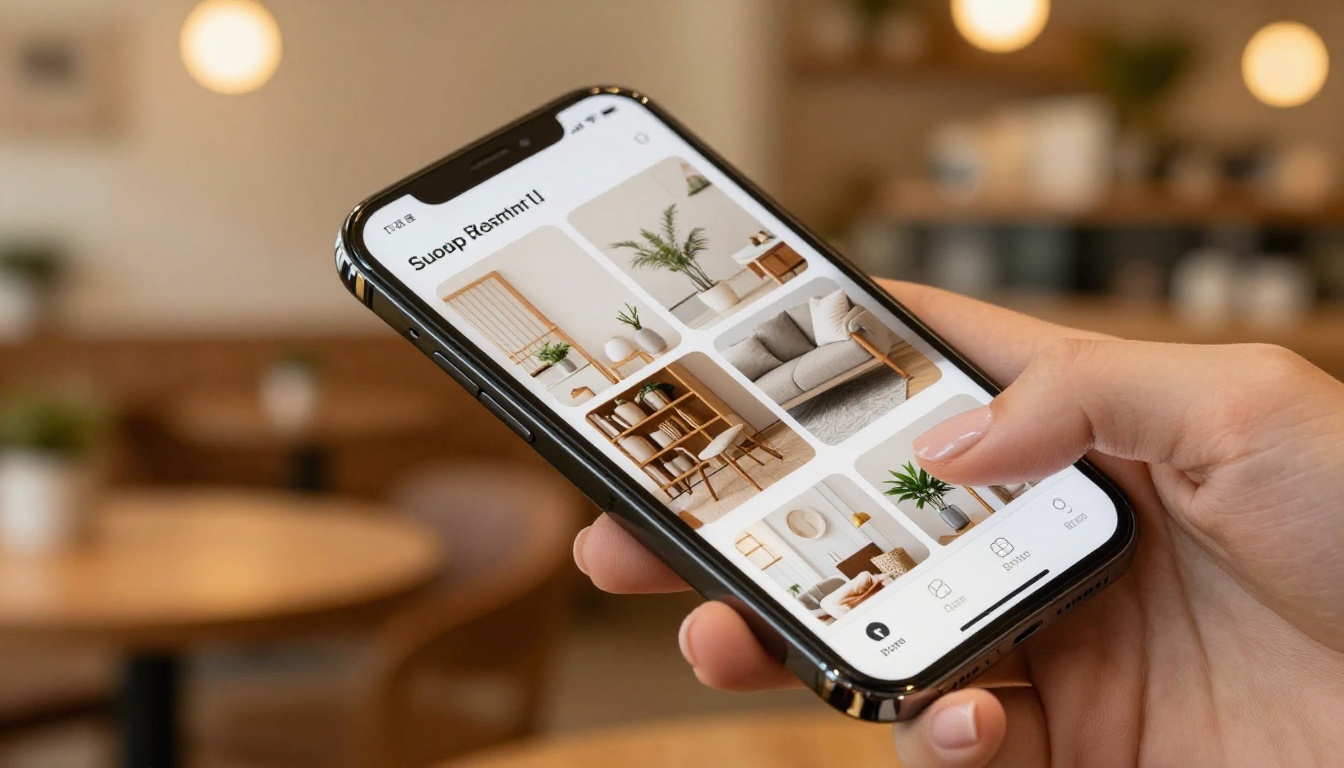
Creating a digital catalog with page flip effect on Flipbooks AI takes five steps. There is no coding involved, and the entire process from PDF upload to live catalog can be completed in under ten minutes.
Step 1: Create Your Account and Upload
Go to Flipbooks AI and create your account. The Standard plan and above include unlimited flipbooks with no watermarks. Once logged in, click "Create Flipbook" and upload your store's product catalog as a PDF. The platform converts each PDF page into a sharp, fast-loading flipbook page automatically.
💡 Before uploading, make sure your PDF is print-quality (300 DPI minimum). The better your source file, the sharper the product photography in the final flipbook.
Step 2: Set Up Your Branding
Once converted, customize the flipbook to match your store's identity:
- Add your store logo to the player toolbar
- Set your brand colors for buttons and the background frame
- Choose a page flip animation style (classic curl, soft, or instant)
- Add a custom domain for sharing if you want branded URLs
The Digital Catalog Maker tool includes preset branding templates for retail formats, which speeds up this step considerably.
Step 3: Add Interactive Elements
This is where a flipbook outpaces any PDF:
- Product links: Tap any product image to link directly to its page on your store
- Embedded videos: Add a product demo video directly inside a catalog spread
- Audio: Include audio descriptions or ambient background for premium feel
- Pop-up details: Add hover or tap pop-ups with specs, sizes, and pricing
Step 4: Configure Sharing and Access
Before publishing, decide how your catalog will be accessed:
- Public link: Anyone with the URL can view it
- Password protected: Ideal for wholesale buyers or VIP customer previews
- Embed code: Paste into your website, product pages, or landing pages with the Embed Flipbook on Website tool
Step 5: Publish and Track Performance
Hit publish and your catalog is live. On the Professional plan, real-time analytics show which pages customers spend the most time on, where they exit, and what they click. This data tells you exactly which products are generating interest and which spreads need better photography or copy.

Real-World Applications by Store Type
Every retail format has a specific use case for flip catalogs. Here is how different store types are using them right now.
Fashion Boutiques
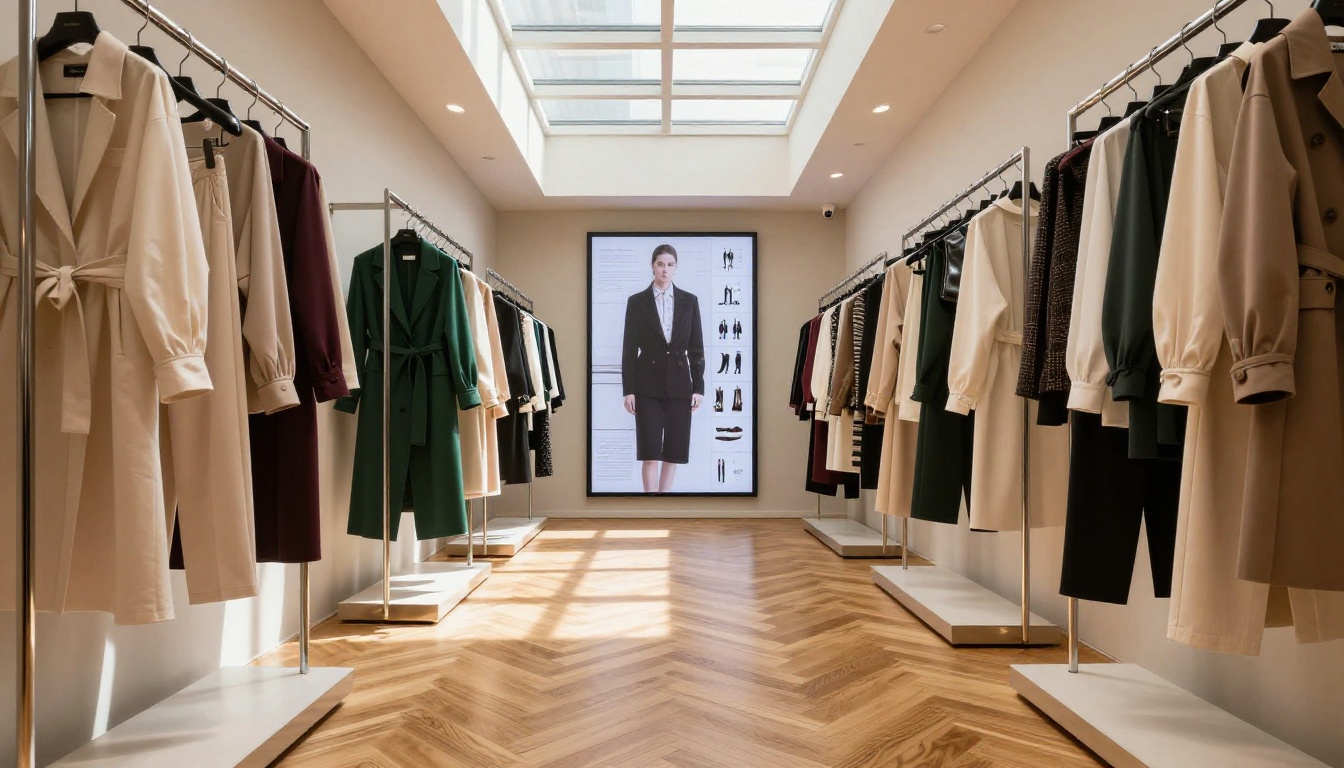
Seasonal lookbooks are the natural fit. A fashion boutique publishes a new flip catalog at the start of each season, embedding it on the homepage and sharing it via email to their subscriber list. Each product image links directly to the item on the store. The Fashion Catalog tool provides templates formatted specifically for apparel presentations, including full-bleed editorial spreads.
Common use cases:
- New arrivals lookbook with direct-to-product links
- Sale event catalog with countdown timer landing pages
- VIP preview catalog (password protected) for loyal customers
- Wholesale buyer catalog with trade pricing tiers
Home Decor and Furniture Stores
Room-set photography lands differently in a flipbook than in a scrolling product grid. A furniture store that assembles full room spreads across double-page layouts gives customers the inspiration-browsing experience that interior design magazines provide. The Furniture Catalog Maker is built specifically for this format.
Practical example: A furniture retailer creates separate flipbook catalogs for each room category: living room, bedroom, dining. Each catalog links to an "Add to Cart" button on every product and lives on the relevant category page via embed code.
Food, Specialty, and Gift Retail
Seasonal product collections, corporate gift guides, and artisan food catalogs all benefit from the flipbook format. A specialty food retailer creates a holiday gift guide flipbook, embeds it in their email campaign, and tracks which product pages generate the most clicks. The Product Catalog Generator handles this category well with flexible grid and editorial layouts.
Flipbooks AI Plans for Store Owners
Choosing the right plan depends on how aggressively you want to use catalog marketing. Here is what each tier offers:
| Feature | Free | Standard | Professional |
|---|
| Flipbooks | 1 | Unlimited | Unlimited |
| Watermark | Yes | No | No |
| Custom Branding | No | Yes | Yes |
| Password Protection | No | Yes | Yes |
| Analytics | No | Basic | Advanced |
| Lead Generation Forms | No | No | Yes |
| Offline Downloads | No | No | Yes |
| Embed on Website | Yes | Yes | Yes |
| Custom Domain | No | No | Yes |
⚠️ The free plan includes a Flipbooks AI watermark on your catalog. For professional retail use, the Standard plan removes it and unlocks unlimited catalog creation with no restrictions.
Most store owners find the Standard plan sufficient for ongoing catalog marketing. The Professional plan at flipbooksai.com/pricing becomes the right choice when you want lead capture forms inside the catalog or need offline PDF downloads for trade shows and in-store kiosks.
Features That Actually Move Products
Not every interactive catalog feature has equal impact on sales. These three drive the most direct results.
Page-Level Analytics
The Professional plan shows detailed data on which catalog pages attract the most time and which links get clicked. For a store with 40 product pages, this is invaluable: you see exactly where shoppers stop, which products get tapped, and where they exit. Use this to restructure future catalog layouts, placing high-performing categories in the opening spreads where attention is highest.
In-Catalog Lead Generation
A lead capture form can appear after a set number of pages have been viewed. A visitor browsing your new furniture collection sees a pop-up: "Get 10% off your first order, enter your email." The form captures the lead, delivers the discount, and adds a new subscriber to your email list. This feature is included in the Professional plan.
Offline Access for Any Situation
For trade shows, pop-up markets, and locations with unreliable WiFi, offline access keeps your catalog working. Customers or sales staff can download the flipbook as an offline package and present it on any device without an internet connection, which is particularly valuable during outdoor events or showroom demonstrations.
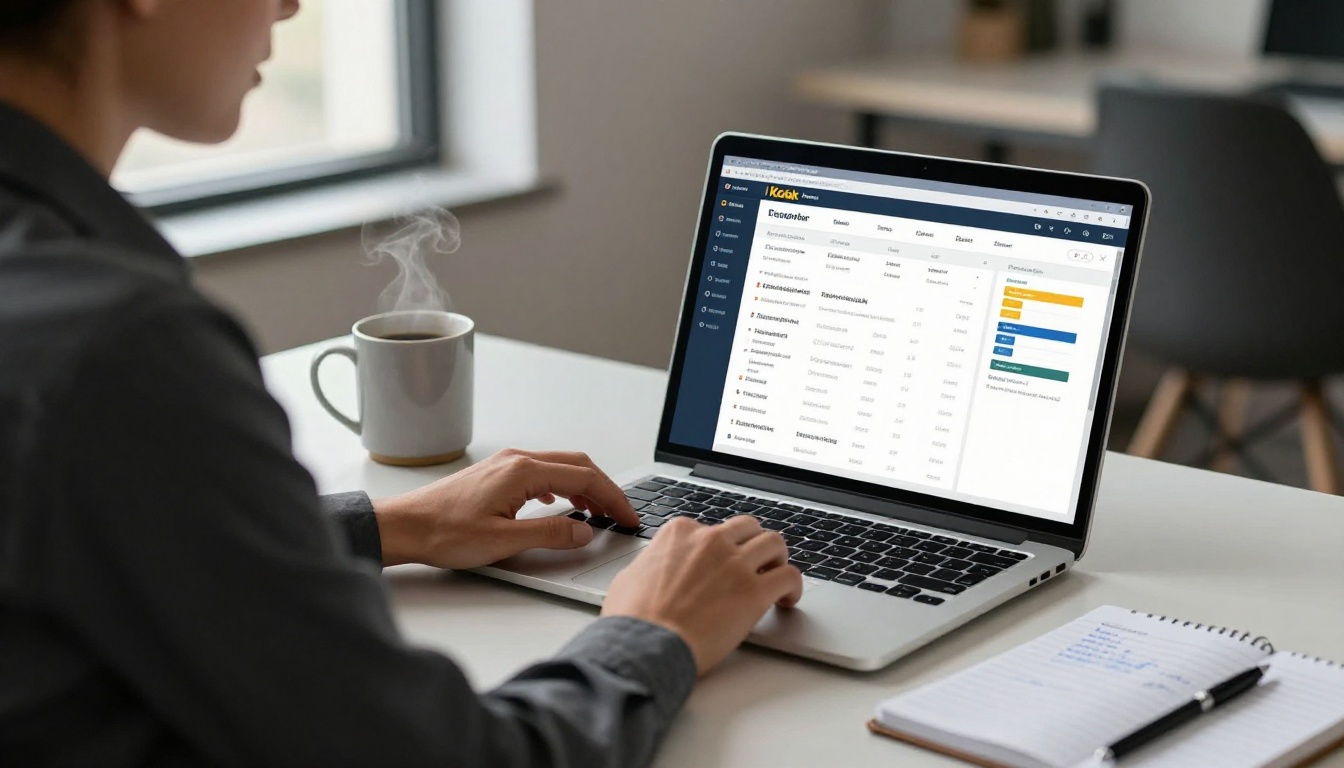
Even with the right platform, these errors consistently reduce catalog results:
- Low-resolution source PDFs: Upscaling a 72 DPI PDF produces blurry product images in the flipbook. Always use print-quality source files at 300 DPI or higher.
- Too many pages without navigation anchors: Catalogs over 60 pages need a table of contents page with anchor links to major sections. Without it, customers get disoriented and exit.
- No product links added: A flipbook without clickable product links is just a prettier PDF. Add direct-to-cart or direct-to-product-page links on every item featured.
- Only sharing via direct link: A link shared once in an email reaches a fraction of your potential audience. Embed the catalog on category pages, your homepage, and campaign landing pages.
✅ Before publishing, open the catalog on your phone and test every product link. Broken links on mobile are the single most common flip catalog failure point and the easiest to catch before going live.
Getting Your Catalog in Front of Shoppers
A flip catalog is only as effective as its distribution. These three channels drive the most views consistently.
Embed Where Shoppers Already Browse
Use the embed code from Flipbooks AI to place your catalog directly on:
- Homepage hero section (seasonal featured catalog)
- Category pages (relevant catalog for each product section)
- Campaign landing pages (sale events or new arrival announcements)
- Blog posts and buying guides where relevant
The Embed Flipbook on Website tool generates clean iframe code that works with any website platform: Shopify, WooCommerce, Squarespace, Wix, or custom-built sites.
Social Media Sharing
Share specific catalog pages directly to Instagram, Pinterest, and Facebook. A page featuring your bestselling product mid-catalog drives traffic back to the full flipbook experience. The shareable page URL keeps the destination intact: visitors land directly on the page you shared, then browse forward and backward from there naturally.
Email Campaigns
Embed a thumbnail screenshot of the catalog cover in your email with a prominent "Browse the Catalog" button. Subscribers who click land on the live flipbook. For email platforms that do not render embedded content, the thumbnail-plus-link approach consistently outperforms plain text product lists in click-through rates.
| Distribution Channel | Effort Level | Expected Impact | Best Application |
|---|
| Website Embed | Low | High | Ongoing product discovery |
| Email Campaign | Medium | Medium-High | Seasonal launches |
| Social Media Share | Low | Medium | New arrivals, promotions |
| Paid Ad Landing Page | High | High | Specific product pushes |
| In-Store QR Code | Low | Situational | Physical to digital bridge |
Your Catalog Should Work as Hard as Your Products Do
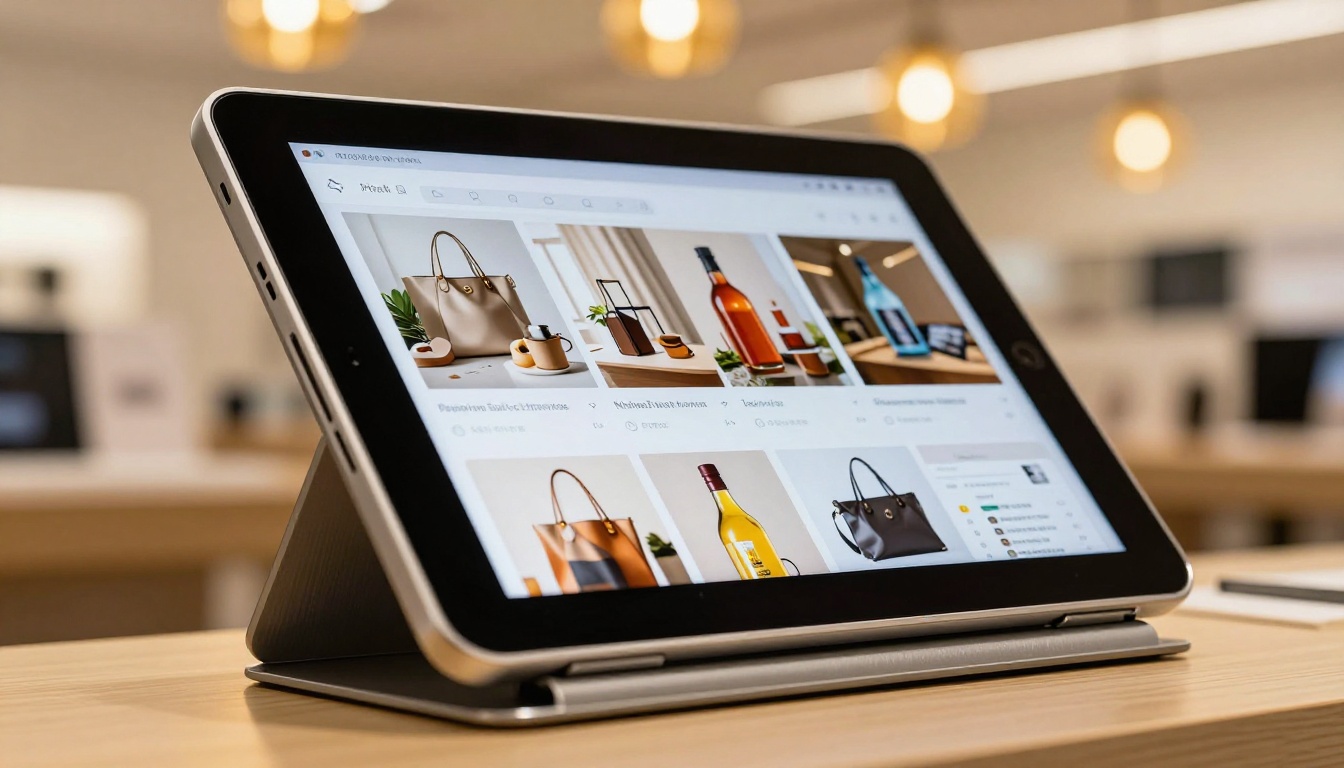
Your product catalog is one of the highest-leverage marketing assets your store produces. A digital catalog with page flip effect built on Flipbooks AI turns that asset into a live, trackable, shoppable experience that works on any device, in any location, at any time of day.
Static PDFs had their moment. Stores growing right now are using interactive flipbooks to keep shoppers engaged, capture leads, and drive direct product clicks. The technology is accessible and the cost is low relative to the sales impact it creates.
Ready to build your store's first interactive catalog? Get started for free on Flipbooks AI. Browse the catalog tools to find the right template for your store type, or compare plans to see which features fit your business best.



