Static PDFs sitting in a shared drive are not textbooks. They are digital paperweights. Students scroll awkwardly through flat documents, lose their place after closing a tab, and never return to finish the chapter. If you distribute educational content as a plain PDF, you are working against the very reading habits that make content stick. There is a straightforward fix: turn those same files into interactive digital textbooks using a flipbook maker. Flipbooks AI converts any PDF into a page-turning reading experience in minutes, with no design software or coding required.

Why PDFs Are Failing Students
The Problem with Flat Reading Materials
A PDF was never designed for reading. It was designed for printing. When a student opens a 300-page academic PDF on a phone, they are looking at a document built for an A4 sheet of paper, now crammed onto a 6-inch screen. The font shrinks, the margins disappear, and the reading experience falls apart fast.
Beyond layout issues, flat PDFs offer nothing interactive. There are no clickable chapters, no embedded videos, no audio explanations, and no way to know whether anyone actually opened the file. From an educator's perspective, distributing a PDF is essentially throwing content into a void and hoping it lands.
The global digital education market continues to grow, with more institutions moving toward online-first or hybrid learning. That shift demands content formats that perform in a browser, on a tablet, and on a phone, without friction.
What Digital Textbooks Actually Need
A truly effective digital textbook has several characteristics that go well beyond text on a screen:
- Intuitive navigation: Students should jump to any chapter in a single click, not scroll through hundreds of pages
- Responsive layout: Content must reflow correctly on every screen size automatically
- Multimedia support: Videos, audio clips, and interactive diagrams belong inside the content itself
- Shareable and embeddable: Teachers should distribute one link or embed code and the entire class has immediate access
- Readable data: Instructors benefit from knowing which sections students actually spend time on
This is precisely what a flipbook format delivers when built on the right platform.
What a Flipbook Maker Does for Education
Page-Flip Reading Experience Online
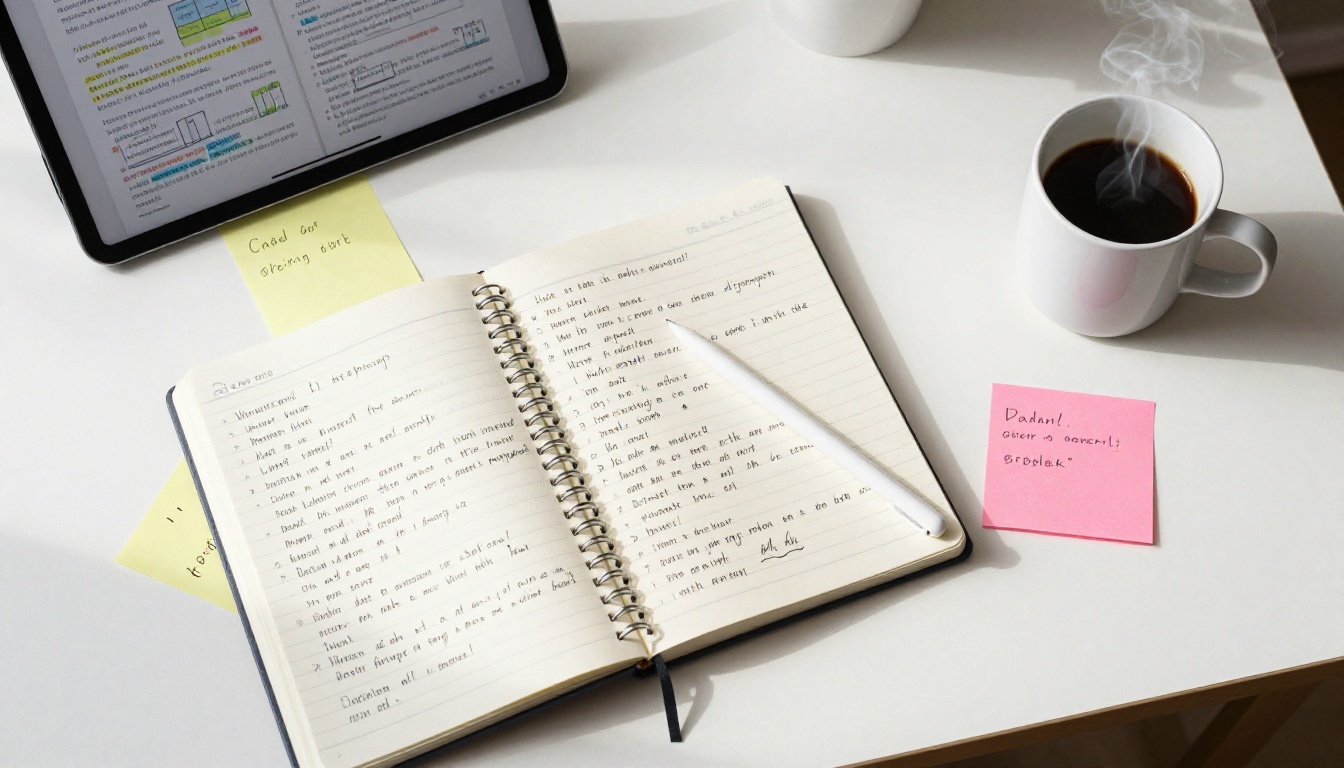
The page-flip effect is more than aesthetic. Physical page-turning gives readers a spatial mental model of a text, a sense of exactly where they are in the material. Digital flipbooks replicate this cue in a browser, and that tactile metaphor matters, particularly for younger learners who grew up with physical books before transitioning to screens.
When a student opens a flipbook textbook, they see two pages side by side, can drag a corner to flip forward, and feel the natural rhythm of working through a physical book. Flipbooks AI renders this experience with smooth animation on every device. There is nothing to install. Students click a link, and the textbook opens instantly.
Multimedia You Can Embed Directly
A flipbook is not a static document. Educators can embed the following directly inside course material pages:
- YouTube and Vimeo videos that play in place without redirecting students to another tab
- Audio narrations for accessibility or language learning modules
- Hyperlinks pointing to external reading, citations, and supplemental resources
- Animated GIFs illustrating scientific processes or step-by-step procedures
This turns a standard course syllabus or textbook chapter into something much closer to an interactive lesson. Content stays in one place, and students do not need to switch between tabs to find supporting material.
How to Build Your Digital Textbook on Flipbooks AI
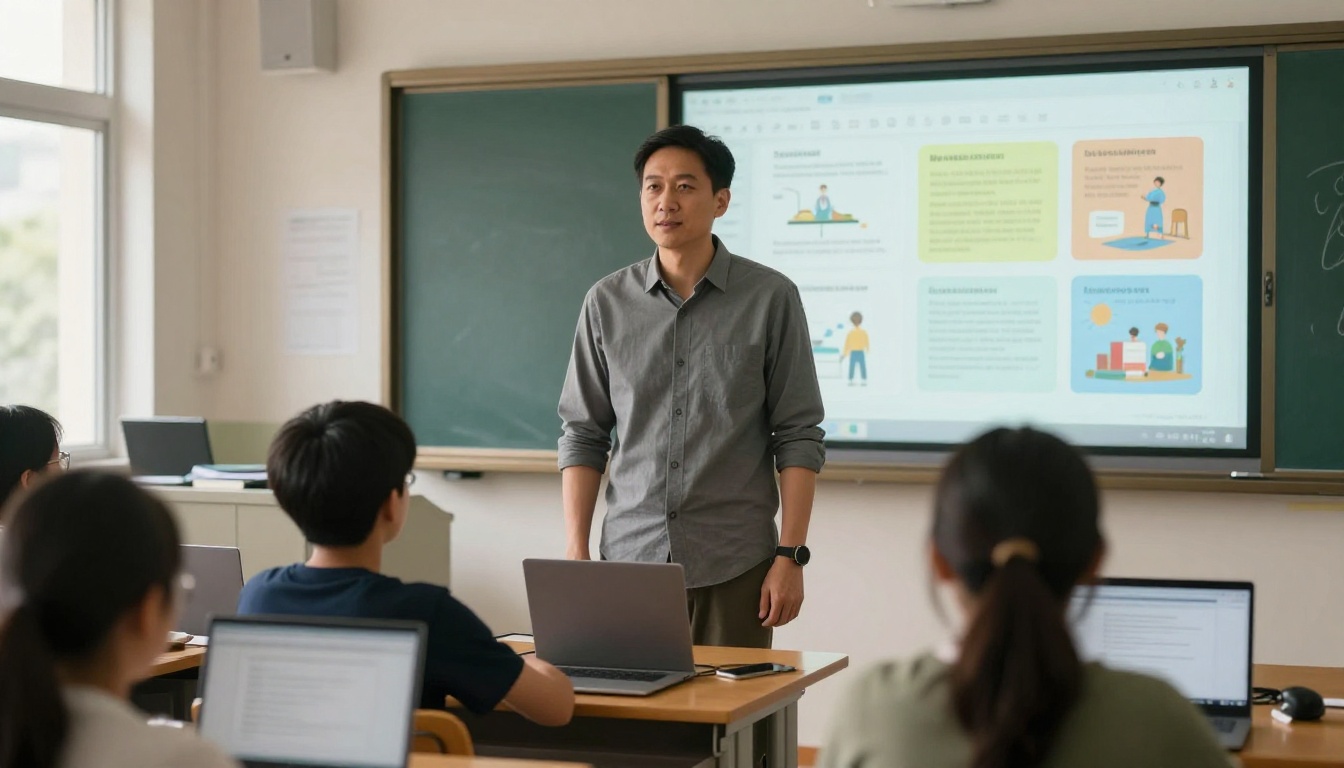
The process of publishing a digital textbook on Flipbooks AI takes less time than most educators expect. Here is the full workflow from PDF to published, ready-to-share textbook.
1. Create an Account and Upload Your PDF
Visit Flipbooks AI and create a free account. Inside the dashboard, click New Flipbook and upload your PDF file. The platform supports files of several hundred pages and automatically processes each page into high-resolution flipbook spreads.
💡 Prepare your PDF at 150 DPI minimum for crisp text and diagrams. If your original was designed in PowerPoint or Google Slides, export as PDF before uploading.
The upload processes quickly for smaller files and takes a couple of minutes for larger course materials. The system confirms automatically when processing is complete.
2. Customize Branding and Layout
Once uploaded, open the Editor to customize the textbook appearance:
- Set institutional or brand colors for the cover and navigation bar
- Upload a custom logo to replace the default branding
- Choose the page background: white, cream, or dark mode for nighttime reading
- Select a thumbnail cover image to represent the textbook clearly in your dashboard
For schools and universities maintaining consistent branding across course materials, this step ensures every published textbook looks like it belongs to the same institutional family.
3. Add Videos, Audio, and Interactive Links
Inside the editor, select any page and use the Media Layer tool to place embedded content:
- Paste a YouTube URL directly onto a page to embed a video window students can play in place
- Add audio files for narrated sections, making content more accessible for students with reading difficulties
- Hyperlink keywords, citations, or chapter titles to jump to specific pages or external URLs
This is where a digital textbook genuinely separates from a PDF. The Course Material Publisher tool on Flipbooks AI is specifically built for this workflow, producing polished academic publications without technical knowledge.

4. Set Sharing and Access Options
With your textbook ready, choose how students access it:
- Direct link: Copy one URL and share it via email, LMS, or messaging app
- Embed code: Paste an iframe snippet into Canvas, Moodle, Blackboard, or a school website
- Password protection: Restrict access to enrolled students only with a single password
- Download option: Allow students to save an offline version for areas with limited connectivity
✅ Password protection is available on all paid plans and is ideal for proprietary or paid course content. Students enter the password once and gain full access without additional steps.
5. Track Reading Activity with Analytics
On the Professional plan, educators gain access to built-in analytics:
- Total reads and unique visitors per textbook
- Average time spent on each page spread
- Geographic data showing where students are accessing from
- Lead generation forms to collect student emails on access
This data is genuinely useful for instructors. If students consistently drop off at chapter six, that chapter may need restructuring or additional support content.
Real-World Use Cases Across Education
K-12 Teachers and School Districts
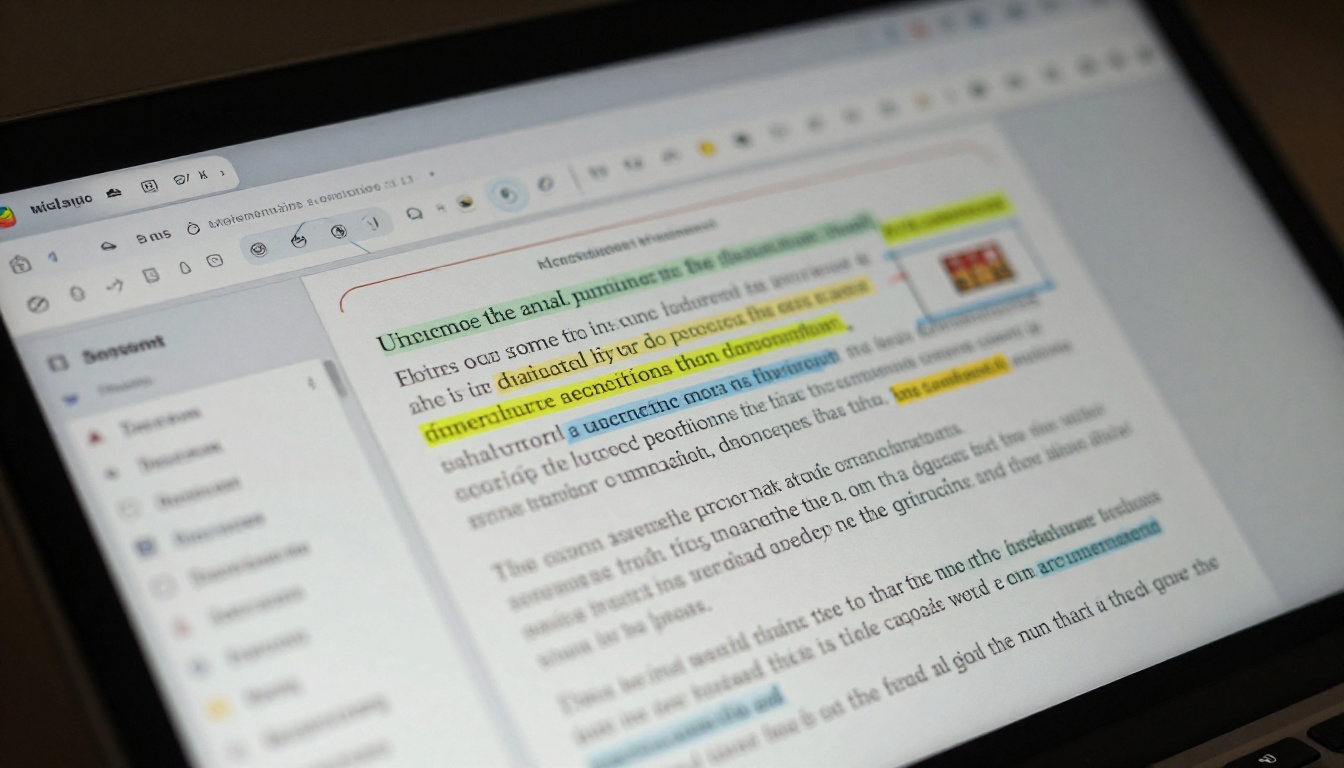
A high school science teacher in a 1:1 device program can publish the entire semester's curriculum as a series of linked flipbooks. Each unit becomes its own digital textbook: embedded lab videos, hyperlinked glossary terms, and chapter quizzes via external links. Students bookmark the direct URL and return throughout the semester.
School districts with limited print budgets use digital flipbooks to eliminate the cost of printing course packets entirely. One PDF upload creates an asset every student in the district can access simultaneously, on any device.
The School Newsletter Creator and Yearbook Flipbook Maker tools extend this further, allowing schools to build a full digital publishing ecosystem on one platform, well beyond just textbooks.
Universities and Online Course Creators
A university professor teaching a 200-student lecture course can replace their static reading list with a single published flipbook containing curated excerpts, embedded lecture clips, and annotated diagrams. Students access the material on any device without downloading a file.
Independent course creators on platforms like Teachable or Thinkific benefit from using flipbooks as polished course workbooks. The Interactive E-Book Publisher and E-Book Flipbook Generator tools support exactly this use case, producing digital publications that immediately raise the perceived value of a paid course.

Corporate Training and Employee Onboarding
Training departments at mid-size companies face the same problem as schools: a pile of PDF manuals that employees skim once and never open again. Converting those manuals into flipbook-format training materials measurably improves completion rates.
The Training Manual Flipbook tool was built for this scenario. A 40-page onboarding manual becomes a navigable, media-rich digital experience. New employees access it from any device, HR monitors reading data via analytics, and updates are pushed live without reprinting anything.
Flipbook vs. PDF vs. Standard eBook
Not all digital formats serve educational content equally. Here is a direct comparison across the formats most educators currently use:
| Feature | Plain PDF | Standard eBook (ePub) | Flipbook on Flipbooks AI |
|---|
| Page-flip reading experience | No | No | Yes |
| Embed videos and audio | No | Limited | Yes |
| Mobile responsive | Poor | Partial | Full |
| Custom branding | No | Limited | Yes |
| Analytics and tracking | No | No | Yes (Pro plan) |
| Password protection | No | No | Yes |
| Offline access | Yes | Yes | Yes (download) |
| No watermark | Yes | Yes | Yes (all paid plans) |
| Shareable via direct link | Requires hosting | No | Yes |
| Embed in website or LMS | No | No | Yes |
The flipbook format wins for interactive educational distribution. PDFs still serve archival and printing purposes well. But for reading in a browser, on a phone, or inside an LMS, the flipbook is the right format.

Plans and Pricing at a Glance
Flipbooks AI offers tiered pricing designed to scale from individual educators to entire institutions:
| Plan | Flipbooks | Analytics | Password Protection | Offline Downloads | Best For |
|---|
| Free | Limited | No | No | No | Testing and personal projects |
| Standard | Unlimited | No | Yes | No | Teachers, solo course creators |
| Professional | Unlimited | Yes | Yes | Yes | Institutions, paid course sellers |
⚠️ The Free plan includes a Flipbooks AI watermark on published content. Upgrading to Standard removes watermarks entirely and enables unlimited flipbook creation for every course and material you publish.
For schools and universities, the Professional plan's analytics are particularly valuable: instructors gain real visibility into which materials students actually read, and for how long.
Features That Matter Most for Educators
When evaluating a flipbook maker for educational use, these features are non-negotiable. Here is how Flipbooks AI performs on each:
| Feature | Why It Matters for Education | Flipbooks AI |
|---|
| No watermarks | Professional credibility for published course content | Yes (Standard+) |
| Unlimited flipbooks | Full semester of materials without extra cost | Yes (Standard+) |
| Password protection | Secure access for paid or proprietary content | Yes |
| Mobile-responsive design | Students read on phones as often as laptops | Yes |
| Video embeds | Lecture clips and tutorials inside the course material | Yes |
| Reading data | Measure which sections students spend time on | Yes (Pro) |
| Offline download | Students in low-connectivity areas still access content | Yes (Pro) |
| Custom branding | Consistent institutional identity across publications | Yes |
| LMS embed support | Direct integration into Canvas, Moodle, Blackboard | Yes |
| Lead generation forms | Collect student contact information on access | Yes (Pro) |

5 Mistakes to Avoid When Publishing Digital Textbooks
Educators adopting flipbooks for the first time make a handful of predictable errors. Knowing them in advance saves time:
- Uploading low-resolution PDFs: Images and diagrams pixelate at scale. Always export at 150 DPI or above before uploading.
- Skipping the table of contents: Long textbooks without clear chapter navigation frustrate students. Use PDF bookmarks before uploading so chapters appear in the flipbook sidebar automatically.
- Ignoring the mobile preview: Always check the flipbook on a phone before distributing. What looks fine on a desktop monitor may need adjustments for small screens.
- Not using password protection: Sharing unprotected direct links to paid or proprietary materials is a significant risk. Enable password protection on all sensitive course content from day one.
- Forgetting to embed multimedia: A flipbook without any media is just a fancier PDF. Take the extra time to add relevant videos and audio to the sections where students need the most support.
💡 Use the Course Material Publisher for structured academic content, and the Training Manual Flipbook tool for professional development materials. Both include optimized templates for educational layouts.
Your Digital Textbooks Start Here
The gap between a PDF and a truly effective digital textbook is not a large one. It requires the right tool and about ten minutes. Every classroom, course, or training program distributing flat PDFs is leaving better reading outcomes, accessibility, and measurable results on the table.
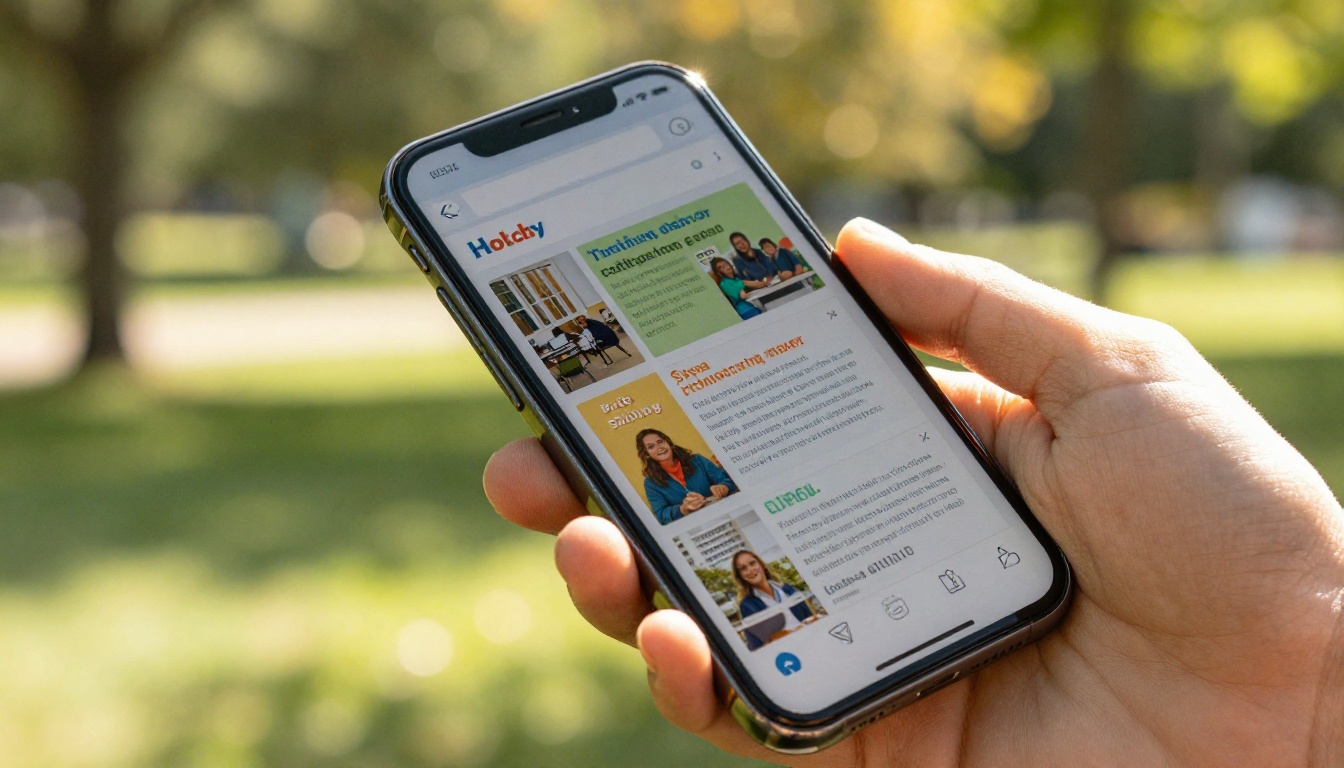
Flipbooks AI gives educators a straightforward path from PDF to published: upload, customize, embed media, and share. The reading experience improves immediately. Students open a link instead of downloading a file, stay in the content because the format respects their device, and instructors gain real visibility into what students actually read.
Ready to publish your first digital textbook? Create your free account on Flipbooks AI and upload your first PDF today. Browse all educational tools and templates to find the right format for your content, or compare pricing plans to find the option that fits your institution.



