Most people only think to ask this question after something has already gone wrong: a link stopped working, a client reported the flipbook was inaccessible, or they logged into an old account and found their publications missing. If you've landed here because one of those things just happened to you, or because you're planning ahead before trusting digital flipbooks with important content, you're asking exactly the right question.
The short answer: yes, flipbooks can expire, but whether yours do depends almost entirely on which platform you're using and which plan you're on.
Flipbooks AI gives you permanent hosting as long as your account remains active, with publication access tied directly to your subscription status. But the details matter enormously if you're planning to share flipbooks with clients, embed them on websites, or rely on them for ongoing business operations.

It Depends on Your Plan
Not all flipbook platforms handle content storage the same way. Some delete publications after a set number of days. Others restrict access when a subscription lapses. A few keep your files indefinitely regardless of payment status.
On most subscription-based platforms, flipbooks are hosted for as long as your account is paid and active. When you cancel or downgrade, the behavior varies considerably:
- Some platforms delete immediately: Your flipbooks and links go dead within hours of cancellation
- Some provide a grace period: You get 30 to 90 days before deletion
- Some archive but don't delete: Your content becomes inaccessible to viewers but is preserved for reactivation
- Some downgrade to a limited state: Free plan restrictions apply, making some flipbooks unavailable
The important thing to understand is that a flipbook "expiring" is not automatic. It's always tied to an account or plan event. Flipbooks don't just vanish after sitting unused for two years. What usually causes them to disappear is a change in account status, a failed payment, or deliberate cancellation.
When a Free Plan Hits Its Limits
Most platforms offer a free tier with restrictions. These limits often include a maximum number of flipbooks, reduced storage, watermarks, or restricted sharing features.

On Flipbooks AI, the most robust, uninterrupted, permanent access comes with a paid subscription. The Standard plan and above include unlimited flipbooks with no watermarks, meaning your content stays live and branded as long as your subscription is active.
⚠️ Warning: Publishing business-critical content on a free plan, then letting the account sit dormant, is the most common way people lose access to their flipbooks. Always verify your plan limits before committing to flipbooks as a long-term sharing solution.
Here's what typically changes between plan tiers:
| Feature | Free Plan | Standard Plan | Professional Plan |
|---|
| Number of flipbooks | Limited (1-3) | Unlimited | Unlimited |
| Watermarks | Yes | No | No |
| Custom domain | No | Yes | Yes |
| Password protection | No | Yes | Yes |
| Analytics | None | Standard | Full with Lead Gen |
| Offline downloads | No | No | Yes |
| Embed on website | Limited | Yes | Yes |
| Custom branding | No | Yes | Yes |
The real risk is not hitting a hard expiration date on a timer. It's having your content silently degraded or restricted without realizing it until a client or reader reports a broken link.
How Paid Plans Handle Long-Term Storage
Paid plans offer much more stability for your content. The critical distinction is what happens at cancellation versus during active use.

On platforms with solid infrastructure, your flipbooks stay hosted and your shareable links stay active for the full duration of your subscription. When you upgrade from a lower plan to a higher one, you typically gain features like password protection, analytics, and offline download capabilities without any disruption to existing publications.
On Flipbooks AI's pricing page, you'll find the plan tiers clearly listed so you can match your publishing volume and access requirements with the right level of hosting.
💡 Pro Tip: If you're sharing flipbooks with long-term relevance, like annual reports, product catalogs, or training manuals, always host them on a paid plan. The investment in uninterrupted uptime far outweighs the cost of explaining broken links to stakeholders or clients.
Here's how plan changes typically affect content longevity:
| Plan Event | What Happens to Your Flipbooks |
|---|
| Active subscription | All flipbooks live and accessible to all viewers |
| Subscription upgraded | All flipbooks remain live, new features added |
| Subscription downgraded | Flipbooks may be restricted to plan limits |
| Subscription cancelled | Flipbooks archived or deleted, platform-dependent |
| Account reactivated | Flipbooks restored if within the recovery window |
| Payment failed | Content may be suspended until billing is resolved |
Flipbook Link Expiration: Fact vs. Fiction
A lot of confusion around flipbook expiration actually centers on sharing links, not the flipbooks themselves. There's a real difference between the two.

Sharing links themselves rarely have their own built-in expiration. They're URLs pointing to your hosted flipbook. If the flipbook stays live, the link works. If the flipbook goes offline due to account issues, the link breaks.
The exception is password-protected flipbooks, which are designed to limit access. If you change or remove the password, existing viewers need the new credentials. But the link itself doesn't expire on a timer.
Common myths and the truth behind them:
- "Links expire after 30 days": False for most platforms. Links stay live as long as the flipbook is hosted and accessible
- "Flipbooks delete themselves after inactivity": False. Platforms don't auto-delete flipbooks because no one viewed them recently
- "Embedding a flipbook on a website removes your access control": False. Password protection and embed controls give you full authority over who can view the content
✅ Best Practice: Always generate your shareable link from within the platform dashboard rather than copying URLs from your browser address bar. Platform-generated links are more stable and track analytics correctly.
How Shareable Links Actually Work
When someone visits your flipbook link, the platform serves the content from its cloud infrastructure. The link is a reference point, and the flipbook is what it references. The two are connected through your account status.
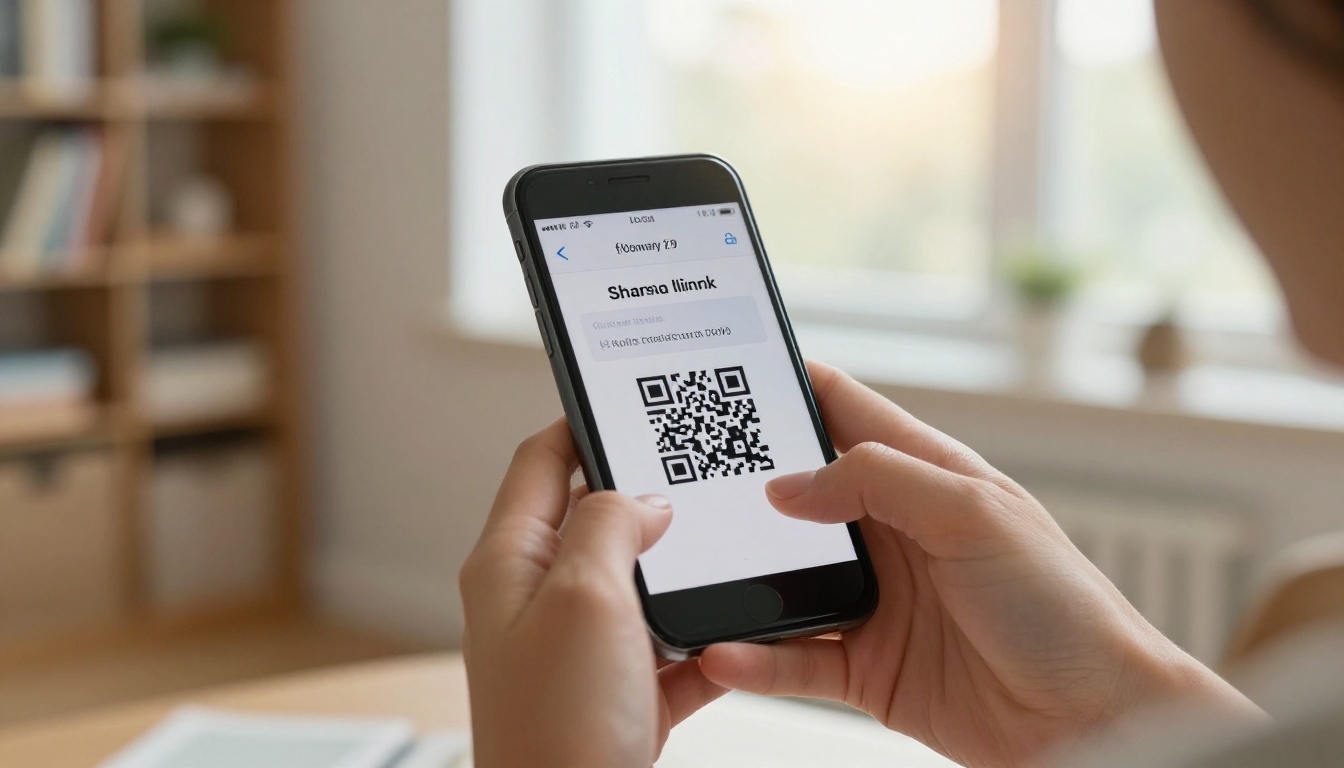
On Flipbooks AI, when you share a flipbook via its direct link, that link remains functional for as long as:
- Your account is active and in good standing
- The flipbook has not been manually deleted
- Your plan includes the features used in that flipbook (for example, password protection requires a paid plan)
This is exactly why plan management matters so much. It's not just about features. It's about keeping your shared content accessible to everyone who has that link, whether they received it a week ago or two years ago.
What Gets Deleted and What Stays
Not everything disappears when a plan changes. Here's a clearer picture of what typically happens to different types of content.

What usually stays (even during a plan downgrade):
- Your account credentials and login access
- Flipbooks that fall within the free plan's publication count limit
- Original source files in some platform architectures
- Basic view history and limited analytics records
What often gets restricted or removed:
- Flipbooks that exceed the plan's publication count
- Custom branding, domain, and logo settings
- Password protection on affected publications
- Analytics data beyond what the new plan supports
- Embedded videos and audio (if tied to a higher-tier feature)
The specific behavior depends entirely on the platform's policies. On Flipbooks AI, the platform is designed to keep your content stable and your readers able to access what you've shared, which is why many businesses and publishers choose it as their long-term digital publishing home.
Keeping Your Flipbooks Active
The most reliable way to ensure your flipbooks never expire is to treat them with the same seriousness as any other piece of business infrastructure: manage plans actively, monitor billing, and audit your live publications regularly.

1. Stay on a paid plan that matches your usage
If you have more than two or three flipbooks actively shared with clients or embedded on websites, a paid plan is the only reliable choice. Check the pricing options to find the right tier for your publishing volume.
2. Keep your billing information current
Most account-related content loss happens not from deliberate cancellation but from a failed payment. Set a calendar reminder before your renewal date and keep your payment method updated in your account settings.
3. Download your original PDFs as backups
Even if a platform stores your files, maintain local copies of your original PDFs. If you ever need to switch platforms or reupload after a disruption, you won't be starting from scratch.
4. Use stable, platform-generated embed codes
If you embed flipbooks on your website, use the platform's official embed code rather than direct file paths. Platform embed codes are more resilient to backend changes and infrastructure updates.
5. Test your links periodically
For evergreen content like product catalogs, training manuals, or annual reports, make a habit of clicking your shared links every quarter to confirm they still resolve correctly.
💡 Pro Tip: Build a simple spreadsheet listing all your live flipbook links, when they were shared, and who has access. This makes auditing much easier when plans change or you add a new team member to your organization.
Creating a Flipbook Built to Last
If you're starting fresh and want to build flipbooks that stay accessible for the long term, the workflow on Flipbooks AI is built around exactly that goal.
Step 1: Set up your account
Head to Flipbooks AI and create your account. Choose a plan that fits your publishing volume. If you're actively sharing more than a few flipbooks, the Standard plan gives you unlimited publications without watermarks.
Step 2: Upload your PDF
Use the PDF to Flipbook Converter to upload your document. The platform converts it into an interactive flipbook with smooth page-turn animations automatically, with no design software required.
Step 3: Customize your publication
Add your branding: logo, custom colors, and a custom domain if your plan includes it. You can also embed videos, audio, and hyperlinks directly into your pages for a richer reading experience.
Step 4: Set your sharing preferences
Choose how your flipbook will be distributed. Options include:
- Public link: Anyone with the URL can view it immediately
- Password protection: Viewers need a password you set to gain access
- Embed code: Place your flipbook directly into any webpage using the Embed Flipbook on Website tool
Step 5: Monitor with analytics
On the Professional plan, you get full viewer analytics, geographic breakdown data, and lead generation form capabilities. This is particularly valuable for sales presentations, e-magazines, and interactive e-books where understanding audience behavior directly informs your content strategy.
Content Longevity by Use Case
Different business types have different hosting requirements. Here's how common use cases match up with the right plan tier to avoid unexpected access loss.

| Use Case | Recommended Plan | Why |
|---|
| Testing the platform | Free | Limited publications, no commitment needed |
| Small business with fewer than 10 flipbooks | Standard | Unlimited flipbooks, no watermarks, custom branding |
| Marketing agency with client work | Standard or Professional | Multiple flipbooks per client, embed features |
| Publishers and e-magazine creators | Professional | Analytics, lead generation, offline downloads |
| Corporate annual reports | Professional | Full access controls, detailed stakeholder analytics |
| Restaurant menus and spa catalogs | Standard | Permanent links, custom branding, no watermarks |
| Real estate brochures | Standard | Unlimited publications, branded experience |
| Portfolios and lookbooks | Standard or Professional | Embed controls, custom domain |
For businesses using tools like the Digital Catalog Maker, Hotel Brochure Designer, or Real Estate Brochure Creator, uptime and permanent access are non-negotiable. Clients expect the links they receive to work six months later, not just the week you sent them.
If Your Flipbook Already Expired
If you're reading this because your flipbook link is already broken, here's the fastest path to restoring access:
- Log into your account and check your subscription status. A lapsed payment is the most common cause of sudden access loss
- Reactivate or upgrade your plan if needed. On Flipbooks AI, reactivating your subscription often restores access to archived flipbooks without requiring you to reupload
- Reupload your PDF if your original flipbook was deleted and you have the source file. The conversion process takes just a few minutes
- Regenerate your sharing link after restoring the flipbook and send the updated link to anyone who had the old one
⚠️ Warning: Not all platforms offer a recovery window after cancellation. If your account has been lapsed for more than 90 days, there's a real possibility the data is permanently gone. Prevention is far simpler than recovery.
The content you publish as digital flipbooks represents real business value, whether it's a catalog shared with hundreds of customers, a training manual accessed by your entire team, or a portfolio sent to prospective clients. Keeping that content accessible is part of your professional reputation.
Choose a plan that keeps your flipbooks always live, browse all available flipbook tools for your specific use case, and never rely on a free plan for content your business depends on.



