Every email marketer eventually hits the same wall. You've built a stunning flipbook, your subscribers are on the list, and someone in the team asks: "Can we just put it in the email?" It's a fair question. But the answer involves some uncomfortable truths about how email actually works in 2027 — and some genuinely good news about what you can do instead.
The short version: flipbooks, as interactive HTML experiences, do not render inside email clients. The long version is why that matters less than you think, and what strategies actually move the needle when you combine flipbooks with email marketing through Flipbooks AI.
Why Email Clients Block Interactive Content
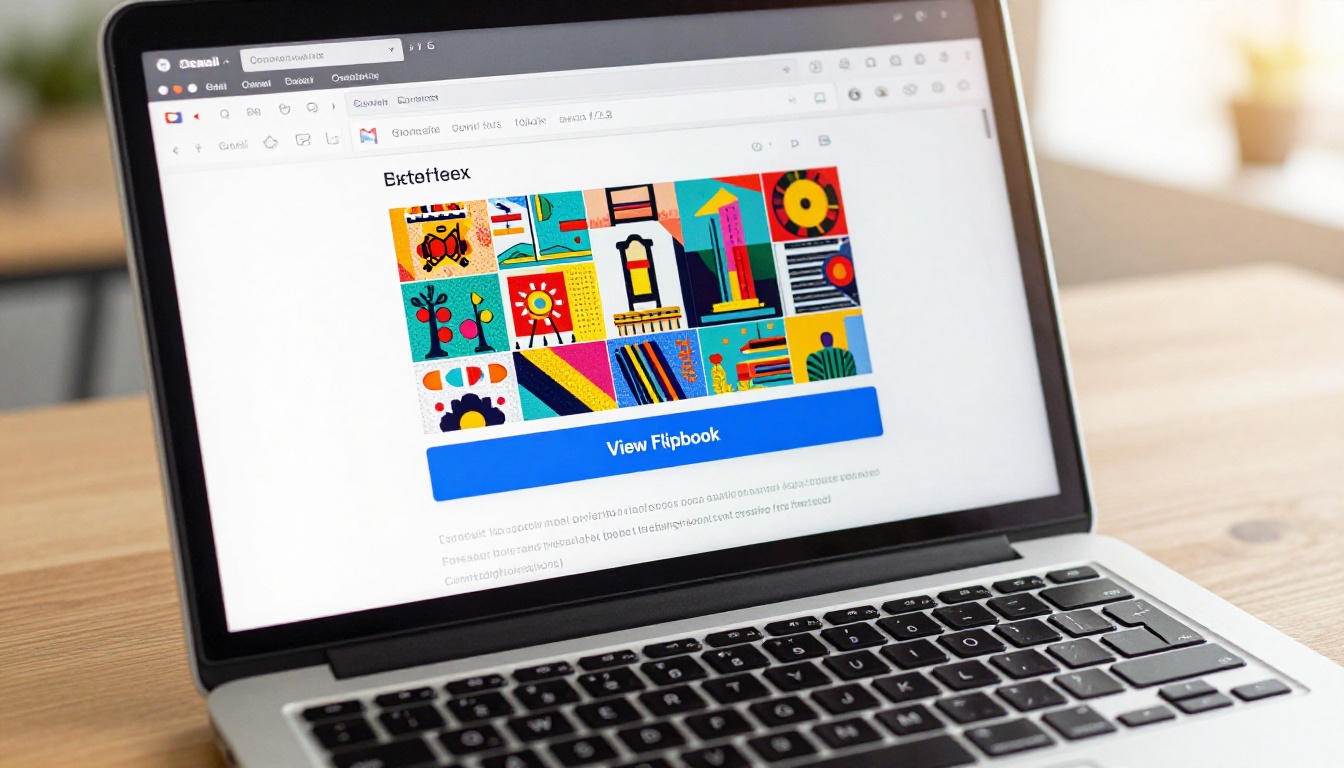
Email is not the web. This is the single most important thing to grasp when thinking about whether flipbooks work inside emails. A flipbook is a web application. It relies on JavaScript to animate page turns, respond to clicks, handle touch gestures, and load external assets. Email clients, deliberately, strip all of that out.
The JavaScript Problem
Gmail, Outlook, Apple Mail, and virtually every major email client refuse to execute JavaScript inside email messages. This is not a bug. It is an intentional security decision made to protect users from malicious scripts that could run automatically when an email is opened. The result is that any embed requiring JavaScript simply does not function.
A flipbook embedded via an iFrame (even if you could get the iFrame to render) depends entirely on JavaScript for its core functionality. Without it, you get a blank box, an error, or nothing at all.
What Email Clients Actually Render
Seeing what email clients do support clarifies everything. The table below shows real rendering support across the most common clients:
| Feature | Gmail | Outlook | Apple Mail | Yahoo Mail |
|---|
| HTML and CSS (basic) | ✅ Yes | ✅ Yes | ✅ Yes | ✅ Yes |
| Inline Images | ✅ Yes | ✅ Yes | ✅ Yes | ✅ Yes |
| Animated GIFs | ✅ Yes | ⚠️ First frame only | ✅ Yes | ✅ Yes |
| iFrame embeds | ❌ No | ❌ No | ❌ No | ❌ No |
| JavaScript | ❌ No | ❌ No | ❌ No | ❌ No |
| HTML5 Video | ❌ No | ❌ No | ⚠️ Limited | ❌ No |
| External CSS | ❌ No | ❌ No | ✅ Yes | ⚠️ Partial |
The pattern is unmistakable. Email supports text, images, links, and basic HTML structure. Anything interactive gets blocked.
⚠️ Warning: Even if a tool claims to "embed" a flipbook in email, what it is actually doing is inserting a static image or a GIF that looks like a flipbook. The actual interactive experience lives elsewhere, behind a link.
What "Embed" Actually Means in Email
When someone says they want to embed a flipbook in an email, they usually mean one of three things. It helps to be precise about what each approach actually produces:
| Approach | What You Send | What the Reader Sees | Interactive? |
|---|
| iFrame embed | HTML iframe tag | Nothing (blocked by client) | ❌ No |
| Animated GIF | .gif file | Page-flip animation loop | ❌ No |
| Screenshot thumbnail | Static .jpg/.png | One image of the flipbook | ❌ No |
| Preview image with link | Image + hyperlink | Clickable thumbnail that opens flipbook | ✅ Yes (after click) |
| Direct text link | Plain URL | Clickable link to hosted flipbook | ✅ Yes (after click) |
The only two approaches that actually work are the last two. The flipbook experience itself always happens in a browser, not in the email. What the email does is create a compelling enough reason to click through.
💡 Pro tip: A high-quality preview image with a clear call-to-action button consistently outperforms plain text links in every email benchmark study. Treat your flipbook thumbnail the same way you would treat a product photography shot for a paid ad.
The Method That Does Work: Linking
Linking to a hosted flipbook from inside an email is not a workaround or a compromise. It is the preferred professional approach, and for a concrete reason: it works on every device, in every email client, without exception. There is no rendering variance, no "check if the user's client supports X," and no silent failure.
The formula is simple:
- Create your flipbook on a platform that gives it a permanent public URL
- Take a screenshot or export a preview image from your flipbook's opening page
- Insert that image into your email as a clickable link pointing to your flipbook URL
- Add a clear CTA button below the image: "View Flipbook," "Read Now," "See the Catalog"
That is the entire strategy. The power is in the execution.
What Click-Through Rates Look Like
Flipbook links in emails consistently outperform standard links because the visual preview creates context and curiosity. Email campaigns using an image-linked flipbook preview report click-through rates between 4% and 9% depending on audience and content type, compared to the industry average of 2.5% for plain text email links.
The factors that shape performance:
- Preview image quality: A professionally designed opening page drives more clicks than a bland screenshot
- CTA copy: "View the full catalog" outperforms "Click here" by a meaningful margin
- Personalization: Sending a flipbook catalog relevant to a recipient's browsing history lifts clicks significantly
- Mobile rendering: Over 60% of email opens happen on phones, so the preview image must scale cleanly on small screens
How to Share a Flipbook in Your Email Campaign
The process breaks down into four clear steps, and Flipbooks AI makes each one straightforward to execute.
Step 1: Create and host your flipbook
Upload your PDF to Flipbooks AI. The platform converts it automatically into a fully hosted interactive flipbook with a permanent public URL. This URL is what you link to from your email.
Step 2: Configure sharing settings
From your flipbook dashboard, decide whether it should be public or password-protected. For marketing emails going to your subscriber list, public access is usually the right call. For proposals or confidential materials sent to specific clients, enable password protection and include the password in your email body.
Step 3: Export a preview image
Take a clean screenshot of your flipbook's opening spread, or use a high-quality image from your original PDF as a stand-in. Crop it to a 16:9 or 4:3 ratio for clean email rendering.
Step 4: Build the email
Insert your preview image into your email builder (Mailchimp, Klaviyo, HubSpot, Beehiiv, or any other platform). Hyperlink the image to your flipbook URL. Add a button with a direct call to action. Keep the email copy short. Your flipbook is the content. The email just gets the reader to click.
✅ Best practice: Always test on both desktop and mobile before sending. Confirm the image loads, the link works on touchscreens, and the flipbook opens correctly in mobile browsers.

How to Create a Shareable Flipbook with Flipbooks AI
Flipbooks AI is built for exactly this use case: creating professional-quality flipbooks that are immediately shareable via email, social, or direct link. Here is a step-by-step walkthrough of the full creation process.
Step 1: Sign Up and Upload Your PDF
Go to flipbooksai.com/account and create your free account. Once inside your dashboard, click "Upload PDF" and select your file. Flipbooks AI converts it automatically. No design software required.
What to upload: Any PDF works. For email campaigns, the most commonly used formats are:
Step 2: Customize Your Flipbook
After conversion, open the customization panel. Options include:
- Setting brand colors and applying a custom logo
- Choosing page-turn animation style
- Adding background music or embedded video (plays when the reader opens the link in a browser)
- Enabling password protection for private sends
- Setting a custom domain on the Professional plan
No coding. No design degree. The visual editor is drag-and-drop throughout.
Step 3: Publish and Copy the Link
Click "Publish." Your flipbook is now live at a permanent URL. Copy the link from the share panel. This is what you paste into your email.
Step 4: Export a Preview Image
Take a browser screenshot of your flipbook's opening spread, or use a high-quality image from your original PDF. Crop to 16:9 or 4:3 for optimal email display.
Step 5: Drop Into Your Email Tool
Paste the preview image into your email builder and hyperlink it to your flipbook URL. Add a button: "View the Full Catalog" or "Read the Full Issue." Send.
Features available on Flipbooks AI by plan:
| Feature | Free | Standard | Professional |
|---|
| No watermarks | ✅ | ✅ | ✅ |
| Unlimited flipbooks | ❌ | ✅ | ✅ |
| Password protection | ❌ | ✅ | ✅ |
| Custom branding | ❌ | ✅ | ✅ |
| Analytics and lead gen | ❌ | ❌ | ✅ |
| Offline downloads | ❌ | ❌ | ✅ |
| Embed videos and audio | ❌ | ✅ | ✅ |
| Mobile-responsive | ✅ | ✅ | ✅ |
See full details on the Flipbooks AI pricing page.

Email Types That Work Best with Flipbooks
Not all email campaigns benefit equally from a flipbook link. The use cases where this strategy consistently produces results:
Product Catalog Emails
A new season catalog sent as a flipbook link instead of a flat PDF attachment gets significantly more reads and interaction. Readers flip through it in the browser on any device without downloading anything. The digital catalog maker and catalog flipbook creator on Flipbooks AI are built for exactly this.
Real-world scenario: A fashion brand emails its seasonal lookbook to 40,000 subscribers as a flipbook link. The interactive format lets readers browse at their own pace, zoom into garment details, and click through to product pages. Conversion rates on catalog emails like this routinely outperform PDF-attached versions by a wide margin.
Newsletter Campaigns
Instead of cramming content into a long email, brands use the email as a "cover note" and host the full editorial content in a flipbook. The email previews the top story, and a "Read this issue" button takes subscribers to the full flipbook published via the Newsletter Flipbook Publisher. This format also produces a shareable URL the reader can forward or post.
Brochure and Venue Emails
Hotels, wedding venues, and event planners send flipbook brochures as links in follow-up emails after inquiries. The hotel brochure designer and event program maker produce print-quality results that look far more premium than a static PDF viewed inline. Recipients who open a beautifully designed flipbook after an inquiry are significantly more likely to follow up.
B2B Proposal Follow-Ups
After a sales call, sending a link to an interactive PDF proposal instead of an email attachment is becoming standard practice among higher-performing sales teams. The reader opens it in a browser, flips through it like a real document, and the sender can track opens and time-on-page with Flipbooks AI's analytics available on the Professional plan.

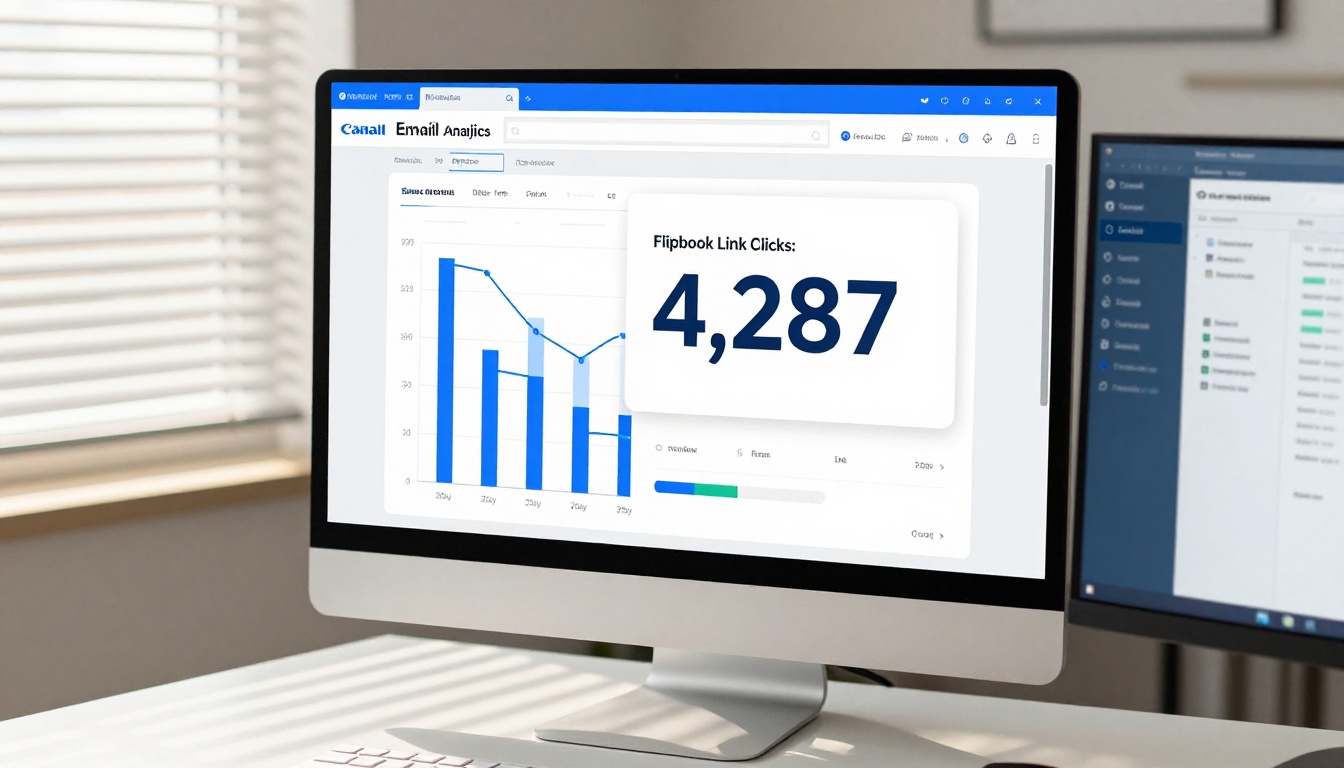
One of the most overlooked advantages of linking to a hosted flipbook rather than attaching a PDF is that you can track behavior beyond the open and the click. With Flipbooks AI's Professional plan analytics, you gain access to:
- Total views: How many people opened the flipbook after clicking from your email
- Time on flipbook: Average time spent, and which pages readers lingered on longest
- Page-level drop-off: Where in the flipbook readers stopped
- Device breakdown: What percentage viewed on mobile vs. desktop
- Lead generation: Capture email addresses directly from inside the flipbook with a gated lead form
This turns what would have been a static email attachment into a trackable marketing asset with data you can actually act on.
Subject Lines That Drive Flipbook Opens
The email still needs to perform before any of this matters. A few subject line patterns that work well when the email contains a flipbook link:
- "Your [season] catalog is ready to view"
- "We made something for you. Take a look."
- "The full [brochure/issue/catalog] is here"
- "[Brand name]: inside this month's issue"
Keep the subject line focused on what the reader will get, not on the format. "Your spring catalog is ready" performs better than "Check out our new interactive flipbook" because it centers the value, not the technology.
Preview Text That Converts
The preview text (the snippet visible after the subject line in most inboxes) should continue the subject line's promise rather than repeat it.
- Subject: "Your spring catalog is ready to view"
- Preview: "64 pages. New arrivals. Click to flip through."
That combination sets clear expectations and gives the reader a concrete reason to open and click.
The Inbox Is the Door, Not the Room
The answer to "do flipbooks work inside emails" comes down to this: the embed does not work, but the strategy absolutely does. Email is the delivery mechanism. The flipbook is the destination. The click is the moment that counts.
The brands getting the most out of this combination stopped trying to cram interactivity into the inbox and started using email for what it does best: creating enough curiosity and trust to earn a single click. That click opens the door to a rich, immersive reading experience that no email template could ever replicate.
If you have not built a flipbook yet, start for free on Flipbooks AI. Upload a PDF, publish it in minutes, and drop the link into your next email campaign. Browse all available tools and templates to find the right format for your content. When you are ready to add analytics, lead generation, and custom branding, compare pricing plans to find the right tier for your goals.
Your next email campaign just became a lot more interesting.