If you have a PDF sitting on your desktop and want it to look like a real, page-turning publication online, you are not alone. Thousands of marketers, educators, restaurant owners, and creatives ask the same question every day: what is the easiest way to make a flipbook from PDF without spending hours on software or design? The good news is that the answer is simpler than most people expect, and you can have a polished, shareable digital flipbook live in under five minutes.

Flipbooks AI is one of the most accessible online tools available for this exact task. Upload your PDF, customize the look, and share it immediately, no design degree or technical knowledge required. Before diving into the step-by-step process, it helps to understand why converting a PDF into a flipbook matters in the first place.
Why PDFs Alone Are Not Enough Anymore
Static PDFs vs. Interactive Flipbooks
A standard PDF is a perfectly functional document for internal sharing or printing, but it falls flat as a digital experience. Readers have to scroll, zoom, and manually navigate through pages that feel lifeless on a screen. There is no animation, no page-turn effect, and no immersive quality that keeps audiences reading through to the end.
An interactive flipbook changes that entirely. It mimics the physical experience of flipping through a magazine, catalog, or brochure, bringing a tactile quality to a digital screen. Pages turn with a smooth animation, the document feels alive, and viewers are far more likely to read all the way through. Studies on digital content show that interactive formats hold attention significantly longer than static documents, and the page-turn effect is one of the simplest ways to create that interactive feel without any extra design work.
| Feature | Static PDF | Interactive Flipbook |
|---|
| Page-turn animation | No | Yes |
| Mobile-responsive | Partial | Fully responsive |
| Embeddable on websites | Limited | Yes, with embed code |
| Shareable via direct link | Yes | Yes |
| Analytics and tracking | No | Yes (Professional plan) |
| Password protection | No | Yes |
| Video and audio embeds | No | Yes |
| Custom branding | No | Yes |
Who Actually Needs a Flipbook
The short answer: almost anyone who shares documents online. Here are the most common use cases across industries:
- Marketers converting product catalogs, lookbooks, and campaign brochures
- Restaurant owners turning printed menus into scannable, always-current digital versions
- Real estate agents sharing property brochures with buyers without sending bulky attachments
- Teachers and trainers publishing course materials and manuals as interactive publications
- Designers and photographers showcasing portfolios in a premium, full-screen format
- Nonprofits distributing annual reports without printing or postage costs
- Event organizers publishing programs, schedules, and sponsorship decks for attendees
- Authors and publishers offering preview chapters or e-zines as shareable flipbook links
💡 Pro tip: Flipbooks are not just for big brands. A small business owner with a one-page menu or a freelancer with a four-page portfolio gets just as much value from the flipbook format as a large publisher. The format scales down beautifully.
What Makes a Flipbook Converter Easy to Use

No Software Downloads Needed
The biggest barrier to traditional flipbook creation was always desktop software. Tools like older desktop publishing apps required installation, licensing fees, and hours of setup before you could even begin. Modern online converters have removed all of that friction entirely.
With a browser-based tool like Flipbooks AI, nothing is installed on your computer. You open the website, upload your file, and the tool handles all the conversion on the server side. The entire process works on any device, including phones and tablets, as long as you have an internet connection. There is nothing to update, no compatibility issues between operating systems, and no risk of the software becoming obsolete.
This also means your flipbooks are stored in the cloud. You can access them, edit them, or share them from any device, at any time, without needing to find the original file on your hard drive.
Speed and Simplicity First
A good flipbook converter should not ask you to do more than three things: upload, adjust, publish. If a tool requires you to manually configure page settings, export formats, or write embed scripts from scratch, it is adding unnecessary friction to what should be a two-minute process.
The best tools convert automatically on upload, apply the page-turn effect without any additional configuration required, and produce a shareable link the moment the conversion is complete. Some tools, including Flipbooks AI, also give you a customizable flipbook URL that you can tailor to match your brand or campaign, so the link itself looks professional when you share it.
✅ Best practice: Before uploading, make sure your PDF has well-defined pages (not a continuous scroll layout), standard page sizes like A4 or US Letter, and embedded fonts. This ensures a clean, crisp conversion every time with no missing characters or layout shifts.
How to Make a Flipbook from PDF with Flipbooks AI
This is the fastest method available today. The entire process from account creation to a published flipbook takes under five minutes.

Step 1 - Create Your Account
Head to Flipbooks AI and create a free account. No credit card is required for the free plan. Sign up takes less than thirty seconds with an email address or a Google login. Once inside the dashboard, you will see the upload area right away, no tutorial required to get started.
Step 2 - Upload Your PDF
Click the upload button and select your PDF file from your computer. Flipbooks AI accepts files of all sizes, from single-page menus to hundred-page catalogs. The tool automatically processes each page and converts it into a high-quality HTML5 flipbook with the page-turn animation applied. A real-time progress bar shows you exactly where the conversion stands.
⚠️ Watch out: If your PDF contains low-resolution images (under 72 dpi), the flipbook may look blurry on high-resolution screens. Always export your PDF at 150 dpi minimum for sharp, professional results. For image-heavy catalogs, 200 dpi is worth the slightly larger file size.
Most standard business documents process in under thirty seconds. Very large catalogs with many high-resolution pages may take up to a minute or two, but you can leave the tab open and the conversion continues in the background.
Step 3 - Customize Your Flipbook
Once uploaded, a customization panel lets you personalize the presentation without any design skills. You can:
- Change the background color behind the flipbook player to match your brand palette
- Add your logo for consistent custom branding across all publications
- Set a custom thumbnail for social sharing and link preview cards
- Enable password protection to restrict access to specific audiences
- Add a custom domain or subdomain for professional-looking share URLs
- Embed videos or audio directly into specific pages for multimedia content
The Standard plan and above include unlimited flipbooks with no watermarks, giving every publication a fully professional presentation. For teams that need to track readership, capture leads from viewers, or distribute offline download copies, the Professional plan adds all of those capabilities.
Step 4 - Share or Embed It
When your flipbook looks exactly right, click "Publish." You will immediately receive:
- A direct link to share via email, social media, or messaging apps
- An embed code you can paste into any website or landing page using the Embed Flipbook on Website tool
- A QR code that links directly to your flipbook, perfect for adding to printed materials or event signage
The flipbook is fully mobile-responsive by default. It automatically adjusts its layout and navigation controls depending on whether the viewer is on a phone, tablet, or desktop computer.
Not every flipbook converter offers the same value at the free tier. Here is a direct comparison of the most commonly used tools:

| Tool | Free Plan | No Watermark | Unlimited Flipbooks | Analytics | Custom Branding | Password Protection |
|---|
| Flipbooks AI | Yes | Yes | Yes (Standard+) | Yes (Pro) | Yes | Yes |
| Issuu | Yes | No | No | No (free) | No | No |
| Flipsnack | Yes | No | No | No (free) | No | No |
| Yumpu | Yes | No | No | No (free) | No | No |
| FlipHTML5 | Yes | No | Limited | No (free) | No | No |
💡 What sets Flipbooks AI apart: Unlike most competitors that plaster their branding on your flipbooks unless you pay a premium, the free plan already removes watermarks. The Standard plan then gives you unlimited flipbooks, password protection, and custom branding, features that cost significantly more on competing platforms.
What Types of PDFs Work Best
Business and Marketing Materials
Any document designed to persuade or inform a prospect is a natural fit for the flipbook format. Product catalogs, company profiles, press kits, and event brochures gain tremendous value when presented as a page-turning experience rather than a downloaded attachment.
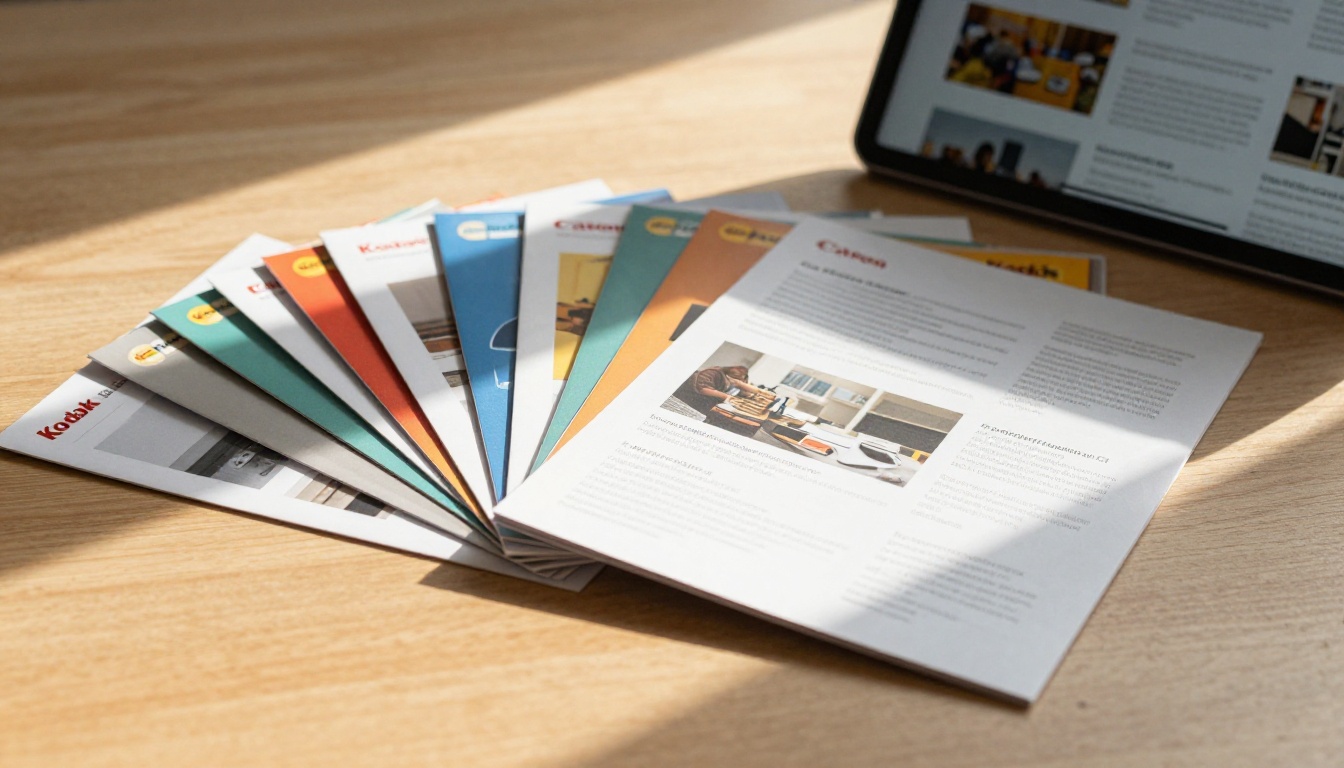
For product-focused businesses, the Product Catalog and Digital Catalog Maker tools are built specifically for this workflow. A fashion brand can publish its seasonal lookbook using the Fashion Catalog, while a furniture retailer can present collections with the Furniture Catalog Maker.
Real estate agents benefit enormously from converting property PDFs into interactive brochures. The Real Estate Brochure tool allows agents to share listings as beautiful page-turning publications, eliminating the need to physically distribute printed packets at every showing.
Portfolios and Creative Work
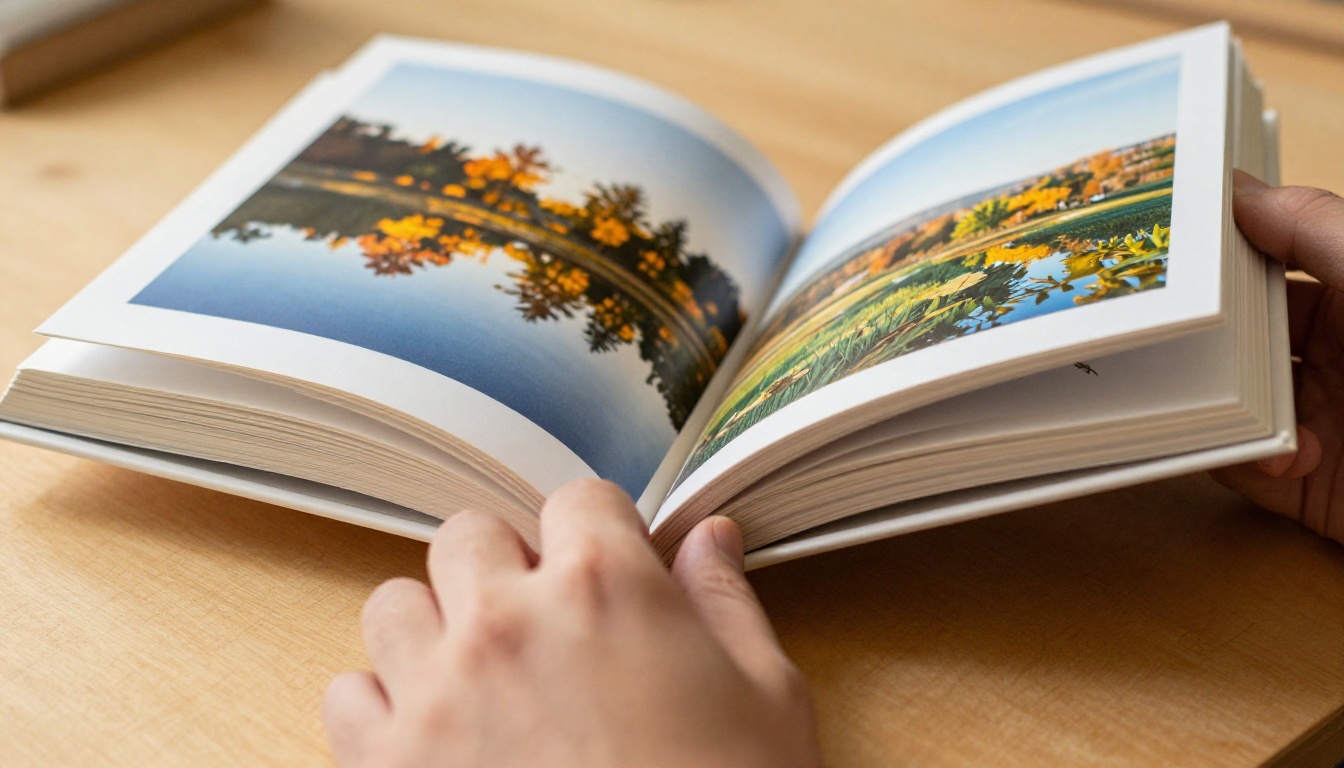
Designers, photographers, architects, and artists frequently send PDF portfolios to clients and agencies. A static PDF attachment rarely makes a strong impression in an email inbox. A flipbook link, on the other hand, opens directly in the browser and delivers the work in a cinematic, page-by-page presentation that communicates quality before the viewer has even seen the content in detail.
The Digital Portfolio Creator and Photography Portfolio tools are purpose-built for creative professionals. Wedding photographers can publish client albums using the Wedding Album Flipbook tool. Fashion designers and stylists can share seasonal collections with the Interactive Lookbook Designer or the Lookbook Flipbook Builder.
Menus and Catalogs

Restaurants, cafes, and hospitality businesses deal with menu changes constantly. Reprinting menus is expensive, slow, and wasteful. Converting a PDF menu into a flipbook solves that problem immediately. Update the PDF, re-upload it, and the online version reflects the changes right away without any new printing.
The Restaurant Menu Creator and Menu Flipbook Designer tools are built specifically for food service businesses. Hotels can use the Hotel Brochure tool for digital room guides, and spas can publish service menus using the dedicated Spa and Wellness Menu option.
Pro Tips for Better Results
Optimize Before You Upload
The quality of your flipbook is directly tied to the quality of your source PDF. A few simple optimizations before uploading will make a significant difference in the final output:
- Export at 150 dpi or higher for crisp, readable text and sharp images on high-resolution screens
- Use standard page sizes (A4, Letter, or US Letter) to avoid layout shifts or cropping issues
- Embed all fonts in the export settings so text renders correctly on all devices
- Compress images inside the PDF to keep the file under 50MB for fast loading times
- Use landscape orientation for catalog-style documents and portrait orientation for books or reports
- Avoid transparent backgrounds on page elements, as these can cause alignment issues in the viewer
- Test the PDF in a PDF reader before uploading to confirm all pages display correctly
⚠️ Avoid: Exporting PDFs with unusual custom page dimensions or mixed orientations (some portrait, some landscape) within the same document. These can cause the flipbook viewer to display pages at inconsistent sizes.
Add Multimedia for More Impact
One of the most underused features in modern flipbook tools is the ability to embed video and audio directly into specific pages. Instead of just linking to an external video in plain text, you can embed it so it plays directly within the flipbook without the viewer ever leaving the page.
This works particularly well for:
- Product demonstration videos embedded directly into catalog spreads
- Ambient background music added to event programs, lookbooks, or wedding albums
- Interview or testimonial clips embedded into company reports or press kits
- Tutorial walkthroughs embedded into training manuals or course materials
Flipbooks AI supports both video and audio embeds on all paid plans, and the result is a publication that feels closer to a website than a static document. The Training Manual Flipbook and Course Material Publisher tools are particularly well-suited for multimedia-rich educational content.
Plans and Pricing Breakdown
Free vs. Paid Comparison
Most users are surprised by how much value the entry-level plans deliver. Here is a clear breakdown of what each tier includes:
| Feature | Free | Standard | Professional |
|---|
| Number of flipbooks | Limited | Unlimited | Unlimited |
| Watermark | None | None | None |
| Custom branding | No | Yes | Yes |
| Password protection | No | Yes | Yes |
| Embed on websites | Yes | Yes | Yes |
| Analytics and tracking | No | No | Yes |
| Lead generation forms | No | No | Yes |
| Offline downloads | No | No | Yes |
| Video and audio embeds | No | Yes | Yes |
| Custom domain | No | Yes | Yes |
| Priority support | No | No | Yes |
For most individuals and small businesses, the Standard plan covers every essential feature without any upgrade pressure. For teams that need to track readership data, capture leads directly from flipbook viewers, or give clients offline download access, the Professional plan delivers meaningful additional value at a price that is still far below traditional publishing software.
💡 Tip: If you are not sure which plan fits your workflow, start on the free tier and test the tool with one or two documents. Moving to a paid plan takes less than a minute and activates all features immediately, including for any flipbooks you already published on the free tier.
Annual pricing on all plans is considerably lower than monthly billing. Check the pricing page for the latest rates and any active promotions before subscribing.
Take Your PDF Further Today
Making a flipbook from a PDF no longer requires technical skills, expensive software, or hours of work. The easiest way to do it is through a browser-based tool that handles the conversion, hosting, and sharing in a single workflow. What used to take a graphic designer an afternoon now takes anyone under five minutes, regardless of technical background.
Whether you are converting a product catalog, a restaurant menu, a creative portfolio, or a company annual report, the right tool makes the difference between a document that gets ignored and a publication that actually gets read from cover to cover.
Ready to see how it works? Create your free account on Flipbooks AI and upload your first PDF today. No credit card needed, no software to install, no waiting.
Here are some specific tools to get you started based on your content type:
See the full list of available flipbook tools and templates to find the right fit for your content. When you are ready to go beyond the basics, compare pricing plans to find the tier that matches your publishing volume and feature needs.



