Printing event programs feels like a tradition you're supposed to keep, but nobody actually wants the extra cost, the paper waste, or the logistical headache of having 200 booklets ready by 6 AM. There's a better way, and it's free. Flipbooks AI lets you turn any PDF event program into a polished, interactive digital flipbook in minutes, complete with real page-flip animations, mobile-friendly design, and a shareable link you can send to every guest before they even arrive.
What Is a Digital Event Program Flipbook?
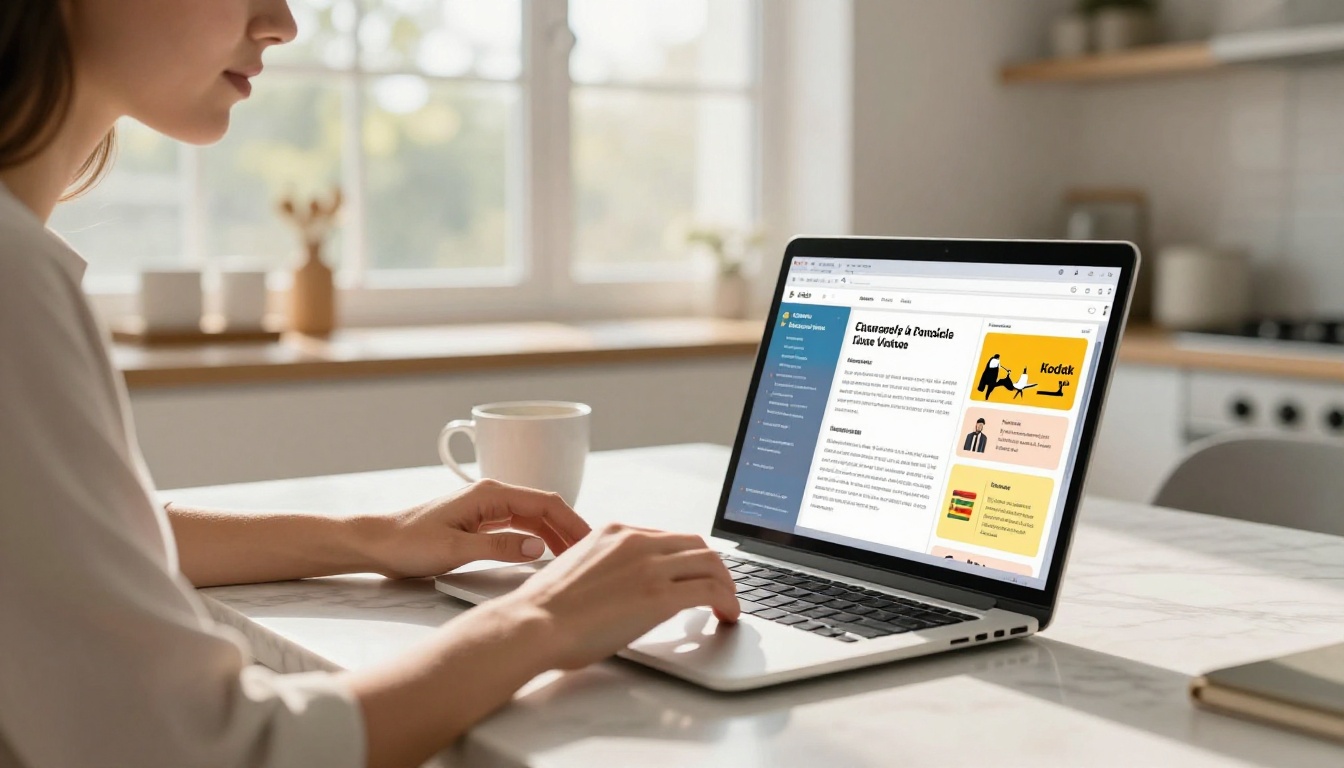
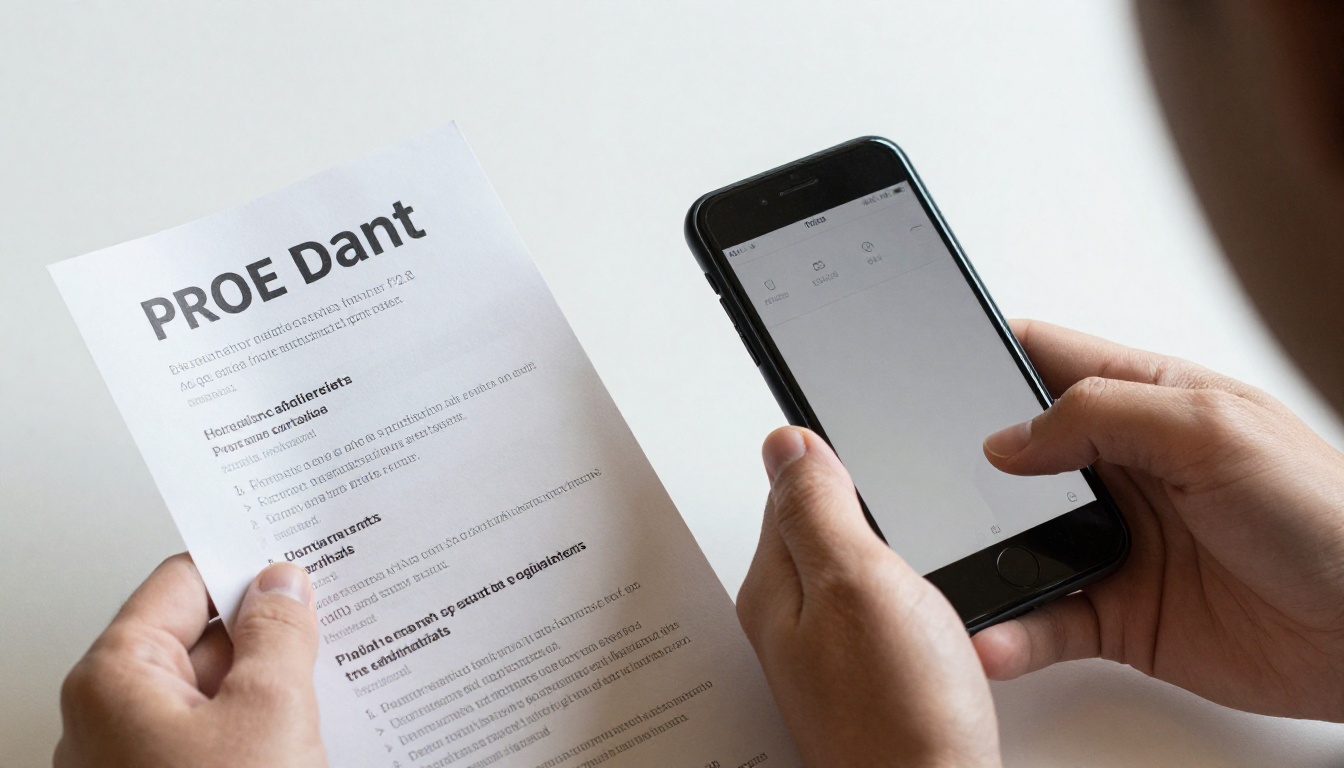
A digital event program flipbook is an interactive online version of your traditional printed event booklet. Instead of handing out paper copies, you share a link or QR code that opens a beautifully formatted flipbook with page-turn animations on any device.
The experience feels like flipping through a real booklet, except it lives on a phone, tablet, or laptop, requires no printing, and can be updated right up until the last minute.
What goes inside one?
A typical event program flipbook contains:
- Welcome message from the host or organizer
- Event schedule or agenda with times and speakers
- Performer or speaker bios
- Sponsor acknowledgments
- Venue maps or seating charts
- Contact details or social media handles
Whether it's a wedding, corporate conference, graduation ceremony, fundraiser, or community theater production, the flipbook format elevates every piece of content it contains.
Why Flipbooks Beat Printed Programs
The printed event program has been standard practice for decades, but the comparison against a digital flipbook is stark once you see it laid out side by side.
| Feature | Printed Program | Digital Flipbook |
|---|
| Cost per event | $50–$500+ | Free |
| Last-minute edits | Reprint everything | Edit in seconds |
| Guest access | Must be physically present | Shareable link or QR code |
| Waste | Hundreds of discarded booklets | Zero paper waste |
| Multimedia support | Static text and images | Video, audio, live links |
| Analytics | None | View counts, engagement data |
| Mobile-friendly | No | Yes, every device |
There's really no argument for printing when your guests are already looking at their phones anyway.
💡 Generate a QR code pointing to your flipbook URL and include it in digital invitations. Guests can scan it on arrival and open the program instantly.
The environmental case
A 200-person event with printed programs can easily produce 200 booklets that end up in the trash by the end of the night. Digital flipbooks eliminate all of that. Zero paper, zero printing emissions, zero waste. Event sustainability is increasingly on guests' radar, and a digital-first approach signals you're paying attention.
Types of Events That Need a Digital Program
Nearly any event that currently hands out a physical program benefits from going digital. Here are the most common scenarios where the flipbook format fits perfectly.
Weddings and ceremonies
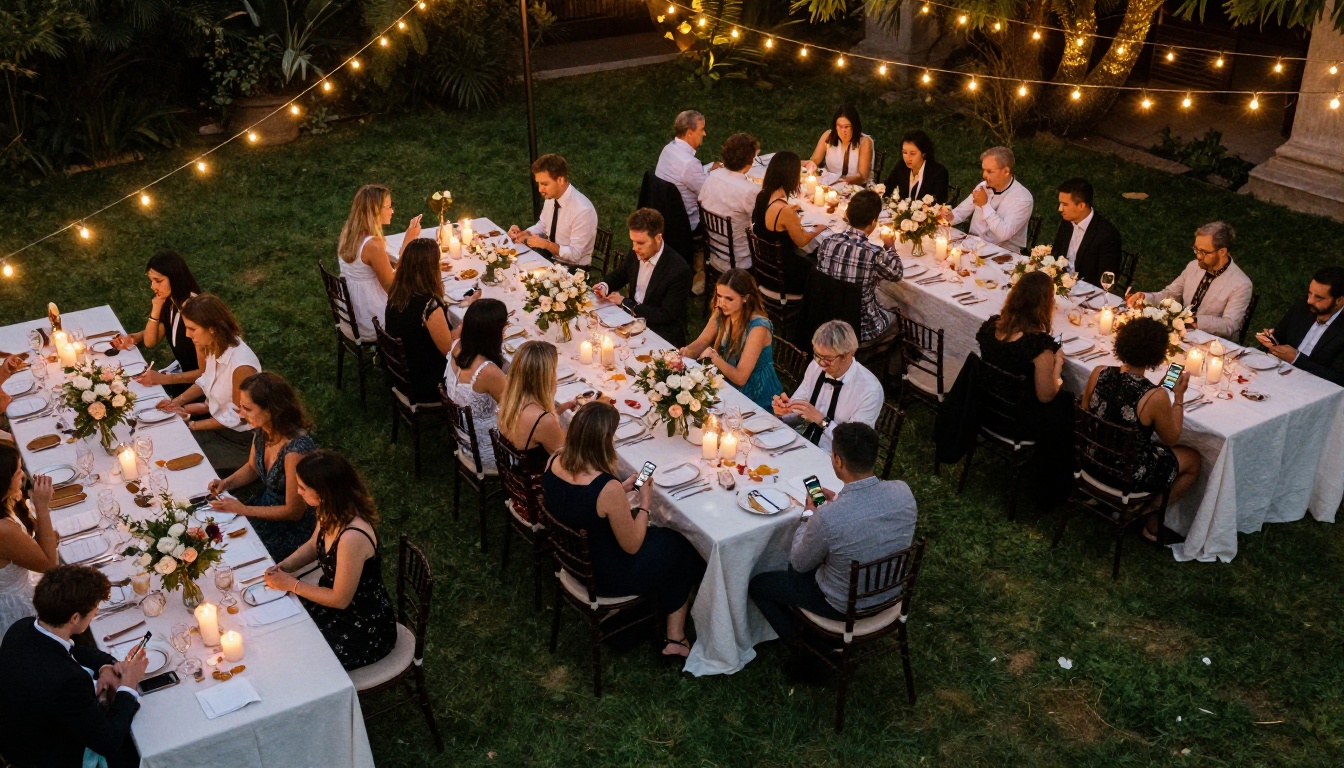
Wedding programs list the ceremony order, readings, wedding party bios, and song titles. As a flipbook, the same information becomes a beautiful interactive keepsake guests can screenshot and save. Use the Event Program Maker tool to build yours from scratch or upload a PDF you've already designed.
Corporate conferences
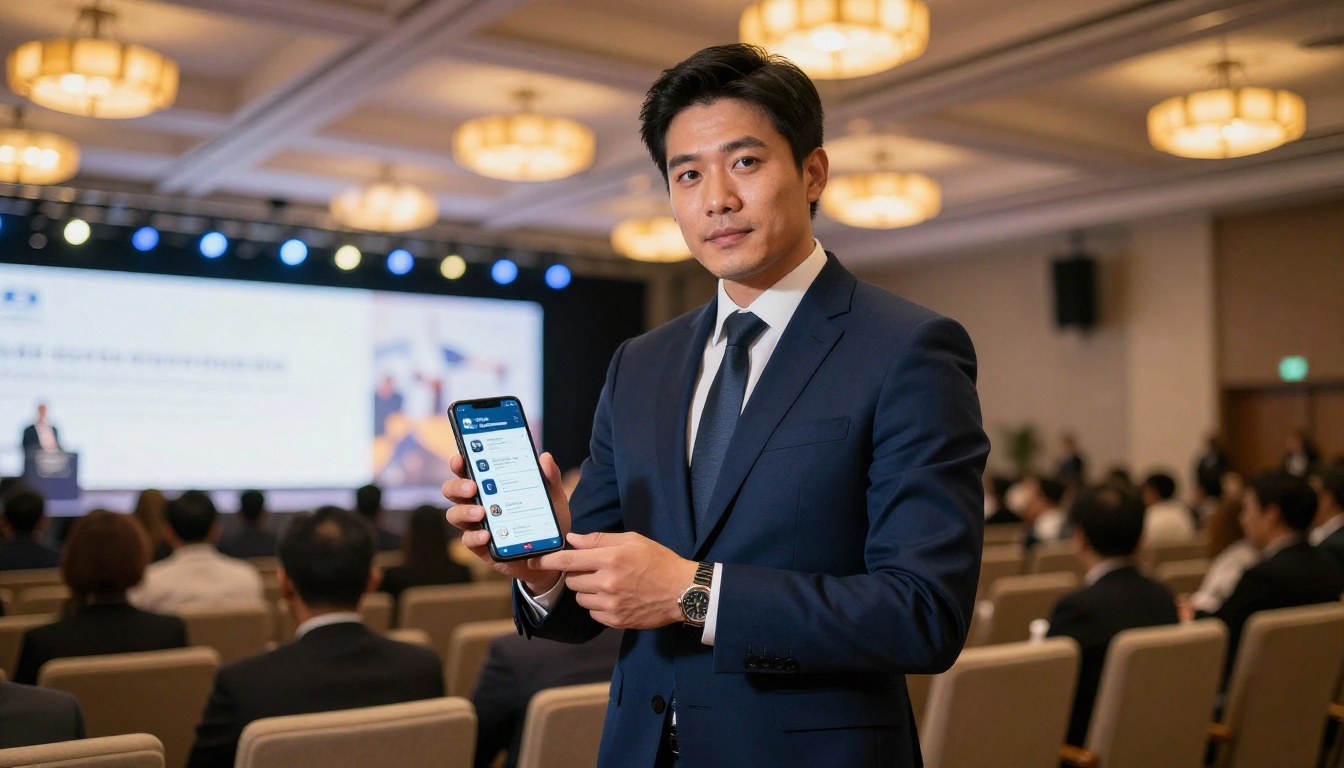
Conference agendas can run to dozens of pages covering multiple tracks, speaker bios, sponsor messages, and room assignments. A digital flipbook handles all of it cleanly and lets attendees jump directly to the sessions they care about.
Graduation ceremonies
Schools and universities hosting graduation events need programs that can reach hundreds or thousands of families. A flipbook shared via email or the school's website reaches everyone without printing costs. The Yearbook Flipbook Maker is also a natural fit for related educational publishing.
Theater and performing arts
Stage productions traditionally hand out programs with cast bios, director notes, and song lists. A flipbook version keeps all of that but adds interactive elements like embedded audio previews or links to the cast's social profiles.
Fundraisers and galas
Gala programs often include sponsor acknowledgments, auction item listings, and the night's agenda. A digital flipbook lets you hyperlink sponsor names directly to their websites, a small detail that adds measurable value for every sponsor who paid to be listed.
How to Turn Your Event Program Into a Flipbook
Flipbooks AI makes the conversion process straightforward. Here's how to do it from start to finish.

Step 1: Create your event program PDF
Before you upload anything, you need a PDF version of your event program. Most design tools export directly to PDF:
- Canva: Free templates for event programs, export as PDF
- Google Slides: Design your program, File > Download > PDF
- Microsoft Word or Publisher: Save as PDF
- Adobe InDesign: Export > Adobe PDF
Keep your design clean with high-contrast text and clear margins. Flipbooks render best when the source PDF uses legible fonts at appropriate sizes.
Step 2: Upload to Flipbooks AI
- Go to flipbooksai.com and create a free account
- Click Create New Flipbook
- Select Upload PDF and choose your event program file
- The platform converts your PDF into a page-flip flipbook automatically, typically within 30 to 60 seconds
✅ Check your PDF before uploading. Blurry images or very small text will look the same in the flipbook. Fix formatting issues in the source file first.
Step 3: Customize your flipbook
Once converted, you can personalize the flipbook to match your event's visual identity:
- Custom colors: Match the flipbook background and controls to your event's color scheme
- Logo: Add your organization or couple's monogram
- Page effects: Choose page-flip speed and style
- Multimedia: Embed video clips, background music, or audio messages directly into pages
- Password protection: Keep the program private until the day of the event
Step 4: Share with guests
Sharing is where digital programs truly shine. Multiple distribution options are built in:
- Direct link: Copy the URL and paste it into email invitations, WhatsApp groups, or event websites
- QR code: Download a QR code to print on physical invitations, table cards, or venue signage
- Embed code: Drop the flipbook directly into your event website using the Embed Flipbook on Website tool
- Social sharing: Share directly to Facebook or other platforms
💡 Email the flipbook link to guests 24 to 48 hours before the event. They'll arrive already familiar with the schedule, which keeps things moving smoothly.
Free vs Paid: What You Actually Get
One of the most common questions is how much "free" really means. Here's an honest breakdown of what each plan delivers for event program use cases.

| Feature | Free Plan | Standard Plan | Professional Plan |
|---|
| Number of flipbooks | Limited | Unlimited | Unlimited |
| Watermarks | None | None | None |
| Custom branding | Basic | Yes | Full |
| Password protection | No | Yes | Yes |
| Analytics | No | Basic | Advanced |
| Lead generation forms | No | No | Yes |
| Offline downloads | No | Yes | Yes |
| Embedded video/audio | No | Yes | Yes |
| Custom domain | No | No | Yes |
For a single event, the free plan covers most basic needs. If you're organizing events regularly or want password protection and analytics, the Standard or Professional plans offer serious upgrades without a significant budget hit.
⚠️ Flipbooks AI never adds watermarks to your flipbooks, regardless of plan. Your event program will always look professional.
When to upgrade
If you're hosting a high-stakes event like a corporate gala, a luxury wedding, or a ticketed conference, consider upgrading before the event:
- Analytics tell you how many guests actually opened the program and which pages got the most attention
- Lead generation lets you capture email addresses from guests who view the flipbook
- Offline downloads allow guests to save the program to their device and read it even without a signal
See the full pricing comparison to find what makes sense for your event scale.
Real Use Cases for Event Program Flipbooks
Theory is one thing. Here are real-world scenarios where organizers saw immediate, practical wins from switching to digital flipbooks.

Wedding planner, 150-guest ceremony: Switched from printed programs to a flipbook shared via WhatsApp the day before. Zero printing cost, and the couple updated the ceremony order at 10 PM the night before when a reader dropped out. No reprinting, no stress.
University graduation office: Created a single digital program flipbook for a 500-person graduation and embedded it on the university website. Parents who couldn't attend in person could still follow the ceremony in real time.
Community theater group: Embedded audio clips of songs on the relevant program pages using the multimedia feature. Audience members could listen to previews before the show started, which generated genuine excitement in the lobby.
Corporate HR team: Used a flipbook for an annual all-hands meeting agenda. After the event, they used analytics data to see which agenda sections got the most views, which informed how they structured the following year's meeting.
Nonprofit gala organizer: Hyperlinked every sponsor logo in the flipbook directly to the sponsor's website. Sponsors noticed the added digital exposure and several increased their contribution the following year.
Tips to Make Your Event Program Stand Out
Creating the flipbook is just step one. These finishing touches push a good program into a great one.
Use high-quality images
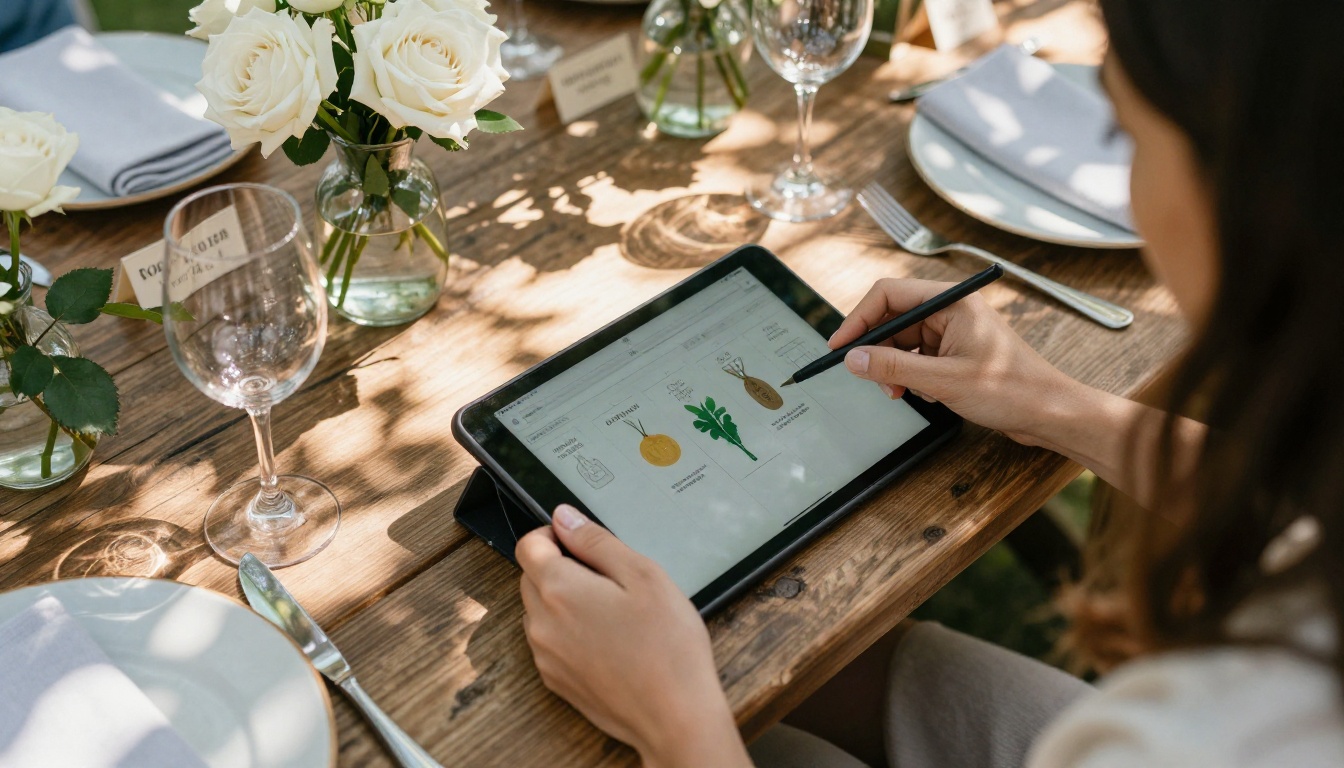
Blurry headshots of speakers or low-resolution sponsor logos look unprofessional. Request high-res assets from everyone involved and resize them properly in your PDF before uploading.
Keep the layout scannable
Event guests are usually distracted. Use large headers, clear time blocks, and short paragraphs. People should be able to find "What's next?" in under five seconds.
Add a personal touch on page one
Open with a short welcome message from the host, a quote that sets the event's tone, or a beautiful full-bleed photo. The first page sets the emotional register for everything that follows.
Test on mobile before distributing
Over 70% of guests will open the flipbook on a smartphone. Preview it on a phone screen after upload to confirm text is legible and images aren't getting cropped awkwardly.
Send a reminder with the link
Share the flipbook link in your event confirmation email, then send a reminder the morning of the event. Include a short line like "Your event program is ready, open it anytime from your phone."
✅ Include the flipbook link in both your digital invitation and a QR code on any physical signage at the venue. Cover both the pre-event and at-venue touchpoints.
If the event program is just one piece of your production, Flipbooks AI has tools built for almost every related document type.
The full tools directory covers dozens of use cases from catalogs to newsletters to annual reports, all following the same simple PDF-upload-to-flipbook workflow.
Start Sharing Your Event Program Today
There's no good reason to hand your guests a piece of paper they'll fold and forget in their pocket. A digital event program flipbook costs nothing, takes minutes to create, and gives every attendee a better experience from the moment they receive the link.
Get started for free on Flipbooks AI and have your event program live before the end of the day. Upload your PDF, customize the look, and share a link that works on every device without a single sheet of paper.
If you're running multiple events or need features like analytics, lead capture, or offline downloads, take a look at the pricing plans to find the option that fits your workflow. For a one-time event, the free plan is everything you need to make a genuinely impressive digital program that guests will actually open and use.



