You don't need a designer, a subscription, or a three-hour window blocked in your calendar. Building a polished, shareable flipbook is something you can genuinely finish before your next coffee break, using free tools that deliver results good enough to publish, send to clients, or embed on a live website. Flipbooks AI makes this achievable for anyone with a PDF and an internet connection, no prior technical experience needed.
The barrier to entry has dropped dramatically in the last two years. What used to require InDesign skills, a paid software license, and a specialist to handle the hosting now takes about forty-five minutes and costs nothing upfront. If you've been putting off converting your static documents into something more interactive and shareable, today is the day to stop waiting.
Why a Flipbook Beats a Plain PDF
Static PDFs have a fundamental usability problem that most people have silently accepted for years. They were built for printing, not for reading on screens. When you share a PDF link with a client or a prospect, you're handing them a clunky experience: the file either downloads automatically or opens in a bare-bones viewer, the layout shifts on mobile, and any carefully crafted design work you put into the document gets buried behind a gray scroll bar.
Static PDFs Are Dead Weight
Think about the last time you genuinely enjoyed reading a PDF on your phone. The format demands that readers pinch to zoom, scroll horizontally, and fight the interface every step of the way. There's no page-turn feedback, no sense of progression through a publication, and no easy way to jump between sections without hunting for a table of contents that may or may not exist.
From a distribution standpoint, PDFs also carry friction. Links that force a download create hesitation. Many corporate email systems block PDF attachments entirely. And once a PDF is out in the wild, you have no visibility into whether anyone opened it, how long they read it, or which pages held their attention.
The Real Advantage of Digital Flipbooks
A digital flipbook solves every one of those problems simultaneously. The interactive page-turn effect creates a natural reading rhythm that feels familiar, like a physical magazine or catalog. The content is hosted online, so sharing is as simple as copying a URL. Readers open it in their browser with no app, no download, and no compatibility concerns.
Beyond the reading experience, flipbooks give creators capabilities that PDFs simply don't offer. You can embed clickable links on specific pages. You can track how readers engage with the content. You can update the underlying PDF and republish without changing the shareable URL. And you can embed the flipbook directly into any website with a single line of code.
💡 Pro tip: Flipbooks load entirely in the browser. No downloads, no plugins, and no compatibility troubleshooting for your readers, regardless of what device they're using.
Before committing to any platform, it's worth knowing what the market actually looks like. Most flipbook tools advertise "free" plans that quietly add watermarks to your finished publication, cap you at two or three total flipbooks, or lock basic features like custom branding behind a paywall. Reading the fine print before uploading anything client-facing saves a lot of frustration.
What "Free" Actually Means Today
Genuine free tiers do exist, and some are worth using. The key is knowing what you're actually getting before you invest time in setup. Here's an honest comparison of what's typical across the market versus what Flipbooks AI actually offers:
| Feature | Typical Free Tier | Flipbooks AI Free Tier |
|---|
| Watermarks on published content | Yes, always | No watermarks, ever |
| Total flipbooks allowed | 1 to 3 | Multiple flipbooks |
| Custom branding | Locked behind paywall | Available |
| Password protection | Not available | Available |
| Mobile responsive layout | Sometimes, inconsistently | Always, automatic |
| Embed on external websites | Restricted or disabled | Available |
| Offline download option | Not included | Available |
| Shareable public URL | Yes | Yes |
⚠️ Watch out: Platforms that impose mandatory watermarks on free-tier publications undermine your professional credibility, especially on client-facing materials. Always confirm the watermark policy before you start building.
Paid Plan Comparison for Growing Teams
When your use case outgrows the free tier, or when you need features like reader analytics and lead generation forms, upgrading makes clear financial sense. Here's how the paid tiers at Flipbooks AI break down:
| Plan | Best Suited For | What's Included |
|---|
| Standard | Freelancers, small businesses | Unlimited flipbooks, no watermarks, custom branding, all sharing options |
| Professional | Agencies, sales teams, publishers | Everything in Standard, plus analytics, lead capture forms, offline downloads, priority support |
The pricing page has a full side-by-side breakdown. For the purposes of building your first flipbook today, the free tier covers everything you need.
How to Build Your Flipbook in Under an Hour
This is the practical section. Follow these four steps in order and you'll have a live, shareable flipbook ready before your calendar fills up for the afternoon.

Step 1: Prepare Your PDF
Your flipbook will look exactly as good as your source PDF. Spending five minutes on preparation here prevents problems later and produces a noticeably sharper result.
- Page dimensions: Use standard A4 or US Letter. Non-standard page sizes occasionally cause alignment issues in the converted output.
- Image resolution: Embed images at 150 to 300 DPI minimum. Below that threshold, images appear soft when readers zoom in on a page.
- Font embedding: Embed all fonts in the PDF export settings. Missing fonts render as generic substitutes that break your typography.
- File size: Keep the total file under 100MB for smooth, fast uploads. If your PDF is heavier, compress images in the source file before exporting.
- Bleed and margins: Add at least 3mm of bleed on all sides if your design has elements that touch the edge of the page. This prevents white lines from appearing at page edges after conversion.
✅ Best practice: Export your PDF from InDesign, Canva, or Google Slides using the "High Quality Print" preset rather than the screen or web preset. This preserves layout fidelity and keeps vector text crisp at all zoom levels.
Step 2: Upload and Convert
- Go to flipbooksai.com and create your free account. The signup takes under two minutes.
- From your dashboard, click New Flipbook to open the creation interface.
- Drag and drop your prepared PDF into the upload area, or click to open a file browser and select it manually.
- The PDF to Flipbook Converter processes your document page by page. A typical 20-page file completes in under two minutes.
- Once processing finishes, an instant preview shows your flipbook with the page-turn effect already applied. You can flip through every page before making any further changes.
This is the moment most people have an "oh, that's actually great" reaction. The conversion fidelity is high, and the page-turn physics feel natural without any configuration on your part.
Step 3: Customize Your Flipbook
Customization is where most of the creative time goes. The default output looks clean and functional, but taking ten to fifteen minutes here produces a result that feels intentional rather than generic.
Branding options:
- Upload your logo to display in the flipbook viewer header or footer
- Set a custom background color or texture that sits behind the open book spread
- Choose accent colors that match your brand palette for UI elements
Page behavior:
- Toggle between hard-cover and soft-cover page-turn effects depending on your content type
- Enable auto-flip for timed presentations or digital signage applications
- Set reading direction for right-to-left publications in Arabic, Hebrew, or Japanese
Multimedia additions:
- Embed video links on specific pages. Videos play inline without leaving the flipbook.
- Add clickable hyperlinks that open product pages, booking forms, or contact pages in a new tab
- Insert audio clips for narrated training materials or guided reading experiences
Privacy and access:
- Public: anyone with the link or who finds it via search can read it
- Unlisted: only accessible to people who have the direct URL
- Password-protected: readers must enter a password before accessing the content
💡 Pro tip: Use the unlisted setting while a flipbook is in the client review stage. Your client can flip through the full publication via a direct link before it goes live publicly, so you can collect feedback and make revisions without the draft version appearing in search results.
Step 4: Share and Embed
Once your flipbook is customized and ready, you have multiple distribution paths depending on where your audience is.
- Direct URL: Copy the link from your dashboard and paste it anywhere. Viewers open it in their browser with no account or download required.
- Embed code: The Embed Flipbook on Website tool generates an iframe snippet you can paste directly into WordPress, Webflow, Squarespace, Shopify, or any custom HTML page.
- Social sharing: Post the link to LinkedIn, Instagram bio, or Twitter. Most platforms render it as a rich preview card that shows your cover image.
- QR code: Print a generated QR code on physical packaging, business cards, or event materials. Scanning opens the digital flipbook immediately on the reader's phone.
Every flipbook published through Flipbooks AI is automatically mobile-responsive. Readers on smartphones get a swipe-based interface that matches how they navigate any other app. No pinching, no horizontal scrolling, no broken layout. It just works.
Real-World Use Cases That Work
Knowing the steps is useful. Seeing how specific industries apply them in practice makes the value concrete and helps you think about your own situation.
Business Catalogs and Menus
Product-based businesses see some of the clearest return from fast flipbook creation. A wholesale company can photograph their new season inventory, assemble a layout in Canva, export to PDF, and have a shareable digital catalog live before their sales calls start that afternoon.
Restaurants have an even faster path. A well-formatted menu PDF becomes an interactive restaurant menu flipbook that can be updated whenever the PDF is revised, without changing the QR code or the URL on the table. Seasonal specials, price adjustments, and new items go live in minutes rather than requiring a print run.
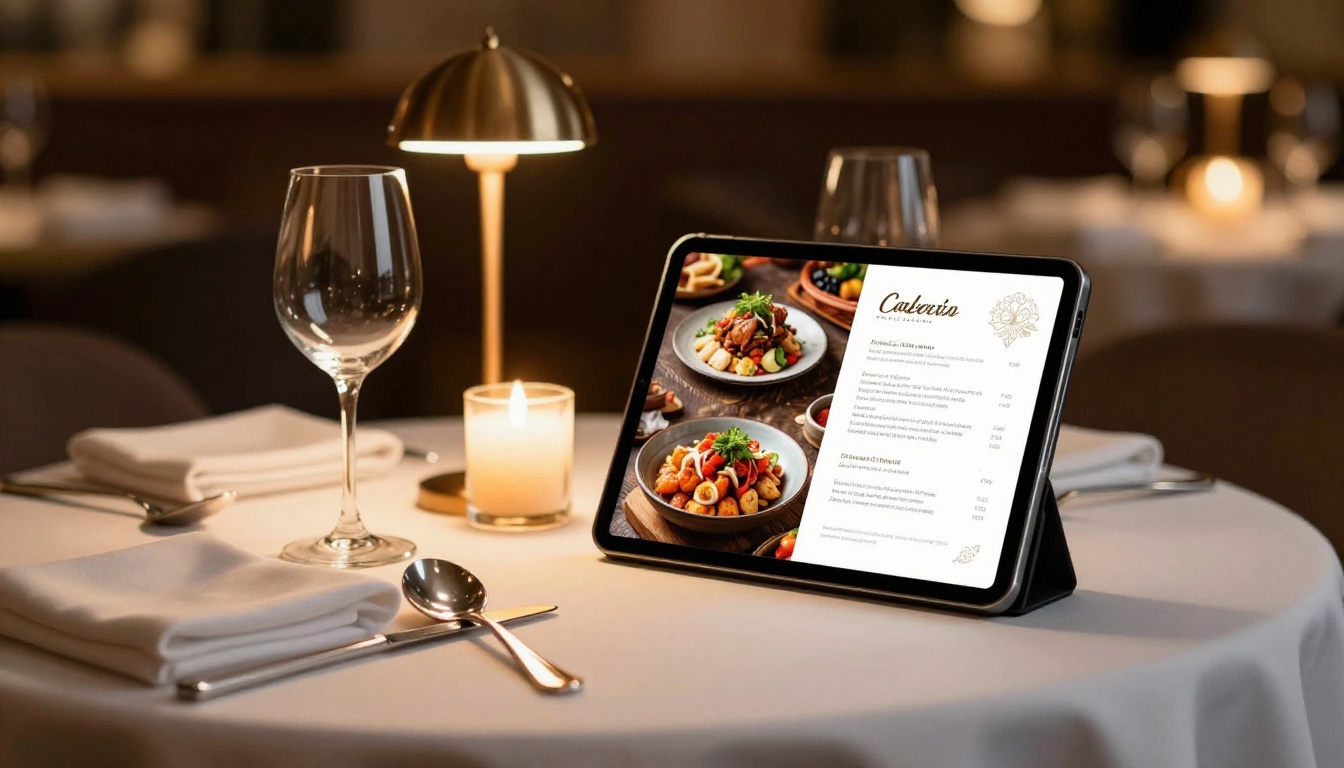
A spa and wellness menu works on the same principle. Treatment packages, pricing tiers, and seasonal offers presented in an interactive format feel more premium than a static printout, and cost nothing to distribute digitally.
Portfolios and Lookbooks
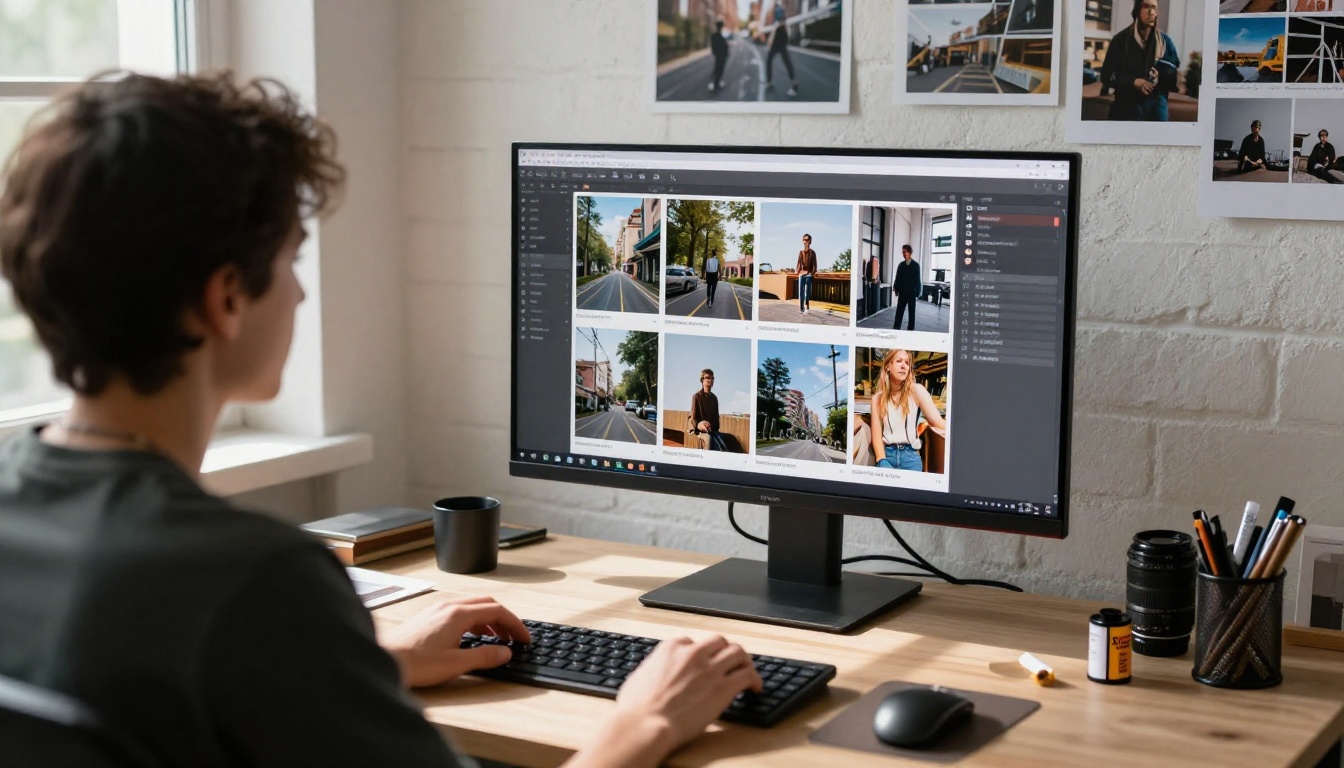
Photographers, designers, stylists, and creative directors use flipbooks as portable portfolios that feel high-end without the production cost. A photography portfolio flipbook takes a curated selection of images, structured in a PDF layout, and turns them into an experience that clients can browse naturally on any device.
Fashion brands and independent boutiques use the same workflow for seasonal lookbooks. An interactive lookbook designer output is shareable as a single link, embedable on a website, and far better at conveying a structured visual narrative than a flat Instagram grid.

Reports and Presentations
Annual reports, investor updates, and sales presentations all translate well to flipbook format. The page-turn effect creates a reading rhythm that makes dense content feel more digestible than a continuous scroll through a PDF. A corporate report maker workflow converts a carefully formatted PDF into a publication that stakeholders actually want to open.
Real estate agencies find the format particularly useful for property marketing. An agent can share a real estate brochure flipbook link in a follow-up email after a showing. The prospect opens a beautifully presented property profile on their phone without downloading anything or navigating away from their inbox.
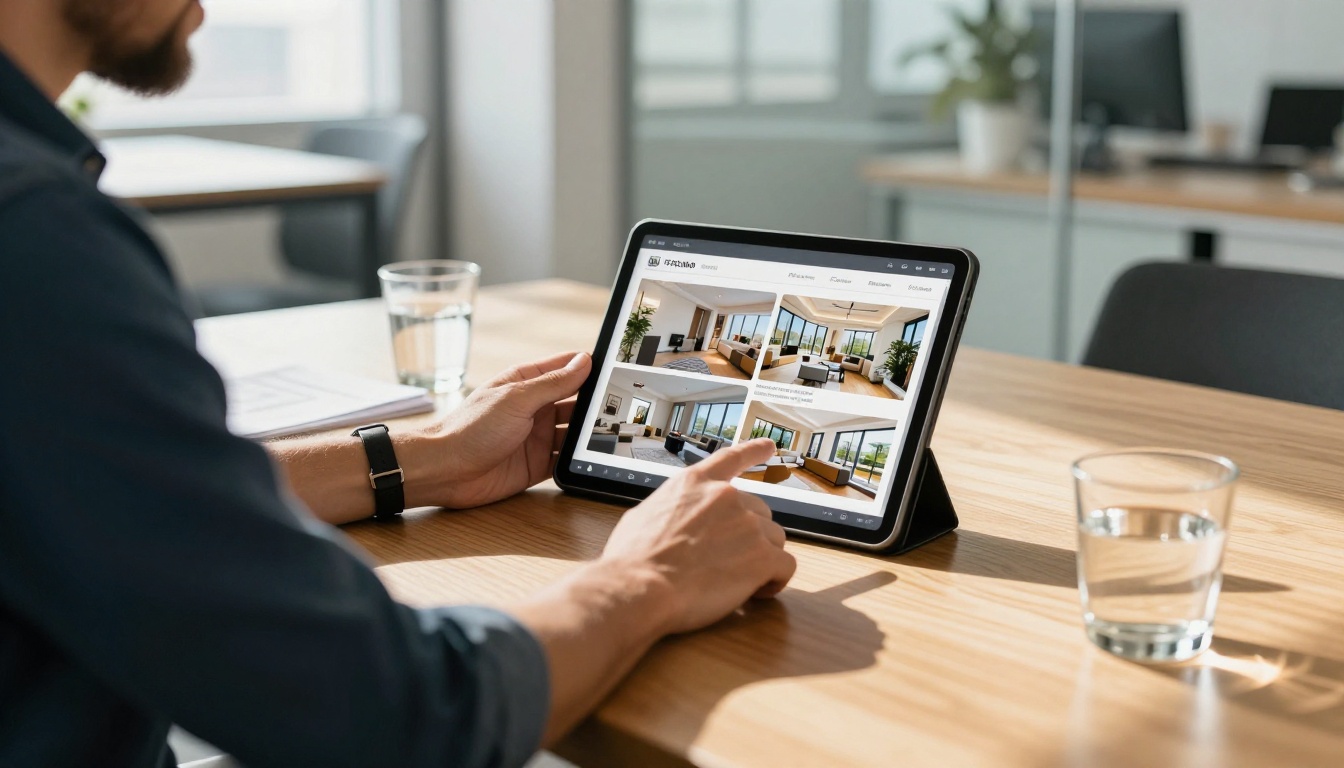
Flipbooks AI offers dedicated tools for each major content category. This matters because the interface, default templates, and settings for each tool are optimized around the specific content type, not just a generic PDF converter with a label change.
| Category | Tool | Best Suited For |
|---|
| Catalogs | Product Catalog Generator | E-commerce, wholesale, retail |
| Menus | Restaurant Menu Creator | Food service, hospitality |
| Brochures | Real Estate Brochure Creator | Property marketing, agencies |
| Publications | E-Book Flipbook Generator | Authors, course creators |
| Creative | Portfolio Flipbook Builder | Designers, photographers |
| Business | Sales Presentation Flipbook | Sales teams, agencies |
| Education | Training Manual Flipbook | HR departments, educators |
| Events | Event Program Maker | Conferences, weddings, shows |
Browsing the full tools directory shows every available option. Most people find a tool that matches their exact use case within thirty seconds of browsing.
Tips to Make Your Flipbook Stand Out
The conversion process is effortless. What separates a forgettable flipbook from one readers actually finish is the design decisions made before and after the upload.
Cover Page Strategy
Your cover page is the first thing readers see. It determines whether they flip to page two or close the tab entirely. Treat it with the same intentionality you'd give a magazine cover.
- Use a full-bleed image that fills the entire page edge to edge
- Keep text minimal: one clear headline, one optional subtitle. Nothing more.
- Make sure the cover reads well at thumbnail size, because that's how it appears in social media previews and platform dashboards
Multimedia That Actually Adds Value
Not all embedded content improves the reading experience. Some additions feel interactive, some just create friction. Here's a clear breakdown:
Worth adding:
- Product demo videos linked from YouTube or Vimeo on relevant catalog pages
- Clickable CTAs linking directly to order forms, booking pages, or contact sections
- Audio narration for training manuals or guided educational content
Worth skipping:
- Animated GIFs on every page (increases load time and distracts from content)
- Autoplay audio with no visible controls (readers close tabs when this happens)
- Links that open in the same tab and pull people completely out of the flipbook
Page Count and Reading Rhythm
Flipbooks work best in a specific page count range. Too few pages and the format feels excessive for the content. Too many and readers rarely reach the end unless the material is truly reference-heavy.
Practical targets by content type:
- Menus: 4 to 12 pages. Clean, fast, focused.
- Catalogs: 16 to 40 pages for most product lines.
- Reports: 20 to 60 pages depending on depth and audience.
- Portfolios: 10 to 30 pages with generous image sizing.
- E-books: 40 to 120 pages with clear chapter breaks.
✅ Best practice: Add a visual table of contents on page two of any flipbook over 20 pages. Readers can't use Ctrl+F to search, so a clickable index or a visual page map makes the content far more usable for people looking for a specific section.
Professional Features Worth Upgrading For
The free tier handles everything covered in this article. But if you're using flipbooks as a consistent business tool with measurable outcomes tied to them, the Professional plan adds capabilities that meaningfully change how you operate.

Reader analytics: See exactly how many people opened your flipbook, which pages they read, how long they spent on each spread, and where they stopped reading. This data is actionable for sales follow-up. If a prospect spent three minutes on your pricing page, that's a warm lead signal worth acting on.
Lead generation: Embed a contact form or email capture directly inside the flipbook. A reader finishes your catalog and submits their information without ever leaving the publication. No redirect, no friction, no abandoned form.
Offline downloads: Generate a downloadable version of the flipbook that works without an internet connection. Useful for conference presentations, in-flight sales meetings, or markets with unreliable connectivity.
Unlimited publications: The Standard plan removes all caps on how many flipbooks you can create and maintain simultaneously. Agencies and teams publishing frequently across multiple clients benefit directly from this.
These features shift a flipbook from a nice-looking document format into a functional business tool with real tracking and conversion capability. If you're sharing flipbooks regularly with prospects or customers, the analytics alone tend to justify the upgrade cost within the first month.
From Zero to Published, in One Morning
You now have everything you need to build a flipbook today. The process is genuinely this straightforward: prepare your PDF, upload it to Flipbooks AI, spend ten minutes on customization, and share the link. The whole workflow fits inside a single productive morning, and the result looks professional enough to send to your best clients.
Specialized tools exist for every major content type, from restaurant menus to corporate reports to photography portfolios. The free tier includes no watermarks and no artificial limits on sharing. And if your requirements grow, pricing plans are built to scale with them without forcing you to migrate to a different platform.
Ready to publish your first flipbook? Create your free account on Flipbooks AI and have something live and shareable before lunch.



