Running a small business is already hard enough. You're managing inventory, handling customer service, posting on social media, and somehow finding time to sleep. The last thing you need is spending hours in design software just to put together a product catalog or seasonal brochure. That's exactly why a fast flipbook maker for small business owners has become one of the most practical tools you can add to your workflow today. Flipbooks AI lets you convert any PDF into a polished, page-turning digital publication in minutes, without design skills, software installations, or a big budget.
Why Paper Marketing Is Costing You
Print materials are expensive, slow, and inflexible. You order 500 brochures, your pricing changes three weeks later, and you're stuck with outdated inventory. Digital flipbooks solve this instantly.
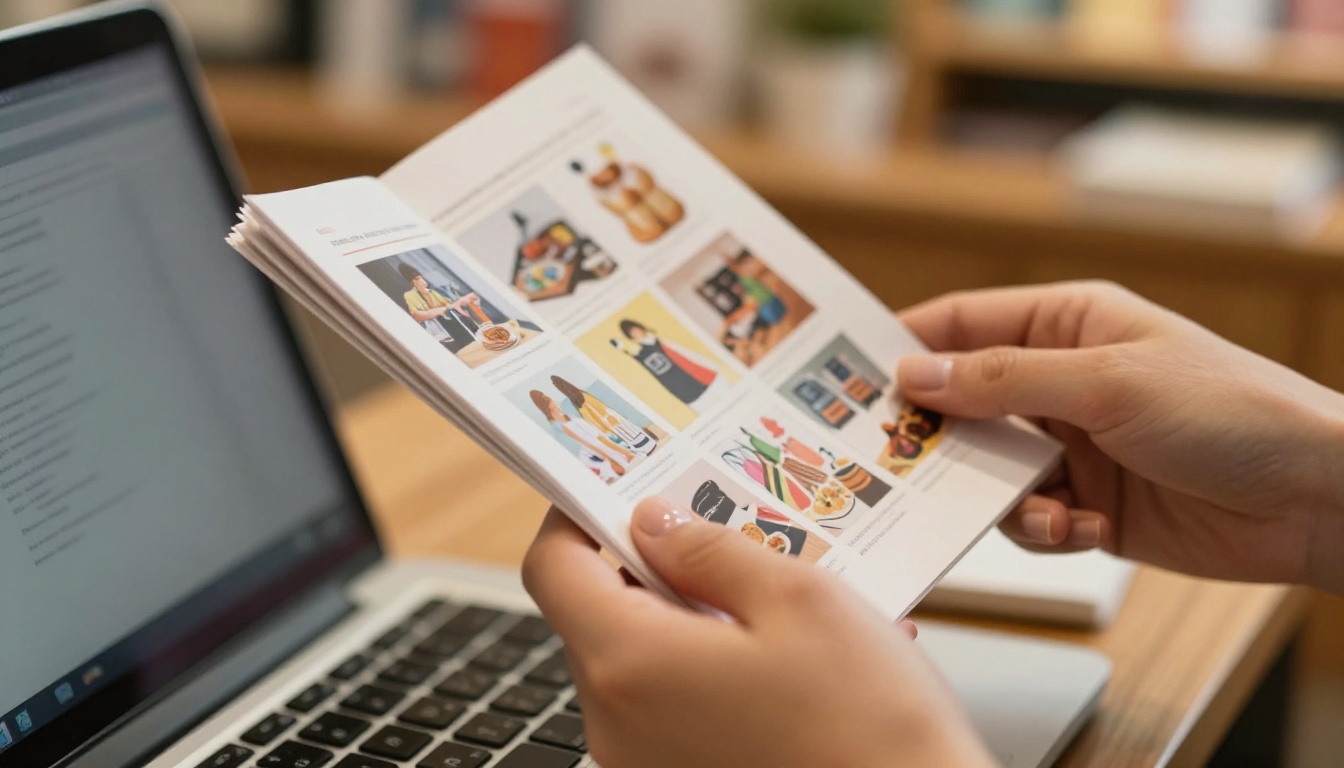
When you publish a digital flipbook, you can update it in real time. A new product? Add it. Price adjustment? Fixed in minutes. Seasonal sale? Done before lunch. The agility alone is worth making the switch, and the savings in printing costs don't hurt either.
The Real Numbers Behind Print Costs
| Cost Factor | Print Brochure | Digital Flipbook |
|---|
| Design and Setup | $200 to $800 | $0 with templates |
| Printing (500 units) | $300 to $600 | $0 |
| Distribution | $50 to $200 | Free via link or embed |
| Update Cost | Reprint everything | Free and instant |
| Analytics | None | Built-in tracking |
💡 A single product catalog reprint can cost a small business $500 or more. A digital flipbook costs nothing to update and can be shared with thousands of people in seconds.
What a Fast Flipbook Maker Actually Does
A flipbook maker takes your existing PDF, whether it's a menu, catalog, brochure, or presentation, and transforms it into an interactive digital publication with realistic page-turning effects. Visitors can read it in their browser, on their phone, or embedded directly on your website.
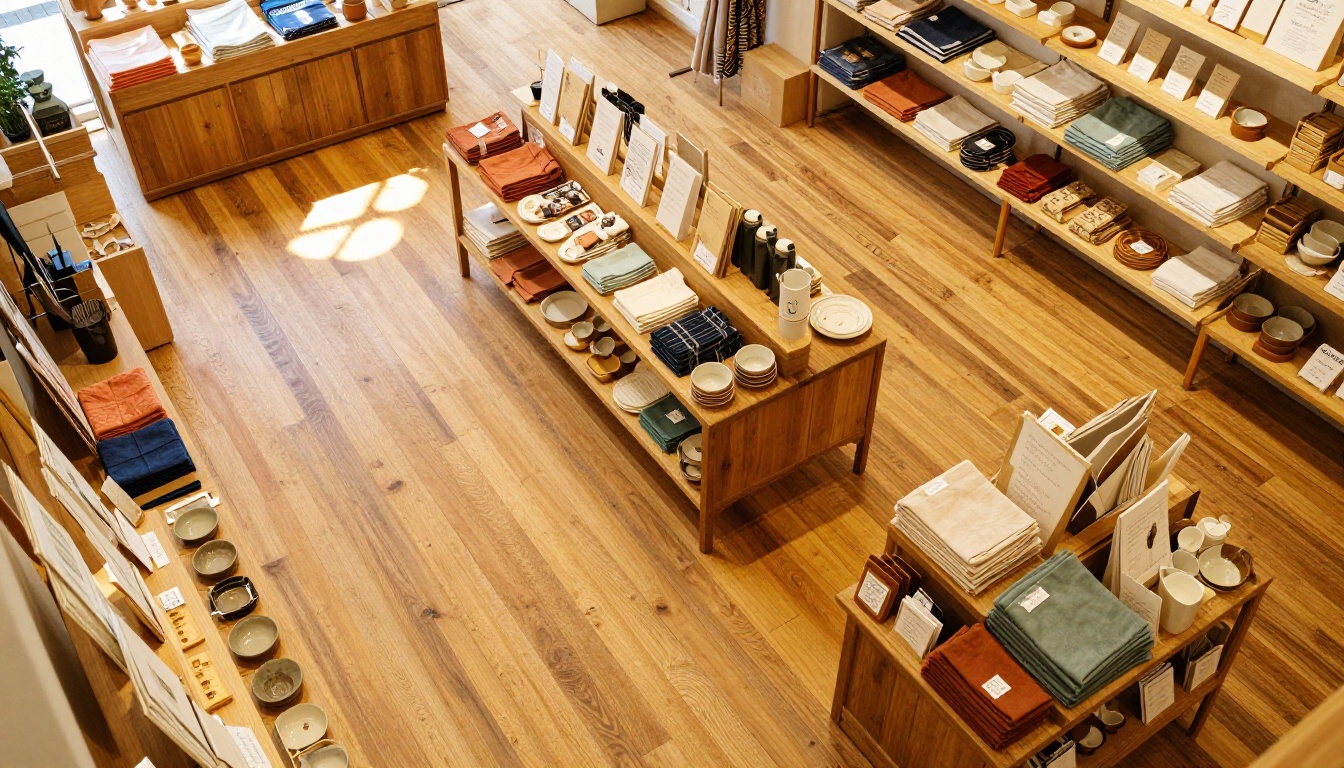
With Flipbooks AI, the process takes three steps: upload your PDF, customize the appearance, and share the link. No technical skills required. No software to install. No waiting for a designer.
Who Uses Flipbooks Daily
- Retailers sharing seasonal product catalogs with email subscribers
- Restaurants replacing physical menus with QR code-accessible digital menus
- Real estate agents sending interactive property brochures to leads
- Freelancers and consultants sharing proposals and portfolios
- Event planners distributing digital event programs
- Coaches and educators publishing course materials and training manuals
How to Create a Flipbook for Your Business
Here's exactly how small business owners create professional flipbooks with Flipbooks AI in under 10 minutes.
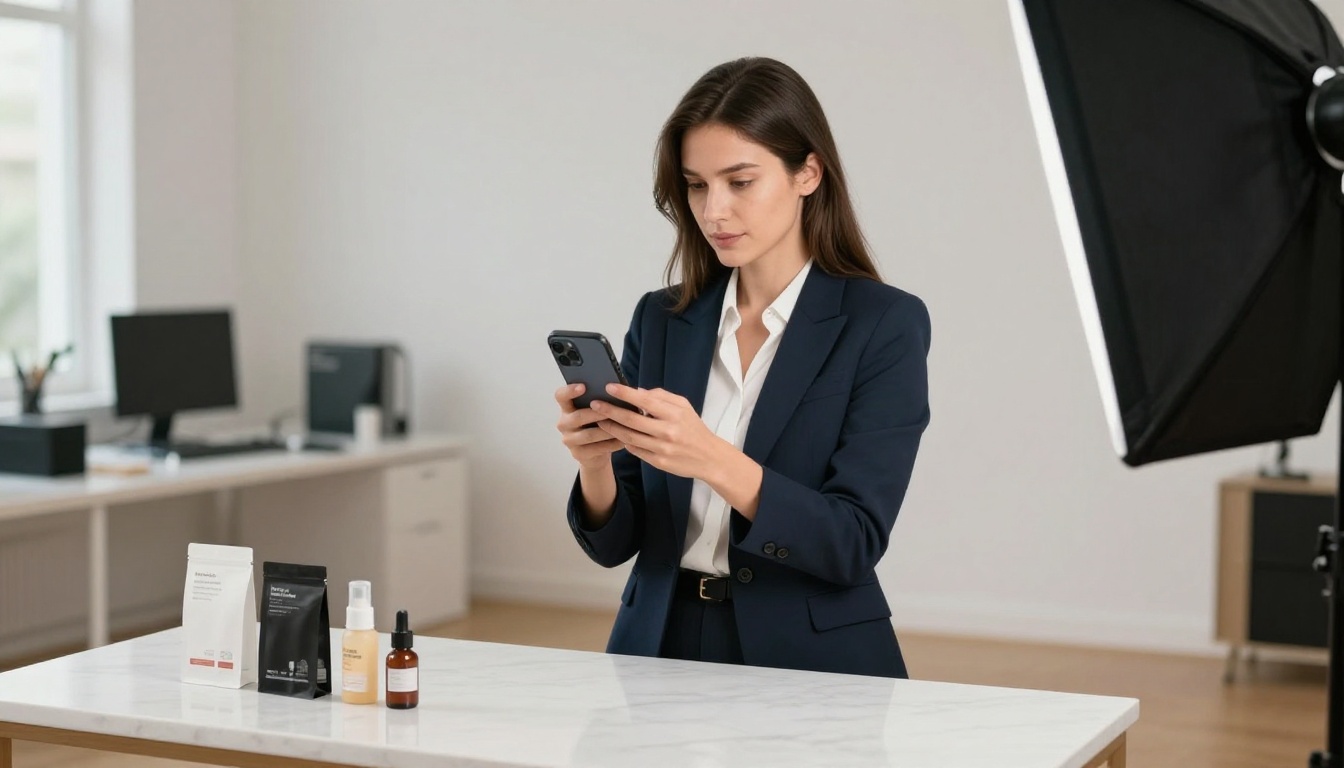
Step 1: Create Your Account
Go to flipbooksai.com/account and sign up. It only takes a minute, and you can start on the free plan immediately with no credit card required.
Step 2: Upload Your PDF
Click "New Flipbook" and upload your PDF file. This could be a catalog you designed in Canva, a menu from your restaurant, a presentation from PowerPoint, or any existing document. Flipbooks AI converts it automatically, preserving your fonts, images, and layout exactly as designed.
Step 3: Customize Your Flipbook
Once converted, you can customize the appearance: choose a background color or texture, add your logo, set a custom domain, and apply your brand colors. You can also embed videos and audio directly into the pages for a richer reading experience.
Step 4: Share or Embed
You'll get a direct link you can share on social media, via email, or over WhatsApp. You can also grab the embed code and drop it directly onto your website or landing page. For private content like wholesale catalogs or internal documents, you can enable password protection.
Step 5: Track Performance
With the Professional plan, you get access to analytics showing how many people viewed your flipbook, which pages they spent time on, and lead generation forms to capture contact details from interested readers.
✅ No watermarks, ever. All plans include clean, brand-free output so your flipbooks look 100% professional from day one.
The Best Flipbook Types for Small Businesses
Not sure what to create first? These are the most popular flipbook formats for small business owners and the direct tools available on Flipbooks AI.
Catalogs and Menus
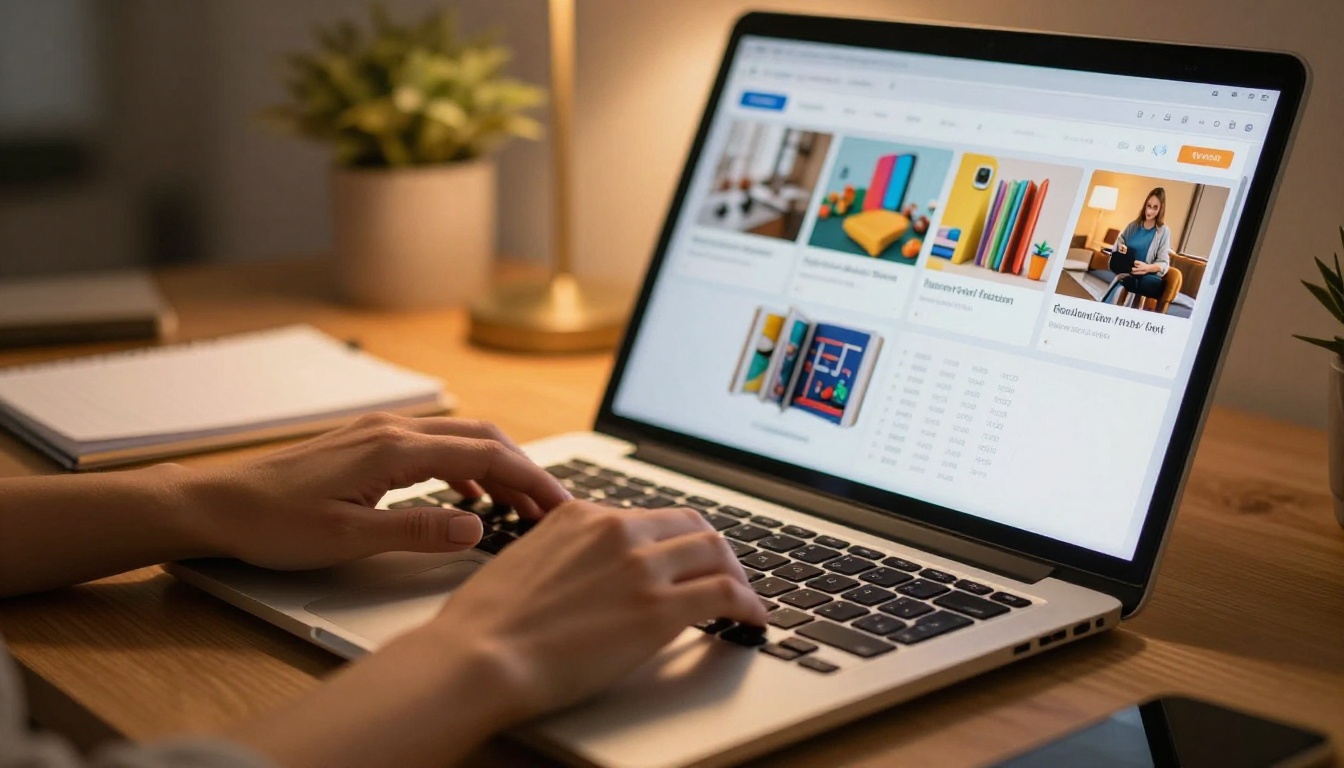
If you sell products, a digital catalog is the fastest way to showcase your full range without overwhelming customers with walls of text. Use the Product Catalog Generator or the Digital Catalog Maker to start with purpose-built templates.
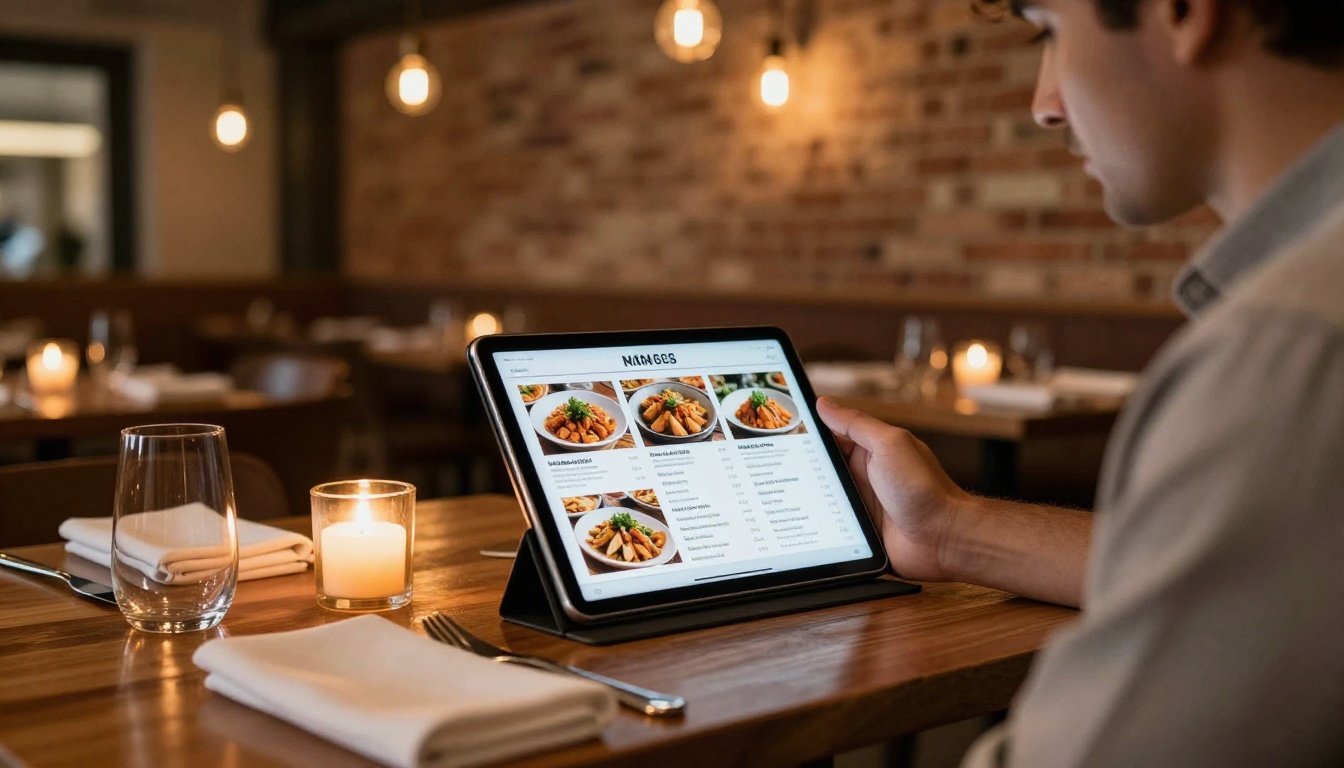
Restaurant and food business owners should check out the Restaurant Menu Creator or the Menu Flipbook Designer. You can have a new seasonal menu live and shareable before the dinner rush.
Brochures and Presentations
For service-based businesses, a sleek digital brochure tells your story better than a paragraph of text. The Online Brochure Designer and Brochure Flipbook Maker give you polished templates for any industry.
Sales teams and consultants will find the Sales Presentation Flipbook and Presentation Flipbook Designer particularly useful for client pitches that feel modern and interactive.
Portfolios and Lookbooks
Photographers, designers, stylists, and creative professionals can share their work through a Digital Portfolio Creator or a Photography Portfolio Flipbook. Fashion and retail brands can put together a seasonal Interactive Lookbook Designer that rivals anything from a high-end agency.
Comparing Flipbook Plans for Small Businesses
Choosing the right plan matters. Here's a straightforward comparison of what Flipbooks AI offers across its tiers.
| Feature | Free | Standard | Professional |
|---|
| Flipbooks | Limited | Unlimited | Unlimited |
| Watermarks | None | None | None |
| Custom Branding | Basic | Full | Full |
| Password Protection | No | Yes | Yes |
| Analytics | No | Basic | Advanced |
| Lead Generation Forms | No | No | Yes |
| Offline Downloads | No | Yes | Yes |
| Embed on Website | Yes | Yes | Yes |
| Video and Audio | No | Yes | Yes |
| Mobile Responsive | Yes | Yes | Yes |
⚠️ If you're using flipbooks for sales, the Professional plan's lead generation forms and analytics can pay for themselves with a single new customer captured.
Standard vs. Professional: Which to Pick
For most small business owners just starting out, the Standard plan is the sweet spot. You get unlimited flipbooks, no watermarks, password protection, and the ability to embed on your website. Once you're ready to scale and want to know exactly who is reading your catalogs, the Professional plan unlocks the full data picture with advanced analytics and lead capture.
Real-World Use Cases That Actually Work
Abstract benefits are fine, but real examples hit differently. Here is how small businesses in different industries are using fast flipbook makers right now.

Retail Shops
A clothing boutique owner uploads her seasonal lookbook every three months. She shares it on Instagram Stories with a swipe-up link, embeds it on her online store's homepage, and emails it to her subscriber list. Her customers browse at their own pace, tapping through pages on their phones like flipping through a magazine. The result: longer time spent per visit and more items added to cart.
Food Businesses
A bakery uses a Digital Price List Generator to share their custom cake options with wedding clients. Instead of emailing a flat PDF, they send a link to an interactive flipbook that feels premium, which directly affects how clients perceive their pricing and professionalism.
Real Estate Professionals
An independent real estate agent creates a property brochure for each new listing using the Real Estate Brochure Creator. She embeds it in her listing emails and website pages, giving buyers a polished browsing experience without needing an app or a printed packet.
Service Providers
A spa owner uses the Spa and Wellness Menu Creator to build a treatment menu that lives on their website and is displayed as a QR code in the reception area. Clients browse services and pricing from their phone while they wait, which often leads to add-on bookings without any upselling from staff.
Speed Matters: Why Fast Matters for Small Business
When you're a team of one or two people, every hour counts. Tools that take three hours to learn and four more to use are a luxury you can't afford. A fast flipbook maker for small business owners means you can go from raw PDF to published, shareable flipbook in under 10 minutes.
That speed has a direct effect on your ability to respond to the market. A competitor drops prices? Update your price list and reshare the link within the hour. A new product arrives? Add it to the catalog tonight. You don't need to wait for a designer, a printer, or a delivery window.
Time Saved Per Task
| Task | Old Way | With Flipbook Maker |
|---|
| Seasonal catalog update | 2 to 3 days (redesign and print) | 30 to 60 minutes |
| New menu launch | 1 to 2 days (design, proof, print) | 45 minutes |
| Client proposal | 2 to 4 hours (formatting and export) | 20 to 30 minutes |
| Portfolio update | 1 to 2 hours | 15 to 20 minutes |
| Price list revision | 1 full day (reprint) | 10 to 15 minutes |
💡 Most small business owners report saving 5 to 10 hours per month after switching from print to digital flipbooks. That's real time back in your week, every single month.
Mobile-First Means More Reach
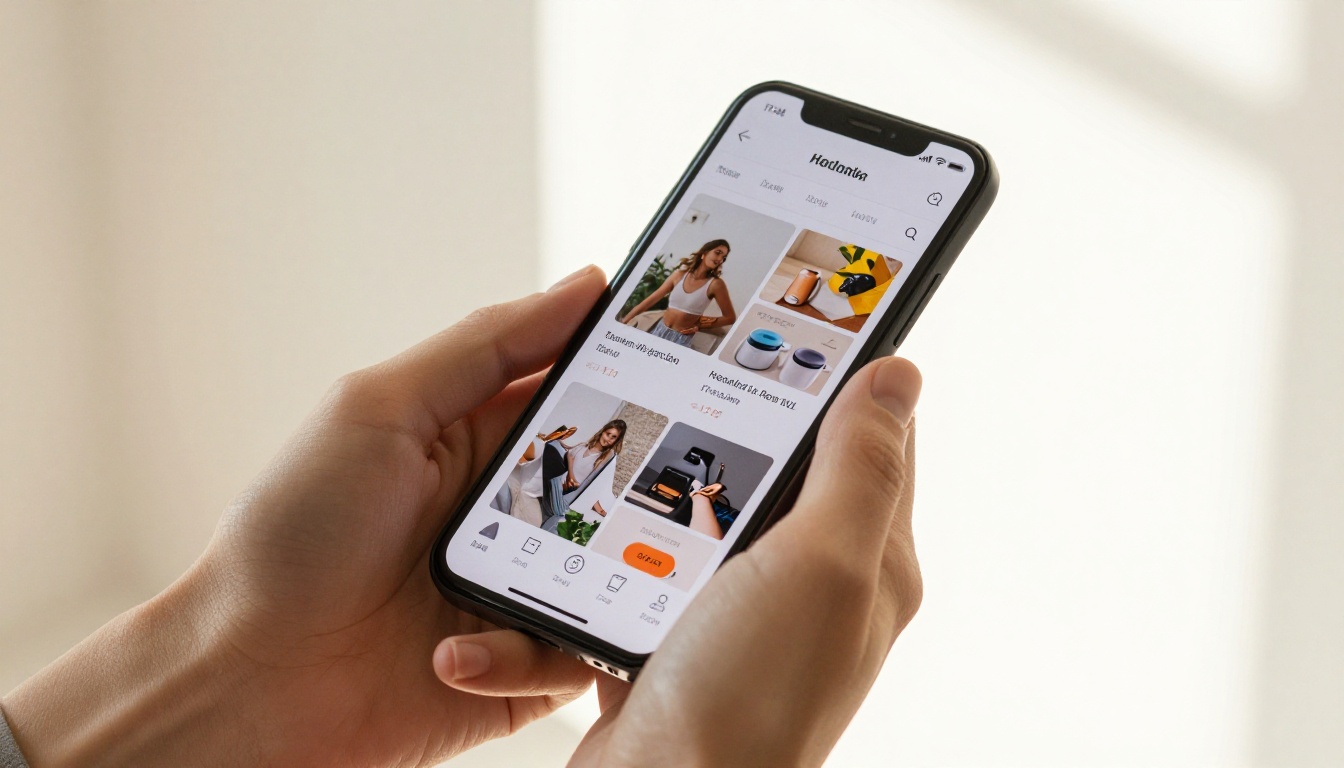
Over 60% of web traffic comes from mobile devices. If your catalog or brochure is not optimized for phones, you're losing more than half your potential audience before they even start reading. Every flipbook created with Flipbooks AI is mobile-responsive by default, with no extra setup required.
Customers can swipe through pages naturally on their phones, pinch to zoom on product images, and tap links embedded directly inside the flipbook. This creates a smooth shopping-like experience from any shareable link, without an app download or any friction for the reader.
Where to Share Your Flipbook
- Email newsletters: Paste the link or embed a preview thumbnail to drive click-throughs
- Social media: Share links on Instagram bio, Facebook posts, and LinkedIn articles
- WhatsApp Business: Send the link directly to customer conversations for fast browsing
- Your website: Use the embed code to place the flipbook on any page or landing section
- QR codes: Print a QR code pointing to your flipbook for in-store and packaging use
- Google Business Profile: Link to your catalog directly in your business listing
Stop Losing Customers to Better-Looking Competitors
The reality of small business marketing today is that customers judge professionalism before they judge price. A polished digital flipbook signals that you take your business seriously. It builds trust before the first conversation. And it makes your products and services easier to browse, which directly increases the chance of a purchase.

The PDF to Flipbook Converter is the starting point. If you already have a document, you're two steps away from a live, shareable digital publication. If you need to build from scratch, Flipbooks AI has templates for every use case, from hotel brochures to annual reports to event programs. Browse all available tools and templates to find the perfect format for your business.
Every day you spend sending flat PDFs or paying for reprints is a day a competitor with a better-looking flipbook is pulling customers in your direction. Ready to create your first flipbook? Get started for free and have your first publication live before the end of today. When you're ready to scale, explore pricing plans to find the right fit for where your business is headed.



