You have a PDF sitting in your downloads folder and three minutes before a meeting starts. The last thing you need is a slow, watermark-heavy converter that drags you through six screens before it lets you share a link. Free, fast, and online: that is the standard now, and the best tools actually deliver it.
Flipbooks AI is one of the platforms that redefined what "fast" means in this space. Upload a PDF, watch it process in seconds, and walk into that meeting with a shareable flipbook link ready to go. No software installation, no account required to start, and no watermarks ruining your brand on client-facing documents.
But speed is just one piece of the puzzle. Let us break down exactly what separates a truly fast free PDF to flipbook converter from the ones that only claim to be.
What "Fast" Actually Means Here
Upload Speed vs. Processing Time
When people search for the fastest free PDF to flipbook converter online, they usually mean one of two things: how quickly the file uploads, or how quickly the pages render into a flippable format. These are different problems with different solutions.
Upload speed depends on your connection and the file size. A 50-page PDF at high resolution can run 20 to 40MB. Tools that compress on the client side before uploading shave valuable seconds off the process. Tools that require you to wait for a full server-side parse before anything starts add delays you can feel immediately.
Processing time is where converters truly differ. Some tools queue your file behind other users, adding unpredictable wait times. Others use cloud-based parallel processing to render each page simultaneously, meaning a 100-page document processes nearly as fast as a 10-page one.
💡 Pro tip: Tools that show a real-time progress bar with page-by-page rendering are almost always faster than those with a single "processing" spinner. The bar means parallel rendering is happening on the server side.
Browser-Based vs. Desktop Software
Desktop software sounds powerful, but for a straightforward PDF-to-flipbook conversion, it adds unnecessary friction. You download an installer, grant permissions, wait for updates, and still end up exporting a file you then have to upload somewhere to share.
Browser-based converters eliminate all of that overhead. Open a tab, drag your PDF, get a link. Flipbooks AI works entirely in-browser with zero installation required. The conversion happens on their servers, meaning your device's processing power is completely irrelevant.
Free Plans: What You Get vs. What You Give Up
Not all "free" is created equal. Some converters give you a free trial that expires in 7 days. Others lock your flipbook behind a watermark unless you upgrade. A few tools offer genuinely unlimited free usage but strip out every feature that makes the tool actually useful.
Here is how the most common free tier structures break down:
| Feature | Watermark-Heavy Free | Trial-Based Free | Flipbooks AI Free |
|---|
| Watermarks | Yes, always | No (during trial) | Never |
| Flipbooks per month | Unlimited | Limited | Unlimited |
| Page flip effect | Basic | Full | Full |
| Shareable link | Yes | Yes | Yes |
| Embed code | No | Sometimes | Yes |
| Custom branding | No | No | Upgrade option |
| Password protection | No | No | Upgrade option |
| Analytics | No | No | Professional plan |
⚠️ Warning: If a tool advertises "free" but requires a credit card to access the flip effect or remove a watermark, it is not actually free. Read the fine print before uploading sensitive documents.
The Flipbooks AI free tier stands out because there are no watermarks, ever, on any plan. This matters significantly for businesses sharing catalogs, presentations, or menus with clients. A watermark on a client-facing document signals that you chose the cheapest possible tool, even if the content itself is excellent.
How to Convert a PDF to a Flipbook on Flipbooks AI
This is one of the fastest conversion workflows available online. The entire process from PDF to shareable link takes under two minutes for most documents.
1. Go to the Converter
Head to Flipbooks AI and navigate to the PDF to Flipbook Converter tool. No account is required for your first conversion.
2. Upload Your PDF
Click the upload area or drag your PDF directly onto the page. The tool accepts files up to several hundred MB and handles multi-page documents smoothly. A real-time progress indicator shows page-by-page rendering as it processes.
3. Watch the Page-Flip Render
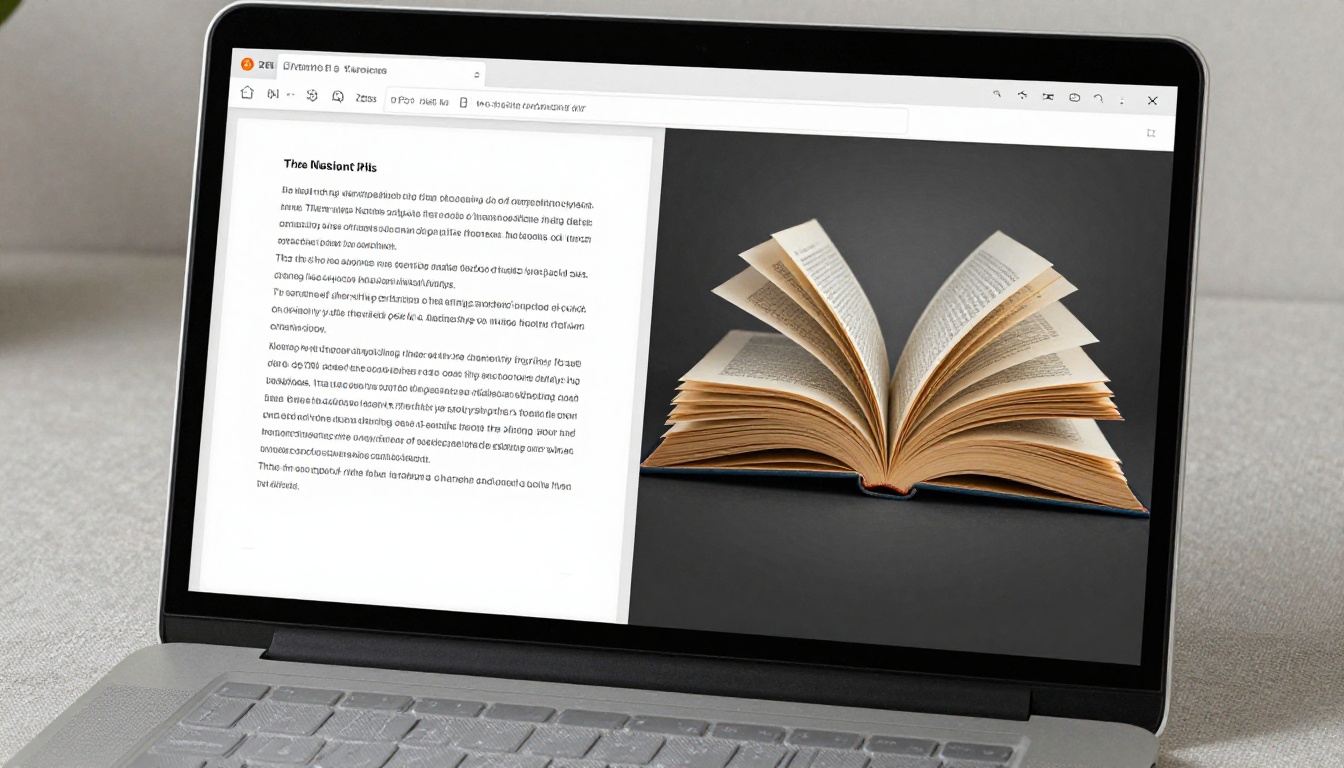
Once processing completes, your PDF becomes a fully interactive digital flipbook with a realistic 3D page-curl effect. You can flip through it directly in the browser, and every page renders in sharp detail regardless of the original PDF resolution.
4. Customize Your Flipbook
This is where Flipbooks AI goes beyond a basic converter. You can:
- Change the background color or add a custom background image
- Add your logo for branded presentations
- Embed videos and audio within specific pages
- Set a custom domain for sharing
- Enable or disable the automatic table of contents
- Switch between light and dark reading modes
5. Share, Embed, or Download
Every flipbook gets a permanent shareable link the moment processing completes. For website embedding, copy the iframe code and paste it into any page. The embed is mobile-responsive by default, so it adapts perfectly to every screen size without additional configuration.
✅ Best practice: Use the password protection feature when sharing confidential documents. It adds an access layer without requiring the recipient to create an account or download anything.
3 Mistakes That Slow Down Your Conversion
Even with a fast tool, a few common errors introduce unnecessary delays. Knowing these ahead of time saves frustration.
Using Scanned Image PDFs
A PDF made from scanned images is significantly heavier than a text-based PDF of the same page count. Each page is stored as a high-resolution JPEG or PNG embedded in the PDF container. A 30-page scanned document can exceed 150MB, which directly increases both upload and processing time.
If you are starting from paper documents, use OCR software before converting to get a true text-based PDF. The resulting file will be a fraction of the size and will process much faster.
Oversized Embedded Images
Many professional brochures and catalogs contain 300 DPI print-quality images embedded at full resolution. These are necessary for print but wasteful for digital flipbooks. Compressing images to 150 DPI screen resolution before conversion can cut file size by 60 to 70 percent, dramatically improving processing speed.
Not Using a Dedicated Tool for Your Document Type
A generic PDF converter handles every document the same way. Flipbooks AI offers purpose-built tools for specific formats: fashion catalogs, restaurant menus, real estate brochures, annual reports, and more. These tools apply format-specific optimizations that produce better results faster than a generic converter.
Real-World Use Cases
Business Presentations
Sales decks, pitch decks, and company presentations gain instant credibility when shared as flipbooks. Instead of attaching a PDF that recipients may never open, you send a direct link to an interactive flipbook. Prospects flip through your deck on any device without downloading anything or opening a separate application.
The Sales Presentation Flipbook tool is specifically designed for this workflow, with layouts built for widescreen slide formats.
Product Catalogs
Retailers and manufacturers convert print catalogs into digital flipbooks to share with buyers, distributors, and customers. The page-flip format mimics a physical catalog experience, keeping readers engaged longer than a static PDF ever would.
The Digital Catalog Maker and Product Catalog Generator tools streamline this for both e-commerce and wholesale scenarios.

Real Estate Brochures
Real estate agents share property brochures as flipbooks to give clients a premium browsing experience. Flipping through a property listing feels fundamentally different from scrolling a PDF because each page has spatial weight and a transition gesture.
The Real Estate Brochure Creator handles multi-property listings with clean layouts optimized for high-resolution photography.

Restaurant Menus
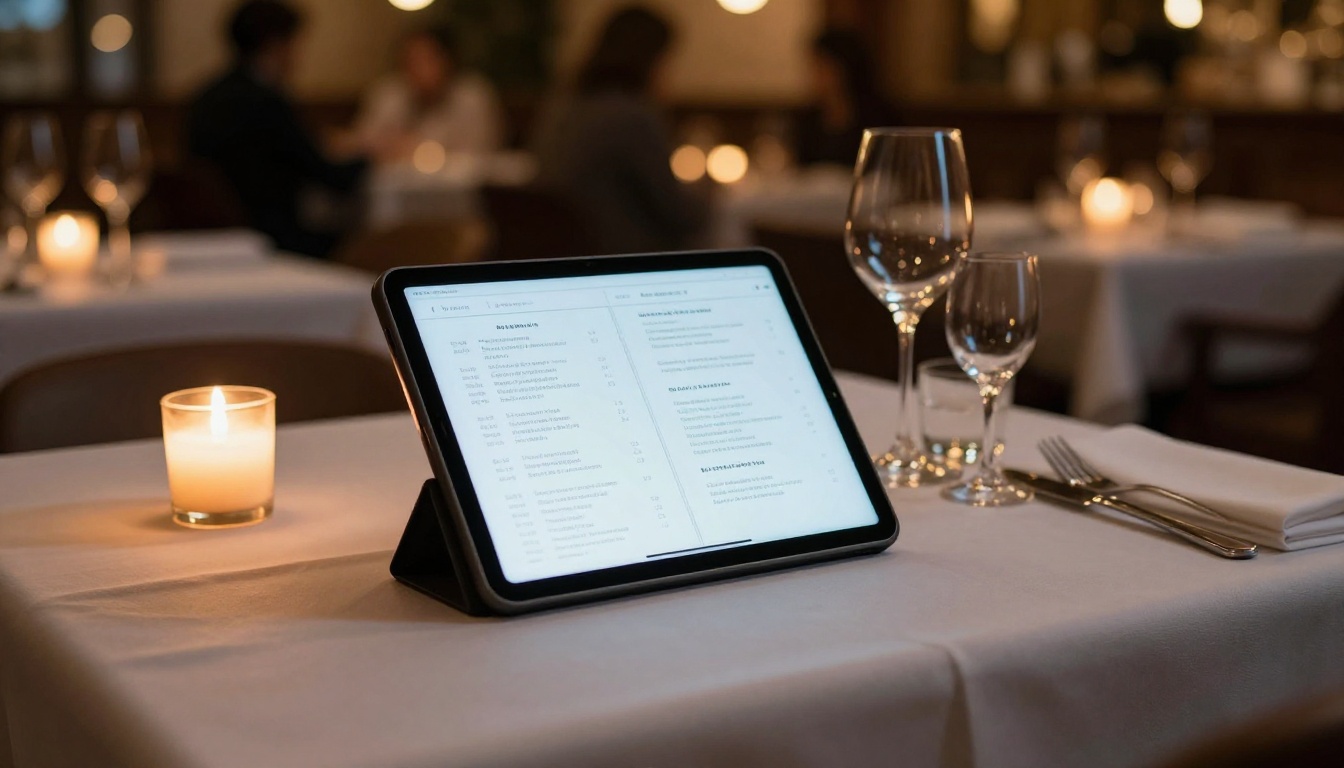
Restaurants replace printed menus with digital flipbooks accessible via QR code. This eliminates printing costs, allows instant updates when items change, and works on any guest's phone without an app download. The Restaurant Menu Creator handles this use case with food-optimized typography and layout templates.
Educational Materials
Teachers, trainers, and course creators convert PDFs into flipbooks to deliver course materials in a far more engaging format. The Training Manual Flipbook and Course Material Publisher tools add learning-specific features like chapter navigation that make long documents easier to work through.

Pricing Tiers: What You Actually Need
Most users converting PDFs for personal or small business use will find the free plan entirely sufficient. For teams that need analytics, lead capture, or offline access, the paid plans add meaningful value.
| Plan | Flipbooks | Watermarks | Analytics | Lead Gen | Offline Download | Custom Branding |
|---|
| Free | Unlimited | None | No | No | No | No |
| Standard | Unlimited | None | Basic | No | Yes | Yes |
| Professional | Unlimited | None | Full | Yes | Yes | Yes |
💡 Pro tip: The Professional plan analytics show you which pages capture the most attention, letting you refine documents based on real engagement data. For sales teams, this reveals exactly where prospects stop reading in a proposal or pitch deck.
Explore pricing plans to compare what each tier includes before deciding which works for your workflow.
Speed Benchmarks: What to Expect
Processing speeds vary based on document complexity, but here are realistic expectations when using a cloud-based converter:
| Document Type | Pages | Expected Processing Time |
|---|
| Simple text PDF | 10 pages | Under 5 seconds |
| Mixed text and images | 30 pages | 10 to 20 seconds |
| High-resolution photo catalog | 50 pages | 20 to 45 seconds |
| Large annual report | 100 pages | 45 to 90 seconds |
These times cover the conversion step only. The shareable link becomes available the moment processing finishes, with no additional wait before sharing or embedding.
Why the Page-Flip Effect Changes Everything
The difference between a PDF link and a flipbook link is not just visual. It changes how people interact with your content at a behavioral level.
A PDF opens in a viewer where most readers immediately scroll to the end or search for a specific term. A flipbook encourages sequential reading because the page-turn gesture creates a sense of physical navigation through space. Readers stay engaged longer, which directly benefits sales materials, magazines, portfolios, and any content where sequence and context matter.
Mobile-Responsive Without Extra Work
Every flipbook created on Flipbooks AI automatically adapts to mobile screens. The swipe gesture on a phone mirrors the page-curl on desktop, keeping the experience consistent across all devices. With over 60 percent of document views now happening on mobile, this is not a nice-to-have feature: it is table stakes.
No Downloads Required for Readers
When you share a flipbook link, recipients view it directly in their browser. They do not need to download the PDF, open a specific app, or create an account. This frictionless access is a primary reason why flipbook links consistently generate higher engagement than PDF email attachments.
After You Convert: Advanced Options
Embed on Your Website
The embed code generated by Flipbooks AI works on any platform: WordPress, Shopify, Squarespace, Webflow, or raw HTML. The Embed Flipbook on Website tool creates an iframe snippet that scales to fit any container width automatically. Visitors interact with your flipbook without leaving your site at any point.
Password Protection and Privacy
For internal documents, HR materials, or confidential client deliverables, password protection adds a simple but effective access barrier. Set a password when publishing, and any recipient sees a prompt before the flipbook loads. This feature is available on Standard and Professional plans.
Analytics and Lead Generation
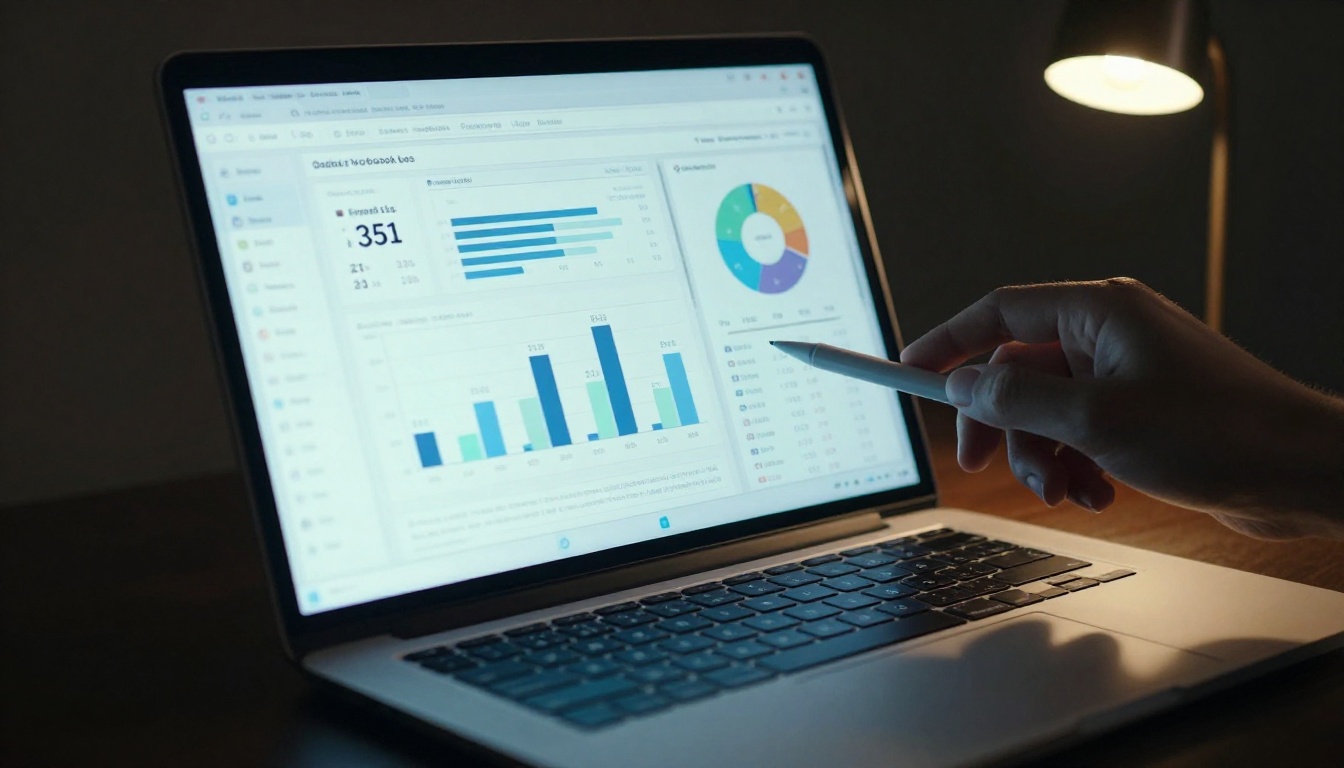
The Professional plan adds per-page analytics that show view counts, time spent per page, geographic data, and device breakdown. For marketers and sales professionals, this data reveals exactly how recipients interact with proposals, catalogs, and presentations over time.
The lead generation feature inserts a form gate before the flipbook loads, capturing name and email before anyone views the content. This converts every shared flipbook link into a lightweight lead capture tool.
Beyond the core PDF converter, Flipbooks AI provides purpose-built tools for every common document type. Here are the most widely used:
Browse the full tools directory to find the right fit for your specific document type and use case.
Stop Settling for Slow
A PDF converter that makes you wait, slaps your document with watermarks, or forces a software download is not worth your time. The fastest free PDF to flipbook converter online should be exactly that: fast, free, and accessible from any browser with zero friction.
Flipbooks AI delivers on all three. The conversion is fast, the free plan is genuinely free with no watermarks at any tier, and the entire workflow runs in your browser from upload to shareable link.
Ready to convert your first PDF? Create your account on Flipbooks AI and have a shareable flipbook link ready in under two minutes.
Not sure which plan fits your needs? Compare all pricing options to see exactly what each tier includes before committing to anything.



