Sending someone a PDF in 2025 feels like handing them a stack of papers and hoping they read it. Most do not. Open rates are low, engagement drops off after the first two pages, and there is no way to know if anyone actually reached the important part. Converting that same PDF into an interactive flipbook changes all of this. The page-turn experience, the mobile-friendly layout, the embeddability, the analytics. Flipbooks AI makes this conversion happen in under two minutes, with no design experience required.
If you have a PDF sitting on your desktop right now, by the time you finish reading this, you could have a fully functional, branded flipbook live and shareable online. No software to install. No steep learning curve. Just upload, customize, and share.

Why PDFs Get Ignored
Static PDFs were never built for the way people consume content today. They require downloading, pinching to zoom on mobile, and scrolling through pages with no sense of flow or structure. For business documents, this creates a real problem.
Research on digital content engagement consistently shows that interactive formats receive significantly more attention than static ones. A flipbook presents your content in a format that feels intuitive: pages turn, layouts are preserved, and readers navigate the way they would with a real publication. The act of flipping itself signals that this is content worth reading.
Beyond the experience, there is a practical tracking problem with PDFs. Once a file is downloaded, it vanishes into a folder. You have no idea if it was opened, how far the reader got, or which sections held their attention. A properly hosted flipbook gives you real-time analytics at the page level.
💡 Even a simple two-page PDF becomes more engaging in flipbook format, because the interactive experience alone signals that the content has been carefully prepared for the reader.
There is also the sharing problem. Emailing a large PDF attachment creates friction. Attachment size limits, spam filter flags, and the inevitable "I never received it" replies. A flipbook is a URL. You paste it anywhere, and it works.
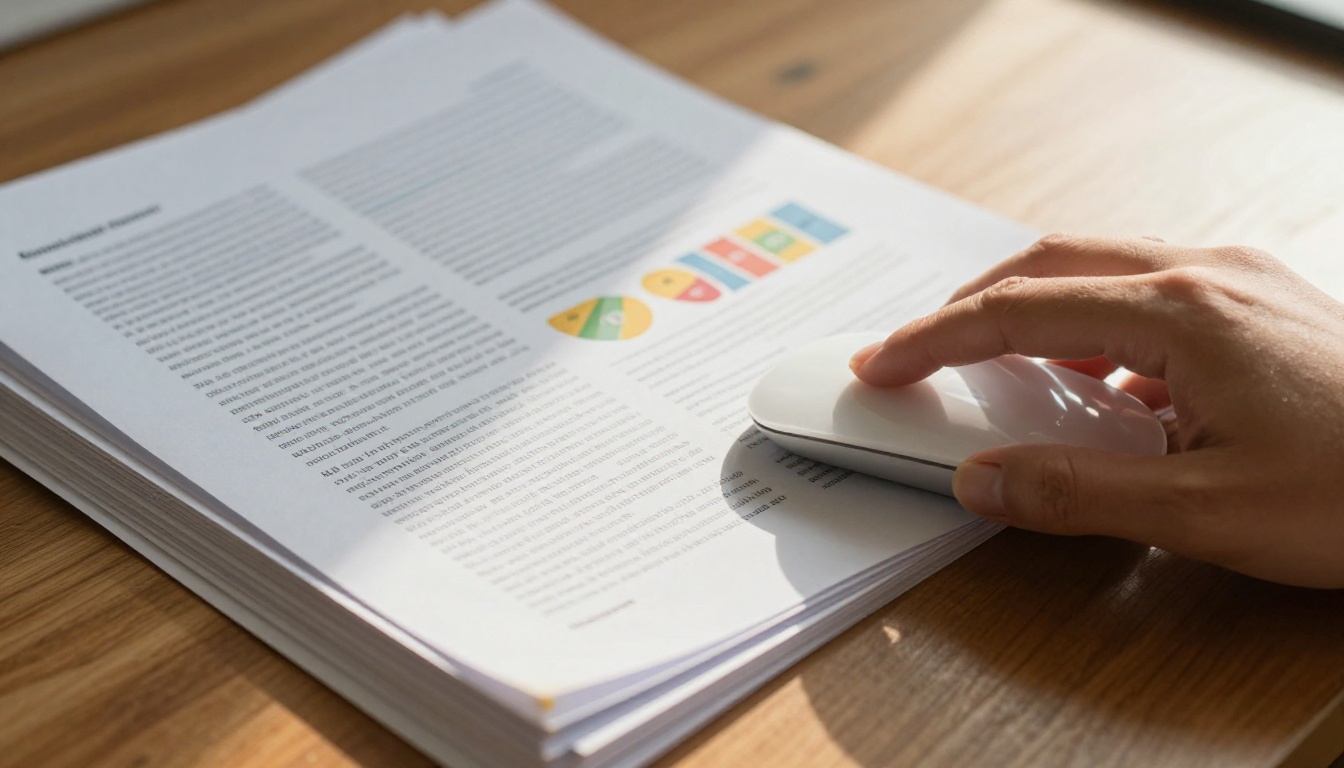
What Actually Changes After Conversion
The format transformation goes well beyond aesthetics. When your PDF becomes a flipbook, a cluster of things shift at once.
What stays exactly the same:
- Your original layout, fonts, and column structure
- Image quality, resolution, and vector sharpness
- Page order and document hierarchy
- Color profiles and brand colors
What you gain immediately:
- Page-turn animation with realistic physics and sound
- Mobile-responsive display that scales without pinching
- A shareable URL that works on every device
- Embeddable code for any website or CMS
- Password protection for private or confidential documents
- View analytics showing which pages were read
| Feature | Standard PDF | Interactive Flipbook |
|---|
| Mobile experience | Poor, requires zoom | Excellent, auto-scales |
| Engagement tracking | None | Full page-level analytics |
| Embeddable on website | No | Yes, single line of code |
| Password protection | Limited | Built-in toggle |
| Custom branding | No | Full color and logo control |
| Offline download | Yes | Yes (Professional plan) |
| Share via link | File download required | Instant URL, no download |
| Video and audio support | No | Yes, embed directly in pages |
The table above shows the practical difference. A flipbook is not just a prettier PDF. It is a fundamentally different distribution format that works the way the web works.

Convert Your PDF in 3 Steps
The actual workflow on Flipbooks AI is straightforward. No software installation, no account needed to preview results, and no file size anxiety for normal-length documents.
Step 1: Upload Your PDF
Head to flipbooksai.com and drag your PDF directly onto the upload area, or click to browse your files. The platform accepts any standard PDF regardless of page count, from a one-page flyer to a 200-page catalog.
The upload processes quickly, even for large documents with high-resolution photography. Flipbooks AI renders each page faithfully, preserving fonts, images, vector graphics, and column layouts exactly as they appeared in your original file. There is no reflow or reformatting. Your design stays intact.
⚠️ Make sure your PDF is not encrypted or password-locked before uploading. Protected files need to be unlocked first using Adobe Acrobat or a free online tool. Standard print-ready PDFs and office-exported documents work without any preparation.
Once uploaded, you see an immediate live preview of your flipbook. The page-turn animation is visible right away, before you even create an account. This lets you verify that your content rendered correctly before committing to anything.
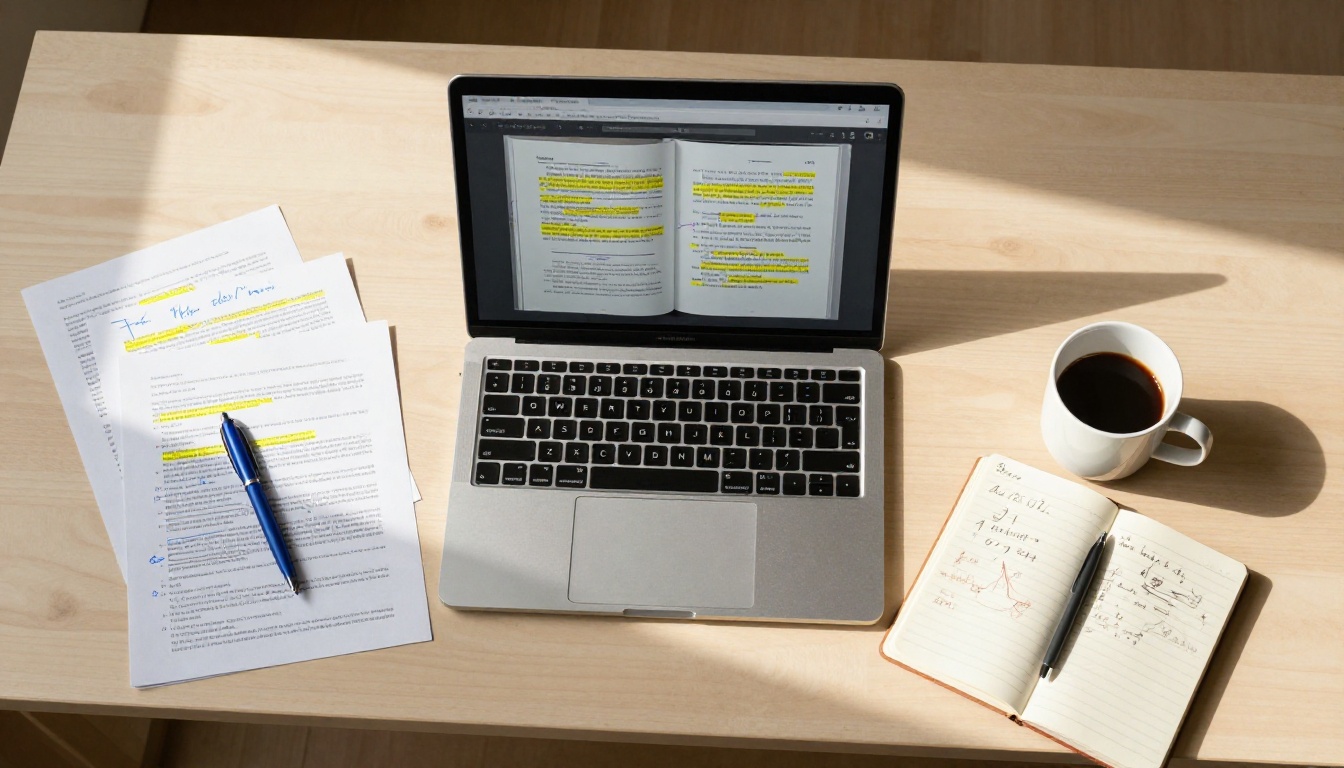
Step 2: Customize Your Flipbook
This is where your document becomes your brand. The customization panel gives direct control over every visual element without requiring any design software.
- Cover style: Choose a thumbnail of your first page, a solid color background, or upload a custom cover image
- Brand colors: Set primary and accent colors to match your existing palette exactly
- Logo placement: Upload your logo to appear on the viewer interface
- Background: Select white, dark mode, or a custom color for the reading area
- Page effects: Adjust animation speed, page-turn sound, and flip direction
- Multimedia: Embed YouTube or Vimeo videos and audio tracks directly into specific pages
- Table of contents: Auto-generated from your document headings for longer publications
For organizations with strict brand guidelines, this level of control is essential. A flipbook that carries your visual identity reads as an intentional, professional product rather than a generic conversion tool output.
✅ Always add your logo and brand colors before your first share. A branded flipbook gets significantly more return visits than an unbranded one, because viewers recognize and trust the source on subsequent views.
Step 3: Share and Publish
Publishing takes a single click. Flipbooks AI generates three sharing options simultaneously.
Direct URL: A clean, short link you can share via email, social media, messaging apps, or print in documents.
Embed code: Paste into any website builder, CMS, or HTML file to show the flipbook inline on your page. The Embed Flipbook on Website tool provides platform-specific instructions for WordPress, Squarespace, Webflow, Wix, Shopify, and more.
QR code: Download as a PNG and print on physical materials, event signage, product packaging, or business cards. Scanning takes the viewer directly to the flipbook without searching for a link.
For confidential or internal documents, toggle on password protection from the sharing panel. Recipients see a password entry screen before the flipbook opens. You can update or remove the password at any time without regenerating the link.

Which PDF Types Convert Best
Not every PDF is the same, and some document types see dramatically higher reader engagement after conversion to flipbook format.
Catalogs and Product Sheets
Product catalogs are among the highest-performing flipbook formats. The page-turn experience mirrors browsing a physical catalog, which naturally increases time spent with the content and the number of products viewed per session. The Digital Catalog Maker is purpose-built for this use case, with grid-optimized layouts and product linking support.
Real-world example: A fashion retailer converts their 48-page seasonal lookbook into a flipbook. Customers who view the flipbook version browse an average of 14 pages per session, compared to 2 to 3 pages for the PDF download version.
Menus
Restaurant and service menus benefit significantly from the format. A printed PDF menu feels flat on a phone screen. A flipbook menu delivers something close to the physical experience of reviewing a menu at the table. The Restaurant Menu Creator handles this automatically, with optional QR code generation for table placements.
The Spa & Wellness Menu and Menu Flipbook Designer serve adjacent use cases where presentation and atmosphere matter alongside information delivery.
Reports and Presentations
Annual reports, investor updates, and board presentations convert very well to flipbook format. Stakeholders spend more time with interactive documents, and the page-level analytics available on the Professional plan reveal exactly which sections drew attention and which were skipped. The Annual Report Creator and Corporate Report Maker are tailored for formal business documents.
Marketing Brochures
Brochures emailed as PDF attachments rarely get opened more than once. As flipbooks, they embed directly on landing pages, get shared via short links in social bios, and hold their format on every device. The Online Brochure Designer and Brochure Flipbook Maker handle brochure-specific layouts with appropriate whitespace and visual hierarchy.
Flipbooks AI Plan Breakdown
The platform covers the full range of what most teams need, from basic one-off conversions to high-volume publishing with advanced lead generation. Here is a direct feature comparison.
| Feature | Free | Standard | Professional |
|---|
| Flipbooks created | 3 | Unlimited | Unlimited |
| PDF pages per flipbook | 15 | Unlimited | Unlimited |
| Watermark-free | No | Yes | Yes |
| Password protection | No | Yes | Yes |
| Analytics | No | Basic views | Full page-level |
| Lead generation forms | No | No | Yes |
| Offline download | No | Yes | Yes |
| Custom branding | No | Yes | Yes |
| Embed on website | Limited | Yes | Yes |
| Custom domain | No | No | Yes |
💡 The Standard plan is the right choice for most small businesses and solo creators. Unlimited flipbooks, no watermarks, password protection, and full embed support cover the vast majority of everyday use cases at a price that makes sense.
For teams that need to measure content performance, the Professional plan's page-level analytics tell you which sections hold attention and which lose readers. This is genuinely useful data for improving future documents and presentations. Compare all plans to find the right fit for your volume and feature needs.

Real-World Use Cases
The teams and individuals using this workflow most effectively tend to fall into a few clear categories.
Marketing teams convert campaign materials, press kits, and media packages from static PDFs into shareable flipbooks. Instead of emailing a large attachment, they share a single link. The Press Kit Designer accelerates this specific workflow for brand and communications teams who produce these regularly.
Sales teams use flipbooks for proposals and product presentations. A proposal delivered as a branded interactive flipbook reads as more considered and professional than a PDF attachment. The Sales Presentation tool is built for this, with clean layouts that prioritize readability on all screen sizes.
Educators and trainers convert course materials, syllabi, and training manuals into formats accessible on any device without downloading anything. Students and employees can access them on their phones as easily as on a desktop. The Training Manual Flipbook and Course Material Publisher both serve this audience with formatting that respects reading flow for longer texts.
Publishers and content creators convert newsletters, magazines, and e-books into interactive digital editions. Embedding a flipbook on a website keeps readers on-page rather than downloading a file and leaving. The E-Magazine Publishing Tool and Newsletter Flipbook Publisher handle these formats with typography and navigation suited to editorial content.
Event organizers convert programs and schedules into QR-code-accessible flipbooks that attendees scan at registration desks, on printed badges, or from event signage. The Event Program Maker produces the flipbook and QR assets simultaneously.
Real estate agents convert property brochures and listing presentations into flipbooks shared via link or embedded on listing pages. The Real Estate Brochure tool formats property photography and specs in a layout suited to buyers viewing on phones.
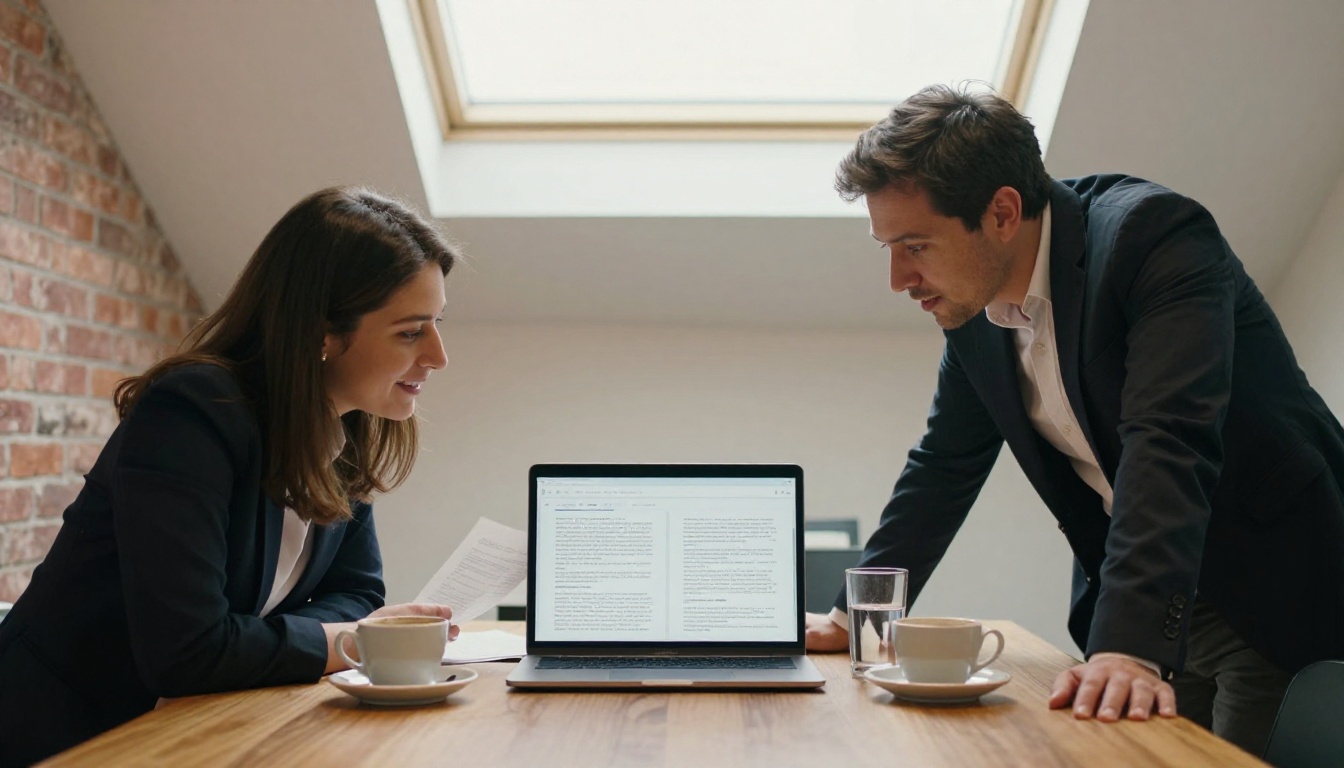
Tips for a Better Flipbook Before You Upload
The quality of your flipbook starts with the quality of your PDF. A few preparation steps make a noticeable difference in the final result.
Use vector exports when possible. PDFs exported from InDesign, Illustrator, or Figma with vector graphics retain sharpness at every zoom level inside the flipbook. JPG-heavy PDFs can look soft on high-density displays.
Set your PDF to the right dimensions. Landscape (16:9) PDFs create flipbooks that fill widescreen monitors naturally. Portrait PDFs work well on mobile. If your document has a specific intended audience, match the orientation to how they will most likely view it.
Keep file size reasonable. Very large PDFs (above 200MB) take longer to process and can slow down the reader experience on slower connections. Compress images in your PDF before uploading if file size is a concern. Most PDF export settings include a "web-optimized" option that reduces size without visible quality loss.
Check for font embedding. If your PDF uses custom fonts that are not embedded in the file, some characters may render incorrectly in the flipbook viewer. Always use the "embed all fonts" option when exporting from design software.
✅ A well-prepared PDF takes the same two minutes to convert as any other file, but the resulting flipbook will look exactly as intended on every device and screen size.
| Preparation Step | Why It Matters |
|---|
| Use vector PDF export | Sharpness preserved at all zoom levels |
| Match orientation to audience | Landscape for desktop, portrait for mobile-first |
| Compress large images | Faster loading, better reader experience |
| Embed all fonts | Correct rendering across all devices |
| Remove PDF password before upload | Required for processing |
| Test on one device before sharing | Confirm layout and colors appear as intended |
Start Turning Your PDFs into Flipbooks
The gap between a PDF that gets ignored and a flipbook that gets read is smaller than most people think. The conversion takes two minutes. The difference in how your content is received is significant and measurable.
Your next step is simple: take a PDF you already have and upload it right now. No preparation needed, no account required to see the result.
Create your first flipbook for free on Flipbooks AI. The free plan lets you test the conversion immediately, with the full preview and page-turn experience available before you enter any payment details.
When you are ready to remove watermarks, add your branding, and access password protection, embed codes, and analytics, explore pricing plans to find the right fit. Most teams find everything they need in the Standard plan from day one.
Browse all flipbook tools to find templates and workflows purpose-built for your specific document type, whether that is a product catalog, a restaurant menu, a real estate brochure, a training manual, or an annual report.
The fastest way to create a flipbook from any PDF is already available. Your next step is uploading the file.



