Festival season hits fast. One week you're planning your booth layout, the next you're standing behind a folding table watching potential customers pick up your catalog, flip through two pages, and put it down. Not because your products aren't good. Because your catalog isn't doing its job. Flipbooks AI changes that completely, turning static PDFs into interactive digital catalogs that buyers actually engage with.
Why Your Current Catalog Is Losing You Customers
Most festival vendors invest heavily in their products and almost nothing in how those products get communicated. The result is a mismatch: beautiful handmade goods presented through a laminated price sheet that looks like it was made the night before.
The Paper Problem at Outdoor Events
Printed catalogs at outdoor festivals face conditions they were never designed for. Sun bleaches the colors. Wind flips the pages. Humidity warps the paper. A morning of rain makes your entire printed inventory look unprofessional. Beyond the physical destruction, printed catalogs are static: if you sell out of a product or need to adjust a price mid-weekend, you're stuck either crossing things out in pen or handing buyers inaccurate information.
⚠️ Vendors who rely entirely on printed catalogs report spending an average of $80 to $200 per festival season on reprints alone, not counting the design time.
What Buyers Do When They Can't Find Your Info
Here's what happens when a customer can't quickly scan your offerings: they move on. Festival-goers walk through dozens of booths in a few hours. Their attention is fractured. If your catalog is buried under a stack of product samples, or if there's a line at your booth, or if your prices aren't immediately visible, they will not wait. They'll visit the next vendor.
A digital catalog solves this by existing everywhere at once. A QR code on your booth sign means someone can browse your full product range while waiting in line, on the walk back to their car, or at home that evening when they decide they actually do want that ceramic mug set.
What a Great Festival Vendor Catalog Actually Contains
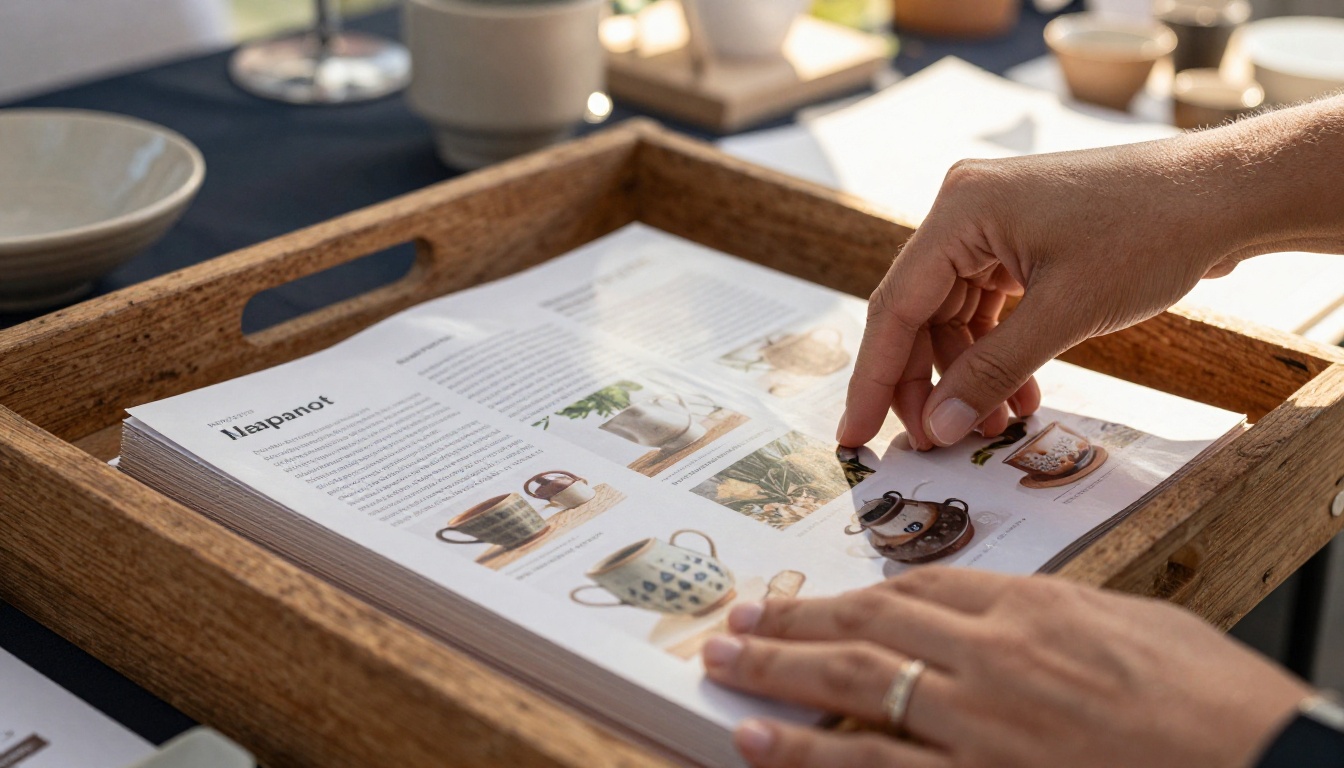
A vendor catalog isn't just a list of products with prices. The best ones tell a story, remove objections, and make the purchase decision easy.
Product Sections Buyers Expect to Find
Organize your catalog by how buyers think, not by how you make things. A food vendor should section by meal type or dietary preference. A jewelry maker should section by material or occasion. A clothing vendor should section by style or size range. Buyers browse by use case, not by production method.
Every product entry should include:
- A clear product name (no inside jargon)
- A price (no "message for pricing")
- A short description (what makes it special in one sentence)
- Variants (sizes, colors, materials available)
- A photo (your best angle, not an afterthought)
Pricing That Builds Trust Fast
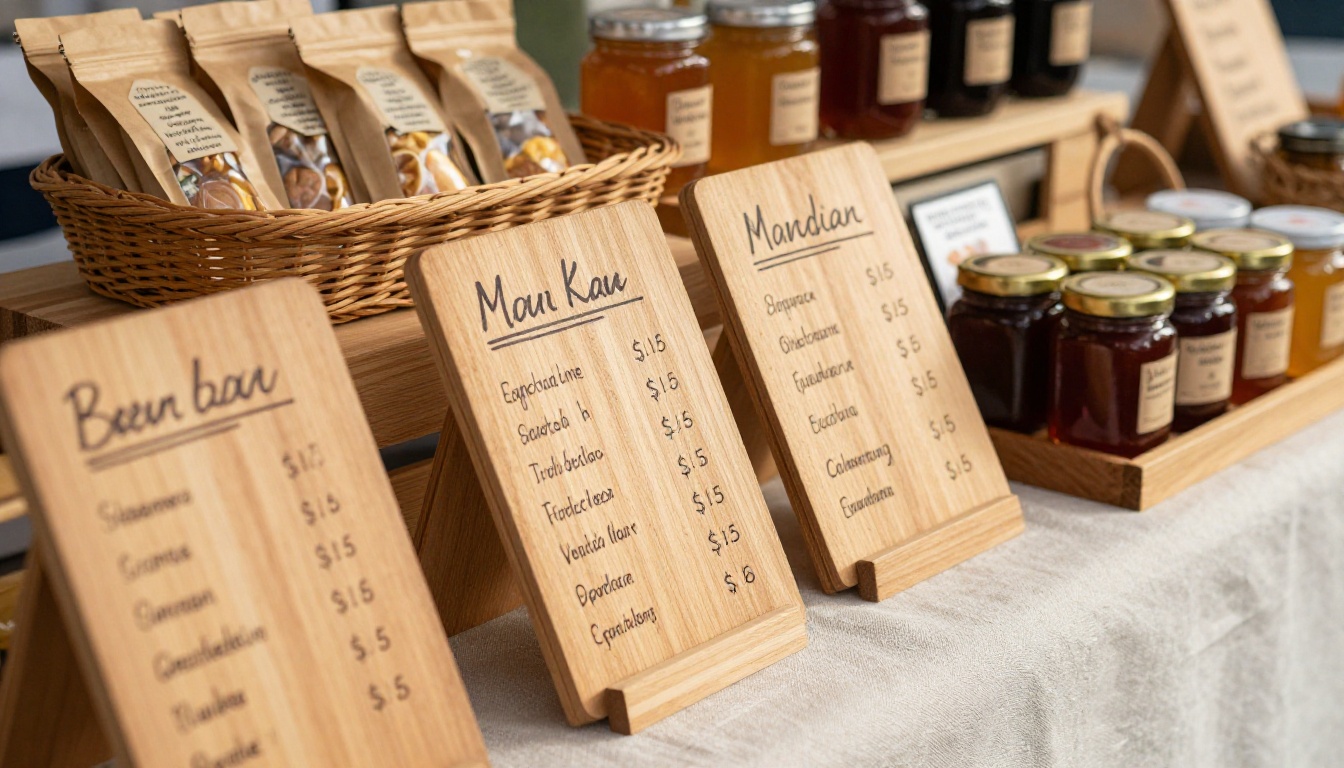
Hiding prices is the fastest way to lose a sale at a festival. Buyers assume hidden prices mean expensive prices. Even if your pricing is competitive, the absence of numbers creates friction. Put your prices in bold, make them readable from arm's length, and include any bundle deals prominently.
💡 Vendors who display pricing clearly in catalogs convert browser visits into sales at significantly higher rates than those who require buyers to ask.
Visuals That Stop Foot Traffic
Your catalog images don't need to be professional photo shoots, but they do need to be good. Natural light, clean backgrounds, and products shown in context (worn, displayed, used) outperform product-on-white-background shots by a wide margin at festivals. People want to imagine owning the item, not inspecting a specification sheet.
Digital vs. Print: The Real Comparison
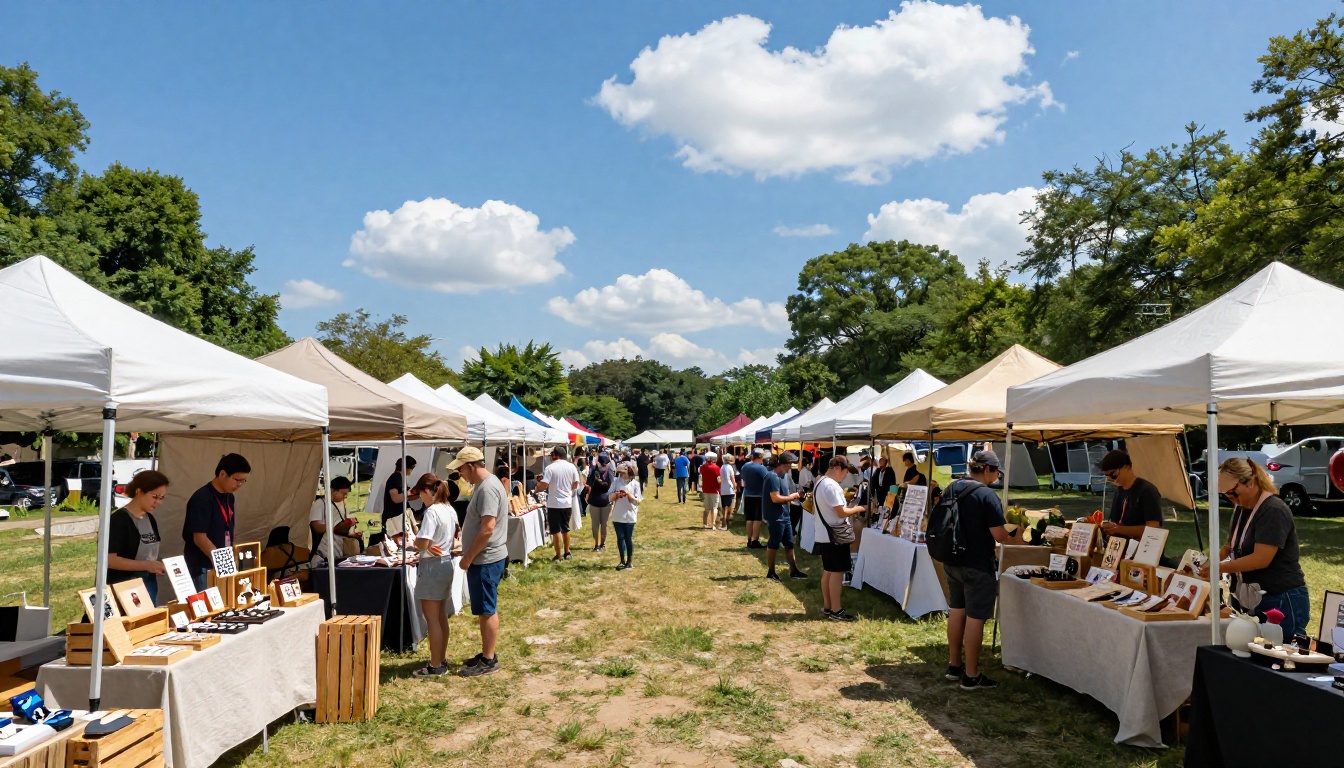
Before committing to any format, it's worth seeing exactly what you're trading off. This isn't about technology for its own sake. It's about what actually helps you sell more at a festival booth.
| Factor | Printed Catalog | Digital Flipbook |
|---|
| Cost per festival | $20-$200 (reprints) | $0 after setup |
| Update speed | Requires reprint | Instant, real-time |
| Weather resistance | Very low | Not affected |
| Reach | Only at the booth | Anywhere via link or QR |
| Customer can take it home | Only if you hand copies out | Yes, via link |
| Analytics (who viewed what) | None | Yes (Professional plan) |
| Inventory of copies | Must manage physically | Unlimited |
| Brand consistency | Degrades with wear | Always perfect |
| Shareable on social | No | Yes, direct link |
| Setup time | Days (design + print) | Hours |
The economics become obvious fast. A digital catalog costs nothing to distribute after you create it, reaches people who weren't at the booth, and never gets destroyed by a summer storm.
The Vendor Types Who Benefit Most
Not every festival booth has the same needs, but digital catalogs consistently outperform print for these specific vendor categories.
Food and Beverage Sellers
Food vendors face a unique problem: their product list changes based on what sold out, what's fresh that day, and what the weather calls for. A hot sauce vendor at a summer festival might want to push milder varieties early in the day and specialty blends by afternoon. With a printed catalog, that adjustment is impossible. With a digital flipbook, it's a two-minute update.
A digital product catalog also lets food vendors include allergen information, ingredient sourcing stories, and suggested pairings without cramming everything onto a tiny laminated card.
Artisan and Craft Vendors
Craft vendors often have high-ticket, one-of-a-kind pieces that benefit enormously from storytelling. A hand-thrown ceramic bowl needs context: who made it, how long it took, what clay was used, why it's priced the way it is. A digital catalog gives you pages to tell that story, whereas a printed sheet gives you a line or two.
The catalog flipbook creator on Flipbooks AI is particularly effective here because it lets you embed that narrative alongside product imagery in a format buyers can revisit at home when making the decision to purchase.
Clothing and Accessories Booths
Sizing, color variants, and styling options are the three biggest friction points for clothing vendors at festivals. A digital catalog addresses all three. Buyers can flip through size charts, see color swatches, and view styling photos without the vendor having to verbally walk them through every option.

How to Build Your Festival Catalog with Flipbooks AI
Flipbooks AI makes this process straightforward enough that you can go from blank page to shareable digital catalog in an afternoon. Here's exactly how it works.
Step 1: Build Your Product PDF
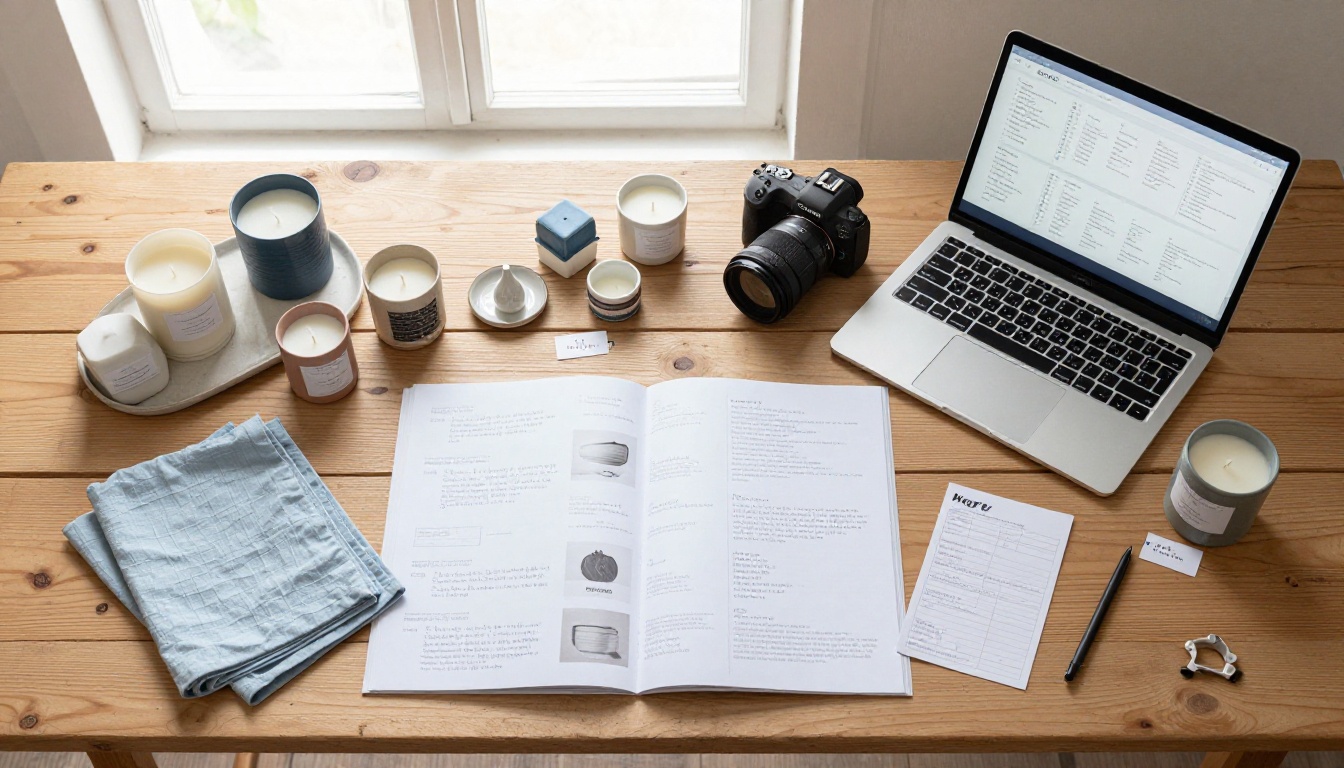
Start in whatever you already use. Canva, Adobe InDesign, Google Slides, Microsoft Word, any tool that exports a PDF. Lay out your products by category, include your best photos, write your pricing, and add your brand colors and logo. Keep it landscape (16:9 works well) for optimal display on phones and tablets.
✅ Aim for 8 to 20 pages. Short enough to browse quickly, long enough to show your full range. Group similar products together and put your bestsellers early.
Step 2: Upload and Convert
Head to Flipbooks AI and upload your PDF. The converter processes your file and transforms it into an interactive page-turning flipbook in minutes. No technical knowledge needed for this step. Upload, wait, done.
Step 3: Brand It Your Way
Once your flipbook is generated, customize it to match your booth's visual identity. Flipbooks AI lets you:
- Set custom background colors or patterns
- Add your logo to the viewer
- Choose custom page-turn effects
- Enable a fullscreen mode for tablet displays at your booth
- Add a password if you want to share an early preview privately with select buyers
This step is where your catalog stops looking like a generic PDF and starts feeling like a proper brand experience.
Step 4: Share at the Booth and Everywhere Else
Once published, you get a direct link and an embeddable code. For festival use:
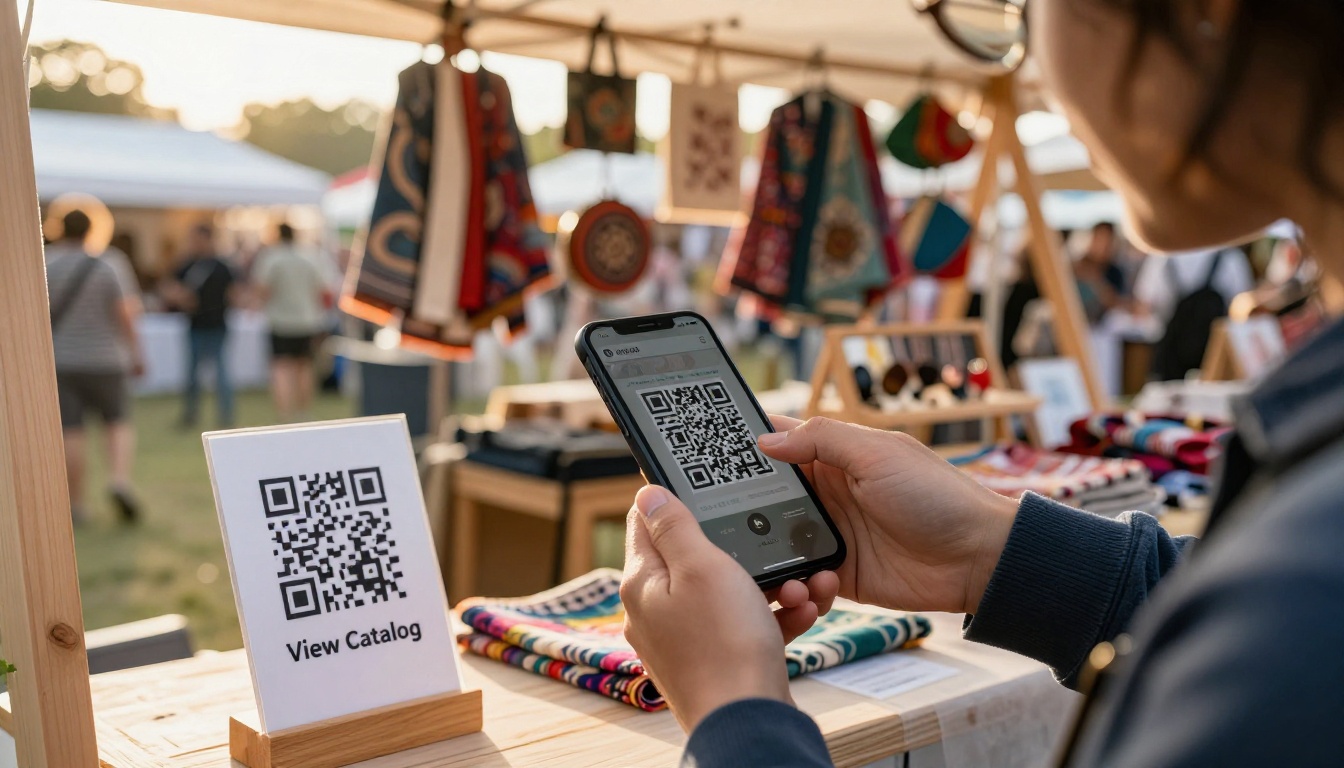
- Print a QR code linking to your catalog and place it on a small sign at the front of your booth
- Send the link to anyone who asks about a product after the festival ends
- Share it on social the week before the festival to generate pre-event interest
- Email it to past customers as a season preview
The PDF to Flipbook Converter and embed tools are both available directly through the platform's tool directory.
Features That Actually Drive Festival Sales
Not all flipbook features matter equally at a festival. These are the ones worth knowing about.
QR Codes and Instant Booth Access
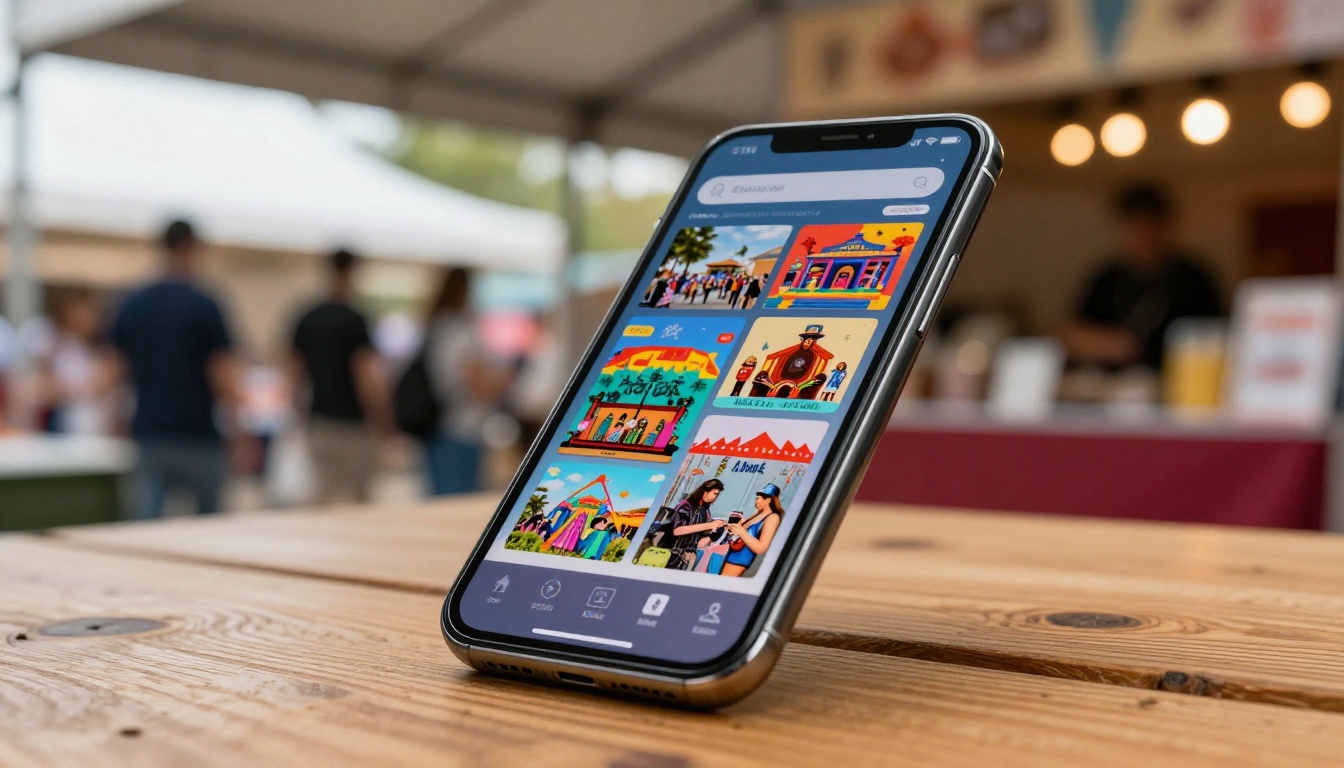
A QR code at your booth is the bridge between your physical display and your full digital catalog. Customers who scan it don't need to wait for you to be free, don't need to handle a physical catalog, and can view your full product inventory even if you've run out of display space.
Place QR codes in at least three spots: the front of your booth, your pricing sign, and on any business cards or handouts you distribute. The more access points, the more catalog views.
Real-Time Pricing Updates
Festival pricing often shifts. You might decide to discount items on day two to clear inventory, or you might need to adjust for a new batch of products that came in at higher material cost. With a digital catalog, you update the source PDF and re-upload. The change is live immediately for anyone with the link.
⚠️ Never cross out printed prices by hand at a festival booth. It signals disorganization and erodes buyer confidence. Digital updates remove this problem entirely.
Mobile-First Catalog Design
Over 70% of QR code scans happen on mobile phones. Your catalog needs to be readable on a 6-inch screen without zooming. Flipbooks AI's viewer is mobile-responsive by default, meaning your pages scale correctly whether someone is browsing on a phone, tablet, or laptop. No extra configuration needed.
| Feature | Why It Matters at Festivals |
|---|
| Mobile-responsive viewer | Most scans happen on phones |
| Instant link sharing | Send to customers after the event |
| Password protection | Pre-show previews for VIP buyers |
| No watermarks | Looks professional, not templated |
| Unlimited flipbooks | Different catalogs per product line |
| Offline downloads | Buyers can save for later reference |
| Analytics (Professional) | See which products get most attention |
| Lead generation (Professional) | Capture emails directly from the catalog |
Planning Your Catalog Across Multiple Festivals
The real efficiency gain comes when you're doing multiple festivals across a season, not just one.
Reuse Templates Across Events
Build one solid base catalog template for your brand. Then for each festival, duplicate it and make event-specific adjustments: featured products for that market's demographic, any local collaborations, event-specific pricing. This approach takes 20 minutes per event instead of starting from scratch each time.
| Festival Type | Catalog Adjustments to Make |
|---|
| Artisan craft fair | Feature handmade and one-of-a-kind items prominently |
| Food and farm market | Lead with seasonal and locally sourced products |
| Music festival | Highlight merch-friendly items: wearables, accessories |
| Holiday market | Push gift bundles and seasonal packaging up front |
| Cultural festival | Emphasize origin stories and cultural significance |
| Outdoor adventure event | Feature durable, practical, outdoor-use products |
Track What Products People Click On
With a Professional plan, Flipbooks AI includes analytics that show you which pages get the most time and attention. After a festival weekend, you can see which products buyers actually spent time looking at versus which ones they scrolled past. That data directly informs what you display more prominently at the next event.
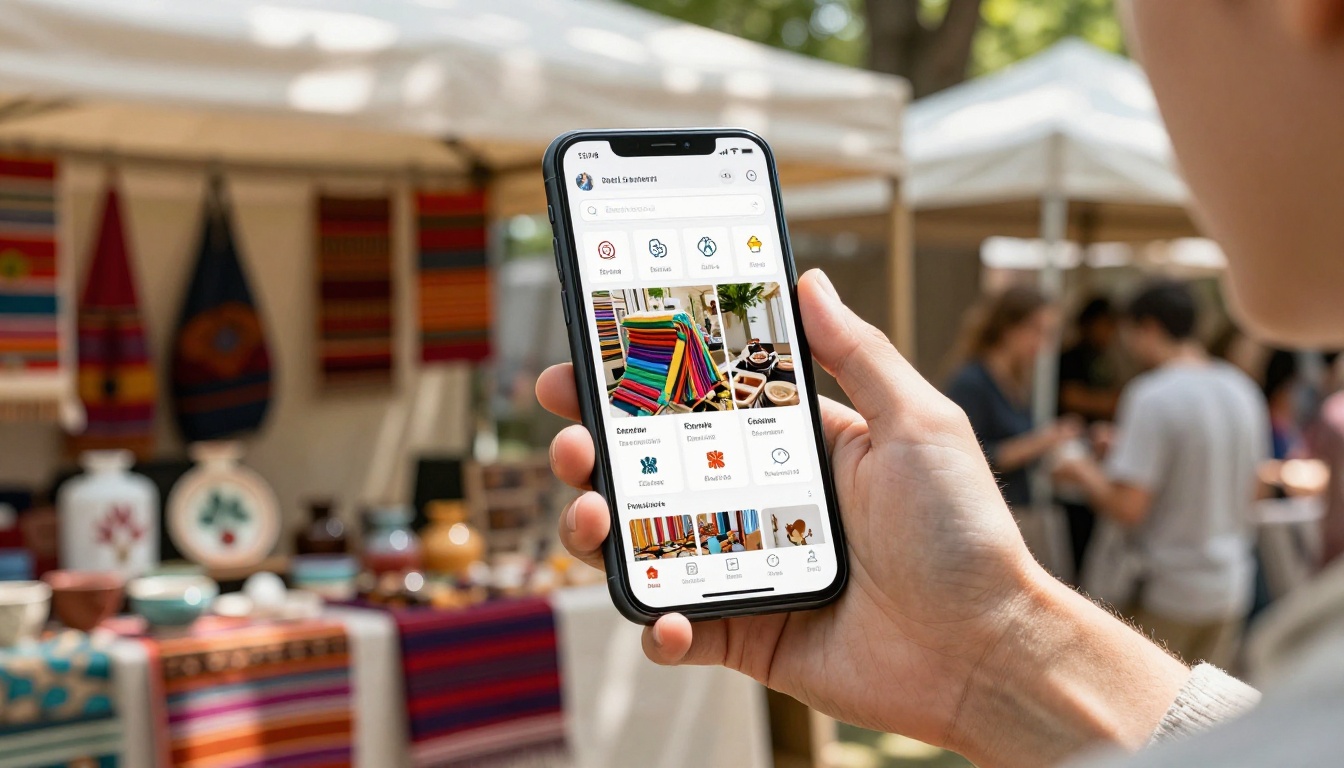
This is the kind of insight that used to require a full e-commerce platform. With a digital catalog and basic analytics, even a solo vendor at a local farmers market gets access to it.
Choosing the Right Plan for Your Booth
Flipbooks AI offers tiered plans designed to scale with how seriously you take your catalog presence. Here's what matters for festival vendors specifically:
| Plan | Best For | Catalog Limit | Analytics | Lead Gen | Offline Download |
|---|
| Free | One-time or seasonal testing | 1 flipbook | No | No | No |
| Standard | Regular festival vendors | Unlimited | No | No | Yes |
| Professional | Multi-event, serious sellers | Unlimited | Yes | Yes | Yes |
For most active festival vendors doing four or more events per season, the Standard plan includes everything needed: unlimited catalogs, no watermarks, custom branding, and offline download so buyers can save your catalog for later.
The Professional plan pays for itself quickly if you're capturing even a few additional sales through lead generation or making smarter inventory decisions through analytics.
Check the pricing page before committing, since the right tier depends entirely on how many events you do and how much post-visit follow-up matters to your business.
Make This Season Different
Every festival vendor knows the feeling of watching a customer walk away from their booth without buying, even after spending two minutes looking. Most of the time, that walk-away happens because something was missing: a price, a detail, a product they didn't know you carried.
A well-built digital catalog closes that gap. It gives buyers everything they need to make a decision, whether they're standing at your booth, sitting in their car an hour later, or showing your products to a friend that evening.
Get started for free on Flipbooks AI and build your first festival catalog today. Browse all available flipbook tools to find the right format for your product type. And when you're ready to invest in the tools that serious vendors use, check out the Professional plan for analytics, lead generation, and everything that turns a good booth into a consistent revenue source.



