Every time someone receives a PDF brochure by email, the same thing happens: they scroll to the bottom, maybe glance at a headline or two, and close it. Static PDFs are forgettable. Animated flip brochures are not. A flip brochure maker that adds realistic page-turn animation to any PDF changes the entire experience, turning a passive document into something readers actually interact with. Flipbooks AI does exactly this, and this article walks through everything you need to put it to work for your brand.
What a Flip Brochure Maker Actually Does
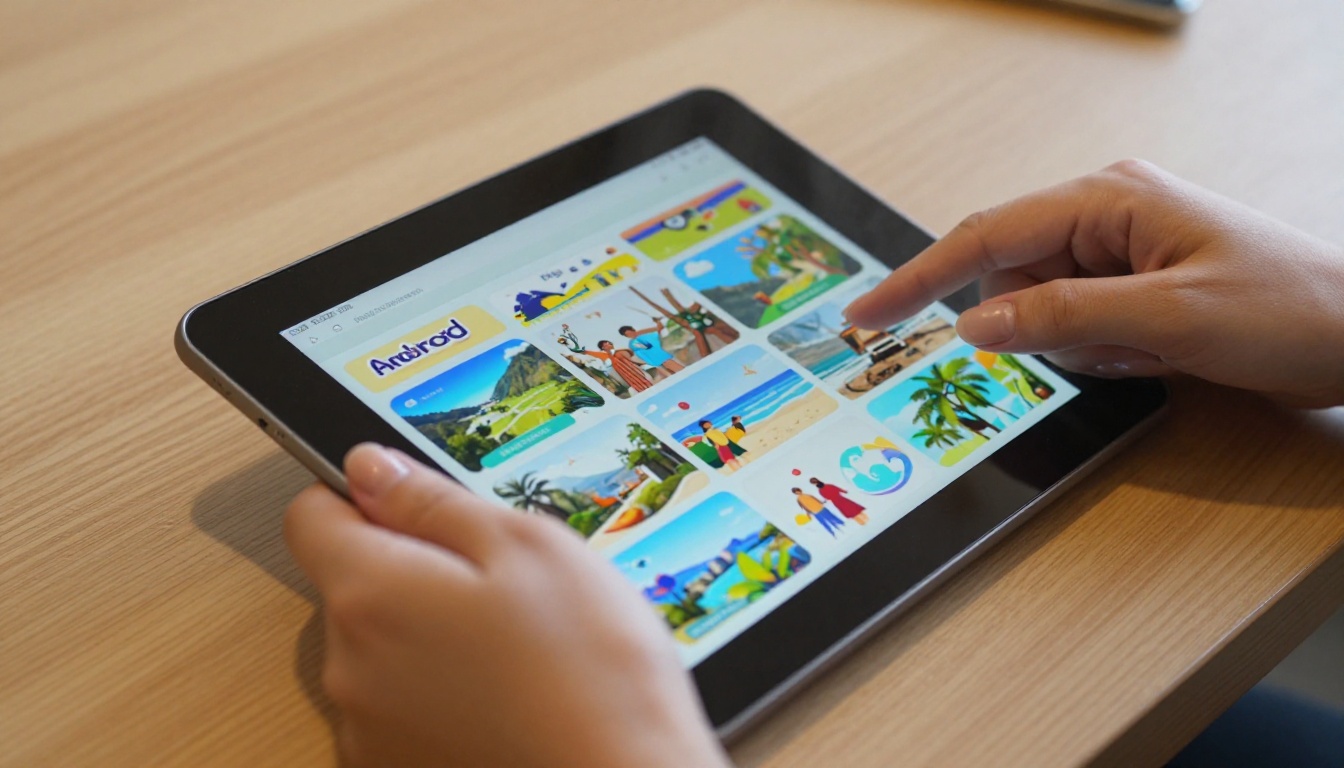
A flip brochure maker is a web tool that converts PDF files into interactive digital publications with realistic page-turn animation. When a reader opens one of these brochures, they see pages that curl, cast natural shadows, and flip exactly as they would in a physical magazine or catalog. The result is a document that feels alive rather than flat.
The core process is simple: upload your PDF, wait for the automated conversion, customize the output, then share a link or embed code. No design software required. No coding. No frame-by-frame animation work.
Static PDF vs. Animated Flip Brochure
The differences are significant and affect both how readers behave and how brands are perceived.
| Feature | Static PDF | Animated Flip Brochure |
|---|
| Page turn effect | None | Realistic 3D page curl with shadow |
| Interactivity | Scroll only | Click, swipe, and flip |
| Mobile experience | Pinch to zoom required | Responsive, auto-fitted |
| Embed in website | Limited iframe | Native embed with full controls |
| Video support | No | Yes, embedded video playback |
| Audio support | No | Yes, per-page or background |
| Analytics | None | Page views, read time, click tracking |
| Password protection | No | Yes |
| Custom branding | No | Yes, logo, colors, domain |
| Shareability | File download only | Direct link, QR code, social share |
💡 Even a simple one-page PDF becomes more compelling when wrapped in a page-flip interface. The animation signals to readers that this content is worth their time.
Why Page-Flip Animation Works
The Psychology Behind Page Turns
Physical books and magazines have conditioned us to associate page-turning with absorbing content. The act of flipping carries meaning: it implies there is more to see, that the content has structure and depth. When a digital brochure mimics that motion, it triggers the same reading behavior.
Readers of animated flipbooks naturally slow down. They look at spreads rather than racing past them. They pause on images that catch their eye. They use the interface to jump back to pages they want to reference again. None of this happens with a static PDF, where the experience is a vertical scroll with no sense of progression.
This behavioral shift is not just aesthetic. It is the reason time-on-page metrics for animated brochures consistently outperform their static counterparts across industries from real estate to retail.
Numbers That Push the Case
Brands that switch from PDF attachments to animated flip brochures consistently report measurable results:
- Higher open and interaction rates because a direct link is easier to click than a file to download
- Longer average read times because the flip interface naturally encourages page-by-page browsing
- More organic shares because a URL can be forwarded in a message, posted to social media, or dropped in a chat
- Better mobile performance because flip brochures are responsive by default, scaling to any screen without awkward zooming
✅ If your current brochure distribution relies on a PDF attached to an email, switching to a flip brochure link will measurably improve how many people actually read it.
Who Uses Animated Brochures (and Why)
The format works across industries. The specific benefits vary by use case.
Real Estate Professionals
Property brochures live and die by photography. A static PDF compresses images and strips them of context. An animated flip brochure presents full-bleed photographs across double-page spreads, exactly as they would appear in a printed luxury property magazine.
Real estate agents use animated brochures to share listings with buyers during consultations, via email follow-ups, and embedded directly on listing pages. The Real Estate Brochure tool on Flipbooks AI is purpose-built for this workflow. Property developers use the same approach for off-plan sales materials and area reports.
Hospitality and Hotel Brands
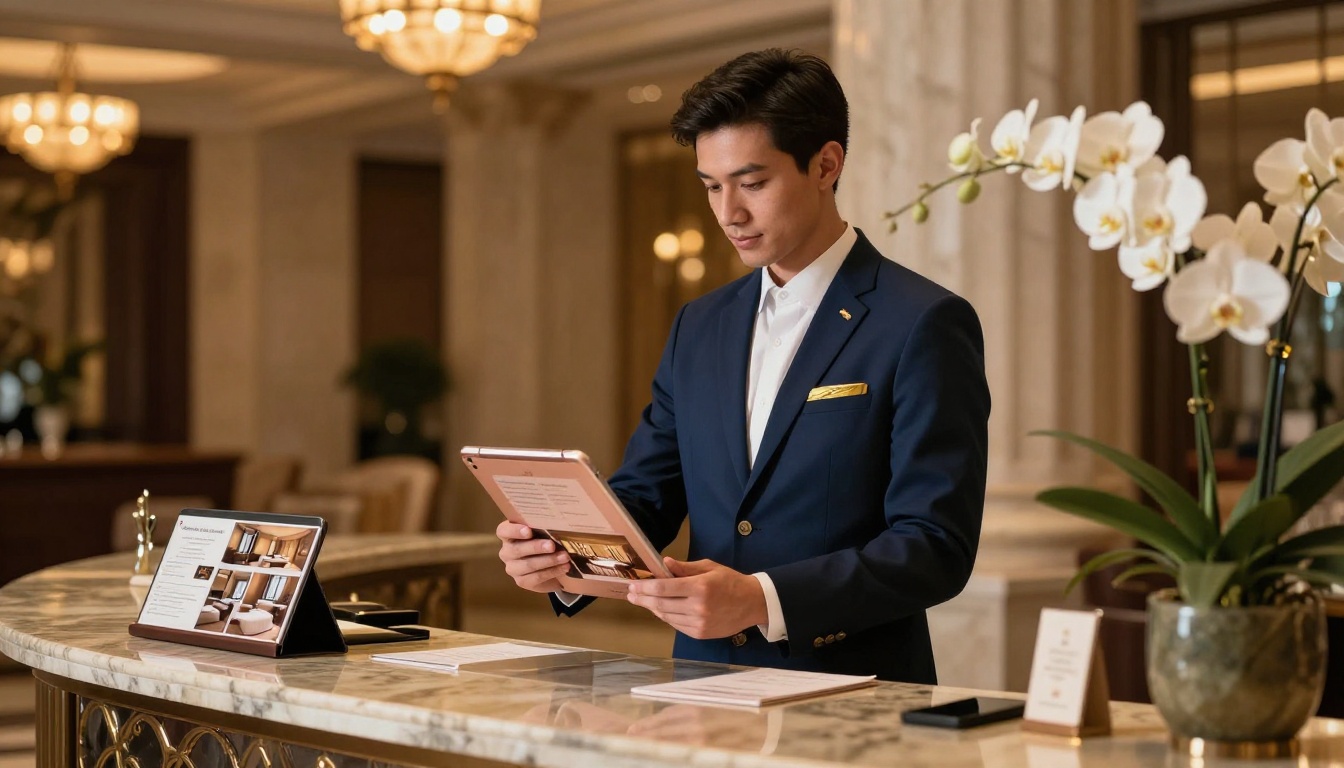
Hotels, resorts, and spa brands rely on visual identity to convert browsers into bookings. An animated brochure showing spa facilities, room categories, and dining options gives potential guests a curated experience that matches the quality of the property itself.
The Hotel Brochure tool includes templates built for hospitality brands, with full-bleed image support and customizable color schemes that align with existing brand standards.
Fashion and Retail
Lookbooks and seasonal catalogs carry the personality of a fashion brand. When that personality is squeezed into a static PDF, it loses something fundamental. Animated flip brochures restore the editorial quality of a printed lookbook, with the added benefit of embedded video clips and clickable product links.
The Interactive Lookbook Designer and Fashion Catalog tools support large-format image spreads and multimedia embedding, making them the natural choice for seasonal collections and product launches.
Restaurants and Food Businesses

A restaurant's printed menu or seasonal food catalog becomes a shareable marketing asset when converted to an animated flip brochure. Diners can browse it before they arrive, share it with friends, or access it by scanning a QR code at the table.
The Restaurant Menu Creator lets food businesses upload their PDF menu and have an animated, mobile-ready version within minutes. The Spa & Wellness Menu handles wellness brands with the same ease.
Flip Brochure Maker Feature Breakdown
Not every flip brochure maker delivers the same set of features. Below is a breakdown of what Flipbooks AI offers across its plans, so you can match the right tier to your needs.
| Feature | Free | Standard | Professional |
|---|
| Animated page-flip | Yes | Yes | Yes |
| Watermark | Yes | No | No |
| Number of flipbooks | 3 | Unlimited | Unlimited |
| Custom branding | No | Yes | Yes |
| Embed on website | No | Yes | Yes |
| Password protection | No | Yes | Yes |
| Video and audio embedding | No | Yes | Yes |
| Analytics and reader tracking | No | No | Yes |
| Lead generation forms | No | No | Yes |
| Offline downloads | No | No | Yes |
| Custom domain | No | No | Yes |
⚠️ The free plan includes watermarks on all published flipbooks. If you are using these for client-facing or commercial purposes, upgrading removes all watermarks permanently.
See the full breakdown on the pricing page to match your needs to the right plan.
How to Add Animation to Any PDF
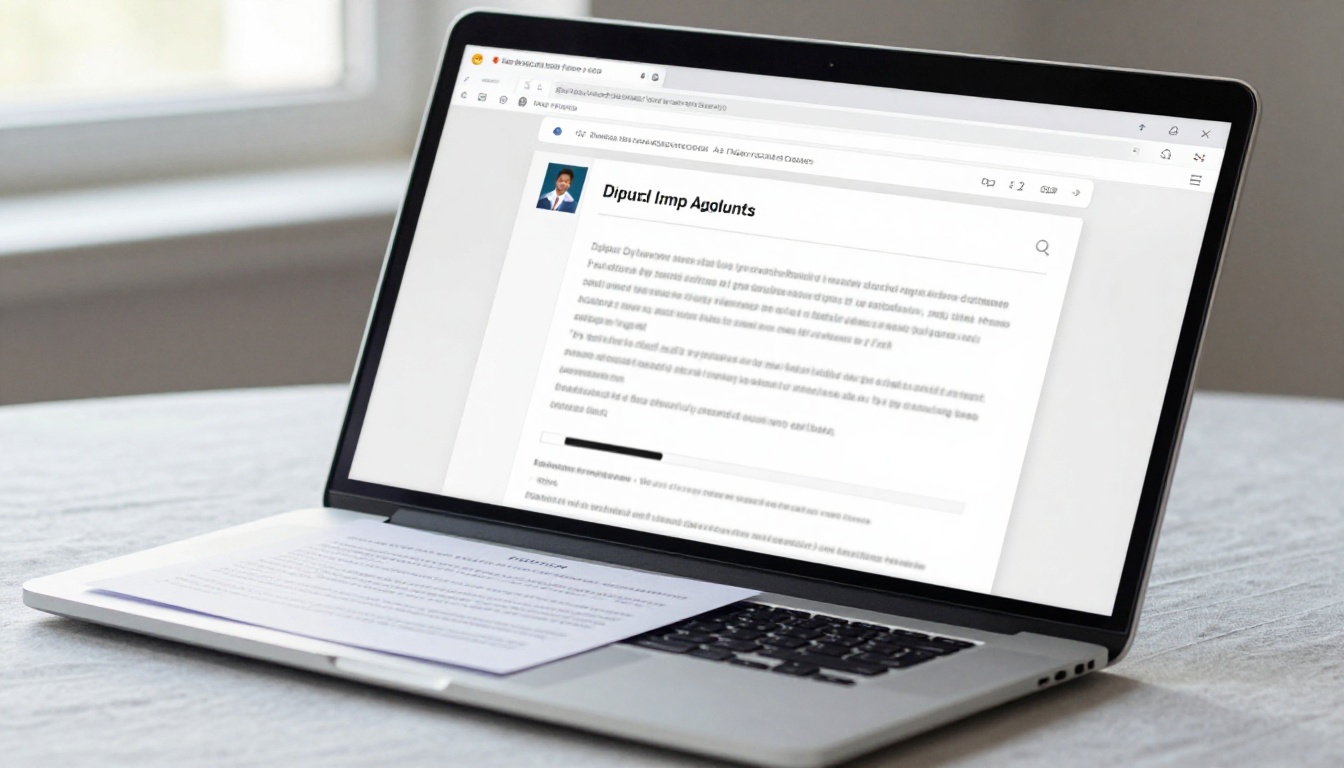
Here is the step-by-step process for going from a static PDF to a fully animated flip brochure using Flipbooks AI.
1. Create your account
Go to flipbooksai.com/account and sign up. The process takes under a minute and requires no credit card for the free plan.
2. Upload your PDF
From your dashboard, click "Create New Flipbook." Drag and drop your PDF into the upload zone or use the file browser. Multi-page PDFs are fully supported, and file quality is preserved through the conversion process.
3. Wait for conversion
The platform processes your PDF and generates the animated flipbook automatically. This takes seconds to a few minutes depending on file size and page count. Each page is optimized for fast web display while maintaining your original design at full fidelity.
4. Customize branding and appearance
Once your flipbook is ready, open the editor:
- Add your logo to the header or toolbar
- Set custom brand colors for the viewer interface
- Choose your preferred page-flip animation style
- Apply a background texture or solid color behind the pages
- Set a custom thumbnail image for the front page
5. Embed multimedia (Standard and Professional plans)
Click any page in the editor to add:
- YouTube or Vimeo video clips positioned on the page
- Audio tracks, either as background music or per-page narration
- Clickable hyperlinks on product images, logos, or calls to action
This feature is particularly valuable for product catalogs and lookbooks, where linking directly from the brochure to a product page creates an immediate path to purchase.
6. Set sharing preferences
Before publishing, configure access settings:
- Public link: anyone with the URL can view instantly
- Password protected: viewers enter a code before accessing
- Embed on your website: copy the snippet and paste it into any page using the Embed Flipbook on Website tool
7. Publish and share
Click publish. Flipbooks AI generates a shareable URL, a QR code, and an embed code. Readers open the animated brochure instantly in their browser, with no app installation or file download required on their end.
💡 For high-traffic campaigns like product launches or event promotions, the Professional plan's analytics reveal which pages hold attention longest and where readers exit, so you can iterate your next publication with real data.
Customization That Makes a Difference
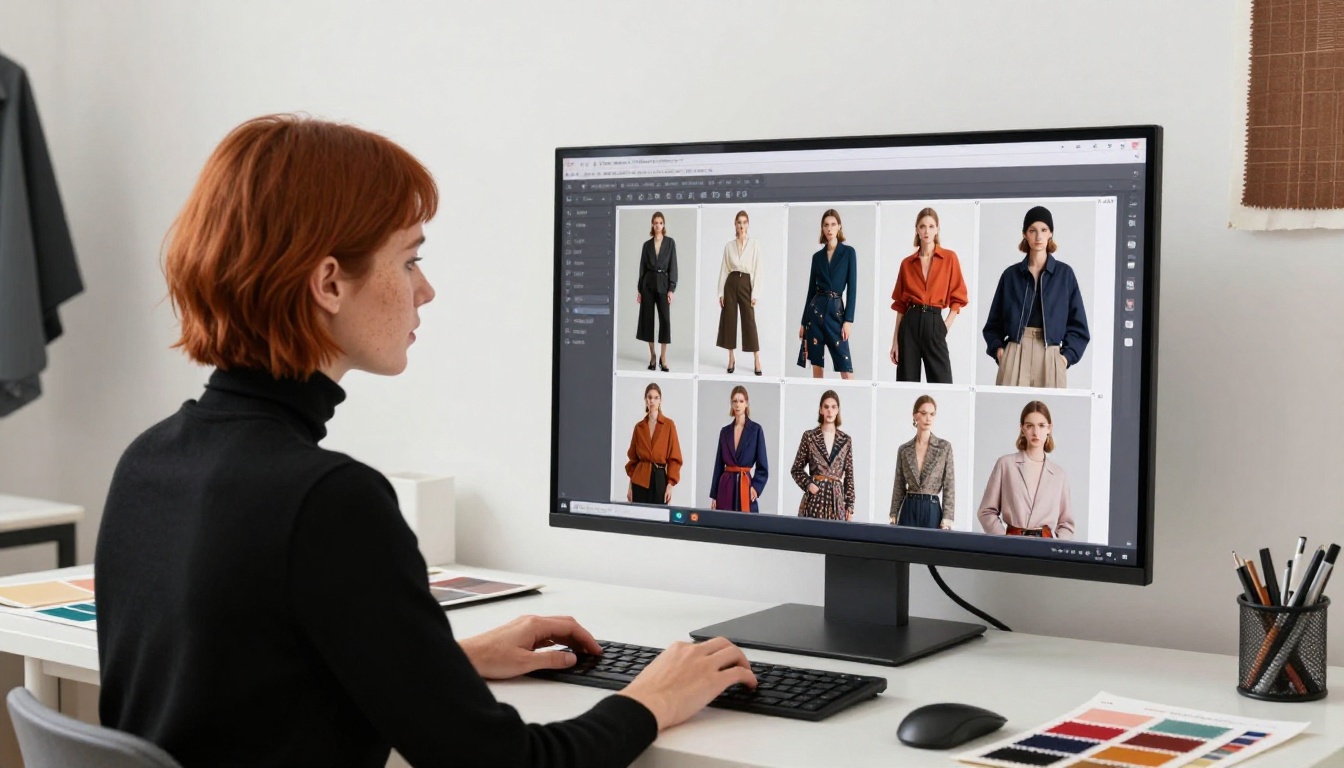
Branding and Colors
Brand consistency matters. A flip brochure that uses your exact brand colors and carries your logo in the interface feels like a proprietary publication, not a third-party tool. Flipbooks AI lets you set:
- Primary and secondary colors for the viewer chrome and backgrounds
- Logo placement in the top navigation bar
- Custom loading screen with your brand name during initial load
- Favicon for when the brochure opens on its own URL in a browser tab
On Professional plans, you can also map the brochure to a custom domain, so the URL reads as your brand rather than the platform's.
Embed Multimedia Directly in Pages
Embedding video into a brochure converts a passive reading experience into something far more dynamic. Consider what this makes possible:
- A hotel brochure with a drone flyover embedded on the property overview spread
- A real estate listing with a walkthrough tour embedded beside the floor plan
- A fashion lookbook with a runway video placed next to the editorial photography
- A product catalog with demo clips on featured items
The embedding process is point-and-click: select the page, choose the media type, paste the URL, and position the player. No code required.
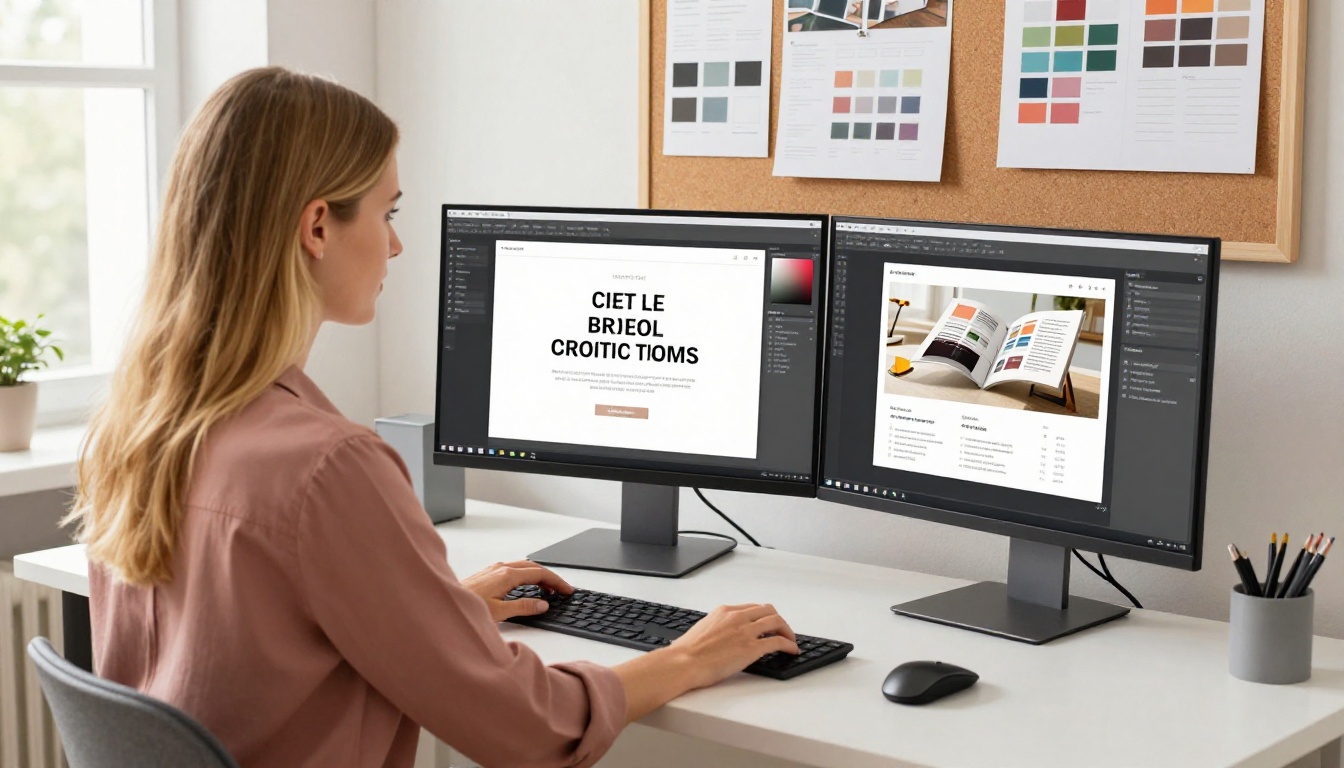
Sharing, Embedding, and Tracking
How Sharing Works
| Method | How it works | Best for |
|---|
| Direct URL | Copy and share the flipbook link | Email, social media, messaging |
| QR code | Auto-generated QR that opens the flipbook | Print materials, menus, event signage |
| Website embed | Iframe snippet pasted into any webpage | Landing pages, product pages |
| Password-protected link | Viewer enters a code to access | Confidential proposals, VIP content |
| Downloadable PDF | Allows readers to save the original | Offline access, printing |
Analytics That Show ROI
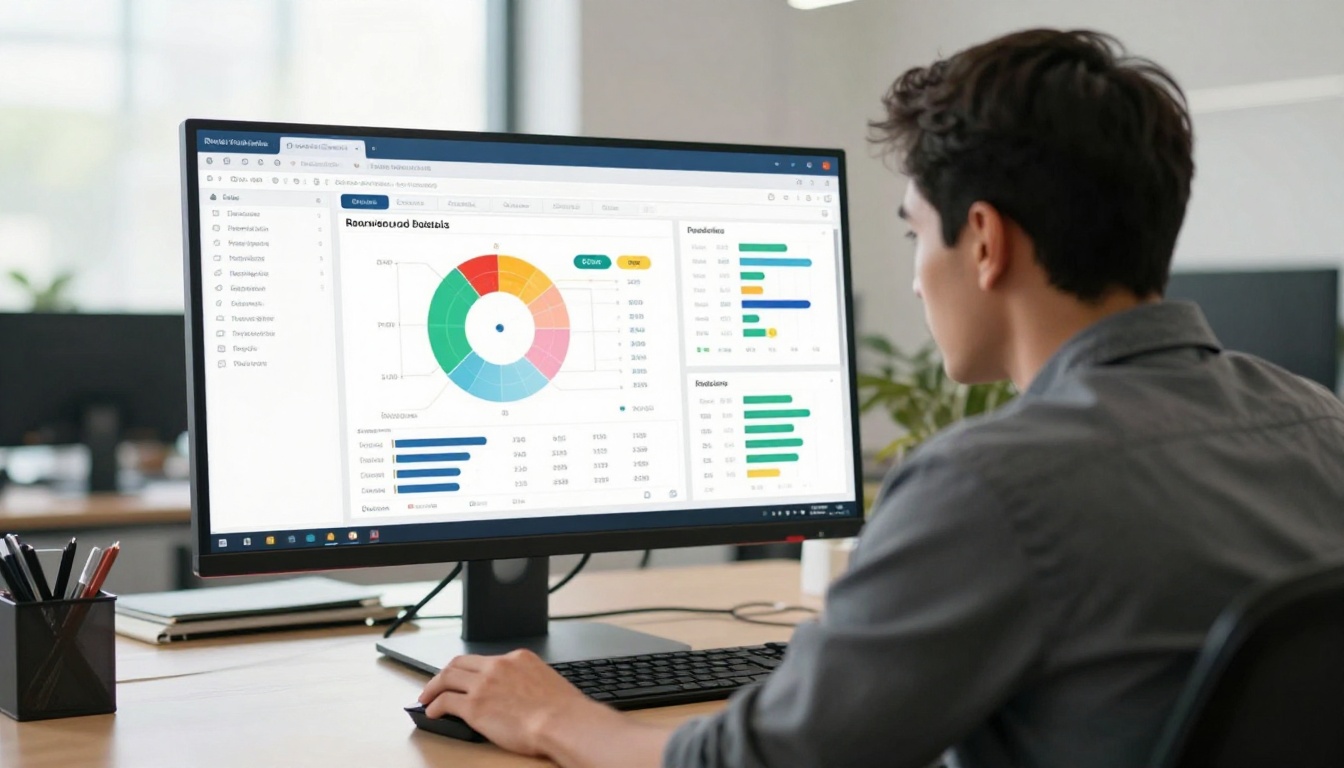
With the Professional plan on Flipbooks AI, every published brochure includes a full analytics suite. You can track:
- Total views and unique readers over any time period
- Average read time per session and per page
- Page-by-page heatmaps showing which spreads received the most attention
- Click tracking on embedded links and calls to action
- Lead capture data from any forms enabled before access is granted
This data directly informs your content decisions. If readers consistently exit after page 4, your opening pages need to do more work. If a specific product in a catalog gets clicked repeatedly, you know what your audience wants to see more of in the next edition.
✅ Lead generation forms are a Professional plan exclusive. When enabled, readers provide their name and email before accessing the flipbook, turning every brochure share into a qualified lead.
Flipbooks AI offers purpose-built tools for different publication types. Starting with the right starting point saves time and produces better results than adapting a generic template.
Browse all available flipbook tools to find the right fit for your publication type.
💡 If your PDF already has a solid design, use the PDF to Flipbook Converter directly. You do not need to start from a template when your existing design is ready to publish.
Make Your Brochures Worth Reading
Static PDFs have served their purpose, but in a world where content competes for every second of attention, attaching a file to an email is a missed opportunity. An animated flip brochure with realistic page-turn effects, embedded media, shareable links, and reader analytics does what PDFs cannot: it holds attention, builds credibility, and produces results that are actually measurable.
Whether you are in real estate, hospitality, fashion, food service, or any field where visual storytelling matters, the tools on Flipbooks AI give you the means to publish at a professional level without a full production team behind you.
Ready to turn your next PDF into something worth sharing? Create your first animated brochure for free on Flipbooks AI, then compare plans to find the right fit for your goals.



