Running a bakery that supplies wholesale accounts is a completely different sales game than running a retail storefront. Your buyers are busy purchasing managers, café owners, and grocery category teams who evaluate dozens of vendors at once. When your wholesale catalog shows up as a flat PDF or a printed booklet, it signals one thing: you haven't made it easy to say yes. A digital flipbook changes all of that, and it takes less time to set up than you'd think.
Flipbooks AI lets you convert any PDF into a page-turning digital catalog that wholesale buyers can browse on any device, share with their teams, and come back to whenever they're ready to reorder.
Why Paper Catalogs Are Losing Wholesale Accounts
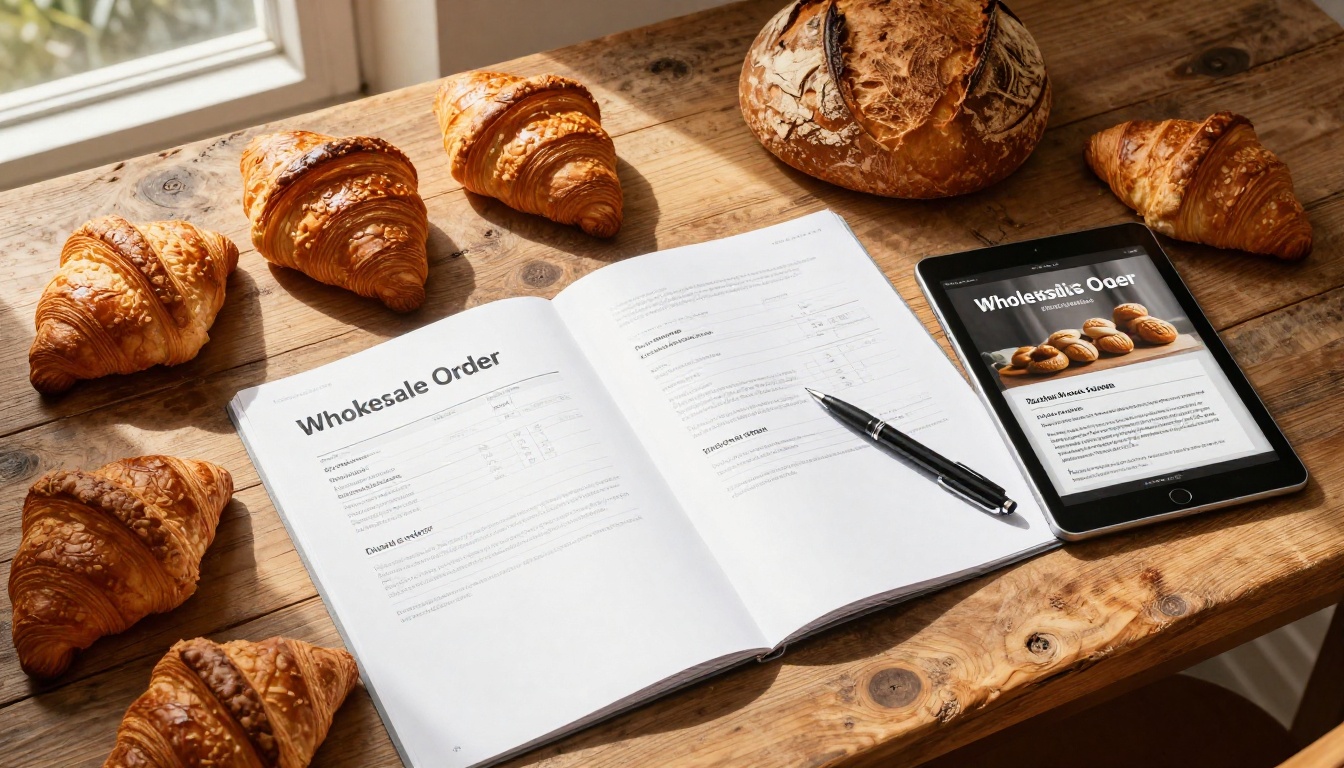
Most bakeries doing wholesale still rely on some version of the same three tools: a printed catalog, a static PDF emailed as an attachment, or a verbal pitch over the phone. Each one has a ceiling.
The Problem with Static PDFs
A PDF that lands in a buyer's email inbox is immediately competing with 200 other messages. Even if they open it, they can't share it cleanly on mobile, zoom into product photos without pixelation, or flip to your pricing section without hunting through page numbers. The experience is friction-heavy from the first second.
Worse, when your pricing changes or a seasonal item rotates in, you send a new PDF. The buyer now has three versions and no idea which one is current. This is how wholesale relationships erode quietly, not dramatically.
What Wholesale Buyers Expect Now
Retail buyers at serious accounts, whether they're ordering for a regional grocery chain or a dozen café locations, are used to supplier portals, digital lookbooks, and interactive product pages. When your presentation matches that standard, it signals operational professionalism. When it doesn't, you're asking them to do extra work on your behalf.
A bakery flipbook delivered as a shareable link arrives looking like this: a clean, page-turning digital catalog with your logo, brand colors, product photography, pricing tables, and contact details. It loads in under a second on any device. They can bookmark it, forward it, and return to it when they're actually placing orders.
💡 A shareable link is also trackable. With analytics (available on Flipbooks AI Professional), you can see exactly which buyers opened your catalog and how long they spent on each section.
What a Bakery Flipbook Actually Does

A digital flipbook is not just a PDF with a page-turn animation. It's a hosted, interactive document with its own URL, available 24/7, viewable on mobile and desktop without any download required.
From Price Sheet to Visual Catalog
The shift from a price-list spreadsheet to a visual catalog is where most small and mid-size bakeries miss the biggest opportunity. A flipbook lets you pair every SKU with high-quality product photography, a short description, and your wholesale minimum order quantity on the same page, so buyers aren't jumping between documents.
Products Buyers Can Browse, Not Scan
When a buyer opens your flipbook on a tablet, they flip through pages the same way they'd flip through a printed lookbook. It's a browsing experience, not a reading experience. That difference matters because browsing is how people make purchasing decisions.
With Flipbooks AI, you can embed videos into your catalog pages too, so a buyer can watch a 30-second clip of your sourdough being scored and loaded into the oven while they're reviewing your bread category.
What to Put in Your Bakery Wholesale Flipbook

The structure of your wholesale flipbook is as important as the content inside it. Buyers skim first, read second. Design your pages for that behavior.
Product Pages That Convert
Each product category should have its own section with full-bleed photography. The information buyers need per product is consistent: product name, available sizes/weights, pack configurations, shelf life, and any certifications (organic, gluten-free, allergen info). Put those details next to the photo on the same spread.
A strong product page includes:
- Product name and variety (e.g., Country Sourdough, 900g)
- Pack size (e.g., 6 loaves per case)
- Shelf life (ambient, refrigerated, or frozen)
- Lead time for orders
- Allergen flags
- High-resolution product photo from a flattering angle
Pricing Tiers and MOQ Tables
Wholesale pricing needs its own dedicated section, not scattered across product pages. A clear table that shows what buyers get at each volume tier removes the friction of a back-and-forth negotiation for every new account.
| Order Volume | Discount | MOQ |
|---|
| Standard wholesale | Base price | 1 case per SKU |
| 10+ cases per order | 5% off base | 10 cases total |
| 25+ cases per order | 10% off base | Mixed SKUs allowed |
| Standing weekly order | 15% off base | Custom by account |
Your Story and Certifications
Wholesale buyers care more than you might expect about provenance and production story. A two-page spread with your bakery's background, sourcing commitments (local grain, regenerative farms, organic inputs), and any certifications builds the narrative that retail buyers use to market your products to their own customers.
✅ Include your food safety certifications, production capacity, and delivery territory in a section at the back. Buyers often share flipbooks with their ops teams who need that information to onboard a new supplier.
How to Make a Flipbook for Your Bakery Wholesale Orders
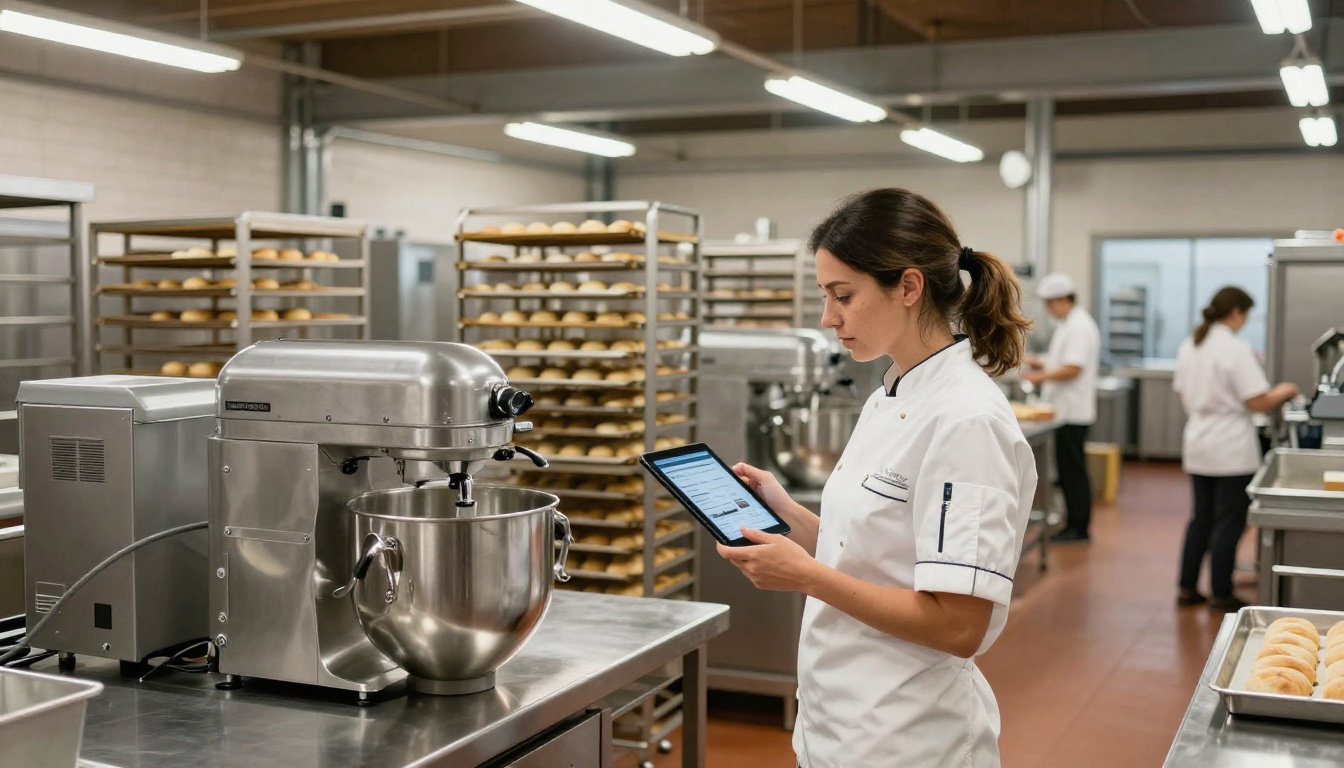
This is the practical part. Here is exactly how to make a flipbook for your bakery wholesale orders using Flipbooks AI, from first design to first share.
Step 1: Build Your PDF First
Before you upload anything, your catalog needs to exist as a PDF. Most bakeries build this in Canva, Adobe InDesign, or Google Slides. The format doesn't matter as long as the export is a multi-page PDF at 72dpi or higher.
Recommended page structure:
- Title page (logo, tagline, season/year)
- About your bakery (2 pages max)
- Bread category (sourdoughs, yeasted loaves, sandwich breads)
- Pastry category (croissants, danishes, muffins, cookies)
- Seasonal items
- Wholesale pricing and MOQ table
- Ordering process and lead times
- Delivery territory and minimum order values
- Contact and onboarding information
Keep your page count under 30 for new accounts. Longer catalogs lose buyers before they reach your pricing section.
Step 2: Upload to Flipbooks AI
Create an account on Flipbooks AI, then head to the PDF to Flipbook Converter. Drag and drop your PDF, and the platform handles the rest. Your catalog becomes a page-turning flipbook in under two minutes.
💡 The Digital Catalog Maker and Catalog Flipbook Creator tools are purpose-built for exactly this type of product catalog. They give you additional layout and organization options designed for product-heavy content.
Step 3: Brand It for Your Bakery
Once your flipbook is live, apply your branding. In the Flipbooks AI editor, you can:
- Set your primary brand color for the flipbook frame and navigation
- Upload your bakery logo (appears in the header)
- Add a custom background or texture
- Enable or disable the page-turn sound
- Set a custom sharing title and preview image for when buyers share the link
This takes about 10 minutes and makes the difference between a catalog that looks like software and one that looks like an extension of your brand.
Step 4: Set Access and Sharing Options
For wholesale catalogs, you often want to control who sees your pricing. Flipbooks AI supports password protection on any flipbook, so you can share a single link with a password you communicate separately to vetted accounts.
Sharing options available:
- Public link (for prospecting and trade shows)
- Password-protected link (for active wholesale accounts)
- Embedded on your website's wholesale inquiry page
- QR code for printed materials and trade show booths
Step 5: Send the Link and Track Results
Share the link via email, WhatsApp, or your CRM. With analytics enabled on the Professional plan, you can see:
- How many times your catalog was opened
- Which pages buyers spent the most time on
- How many unique visitors viewed it
- Whether they shared it with other people in their organization
That data tells you which product categories buyers care about before you even have a sales call.
⚠️ Never attach a PDF to a cold outreach email to a wholesale buyer. Link to your flipbook instead. Attachments trigger spam filters, can't be tracked, and don't render well on mobile. A clean link performs significantly better.
Not every format is right for every situation. Here's how a digital flipbook stacks up against the alternatives bakeries typically use.
| Format | Mobile-Friendly | Updateable | Trackable | Shareable | Cost |
|---|
| Printed catalog | No | No | No | Limited | High (reprint each season) |
| PDF email attachment | Partial | No | No | Poor | Low but ineffective |
| Static website page | Yes | Yes | Partial | Yes | Medium (dev time) |
| Digital flipbook | Yes | Yes | Yes | Excellent | Low |
Flipbook vs. PDF Email
A PDF sent as an email attachment requires the buyer to download, open, and manage a file. A flipbook link opens instantly in any browser on any device. When you update the content, the same link still works, so every buyer who bookmarked your catalog always sees the current version.
Flipbook vs. Physical Catalog
Printed catalogs are expensive to produce, immediately outdated when pricing changes, and impossible to track. They make sense for premium retail gifting contexts. For wholesale B2B outreach at scale, they are an unnecessary cost with no measurable return.
✅ A physical catalog costs $8-25 per copy to print and ship. A flipbook costs nothing per recipient and reaches every buyer simultaneously when you update it.
Real Bakery Use Cases
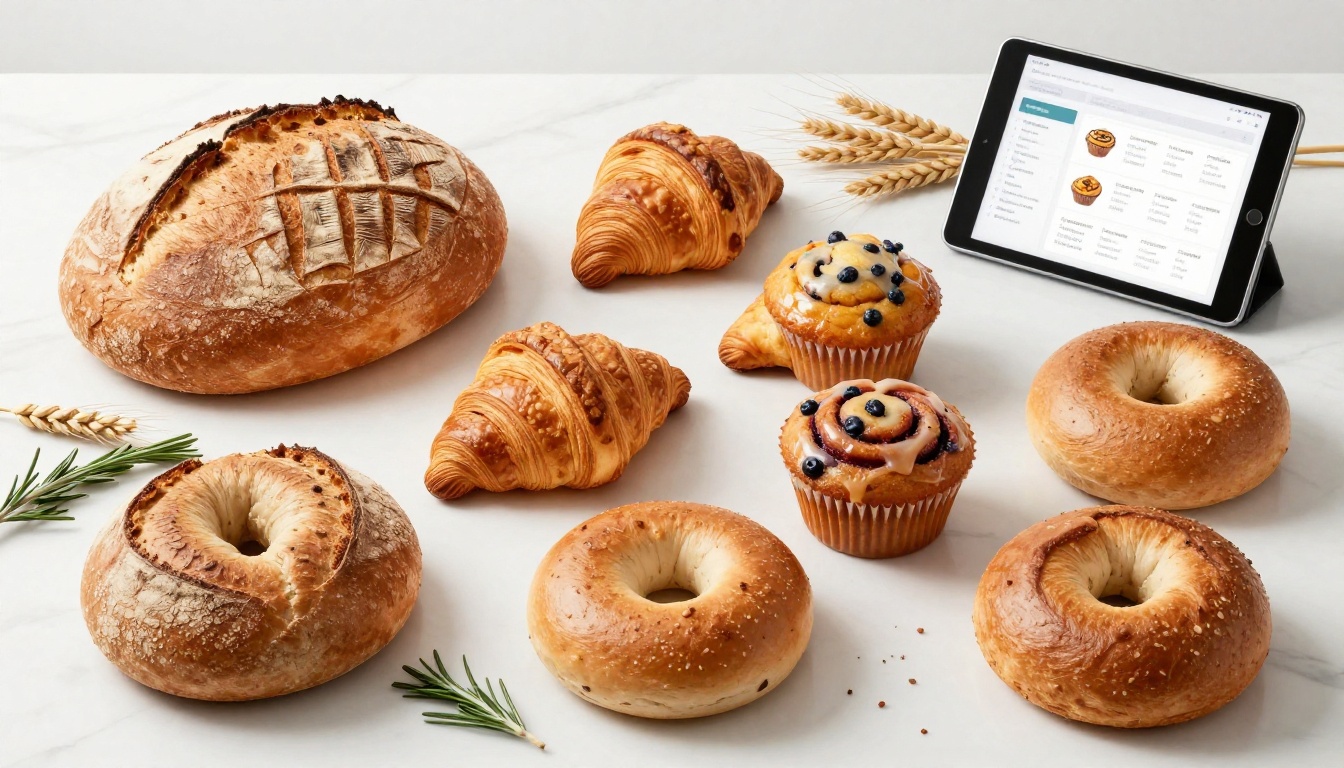
The clearest way to see whether this format fits your operation is to look at how other food businesses are using it.
Artisan bread bakery, 12 wholesale accounts: Created a seasonal flipbook (spring/summer and fall/winter editions) with updated product mixes and pricing. Shared via password-protected link to account managers. Accounts now reference the flipbook when placing standing orders, reducing inbound calls for pricing clarification by about 60%.
Pastry production kitchen, supplying 4 hotel properties: Uses a flipbook as a monthly new-item feature sheet. The front two pages highlight new seasonal pastries with photography, the back pages contain standing order forms. Hotel F&B managers receive the updated link on the first of each month.
Regional wholesale bakery, trade show presence: Displays a QR code on booth signage that links directly to their flipbook. Prospects scan, browse while standing at the booth, and leave without needing a physical takeaway. The bakery tracks which accounts opened the catalog after the show.
These aren't hypothetical scenarios. They are the straightforward applications of a tool that already exists, that takes an afternoon to set up, and that continues working without ongoing maintenance.
Pricing Plans for Bakeries

Flipbooks AI offers several plans. Here's how they map to typical bakery wholesale needs:
| Plan | Best For | What You Get |
|---|
| Free | Testing and one-off catalogs | Basic flipbook, limited flipbooks |
| Standard | Growing wholesale operations | Unlimited flipbooks, no watermarks, custom branding |
| Professional | Active sales teams | Analytics, lead generation, offline downloads, password protection |
For most bakeries with active wholesale accounts, the Standard plan covers everything needed to run a polished digital catalog operation. Professional makes sense when you're sending catalogs to more than 20 accounts and want to track engagement data.
💡 The pricing page gives a full feature comparison across all plans. The Standard tier is where most food businesses land because unlimited flipbooks means you can run separate catalogs for different buyer segments without additional cost.
Buyers Are Already Browsing Digitally
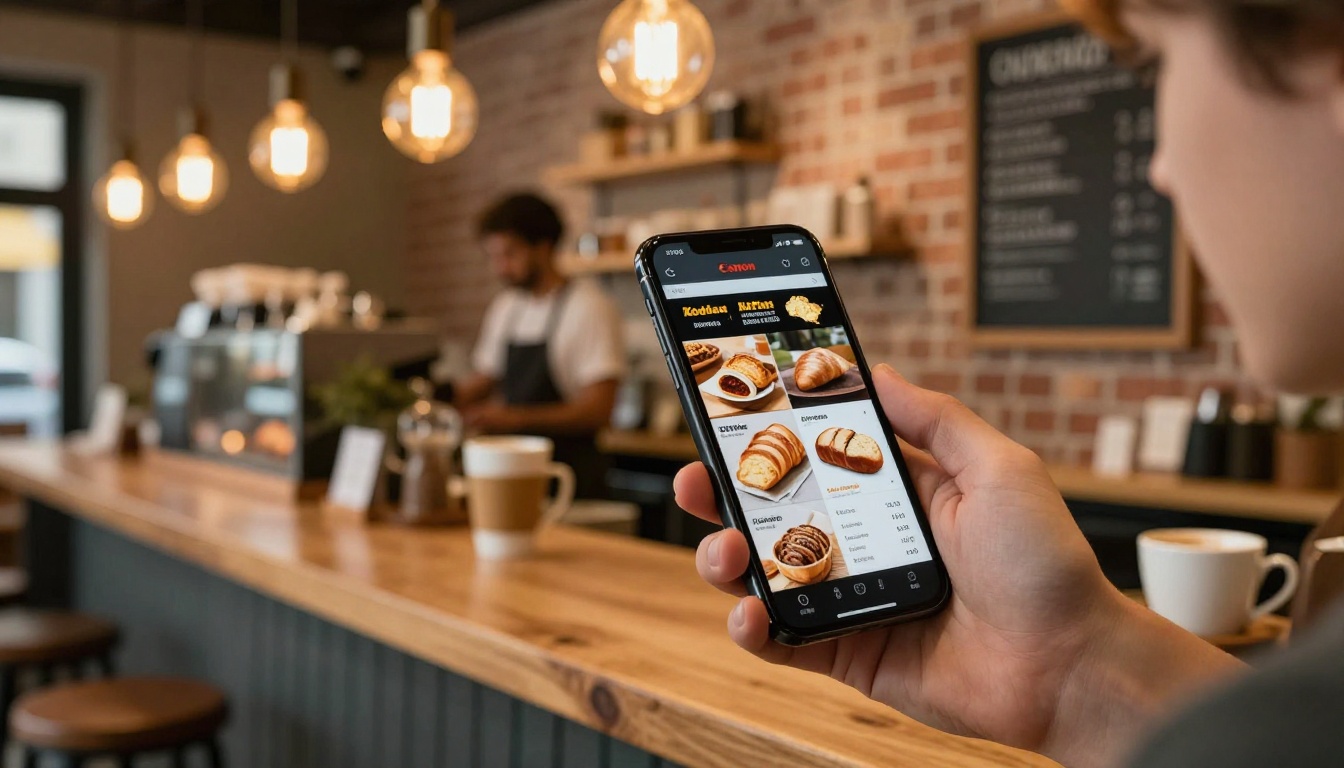
The buyers you're trying to reach, café owners, grocery category managers, hotel F&B directors, are already making most of their purchasing research on mobile devices, often outside of business hours. A printed catalog sitting on their desk doesn't reach them then. A flipbook link in their email does.
When a café owner is sitting in their own café on a Tuesday morning between rushes, browsing suppliers for a new bread offering, the bakery whose catalog loads instantly on their phone with beautiful photography and clear pricing is the one that gets the inquiry.
The format is the first signal that your operation is worth taking seriously.
Your Catalog Should Close Orders, Not Just Describe Products
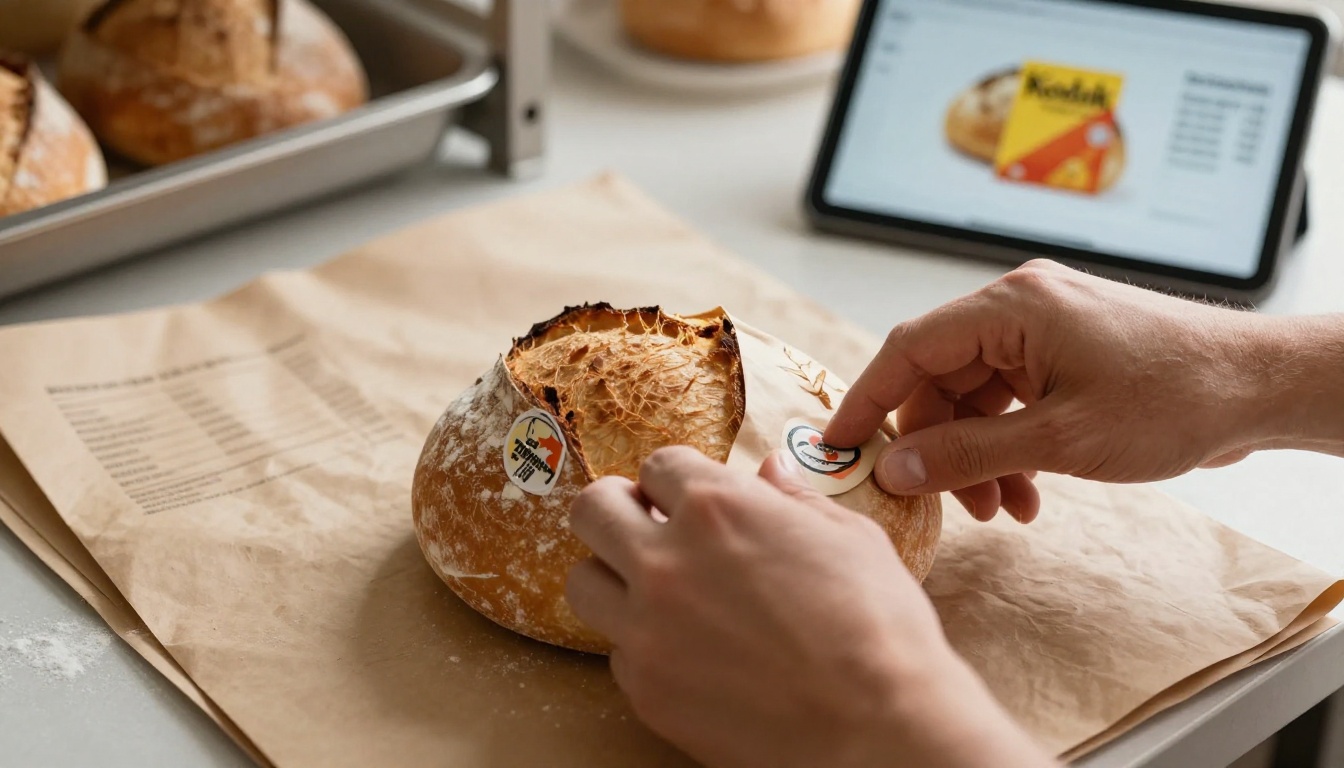
There's a meaningful difference between a catalog that describes what you make and one that moves buyers toward placing an order. The second type is built around how buyers actually decide: they look at photos, check pricing relative to MOQs, assess your operational professionalism, and then reach out or don't.
Every element of a bakery wholesale flipbook, the photography, the pricing layout, the ease of sharing, the load time on mobile, is either removing friction from that decision or adding it. A well-built digital flipbook removes friction at every point.
Use the Digital Price List Generator to format your pricing section cleanly, or browse all available flipbook tools to find the right starting point for your catalog type.
What makes a wholesale-ready bakery flipbook:
- Professional product photography (not smartphone snapshots)
- Clear category organization that matches how buyers purchase
- Pricing tables with volume tiers and MOQs
- Certifications, allergen info, and shelf life data
- A single, clean, shareable link that never expires
- Password protection for pricing confidentiality
- Analytics to know which accounts actually read it
That list isn't long. None of it requires a design agency or a developer. It requires a good PDF and an afternoon.
Ready to make a flipbook for your bakery wholesale orders? Get started for free on Flipbooks AI, or compare plans to find the right tier for your operation. If you already have a catalog PDF sitting in a folder somewhere, you're most of the way there.



