You don't need to know a single line of code. You don't need design experience, Photoshop skills, or a tech-savvy friend on speed dial. If you've ever wanted to create a professional-looking digital flipbook but backed off the moment things got complicated, Flipbooks AI was built for you. It's the kind of tool that actually does what it promises: upload a PDF, click a few buttons, and share something that looks genuinely impressive in minutes.
Why Most People Give Up on Flipbooks
Digital flipbooks have been around for years, but most tools to create them were built for web developers and designers, not regular people. The result? A lot of software that requires installing plugins, adjusting embed codes, fiddling with hosting settings, and sitting through a 40-minute onboarding video just to figure out how to change a font color.
The Real Barrier Is Not You
Here's something most flipbook companies won't say out loud: the technology is not the hard part. The reason people give up is bad design, not bad users. When an interface looks like it was designed in 2009 and requires you to make decisions about MIME types and JavaScript libraries, that's a product problem. Not a you problem.
What "Easy" Actually Looks Like
A truly easy flipbook creator does three things well:
- It takes your existing PDF without converting, reformatting, or asking you to re-export it in a special format
- It requires zero design decisions to get a result that looks professional
- It gives you a shareable link in under five minutes
If a tool can't do all three, it's not actually easy. It's just marketed as easy.
What a Flipbook Creator Actually Does
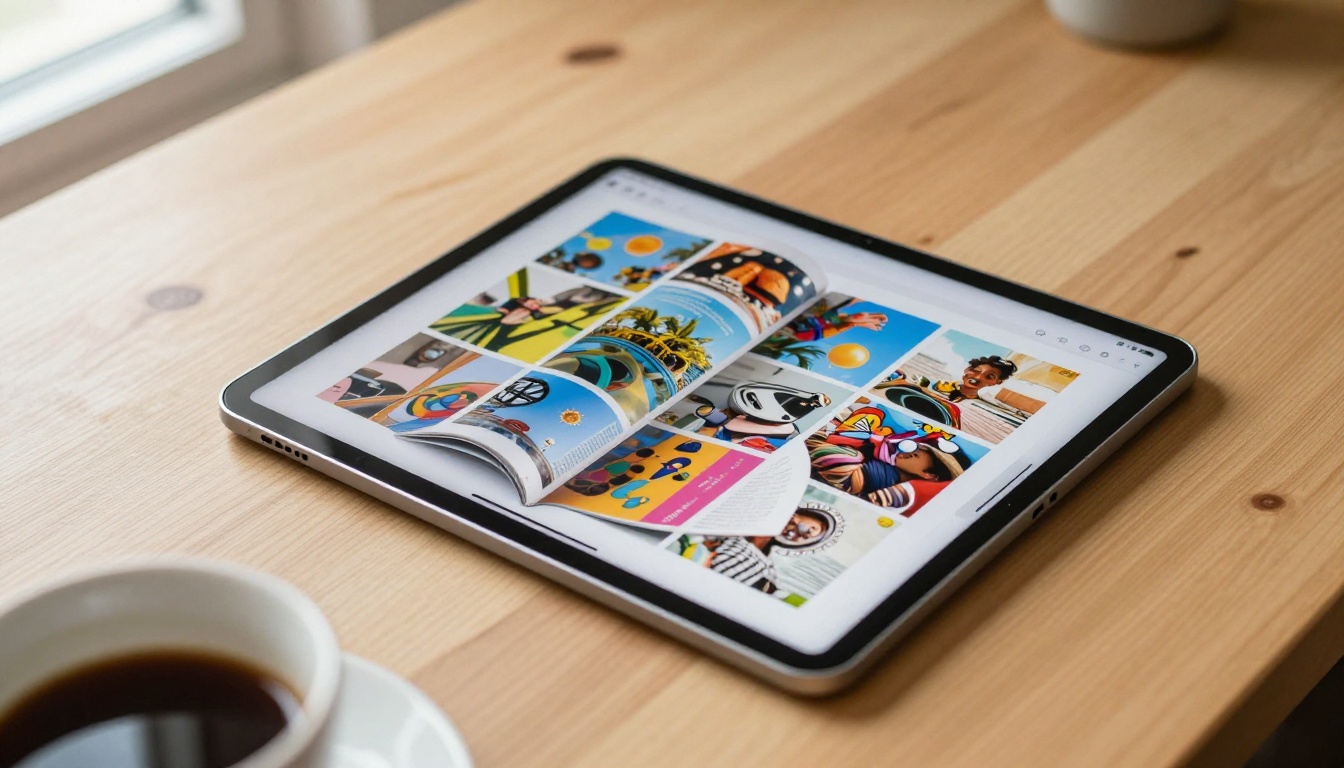
Think of a flipbook creator as a converter with good taste. You hand it a flat, static PDF, and it turns that document into a page-turning digital publication that works in any browser, on any device, without anyone needing to download anything.
PDF Goes In, Flipbook Comes Out
The core workflow is as simple as it sounds:
- You have a PDF (a brochure, a catalog, a menu, a report, anything at all)
- You upload it to the platform
- The tool converts it into a page-flip format with smooth animations
- You customize the look, or skip customization entirely and use the defaults
- You share a link or embed it on your website
That's the whole process. No coding. No design software. No file management.
No Software to Install
This matters more than people realize. Browser-based tools like Flipbooks AI run entirely online. You open a browser tab, do the work, and it saves automatically to the cloud. If your laptop breaks tomorrow, your flipbooks are still there, accessible from any other device.
💡 Because everything is browser-based, you can create and manage your flipbooks from a tablet or even a phone. You are not locked to a desktop.
Who This Is Actually For
The best flipbook creator for people who hate tech stuff is not necessarily the one with the most features. It's the one that fits your specific use case without making you think too hard. Here are some real-world scenarios of who uses these tools and why.
Small Business Owners
A small boutique clothing shop wants to share its seasonal lookbook with customers. The owner already has a PDF version. Instead of printing 200 copies or attaching a PDF to an email that nobody opens, she uploads it to a flipbook creator, gets a link, and drops it in her Instagram bio. Customers click, flip through the pages like a real magazine, and see the collection in full.
The Interactive Lookbook Designer on Flipbooks AI was built specifically for this. No design background required.
Teachers and Educators
A high school science teacher wants to create an interactive course packet that students can access from their phones. He already has it as a PDF. Uploading it to a flipbook platform turns it into something students actually want to open. The Course Material Publisher handles this without any technical setup.
Restaurant and Hospitality Owners
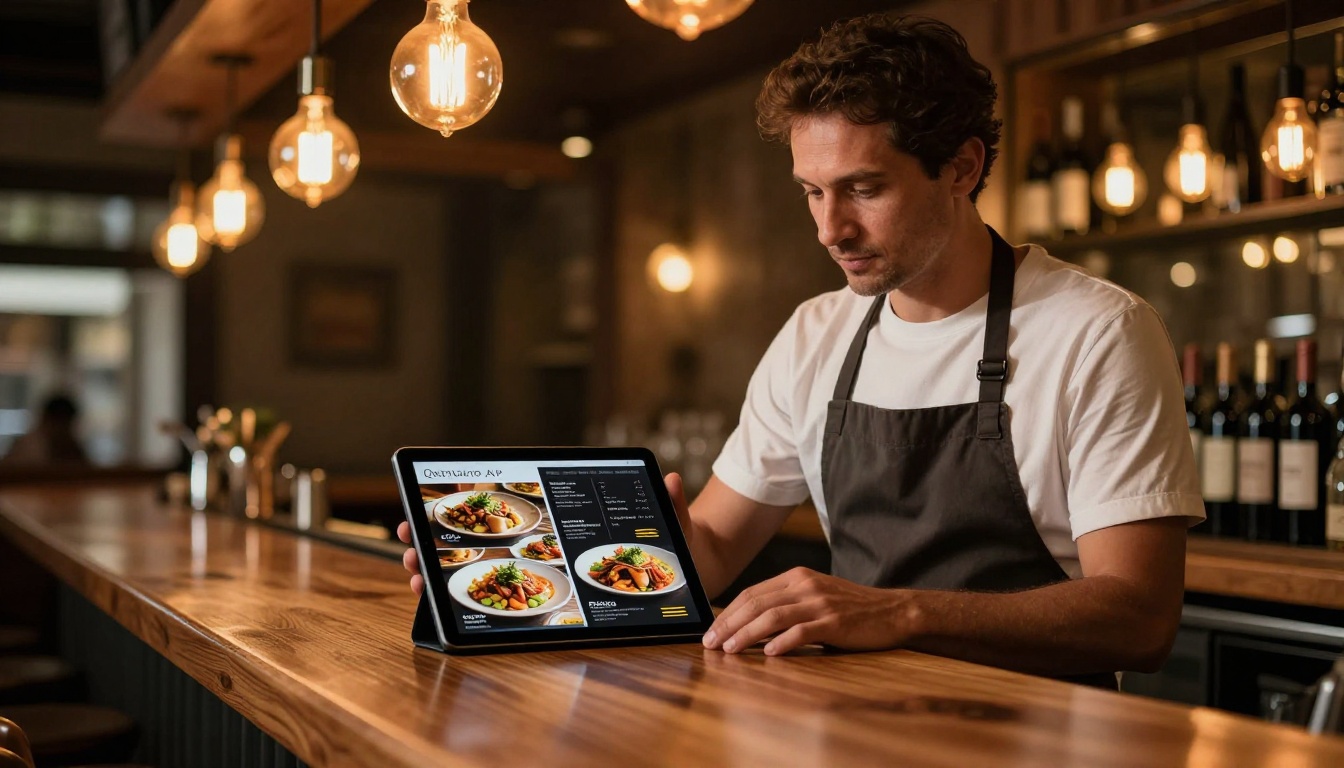
A bistro owner wants to replace paper menus with a digital version that updates instantly and looks beautiful on any device. She uploads her existing menu PDF, picks a layout, and shares the link on her Google Business profile and website. The Restaurant Menu Creator is purpose-built for this exact scenario.
Other Use Cases Worth Noting
How to Create Your First Flipbook with Flipbooks AI
This is the full process from zero to shareable link. It takes about five minutes on your first attempt, and less than two after that.
Step 1: Set Up Your Account
Go to flipbooksai.com/account and sign up. No credit card is required to start. The free plan gives you enough to test the platform and create your first flipbook right away.
Step 2: Upload Your PDF
Once logged in, click the button to create a new flipbook. You'll see a simple upload area. Drag and drop your PDF file directly into it, or click to browse your computer. The platform handles the conversion on its own. You don't need to do anything special to your PDF beforehand.
⚠️ Make sure your PDF is a final version before uploading. You can always create a new flipbook from a revised file, but having your content ready saves time.
Step 3: Customize Your Flipbook
Once the conversion completes, you'll see your flipbook in a live preview. From here you can:
- Change the background color to match your brand palette
- Add your logo for a fully branded experience
- Pick a page-flip style (soft page turn, hard cover simulation, and more)
- Embed background music for an immersive feel on special publications
- Enable or disable the table of contents for longer documents
If you skip all of this and just use the defaults, the flipbook still looks polished and professional. Customization is optional, not a requirement.
Step 4: Share or Embed
When satisfied with the result, click publish. You instantly receive:
- A direct link you can share anywhere (email, social media, messaging apps, WhatsApp)
- An embed code you can paste into any website or blog post
- A QR code you can print on physical materials like posters or business cards
- A password protection option (Standard plan and above) for private or client-facing content
✅ Use the direct link for social sharing. Use the embed code if you want the flipbook to live inside your website without sending visitors to another page.

Plans and What You Actually Get
One of the most confusing parts of any software tool is pricing. Here's a plain breakdown of what Flipbooks AI pricing plans actually include, without the marketing spin:
| Feature | Free Plan | Standard Plan | Professional Plan |
|---|
| Watermark-free flipbooks | No | Yes | Yes |
| Number of flipbooks | Limited | Unlimited | Unlimited |
| Custom branding and logo | No | Yes | Yes |
| Password protection | No | Yes | Yes |
| Analytics and read stats | No | No | Yes |
| Lead generation forms | No | No | Yes |
| Offline downloads | No | No | Yes |
| Embed on websites | Yes | Yes | Yes |
| Mobile responsive | Yes | Yes | Yes |
💡 For most personal and small business use cases, the Standard plan is all you need. The Professional plan pays for itself quickly if you use analytics to track who reads your catalog, or if you collect leads directly from inside the flipbook itself.
Free vs Paid: The Real Difference
The biggest practical difference between the free and paid plans is the watermark and the number of flipbooks you can create. If you're testing the platform, the free plan is plenty. If you're using it for business, the Standard plan removes the watermark and lets you create as many flipbooks as you want without limits.
Flipbooks AI doesn't just give you a generic flipbook maker. It has purpose-built tools for specific industries and use cases. This matters because a restaurant menu template is structured very differently from a real estate brochure or a product catalog.
Catalogs and Menus
| Tool | Best For | Link |
|---|
| Product Catalog Generator | Retail and wholesale sellers | Visit |
| Fashion Catalog Creator | Clothing and accessories brands | Visit |
| Digital Catalog Maker | General product collections | Visit |
| Restaurant Menu Creator | Food service businesses | Visit |
| Spa and Wellness Menu Creator | Spas, salons, wellness studios | Visit |
Publications and Reports
| Tool | Best For | Link |
|---|
| Interactive E-Book Publisher | Authors and content creators | Visit |
| Annual Report Creator | Nonprofits and corporations | Visit |
| E-Magazine Publishing Tool | Digital publishers | Visit |
| School Newsletter Creator | Schools and parent associations | Visit |
| Sales Presentation Flipbook | Sales teams and consultants | Visit |

The Questions Non-Tech Users Always Ask
Do I Need to Design Anything?
No. If you already have a PDF that looks decent, the flipbook creator handles the rest. The conversion process preserves all your layouts, fonts, images, and colors from the original document. You're not redesigning anything; you're changing the format from static to interactive.
Can I Password-Protect My Flipbook?
Yes, on the Standard plan and above. This is useful for internal documents, client-facing materials you don't want publicly indexed, or premium content you share only with specific people.
Will It Work on Mobile?
Every flipbook created on Flipbooks AI is automatically mobile-responsive. People opening it on a phone or tablet get the full page-flipping experience, not a shrunken version or a broken layout.
Do People Need an Account to View It?
No. Anyone with the link can open and view the flipbook without signing up. Creating an account is only required for the person building the flipbook.
What File Types Work?
The primary input format is PDF, which works in your favor. Almost every document creation tool available today (Microsoft Word, Google Docs, Canva, PowerPoint, InDesign) can export to PDF. That means you can create in whichever tool you already know and simply export when you're done.
💡 Already use Canva for your business materials? Create your design there, export as PDF, and upload directly to Flipbooks AI. The whole process takes about three minutes.

Make It Feel Like Yours
Even for people who don't like technology, customization is genuinely satisfying when it's done right. The best flipbook tools let you make changes that have immediate, visible impact without needing to know what's happening behind the scenes.
Here's what's worth personalizing, even if you skip everything else:
- Your logo: Adds instant brand recognition the moment someone opens the flipbook
- Background color: White looks professional for most documents; dark backgrounds work beautifully for photography portfolios and fashion lookbooks
- Sharing settings: Public for marketing materials, password-protected for sensitive internal documents
You don't need to touch anything else. Those three changes alone make a flipbook feel intentional and well-considered rather than like a generic converted file.
Bonus features worth knowing about for when you're ready:
- Embed videos and audio inside pages for richer storytelling
- Analytics tracking (Professional plan) shows you how many people opened your flipbook and how far they read
- Lead generation forms (Professional plan) let you collect names and emails directly inside the flipbook, without sending readers to a separate landing page
- Offline downloads (Professional plan) let recipients save the flipbook for reading without an internet connection
✅ If you're sharing a flipbook for business purposes, always add your logo and a matching background color. It takes 60 seconds and instantly makes the document look branded rather than generic.

Try It Without Overthinking
If you've read this far, you know everything you need to create your first flipbook. There's nothing left to research, no course to take, and no software to install.
Go to Flipbooks AI and sign up for free. No credit card required. No technical knowledge needed. No complicated setup.
If you want to see which templates fit your situation before committing, browse all available tools organized by industry and use case. And when you're ready to go watermark-free with unlimited flipbooks, check out the pricing options to find the plan that works for your budget.
The only thing standing between you and a professional digital flipbook is a PDF you already have.



