Not every free flipbook generator is created equal. Some watermark your documents without warning. Others limit you to three publications before demanding a credit card. A few look polished in screenshots but collapse under real-world use. If you've spent any time searching for a reliable free flipbook maker online, you already know how hard it is to cut through the noise.
This breakdown covers the top contenders, tests them against the features that matter, and tells you which one actually wins for each type of user. Whether you need a PDF to flipbook converter for a business catalog or a simple digital flipbook creator for a school project, the right answer depends on what you're willing to trade.
Flipbooks AI is included in this comparison because it genuinely competes at the top of the free tier, but every tool here is evaluated fairly based on what it delivers out of the box.
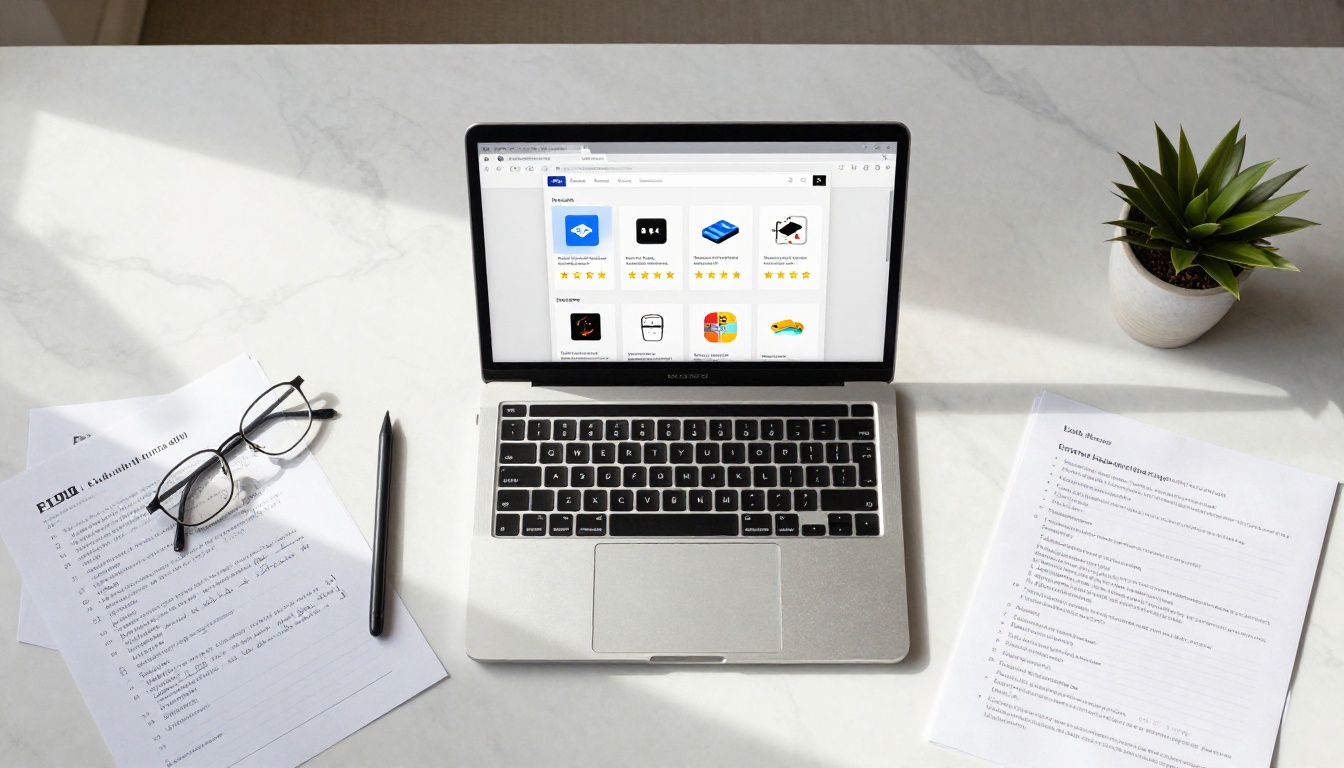
The Hidden Costs of "Free"
The word "free" in software almost always comes with a catch. In the flipbook world, those catches fall into three main categories:
- Watermarks: Your document gets branded with the tool's logo, undermining any professional presentation.
- Publication limits: You can only create 1 to 5 flipbooks before hitting a hard paywall.
- Feature gating: Core features like embedding, custom domains, or analytics are locked to paid plans only.
The worst offenders do all three simultaneously. Knowing this before you sign up saves you from discovering the real limits halfway through a project.
Five Features That Actually Matter
Before diving into the comparison, here are the features worth paying attention to:
- No watermarks on the free plan
- Embedding capability (share on your own website)
- Mobile-responsive output (works on phones and tablets)
- Custom branding options
- Publication limits (how many flipbooks can you create?)
💡 A flipbook that looks great on desktop but breaks on mobile is a liability, not an asset. Always test mobile output before committing to a tool.
The Top Free Flipbook Generators in 2025

Flipbooks AI
Flipbooks AI sits at the top of this list for one simple reason: the free tier doesn't punish you. There are no watermarks on any plan, and the tool converts PDFs into fully interactive HTML5 flipbooks in under a minute. The interface is clean, the output is mobile-responsive by default, and embedding works through a straightforward embed code.
What makes it stand out is the breadth of specialized tools. Beyond basic PDF conversion, the platform offers dedicated creators for catalogs, menus, brochures, portfolios, e-books, and more. Each one is purpose-built for its use case rather than being a generic template layered over the same engine.
Free plan highlights:
Issuu
Issuu is one of the oldest names in digital publishing, and its brand recognition comes with real trade-offs on the free plan. The free tier limits you to a small number of publications and adds an Issuu watermark to your content. The reading experience is polished, but you're essentially publishing on Issuu's platform rather than your own.
Free plan reality:
- Issuu branding watermark on all publications
- Limited to 1 publication on the free plan
- No embedding without upgrading
- Strong discovery features if platform traffic matters to you
FlipHTML5
FlipHTML5 is a desktop-first application with an online publishing component. The free plan allows up to 5 online flipbooks and includes basic page-flip animation. The output quality is decent, but the tool feels dated compared to newer web-native alternatives. Watermarks appear on the free plan.
Free plan reality:
- 5 online publications maximum
- Watermark on all free flipbooks
- Requires downloading software for editing
- Limited mobile optimization
Yumpu
Yumpu focuses on magazine-style publishing and has a straightforward PDF upload workflow. The free plan is more generous than Issuu when it comes to publication count, but it places ads on your flipbooks. Those ads are not subtle, which makes the free plan unsuitable for any professional-facing content.
Free plan reality:
- Ads displayed within your flipbooks
- Unlimited publications
- Basic analytics included
- No embedding on free tier
Flipsnack
Flipsnack offers a drag-and-drop design environment alongside its PDF converter. The interface is modern and the design tools are genuinely good. The free plan is the most restrictive in this list, capping you at 1 flipbook and adding a Flipsnack watermark. It's a strong tool for paid plans but a poor choice if you need free access.
Free plan reality:
- 1 publication only
- Watermark on free plan
- No sharing via embed
- Strong design editor available on paid tiers

Side-by-Side Feature Comparison
| Feature | Flipbooks AI | Issuu | FlipHTML5 | Yumpu | Flipsnack |
|---|
| No Watermark (Free) | ✅ Yes | ❌ No | ❌ No | ❌ Ads | ❌ No |
| Mobile-Responsive | ✅ Yes | ✅ Yes | ⚠️ Partial | ✅ Yes | ✅ Yes |
| Embed on Website (Free) | ✅ Yes | ❌ No | ❌ No | ❌ No | ❌ No |
| PDF Upload | ✅ Yes | ✅ Yes | ✅ Yes | ✅ Yes | ✅ Yes |
| Custom Branding (Free) | ⚠️ Standard+ | ❌ No | ❌ No | ❌ No | ❌ No |
| Specialized Tools | ✅ 30+ tools | ❌ No | ❌ No | ❌ No | ⚠️ Templates |
| Analytics | ✅ Professional | ⚠️ Paid | ❌ No | ⚠️ Basic | ⚠️ Paid |
| Password Protection | ✅ Yes | ❌ Paid | ❌ No | ❌ No | ❌ Paid |
| Offline Downloads | ✅ Yes | ❌ No | ⚠️ Partial | ❌ No | ❌ Paid |
⚠️ Embedding your flipbook on your own website is a critical feature for businesses. Most tools lock this behind paid plans. Flipbooks AI is the only tool in this comparison that includes it on the free tier.
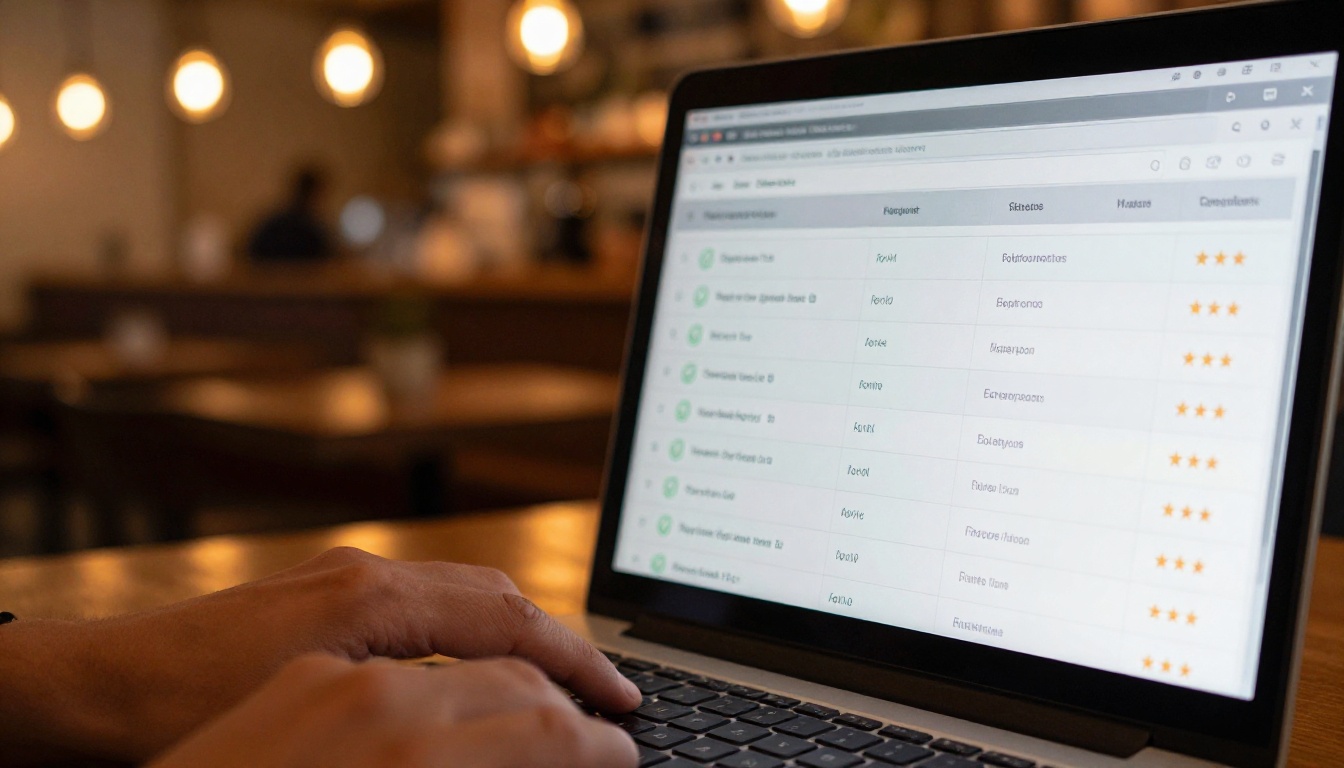
Free Plan Limits Compared
| Tool | Free Flipbooks | Storage | Pages per Flipbook | Team Members |
|---|
| Flipbooks AI | Generous | Included | Unlimited | 1 |
| Issuu | 1 | Limited | 500 | 1 |
| FlipHTML5 | 5 | 1 GB | 200 | 1 |
| Yumpu | Unlimited | Limited | Unlimited | 1 |
| Flipsnack | 1 | Limited | 30 | 1 |
Yumpu's unlimited publications sound attractive until you account for the ads embedded in every flipbook. For professional use, that trade-off rarely makes sense. Flipbooks AI offers the best combination of no watermarks, no ads, and real embedding capability within the free tier.
Best for Small Business Owners
Small businesses need clean, professional output they can embed on their websites and share directly with customers. Watermarks damage credibility. Ads destroy the experience before the customer ever sees your product.
Winner: Flipbooks AI
Specific tools worth using:
A restaurant, for example, can upload a PDF menu and have an interactive digital version live and embedded on their website in minutes. No watermark, no ads, no friction for the customer.
Best for Students and Teachers
Education content needs to be accessible on any device and easy to share with a class. The free plan must not limit how many documents you can create, especially for teachers publishing multiple course materials per semester.
Winner: Flipbooks AI
Relevant tools:
Best for Marketing Teams
Marketers need analytics, lead generation, and the ability to gate content behind passwords or email forms. These features live in professional plans across all tools, but the starting point matters for budget planning.
Winner: Flipbooks AI (Professional plan)
The pricing page breaks down what each plan includes. The Professional tier adds analytics, lead generation forms, and offline download capability, all of which matter for campaign measurement. Real estate agents, for instance, benefit from a real estate brochure creator with built-in analytics to track how long prospects spend on each page.
Best for Personal Projects
Personal use cases like wedding albums, photo portfolios, or recipe books don't require a long feature list. Any tool with a clean free plan works.
Winner: Flipbooks AI (for quality without trade-offs)
If you're sharing a wedding album flipbook with family, ads become a real problem. Flipbooks AI's clean output makes it the better choice even for casual personal use. A photography portfolio flipbook also benefits from the clean, watermark-free presentation.

How to Create a Flipbook with Flipbooks AI
This tool makes the process fast enough that most users have their first flipbook live within five minutes. Here's the exact workflow:
Step 1: Create your account
Go to flipbooksai.com/account and sign up. No credit card required for the free plan.
Step 2: Choose your tool
Browse the tools directory and pick the one that matches your content type. If you're converting an existing PDF, the PDF to Flipbook Converter is the fastest path.

Step 3: Upload your PDF
Drag and drop your PDF file into the upload area. The converter processes your document and generates an interactive flipbook with page-turn animation automatically.
Step 4: Customize branding
On the Standard plan and above, replace the default appearance with your own brand colors, logo, and fonts. You can also set a custom domain to match your business identity.
Step 5: Add multimedia
Embed videos, audio clips, or hyperlinks directly into specific pages. This turns a static document into an interactive experience readers actually engage with rather than scroll past.
Step 6: Set sharing options
- Copy the direct link to share via email or social media
- Use the embed code to place the flipbook on your website
- Enable password protection for private or client-facing content
- Set up lead generation forms to capture viewer contact information (Professional plan)
Step 7: Track performance
The Professional plan includes detailed analytics showing views, time on page, and geographic data. Access these from your dashboard under the Analytics tab.
✅ You don't need design skills or technical knowledge to get a professional result. The tool handles all formatting automatically from your PDF.

Pricing When You're Ready to Scale
All tools in this comparison offer paid plans that unlock additional features. Here's how the tiers stack up:
| Plan Tier | Flipbooks AI | Issuu | Flipsnack |
|---|
| Free | No watermarks, embed included | 1 pub, watermark | 1 pub, watermark |
| Entry Paid | Unlimited flipbooks, branding | ~$19/mo | ~$14/mo |
| Professional | Analytics, lead gen, downloads | ~$35/mo | ~$35/mo |
💡 The real cost comparison isn't just price. It's what you get at each tier. Flipbooks AI's free plan delivers what most tools charge entry-level prices for.
See the full breakdown on the pricing page to compare exactly what each tier unlocks.
Which One Should You Pick?

After running through all five tools, the pattern is clear. Most free plans exist to funnel you toward a paid subscription rather than to genuinely serve your needs. Watermarks, ad injection, and aggressive publication caps create friction by design, not by accident.
Flipbooks AI is the only tool in this comparison that removes those friction points on the free plan. No watermarks. Real embedding. Mobile-responsive output. A library of 30+ specialized tools for specific content types. And when you need analytics or lead generation, the Professional plan is competitively priced against tools that offer far less.
If you're comparing tools for a one-time project, the free plan is more than enough to get professional results. If you're building a content publishing workflow for a business or team, the paid tiers offer everything a professional operation needs.
The choice comes down to whether you want a tool that respects your work or one that uses your work to market itself.
Here's a quick cheat sheet for your decision:
- You need clean, professional output right now, for free: Flipbooks AI
- You want discovery from a large existing platform: Issuu (paid plan)
- You're building a magazine-style publication on a tight budget: Yumpu (with the understanding that ads come with it)
- You need a heavy-duty design editor: Flipsnack (paid plan)
- You have occasional personal use only: Any of the above, but Flipbooks AI gives you the cleanest result

Ready to create your first flipbook without watermarks or limits? Get started for free on Flipbooks AI. Browse all tools and templates to find the right fit for your content. When you're ready to scale, compare pricing plans to choose the tier that works for your team.



