If you've been sending PDFs and watching them go unopened, the format itself is working against you. Static files feel like homework. A free online flipbook maker turns that same document into something people actually want to click through, with realistic page-turn animations, mobile-friendly layouts, and shareable links that open instantly in any browser. No software to install. No design skills needed. Flipbooks AI handles everything so you can focus on what matters: your content.

Why Static PDFs Lose Readers Fast
People skim. They scroll. They close tabs. A flat PDF with no interactivity gives readers no incentive to stay. The difference between handing someone a PDF and a flipbook is the difference between handing them a photocopy and a printed magazine. One gets glanced at. The other gets read.
Digital flipbooks replicate the physical act of page turning, which creates a familiar, engaging reading experience. Readers naturally browse longer, flip back to pages they liked, and share more readily. For businesses, this translates directly into better performance for catalogs, menus, portfolios, and reports.
💡 Pro Tip: Interactive content consistently averages 2-4 minutes of reading time per session, compared to under 30 seconds for standard PDFs shared via email.
What Makes a Flipbook Different
- Page-turn animation: Readers get a physical book sensation right in the browser
- Mobile-first design: Pages display properly on phones without pinch-zooming
- Instant access: No downloads, no plugins, just a URL that opens anywhere
- Always current: Replace the source PDF and republish in seconds without changing the link
- Shareable everywhere: One link works across email, social media, QR codes, and website embeds
The format is not a novelty. Publishers, e-commerce brands, educators, and agencies rely on flipbooks for everything from product launches to annual reports.

What the Free Plan Actually Includes
Not all free tools deliver what they promise. Some add a prominent watermark that ruins the professional finish. Others limit you to one flipbook before demanding a credit card. A genuinely useful free tier gives you room to test the full workflow and produce something you can actually share.
Here is how the plans at Flipbooks AI compare:
| Feature | Free | Standard | Professional |
|---|
| Flipbooks | 3 | Unlimited | Unlimited |
| Watermark | None | None | None |
| Custom Branding | Limited | Full | Full |
| Password Protection | No | Yes | Yes |
| Analytics | No | No | Yes |
| Lead Generation | No | No | Yes |
| Offline Downloads | No | Yes | Yes |
| Video and Audio Embed | No | Yes | Yes |
| Price | $0/mo | $9/mo | $29/mo |
✅ Best Practice: Start on the free plan with no credit card required. Build your first three flipbooks, share them, and judge the results before deciding on a paid tier.
The free tier is legitimately useful for freelancers testing the workflow, small businesses launching their first digital catalog, or anyone who needs a quick, one-time flipbook for an event or presentation.
How to Build Your First Flipbook in Five Minutes
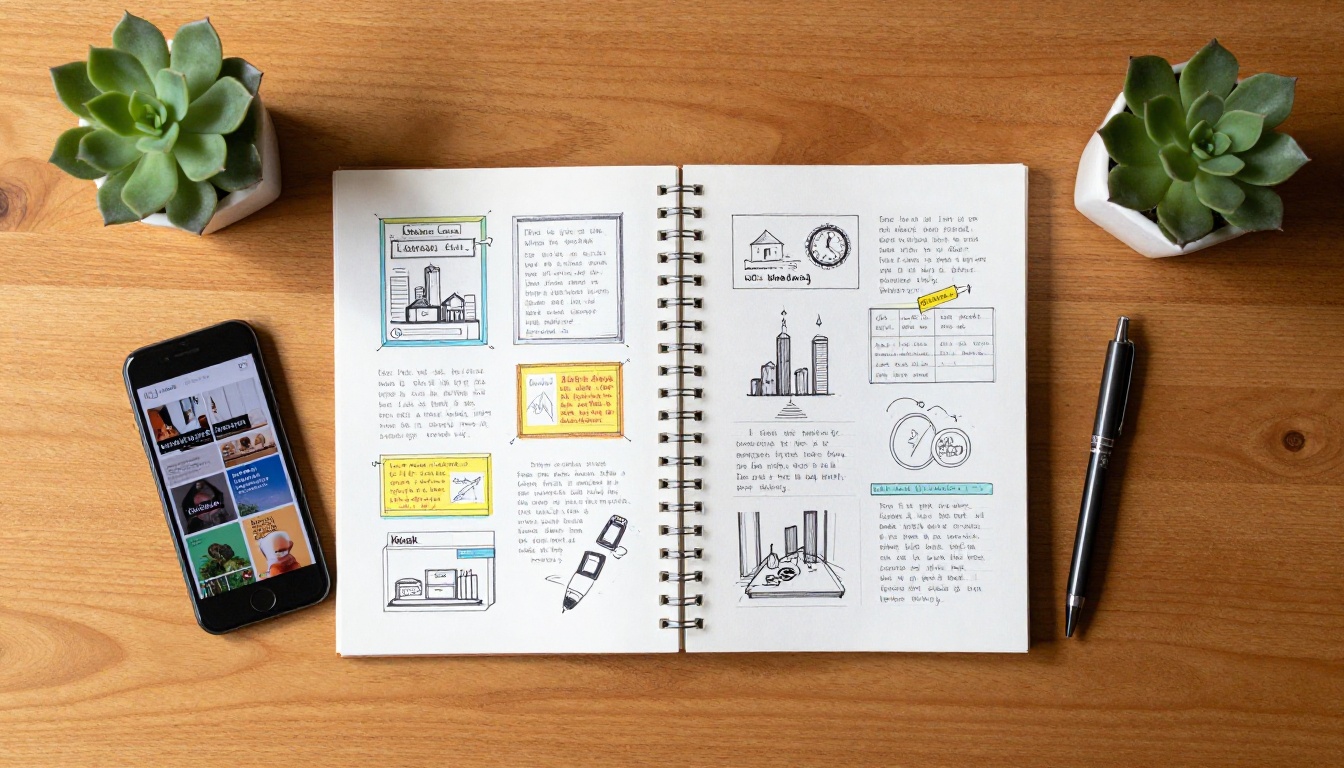
Flipbooks AI is built for speed. The entire process from raw PDF to published, shareable flipbook takes under five minutes for most documents.
Step 1: Create a Free Account
Go to flipbooksai.com/account and sign up. No credit card required. Your dashboard is ready immediately after confirming your email.
Step 2: Upload Your PDF
From your dashboard, click "New Flipbook." Drag and drop your PDF or browse your files. The platform processes most documents in under 60 seconds. Page layout, fonts, and embedded images are all preserved automatically.

Step 3: Customize the Appearance
Once converted, you enter the editor. Customization options include:
- Background: Solid color, gradient, or custom texture behind the pages
- Page flip style: Classic paper curl, smooth slide, or soft flip animation
- Branding: Add your logo to the viewer frame for a polished, professional look
- Table of contents: Auto-generated from PDF headings or configured manually
- Multimedia: Embed videos and audio into specific pages (Standard plan and above)
💡 Pro Tip: Even on the free plan, using a clean title bar and letting your PDF's own design carry the presentation makes the output look significantly more polished.
Step 4: Set Sharing and Access Options
Before publishing, decide who can view your flipbook:
- Public link: A clean URL anyone can open without logging in
- Password protected: For price lists, internal documents, or exclusive publications
- Embed code: A single
<iframe> snippet that drops your flipbook into any website
For website integration, the Embed Flipbook on Website tool walks you through the process for WordPress, Webflow, and custom HTML sites.
Step 5: Publish and Distribute
Hit publish. Your flipbook gets a permanent, shareable URL instantly. Paste it in an email, share it on social media, drop it into a QR code for print materials, or embed it on your site. It opens in any browser with no download or plugin required.
⚠️ Warning: Always preview your flipbook on both desktop and mobile before sharing widely. Test embedded media on both devices and confirm that PDF text renders clearly at standard zoom.
Who Actually Uses Online Flipbook Makers
The short answer: anyone who distributes documents for a living. The longer answer covers a wide range of industries, each with specific workflows that flipbooks dramatically simplify.
Restaurants and Hospitality
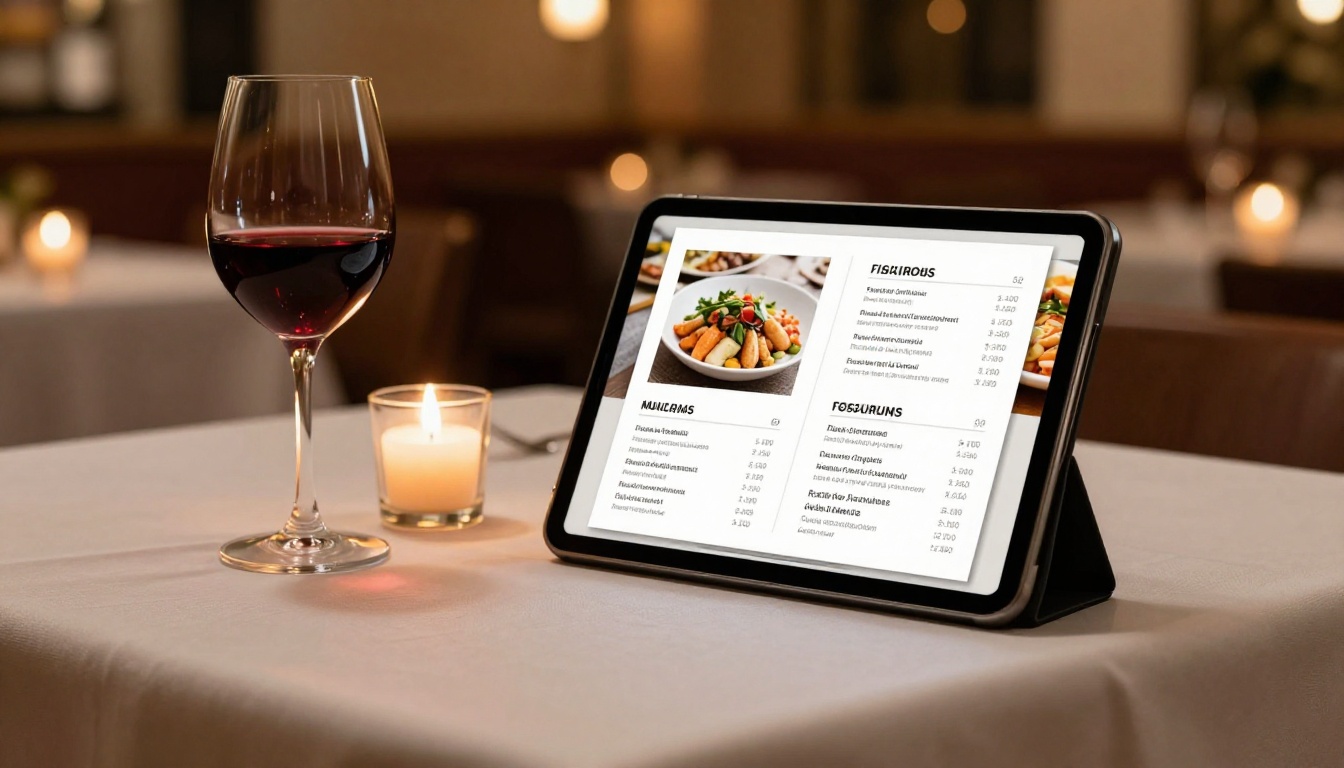
A printed menu is outdated the moment pricing changes. A digital flipbook menu updates in minutes, shares via QR code at every table, and loads instantly on any phone. The Restaurant Menu Creator handles multi-page menus with photos and section dividers. Hotels use the same workflow for room service menus, spa booklets, and welcome publications with the Spa and Wellness Menu tool.
Retail and E-Commerce
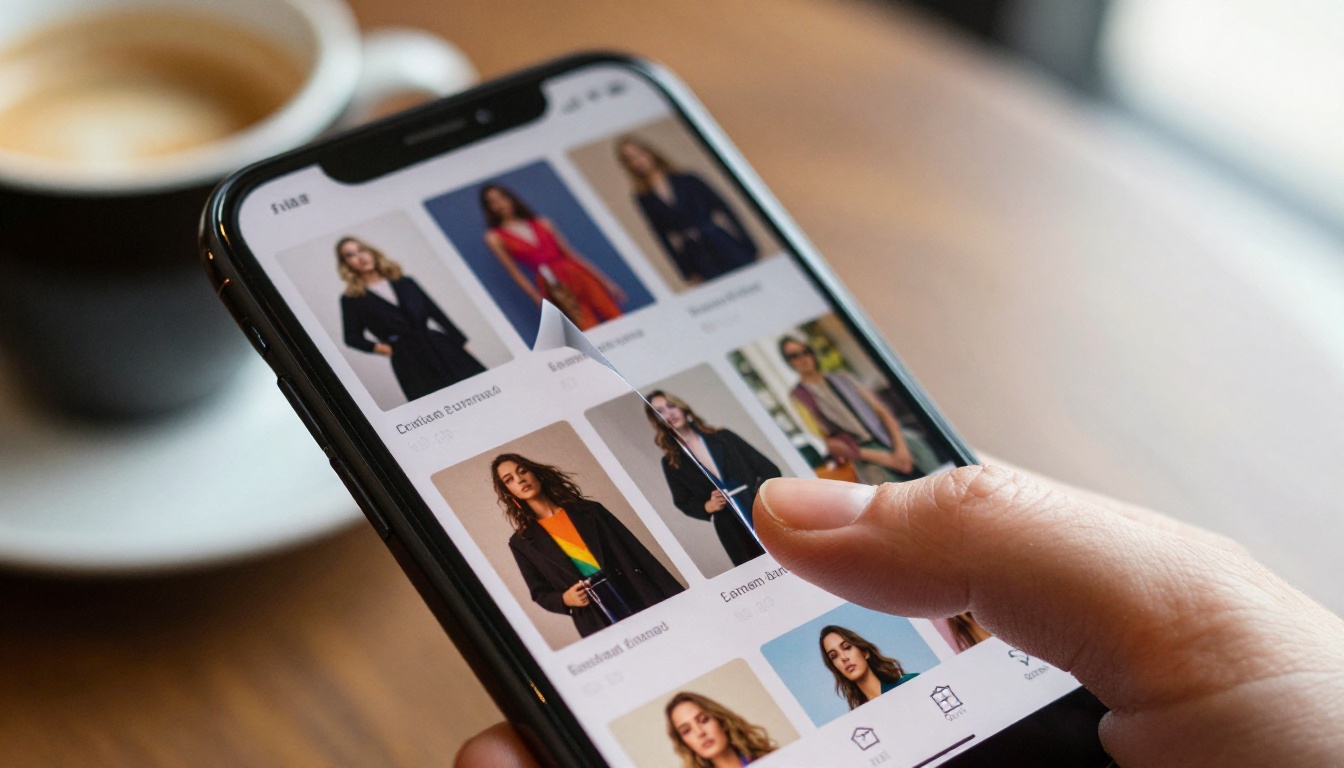
Product catalogs are the highest-value flipbook format for retail brands. A well-designed catalog flipbook gives customers a browsable, editorial shopping experience that static product pages cannot replicate. The Product Catalog Generator and Fashion Catalog Creator are purpose-built for this use case.
Real Estate
Property listings change constantly. Printing brochures for every listing wastes money and time. A digital brochure shared via QR code at an open house, or emailed directly to a buyer, opens instantly and looks exactly like the printed version. The Real Estate Brochure Creator handles this workflow with no friction.
Education and Corporate Training
Schools, universities, and training departments use flipbooks for course materials, student handbooks, and onboarding documentation. The Training Manual Flipbook and Course Material Publisher handle long-form educational documents with proper pagination and automatic table of contents generation.
Creative Professionals
Photographers, designers, and architects need portfolios that open fast and display high-resolution work without forcing a download. A flipbook portfolio pages through exactly like a physical book. The Photography Portfolio Flipbook and Digital Portfolio Creator preserve image quality at full resolution.
Choosing the Right Tool for Your Content Type
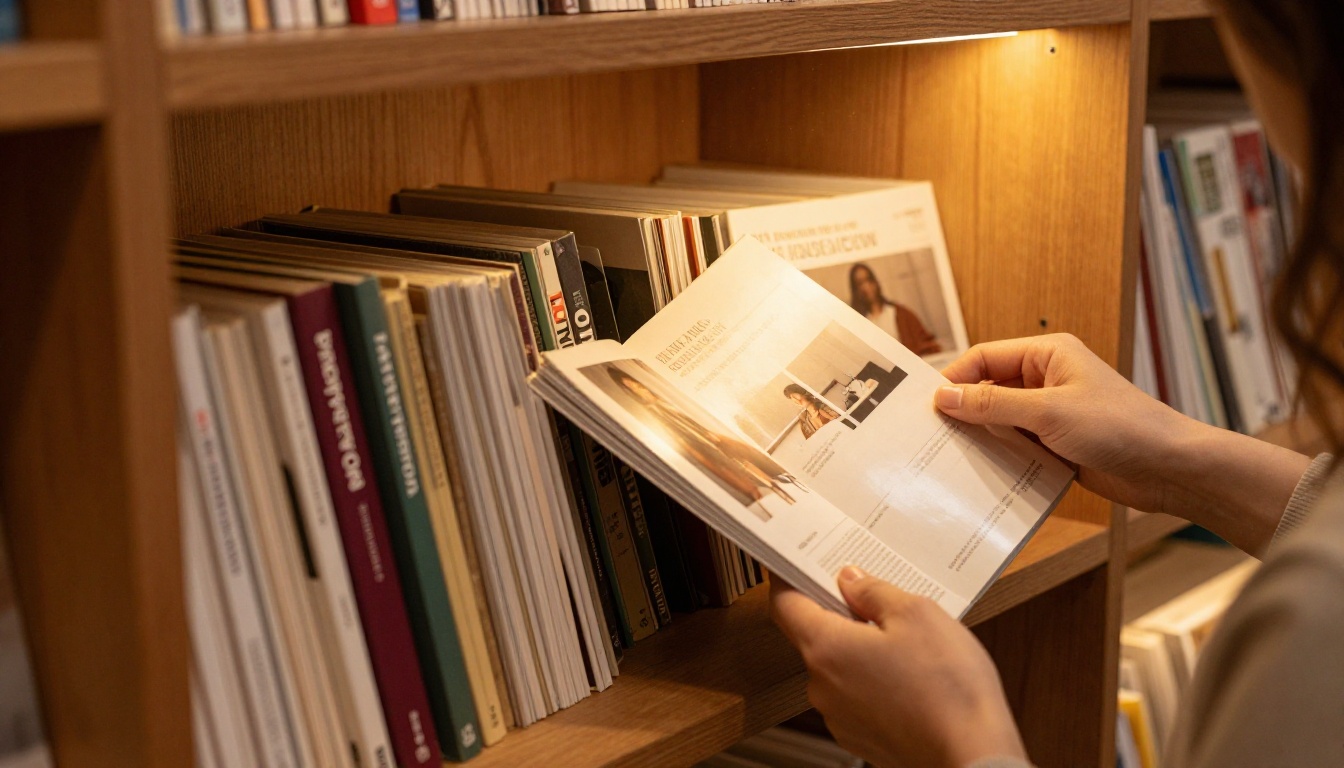
Flipbooks AI offers over 30 specialized tools built for specific content types. Instead of a generic PDF converter, each tool comes pre-configured with the right settings for its format: correct page dimensions, appropriate animation styles, and a layout that matches reader expectations.
| Content Type | Recommended Tool | Best For |
|---|
| Product Catalog | Product Catalog Generator | E-commerce, wholesale brands |
| Restaurant Menu | Restaurant Menu Creator | Restaurants, cafes, hotels |
| Real Estate Brochure | Real Estate Brochure Creator | Property agents, developers |
| Digital Portfolio | Photography Portfolio Flipbook | Photographers, designers |
| Annual Report | Annual Report Creator | Corporations, non-profits |
| E-Book | Interactive E-Book Publisher | Authors, educators |
| Magazine | Magazine Flipbook Creator | Publishers, marketing teams |
| Training Manual | Training Manual Flipbook | HR, corporate training |
| Wedding Album | Wedding Album Flipbook | Photographers, couples |
| Price List | Digital Price List Generator | Retail, B2B sales |
Using a specialized tool versus a generic converter saves time on configuration and produces better default output for your specific content type.
Sharing, Embedding, and Analytics
Publishing is only half the workflow. Getting meaningful data back is where professional plans earn their value.
Sharing Options at Every Level
Every flipbook gets a clean, permanent URL the moment it's published. That link works everywhere:
- Paste directly into emails, Slack messages, or WhatsApp
- Add to a QR code for printed materials, business cards, or venue signage
- Drop into a social media post for instant in-feed preview
- Embed on any website with a single line of code
Password Protection for Private Content
For confidential materials, a password-protected flipbook means only people with the password can view it. This is particularly useful for:
- Internal pricing guides and sales materials
- Premium content or gated publications
- Client proposals and sensitive reports
- Members-only newsletters or internal communications
Password protection is available on Standard and Professional plans. Check the pricing page for the full feature breakdown.
Analytics and Lead Generation
The Professional plan adds real-time analytics: page-by-page view data, time spent per page, and total session data. You can see exactly which pages hold readers and which ones lose them. For lead generation, you can add a form gate before the flipbook opens, collecting name and email before granting access. These features are particularly valuable for sales teams, marketing departments, and publishers who need data to justify content investments.

Common Questions Before You Start
Does the free plan really have no watermark?
Yes. Unlike most free tools in this category, Flipbooks AI does not add a watermark to free-plan flipbooks. The output looks identical to paid-plan flipbooks for most configurations.
What file formats are accepted?
PDF is the primary input format. If your content is in PowerPoint, Word, or Canva, export it as a PDF first, then upload. The conversion preserves your layout exactly.
Can I update a flipbook after publishing?
Yes. Replace the source PDF and republish at any time. The URL stays the same, so any links or embeds you have already shared continue to work with the updated content automatically.
Is there a page limit on the free plan?
The free plan supports documents up to 50 pages, which covers most brochures, menus, and short publications. Standard and Professional plans handle documents of any size.
Does it work on mobile?
Every flipbook generated on Flipbooks AI is fully mobile-responsive. The layout adapts automatically for smaller screens with touch-friendly swipe navigation built in.

No More Excuses, Start Right Now
There are no technical barriers left. You don't need a designer, a developer, or a budget. If you have a PDF, you have everything required to publish a professional interactive flipbook in the next five minutes.
The free plan at Flipbooks AI gives you three fully functional, watermark-free flipbooks to start. That's enough to convert your most important catalog, menu, portfolio, or brochure and see firsthand what interactive publishing does for reader attention.
When you're ready to scale, unlimited flipbooks, password protection, and full custom branding are waiting on paid plans. Compare plans and pricing to choose what fits your workflow and budget.
To see the full range of what's possible, browse all flipbook tools and templates across every use case, from fashion catalogs to corporate reports to wedding albums. There's a dedicated starting point for every type of content you need to publish.
The only thing left to do is upload your first PDF and hit publish.



