You send someone a PDF and they open it in a browser tab, scroll through flat pages, and close it in thirty seconds. You send the same content as an interactive flipbook and they spend four minutes clicking through pages, watching an embedded video, and clicking a link in the CTA. That difference is not a coincidence. It is the fundamental gap between a PDF viewer and a flipbook maker, and it affects everything from how people perceive your brand to whether they actually read what you put in front of them. Flipbooks AI is built specifically to close that gap.
Before comparing results, it helps to be clear about what each tool is designed for.
The PDF Viewer's Job
A PDF viewer does exactly one thing: it renders a Portable Document Format file so a human can read it. Adobe Acrobat Reader, Chrome's built-in PDF renderer, Preview on macOS - all of them open the file and display pages. That is the entire feature set. There is no animation, no interactivity beyond clicking a hyperlink, and no built-in sharing mechanism. The file downloads to a device. Someone opens it. They scroll. They close it.
PDF viewers exist because PDFs were designed in 1993 for consistent document printing across operating systems. The format solved a real problem: print exactly the same thing on any printer, on any machine. That mission shapes everything about how PDFs behave in 2026.
The Flipbook Maker's Job
A flipbook maker takes a static document, usually a PDF, and converts it into a web-based interactive publication with page-turn animation, multimedia support, branding customization, and sharing tools baked in. The output is not a file someone downloads. It is a hosted experience they visit in a browser, on any device, without installing anything.
The distinction matters because the delivery mechanism shapes the reader's entire perception of the content.

The Static Trap: PDF Viewer Limitations
PDFs are not going away. But for anything meant to impress, persuade, or engage, they carry serious structural disadvantages.
No Branding, No Identity
When someone opens your PDF in a browser, they see your document inside Chrome's gray PDF viewer, or Adobe's generic interface. Your logo is in the document. Your color palette is in the document. But the surrounding experience is completely neutral. There is no way to reinforce your visual identity through the reading environment itself.
A flipbook created with Flipbooks AI displays inside a fully branded viewer. Your colors, your logo, your custom domain. The moment someone clicks the link, they are inside your brand.
Download First, Read Second
Standard PDF sharing requires the recipient to download a file. On mobile, this is especially friction-heavy. The browser asks where to save it. The user has to locate it in their files app. Many people skip the whole process and never read it.
Flipbooks open instantly in any browser with no download required. The share link goes directly to the experience.
Analytics Don't Exist
A PDF viewer gives you zero data about reader behavior. You cannot see how many people opened it, which pages they spent time on, or where they dropped off. You are sending content into a black hole.
⚠️ Without reader analytics, you cannot improve your content or identify what resonates with your audience.
No Multimedia Support
PDFs can technically embed video, but support is inconsistent across viewers and most people never see embedded PDF video in practice. Links work, images work. That is about it.

Where Flipbook Makers Pull Ahead
The advantages of a flipbook maker over a PDF viewer are not cosmetic. They affect how content performs in the real world.
Page-Turn Animation That Hooks Readers
The realistic page-flip effect is not just visual flair. It creates a physical metaphor that readers already understand from holding magazines and books. That familiarity increases dwell time. People treat the content with more weight because it feels like a publication, not a document.
Embedded Video and Audio
A flipbook built with Flipbooks AI can embed YouTube videos, audio clips, and animated GIFs directly into pages. A product catalog becomes a showroom. A training manual becomes an interactive course. A restaurant menu includes a video of the chef preparing a signature dish.
💡 Embed a short product demo video on the second spread of your catalog. Readers who watch video convert at significantly higher rates than those who only read text.
Mobile-First by Default
Flipbook pages reflow and scale automatically across screen sizes. A reader on an iPhone gets the same quality experience as someone on a 27-inch desktop monitor. PDFs, by contrast, often require pinching and zooming to read on mobile, especially for complex layouts.
Password Protection and Private Sharing
With Flipbooks AI, you can password-protect individual flipbooks for internal documents, confidential reports, or premium content. PDF password protection exists but is inconsistently supported and often stripped by third-party tools.
Lead Generation Forms
The Professional plan on Flipbooks AI includes a lead capture gate that can appear before or after a reader views a flipbook. This turns a product catalog or lookbook into an active sales funnel. PDF viewers have no equivalent capability.
Feature-by-Feature Breakdown
The comparison becomes very clear when you put both formats side by side.
| Feature | PDF Viewer | Flipbook Maker |
|---|
| Page-turn animation | No | Yes |
| Mobile-responsive | Partial (zoom required) | Yes, automatic |
| Embedded video | Unreliable | Yes, native support |
| Custom branding | No | Yes |
| Share via link (no download) | No | Yes |
| Reader analytics | No | Yes (Professional plan) |
| Password protection | Basic | Yes, full control |
| Lead generation forms | No | Yes (Professional plan) |
| Offline access | Yes (downloaded file) | Yes (downloadable, Professional plan) |
| Search inside document | Yes | Yes |
| Embed on website | Limited (iframe only) | Yes, with full embed code |
✅ For any content that needs to persuade, present, or sell, a flipbook maker wins on nearly every metric that matters.
This is not a close comparison. The PDF viewer wins on one dimension: you do not need to be online to read a downloaded file. For everything else related to reader experience, sharing, and performance, the flipbook format is the stronger choice.

Real-World Use Cases: Who Benefits Most
The abstract differences translate into concrete advantages for specific industries and roles.
Businesses and Sales Teams
A static PDF proposal or sales deck sent to a prospect carries no tracking capability. You do not know if they opened it. With a flipbook, analytics show you exactly who viewed it, how long they spent on each page, and whether they revisited it before a meeting. Sales teams can use the Sales Presentation Flipbook tool to create branded, trackable presentations in minutes.
Restaurants and Hospitality
A printed PDF menu attached to an email is dead content. A digital flipbook menu linked from a QR code on every table, or shared via an Instagram bio, is a living and updatable asset. The Restaurant Menu Creator on Flipbooks AI lets hospitality businesses build beautiful, mobile-friendly menus that update in real time without reprinting anything.
Real Estate Professionals
Instead of emailing a PDF brochure that ends up buried in a downloads folder, agents share a flipbook link in their follow-up text. Clients revisit it multiple times on any device. The Real Estate Brochure Creator makes this workflow simple for any agency.
Publishers and Educators
Digital magazines, newsletters, and course materials sent as PDFs feel transactional. The same content published as a flipbook feels like a proper publication. Flipbooks AI offers dedicated tools for E-Magazine Publishing and Course Material Publishing, making it viable for educational institutions and independent publishers to deliver professional-grade reading experiences without a large technical team.
How to Turn Any PDF Into a Flipbook with Flipbooks AI
This is where theory becomes practice. The process takes less than five minutes.
Step 1: Create your account
Go to Flipbooks AI and sign up. The free plan lets you create flipbooks immediately with no credit card required.
Step 2: Upload your PDF
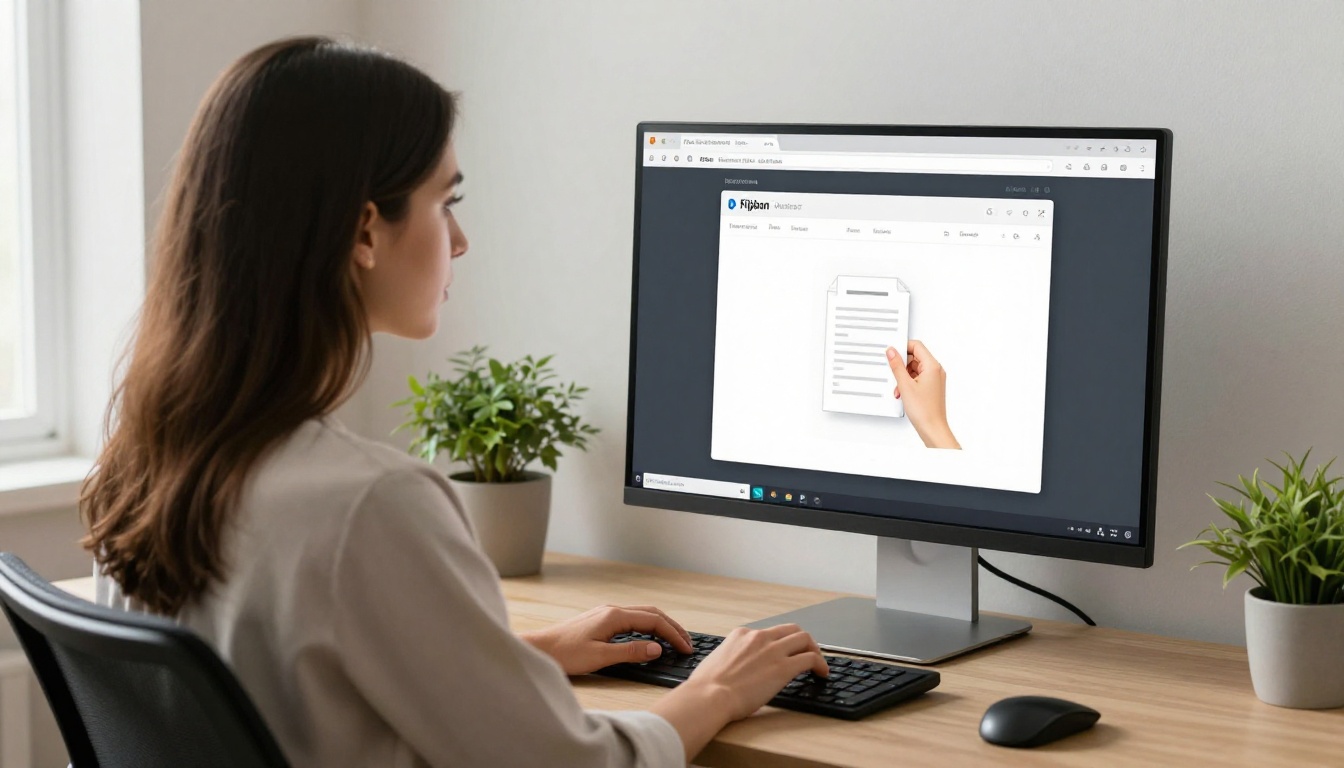
From your dashboard, click "Create Flipbook" and upload your PDF file. The PDF to Flipbook Converter processes the document automatically, converting each page into high-resolution flipbook spreads. Most documents process in under sixty seconds.
Step 3: Customize branding
Once the flipbook is created, open the editor to add your logo, set your brand colors for the viewer interface, choose a background style, and configure the page-turn animation speed. Custom domains are available on higher plans.
Step 4: Embed multimedia
Click on any page to add interactive elements. Embed a YouTube or Vimeo link, add a clickable hotspot over a product image that links to a purchase page, or insert an audio narration clip. This is where the content goes from static to genuinely interactive.
Step 5: Configure sharing options
Choose how your flipbook is accessed. Set it to public for open sharing, add a password for private content, or enable a lead capture form that requires an email address before reading begins. Copy the share link or grab the embed code from the "Share" panel to place it on your website.
Step 6: Publish and track
Hit publish and share the link via email, social media, SMS, or QR code. On the Professional plan, your analytics dashboard shows real-time reader data including page views, average reading time, and geographic distribution.
💡 The embed code from Flipbooks AI works on any website builder including WordPress, Squarespace, Webflow, and Shopify. Drop it into any HTML block and your flipbook appears inline without redirecting visitors elsewhere.


Pricing and Value: What You Actually Get
PDF viewers are free because displaying a file is a commodity. Flipbook platforms charge for the infrastructure, hosting, and features they add on top. Here is how Flipbooks AI pricing breaks down in terms of value per tier.
| Plan Feature | Free | Standard | Professional |
|---|
| Number of flipbooks | Limited | Unlimited | Unlimited |
| Watermarks | Yes | No | No |
| Custom branding | No | Yes | Yes |
| Password protection | No | Yes | Yes |
| Analytics | No | No | Yes |
| Lead generation forms | No | No | Yes |
| Offline downloads | No | No | Yes |
| Embedded video and audio | No | Yes | Yes |
| Custom domain | No | No | Yes |
The Standard plan removes watermarks and unlocks unlimited flipbooks, making it the practical entry point for any business using flipbooks professionally. The Professional plan adds the data and sales features that make flipbooks a revenue-generating asset rather than just a nice-looking document.
✅ No plan on Flipbooks AI ever includes watermarks on Standard or above, which is a significant differentiator from many competitors in this space.
Compare this to the cost of designing and printing physical catalogs or brochures, and the math becomes straightforward. A printed run of 500 brochures costs hundreds of dollars and cannot be updated after printing. A Flipbooks AI subscription gives you unlimited digital publications that can be updated at any moment.

When a PDF Viewer Is Actually Enough
It is worth being honest here. PDF viewers are not always the wrong choice.
For internal operational documents like invoices, contracts, and forms requiring signature, PDF format is exactly right. These are not meant to be experiences. They are meant to be accurate records.
For print-ready files, PDFs are the standard. A printer needs a PDF, not a flipbook link.
For archival documents, PDFs offer long-term format stability that web-based flipbooks do not match.
For recipients without internet access, a downloaded PDF is the only viable option. Flipbooks require an internet connection unless the reader downloads the offline version, available on the Professional plan.
The honest answer: use PDFs for documents that need to function as files, and use flipbooks for content that needs to function as an experience. Most marketing materials, catalogs, menus, portfolios, reports, and publications fall squarely in the experience category.
Use Case Comparison at a Glance
| Content Type | PDF Viewer | Flipbook Maker | Recommended |
|---|
| Product catalog | Workable | Excellent | Flipbook |
| Restaurant menu | Poor on mobile | Excellent | Flipbook |
| Real estate brochure | Workable | Excellent | Flipbook |
| Invoice or contract | Excellent | Overkill | PDF |
| Digital magazine | Poor | Excellent | Flipbook |
| Training manual | Workable | Excellent | Flipbook |
| Print-ready file | Excellent | Not applicable | PDF |
| Portfolio | Poor on mobile | Excellent | Flipbook |
| Annual report | Workable | Excellent | Flipbook |
| Form requiring signature | Excellent | Not applicable | PDF |
Make the Switch
If your content is meant to impress someone, get them to act, or represent your brand professionally, it should not live in a generic PDF viewer. The investment in a proper flipbook maker pays off the first time a prospect spends three minutes in your interactive catalog instead of three seconds scrolling a flat file.
Ready to see the difference for yourself? Create your first flipbook for free on Flipbooks AI. Want to compare what each plan includes before committing? Check the pricing page for a full feature breakdown. And if you already know your use case, head straight to the tools directory to find the right starting point for catalogs, menus, portfolios, reports, and more.



