Most people assume that because Canva lets you design a document, it can also publish that document as an interactive flipbook. That assumption is the root of a lot of wasted time. Canva and dedicated flipbook makers do not compete in the same category. They solve fundamentally different problems, and using the wrong one for your publishing goals costs you in features, reader experience, and professional results. Flipbooks AI exists precisely to fill a gap that Canva was never designed to address.
Canva Is a Design Tool
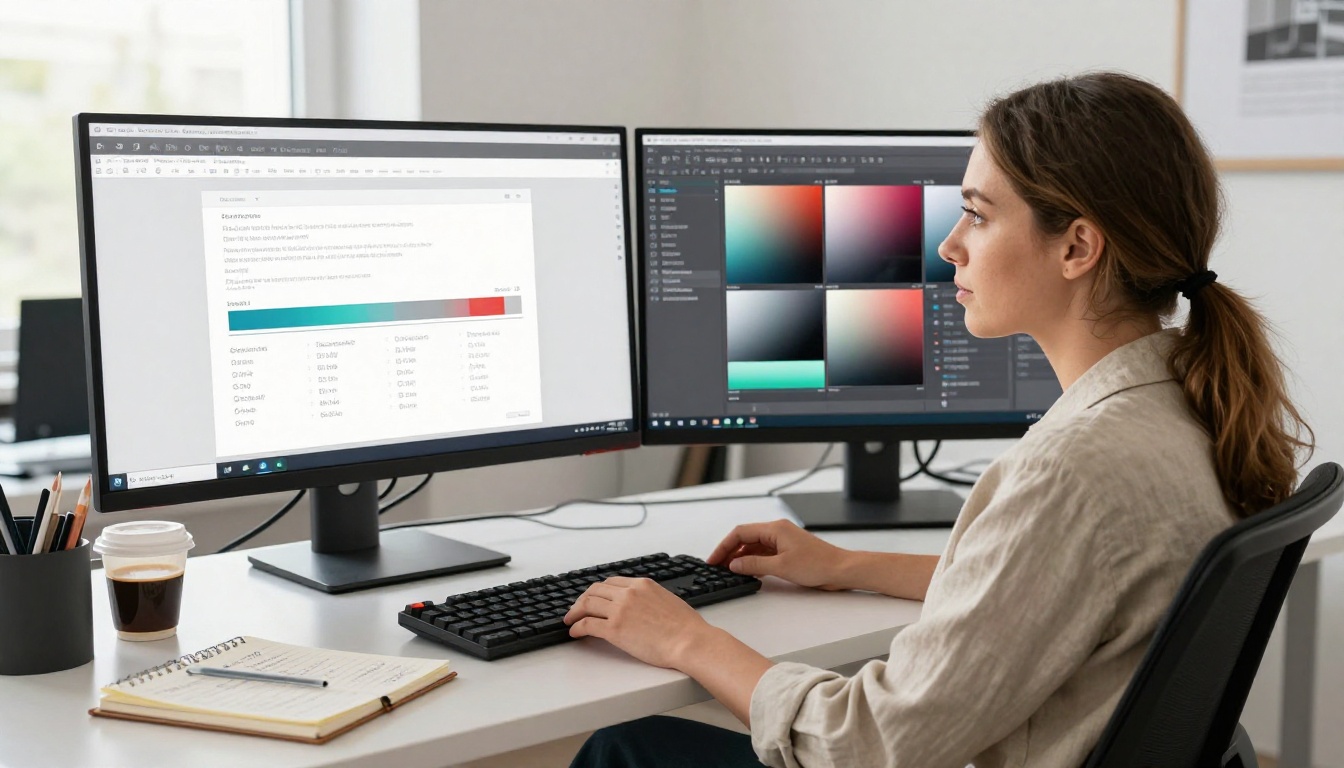
Canva is a graphic design platform. Its core job is to help non-designers create visually appealing static content: social media posts, presentations, posters, flyers, and marketing materials. It does this extremely well. The drag-and-drop editor, template library, and brand kit features make it one of the most accessible design tools ever built.
But Canva's output is fundamentally static. A Canva presentation is a slideshow. A Canva document is a PDF or a static webpage. There is no native page-flip experience. There is no automatic conversion of multi-page documents into an interactive publication that readers can flip through. Canva lets you design pages. It does not let you publish them as a living, interactive document.
Flipbook Makers Are Publishing Platforms
A dedicated flipbook maker like Flipbooks AI is a publishing platform. Its core job is to transform documents, particularly PDFs, into interactive digital publications with realistic page-turning animations. The output is a shareable, embeddable, mobile-responsive publication that readers can flip through, just like a real magazine or catalog.
The distinction matters because the reader experience is completely different. Static PDFs require scrolling. Flipbooks require flipping. That single difference changes how people interact with content, how long they stay on a page, and how professional a brand appears.
The Page-Flip Effect Is Not a Gimmick
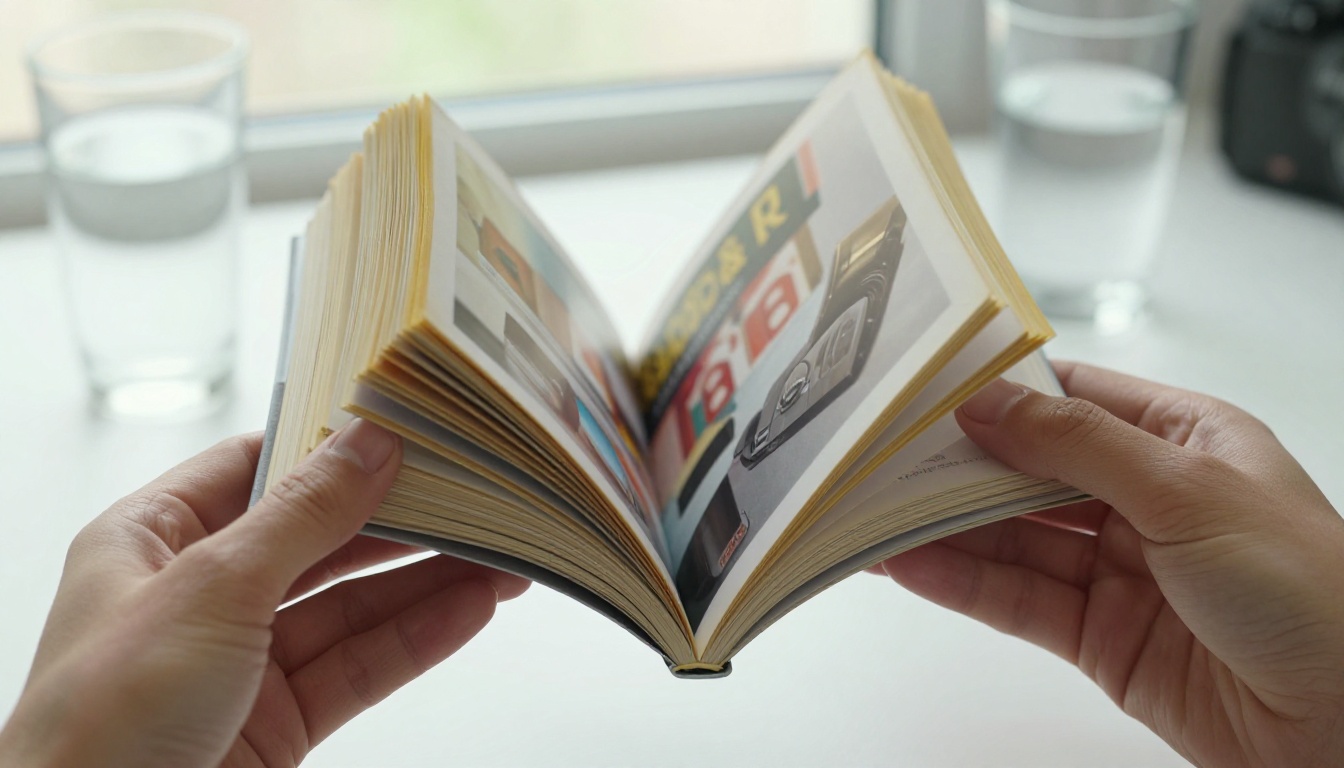
It sounds like a visual trick. It is not. The page-flip effect in a digital flipbook is a behavioral cue. When a reader sees a page that turns like a physical magazine, they interact with it the way they would a physical publication. They slow down. They flip back. They browse rather than scroll.
Studies on digital publishing consistently show that interactive flipbook publications outperform static PDFs in time-on-page and depth of reading. A product catalog sent as a PDF typically gets scrolled through once. The same catalog published as a flipbook gets browsed, pages get revisited, and readers spend more time with each section.
Canva cannot produce this experience natively. Even if you export a beautiful Canva design as a PDF and share it, the reader gets a flat file. No page turns. No interactive table of contents. No embedded video or audio. No analytics on which pages were viewed. No lead capture forms inside the document.
Feature Breakdown: Side by Side
This is where the differences become impossible to ignore.
| Feature | Canva | Flipbooks AI |
|---|
| Drag-and-drop design editor | Yes | No (upload-based) |
| Template library | Yes | Limited |
| Page-flip animation | No | Yes (core feature) |
| PDF to interactive flipbook | No | Yes (one-click) |
| Embeddable publication | Partial only | Full embed codes |
| Mobile-responsive flipbook | No | Yes |
| Embedded video or audio in pages | No | Yes |
| Per-page analytics | No | Yes (Professional plan) |
| Password protection | No | Yes |
| Lead capture forms inside document | No | Yes (Professional plan) |
| Offline download | No | Yes |
| No watermarks | Yes | Yes (Standard plan and above) |
| Dedicated publishing URL | No | Yes |
The table tells the story. If your goal is to create content from scratch, Canva leads. If your goal is to publish content as an interactive document people can flip through, a dedicated flipbook maker leads in every category that matters.

Where Canva Falls Short for Publishing
Static Output Is a Reader Problem
When you export from Canva, you get a PDF, a PNG, or a static link. None of these behave like a publication. A PDF requires a viewer. A PNG is an image. A static link opens a web page that looks like a presentation but lacks the tactile interaction of a true publication.
For brands that send out catalogs, menus, brochures, annual reports, or lookbooks, this matters enormously. Sending a PDF catalog to a retail buyer is a dated approach. Publishing that catalog as an interactive flipbook with your brand colors, logo, custom URL, and embedded product videos is what professional publishers do now.
No Publishing Infrastructure
Canva does not give you a publishing home for your documents. There is no dedicated URL structure for your publications. There is no analytics dashboard showing which pages readers viewed most. There is no lead generation tool built into your shared document.
Flipbooks AI is built around this infrastructure. Every flipbook gets a shareable link, an embed code, and an optional password. The Professional plan adds per-page analytics and lead generation forms directly inside your publication. A hotel can see that readers always stop at the spa section of their brochure. A real estate agency can see exactly which property pages get the most attention.
The Embedding Gap
Embedding content on a website is where Canva's limitations become most visible. Canva supports basic embedding, but the output is a static frame. It does not look or behave like a publication. A flipbook embedded with the Embed Flipbook on Website tool opens on your site as a full interactive publication. Readers flip through it without leaving your page. That is a conversion-driving experience that a static Canva embed simply cannot replicate.

Real-World Use Cases: Who Uses What
| Use Case | Canva | Flipbook Maker |
|---|
| Social media graphics | Best choice | Not applicable |
| Product catalog for buyers | Exports PDF only | Full interactive flipbook |
| Restaurant digital menu on tablet | Static only | Live page-flip menu |
| Real estate property brochure | Exports PDF only | Interactive brochure with analytics |
| Corporate annual report for investors | PDF export only | Interactive report, embeddable |
| Fashion lookbook for retail partners | PDF or image only | Browsable interactive lookbook |
| Training manual for employees | PDF only | Interactive with offline download |
| E-book or digital magazine | Slideshow format | Full page-flip publication |
The pattern is clear. Canva is the right choice when the output is social media, a print file, or a one-time design asset. A flipbook maker is the right choice whenever the destination is a shared, browsable, embedded, or distributed publication.
Practical scenarios that make this concrete:
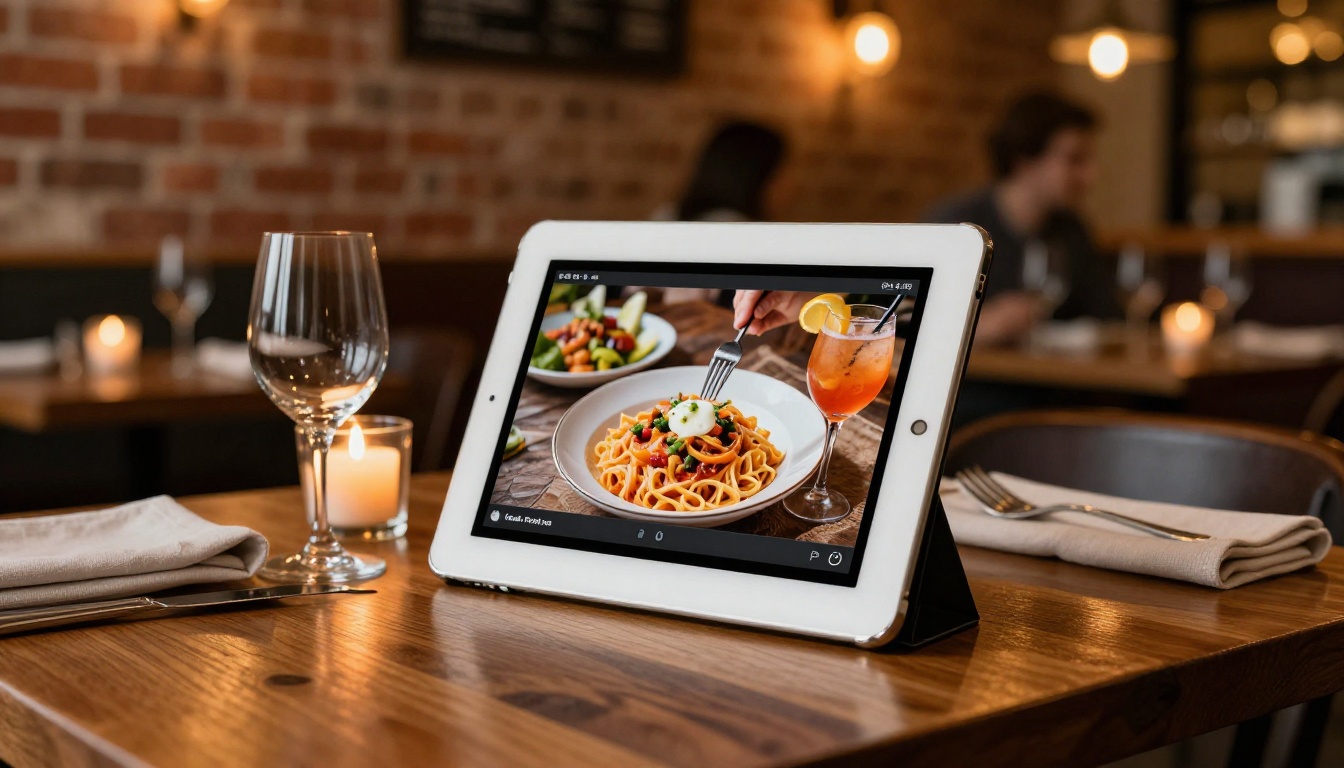
A restaurant designs their menu in Canva because the design tools are excellent. For their website, they convert the PDF using Flipbooks AI's Restaurant Menu Creator. Customers browse it like a real menu on any device. The restaurant updates it and re-publishes without touching website code.
A real estate agency designs property brochures in Canva for print. For digital distribution, they convert the same PDF to a flipbook using the Real Estate Brochure Creator. Buyers flip through property photos on their phones. The agency tracks which properties get the most attention.
A fashion brand designs their seasonal lookbook in Canva for print. For their wholesale partners, they publish the same document as an interactive Lookbook Flipbook with password protection so only invited buyers can access it.

How to Publish a Flipbook in 5 Steps
If you already design in Canva, adding flipbook publishing to your workflow takes minutes. You do not need to abandon your design process.
Step 1: Export Your PDF from Canva
Finish your design in Canva. Export it as a PDF at Print or Standard quality. This is the source file for your flipbook.
Step 2: Upload to Flipbooks AI
Go to Flipbooks AI and create a free account. Click upload and select your PDF. The PDF to Flipbook Converter processes your file automatically. Most conversions finish in under 60 seconds.
Step 3: Customize Your Branding
After conversion, apply your brand colors, add your logo, choose a background texture, and set the page-flip style. Standard plan users and above publish with no watermarks on any flipbook, ever.
Step 4: Set Access Controls
Decide who can see your flipbook. Public publications are accessible to anyone with the link. Private flipbooks can be protected with a password, ideal for internal reports, client proposals, or exclusive catalogs for selected partners.
Step 5: Share or Embed
Copy the shareable link and send it by email. Or grab the embed code and paste it into your website. Your flipbook goes live instantly. Update the source PDF and re-upload anytime to refresh the publication without changing the link or embed code.
💡 Pro tip: If you update your catalog seasonally, keep the same embed code on your website and simply replace the flipbook content. Your audience always sees the latest version without any site changes needed.

Pricing Reality Check
Both tools offer free tiers. But the value of each tier depends entirely on what you are trying to do.
| Plan Feature | Canva | Flipbooks AI |
|---|
| Free tier | Yes (limited templates) | Yes (limited flipbooks) |
| Unlimited designs or flipbooks | Canva Pro (~$15/mo) | Standard plan |
| Custom branding | Canva Pro | Standard plan |
| Watermark removal | N/A | Standard plan |
| Password protection | No | Standard plan |
| Per-page analytics | No | Professional plan |
| Lead generation inside document | No | Professional plan |
| Offline download | No | Professional plan |
| Full interactive website embed | Basic static only | Full interactive |
The comparison is not about which tool is cheaper. It is about which one gives you publishing capability at all. Canva Pro gives you better design tools. Flipbooks AI plans give you publishing infrastructure: analytics, lead capture, offline downloads, interactive embeds, and document access controls.
For most teams, the optimal setup uses both tools: design in Canva, publish with Flipbooks AI. They complement each other perfectly when each is used for what it was built to do.
The Workflow Most Professionals Use
The mistake most people make is treating this as an either/or choice. It is not. Canva and flipbook makers occupy different steps of the same workflow:
- Design phase: Use Canva (or any design tool) to create beautiful pages
- Export phase: Export as PDF
- Publishing phase: Upload to Flipbooks AI and convert to an interactive publication
- Distribution phase: Share the link, embed on your website, track with analytics
This is how professional publishers, agencies, and marketing teams operate. The design tool handles creation. The flipbook platform handles distribution and interaction.
⚠️ Common mistake: Teams that rely only on Canva for document sharing miss the entire interactive layer. A beautiful design shared as a static PDF is a missed publishing opportunity every single time.
✅ Best practice: Use Canva's templates to build your initial design, export as PDF, then publish via the corresponding Flipbooks AI tool for your content type. You get the design flexibility of Canva and the publishing power of a dedicated flipbook platform.
Purpose-Built Tools for Every Content Type
One advantage dedicated flipbook platforms have over design-first tools is purpose-built infrastructure for specific content types. Flipbooks AI tools include dedicated platforms for:
- Catalogs: Product Catalog Generator, Fashion Catalog Creator, Digital Catalog Maker
- Menus: Restaurant Menu Creator, Spa and Wellness Menu Creator
- Brochures: Hotel Brochure Designer, Automotive Brochure Generator, Online Brochure Designer
- Publications: E-Book Flipbook Generator, Magazine Flipbook Creator, Newsletter Flipbook Publisher
- Business: Annual Report Creator, Sales Presentation Flipbook, Corporate Report Maker
- Creative: Digital Portfolio Creator, Interactive Lookbook Designer, Wedding Album Flipbook
- Education: Training Manual Flipbook, Course Material Publisher, Yearbook Flipbook Maker
Canva has templates for these content types. Flipbooks AI has publishing infrastructure optimized for each of them, with dedicated sharing flows, branding options, and analytics tuned to each content category.
The Bottom Line
Canva is exceptional at what it does. It has made professional-looking graphic design accessible to almost anyone. But it was never built to be a publishing platform. The absence of page-flip animation, interactive embedding, per-page analytics, lead generation, and document access controls is not an oversight. Those features are outside Canva's scope by design.
Flipbook makers are purpose-built for the publishing step. They take the beautiful pages you create in any design tool and transform them into living, interactive publications that readers actually want to browse, share, and return to.
If you have been sending PDFs when you should be publishing flipbooks, the gap in reader interaction you have experienced comes directly from this tool mismatch.
Ready to close that gap? Create your first flipbook for free and see the difference in your next campaign. Browse all flipbook tools to find the right fit for your specific content type, or compare plans to find the right tier for your publishing volume.



