Paper menus are a daily headache for cafe and restaurant owners. They tear, stain, go out of date the moment you adjust a price, and cost real money every time you reprint a batch. The good news: a flipbook menu maker for cafes and restaurants solves all of this without replacing what you already have. Upload your existing PDF, press convert, and in minutes your menu becomes a beautiful, page-turning digital experience customers can access from their phone, tablet, or laptop. No app downloads, no complex tech setup.
Flipbooks AI makes this process fast and professional, whether you run a single espresso bar or manage a multi-location restaurant group.
The Hidden Price of Print
Most restaurant owners know printing costs money, but rarely add it up. A single menu reprint for a 30-table cafe, with laminated covers and professional design, can run $200 to $600. Do that three or four times a year when prices shift or dishes rotate, and you've spent over $1,500 annually just to keep your menus current.
That figure doesn't include the time spent coordinating with a designer, waiting for proofs, and distributing new versions to staff. It also doesn't account for menus that get scratched, stained, or lost between Monday and Friday.
💡 Pro tip: The average cafe reprints menus 3-5 times per year. Switching to a digital flipbook eliminates that cycle entirely.
What Digital Menus Actually Solve
Digital menus solve three distinct problems at once: cost, speed, and presentation. You stop paying to reprint every time a dish changes. You update prices or specials in real time, no waiting for delivery. And you present your food with full-color photography that a laminated card can never match.
The flipbook format adds something extra: the familiar feel of flipping through a physical menu, recreated digitally. Customers scroll through pages the same way they would hold a printed menu, which reduces the friction of adapting to something new.
The Page-Turn Experience Customers Love
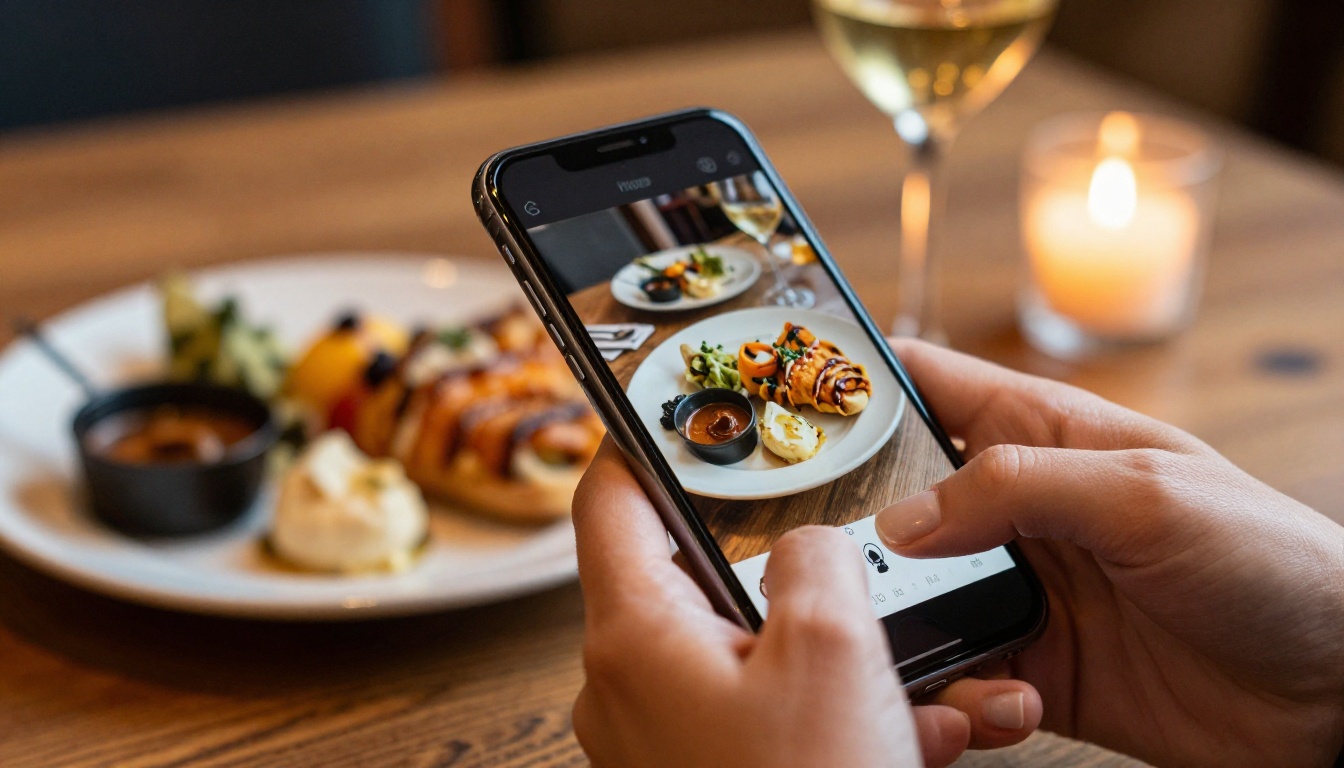
When a customer scans your QR code and opens a flipbook menu, they don't land on a flat PDF. They see a page-turning interface with smooth animations, clickable pages, and full-width food photography. They can zoom in on a dish, swipe to the next section, or jump straight to desserts using a built-in table of contents.
This experience feels intentional. It signals to customers that your establishment takes presentation seriously, which primes them to spend more and return more often.
Works on Every Device
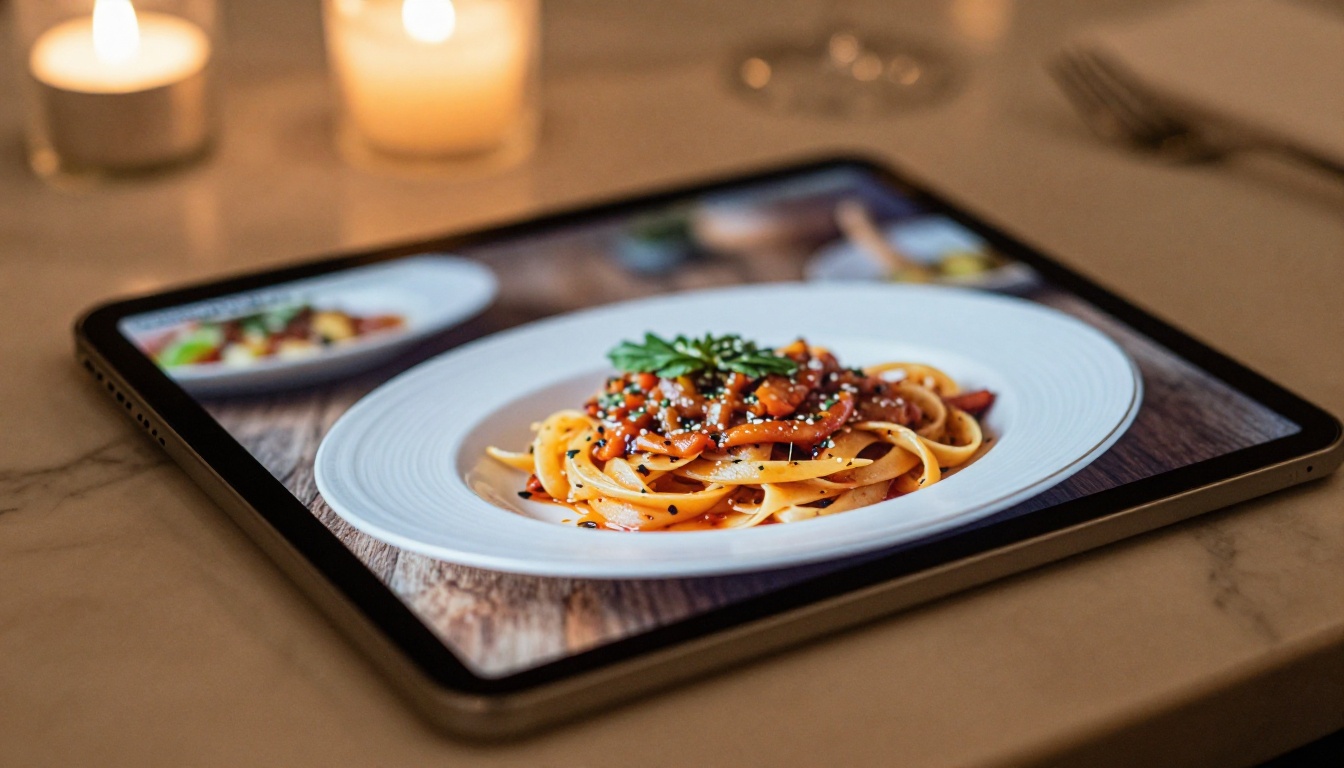
A flipbook menu generated through the Restaurant Menu Creator renders correctly on every screen size. Whether your customer is reading it on an older Android phone or a large iPad at the bar, the layout adapts automatically. No pinching to zoom, no horizontal scrolling, no broken formatting.
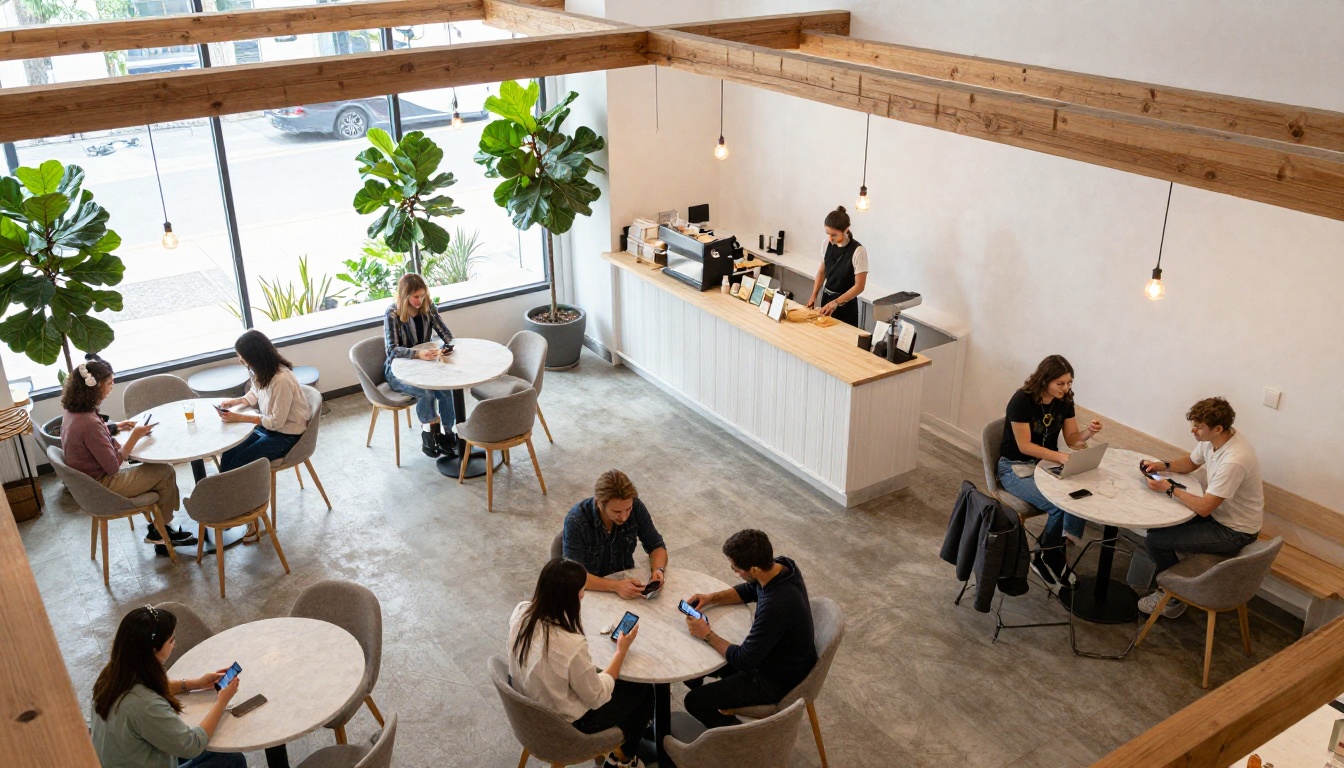
This matters especially for cafes where customers often pull out their phones during a quick visit rather than waiting for a server to bring a physical menu.
Not all digital menus are equal. Here's how the flipbook format compares to the most common alternatives:
| Format | Setup Time | Update Speed | Visual Quality | Device Compatibility | Cost |
|---|
| Flipbook PDF | 5 minutes | Instant | High (full photo support) | All devices | Low |
| Standard PDF Link | 2 minutes | Instant | Medium | Most devices | Free |
| Restaurant App | Weeks | Fast | High | Requires download | High |
| Website Menu Page | Hours/Days | Moderate | Variable | All browsers | Medium |
| Printed Menu | Days | Slow (reprint needed) | Medium | N/A | High recurring |
✅ Best practice: Use a flipbook as your primary digital menu format and keep a small number of printed menus only for guests who prefer physical copies.
The flipbook format sits in a sweet spot: the visual quality of a well-designed printed menu, the speed of a digital document, and none of the friction of an app installation. For cafes and restaurants that want something professional without a major technical investment, it's the most practical choice.
What Features Actually Matter
Not every flipbook tool is built for the hospitality industry. When evaluating a flipbook menu maker for your cafe or restaurant, these are the features worth paying attention to:
| Feature | Why It Matters for Restaurants |
|---|
| Custom branding | Logo, colors, and fonts consistent with your identity |
| No watermarks | Professional appearance, not a demo product |
| Instant updates | Change prices or specials without recreating the file |
| QR code generation | Print and place on tables for easy customer access |
| Password protection | Useful for private events or staff-only price sheets |
| Analytics | See which pages customers view most |
| Website embed | Share on your site without linking away |
| Mobile-responsive | Works perfectly on every screen size |
| Offline downloads | Customers can save and view without internet |
Flipbooks AI covers all of these. The platform offers custom branding and no watermarks from the Standard plan, with analytics and lead generation available on the Professional tier. Browse pricing plans to see which tier fits your operation.
Free Tools vs. Paid Plans
Free flipbook tools exist, but they come with tradeoffs that matter in a professional setting. Most add visible watermarks to your menu, which undercuts the impression you're trying to create. Others limit the number of pages, restrict sharing options, or don't allow custom domains.
For a business where presentation directly influences purchasing decisions, a paid plan is worth the investment. On Flipbooks AI, the Standard plan removes watermarks, allows unlimited flipbooks, and includes custom branding. For restaurant groups running multiple locations or seasonal campaigns, the Professional plan adds analytics, lead capture, and offline downloads.
⚠️ Warning: Free flipbook tools with watermarks on your menu send the wrong signal to customers. It looks like a draft, not a finished product.
Creating a digital menu with Flipbooks AI takes less than 10 minutes the first time. Here's the full process:
Step 1: Prepare Your Menu PDF
Design your menu in whatever tool you already use: Canva, Adobe InDesign, Google Slides, or even Microsoft Word. Export it as a PDF. Make sure images are high resolution and text is embedded, not rasterized, so it stays sharp on all screens.
💡 Pro tip: Landscape orientation (horizontal pages) works better for restaurant menus in flipbook format, especially for two-page spreads featuring drink pairings or tasting menus.
Step 2: Upload and Convert
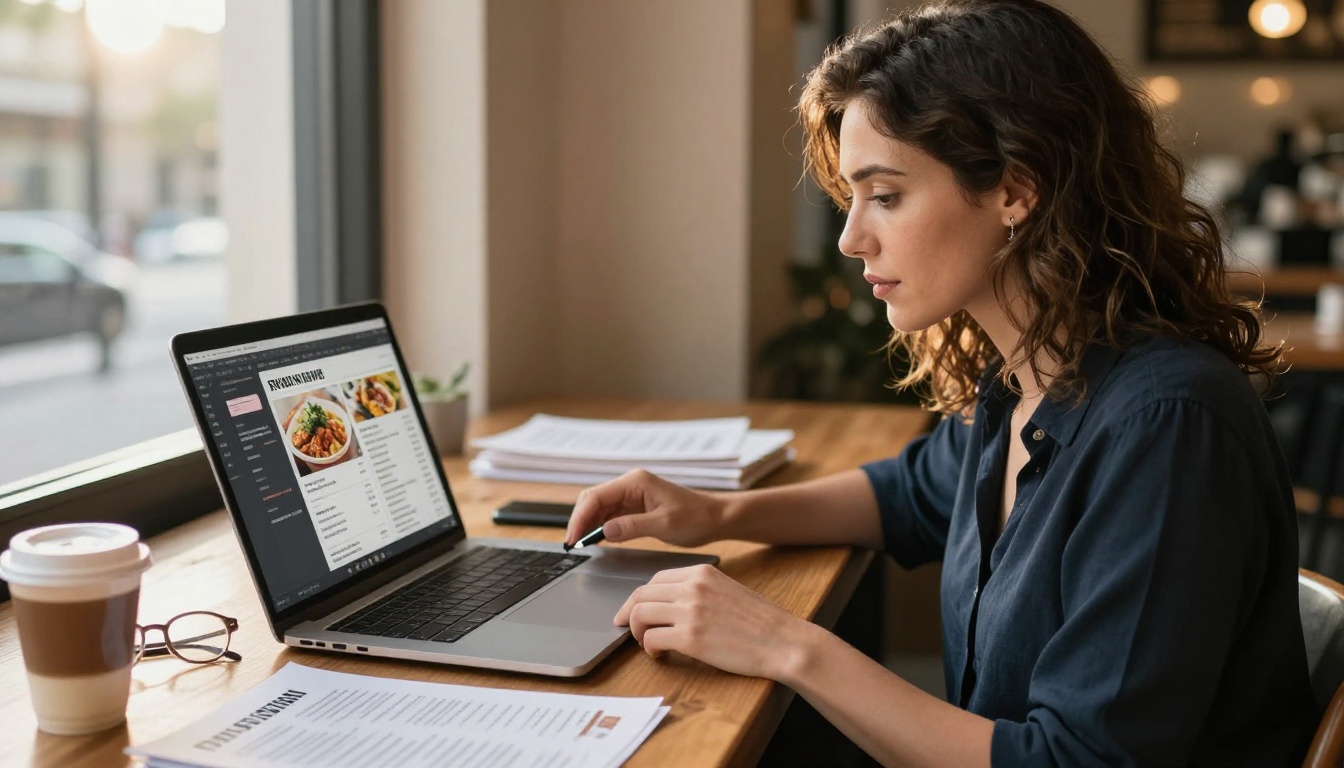
Go to Flipbooks AI and create an account. From your dashboard, click to create a new flipbook and upload your PDF. The PDF to Flipbook Converter processes your file in seconds, generating a fully interactive flipbook with page-turn animations automatically.
Step 3: Brand It Your Way
Once converted, open the customization panel. Add your restaurant's logo to the first page, set your brand colors for the toolbar and navigation elements, and choose a transition style that matches the mood of your establishment. A fine dining restaurant might prefer a slower, elegant page turn. A casual cafe can go with something snappier.
You can also add multimedia elements: embed a video of your kitchen team, include background music for ambiance, or add clickable links to your reservation page or social profiles.
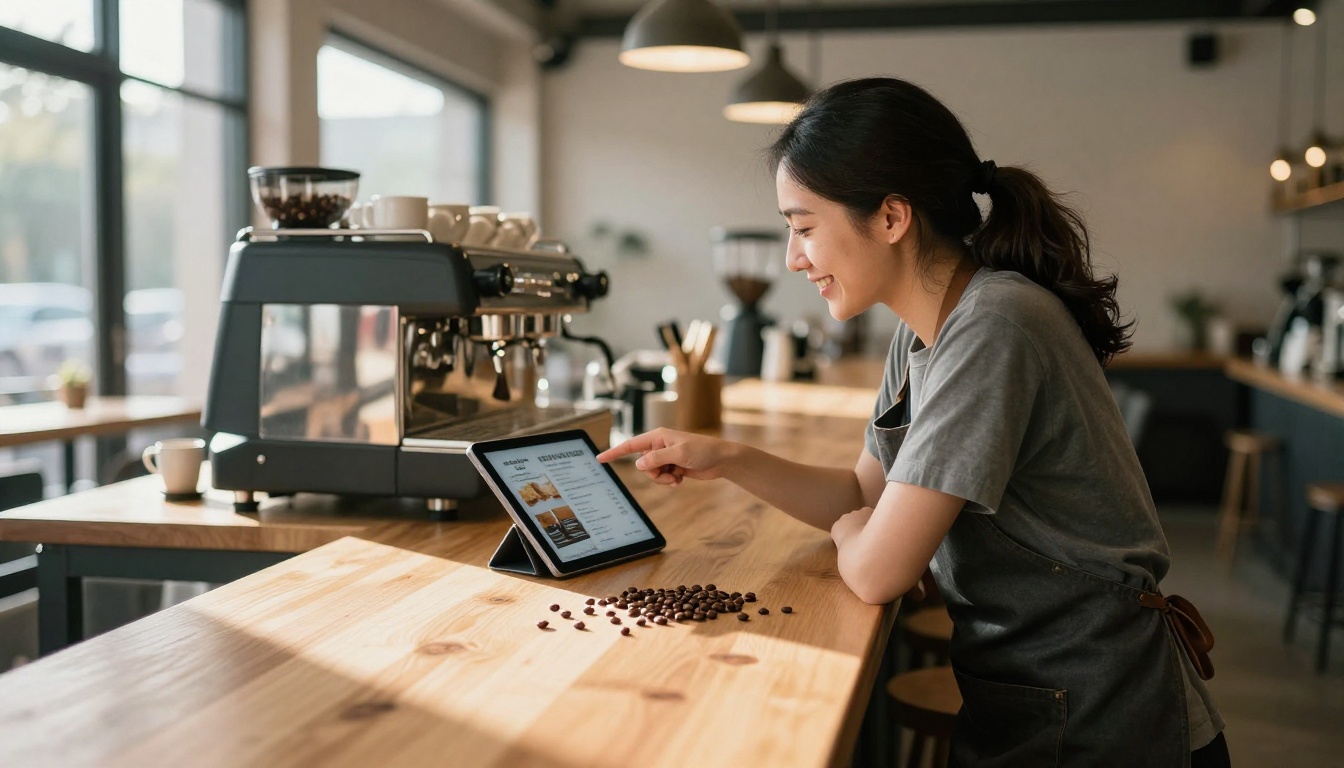
Step 4: Share with Customers
Flipbooks AI generates several ways to share your finished menu:
- Direct link: A clean URL for your Instagram bio, email newsletter, or Google Business listing
- QR code: Download and print for placement on tables, at the counter, or on your front door
- Embed code: Drop the flipbook directly into your website so customers never leave your page
- Password protection: For private dining menus or staff-only documents
The Menu Flipbook Designer includes all sharing options in one place, so you don't have to jump between tools.
Step 5: Update Anytime
This is where the real value shows. When your seasonal specials change, re-export your updated PDF from your design tool and upload the new version. Your flipbook URL stays the same, so every QR code you've already printed continues to work. No reprints, no new codes, no staff confusion.
The QR Code Connection
Placing QR Codes Strategically
The QR code is what connects your physical restaurant space to your digital menu. Placement matters more than most owners realize.
High-impact locations for QR codes:
- Table tents or acrylic stands at every table
- Directly on the table surface under a clear laminate
- At the entrance or waiting area
- On takeout packaging for repeat orders
- In your Google Business Profile listing
- In your Instagram bio and story highlights
Each touchpoint creates a different customer interaction. The table placement serves dine-in guests. The takeout packaging reaches people at home who might order again. The social media link captures people who find you online before ever visiting in person.
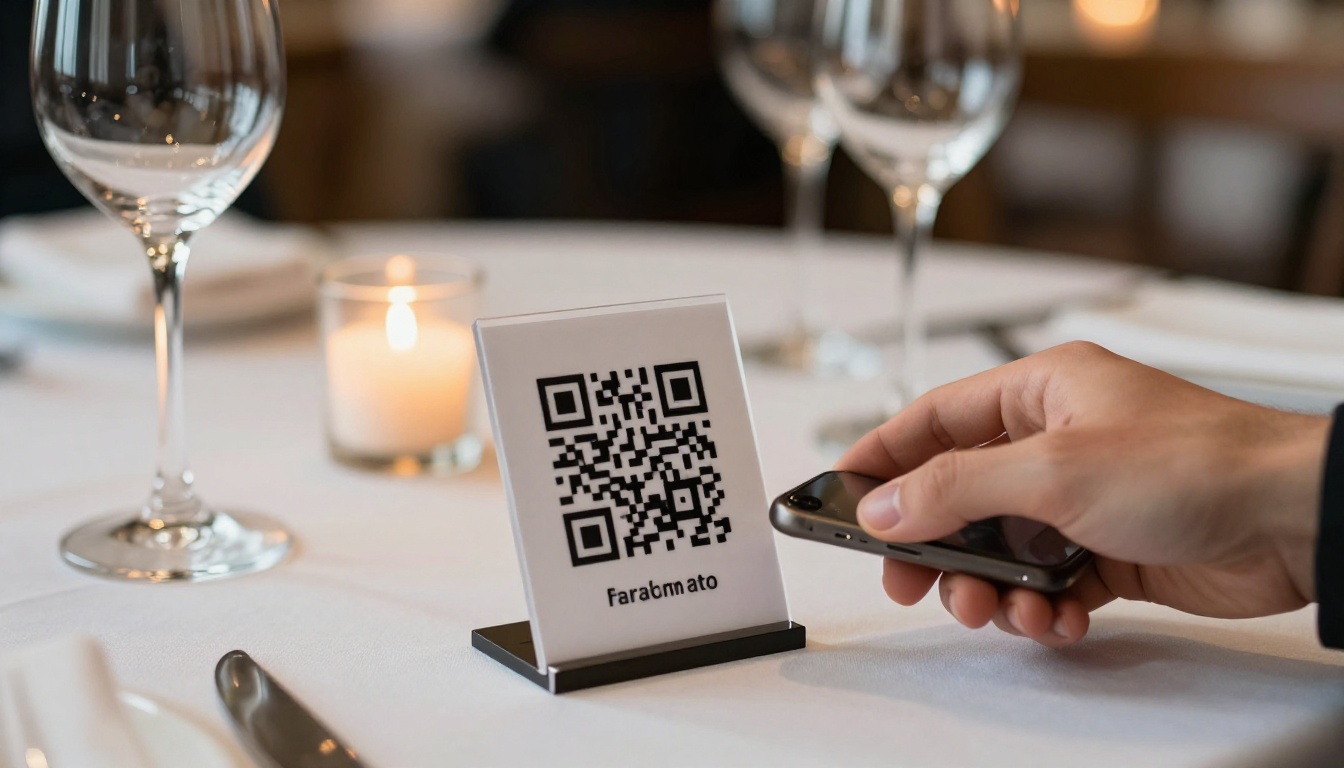
From Scan to Menu in 2 Seconds
The experience has to be fast. If your digital menu takes more than three seconds to load or requires customers to download anything, you'll lose a portion of them before they've seen a single dish.
Flipbooks hosted on Flipbooks AI load from fast CDN servers. The page-turn interface is lightweight and renders immediately, even on slower mobile connections. No app, no login, no friction.
Real-World Use Cases
Seasonal Menu Rotations
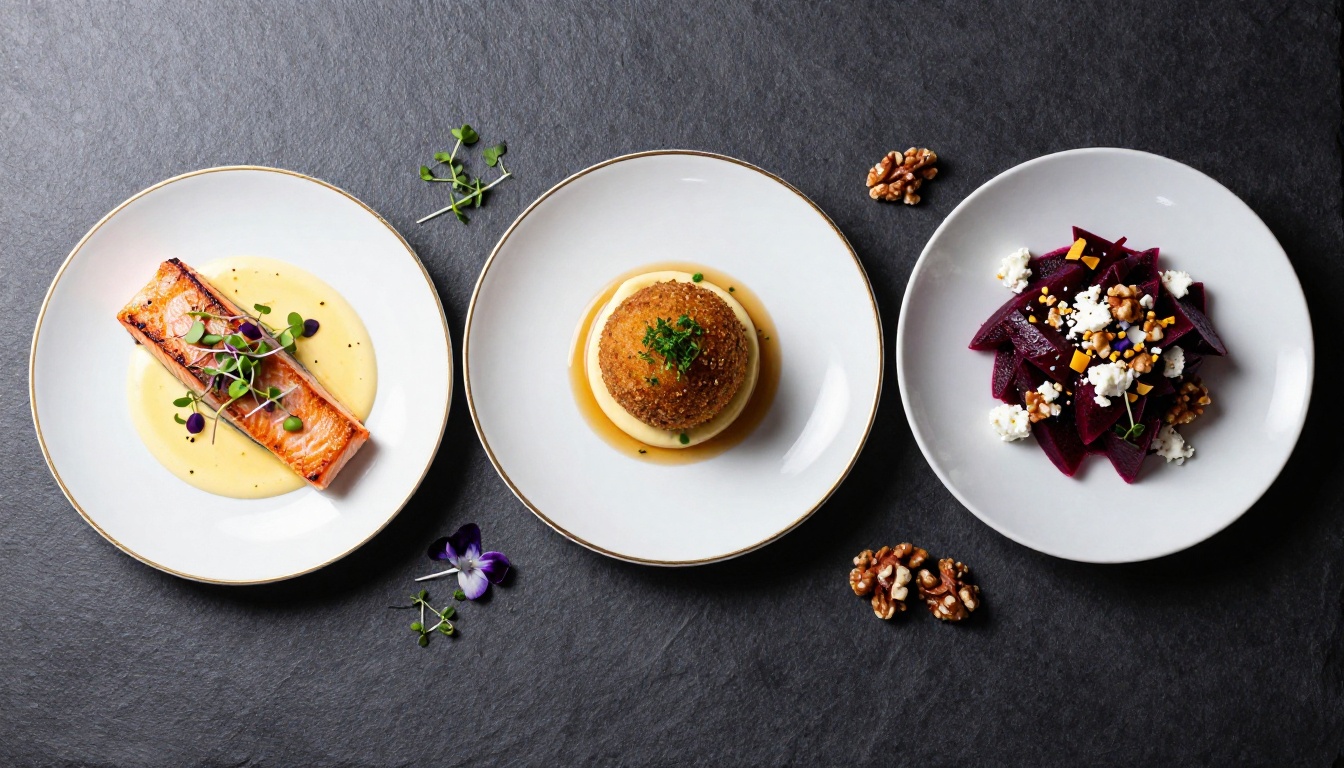
A farm-to-table cafe that changes its menu every six to eight weeks would spend thousands annually on reprints with a traditional approach. With a flipbook menu, each seasonal rotation is a 10-minute task: update the PDF, upload the new file, done. Every QR code on the tables pulls the latest version automatically.
Multi-Location Consistency
Restaurant groups with multiple locations face a consistency problem: ensuring every location has the current menu version. With a shared flipbook link, every location scans the same QR code and customers see the same menu. One update from headquarters propagates everywhere instantly, no courier runs or email chains needed.
Outdoor and Terrace Dining
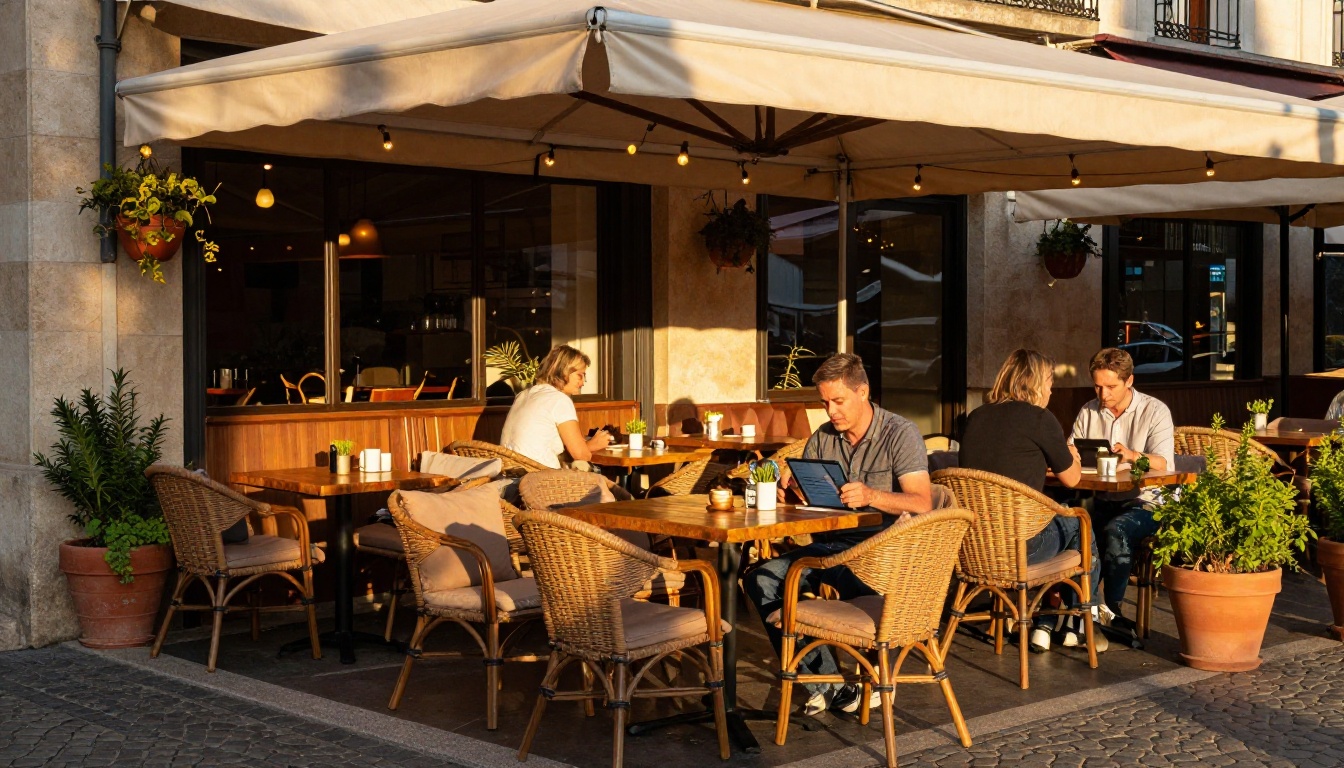
Outdoor seating creates a specific challenge: paper menus get damaged by wind, rain, and spills. A QR code stand at each outdoor table solves this cleanly. Customers scan, browse, and order without ever touching a physical menu.
Bar and Cocktail Menus
Cocktail lists change with the seasons and with ingredient availability. A flipbook works particularly well here: multiple pages of beautifully photographed drinks, accessible from a QR code at the bar. The Menu Flipbook Designer handles multi-section layouts cleanly, so you can have a cocktail section, wine list, and spirits page all within one flipbook.
You can also create a separate flipbook for your brunch menu, private dining packages, or seasonal tasting menus using the same account. The Digital Price List Generator is another useful option for takeout pricing sheets or happy hour boards.
Pricing That Makes Sense for Restaurants
Here's how Flipbooks AI pricing maps to restaurant needs:
| Plan | Best For | What's Included | Watermarks |
|---|
| Free | Testing only | 1 flipbook, basic sharing | Yes |
| Standard | Single-location cafes and restaurants | Unlimited flipbooks, custom branding, QR codes, password protection | No |
| Professional | Multi-location groups and analytics-focused teams | Everything in Standard, plus analytics, lead generation, offline downloads | No |
For most independent cafes and restaurants, the Standard plan covers everything needed: unlimited menus for seasonal rotations, drinks, events, and takeout, plus custom branding and all sharing options with no watermarks.
Professional makes sense when you want data. The analytics dashboard shows you which pages customers spend the most time on, which is invaluable for understanding what drives orders. If your cocktail page is getting three times the views of your appetizers section, that's actionable information for your next menu refresh or staff briefing.
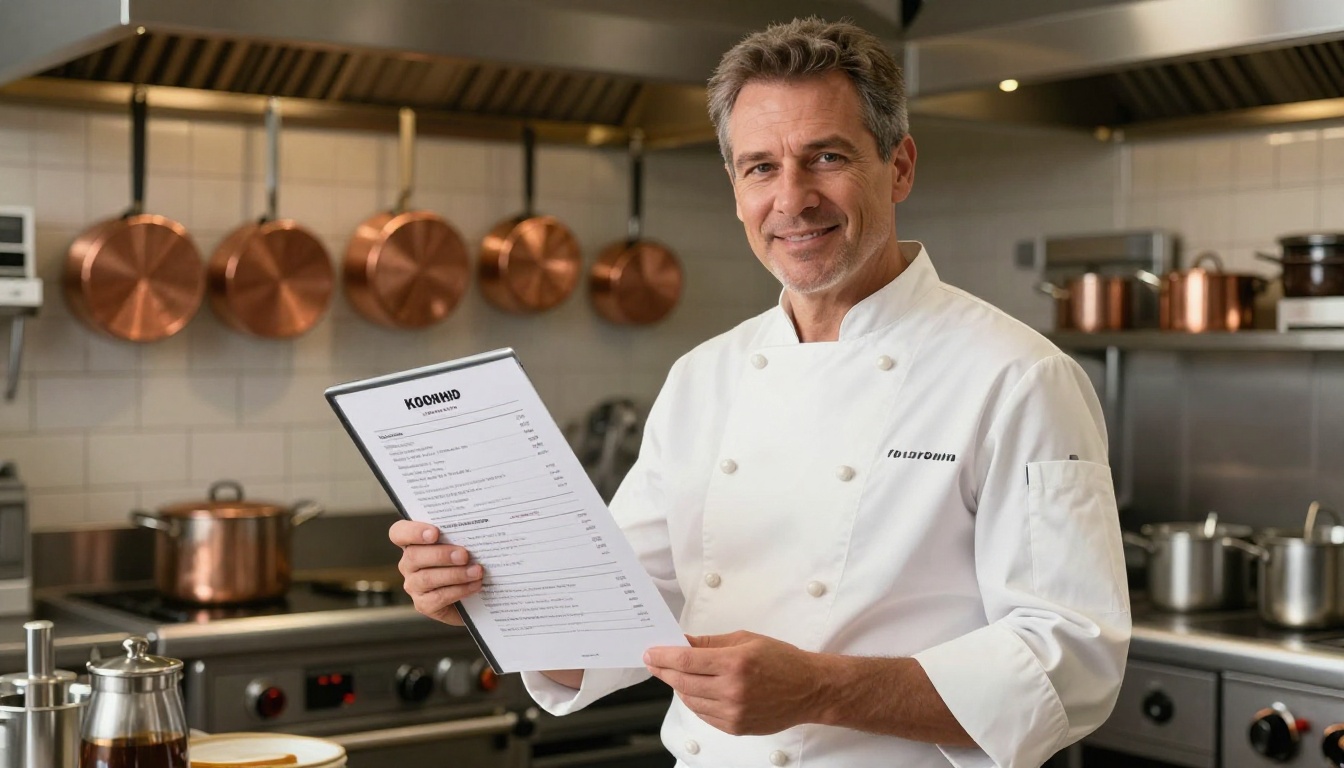
A menu is not a passive document. It's one of the most influential pieces of marketing your restaurant produces, because every single customer sees it. A flipbook menu that loads in two seconds, displays your food photography beautifully, and updates without a reprint is a competitive advantage that compounds over time.
The tools to build one are accessible, affordable, and fast. You don't need a developer, a designer on retainer, or a long setup process.
Ready to create your first digital menu? Get started for free on Flipbooks AI and have a live flipbook menu in under 10 minutes. When you're ready to remove watermarks and add custom branding, check the pricing plans to choose what works for your operation. You can also browse all available flipbook tools to find options for cocktail menus, event programs, seasonal specials, and more.



