You clicked the link, the page opened, and nothing. A spinning wheel, a blank screen, or maybe just the word "Loading" frozen in place. If your flipbook won't load, you are not alone, and in most cases the fix takes under two minutes once you know where to look. Flipbooks AI handles millions of flipbook views across devices every day, and loading failures almost always trace back to one of a handful of root causes.
This walkthrough cuts straight to those causes, in the order you should check them, so you can stop guessing and start reading.
Why Flipbooks Refuse to Load
Before diving into fixes, it helps to know what a flipbook actually needs to work. Unlike a plain PDF, an interactive digital flipbook is a web-based application. It requires JavaScript to run the page-flip engine, a stable internet connection to stream assets, and a modern browser that supports the underlying rendering technology. If any one of those three conditions fails, the flipbook stalls.
The Three Core Requirements
- Active internet connection with enough bandwidth to load high-resolution pages
- A modern browser with JavaScript enabled and no conflicting extensions
- A valid source file that uploaded cleanly and has no access restrictions
When a flipbook does not load, 90% of issues sit in one of these three buckets.
When It Is Not Your Fault
Sometimes the problem is server-side: a temporary outage, a CDN glitch, or a cached deployment. Before spending time troubleshooting your own setup, open a second browser tab and test a different website. If that page loads fine, the problem is local to your device or the flipbook itself.
Start With Your Internet Connection
⚠️ Skip this section if you are on a fast, stable connection and other websites load instantly. If you have any doubt, test first.
Streaming a high-fidelity digital flipbook is not the same as loading a static webpage. Page images can be several megabytes each, and the viewer loads them progressively as you flip. A weak connection does not always stop loading entirely; sometimes it slows the process until the viewer times out and shows a blank screen.
Test Your Speed First
Run a quick speed test at any speed-testing service. For smooth flipbook playback, you want:
| Connection Type | Minimum Speed | Recommended |
|---|
| Basic flipbook (low resolution) | 1 Mbps | 3 Mbps |
| Standard quality flipbook | 5 Mbps | 10 Mbps |
| HD flipbook with embedded media | 10 Mbps | 25 Mbps+ |
If your connection falls below the minimum, try switching from WiFi to a wired ethernet connection, moving closer to your router, or loading the flipbook when network traffic is lower.
Corporate Networks and Firewalls
If you are trying to open a flipbook from a work computer or a school network, a firewall may be blocking the flipbook's domain or its CDN assets. Corporate proxies often block unfamiliar domains by default.
Signs this is your problem:
- The flipbook loads fine on your phone using mobile data but not on the work WiFi
- Other employees report the same issue
- Your IT team's proxy list does not include flipbooksai.com
Contact your IT department and ask them to whitelist the flipbook's domain. This is the most common reason a flipbook loads for some users but not others in the same organisation.
Browser Problems Block More Flipbooks Than Anything Else
If your connection is fine, your browser is almost certainly the issue. Modern digital flipbooks rely on web standards that older or misconfigured browsers simply do not support correctly.
Clear Your Cache and Cookies
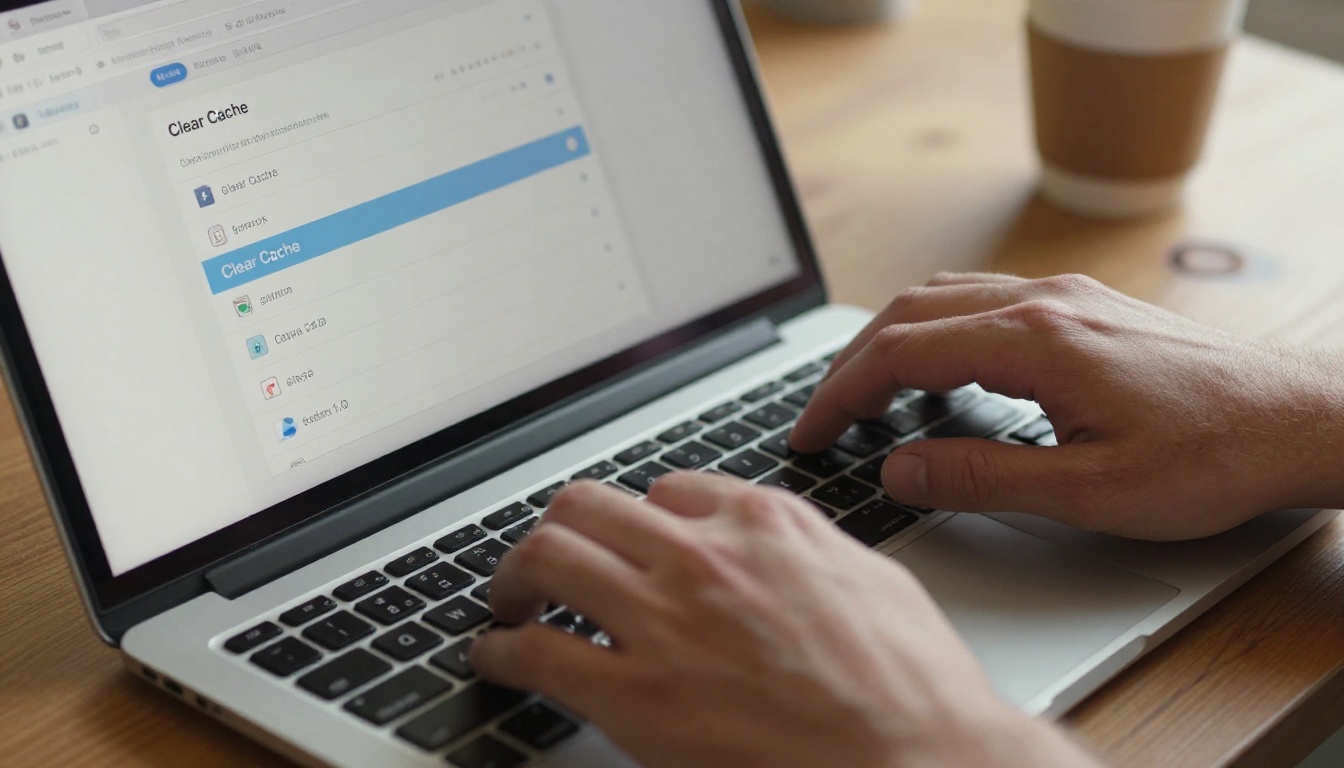
This is the single most effective first fix. Browsers cache files aggressively, and a corrupted or outdated cached version of a flipbook viewer can prevent the current version from loading.
In Chrome:
- Press
Ctrl + Shift + Delete (Windows) or Cmd + Shift + Delete (Mac)
- Set the time range to All time
- Check Cached images and files and Cookies
- Click Clear data
- Reload the flipbook
In Firefox:
- Press
Ctrl + Shift + Delete
- Select Everything from the time range dropdown
- Check Cache and Cookies
- Click Clear Now
💡 Pro tip: If you do not want to clear your entire cache, open the flipbook in an Incognito/Private window first. If it loads there, cached data was the culprit.
Disable Browser Extensions
Extensions that block ads, scripts, or trackers are a very frequent cause of flipbook loading failures. Extensions like uBlock Origin, Privacy Badger, and NoScript can intercept the JavaScript or network requests the flipbook viewer depends on.
Quick test: Disable all extensions, reload the page, and see if the flipbook loads. If it does, re-enable extensions one by one until you find the one causing the conflict.
Extensions most likely to cause issues:
- Ad blockers (uBlock Origin, AdBlock Plus)
- Script blockers (NoScript, ScriptSafe)
- VPN browser extensions
- Content filters and parental controls
Keep Your Browser Updated
Flipbook viewers use modern CSS and JavaScript APIs that older browser versions do not support. Running an outdated browser is a common cause of blank screens and broken animations.
| Browser | Minimum Supported Version | Latest Stable (2026) |
|---|
| Google Chrome | 90+ | 120+ |
| Mozilla Firefox | 88+ | 120+ |
| Safari | 14+ | 17+ |
| Microsoft Edge | 90+ | 120+ |
| Opera | 76+ | 106+ |
⚠️ Internet Explorer is not supported by any modern flipbook platform. Switch to Chrome, Firefox, or Edge immediately.
To update Chrome, click the three dots in the top right, go to Help, then About Google Chrome. It will check for updates automatically.
JavaScript Is Not Optional
Digital flipbooks are JavaScript applications. Without JavaScript, the viewer cannot initialise, pages cannot animate, and you will see either a blank page or an error message.
How to Check JavaScript in Chrome
- Open Settings (three dots in top right)
- Click Privacy and security
- Click Site Settings
- Scroll down to JavaScript
- Make sure Sites can use JavaScript is selected
If you use a browser extension to block JavaScript globally, add the flipbook's domain to the allowed list.
💡 Pro tip: Many corporate content policies disable JavaScript for unknown domains. If you are at work, this may require an IT request.
PDF File Issues That Stop Flipbooks Loading
If you created the flipbook yourself and it is not loading even after upload, the source PDF is likely the issue.
Your File May Be Too Large
Very large PDFs take longer to process and can stall the conversion pipeline. While Flipbooks AI handles a wide range of file sizes, extremely large or complex files with embedded fonts and high-resolution images can cause conversion delays.
Symptoms of an oversized PDF:
- The conversion progress bar stalls or loops
- The flipbook appears partially loaded with missing pages
- Some pages show correctly while others remain blank
How to reduce your PDF size:
- Use Adobe Acrobat's Reduce File Size tool
- Re-export from your design software at a lower DPI (150 DPI is sufficient for screen)
- Remove unused fonts and embedded assets
Corrupt or Password-Protected PDFs
A PDF with file corruption, encryption, or certain types of password protection may not convert correctly. If your PDF has a password, remove it before uploading. Most PDF editors let you do this through Properties or Security Settings.
Quick check: Open the PDF in your local PDF viewer first. If it shows errors or prompts for a password, that is your problem, not the flipbook platform.
| PDF Issue | Symptom | Fix |
|---|
| File too large | Conversion stalls or pages missing | Compress and re-upload |
| Password protection | Upload fails or viewer is blank | Remove password first |
| Corrupt file | Random pages fail to render | Re-export from source |
| Unsupported fonts | Text appears scrambled | Embed all fonts on export |
| Embedded Flash content | Interactive elements missing | Remove or replace with static |
Flipbook Not Loading on Mobile
Mobile loading issues have their own set of causes, separate from desktop problems.

Mobile Browser vs Desktop Browser
The same flipbook that works perfectly on your laptop may struggle on a mobile browser due to memory constraints. Older smartphones with limited RAM can hit a ceiling when trying to render a large flipbook with many high-resolution pages.
Try these steps on mobile:
- Close all other open browser tabs
- Restart your browser app completely
- If using an in-app browser (from WhatsApp, Instagram, etc.), open the link in Chrome or Safari instead
- Try closing background apps to free RAM before reloading
Mobile Data and Low Signal
A 4G or 5G connection in a good signal area should be sufficient for most flipbooks. However, if you are in a basement, a rural area, or a crowded venue where cell towers are saturated, bandwidth drops drastically.
Quick test: Switch between WiFi and mobile data. If the flipbook loads on one but not the other, the connection is your variable.
💡 Pro tip: Flipbooks AI on Professional plans supports offline downloads. If you know you will have poor connectivity, download the flipbook while on WiFi and open it locally.
Embedded Flipbooks That Won't Show on a Website
If you have embedded a flipbook on your website and visitors report it not loading, the issue is usually at the website level, not the flipbook itself.
iFrame Restrictions
Embedded flipbooks use iFrames. If your website's Content Security Policy (CSP) restricts which domains can be embedded, the flipbook will be blocked silently and show only a blank space.
Check for this by:
- Right-clicking on the blank area where the flipbook should appear
- Clicking Inspect (or pressing F12 to open DevTools)
- Looking in the Console tab for errors like
Refused to frame or X-Frame-Options
If you see these errors, update your website's CSP headers to allow the flipbook domain.
HTTPS vs HTTP Conflicts
Modern browsers block mixed content by default. This means if your website runs on HTTPS but the flipbook iFrame URL uses HTTP, the browser will silently block the embed.
The fix: Always use HTTPS flipbook URLs when embedding on an HTTPS website. On Flipbooks AI, all embed codes default to HTTPS. If you manually edited the embed code, check that the protocol is correct.
Create a Flipbook That Always Loads
The best troubleshooting is prevention. Using a well-built platform from the start eliminates most loading problems before they happen.
Flipbooks AI converts PDFs into fast-loading, mobile-responsive interactive flipbooks that stream efficiently even on moderate connections. Here is how to set one up:

Step 1: Create Your Account
Go to flipbooksai.com/account and sign up. No credit card required to start.
Step 2: Upload Your PDF
Click New Flipbook and upload your PDF. The platform automatically optimises the file during conversion, compressing images and embedding fonts correctly so the viewer loads fast on all devices.
💡 For best results, export your PDF at 150 DPI with all fonts embedded and no password protection.
Step 3: Customise Your Flipbook
Once converted, personalise it with your branding: logo, brand colors, custom background, and animated page-turn effects. You can also embed videos and audio directly into pages.
Step 4: Set Sharing Options
Choose how you want to share:
- Direct link for email or social media
- Embed code for websites (iFrame or JavaScript embed, both HTTPS)
- Password protection for private or sensitive content
The PDF to Flipbook Converter and the Embed Flipbook on Website tools handle both steps seamlessly.
Step 5: Analytics and Offline Downloads
On the Professional plan, you get real-time analytics showing who viewed your flipbook and for how long, plus offline download capabilities so your audience can read without an internet connection. Compare all options on the pricing page.
| Feature | Free | Standard | Professional |
|---|
| Flipbooks | 3 | Unlimited | Unlimited |
| Custom branding | No | Yes | Yes |
| Password protection | No | Yes | Yes |
| Embed on websites | Yes | Yes | Yes |
| Offline downloads | No | No | Yes |
| Analytics | No | No | Yes |
| Lead generation | No | No | Yes |
| No watermarks | No | Yes | Yes |
Need a specific format? There are purpose-built tools for product catalogs, restaurant menus, hotel brochures, digital portfolios, and interactive e-books in the tools directory.
When Every Fix Has Failed
If you have tried everything above and the flipbook still will not load, work through this final checklist before contacting support.

Device-level checks:
- Restart your device completely (not just sleep mode)
- Test on a different device (phone, tablet, another computer)
- Test on a completely different network (mobile hotspot vs home WiFi)
Browser-level checks:
- Try a different browser entirely (Chrome if you use Firefox, or vice versa)
- Disable hardware acceleration in browser settings (Settings > System)
- Reset browser settings to default
Flipbook-level checks:
- Confirm the flipbook URL is correct and has not been revoked
- Contact the flipbook owner to confirm it is still published and accessible
- Ask if a password is required that you may not have
⚠️ If you are the flipbook owner and none of these steps resolve the issue, contact support through your Flipbooks AI account. Include the flipbook URL and a description of what you see so the team can investigate quickly.
Most common fixes ranked by effectiveness
| Fix | Share of Loading Failures |
|---|
| Clear browser cache and cookies | 35% |
| Disable ad blocker or script blocker | 20% |
| Switch to a different browser | 15% |
| Check internet connection or switch networks | 12% |
| Enable JavaScript | 8% |
| Fix PDF file issues and re-upload | 7% |
| Other (CSP, firewall, server issues) | 3% |
Stop Debugging. Start Sharing.
The fastest way to avoid flipbook loading headaches going forward is to build on a platform designed for reliability from day one. Get started for free on Flipbooks AI and convert your first PDF in under two minutes.
Not sure which plan fits your needs? Compare pricing plans to see what works for your volume and feature requirements. And if you need a specific type of document, browse all flipbook tools to find the right creator for your use case.



