Making a beautiful digital flipbook used to mean downloading bulky software, scrolling through license agreements, and handing over your email before you could try a single feature. That era is over. Today, you can create a fully interactive, page-turning flipbook directly in your browser, for free, with no account, no download, and no credit card needed. Whether you are converting a PDF presentation, a restaurant menu, or a photography portfolio into a stunning interactive publication, the tools to do it exist right now and take under three minutes. Flipbooks AI is one of the platforms making this possible without any friction between you and a polished result.
Why No-Signup Matters More Than You Think
The Registration Trap
Most digital tools hide behind a registration wall. You click "Try Free," fill out a form, confirm your email, and suddenly you are fifteen minutes deep into an onboarding funnel before you have produced anything. For someone who just needs a fast, presentable flipbook for a meeting tomorrow, that friction is a dealbreaker.
The demand for a flipbook online free with no signup reflects something deeper: people want results, not workflows. They want to drop a PDF into an upload field and see smooth page-flip animation happen. The tools that remove every barrier between intent and output are winning, and for good reason.
💡 If a tool asks for your email before showing you the actual product, that tells you something about their priorities. Look for tools that let you experience the output first.
Zero Friction Means Faster Results
When there is no login screen blocking the path, your brain stays in creation mode. You are not switching to your email client to verify an account. You are not hunting through a password manager. You open a browser tab, drop in your file, and within seconds you are previewing a flipbook with smooth animated page turns.
This is not just convenience. For agencies, freelancers, and small business owners, speed directly affects revenue. The faster you can produce a polished deliverable, the more clients you can serve and the better your reputation for being responsive.
What You Can Actually Do for Free
Core Features Available Without an Account
The best free flipbook tools pack serious capability into their no-account tier. Here is what you should realistically expect from a quality platform:
- PDF to flipbook conversion with animated HTML5 page-turn effects
- Basic customization: background color, cover thumbnail, reading direction
- Shareable link so you can distribute your flipbook immediately
- Mobile-responsive output that renders correctly on any device
- Browser-based preview with smooth rendering and realistic page physics
Flipbooks AI goes beyond these basics even in its free offering, delivering no-watermark output and a clean, professional reader experience that holds up in client presentations.
The Real Limits of Truly "Free" Tools
Free is a spectrum. Some tools watermark every page with aggressive branding. Others cap uploads at five pages or compress your images into an unreadable blur. Understanding what free actually delivers versus what it withholds helps you choose the right tool for the job.
| Feature | Typical "Free" Tool | Flipbooks AI Free Tier |
|---|
| Watermarks | Visible on every page | None |
| Page limit | 5 to 20 pages | Generous limits |
| Custom branding | Not available | Available on upgrade |
| Shareable link | Yes | Yes |
| Mobile-responsive | Sometimes | Always |
| Account required | Usually | No for basic use |
| Download output | Rarely | Available on paid plans |
| Image quality | Often compressed | Preserved from source |
⚠️ Some tools labeled "free" hide a watermark removal fee at the final step, after you have already invested time customizing your publication. Always preview your finished flipbook before sharing to check for surprise branding.
Browser vs. Desktop: The Clear Winner
Why Downloaded Software Is Now Obsolete
For years, creating interactive digital publications meant purchasing desktop applications. These tools were powerful but came with serious trade-offs: operating system locks, manual update cycles, and licenses that did not travel with you to a coffee shop or a client's office.
Browser-based flipbook creators eliminated all of that. Your work lives in the cloud. Your flipbooks are accessible from any device with an internet connection. Updates happen automatically in the background without ever interrupting your workflow.
| Factor | Desktop Software | Browser-Based Tool |
|---|
| Installation required | Yes | No |
| Works on any device | No | Yes |
| Requires manual updates | Yes | No (automatic) |
| Easy collaboration | Difficult | Built-in via shared link |
| File storage | Local machine only | Cloud |
| Access from anywhere | No | Yes |
| Cost to try | Often paid license | Often free |
| Recipient needs software | Sometimes | Never |
What Browser-Based Tools Give You Right Now
A browser-based flipbook creator means you can open a tab on your phone, upload a PDF directly from Google Drive, and have a finished flipbook link ready to paste into an email in the time it takes to finish a coffee. That kind of mobility was not possible with desktop-first tools.
More importantly, when you share a browser-based flipbook, the recipient does not need to download anything either. They click a link, and the flipbook opens in their browser with full page-turn animations, whether they are on a laptop, tablet, or phone. The experience is seamless from creation to consumption.

How to Make a Flipbook Online in 3 Steps
Creating a flipbook with Flipbooks AI takes less time than most people spend searching for how to do it. Here is the full process.
Step 1: Upload Your PDF
Visit Flipbooks AI and use the upload interface to add your PDF. The platform accepts files from your local drive or linked cloud storage. The conversion engine processes your pages automatically and applies smooth HTML5 page-turn animations, preserving your original design layout, fonts, and image quality.
✅ Use a PDF with high-resolution images and clean, embedded fonts. The converter preserves your original design fidelity, so quality in equals quality out.
For specific use cases, dedicated tools streamline the process further:
Step 2: Customize Your Flipbook
Once uploaded, the editor lets you refine the presentation:
- Background style: Solid colors, gradients, or custom imagery framing the book
- Page effects: Flip animation speed, shadow depth, starting page view
- Cover image: Custom thumbnail for link previews and embed cards
- Branding elements: Logo placement and color scheme (available on paid plans)
- Embedded media: Insert video and audio within pages for interactive publications
For teams that need brand consistency across publications, the PDF to Flipbook Converter includes branding controls that keep every document aligned with your visual identity.
Step 3: Share or Embed
With your flipbook ready, Flipbooks AI provides multiple distribution formats:
- Direct link: A clean URL ready to paste anywhere, from email to social media
- Embed code: A single snippet to drop your flipbook inline on any website
- Password protection: Lock sensitive documents behind a private password for controlled sharing
- QR code: Generate instantly for printed menus, event programs, or physical marketing materials
The Embed Flipbook on Website tool makes embedding point-and-click simple, with responsive sizing options for any page layout.

Understanding what to avoid saves you time and protects your reputation when sharing publications with clients.
1. Choosing tools that watermark without warning
Some platforms apply aggressive watermarks only visible after you click "publish." Preview your flipbook at every stage before sharing any link externally.
2. Ignoring mobile rendering
Over 60% of web browsing happens on mobile devices. A flipbook that looks great on desktop but breaks on a phone is a problem. Test on mobile before distributing.
3. Using tools with no shareable links
Some free tools export only downloadable files, not hosted links. If your recipients need to download an app to view your content, most of them will not bother.
4. Overlooking file size limits
A tool might advertise "unlimited pages" but cap file uploads at 5MB. High-resolution design documents often exceed this easily. Check file size limits, not just page counts.
5. Picking platforms without HTTPS hosting
Your flipbook's URL should start with https://. Non-secure links trigger browser warnings that undermine the professional impression you're trying to create.
💡 The simplest test for any free flipbook tool: create a 10-page test flipbook, share the link with yourself on your phone, and check how it looks before committing to the platform.
Who Actually Uses Free Online Flipbooks
The use cases for browser-based free flipbooks are broader than most people realize, and the "no signup, no download" format particularly benefits three types of users.
Small Businesses
A restaurant owner does not need an enterprise publishing platform to turn their seasonal menu into a beautiful interactive PDF. A boutique clothing store does not need a software license to share their new lookbook. Free tools with zero friction give small businesses access to formats previously reserved for companies with full design departments.
Real-world applications:
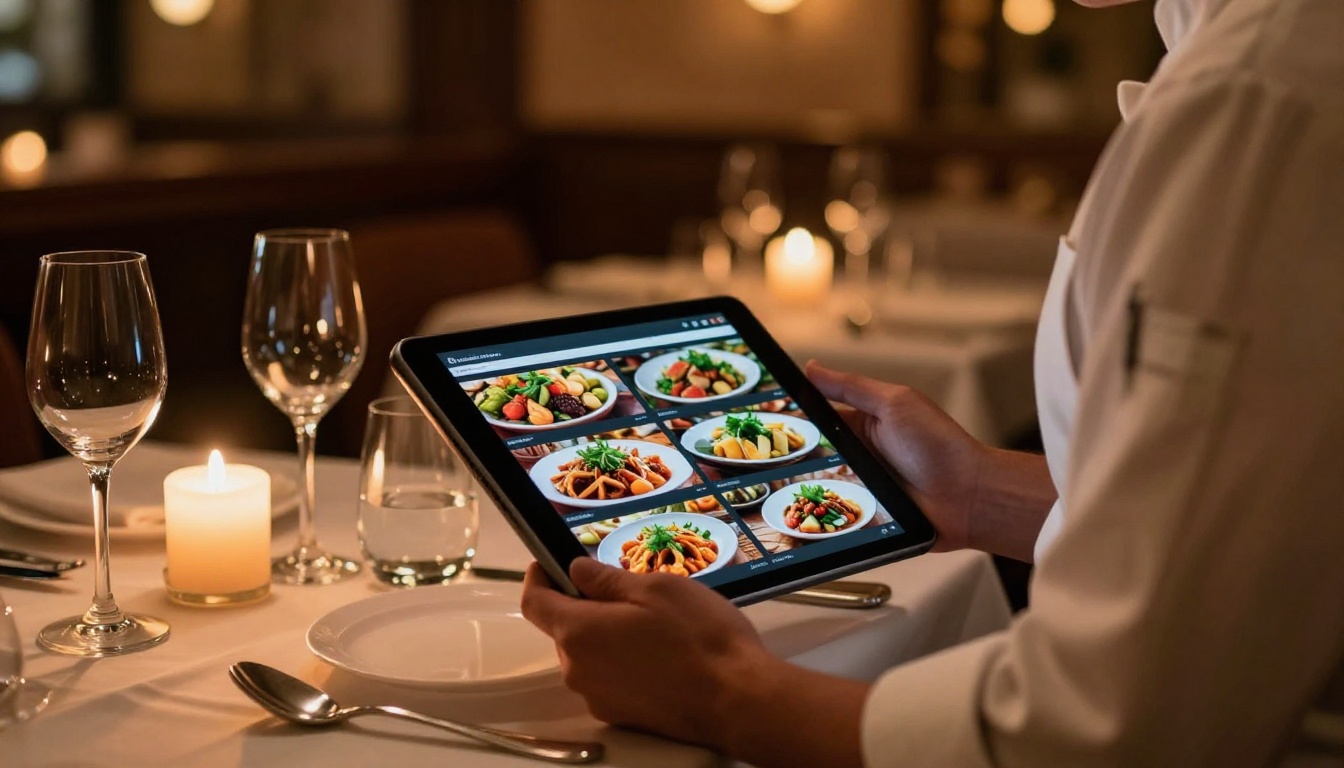
- Restaurants: Interactive menus with food photography and pricing, shareable by QR code on tables or via WhatsApp
- Real estate agents: Property brochures that feel premium without printing costs, easily updated when listings change
- Retail shops: Seasonal lookbooks and promotional catalogs distributed via email or embedded on a store page
- Service businesses: Rate cards and service guides that clients can browse on mobile without needing to download a PDF
Educators and Course Creators
Teachers use flipbooks to make materials more engaging than static PDFs. A history lesson presented as an interactive digital magazine, with page turns and embedded images, holds student attention differently than a flat document download.
The Course Material Publisher and Training Manual Flipbook tools are designed specifically for educational publishing. School newsletters become shareable digital publications. Yearbooks gain an interactive dimension. Study guides feel more like reading an actual book.

Creatives and Freelancers
Photographers, designers, and freelancers use flipbooks as portfolio formats that feel more alive than a simple gallery page. A photography portfolio in flipbook format lets recruiters turn through your work the way they would a printed book, creating an emotional connection that a scrollable grid rarely achieves.
The Photography Portfolio Flipbook and Interactive Lookbook Designer are built for creatives who want their work presented with appropriate weight. Send your portfolio as a flipbook link instead of a PDF attachment. It opens instantly in the browser and leaves a stronger impression on potential clients than a downloaded file ever will.
When Free Limits Start Holding You Back
Free tools are the right starting point. But there are real scenarios where upgrading delivers disproportionate value. The table below identifies when it is worth moving to a paid plan.
| Scenario | Free Tier | Paid Plan Solution |
|---|
| Publishing unlimited flipbooks | Limited quantity | Unlimited (Standard+) |
| Custom domain branding | Not available | Full custom branding |
| Password-protected documents | Not available | Available |
| Viewer analytics and tracking | Not available | Professional plan |
| Lead generation capture forms | Not available | Professional plan |
| Offline downloads for readers | Not available | Available |
| Embed video and audio in pages | Not available | Available |
| Remove all platform branding | Not available | Standard plan and above |
The pricing page lays out exactly which features are available at each tier. For most individuals and small businesses, the Standard plan covers everything needed for professional-grade publications with no watermarks, unlimited flipbooks, and full custom branding.
How Teams Use Flipbooks for Shared Publishing
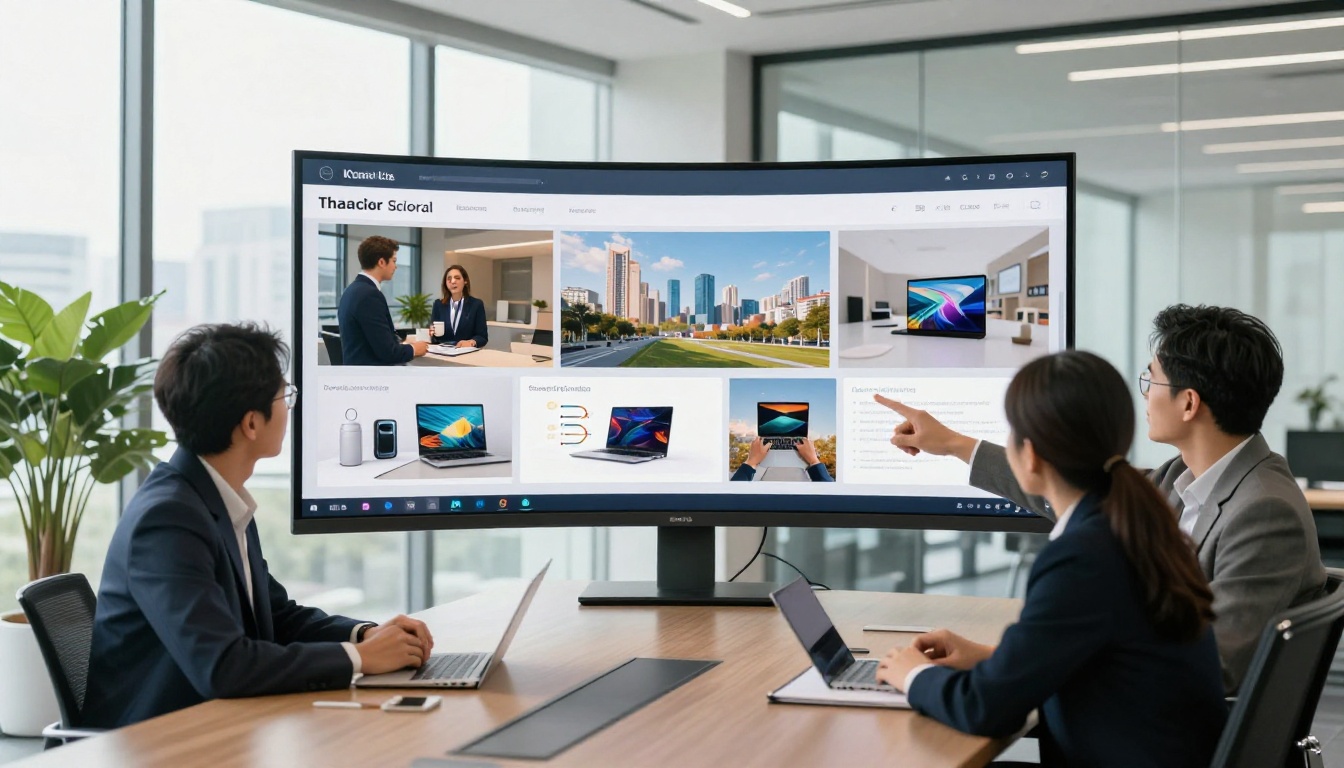
When multiple people need access to the same publication workflow, a browser-based tool shows its collaborative edge clearly. Teams can share flipbook links in Slack or email threads, and everyone previews the same document without needing accounts or installed software on their machines.
For external publishing, embedding a flipbook directly on a website creates a fully integrated reader experience. Visitors never leave the page to open an external PDF viewer. The content loads inline, feels native to the site, and performs better on mobile than a traditional PDF embed.
Marketing teams are particularly enthusiastic about flipbooks for brochures, press kits, and annual reports. The Annual Report Creator and Sales Presentation Flipbook give marketing departments polished outputs without requiring a design agency for every update cycle.
The SEO and Sharing Advantage of Interactive Content
Static PDF files are largely invisible to search engines. Embedded flipbooks, by contrast, generate real engagement signals: time on page, scroll depth, and interaction events. These are factors search engines use to evaluate content quality and relevance.
Beyond SEO, interactive flipbooks outperform raw PDF links in social media sharing. A link that opens to a page-turning digital magazine is significantly more likely to be clicked and shared than a download link. For content marketers and bloggers, this difference compounds over time.
✅ After creating your flipbook, embed it directly on a relevant blog post or landing page rather than just distributing the direct link. The combination of embedded interactive content and descriptive surrounding text gives search engines more to index and users more reason to stay.
The Newsletter Flipbook Publisher is built for exactly this use case: brands that want their email content to live on as a browsable web publication, not disappear into an inbox archive.

Your First Flipbook Is Ready Whenever You Are
You already have everything you need. No software to download. No account to create. No form to fill out before you can see what the tool actually does. Just a PDF and a browser tab between you and a polished, shareable, interactive publication.
Flipbooks AI is free to get started, and the output speaks for itself the moment you preview your first page-turning publication. For those ready to go further with custom branding, analytics, password protection, and unlimited publications, explore the pricing plans to find the tier that fits your workflow.
Browse all flipbook tools to find the right format for your specific use case, whether that is a product catalog, a digital magazine, a training manual, an event program, or a personal portfolio. The format is flexible enough to cover nearly any document type, and the platform ensures the result always looks professional.
Create your first flipbook free today and see how fast "no signup, no download" can turn your next document into something people actually want to read.



