Picking the right format for your product catalog is one of those decisions that feels small until you see the numbers. A landing page gets straight to the point with a single product and a call to action. A flipbook replicates the experience of leafing through a printed catalog, but digitally, with page turns, embedded media, and a shareable link. Both have a place in a modern marketing strategy. The question is: which one is right for your catalog specifically?
Flipbooks AI has helped thousands of brands convert static PDFs into interactive digital catalogs that people actually want to browse. But this article is not here to sell you on one format. It is here to walk you through exactly when each option wins, where it falls short, and how to choose with confidence.
Two Ways to Show Products Online

The way you present your products shapes how customers perceive them. A dense product listing page signals "utilitarian commerce." An editorial-style interactive catalog signals "brand with a story." Neither is wrong, but they speak to different buyers in different moments.
What a Landing Page Does
A landing page is a single-focus webpage built around one clear action: buy this, sign up for that, or get a quote on something. For product catalogs, landing pages typically list products in a grid or linear scroll format with filters, calls to action, and often a checkout flow built in.
Landing pages are purpose-built for conversion. They are fast to load, easy to track with analytics tools, and simple for developers to maintain. When someone clicks a paid ad for a specific product, they should land on a page that closes the deal immediately, not one that asks them to browse 40 more items first.
When landing pages shine:
- Single-product or limited product launches
- Paid ad campaigns targeting one specific buyer segment
- Products with complex specifications requiring comparison tables
- Direct-response marketing where the goal is an immediate transaction
What a Flipbook Does
A flipbook is a digital publication format that mimics the tactile experience of turning pages. It takes your existing PDF catalog and wraps it in an interactive viewer with animations, page-flip controls, zoom, and embed options. The entire catalog lives in one cohesive, browsable experience.
Unlike a landing page, a flipbook does not push visitors toward a single action. It invites them to browse. That distinction changes everything about how buyers interact with your brand.
When flipbooks shine:
- Multi-page product lines with 10, 50, or 200 products
- Seasonal collections that tell a visual story
- B2B catalogs sent to procurement teams reviewing options
- Trade shows, email campaigns, and social sharing
Side by Side: The Real Differences

| Feature | Landing Page | Flipbook |
|---|
| Best for | Single products or conversion events | Full product catalogs and collections |
| Format | Web page (HTML/CSS) | Interactive PDF viewer |
| User experience | Linear scroll | Page-by-page browse |
| Time to create | Hours to days (with developer) | Minutes (upload PDF) |
| SEO | Indexable, rankable | Limited, embed-based |
| Sharing | URL link | URL link, embed code, QR code |
| Analytics | Full (GA, Pixel, heatmaps) | Built-in (page views, time per page) |
| Mobile-friendly | Yes (if built correctly) | Yes (auto-responsive) |
| Branding control | Full (custom design) | High (logos, colors, fonts) |
| Cost | Dev time plus hosting | Affordable SaaS tools |
| Offline access | No | Yes (downloadable PDF) |
| Multimedia | Video embeds common | Video, audio, and links supported |
💡 Many high-performing brands use both formats together. A landing page drives paid traffic to a specific product while a linked flipbook lets buyers browse the full collection at their own pace.
When a Landing Page Works Better

Single Product Focus
If your catalog is really just one hero product, a landing page is almost always the better call. You can dedicate the entire visual hierarchy to that product, its story, its benefits, and its price. There are no distractions. The buyer either converts or they do not.
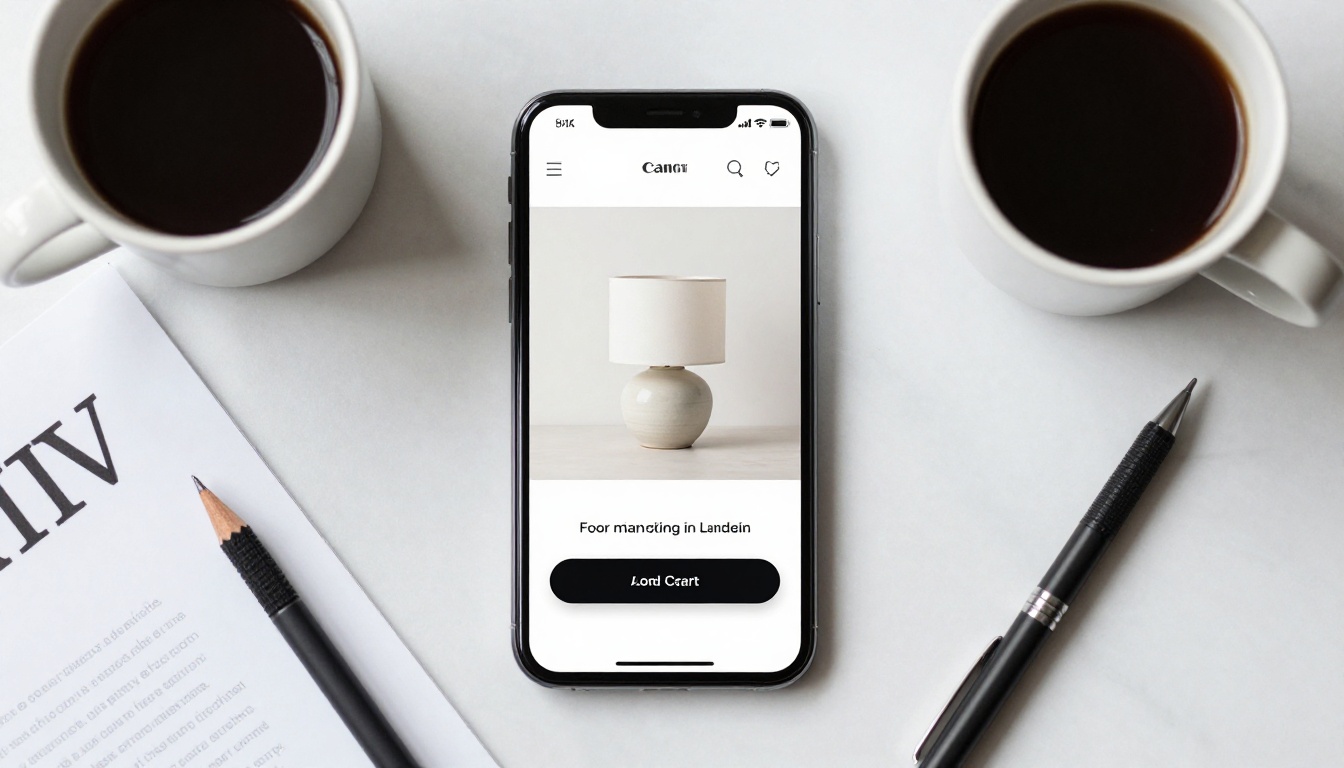
This is why direct-to-consumer brands running Facebook and Instagram ads almost always send traffic to a landing page, not a full catalog. The intent is precise: the buyer saw a specific item in an ad and clicked because they want that item. Sending them to a 60-page catalog breaks that intent.
Paid Ad Traffic
Paid traffic is expensive. Every extra click, every detour away from the purchase path costs you money. Landing pages are built to eliminate friction and guide the buyer toward one outcome. A/B testing, pixel tracking, and heatmaps all work best on landing pages where you control every element of the page and can isolate what is working.
⚠️ Sending paid ad traffic to a multi-page flipbook catalog is typically a mistake. You are paying for specific intent and then diluting it with 80 other products.
Products with Technical Specs
If your product requires detailed specifications, comparison charts, or technical documentation before a purchase decision, a landing page gives you the layout flexibility to present all of that clearly. Engineers, procurement managers, and technical buyers want structured information, not a page-flip format.
When a Flipbook Wins Every Time
Multi-Page Catalogs
If your catalog has more than 15 products, a landing page starts to fight against itself. Scroll fatigue sets in. Filters add complexity. Load times grow. A flipbook handles 200-page catalogs with the same ease it handles a 12-page seasonal lookbook, because the format is designed for browsing depth, not conversion narrowing.
Furniture brands, fashion houses, automotive dealerships, and wholesale suppliers all have product lines that span dozens of categories and hundreds of SKUs. For these businesses, a flipbook is not an alternative to a landing page. It is a fundamentally different tool for a fundamentally different job.
Brand Storytelling
The page-flip format does something a landing page rarely achieves: it creates narrative momentum. A buyer who opens a flipbook at page one and turns to page forty has spent time with your brand. They have formed impressions. They have seen how your products relate to each other, how your photography tells a story, how your visual identity holds together across categories.
That is the experience that builds loyalty, not just a single-session purchase.
Trade Shows and Offline Use
Physical catalogs are expensive to print, easy to lose, and impossible to update after printing. A flipbook solves all three problems. You share a URL or QR code at the trade show. Buyers scan it and have the full catalog on their phone. You update pricing in the PDF and republish in minutes.
✅ Pair your trade show presence with a QR code that links directly to your digital flipbook catalog. Buyers leave with a living document, not a paper brochure they will recycle.
Cost and Setup Comparison
The cost gap between these two formats is significant, especially for small and mid-sized businesses that update their catalogs frequently.
| Cost Factor | Landing Page | Flipbook |
|---|
| Initial setup | $500 to $5,000 or more (designer/developer) | $0 to $29 per month (SaaS tool) |
| Time to publish | 1 to 4 weeks | Under 30 minutes |
| Hosting | Separate cost (domain and server) | Included in SaaS plan |
| Updates | Developer time per change | Re-upload PDF |
| Custom domain | Yes (full control) | Yes (on paid plans) |
| Analytics | Requires GA setup | Built-in on platform |
| Multimedia | Requires developer | Drag-and-drop embed |
For a small business with a seasonal product catalog that changes four times per year, the math is clear. Rebuilding a landing page four times per year at $500 to $2,000 per build is a real budget drain. Uploading a new PDF to a flipbook tool takes 20 minutes.
💡 Start with a free account on Flipbooks AI to see how your existing PDF catalog looks as an interactive flipbook before committing to a paid plan.
SEO and Traffic: What You Need to Know

How Landing Pages Rank
Landing pages are HTML pages that search engines can crawl, index, and rank. If you optimize a landing page correctly, with target keywords in the title, headings, meta description, and body copy, it can generate organic traffic for years without paid spend. This is a genuine advantage that flipbooks cannot fully replicate in the same way.
For businesses that rely on organic search as a primary acquisition channel, landing pages are essential. A well-ranked product category page can drive thousands of sessions per month at zero marginal cost per visit.
How Flipbooks Get Found
Flipbooks are not invisible to search engines, but they are not as directly indexable as HTML pages. The main ways you drive traffic to a flipbook are:
- Direct links in email campaigns and newsletters
- Embedded iframes on your existing well-ranked website pages
- QR codes at physical touchpoints and printed materials
- Social media links in bio sections and posts
- Sales team sharing via CRM tools and direct outreach
The flipbook itself lives at a hosted URL that you can share anywhere. When embedded on a well-ranked page of your existing site, the flipbook benefits from that page's SEO authority. The parent page ranks in search results; the flipbook delivers the browsing experience once visitors arrive.
⚠️ If your only catalog presence is a standalone flipbook URL with no supporting page, you are relying entirely on direct sharing for discovery. Pair your flipbook with a dedicated catalog page on your website that links to it.
Real Business Scenarios That Show the Difference
Fashion and Apparel
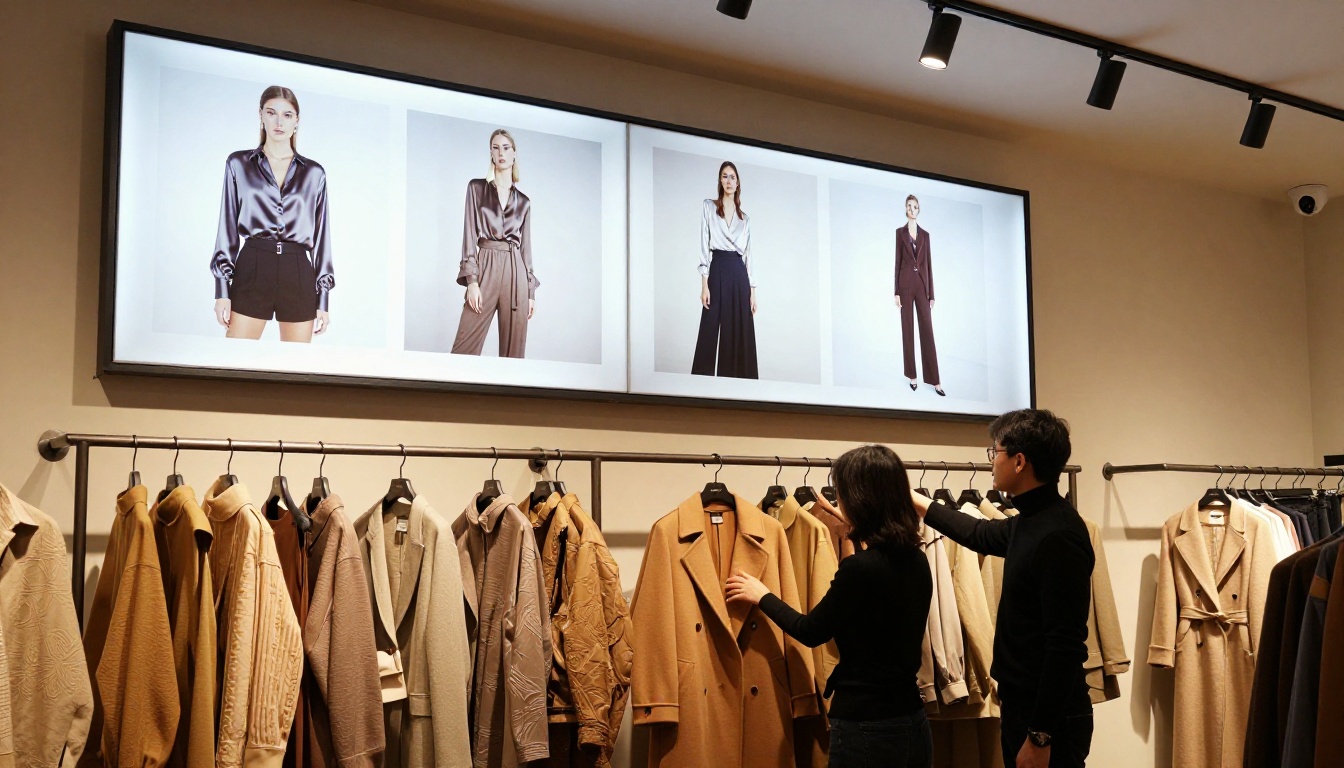
Fashion brands live and die by their seasonal collections. A landing page works well for a specific item featured in an influencer campaign. But the full spring-summer lookbook with 120 items across five categories needs a flipbook. The Fashion Catalog Creator is purpose-built for this, letting brands publish editorial-grade digital lookbooks with page-flip navigation and video embeds.
Furniture and Home Decor
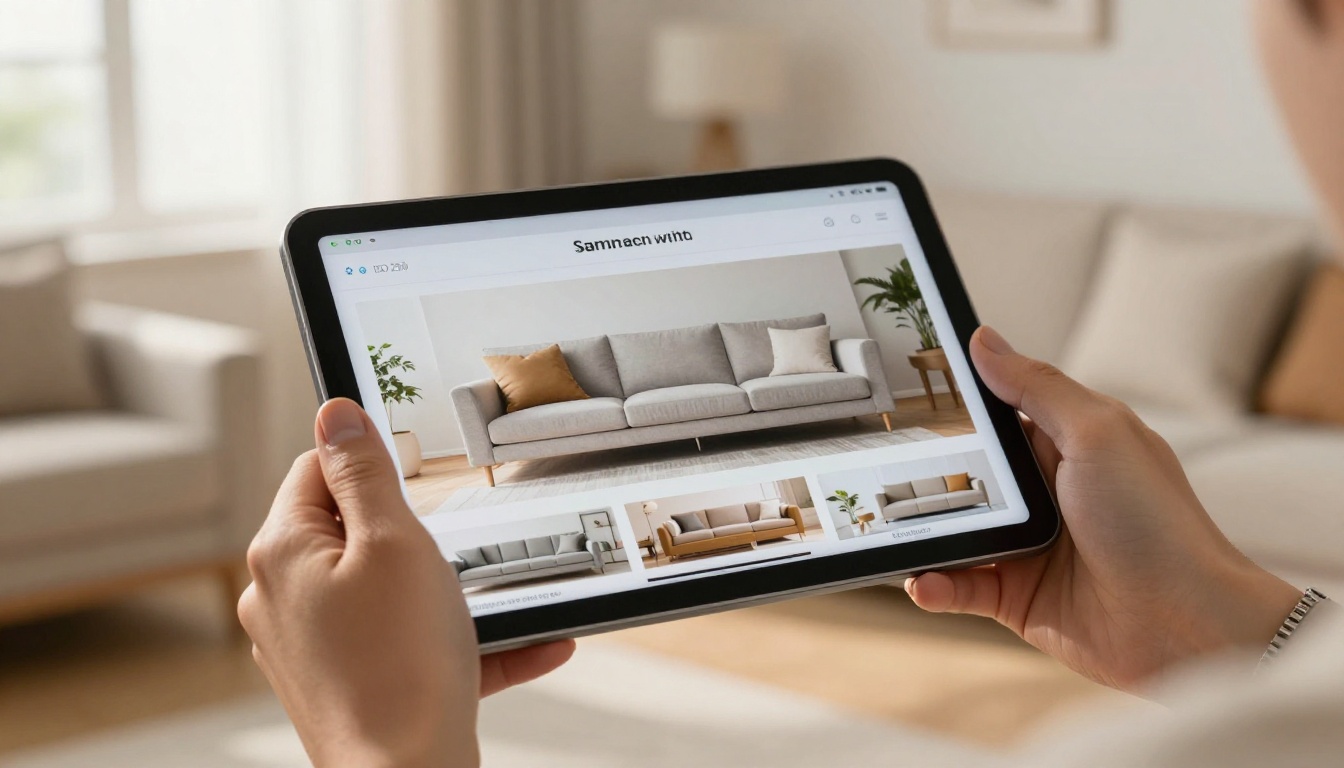
Furniture buyers do not make impulse purchases. They browse. They save items. They return days later to look again. A flipbook catalog mirrors how people actually shop for furniture: slowly, visually, room by room. A customer sitting on a sofa in your showroom, scanning a QR code to browse your full inventory on their tablet, is a real scenario with measurable sales impact.
The Furniture Catalog Maker handles the specific needs of furniture brands: large-format imagery, room-by-room organization, and the ability to embed pricing and inquiry forms directly into catalog pages.

B2B Industrial Products
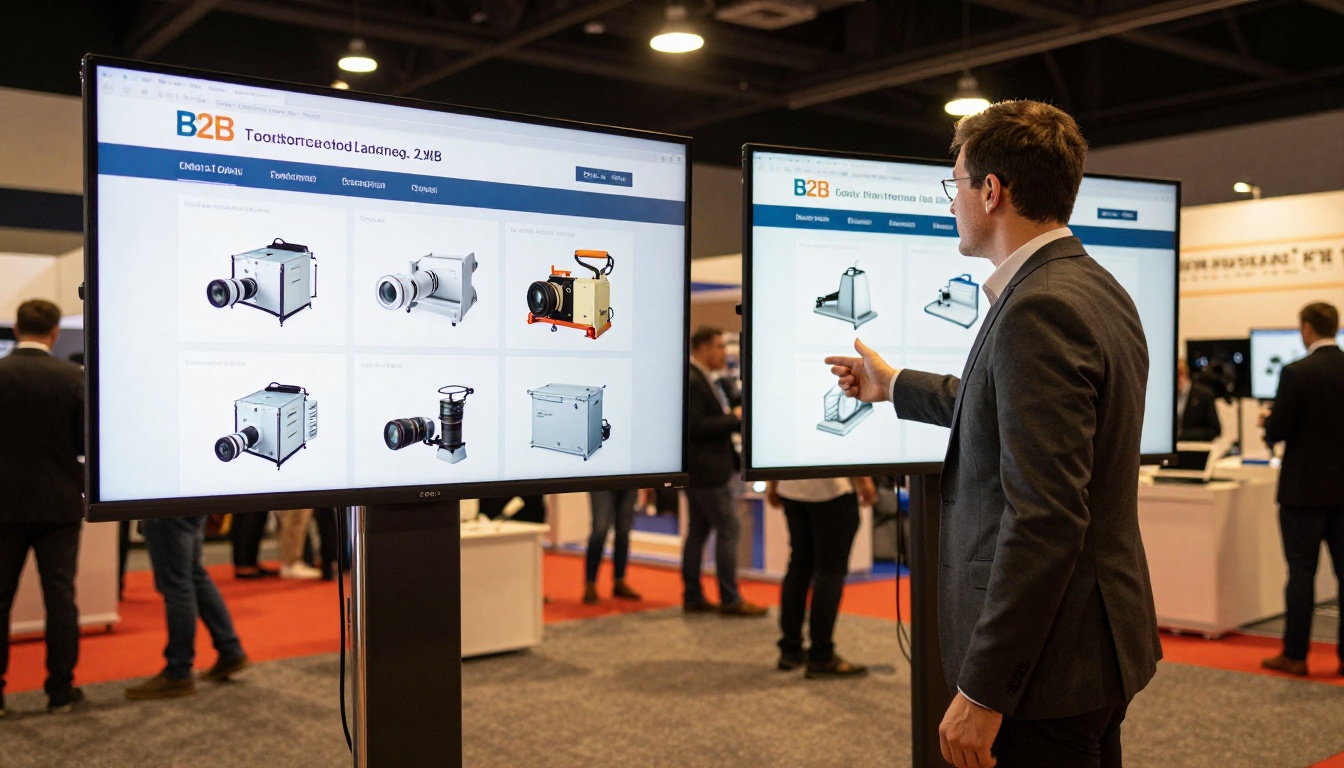
Procurement managers in B2B environments often receive catalogs from dozens of suppliers. A flipbook format makes your catalog shareable within their organization without requiring a login, and allows multiple stakeholders to review the same document simultaneously. Landing pages require each reviewer to navigate independently, which fragments the buying conversation and slows the decision cycle.
The Product Catalog Generator supports dense technical catalogs with spec tables, part numbers, and contact inquiry forms embedded throughout the catalog pages.
How to Turn Your PDF Catalog into a Flipbook
If your catalog has more than one page and you want buyers to actually browse it, here is how to get a professional flipbook live in under 30 minutes using Flipbooks AI.

1. Create your account
Go to flipbooksai.com/account and sign up. No credit card is required to start.
2. Upload your PDF catalog
Click "New Flipbook" and upload your existing PDF. The platform converts it automatically into a page-flip viewer. A 100-page catalog typically processes in under two minutes.
3. Customize your branding
Add your logo, choose your brand colors for the viewer interface, set a custom background, and configure the page-flip animation style. Everything is point-and-click, no code required.
4. Add interactive elements
Embed links to specific product pages, add video clips to relevant spreads, include inquiry forms, and insert audio commentary if relevant to your catalog type.
5. Configure sharing and access
Choose a shareable link or generate an embed code for your website. Add password protection if the catalog contains sensitive pricing. Enable lead generation forms on the Professional plan to capture contact details from catalog viewers.
6. Publish and share
Your flipbook is live at a hosted URL immediately. Share it in email campaigns, embed it on your catalog page, add the link to your social bio, or generate a QR code for print materials and trade show displays.
✅ Enable analytics on your flipbook to see which pages get the most time, which spreads drive the most link clicks, and where buyers stop browsing. This data is invaluable for improving your next catalog design.
Not every catalog is the same, and neither is every business. Use this as a quick reference:
| Catalog Type | Recommended Format | Why |
|---|
| 1 to 3 hero products | Landing page | Focus drives conversion |
| Full seasonal collection (15 or more items) | Flipbook | Browse experience matches buyer intent |
| Paid ad campaign product | Landing page | Eliminate distractions, close the sale |
| Trade show or event catalog | Flipbook | QR-shareable, no print costs |
| B2B procurement catalog | Flipbook | Multi-stakeholder sharing, page navigation |
| SEO-driven product category | Landing page | Crawlable HTML, rankable content |
| Email campaign catalog | Flipbook | One link opens the full browsable experience |
| Mixed (specific product plus full range) | Both | Landing page for the ad, flipbook linked for the range |
The honest answer is that most growing businesses need both formats. A landing page handles the conversion moment. A flipbook handles the browsing moment. These are different stages of the same buyer journey, and trying to make one format do the work of both usually means doing neither well.
Your Catalog Deserves Better Than a Static File
If you have a PDF catalog sitting on a hard drive or being emailed as an attachment, you are leaving a measurably better experience on the table. Your buyers are already used to scrolling through interactive digital catalogs. They expect the format.
The Digital Catalog Maker on Flipbooks AI takes what you already have and makes it work harder, with no developer time, no design budget, and no rebuild cycle every time your product line changes.
Your catalog is already designed. It is time to let more people actually browse it.



