Every month, thousands of companies, schools, nonprofits, and creators face the same question: what is the best way to send my audience a monthly update? For years, the default answer was simple. Pick an email newsletter platform, write your update, hit send, and move on. But something has shifted. More teams are turning to digital flipbooks to distribute their monthly content, and the results are hard to ignore. Flipbooks AI is one platform that has made this transition straightforward, but the format question deserves a proper answer before you commit to either approach.
This piece breaks down exactly what separates a flipbook from a newsletter platform when the goal is a monthly update. Not in theory, but in practice, with real tradeoffs, pricing comparisons, and a clear picture of which format works best in which situations.
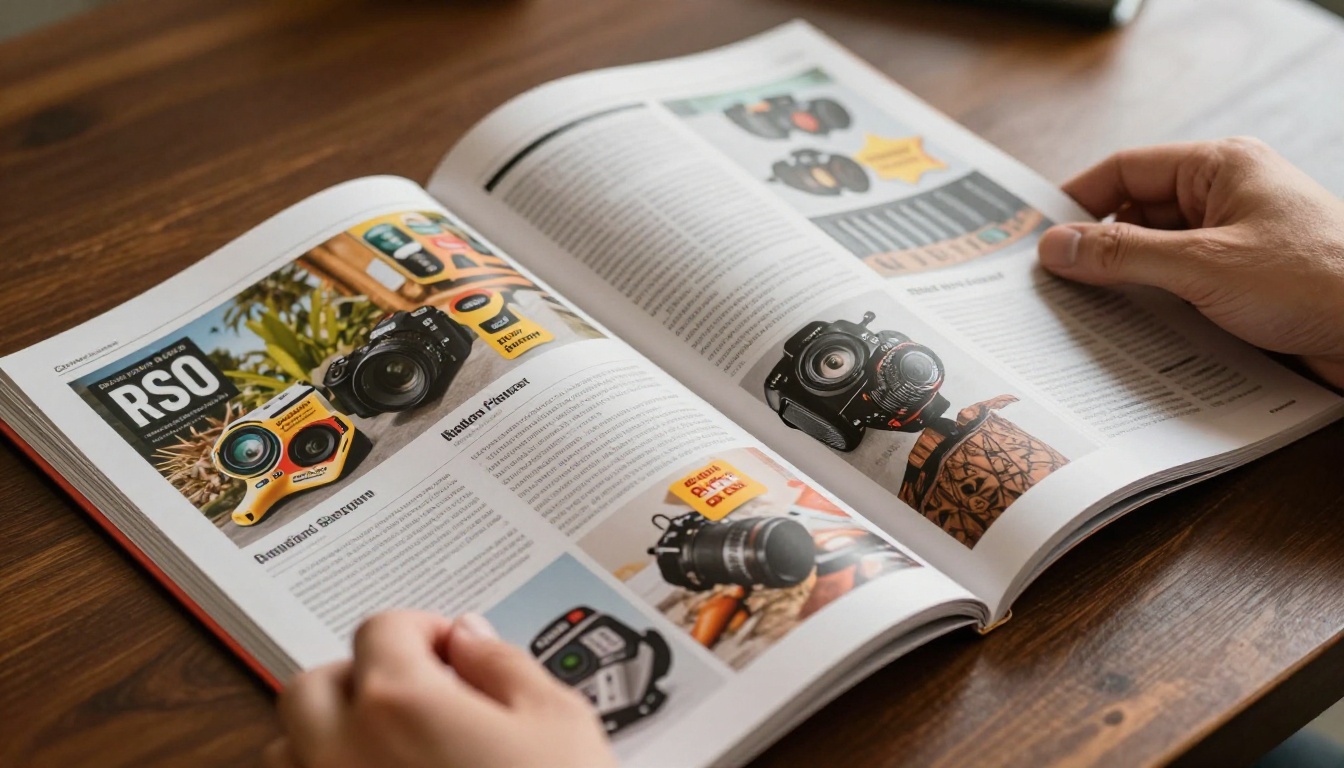
Newsletter platforms like Mailchimp, Beehiiv, ConvertKit, and Substack are built around one core mechanic: sending formatted text and images directly into someone's inbox. That sounds powerful, and it was, when email clients were simpler and audiences were hungry for anything that arrived digitally.
Delivery and the Inbox Problem
The appeal of email delivery is undeniable. Your update lands directly in someone's inbox without requiring them to visit a site, log in, or click a link first. Open rates for email hover around 20-30% for most B2B lists, which means even a healthy list of 5,000 subscribers will see roughly 1,000-1,500 people open each month.
But that 30% number hides a painful reality. Of those who open, only a fraction actually read past the first paragraph. Scroll depth in email is notoriously shallow. Most subscribers scan the subject line, glance at the top section, and move on. The average reading time for a newsletter email is under 60 seconds, regardless of how much effort went into writing it.
Design Limits That Frustrate Marketers
Email clients are a mess for anyone trying to produce beautiful content. Gmail renders CSS one way, Outlook another, Apple Mail yet another. Every newsletter platform deals with this by stripping out most of what makes visual design compelling: no custom fonts in the rendered body, no complex multi-column layouts that hold across clients, no animations, no embedded video that actually plays inline, and heavy reliance on table-based structures from the early 2000s.
The result is that monthly updates sent via newsletter platforms almost always look similar: a header image, a few text blocks, maybe some call-to-action buttons, and a footer. It is functional, but it is rarely beautiful, and almost never memorable as a designed object.

Analytics: What You See and What You Miss
Newsletter platforms do offer analytics. Open rates and click-through rates are genuinely useful signals. But here is the gap: you cannot see how long someone spent on any particular section. You cannot identify that 60% of readers stopped after the third paragraph. You cannot know which page of your monthly report held the most attention.
For teams who invest serious design and writing effort in their monthly content, this is a significant blind spot. You are flying without instruments when it comes to understanding what actually resonated.
What Flipbooks Bring to Monthly Updates
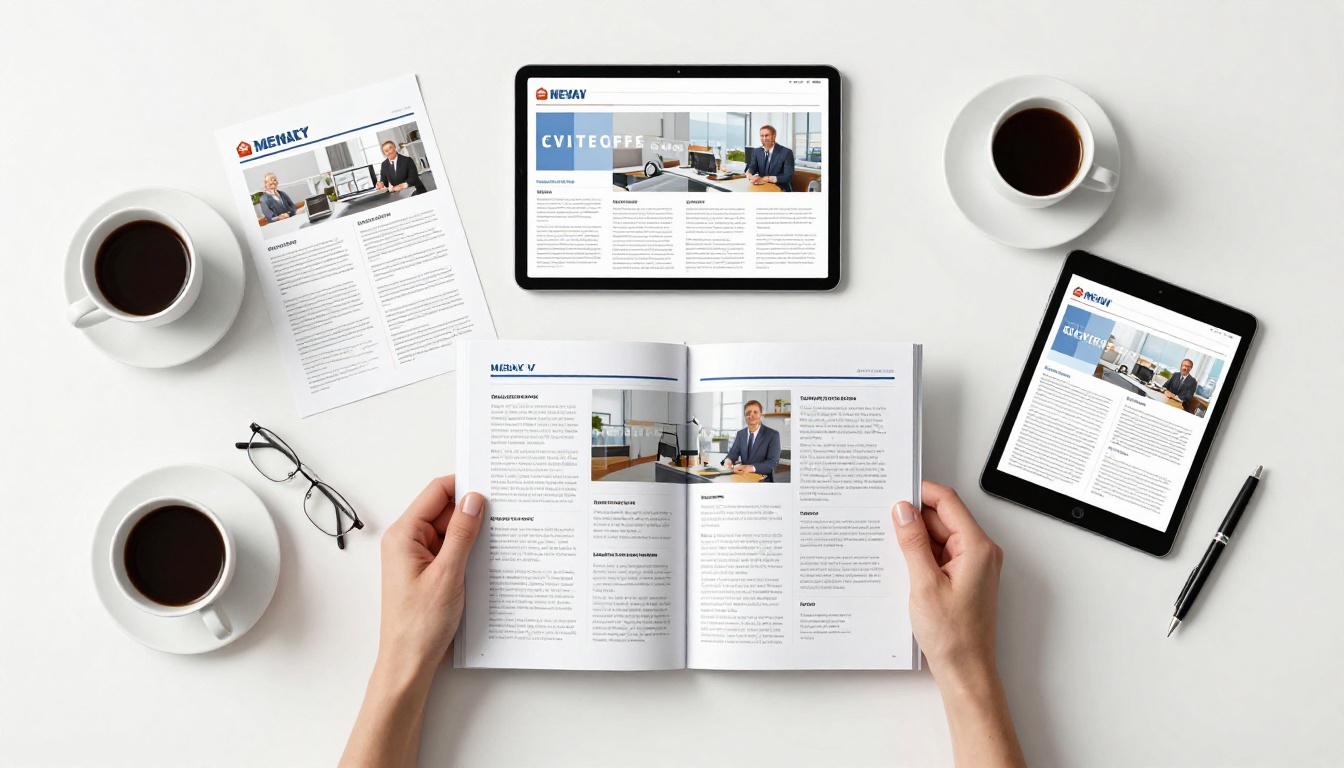
A digital flipbook is a web-based publication that presents your content as a page-turning magazine experience. Instead of sending an email, you send a link. Instead of a stripped-down inbox layout, your reader sees a full-screen, high-fidelity visual experience with page-turn animations, embeddable multimedia, and typography that matches exactly what the designer intended.
The Visual Impact of Page-Turn Content
When someone receives a link to a monthly update built as a flipbook, the first impression is dramatically different from an email. Pages open with a physical flip animation. Images fill the screen at full resolution. Typography respects the design exactly as laid out in the original PDF. The reading experience feels intentional and premium rather than functional and forgettable.
Flipbooks AI converts PDFs into fully interactive digital flipbooks in minutes. No coding, no special tools, no designer required after the initial PDF is ready. Upload the file, apply your branding, and you have a shareable link that works on any device, from desktop to mobile.
Tracking That Actually Tells You Something
Where newsletter platforms give you open rates and click counts, flipbook analytics give you page-level data. You can see exactly where readers spent the most time, which pages had the highest drop-off rate, and how long the average session lasted across your entire audience. For monthly updates, that data is actionable in a way that email analytics rarely are.
💡 Teams using flipbooks for monthly updates often discover that readers spend most time on visual recap pages and almost none on long text sections, which changes how they allocate design effort in upcoming issues.
No Email Client Compatibility Issues
Because a flipbook lives on the web rather than inside an inbox, there are zero rendering differences between clients or devices. Every reader sees exactly what the designer intended. Fonts stay as chosen. Layouts hold. Colors are accurate. Columns do not collapse unexpectedly. If you have ever spent an afternoon debugging email renders across Outlook versions, you already know why this matters.

The Side-by-Side Breakdown
The table below compares the two formats across the factors that most affect monthly update quality and reader experience.
| Factor | Newsletter Platform | Digital Flipbook |
|---|
| Visual fidelity | Limited by email clients | Full design fidelity |
| Mobile experience | Decent, but text-heavy | Responsive, full-screen |
| Embedded video | Not inline (link only) | True embedded playback |
| Custom fonts | Rarely supported | Fully supported |
| Analytics depth | Open rate and click counts | Page-by-page time on page |
| Delivery method | Inbox push | Link-based pull |
| Design flexibility | Low to medium | Very high |
| Attachment size limits | Yes (typically 10MB max) | No limits |
| Password protection | Not standard | Available on paid plans |
| Offline access | Email saved locally | Downloadable PDF option |
| Reader experience | Fast scan, shallow scroll | Immersive page-turn reading |
Newsletter platforms are not the wrong choice for every situation. There are specific conditions where email delivery genuinely wins, and forcing a flipbook into those scenarios adds overhead without adding value.
Small Lists and Pure Text Announcements
If your monthly update is primarily text, a link to a single event, or a short 200-word recap from the founder, a newsletter platform is perfectly appropriate. The effort required to design a PDF and convert it into a flipbook is only worthwhile when your content is rich enough to benefit from a visual format. A three-paragraph update does not need page-turn animations.
Warm Conversational Audiences
Substack-style newsletters work because they feel personal. A founder writing directly to followers in a conversational tone does not need a magazine experience. The intimacy of the inbox suits that relationship well. The moment the update starts including charts, product photos, team spotlights, or multi-section reports with real page counts, the calculus shifts toward flipbook territory.
⚠️ If your monthly update looks like a text message, use email. If it looks like a magazine, use a flipbook.
When Flipbooks Clearly Win

Branded Company Reports and Investor Updates
Monthly company updates for investors, board members, or enterprise clients carry an implicit expectation of quality. Sending a Mailchimp email to a board of investors signals low investment in presentation. Sending a link to a polished digital publication with full branding, rich charts, and a professional layout signals the opposite.
The Report Flipbook Creator is built specifically for this use case, making it straightforward to turn any monthly report PDF into a shareable, professional publication that reflects the quality of the underlying business.
Product Update Magazines
SaaS companies and product teams releasing monthly updates with screenshots, feature demos, and user stories get significantly more mileage from a flipbook format. Readers can linger on a product screenshot at full resolution, absorb the visual flow of a feature comparison, and experience the update as something worth reading rather than something to archive. The Interactive E-Book Publisher handles this type of content particularly well.
School and Community Newsletters
School administrators, neighborhood associations, and nonprofit organizations that produce monthly newsletters often have dedicated design effort invested in their layouts. That work gets compressed and degraded by email clients. A flipbook preserves the layout exactly as designed. The School Newsletter Creator simplifies the process considerably for recurring community publications.
Internal Team Communications
HR departments and internal communications teams using monthly updates to share company culture, people spotlights, and organization news benefit from the visual richness of the flipbook format. The ability to embed short video clips or audio recordings directly into pages adds a dimension that email structurally cannot offer.
Pricing Reality Check
Cost is a real factor in format selection. The table below compares typical pricing across both categories to give a realistic picture of what each approach actually costs at scale.
| Platform | Starting Price | Flipbooks or Sends | Audience Size | Notable Limits |
|---|
| Mailchimp (Essentials) | ~$13/month | Unlimited sends | Up to 500 contacts | Branding on free tier |
| Beehiiv (Scale) | ~$99/month | Unlimited sends | Up to 100,000 | Advanced analytics tier |
| ConvertKit (Creator) | ~$25/month | Unlimited sends | Up to 1,000 | Limited automation on base |
| Substack | Free (revenue share) | Unlimited sends | Unlimited | Percentage cut on paid subscriptions |
| Flipbooks AI (Standard) | See pricing | Unlimited flipbooks | Unlimited views | No watermarks ever |
| Flipbooks AI (Professional) | See pricing | Unlimited flipbooks | Unlimited views | Analytics and lead generation |
💡 Flipbooks AI pricing is based on features and flipbook count, not on how many people view your content. For large monthly audiences, that structure becomes significantly more economical than per-subscriber email pricing.
One structural difference that matters at scale: newsletter platforms charge per subscriber or send volume, which means a growing audience directly increases your monthly cost. With flipbooks, the audience can grow without changing what you pay. You create more content, not pay more per viewer.

How to Create a Monthly Flipbook Update
Creating a monthly flipbook update with Flipbooks AI takes less time than most teams expect. Here is the full process from blank file to published link.
Step 1: Prepare Your PDF
Start with whatever tool your team already uses to produce the monthly update. This could be Canva, Adobe InDesign, Google Slides exported as PDF, or a well-structured Word document with solid typography. The design does not need to be elaborate, but the more visual richness you include, the more the flipbook format pays off. Once the design is complete, export it as a standard PDF.
Step 2: Upload and Convert
Go to Flipbooks AI and create your account. On the dashboard, click the upload button and select your PDF. The converter processes the file and generates a fully interactive flipbook in seconds. For most monthly update PDFs under 50 pages, conversion is nearly instant and requires no manual adjustment.
Step 3: Brand Your Flipbook
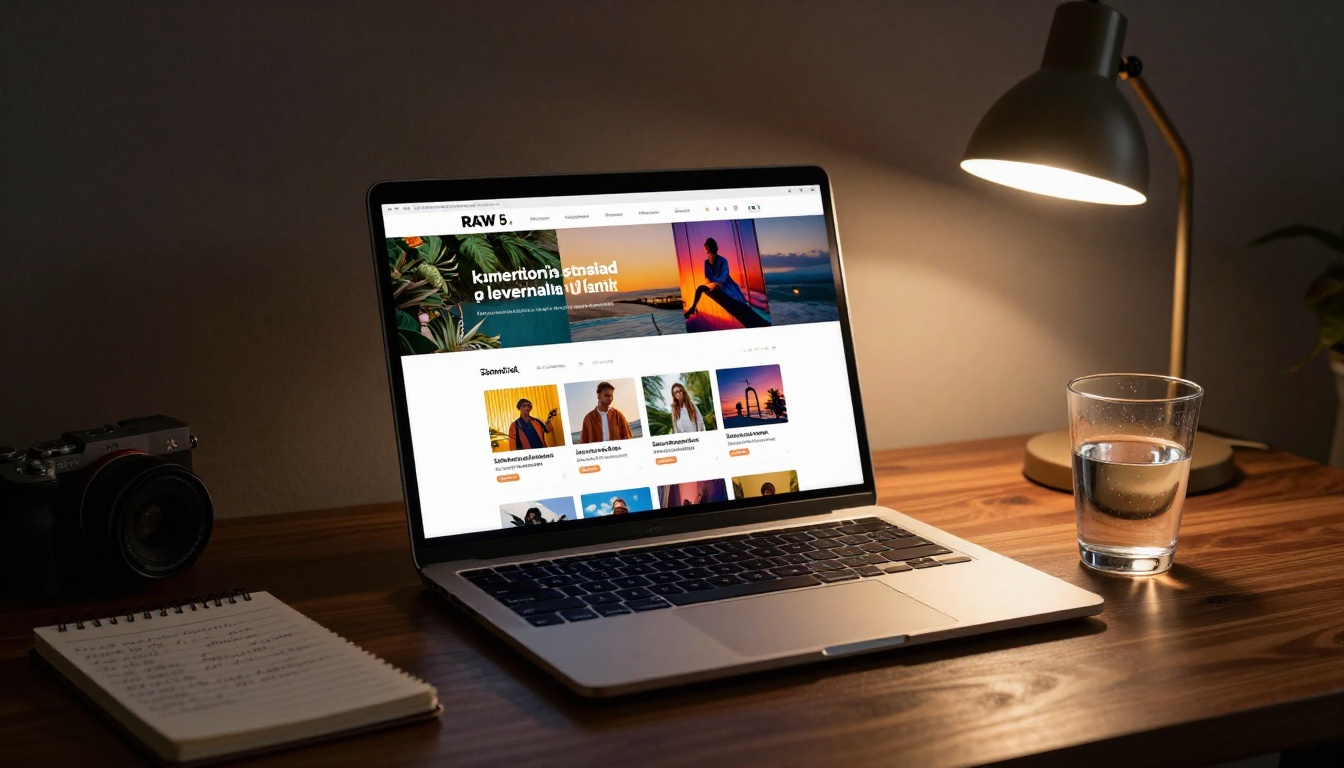
Once generated, open the customization panel. Set your brand colors for the viewer interface, upload your logo, configure the background of the reader environment, and choose the page-turn style. For monthly updates, keeping branding consistent month to month builds reader recognition across issues. This setup only happens once.
✅ Build a branded configuration in your first month and reuse it every month after. Only the PDF content changes, not the branding.
Step 4: Set Privacy and Sharing Options
Monthly updates for investors or board members may need password protection. The password feature restricts access without requiring reader accounts or login flows, which keeps the experience seamless while protecting sensitive content. For public-facing monthly updates, generate the shareable link. You can also use the Embed Flipbook on Website tool to place the flipbook directly on your website alongside the direct share link.
Step 5: Distribute and Track
Send the link through whatever channel your audience already uses: email, Slack, LinkedIn, your website, or a messaging app. The flipbook works on any device without requiring an app download. Once live, the analytics dashboard shows page-by-page reader behavior. After two or three monthly issues, patterns emerge that tell you exactly which sections your readers actually value, and which ones you can trim or reformat.
The Newsletter Flipbook Publisher is specifically designed for organizations that produce recurring publications, making it straightforward to manage and organize a growing library of monthly editions over time.

Matching Content Type to the Right Format
The right format depends on what your monthly update actually contains. This table makes the decision more concrete.
| Content Type | Best Format | Why |
|---|
| Short text recap under 300 words | Newsletter platform | Low overhead, inbox delivery works |
| Multi-page designed report | Flipbook | Visual fidelity preserved exactly |
| Product screenshots and feature updates | Flipbook | Images render at full resolution |
| Single event announcement | Newsletter platform | Quick scan, one CTA, done |
| Team spotlights with photos | Flipbook | Photo layouts show at full quality |
| Data-heavy investor update | Flipbook | Charts and tables are fully readable |
| Quick policy or schedule change | Newsletter platform | Simple, immediate, high inbox reach |
| Monthly magazine-style publication | Flipbook | Built for this specific format |
| School or community newsletter | Flipbook | Preserves designed layouts exactly |
| Personal founder-to-subscriber note | Newsletter platform | Inbox intimacy suits the tone |
The flipbook vs newsletter platform decision is not about one format being universally better. It is about matching the format to what your content actually is and what your readers will actually experience on the other end.
If your monthly update is a designed publication with multiple sections, rich imagery, data visualizations, or multimedia, a flipbook will present that content at a level newsletter platforms structurally cannot reach. Readers spend more time with it, share it more readily, and associate your brand with quality because of how it looks and feels.
If your monthly update is a brief personal note, a link to a video, or a single announcement, email is perfectly appropriate and requires less overhead.
For every team that invests real time producing their monthly update, whether that is a company report, a product magazine, a school newsletter, or an investor recap, Flipbooks AI turns that investment into a reading experience that actually matches the effort behind it.
Browse all available flipbook tools to find the right fit for your specific monthly update format, and see pricing plans to choose the tier that fits your publishing volume.



